• Categories
    Category
    {{ postCtrl.tags }}
    • {{ category.tag_type }}

      • {{tag.tag_name}}
      • View more
  • Categories
    Category
    {{ postCtrl.tags }}
    • {{ category.tag_type }}

      • {{tag.tag_name}}
      • View more
  • News
  • Tutorials
  • Forums
  • Tags
  • Users
Tutorial News Comments FAQ Related Articles

How to Install XnView MP 0.89 on Linux Mint 18.3

{{postValue.id}}

To Install XnView MP 0.89 on Linux Mint 18.3

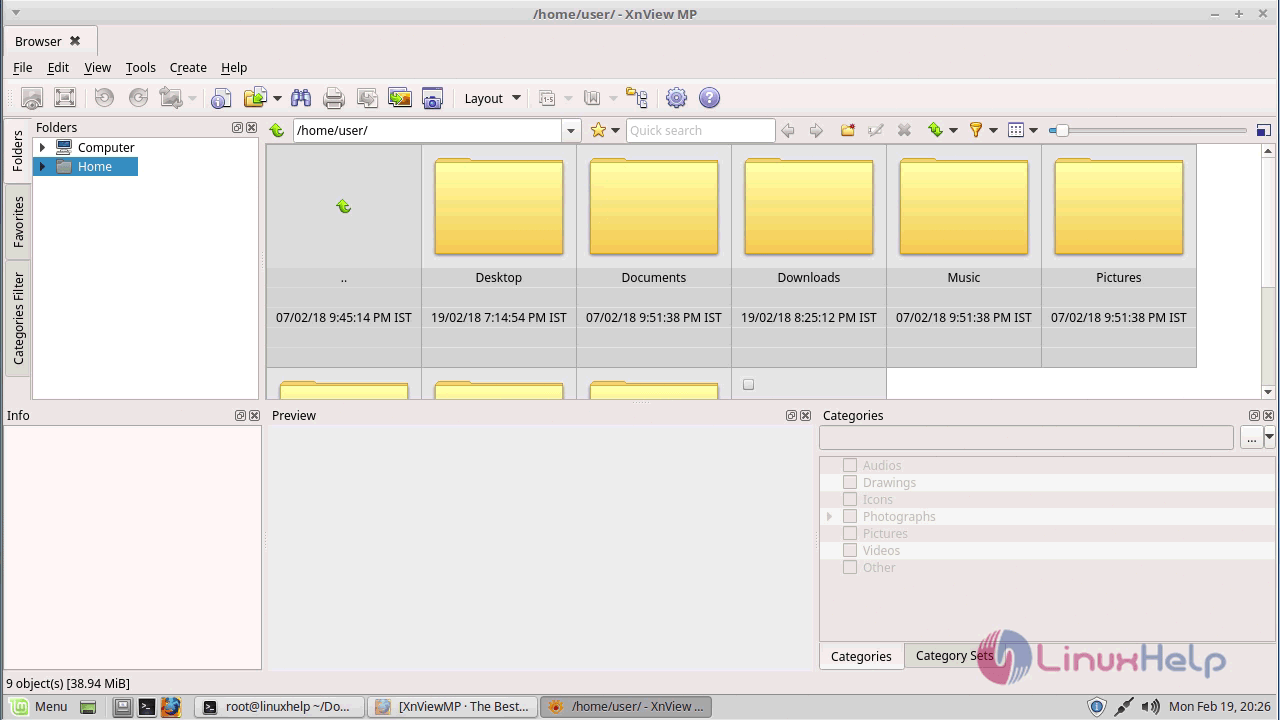
XnView MP is a powerful cross-platform media browser, viewer, and converter, with over 500 compatible formats. In this tutorial, we will show you how to install XnView MP on Linux Mint 18.3. If you want to check out some of XnView MP 0.89 you can find them below.

XnView MP Features

&bull Supports more than 500 image formats (including Multipage and animated still formats APNG, TIFF, GIF, ICO, etc..) and export to about 70 different file formats.
&bull Comes with an easy to use yet powerful batch conversion module. This same module also powers XnConvert
&bull Windows, Mac OS X, and Linux are now supported in both 32 and 64-bit versions

Installation

Go to the official site of XnView https://www.xnview.com/en/xnviewmp/#downloads and download the package based on your distribution and arch of your operating system
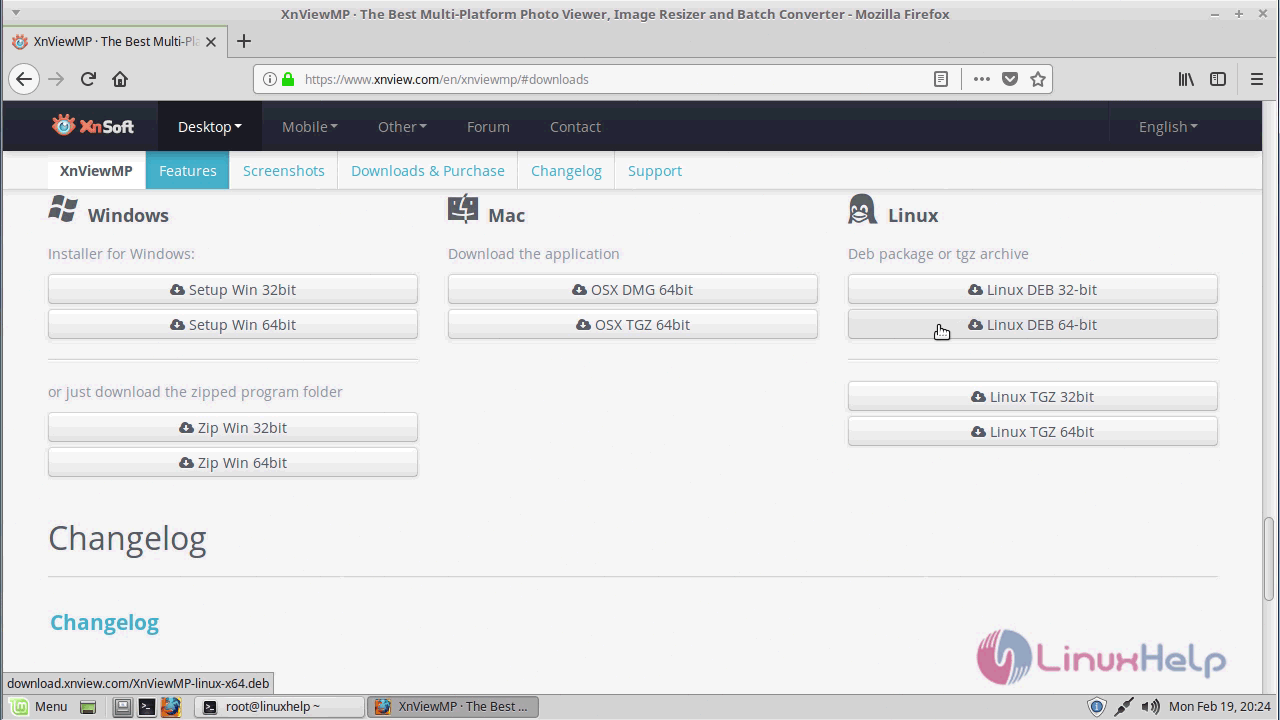
download

after downloading navigate to the download location

linuxhelp ~ # cd /home/user/Downloads/

In order to install the Xnview Debian package make use of the following command

linuxhelp Downloads # dpkg -i XnViewMP-linux-x64.deb
Selecting previously unselected package xnview.
(Reading database ... 246118 files and directories currently installed.)
Preparing to unpack XnViewMP-linux-x64.deb ...
Unpacking xnview (0.89) ...
Setting up xnview (0.89) ...
Processing triggers for desktop-file-utils (0.22+linuxmint1) ...
Processing triggers for mime-support (3.59ubuntu1) ...

Now the XnView has been installed and you can Open the application from searching in a menu go to MENU bar and search for XnView when the application appears, click to open
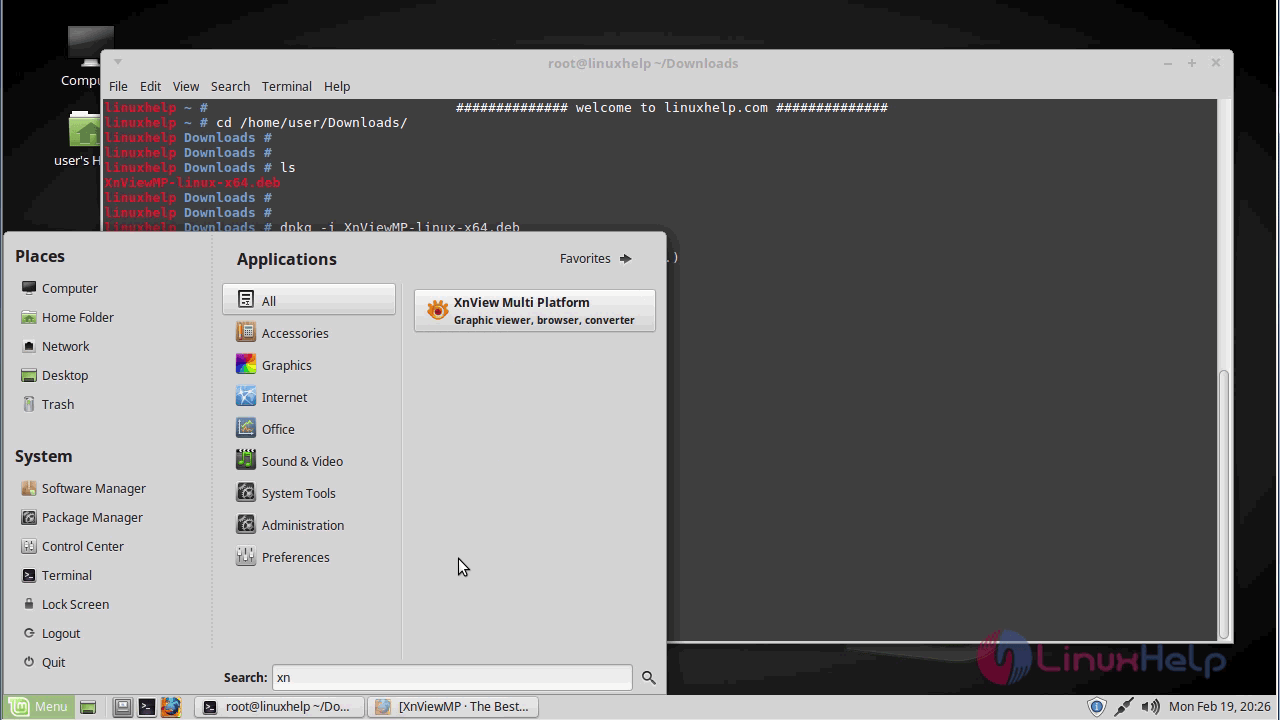
application search


Xnview_application

with this, the method to Install XnView MP 0.89 on Linux Mint 18.3 comes to an end.

Tags:
michael
Author: 

Comments ( 0 )

No comments available

Add a comment
{{postCtrl.cmtErrMsg}}

Frequently asked questions ( 5 )

Q

What is an XnView MP?

A

XnView MP is the enhanced version of XnView Classic. It is a powerful picture viewer, browser and converter for Windows, Mac, and Linux. This software can read more than 500 formats change picture size, reduce picture file size and much more

Q

How to get the source of the XnView MP?

A

Get the source of the XnView MP, use the following link as given below

"https://www.xnview.com/en/xnviewmp/#downloads"

Q

What is the alternative available for XnView MP?

A

The following alternatives are available for XnView MP as given below,

IrfanView

JPEGView

FastStone Image Viewer

Q

How to access the Github repository of the XnView MP?

A

For accessing the Github repository of the XnView MP, use the following link as given below "https://gist.github.com/meoow/a399452221210c420f42"

Q

What format should I save this image in?

A

Then it is difficult to decide. In most cases, JPG will work best. In the end though, you just have to try and see.
For any text on a solid background, first reduce the colors to 8 or 16 adaptive (even if you can only see 2 different colors, there may actually be more), then save as PNG.

Back To Top!
Rank
User
Points

Top Contributers

userNamenaveelansari
135850

Top Contributers

userNameayanbhatti
92510

Top Contributers

userNamehamzaahmed
32150

Top Contributers

1
userNamelinuxhelp
31040

Top Contributers

userNamemuhammadali
24500
Can you help Lucas ?
Various options in Top command

Am using Top command only to view the load average, what are the various options in Top command..??

Networking
  • Routing
  • trunk
  • Netmask
  • Packet Capture
  • domain
  • HTTP Proxy
Server Setup
  • NFS
  • KVM
  • Memory
  • Sendmail
  • WebDAV
  • LXC
Shell Commands
  • Cloud commander
  • Command line archive tools
  • last command
  • Shell
  • terminal
  • Throttle
Desktop Application
  • Linux app
  • Pithos
  • Retrospect
  • Scribe
  • TortoiseHg
  • 4Images
Monitoring Tool
  • Monit
  • Apache Server Monitoring
  • EtherApe 
  • Arpwatch Tool
  • Auditd
  • Barman
Web Application
  • Nutch
  • Amazon VPC
  • FarmWarDeployer
  • Rukovoditel
  • Mirror site
  • Chef
Contact Us | Terms of Use| Privacy Policy| Disclaimer
© 2025 LinuxHelp.com All rights reserved. Linux™ is the registered trademark of Linus Torvalds. This site is not affiliated with linus torvalds in any way.