How to install Free CAD on Ubuntu 18.04
{{postValue.id}}
To install Free CAD on Ubuntu 18.04
Free cad is a free and open source general-purpose parametric 3D CAD modeller.it is widely used in mechanical engineering and product design fields. In this tutorial, we will cover the installation of free cad on Ubuntu 18.04.
Installation.
Let's first start with updating the system repositories.
root@linuxhelp:~# apt-get update
Hit:1 http://ppa.launchpad.net/ondrej/php/ubuntu bionic InRelease
Hit:2 http://security.ubuntu.com/ubuntu bionic-security InRelease
Hit:3 http://in.archive.ubuntu.com/ubuntu bionic InRelease
Hit:4 http://in.archive.ubuntu.com/ubuntu bionic-updates InRelease
Hit:5 http://in.archive.ubuntu.com/ubuntu bionic-backports InRelease
Reading package lists... Done
Install the Free CAD application.
root@linuxhelp:~# apt-get install freecad
Reading package lists... Done
Building dependency tree
Reading state information... Done
Suggested packages:
  graphviz povray
The following NEW packages will be installed:
  freecad
0 upgraded, 1 newly installed, 0 to remove and 176 not upgraded.
Need to get 0 B/20.1 MB of archives.
After this operation, 100 MB of additional disk space will be used.
Selecting previously unselected package freecad.
(Reading database ... 192184 files and directories currently installed.)
.
.
.
Setting up freecad (0.16.6712+dfsg1-1ubuntu2) ...
Processing triggers for man-db (2.8.3-2) ...
Processing triggers for shared-mime-info (1.9-2) ...
Processing triggers for gnome-menus (3.13.3-11ubuntu1) ...
Processing triggers for hicolor-icon-theme (0.17-2) ...
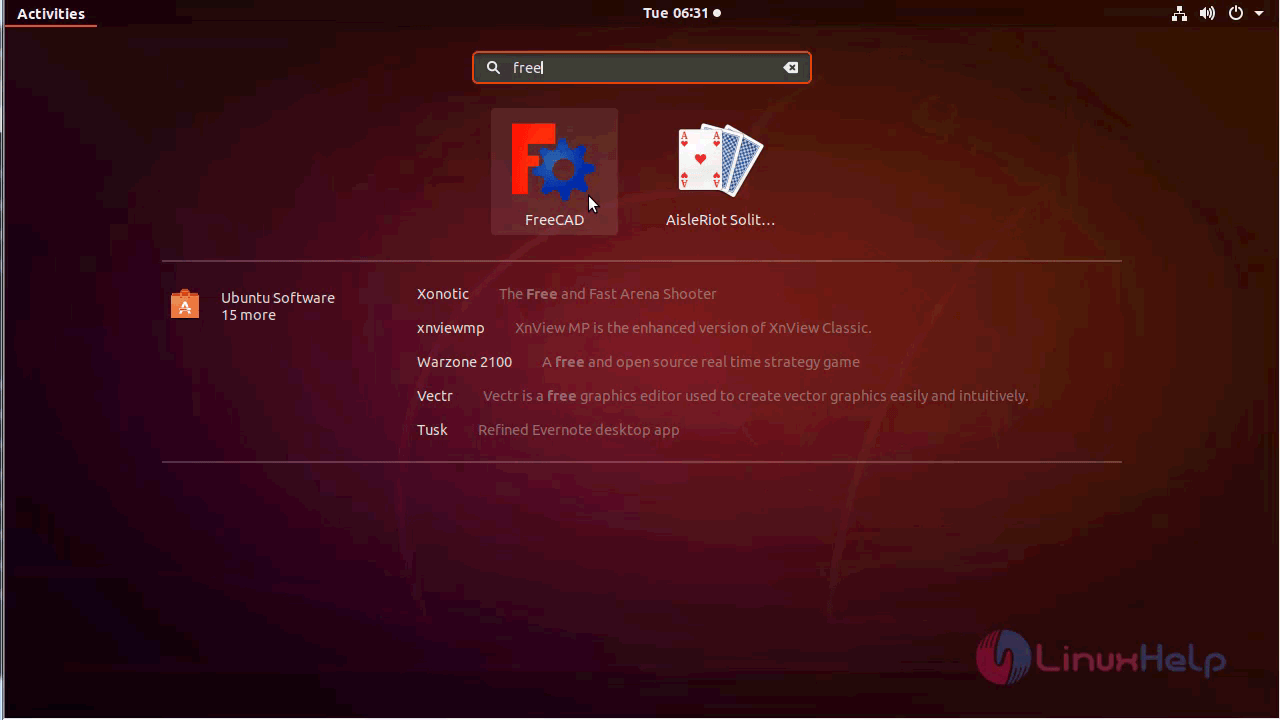
Once Installation is done you can access the free cad from the Menu as shown here Free CAD application.
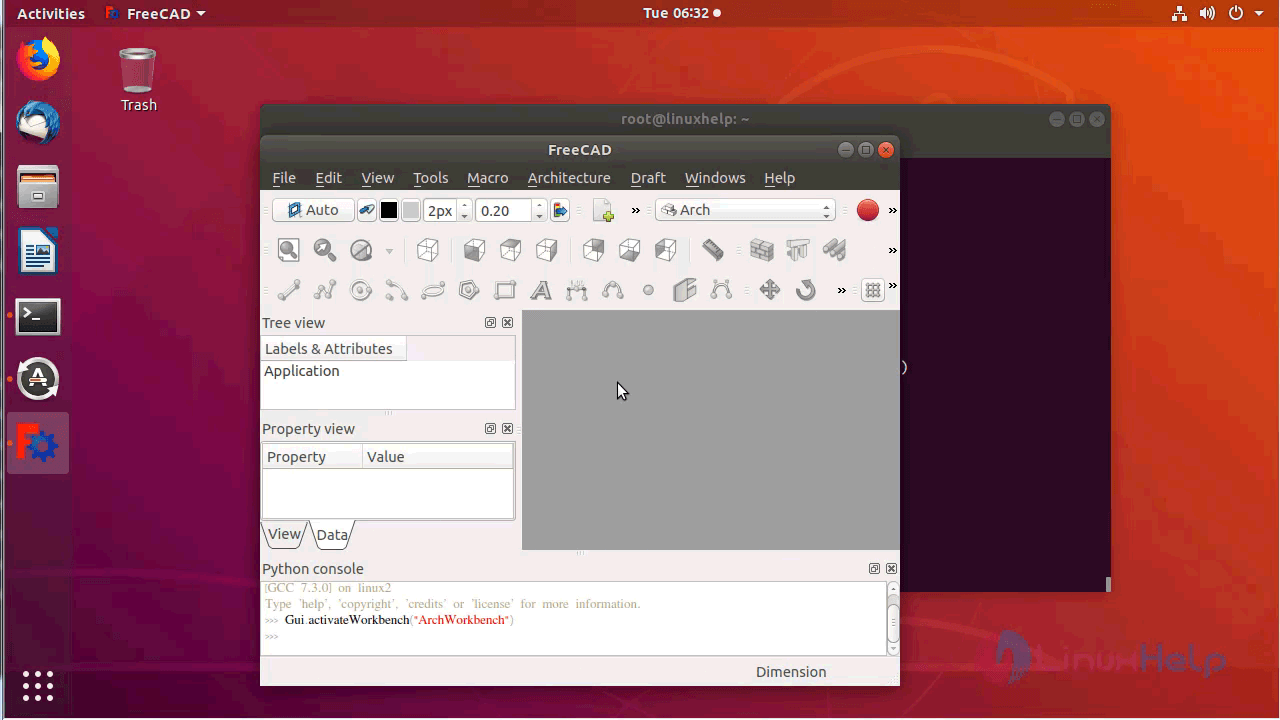
Now you can able to use the Free CAD application.
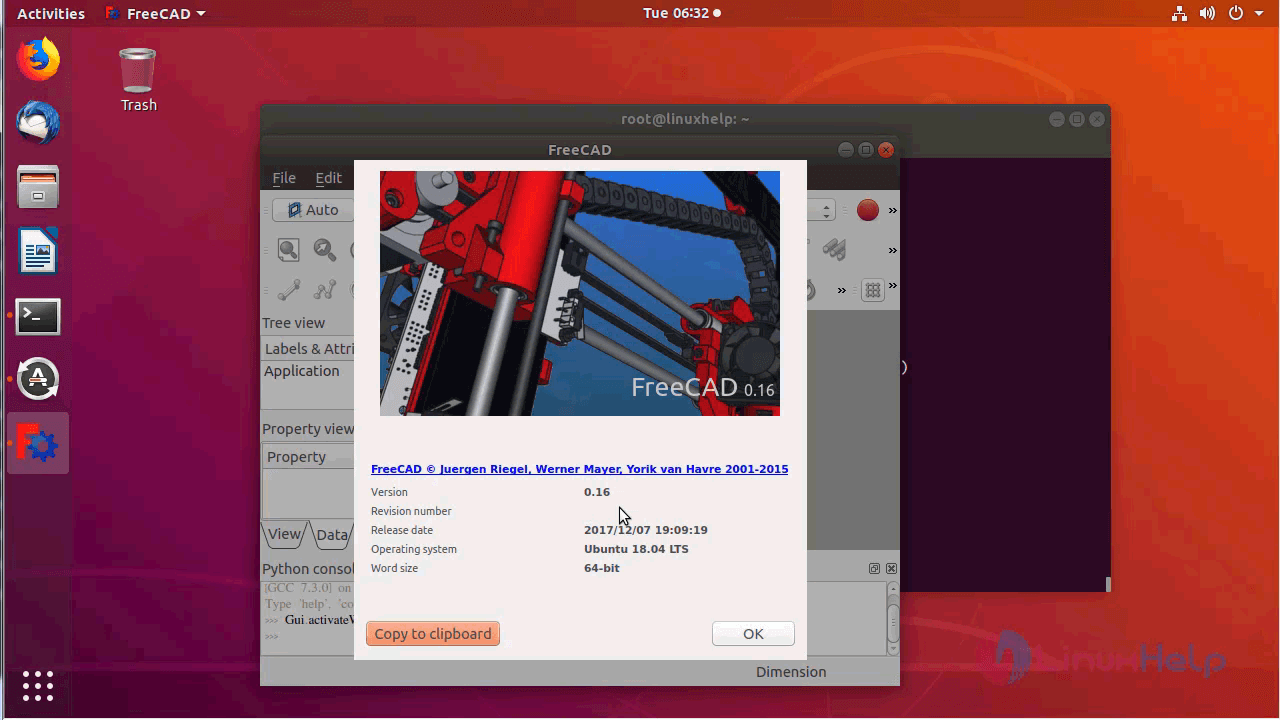
The version of Free CAD.
With this, the method to install Free CAD on Ubuntu-18.04 comes to an end.
Comments ( 1 )