• Categories
    Category
    {{ postCtrl.tags }}
    • {{ category.tag_type }}

      • {{tag.tag_name}}
      • View more
  • Categories
    Category
    {{ postCtrl.tags }}
    • {{ category.tag_type }}

      • {{tag.tag_name}}
      • View more
  • News
  • Tutorials
  • Forums
  • Tags
  • Users
Tutorial News Comments FAQ Related Articles

How to install Nomachine in Ubuntu

{{postValue.id}}

To install Nomachine in Ubuntu

Nomachine is an open source application tool that is used for taking the remote connections of the client machines as like VNC server. It uses “ NX” protocols for remote connections through nomachine and “ ssh” for secure shell login to client systems via text mode. Installation of Nomachine in Ubuntu is explained in this manual.

To install Nomachine

Navigate to the nomachine' s official site and download the required architecture of your system.
https://www.nomachine.com/


Here we are using two machines as follows.

Server

IP Address - 192.168.5.146
Operating System - Ubuntu 15.10


Client

IP Address - 192.168.5.147
Operating System - Ubuntu 16.04


Download and install the nomachine package in both the server and client separately as follows.

root@linuxhelp:~# wget http://download.nomachine.com/download/5.1/Linux/nomachine_5.1.44_1_amd64.deb 
--2016-09-20 04:12:02--  http://download.nomachine.com/download/5.1/Linux/nomachine_5.1.44_1_amd64.deb
Resolving download.nomachine.com (download.nomachine.com)... 83.222.233.16
Connecting to download.nomachine.com (download.nomachine.com)|83.222.233.16|:80... connected.
HTTP request sent, awaiting response... 200 OK
Length: 37788656 (36M) [application/x-debian-package]
Saving to: ‘ nomachine_5.1.44_1_amd64.deb’ 
nomachine_5.1.44_1_amd64.deb                  100%[=================================================================================================> ]  36.04M   684KB/s   in 58s    
2016-09-20 04:13:01 (638 KB/s) - ‘ nomachine_5.1.44_1_amd64.deb’  saved [37788656/37788656]


Run the following command to install the downloaded debian package.

root@linuxhelp:~# ls 
Desktop  Documents  Downloads  examples.desktop  Music  nomachine_5.1.44_1_amd64.deb  Pictures  Public  Templates  Videos
root@linuxhelp:~# dpkg -i nomachine_5.1.44_1_amd64.deb  
Selecting previously unselected package nomachine.
(Reading database ... 176941 files and directories currently installed.)
Preparing to unpack nomachine_5.1.44_1_amd64.deb ...
.
.
.
NX>  700 Installing: nxserver version: 5.1.44.
NX>  700 Using installation profile: Ubuntu.
NX>  700 Install log is: /usr/NX/var/log/nxinstall.log.
NX>  700 Creating configuration in: /usr/NX/etc/server.cfg.
NX>  700 Install completed at: Tue Sep 20 04:22:41 2016.
NX>  700 NoMachine was configured to run the following services:
NX>  700 NX service on port: 4000


Open the unity dashboard and search for NoMachine app.
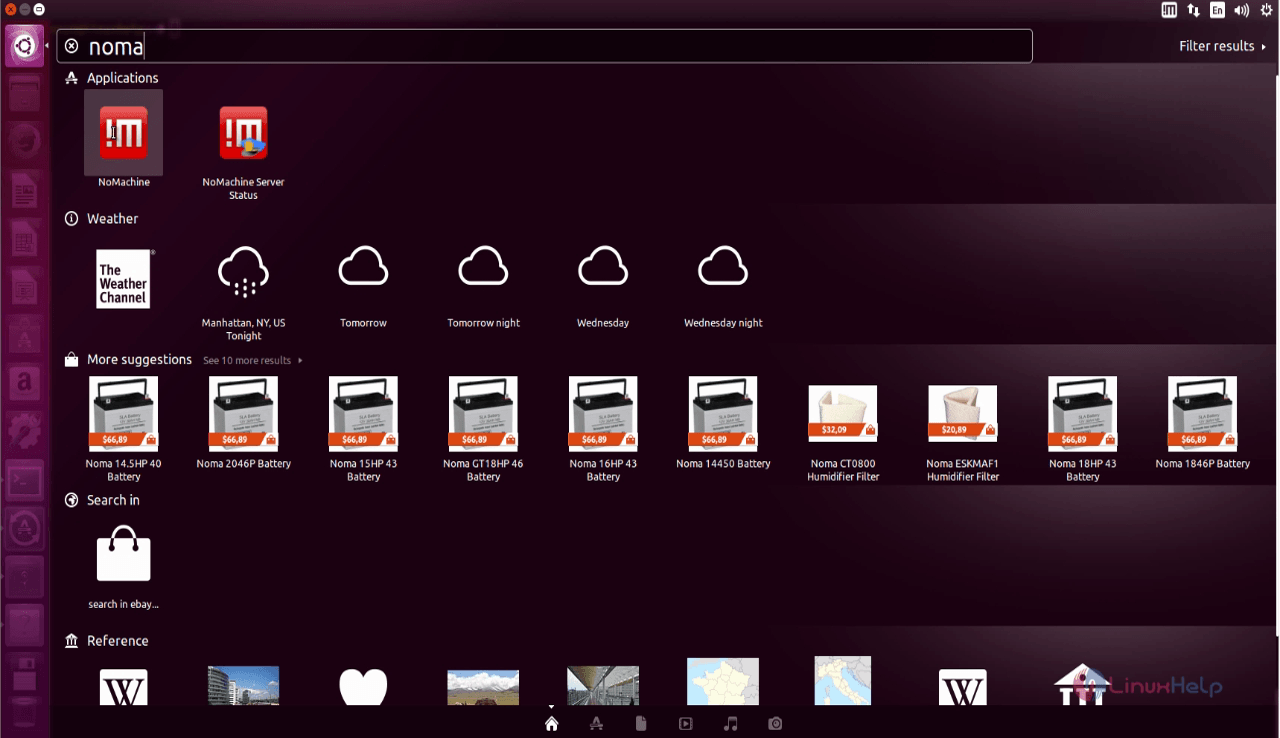
search_Nomachine

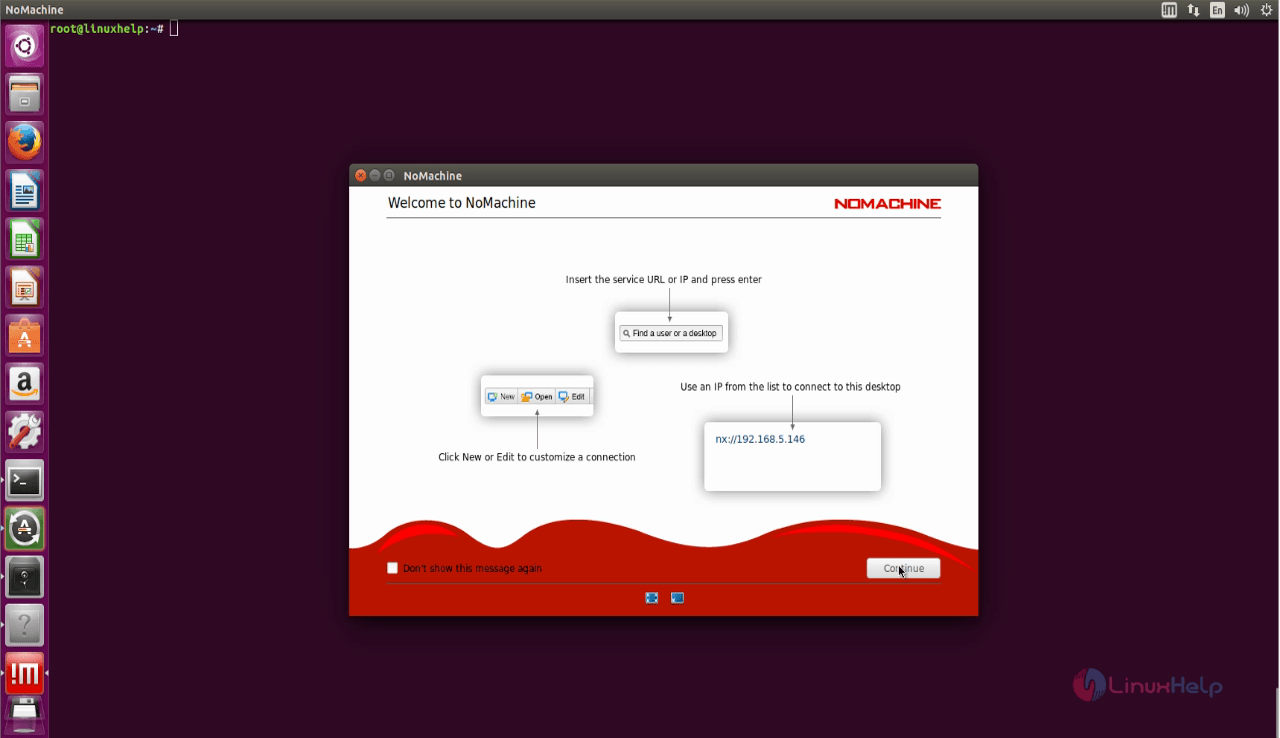
The main page of NoMachine appears.
NoMachine_Main_Page
Nomachine automatically find the clients system from your network. Click connect to connect to your client machine.
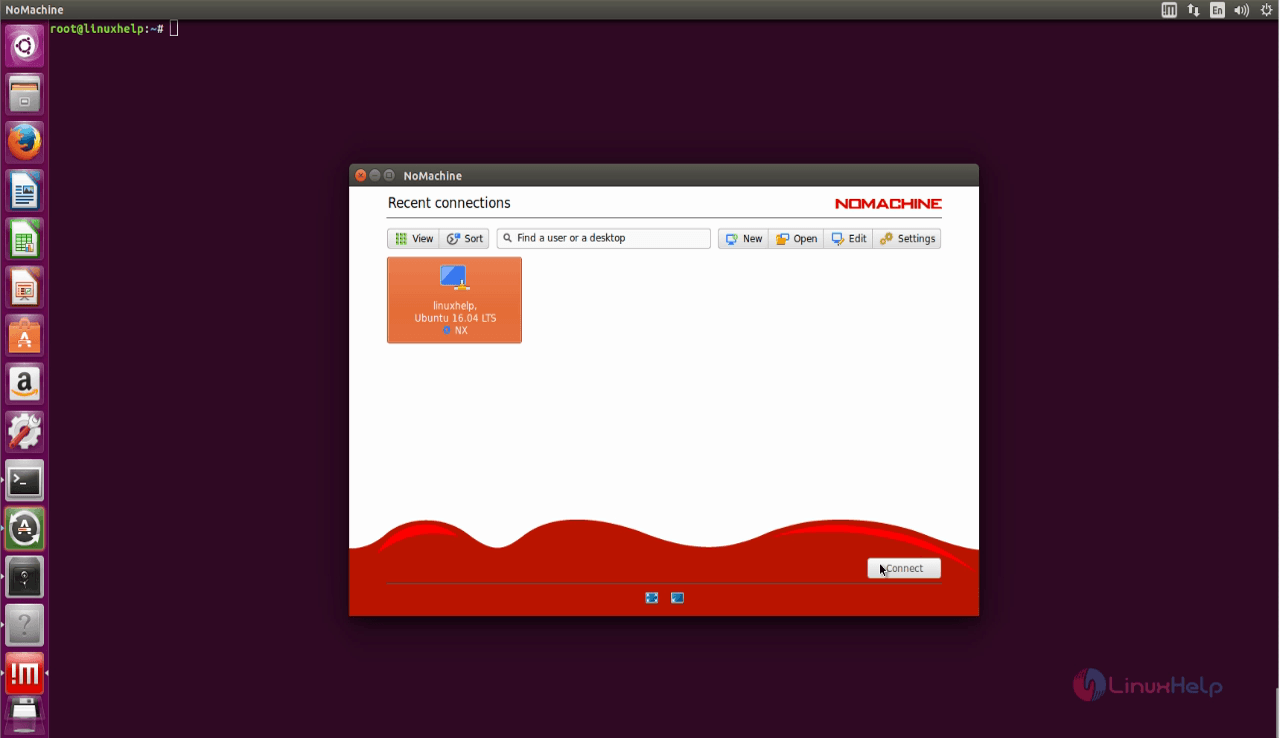
Client_system

Complete the Authentication process.
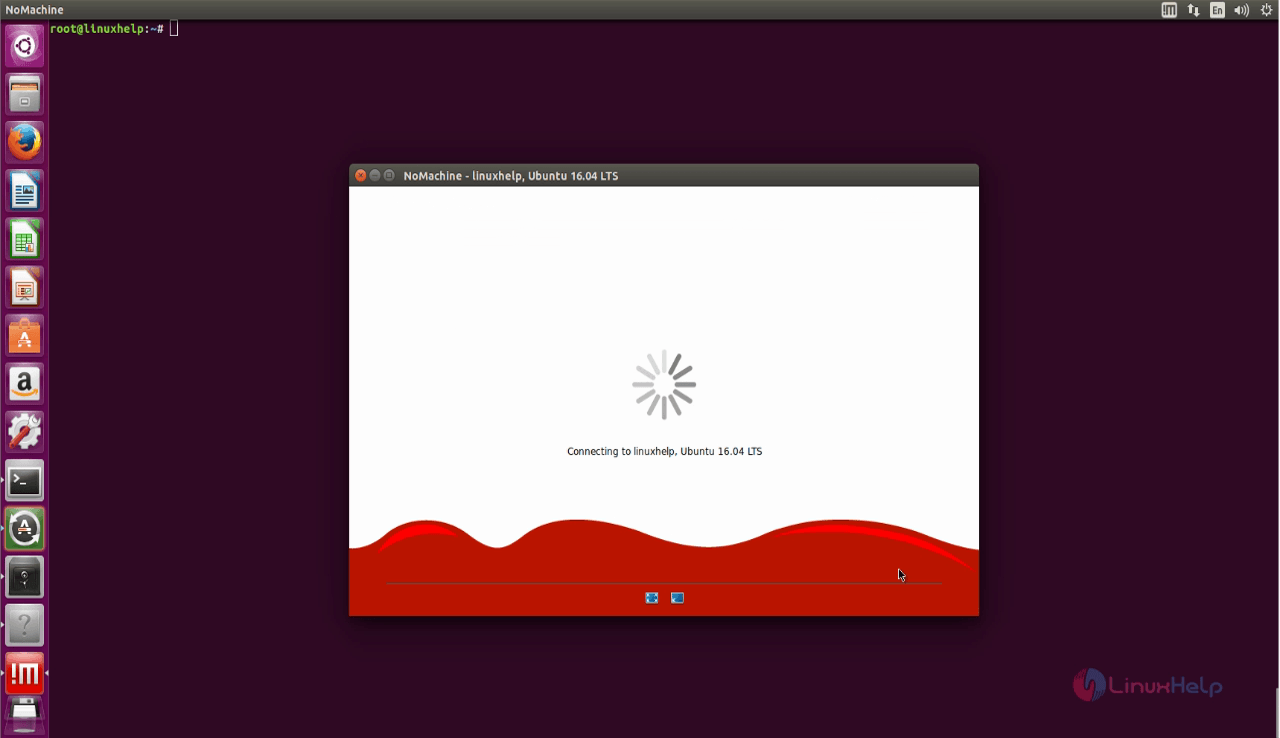
Complete_Authentication
Installation

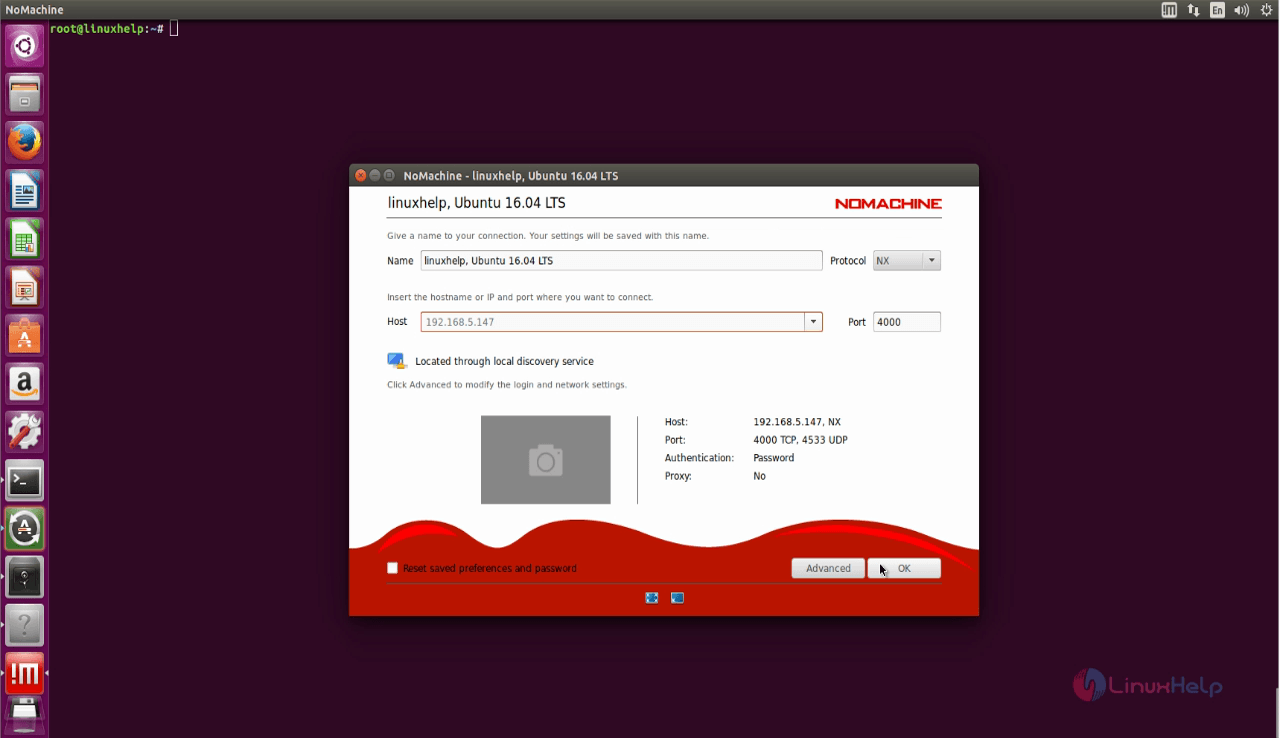
Enter the Name and Host name for your connection.
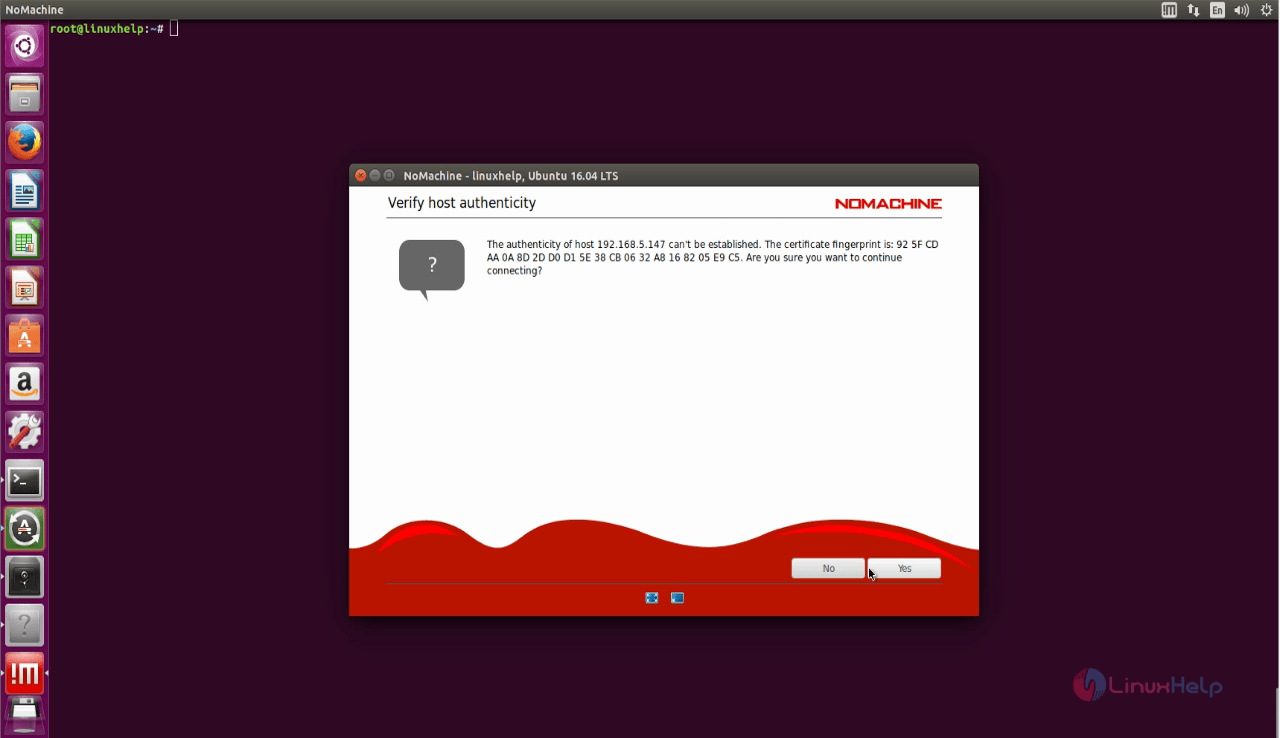
hostname
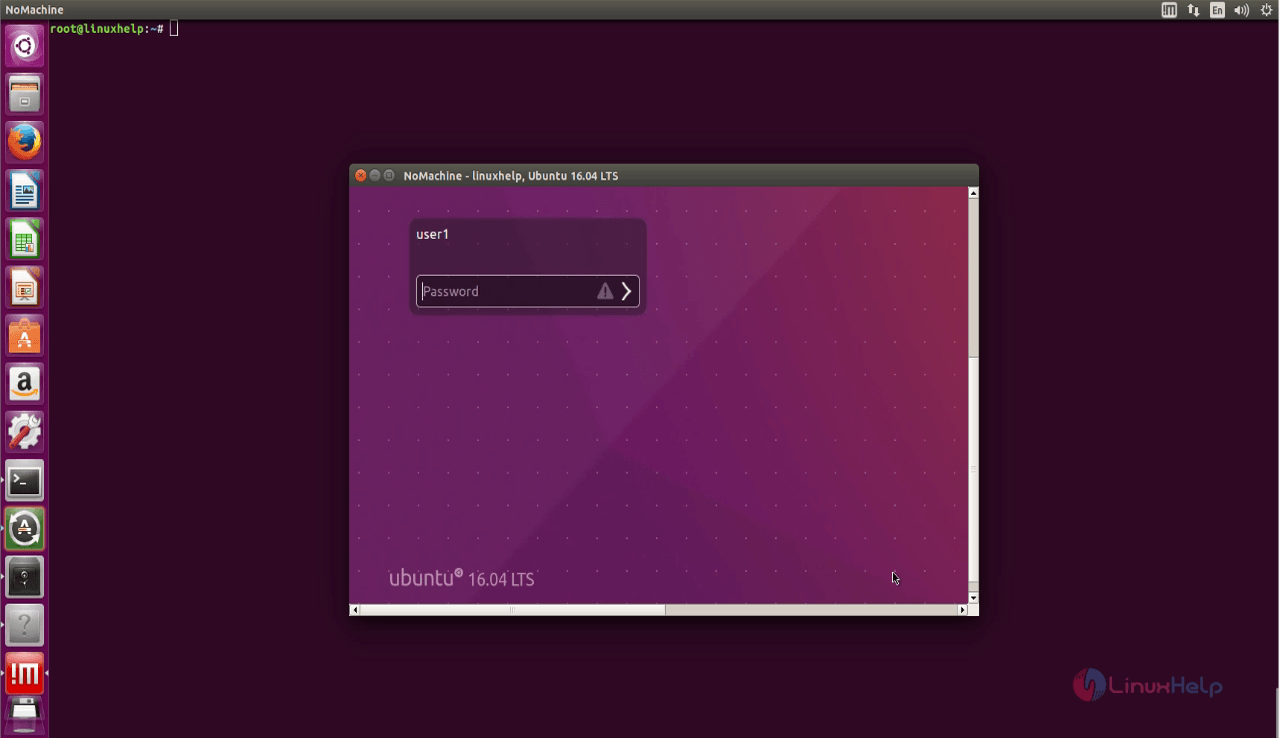
Login to your client machine by entering the username and password.
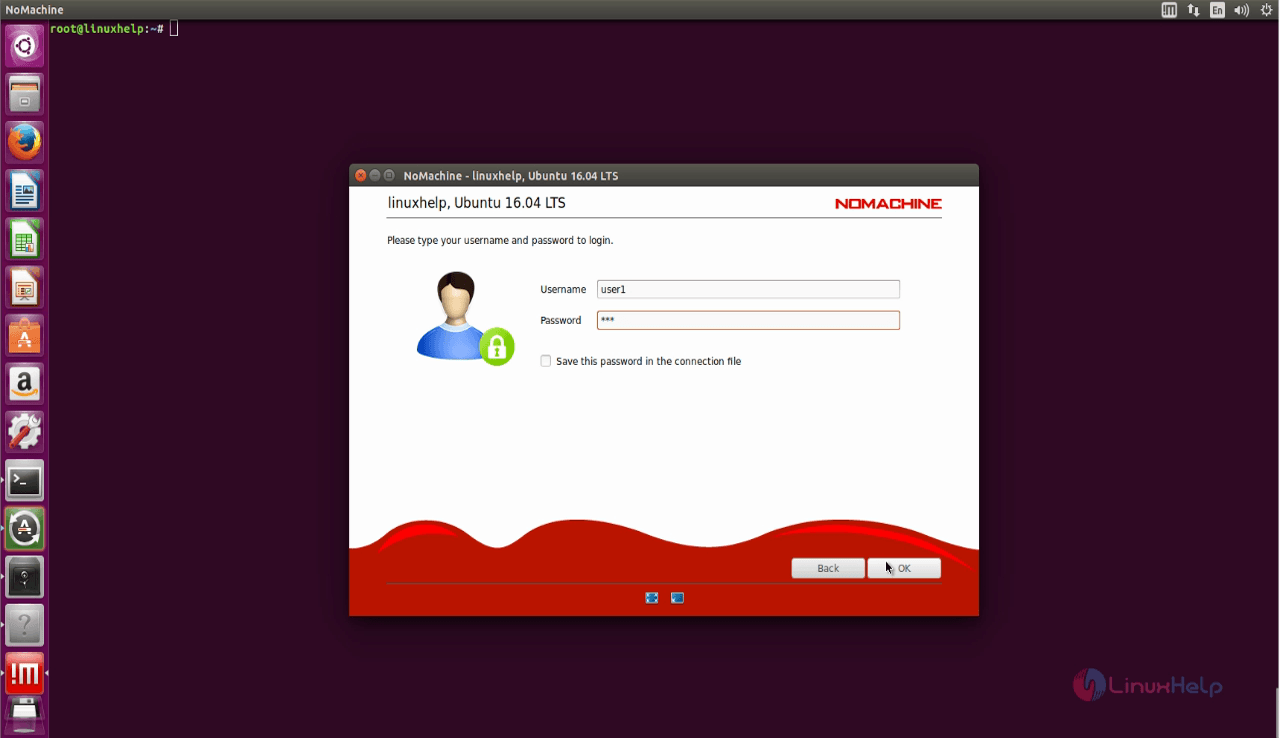
Nomachine_Login
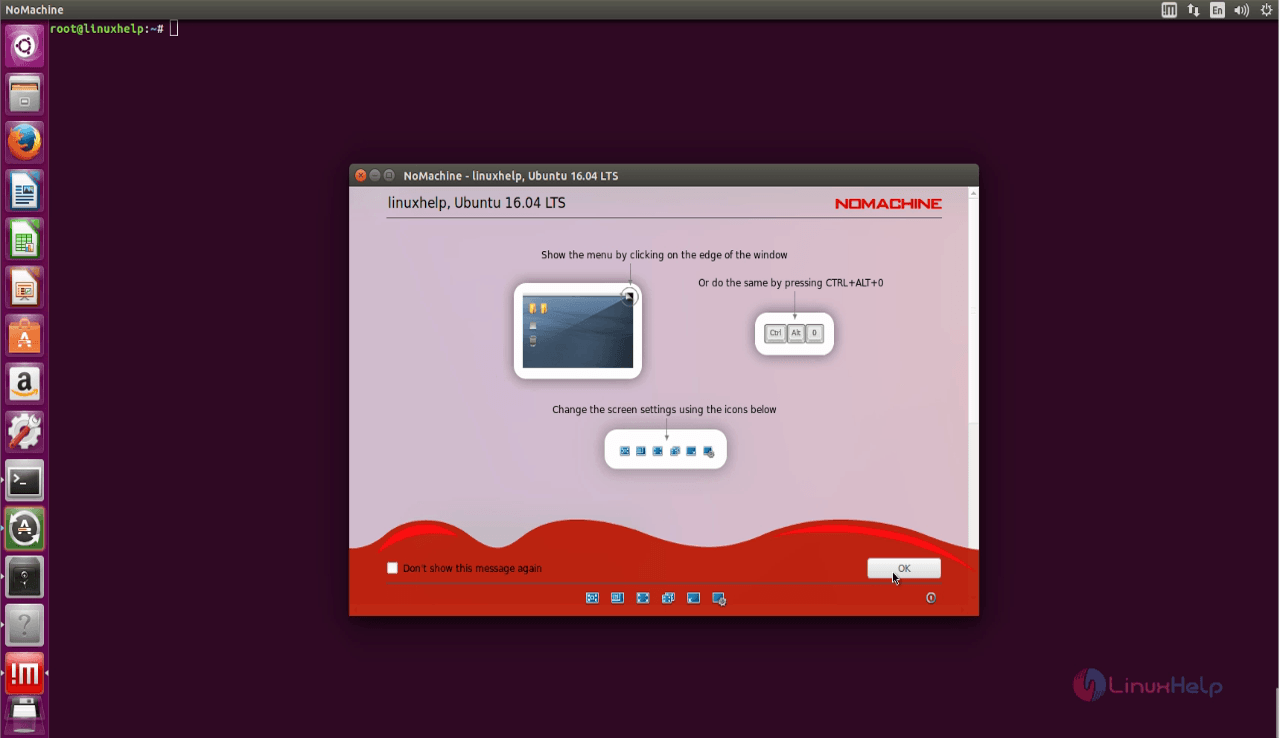
nomachine
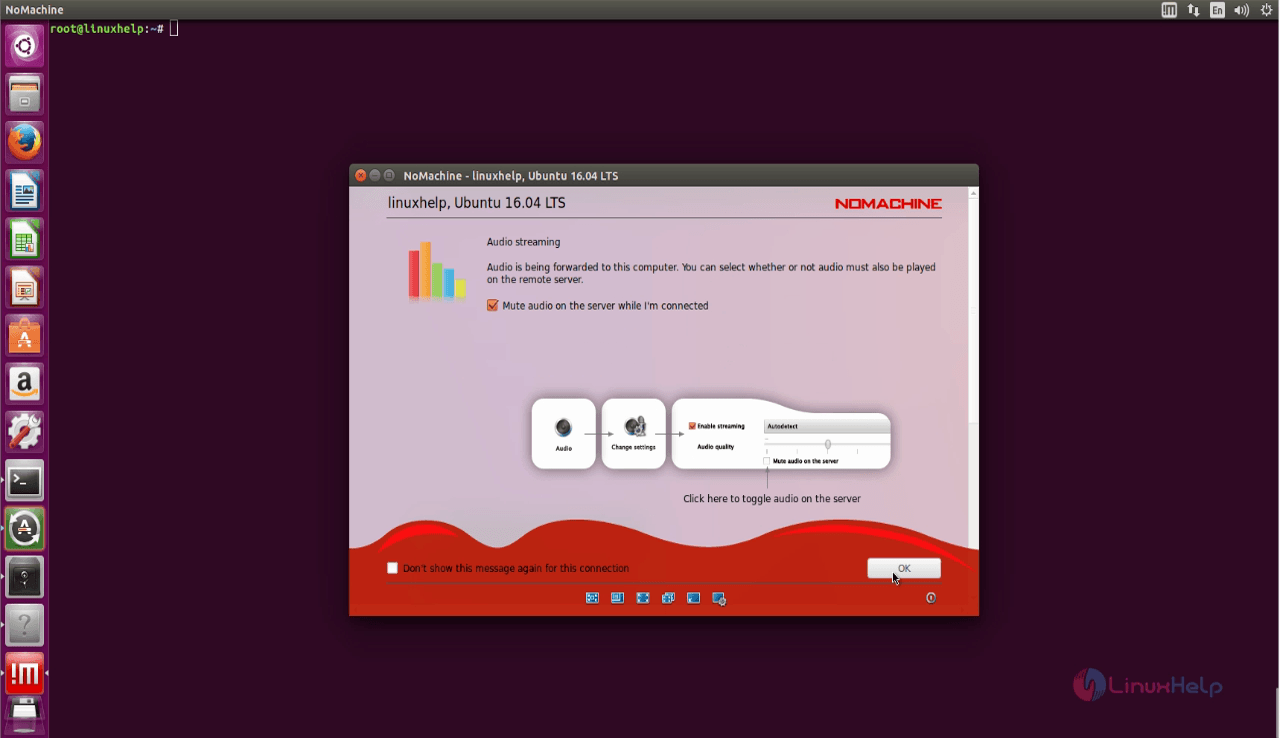
Nomachine_auto_streaming
PASSWORD

Tags:
gabriel
Author: 

Comments ( 0 )

No comments available

Add a comment
{{postCtrl.cmtErrMsg}}

Frequently asked questions ( 5 )

Q

How can I remotely access my computer using a browser in Nomachine?

A

Browser-based remote access is available in all of the pay-for 'server' products: Enterprise Desktop, Cloud Server and the whole Terminal Server for Linux range. These are all labelled 'Subscriptions' in the store.

Q

What is the purpose of using the Nomachine?

A

Nomachine is an open source application tool that is used for taking the remote connections of the client machines as like VNC server. It uses “NX” protocols for remote connections through no

Q

What does "The session negotiation failed" mean in Nomachine?

A

When trying to connect by using the SSH protocol, sometimes the NoMachine client issues the following message:

The session negotiation failed.

Error: NX access is disabled


Possible reaso

Q

How do you stop remote access to your computer?

A

How to switch off NoMachine connections to the desktop:
Click on the Monitor (the !M icon) in the system tray to open the menu.
Click on 'Show the service status'.
Click on the 'Shutdown the server' button.
You can select to shutdown the server permanently or re-enable it at reboot.

Q

Do I remotely control an iPhone from my computer with NoMachine?

A

Installing NoMachine on an iPhone in order to access that device from another device or computer is not possible. To access a remote host with NoMachine, the supported operating systems are Raspberry, Linux, Windows, and macOS.
As a connecting client, NoMachine can be installed on iOS, Android, Raspberry, Linux, Windows, and macOS.

Back To Top!
Rank
User
Points

Top Contributers

userNamenaveelansari
135850

Top Contributers

userNameayanbhatti
92510

Top Contributers

userNamehamzaahmed
32150

Top Contributers

1
userNamelinuxhelp
31040

Top Contributers

userNamemuhammadali
24500
Can you help Jayce ?
What are the types of table used in IPtables

What are the various types of table used in IPtables and how to use that for my server security?

Networking
  • Routing
  • trunk
  • Netmask
  • Packet Capture
  • domain
  • HTTP Proxy
Server Setup
  • NFS
  • KVM
  • Memory
  • Sendmail
  • WebDAV
  • LXC
Shell Commands
  • Cloud commander
  • Command line archive tools
  • last command
  • Shell
  • terminal
  • Throttle
Desktop Application
  • Linux app
  • Pithos
  • Retrospect
  • Scribe
  • TortoiseHg
  • 4Images
Monitoring Tool
  • Monit
  • Apache Server Monitoring
  • EtherApe 
  • Arpwatch Tool
  • Auditd
  • Barman
Web Application
  • Nutch
  • Amazon VPC
  • FarmWarDeployer
  • Rukovoditel
  • Mirror site
  • Chef
Contact Us | Terms of Use| Privacy Policy| Disclaimer
© 2025 LinuxHelp.com All rights reserved. Linux™ is the registered trademark of Linus Torvalds. This site is not affiliated with linus torvalds in any way.