How to install Pluck CMS on OpenSUSE Leap 42.3
To install Pluck CMS on OpenSUSE Leap 42.3
Pluck is an open source content management system built based on the PHP scripting language. It is used even by users with little or no programming experience to create a cool web content, and, unlike most content management systems, Pluck CMS does not use a database to data storage purposes. Pluck also includes a module system, which allows developers to integrate custom functionality into the system. It is so simple to install Pluck CMS and this article covers the ground on the method to install Pluck CMS on OpenSUSE Leap 42.3.
Requirements
-Apache
-Php7
PHP Modules
zypper in php php-openssl php-mysql php-mbstring php-dom php-json php-session php-ctype php-tokenizer php-simplexml php-pcre php-zip php-pdo php-curl php-iconv php-xml
Installing Pluck CMS
In order to install the Pluck CMS in a proper manner, you need to download a stable version in the following manner.
linuxhelp:~ # wget https://github.com/pluck-cms/pluck/archive/master.zip
--2017-11-07 13:11:10-- https://github.com/pluck-cms/pluck/archive/master.zip
Resolving github.com (github.com)... 192.30.255.112, 192.30.255.113
Connecting to github.com (github.com)|192.30.255.112|:443... connected.
HTTP request sent, awaiting response... 302 Found
Location: https://codeload.github.com/pluck-cms/pluck/zip/master [following]
--2017-11-07 13:11:12-- https://codeload.github.com/pluck-cms/pluck/zip/master
Resolving codeload.github.com (codeload.github.com)... 192.30.255.120, 192.30.255.121
Connecting to codeload.github.com (codeload.github.com)|192.30.255.120|:443... connected.
HTTP request sent, awaiting response... 200 OK
Length: unspecified [application/zip]
Saving to: ‘ master.zip.1’

[ < =>  ] 1,789,615 376KB/s in 6.2s

2017-11-07 13:11:19 (284 KB/s) - ‘ master.zip.1’  saved [1789615]
Once the file is downloaded, you need to extract the package in the Apache document root as follows.
linuxhelp:~ # unzip master.zip.1 -d /srv/www/htdocs/
Archive: master.zip.1
6fbb5a3c1a87e5c265a9f5e17198187928db5a31
creating: /srv/www/htdocs/pluck-master/
inflating: /srv/www/htdocs/pluck-master/README.md
inflating: /srv/www/htdocs/pluck-master/admin.php
creating: /srv/www/htdocs/pluck-master/data/
creating: /srv/www/htdocs/pluck-master/data/image/
inflating: /srv/www/htdocs/pluck-master/data/image/AUTHORS
extracting: /srv/www/htdocs/pluck-master/data/image/add.png
extracting: /srv/www/htdocs/pluck-master/data/image/add_small.png
inflating: /srv/www/htdocs/pluck-master/data/image/back.jpg
inflating: /srv/www/htdocs/pluck-master/data/image/back_hover.jpg
.
.
.
.
extracting: /srv/www/htdocs/pluck-master/files/.files
creating: /srv/www/htdocs/pluck-master/images/
extracting: /srv/www/htdocs/pluck-master/images/.images
inflating: /srv/www/htdocs/pluck-master/index.php
inflating: /srv/www/htdocs/pluck-master/install.php
inflating: /srv/www/htdocs/pluck-master/login.php
inflating: /srv/www/htdocs/pluck-master/requirements.php
inflating: /srv/www/htdocs/pluck-master/robots.txt
And then, you need to move to your Apache document root, and list the files available in that location by making use of the following commands.
linuxhelp:~ # cd /srv/www/htdocs/
linuxhelp:/srv/www/htdocs # ls -l
total 456
drwxrwxr-x 2 wwwrun www 4096 Oct 9 23:15 gif
-rwxrwxr-x 1 wwwrun www 2356 Mar 18 2017 info2html.css
-rwxrwxr-x 1 wwwrun www 449132 Nov 7 11:43 master.zip
drwxr-xr-x 6 root root 4096 Jun 1 16:38 pluck-master
Later, you need to provide appropriate owner permission and file execution permission with the help of the following two command.
linuxhelp:/srv/www/htdocs # chown -R wwwrun:www /srv/www/htdocs/
linuxhelp:/srv/www/htdocs # chmod -R 775 /srv/www/htdocs/
Once all that is done, you need to configure your Apache VirtualHost for Pluck CMS. Create your .conf file as follows.
linuxhelp:/srv/www/htdocs # vim /etc/apache2/conf.d/pluck.conf
And make the following configuration in that file. Save it and exit from it once the changes are made.
< VirtualHost *:80>
DocumentRoot " /srv/www/htdocs"
ServerName www.linuxhelp1.com
< Directory " /srv/www/htdocs/" >
DirectoryIndex index.php
Options FollowSymLinks
AllowOverride All
Require all granted
< /Directory>
< /VirtualHost>
Once you are through with the configuration part, you need to restart your Apache service.
linuxhelp:/srv/www/htdocs # systemctl restart apache
After that, you need to make Firewall settings, and for that
linuxhelp:/srv/www/htdocs/pluck-master # vim /etc/sysconfig/SuSEfirewall2
FW_CONFIGURATIONS_EXT=" apache"
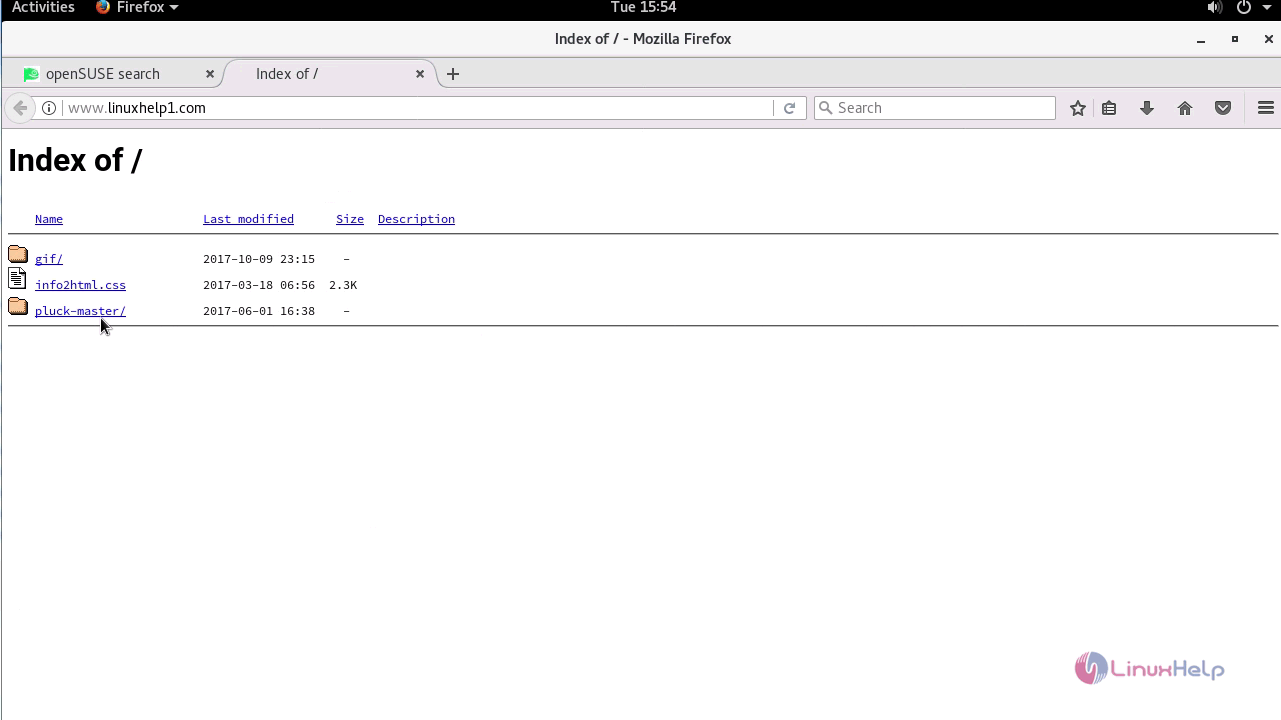
Switch to your browser and type http://yourdomain. Click on the Pluck-master/ from the index.
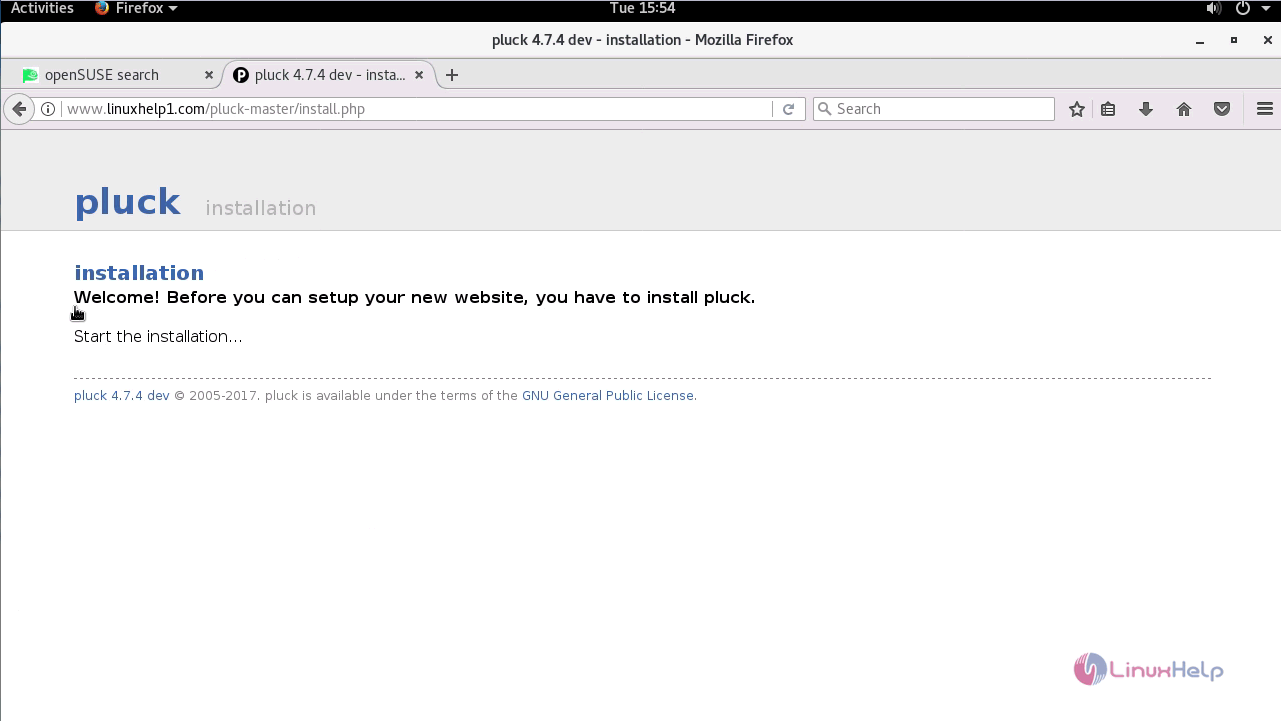
Pluck installation wizard appears on your screen. Start the installation process.
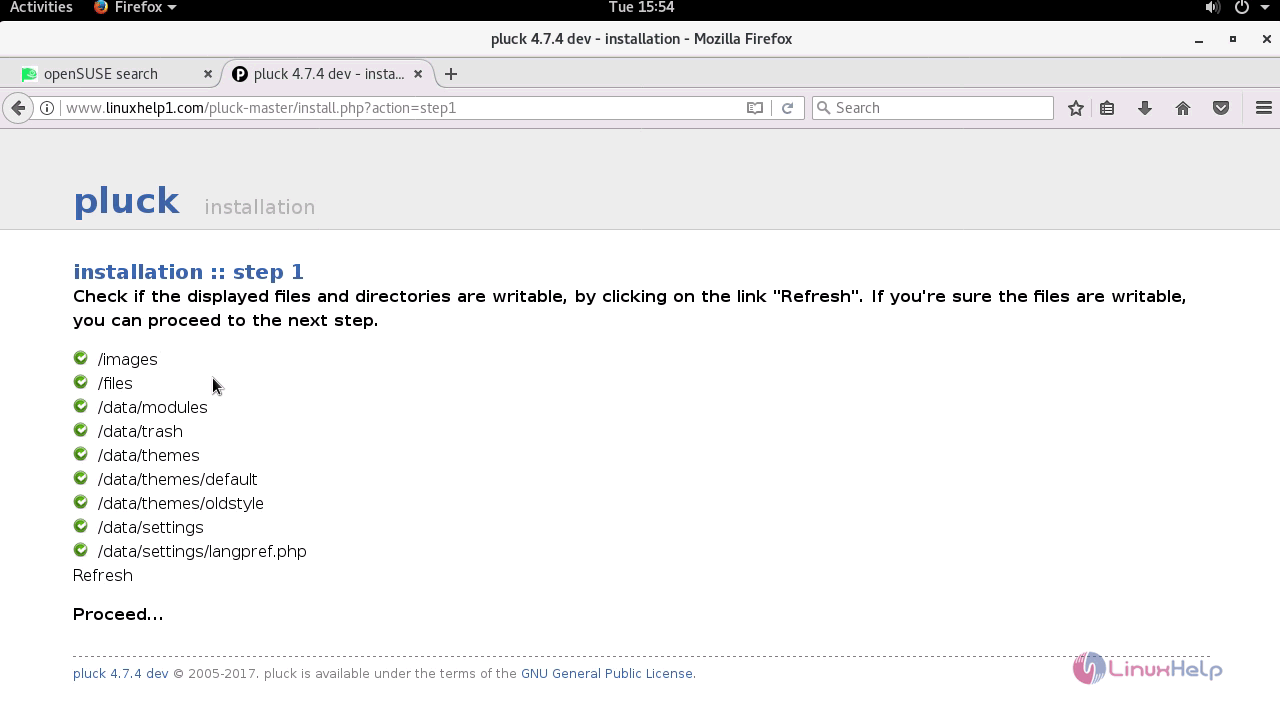
The step 1 of the installation wizard appears on your screen. As suggested on the installer, check if the directories are writable. Proceed to the next step.
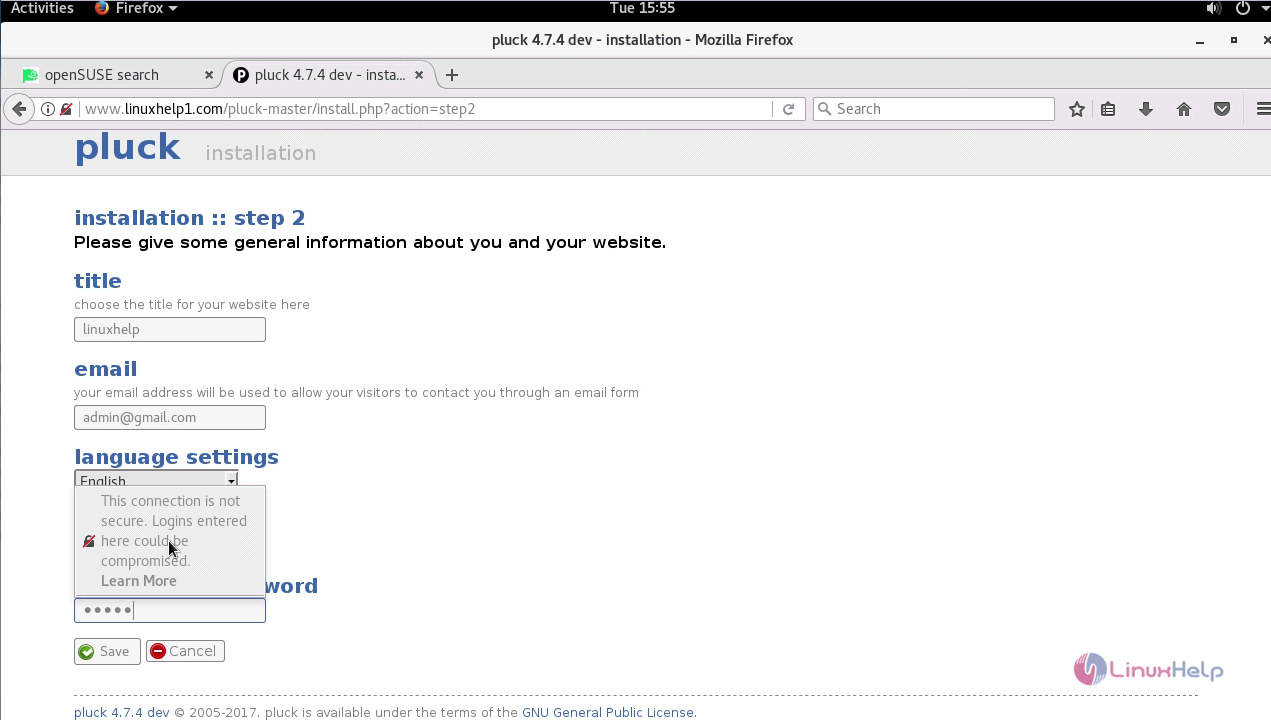
In the next page, you need to give the title, email, choose the language and give your password, and click on the save button.
You' ll be taken to the step 3, in which you should give your content.
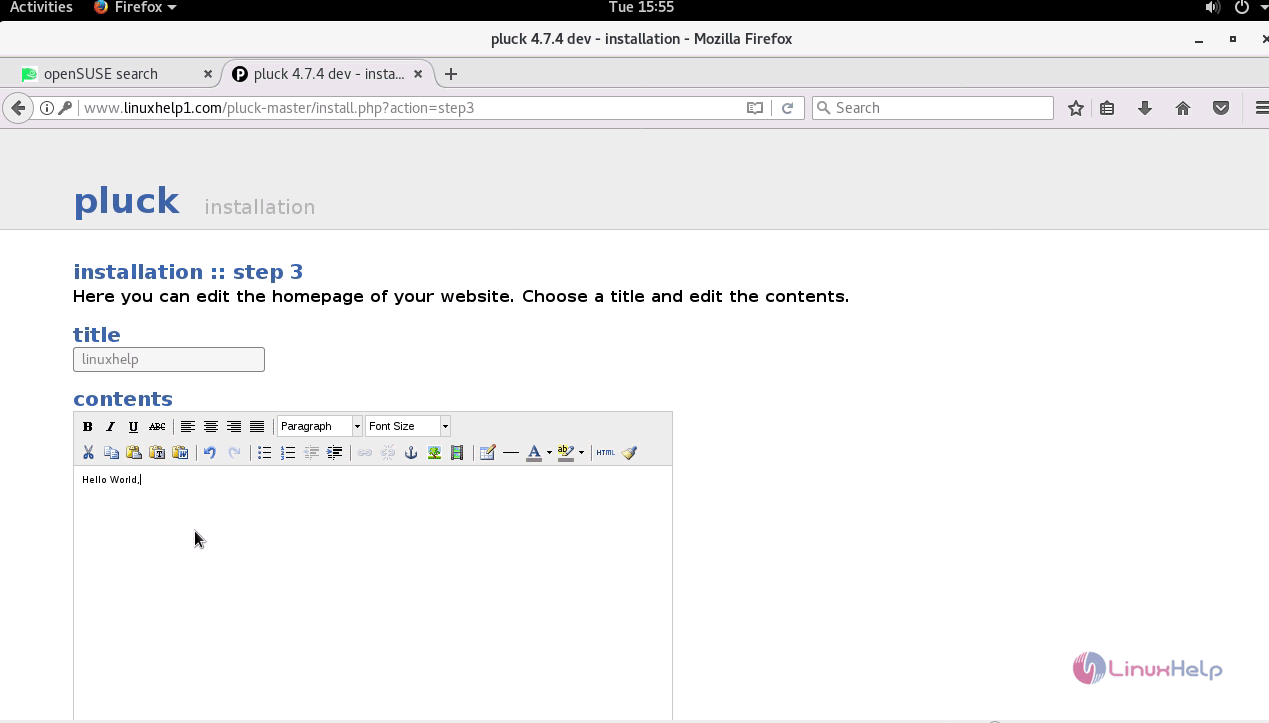
Once you have given the content, you can take a look at your newly created webpage.
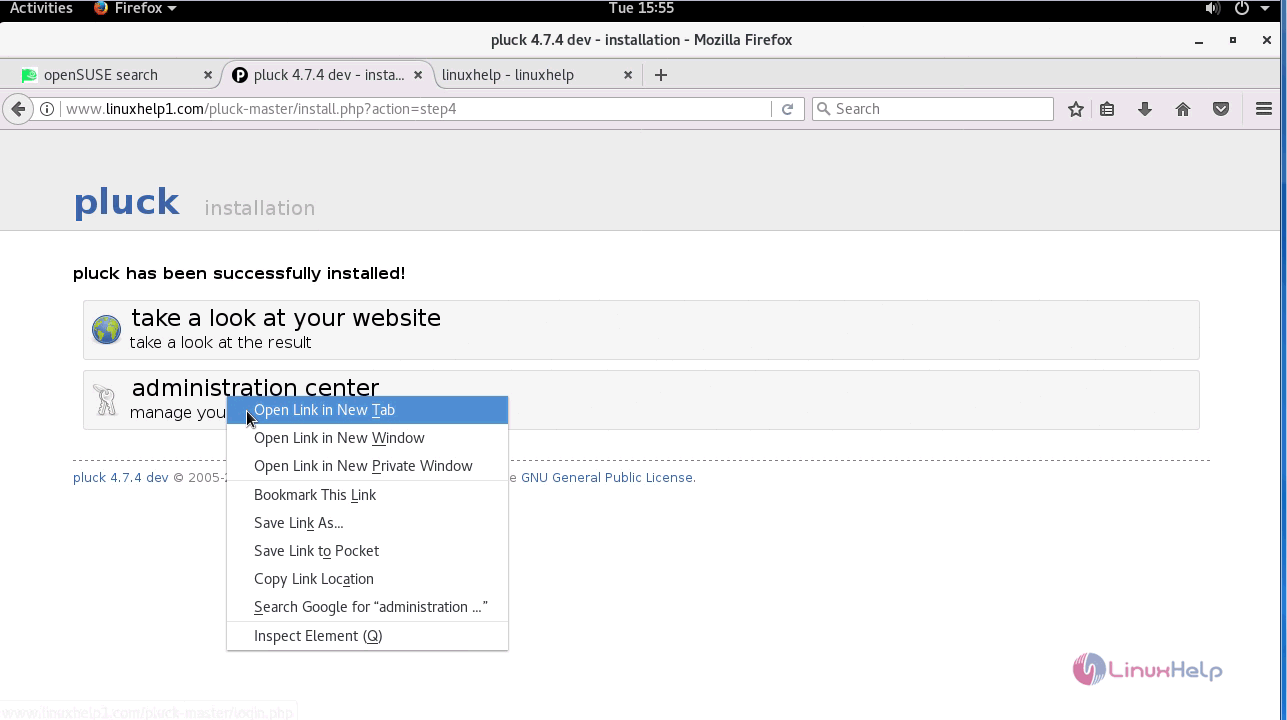
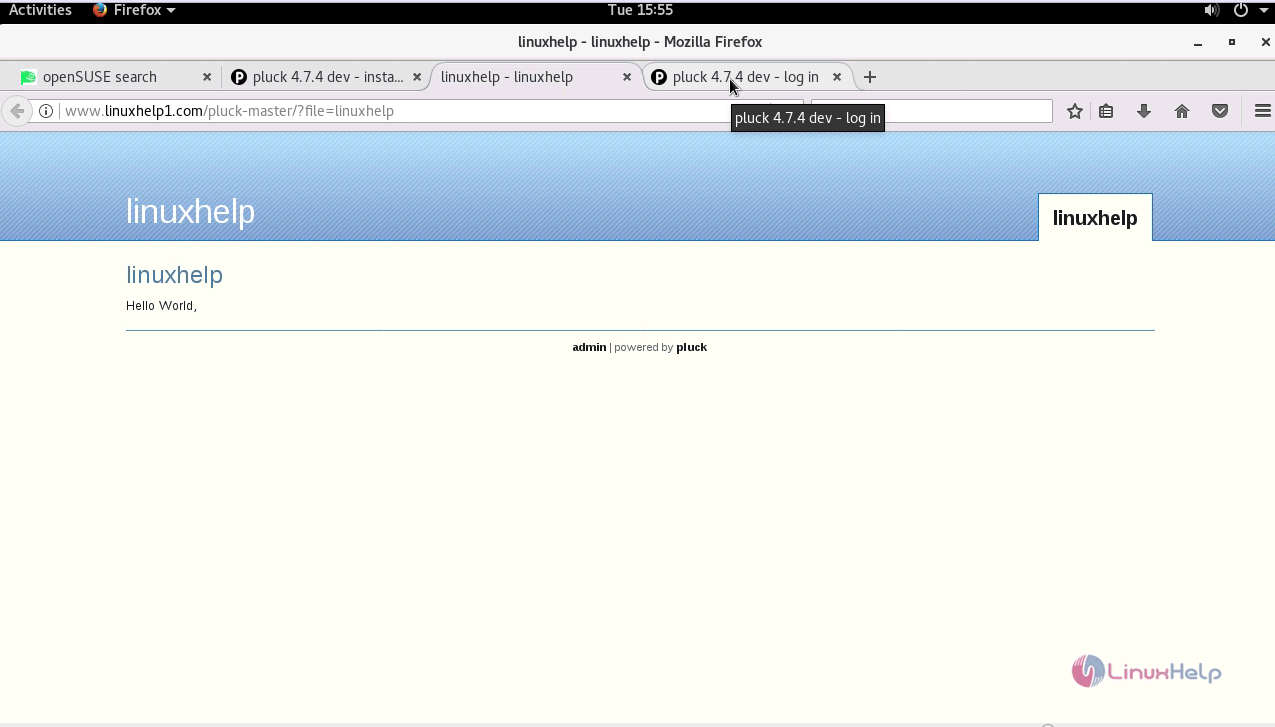
Your newly created webpage gets displayed on your screen.
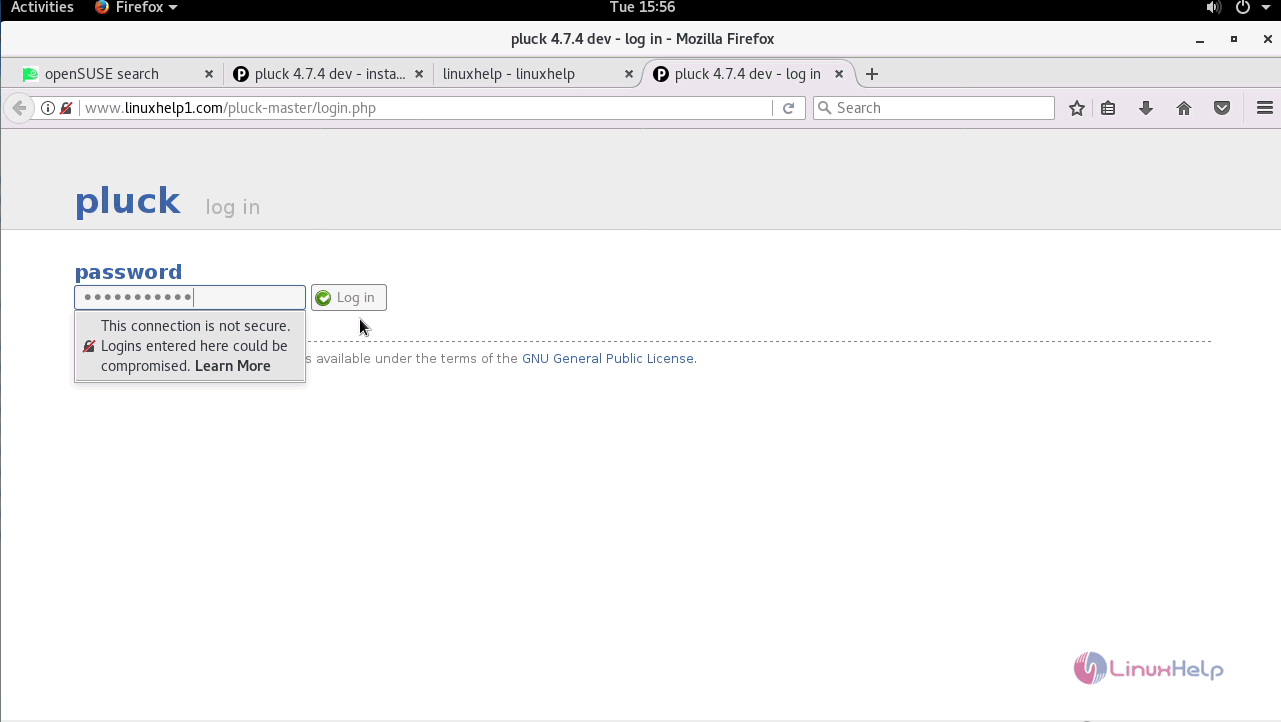
You can log in into pluckmaster by giving your password.
Once you log in, you will be taken to the welcome page of Pluck.
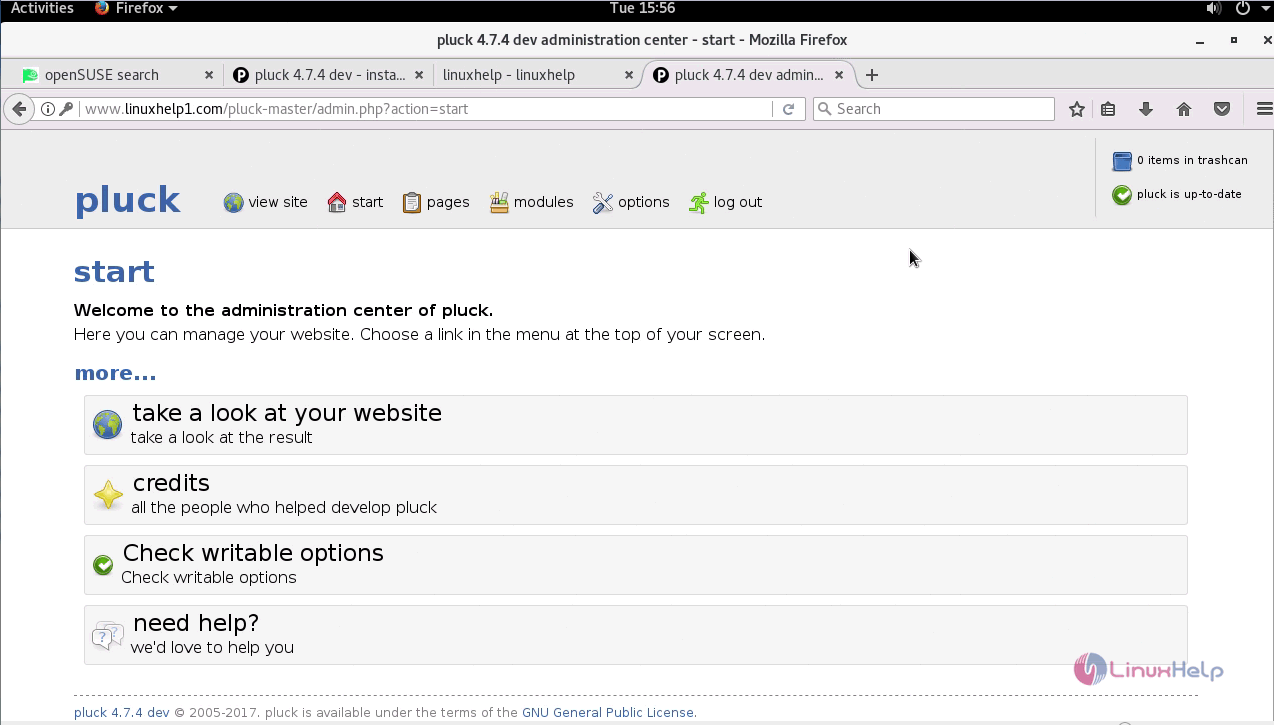
With this the installation of Pluck CMS on OpenSUSE Leap 42.3 comes to an end.
Comments ( 0 )
No comments available