• Categories
    Category
    {{ postCtrl.tags }}
    • {{ category.tag_type }}

      • {{tag.tag_name}}
      • View more
  • Categories
    Category
    {{ postCtrl.tags }}
    • {{ category.tag_type }}

      • {{tag.tag_name}}
      • View more
  • News
  • Tutorials
  • Forums
  • Tags
  • Users
Tutorial News Comments FAQ Related Articles

A Drop Down Terminal Guake 0.7.2 for Gnome Desktops

{{postValue.id}}

A Drop Down Terminal Guake 0.7.2 for Gnome Desktops

Guake

Guake is a Drop Down Terminal. This application was formed in Python and C for the Gnome Environment. In this article we are going to discuss about terminal for gnome, “ guake” . It has features like light weight, extremely configurable, functional, shortcut for transparency level, supports tabs, hotkeys, and background transparency. This tutorial covers the ground on the installation process of Guake 0.7.2.

To Install Guake Terminal in Linux

To install Guake from the default repository like below, run the command

&mdash &mdash &mdash &mdash &mdash - On Fedora 19 Onwards &mdash &mdash &mdash &mdash &mdash -

[root@linuxhelp ~]# yum update
[root@linuxhelp ~]# yum install guake

&mdash &mdash &mdash &mdash &mdash - On Debian, Ubuntu and Linux Mint &mdash &mdash &mdash &mdash &mdash -

user1@linuxhelp:~$ sudo apt-get update
user1@linuxhelp:~$ sudo apt-get install guake 
Reading package lists... Done
Building dependency tree       
Reading state information... Done
The following NEW packages will be installed:
  guake
.
.
.
Processing triggers for desktop-file-utils (0.22-1ubuntu3) ...
Processing triggers for bamfdaemon (0.5.2~bzr0+15.10.20150627.1-0ubuntu1) ...
Rebuilding /usr/share/applications/bamf-2.index...
Processing triggers for mime-support (3.58ubuntu1) ...
Setting up guake (0.7.2-1) ...

Once the installation process is completed, start Guake in another terminal.

user1@linuxhelp:~$ guake

To use F12 key to roll up and roll down the terminal
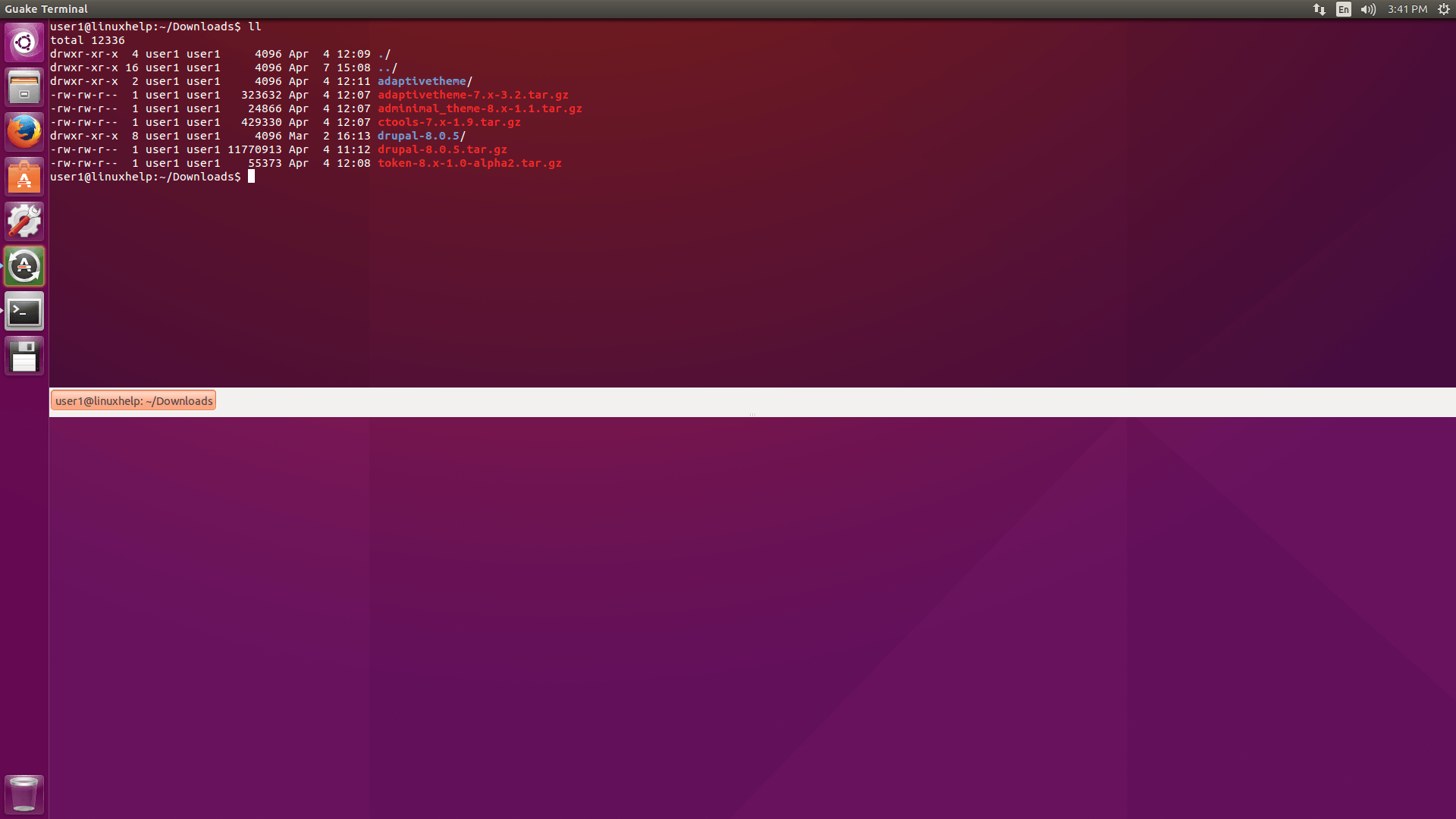
guake

To edit settings go to Guake Properties and set as per your requirements. Execute below command or from Application Menu to run Guake Preferences.

$ guake --preferences

General settings
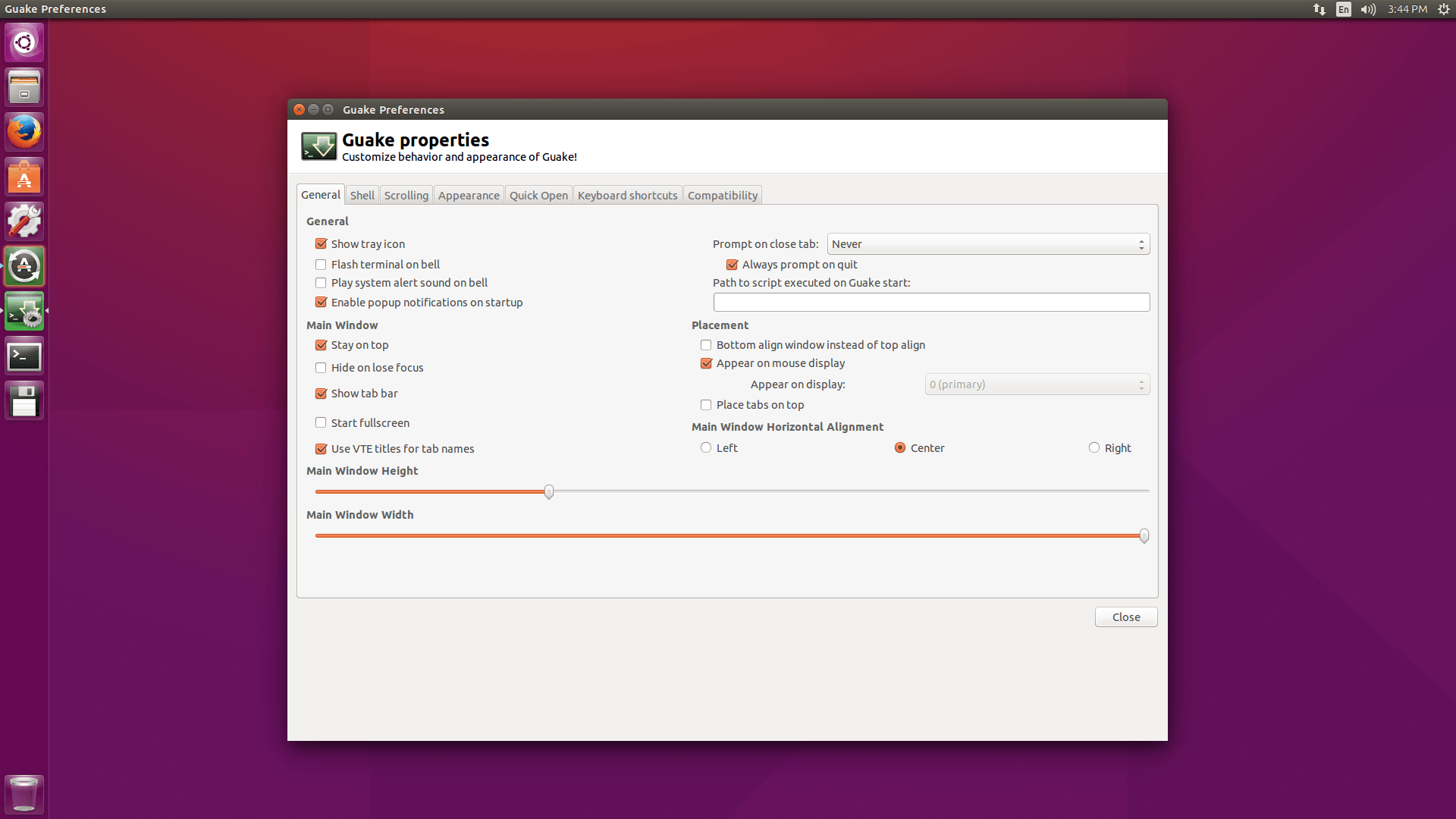
guake_properties

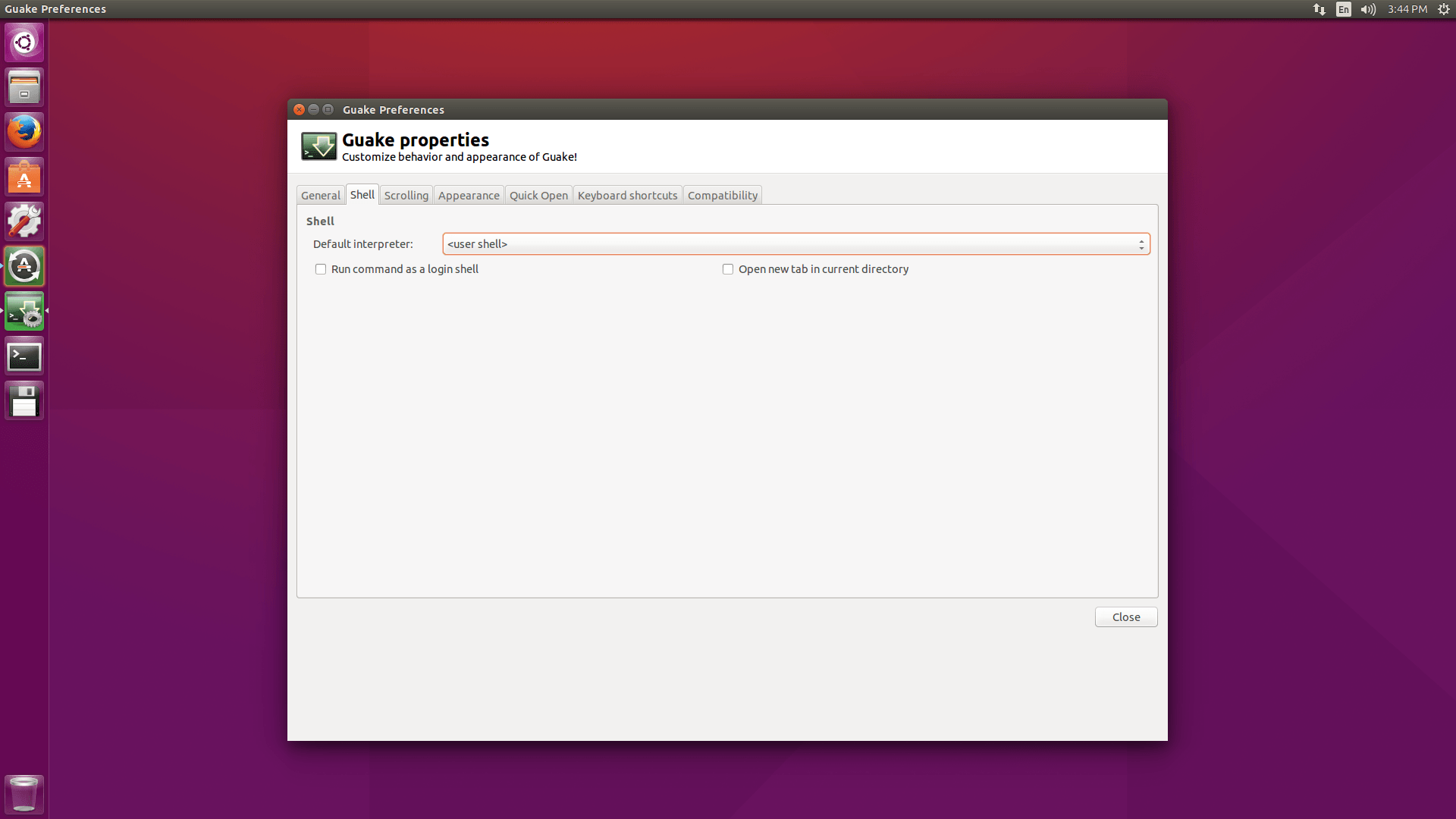
Shell properties

shell_properties

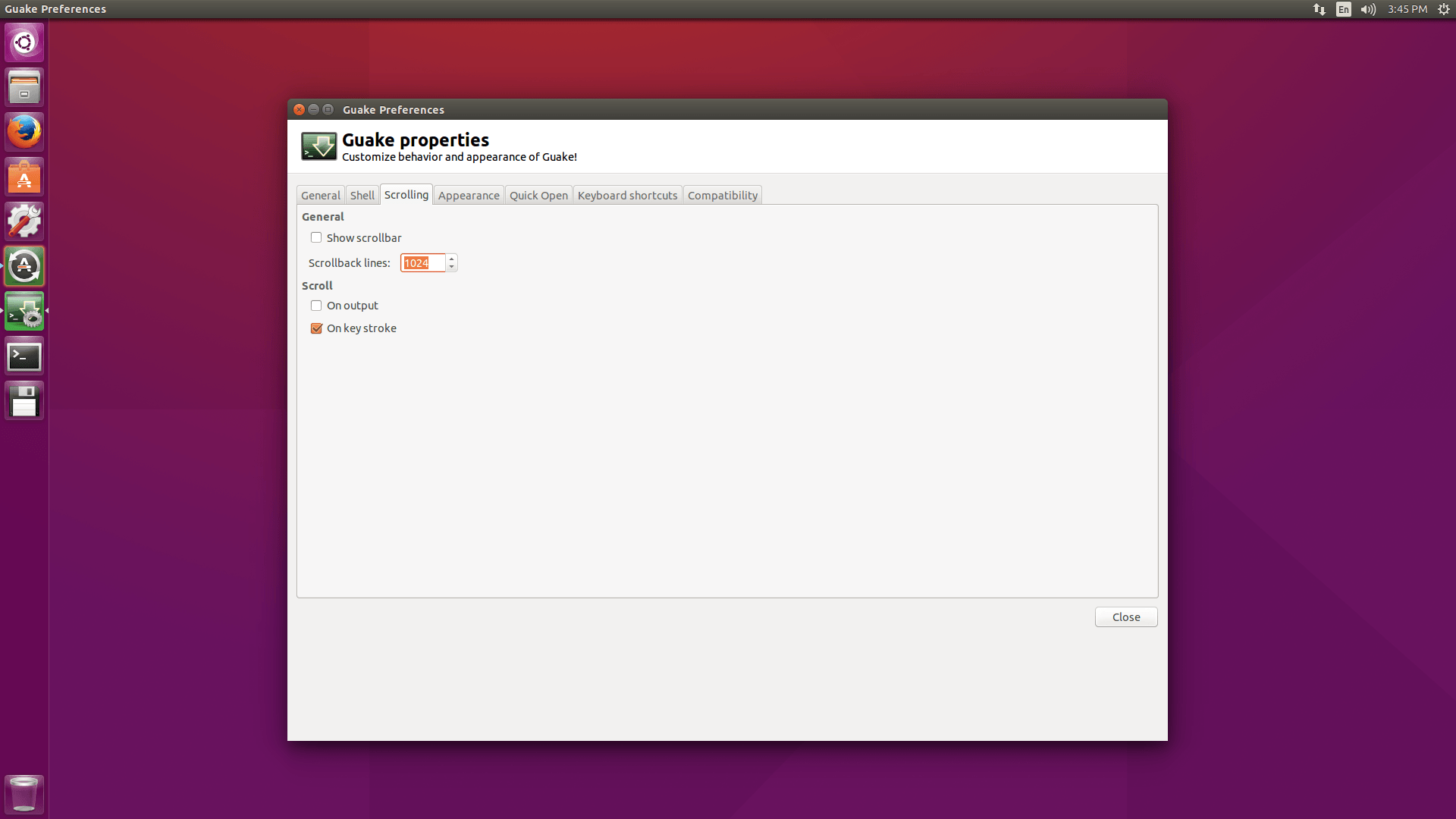
Scrolling properties

scrolling_properties

Appearance settings

To modify text, background color and tune transparency in Appearance Properties.
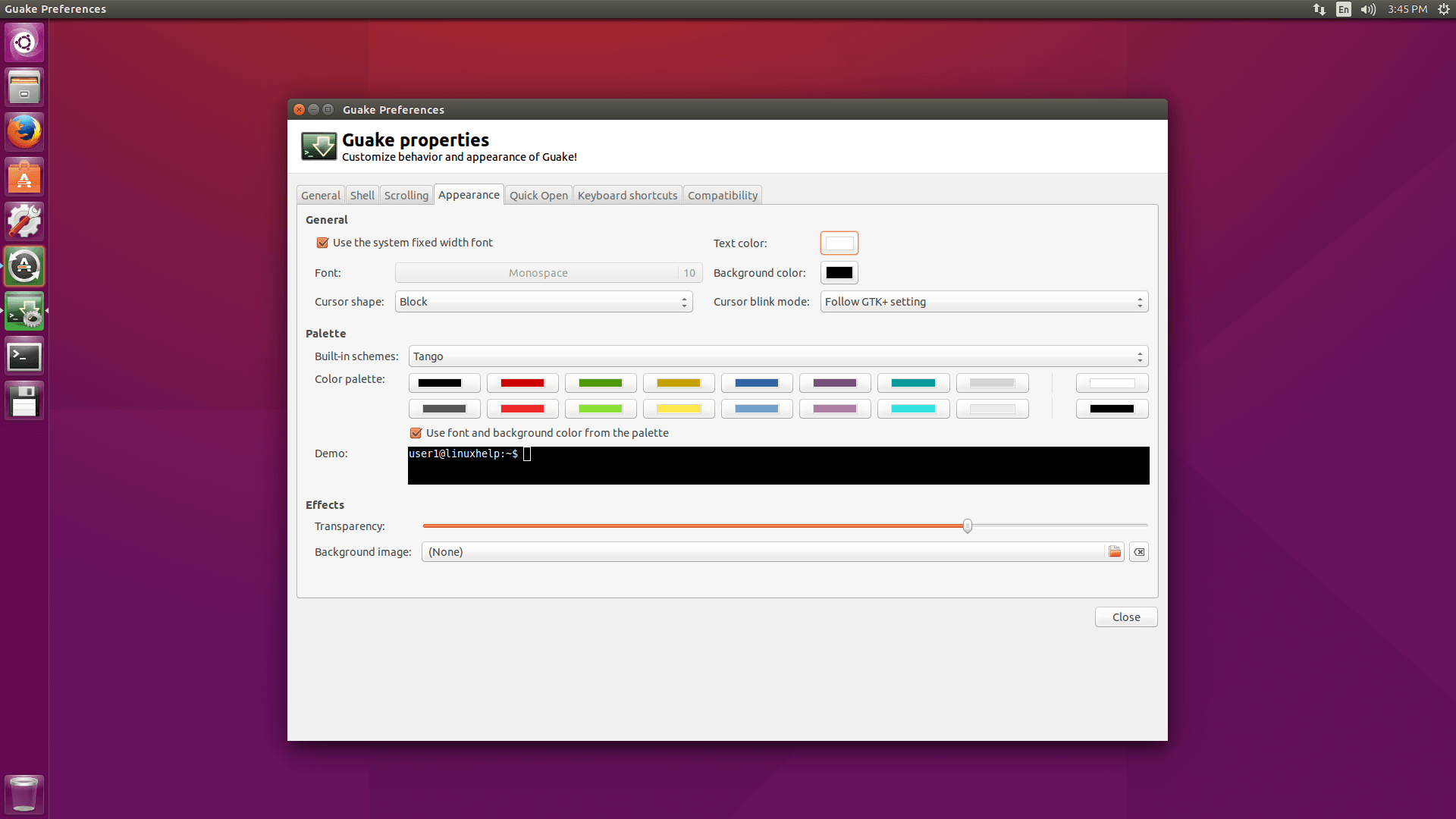
Appearance_properties

Quick open option

Quick open option is a feature which allows to open a file directly into your favorite text editor by clicking on its file name when it appears in the terminal. Enable Quick open when ctrl+clicking on a filename in the terminal.
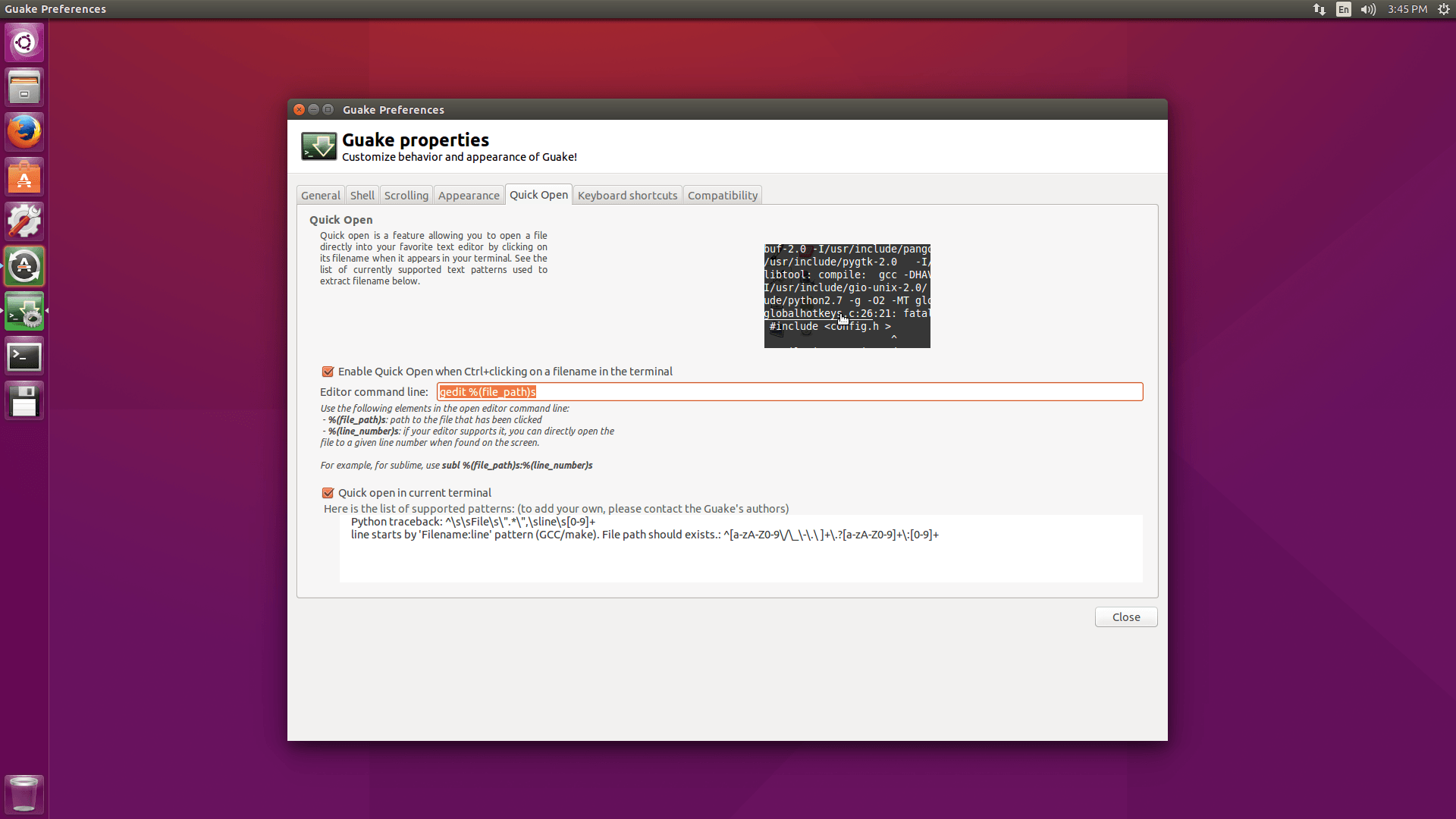

quick_open

Keyboard shortcut settings

To edit and modify Toggle key in Keyboard Shortcuts. For Guake Visibility default key is F12.
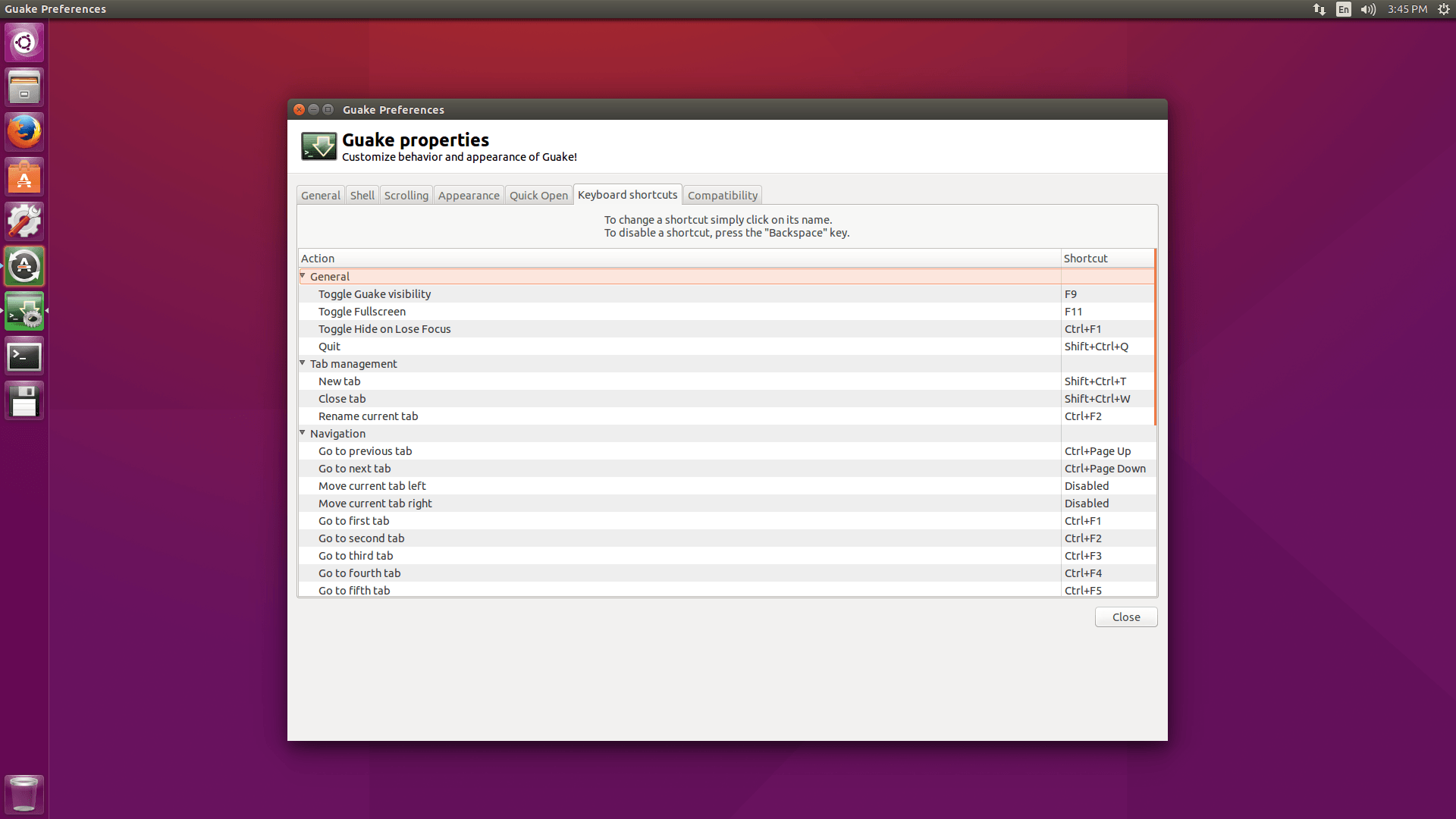
keyboard_shortcut

This is Compatibility Setting and no need to change it.
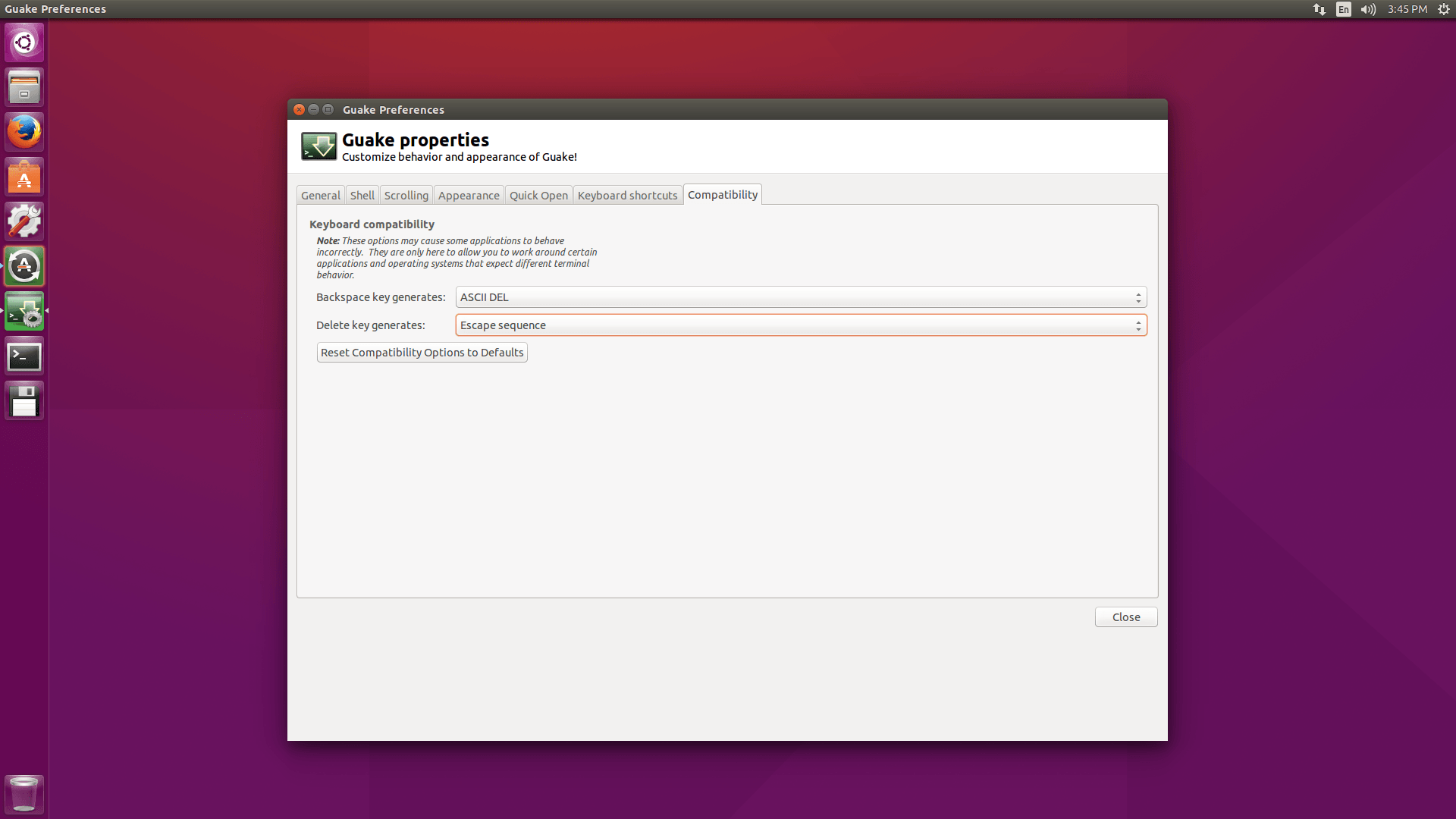
compatibility_settings

Tags:
jacob
Author: 

Comments ( 0 )

No comments available

Add a comment
{{postCtrl.cmtErrMsg}}

Frequently asked questions ( 5 )

Q

How to make configure the customization for "quake" tool?

A

You can run the command on the terminal to configure the customization for "quake" tool. For Syntax: "guake --preferences".

Q

How to install "guake" on CentOS?

A

You can use the command to install "guake" on CentOS. For Syntax: yum install quake".

Q

Give me the GitHub link to get source package of the "guake" tool?

A

You can use the following link to get an official source of the "quake" tool from Github as "https://github.com/Guake/guake"

Q

How to install "quake" tool from source on Linux?

A

Use the following link to get an installation procedure for "guake" tool on Linux as "https://guake.readthedocs.io/en/stable/user/installing.html#install-from-pypi"

Q

How to install "guake" tool using the "pip" command on Linux?

A

You can use the following syntax to install "guake" tool using the "pip" command on Linux. For syntax: "pip install --user guake". If you avoid using "pip" install guake without the "--user", you may break your system.

Back To Top!
Rank
User
Points

Top Contributers

userNamenaveelansari
135850

Top Contributers

userNameayanbhatti
92510

Top Contributers

userNamehamzaahmed
32150

Top Contributers

1
userNamelinuxhelp
31040

Top Contributers

userNamemuhammadali
24500
Can you help keel johnston ?
Unhide the folders on windows Explorer

Give any solutions to unhide folder using command prompt?

forum3

Networking
  • Routing
  • trunk
  • Netmask
  • Packet Capture
  • domain
  • HTTP Proxy
Server Setup
  • NFS
  • KVM
  • Memory
  • Sendmail
  • WebDAV
  • LXC
Shell Commands
  • Cloud commander
  • Command line archive tools
  • last command
  • Shell
  • terminal
  • Throttle
Desktop Application
  • Linux app
  • Pithos
  • Retrospect
  • Scribe
  • TortoiseHg
  • 4Images
Monitoring Tool
  • Monit
  • Apache Server Monitoring
  • EtherApe 
  • Arpwatch Tool
  • Auditd
  • Barman
Web Application
  • Nutch
  • Amazon VPC
  • FarmWarDeployer
  • Rukovoditel
  • Mirror site
  • Chef
Contact Us | Terms of Use| Privacy Policy| Disclaimer
© 2026 LinuxHelp.com All rights reserved. Linux™ is the registered trademark of Linus Torvalds. This site is not affiliated with linus torvalds in any way.