• Categories
    Category
    {{ postCtrl.tags }}
    • {{ category.tag_type }}

      • {{tag.tag_name}}
      • View more
  • Categories
    Category
    {{ postCtrl.tags }}
    • {{ category.tag_type }}

      • {{tag.tag_name}}
      • View more
  • News
  • Tutorials
  • Forums
  • Tags
  • Users
Tutorial News Comments FAQ Related Articles

Features of Ubuntu 18.04

{{postValue.id}}

Features of Ubuntu 18.04

The new version of Ubuntu - 18.04, in beta version, has been recently released and the stable version is expected to be released by end of April 2018. We have already covered the method to install Ubuntu 18.04, in this tutorial, you will be briefed about the various features of Ubuntu 18.04.


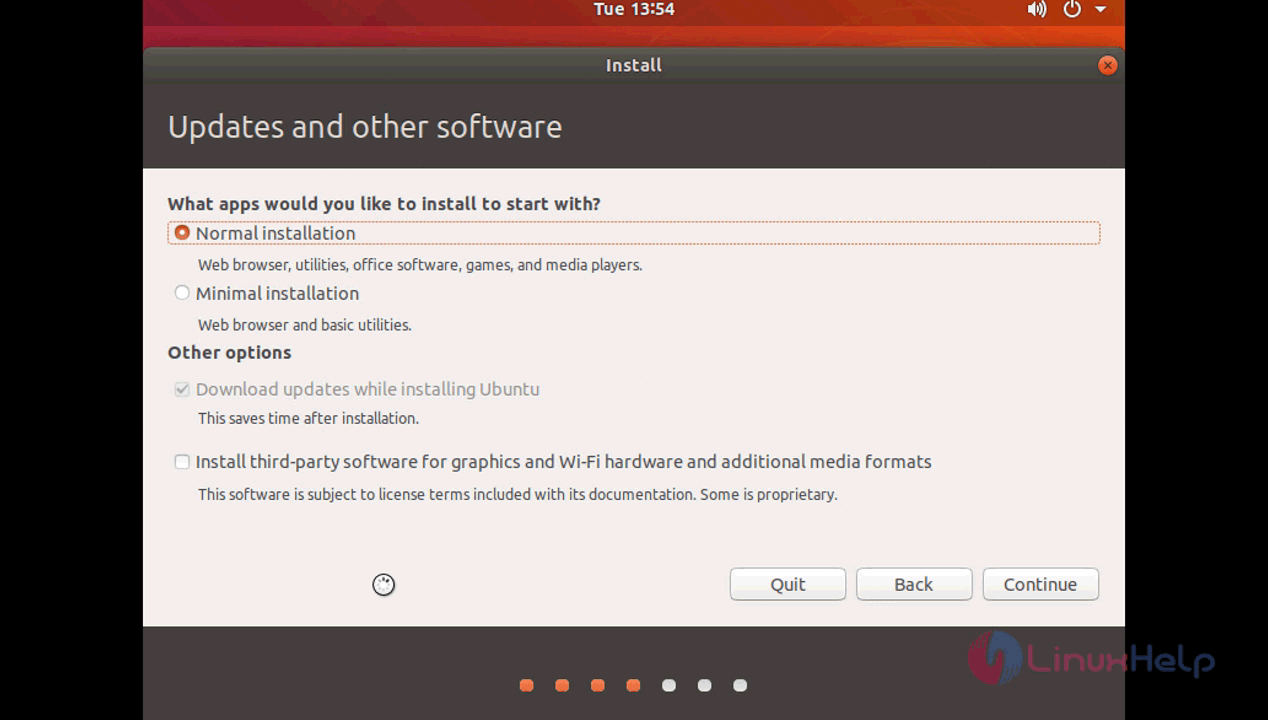
Minimal Installation

While installing you will see the “ minimal installation” option when you install a fresh Ubuntu this minimal installation contains only web browser and very basic utilities with no other applications installed you can choose between “ normal installation & minimal installation” where normal installation have all basic applications and all other utilities.
Web browser


Wallpaper
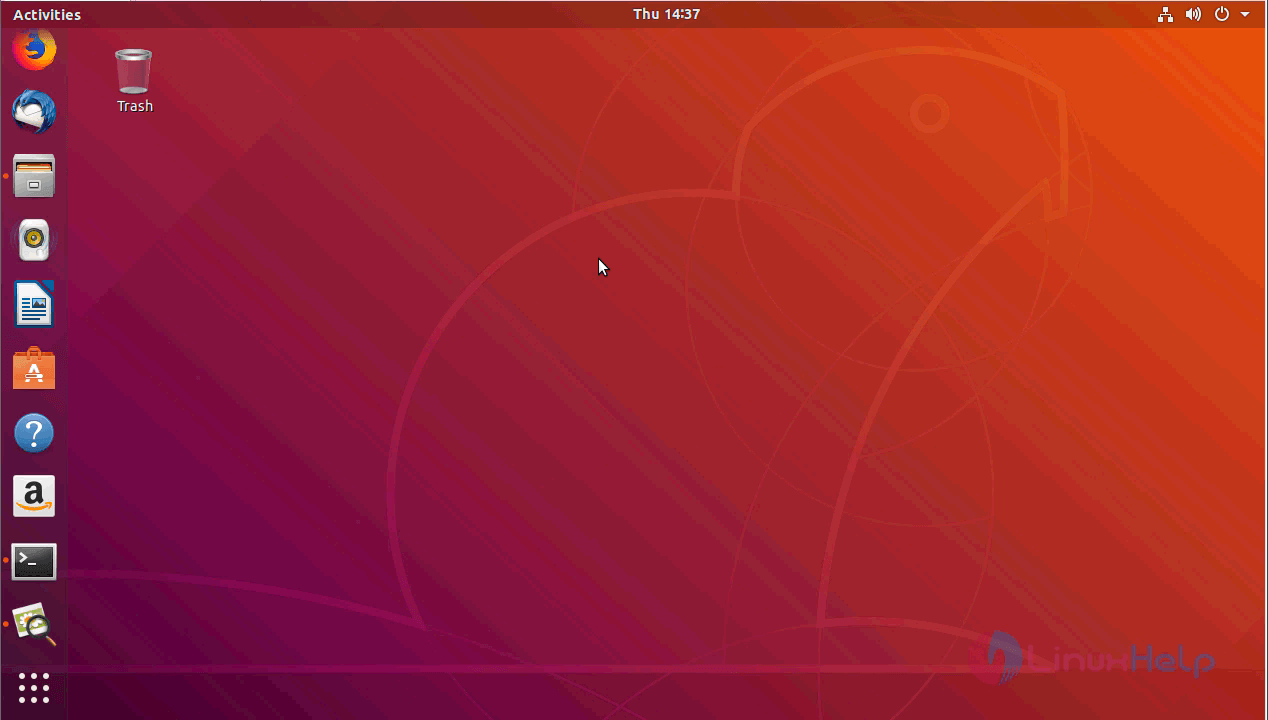
Ubuntu 18.04' s desktop is the first thing you notice is the change in its default wallpaper which gives you a contrast attractive look with the beaver at its background outline.
Wallpaper


Codename
The Ubuntu 18.04 is codenamed as Bionic Beaver which you can verify by checking the lsb_release.

root@linuxhelp:~# lsb_release -cd
Description:    Ubuntu Bionic Beaver (development branch)
Codename:    bionic
Gnome version


As we already know that unity is no longer the default desktop environment for Ubuntu from the 17.10 version, a gnome has been introduced and the 18.04 will keep the same environment with the latest version 3.28

root@linuxhelp:~# gnome-shell --version
GNOME Shell 3.28.0
Default applications


There are a lot of default applications that come with the OS which is based on users vote conducted by canonical.
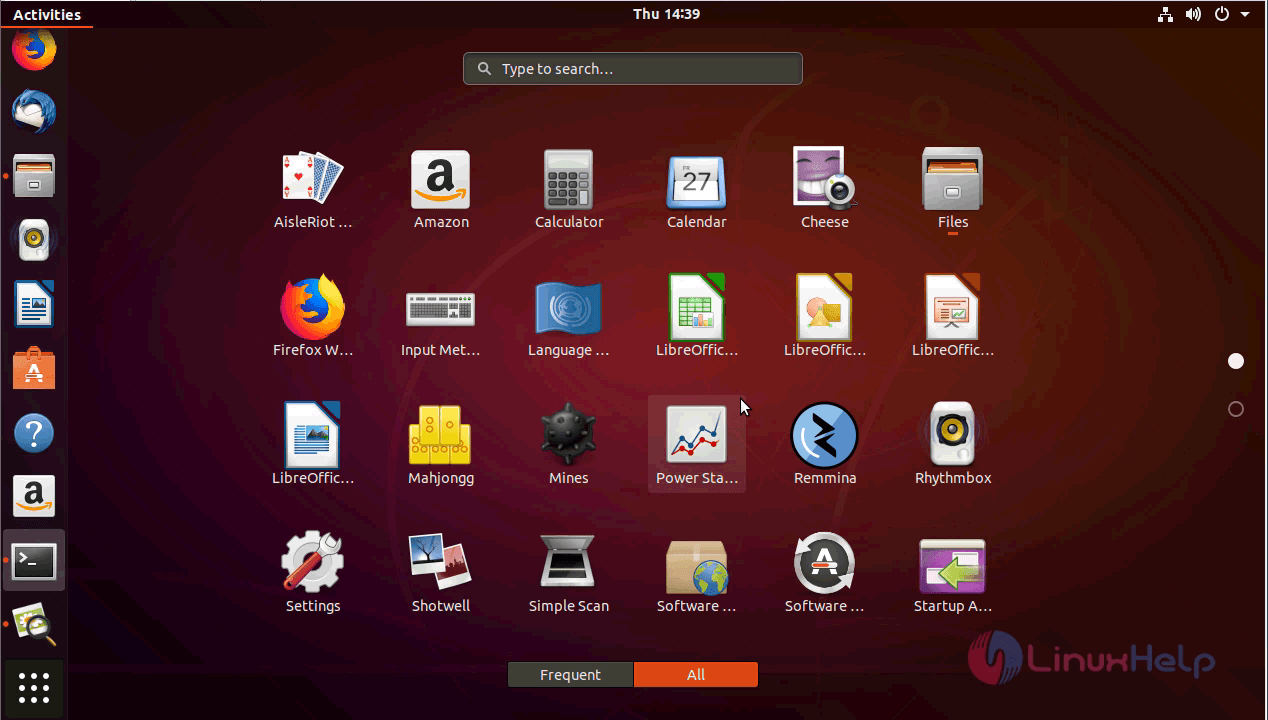
Application
Version

Kernel versions
It uses the kernel version 4.15 for bionic beaver but initially, it was planned to have Linux Kernel 4.14 but later kernel team shared that it will have 4.15 on its Ubuntu 18.04.

root@linuxhelp:~# uname -r
4.15.0-13-generic


File manager

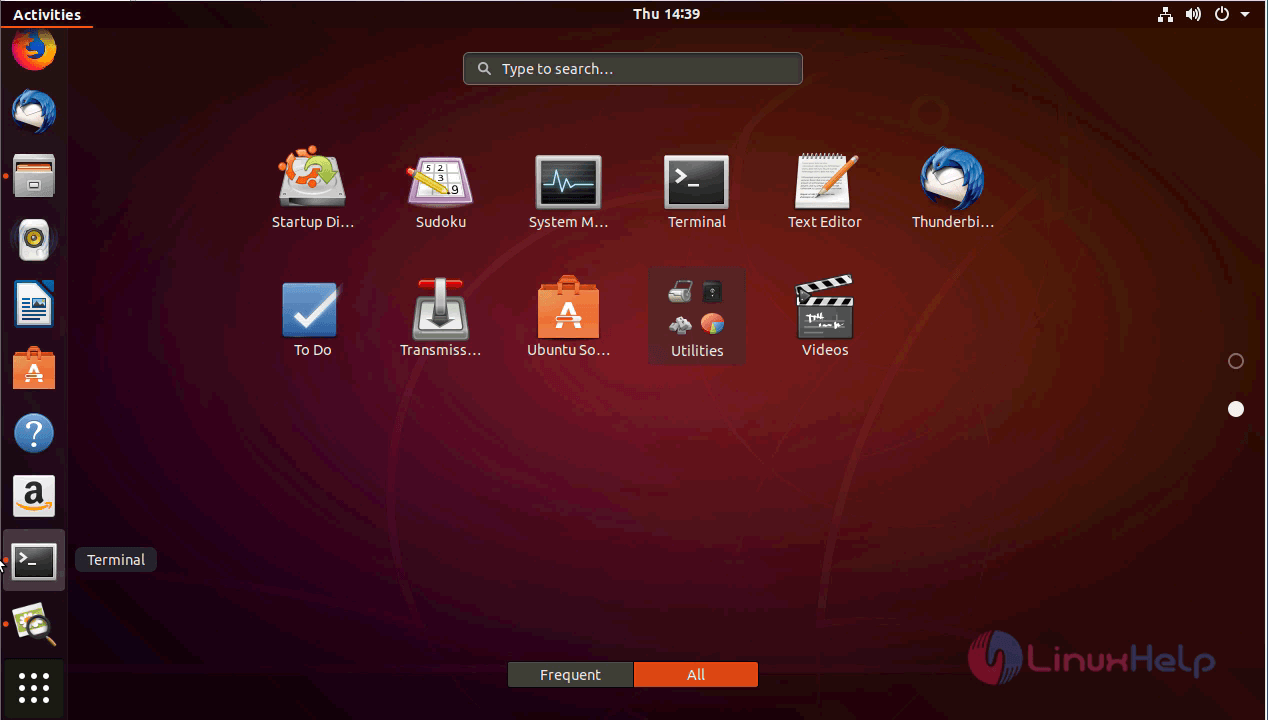
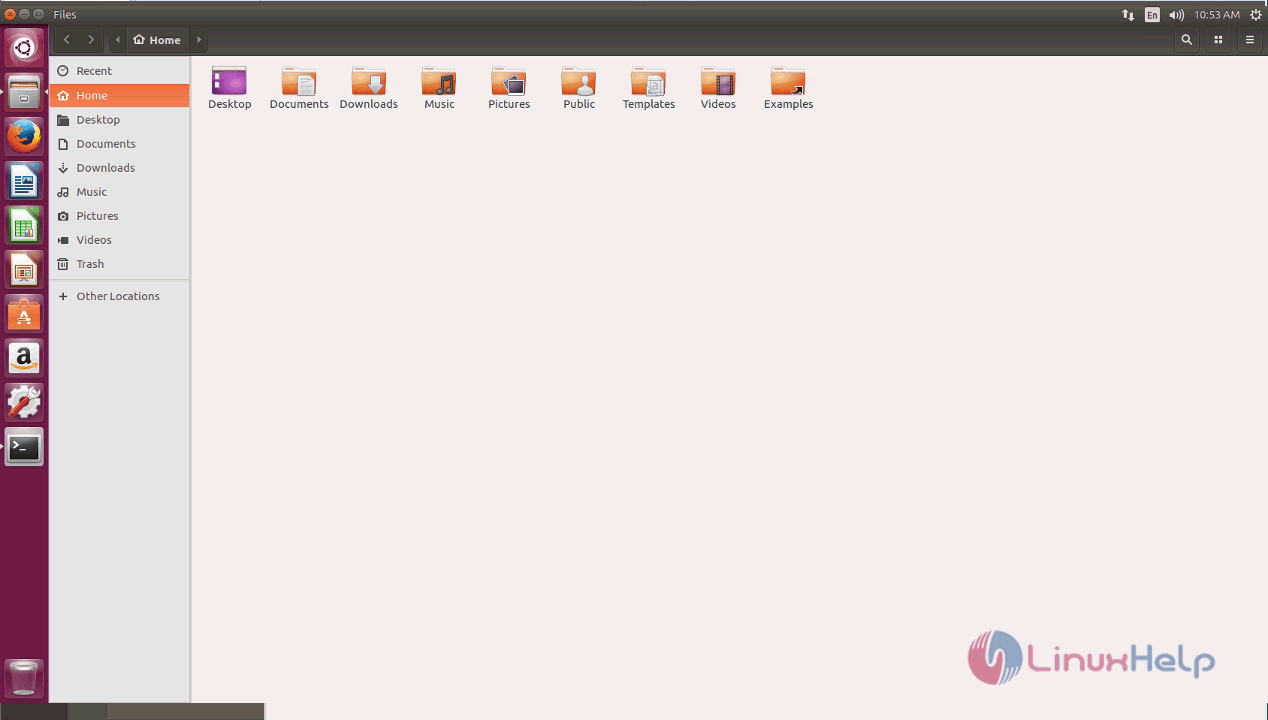
The file manager interface has been slightly changed where you can see the following image comparison between Ubuntu 17.04 and Ubuntu 18.04.
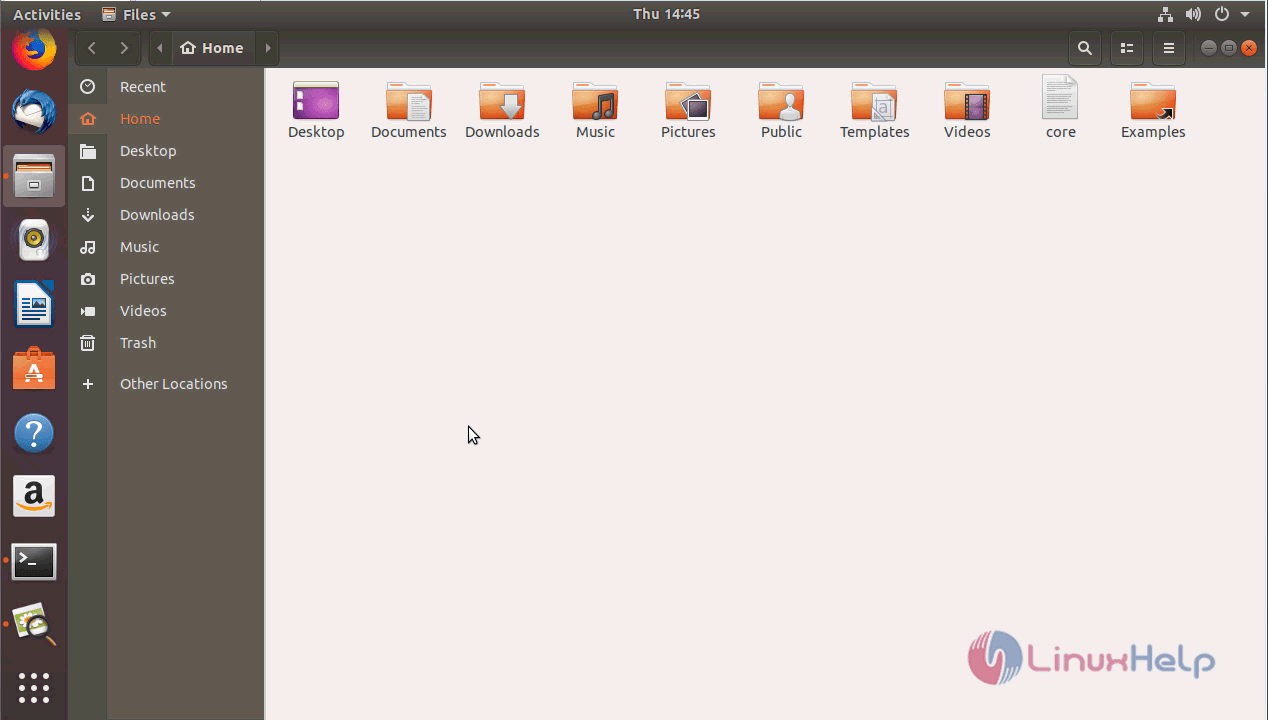
File manager
File manager

Setting PPA repository
Setting a PPA repository is a lot easier now, you just have to add the repository and install the app on next command, you don’ t have to update the whole repository again.


These are the few noticeable changes which differs from previous Ubuntu version and once the stable version is released we can look more deeper in Ubuntu 18.04

Tags:
connor
Author: 

Comments ( 0 )

No comments available

Add a comment
{{postCtrl.cmtErrMsg}}

Frequently asked questions ( 5 )

Q

how to install ubuntu 18.04 ?

A

Please refer the link as follow to install ubuntu 18.04
"https://www.linuxhelpbkp.revyy.com/how-to-install-ubuntu-18-04/"

Q

is there any Torrent Link to download iso file of ubuntu 18.04?

A

ollow this link to get the Torrent Link :

" http://releases.ubuntu.com/18.04/ubuntu-18.04.1-live-server-amd64.iso.torrent "

Q

where to download ubuntu 18 server os ?

A

use the following link to download ubuntu 18 server os: "
https://www.ubuntu.com/download/server/thank-you?version=18.04.1&architecture=amd64 "

Q

Can I install vanilla GNOME on ubuntu 18.04?

A

Yes, you can.Existing GNOME users might not like the Unity resembling, customized GNOME desktop in Ubuntu 18.04. There are some packages available in Ubuntu’s main and universe repositories that allows you to install vanilla GNOME on Ubuntu 18.04.

Q

What GNOME version does it have?

A

At the time of its release, Ubuntu 18.04 has GNOME 3.28.

Back To Top!
Rank
User
Points

Top Contributers

userNamenaveelansari
135850

Top Contributers

userNameayanbhatti
92510

Top Contributers

userNamehamzaahmed
32150

Top Contributers

1
userNamelinuxhelp
31040

Top Contributers

userNamemuhammadali
24500
Can you help keel johnston ?
Unhide the folders on windows Explorer

Give any solutions to unhide folder using command prompt?

forum3

Networking
  • Routing
  • trunk
  • Netmask
  • Packet Capture
  • domain
  • HTTP Proxy
Server Setup
  • NFS
  • KVM
  • Memory
  • Sendmail
  • WebDAV
  • LXC
Shell Commands
  • Cloud commander
  • Command line archive tools
  • last command
  • Shell
  • terminal
  • Throttle
Desktop Application
  • Linux app
  • Pithos
  • Retrospect
  • Scribe
  • TortoiseHg
  • 4Images
Monitoring Tool
  • Monit
  • Apache Server Monitoring
  • EtherApe 
  • Arpwatch Tool
  • Auditd
  • Barman
Web Application
  • Nutch
  • Amazon VPC
  • FarmWarDeployer
  • Rukovoditel
  • Mirror site
  • Chef
Contact Us | Terms of Use| Privacy Policy| Disclaimer
© 2025 LinuxHelp.com All rights reserved. Linux™ is the registered trademark of Linus Torvalds. This site is not affiliated with linus torvalds in any way.