How to Configure AWS Application Load Balancer
To Configure Application Load Balancer
Introduction:
The Application Load Balancer is a characteristic of Elastic Load Balancing that allows a developer to configure and route incoming end-user traffic to applications based in the Amazon Web Services (AWS) public cloud. It pushes traffic over multiple targets in multiple AWS Availability Zones.
Steps to configure Application Load Balancing (ALB):
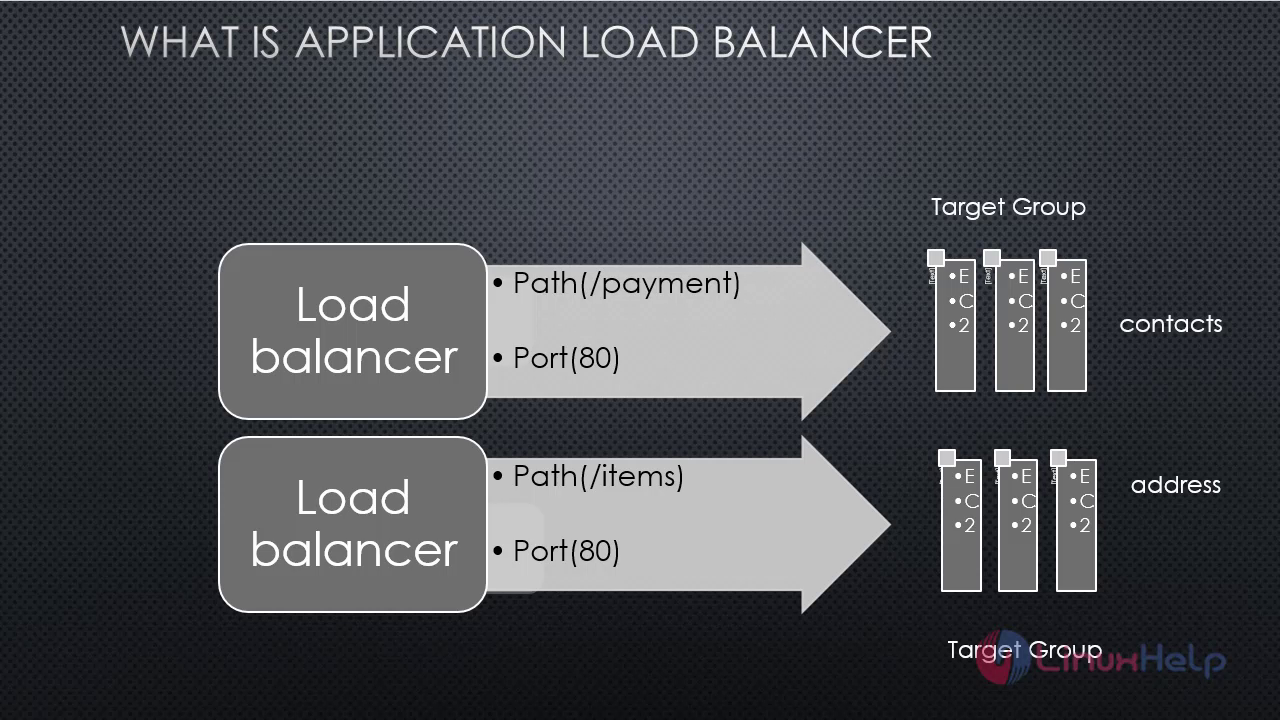
Work flow of load balancer can be this way when for each target group there is individual load balancer is there

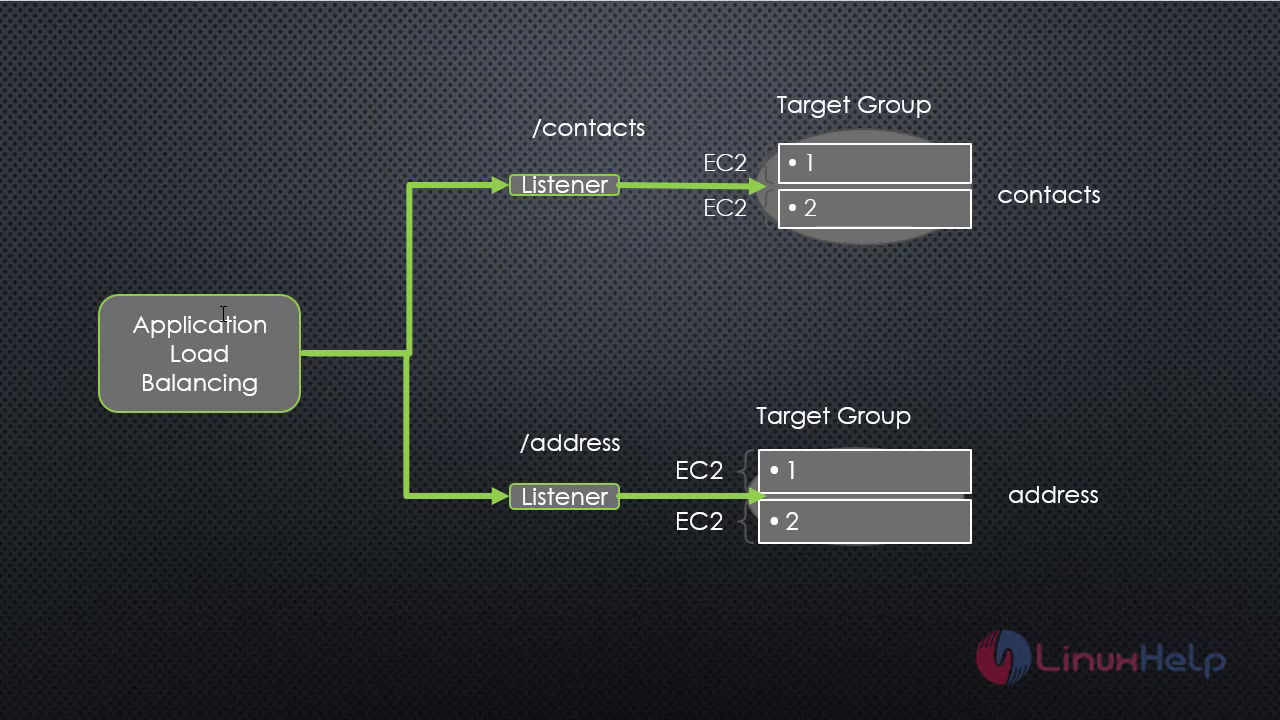
 From this paradigm a single load balancer can handle all the traffic and divert it according to rule set in it.
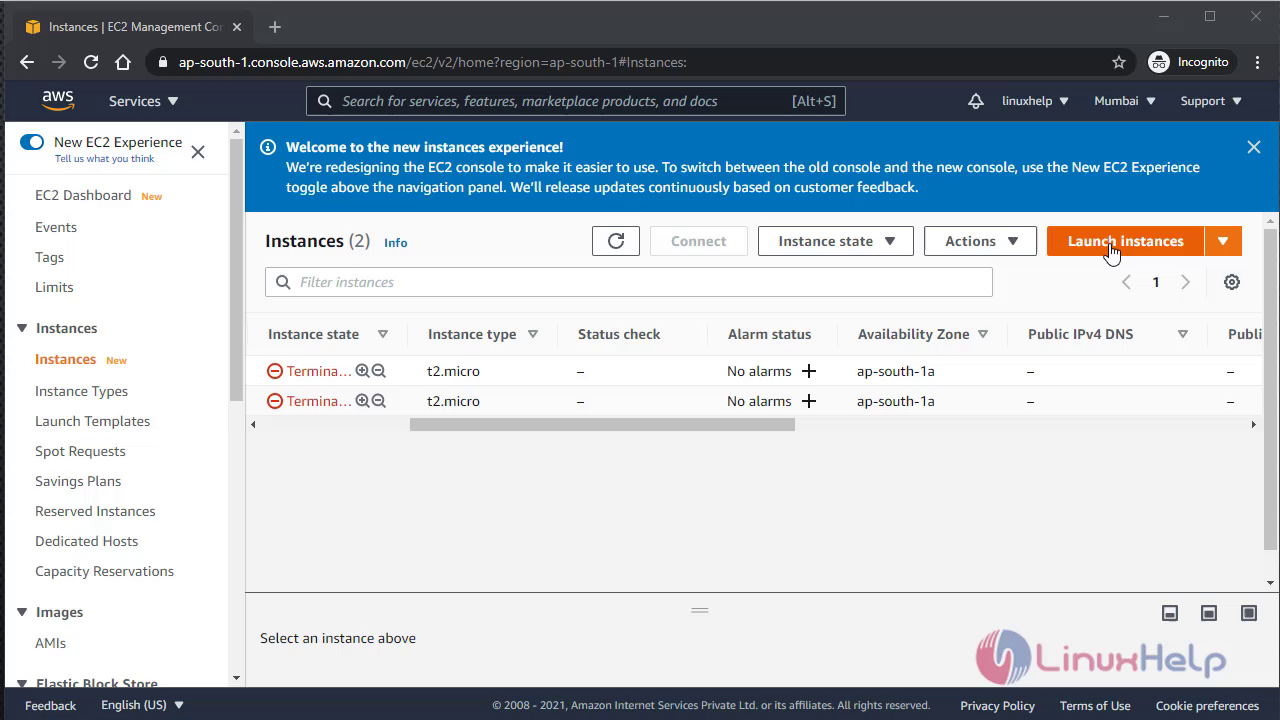
 Now I am on AWS management console to launch instance come to section of EC2
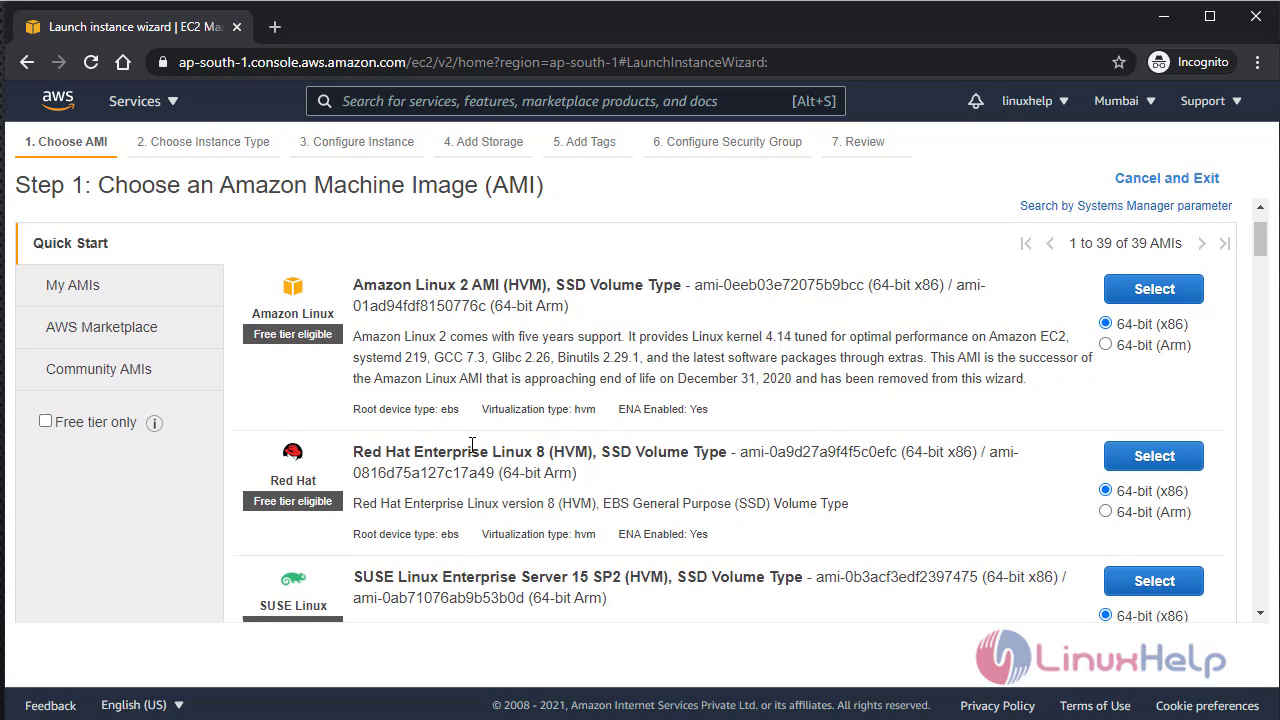
 Go to amazon linux ec2 to create instance
 Do all the basic default configuration in it
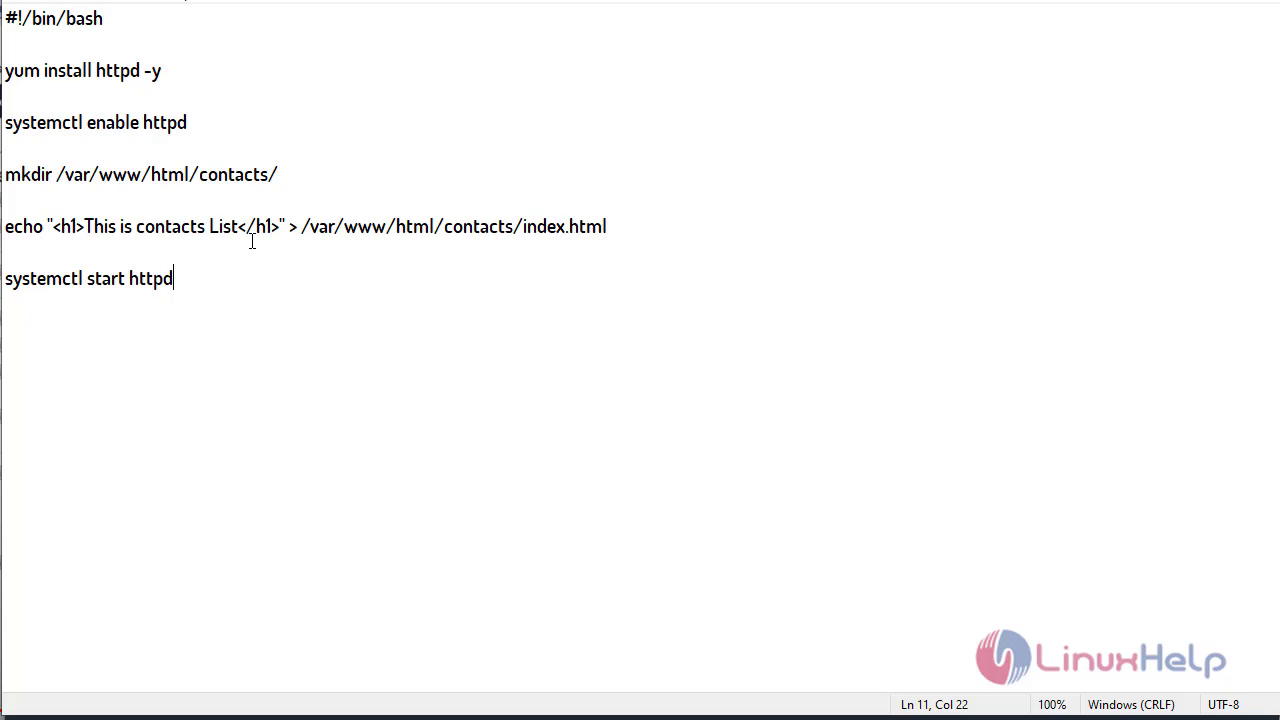
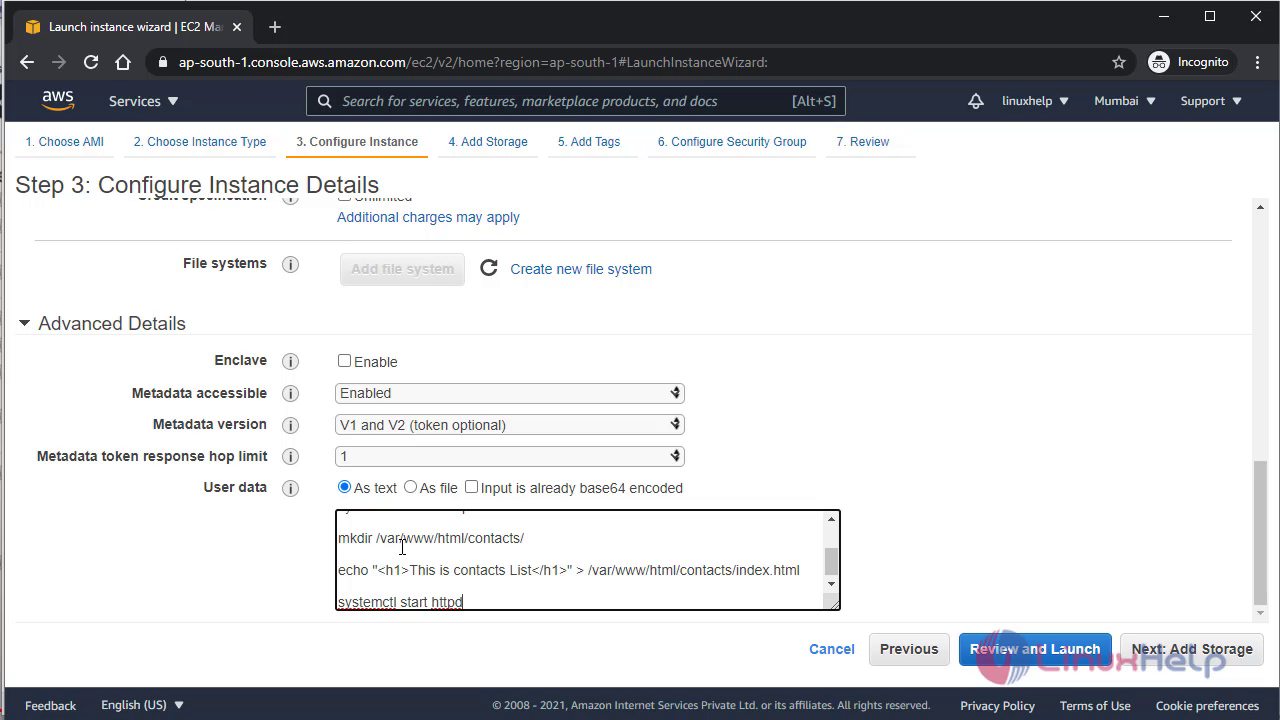
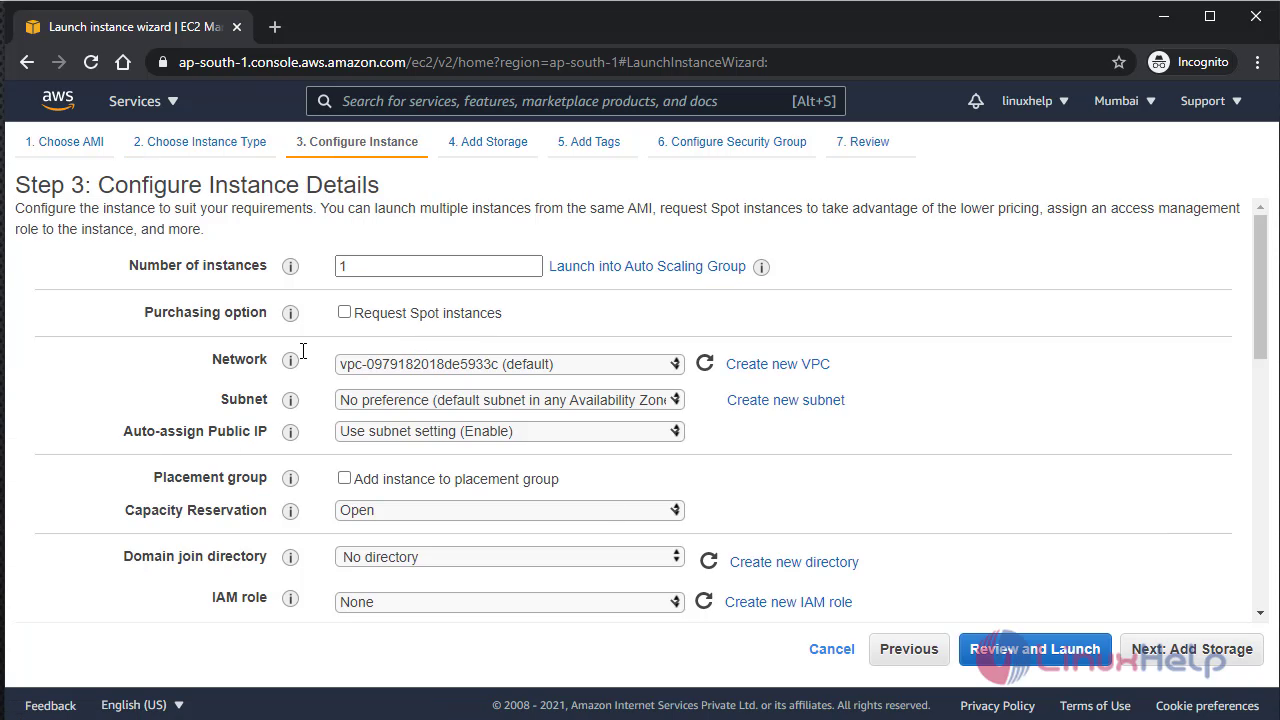 Now provide user data script in advance detail section, this script will install apache server and configure health and app folder over apache
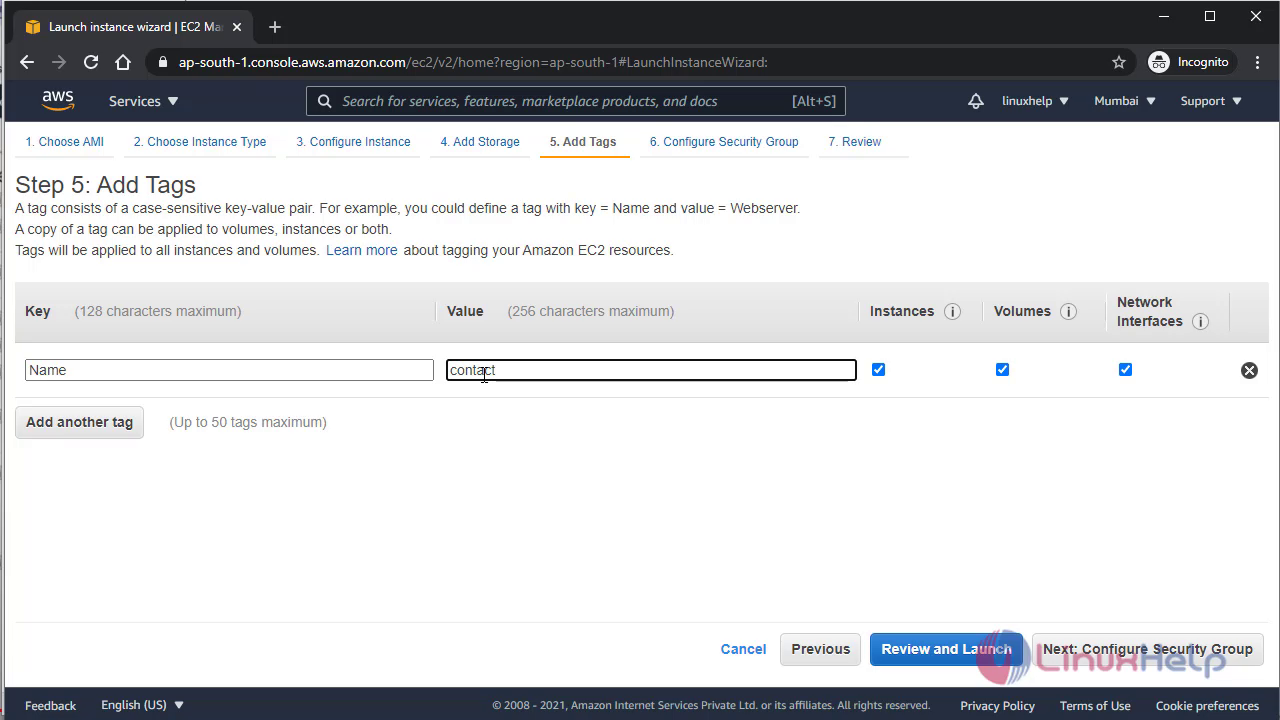
Give the name for the instance
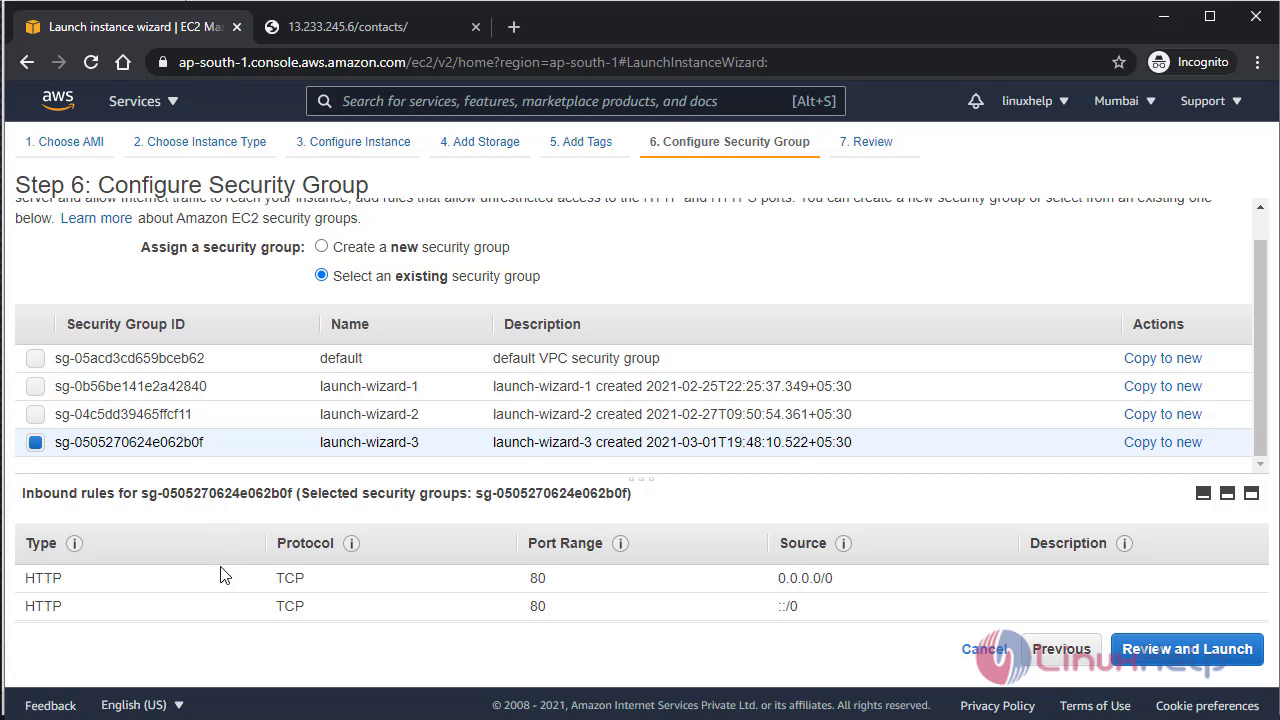
 Now configure Security group, security group must allow http port 80
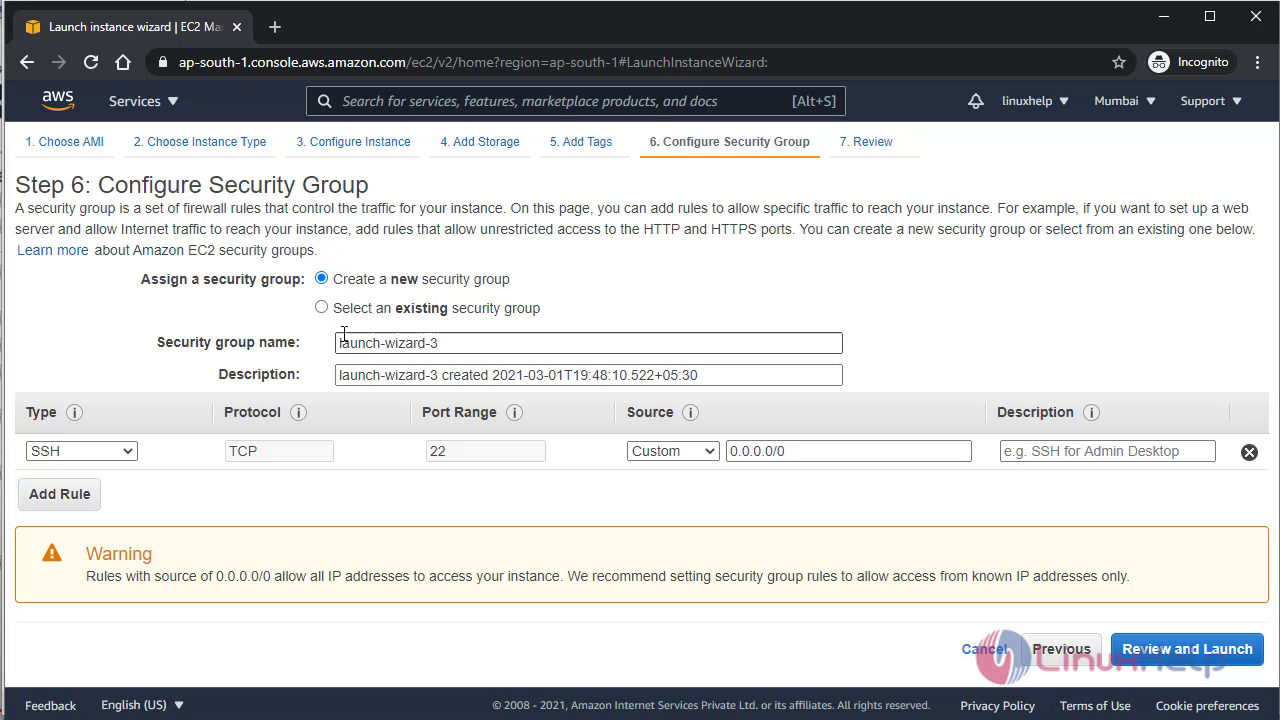 Now launch the instance
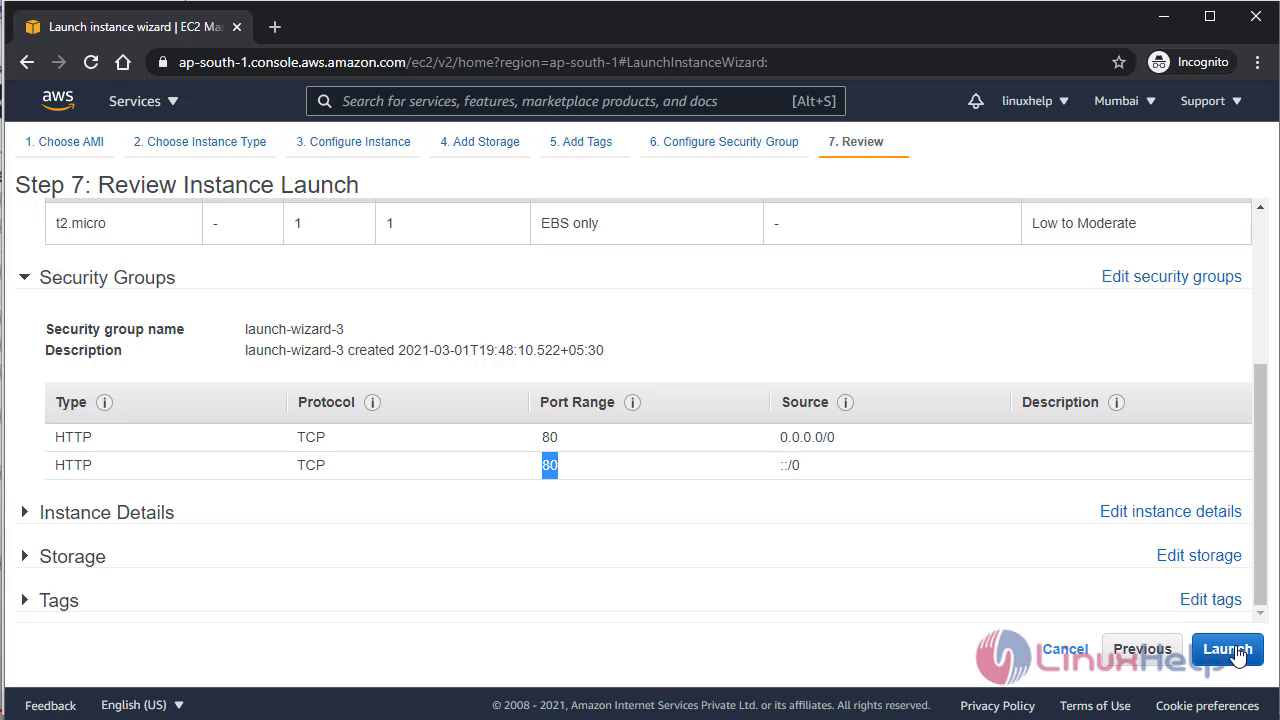
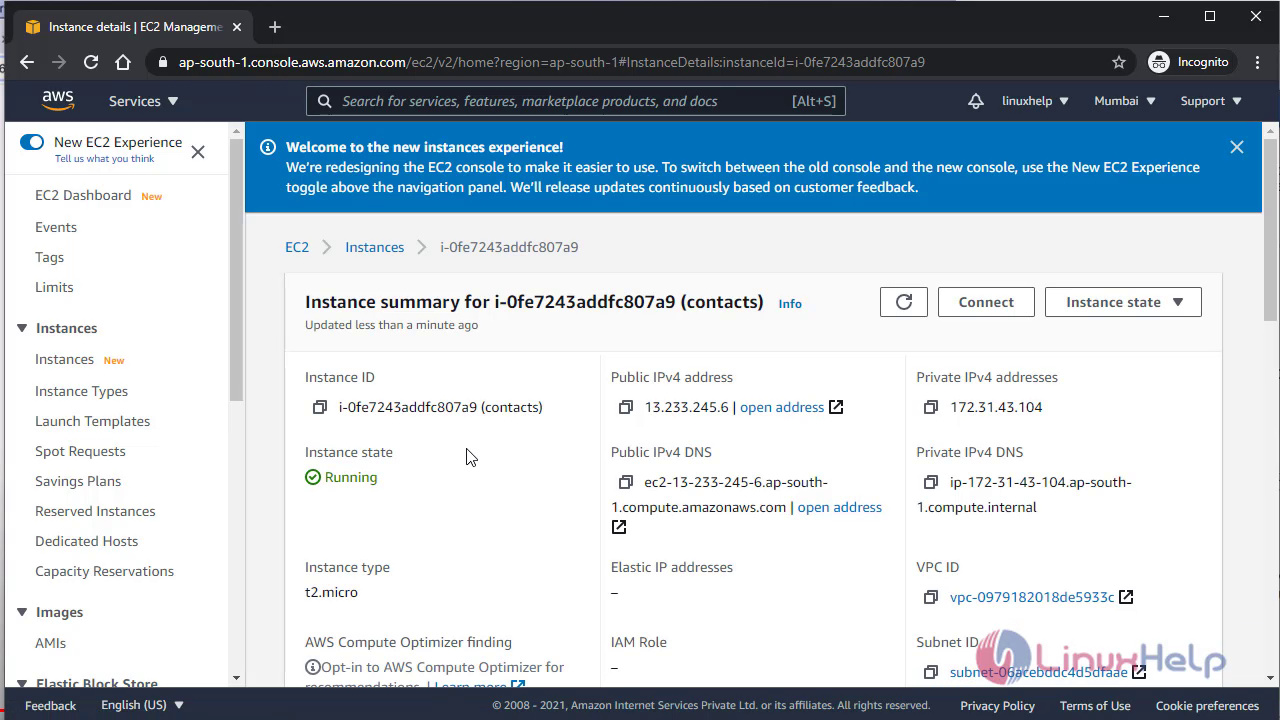
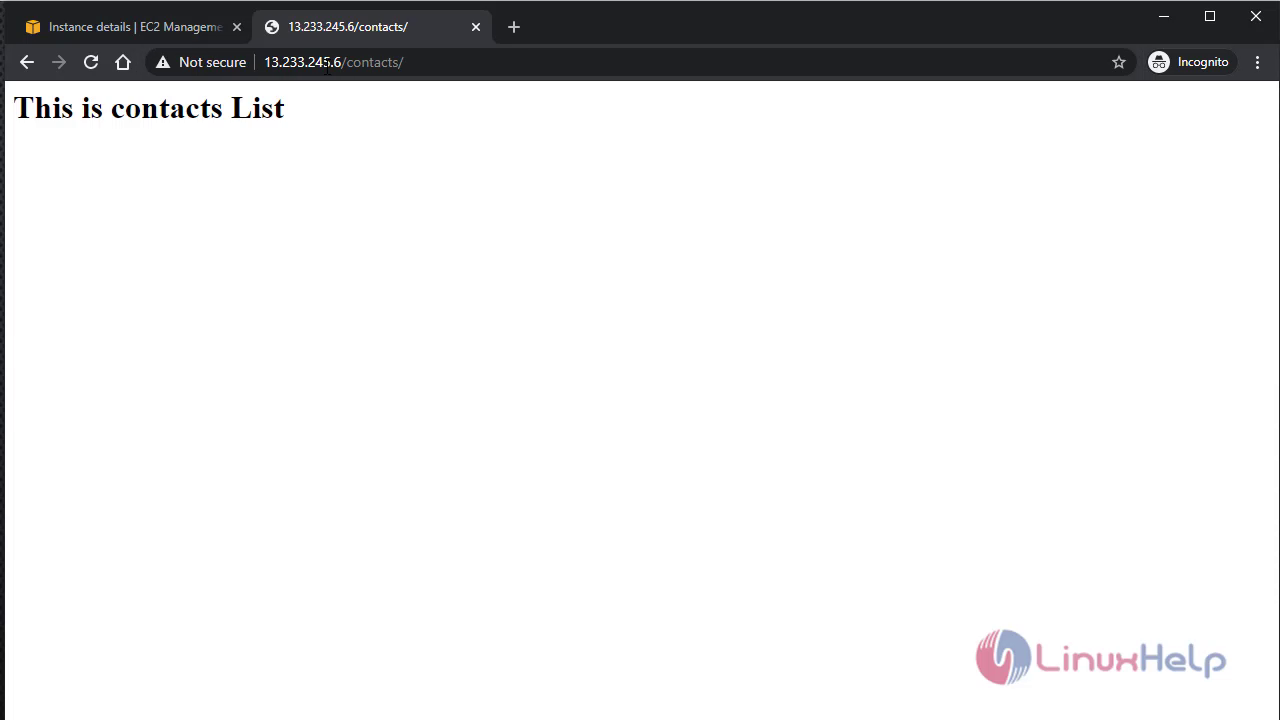
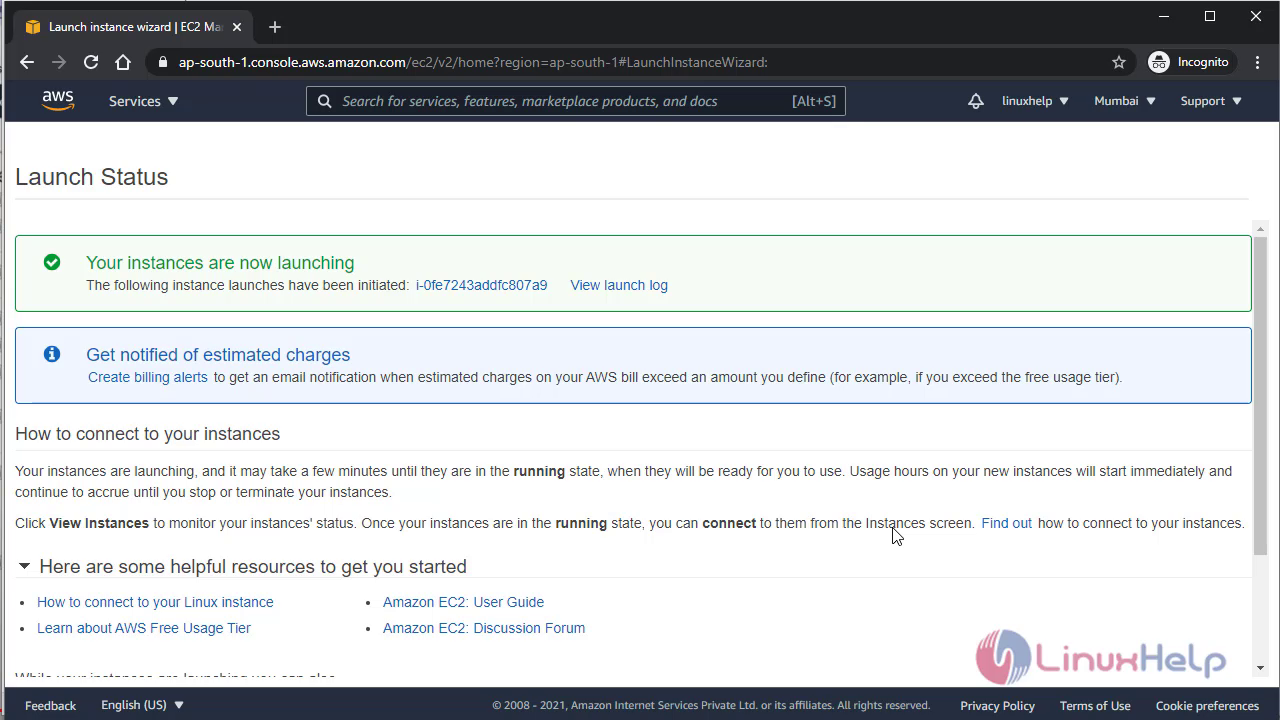 Now navigate to instance id and copy its public ip what is assigned by VPC and put that ip in browser with the path you assign in user data script
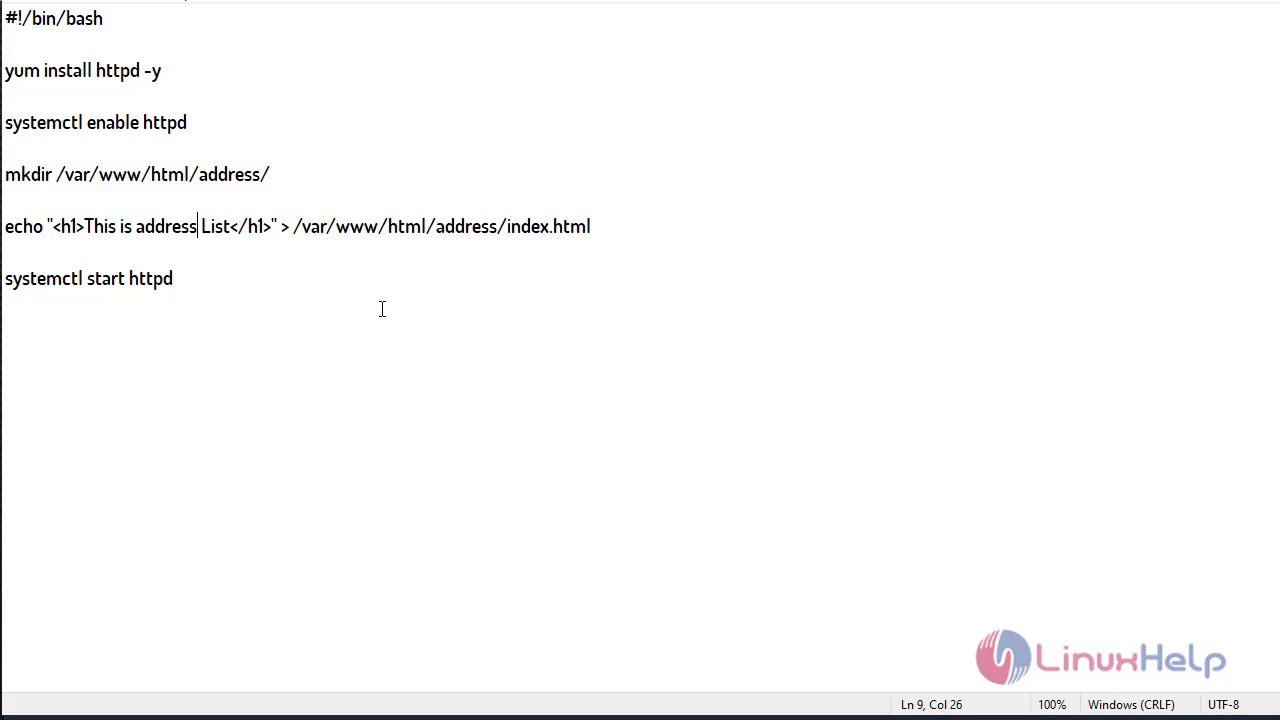
 Now create 2nd EC2 instance with the same above method, only you need to change is its user data script like below
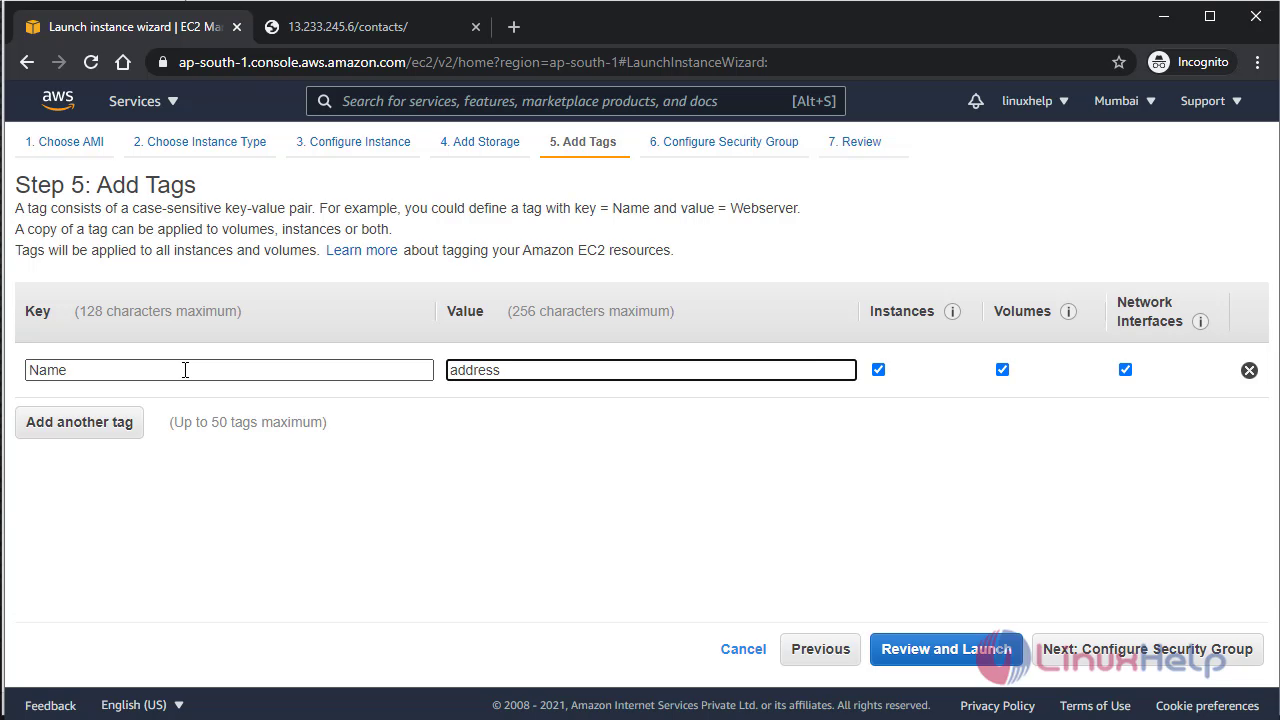
 Assign name for 2nd instance
 Configure security group for that instance
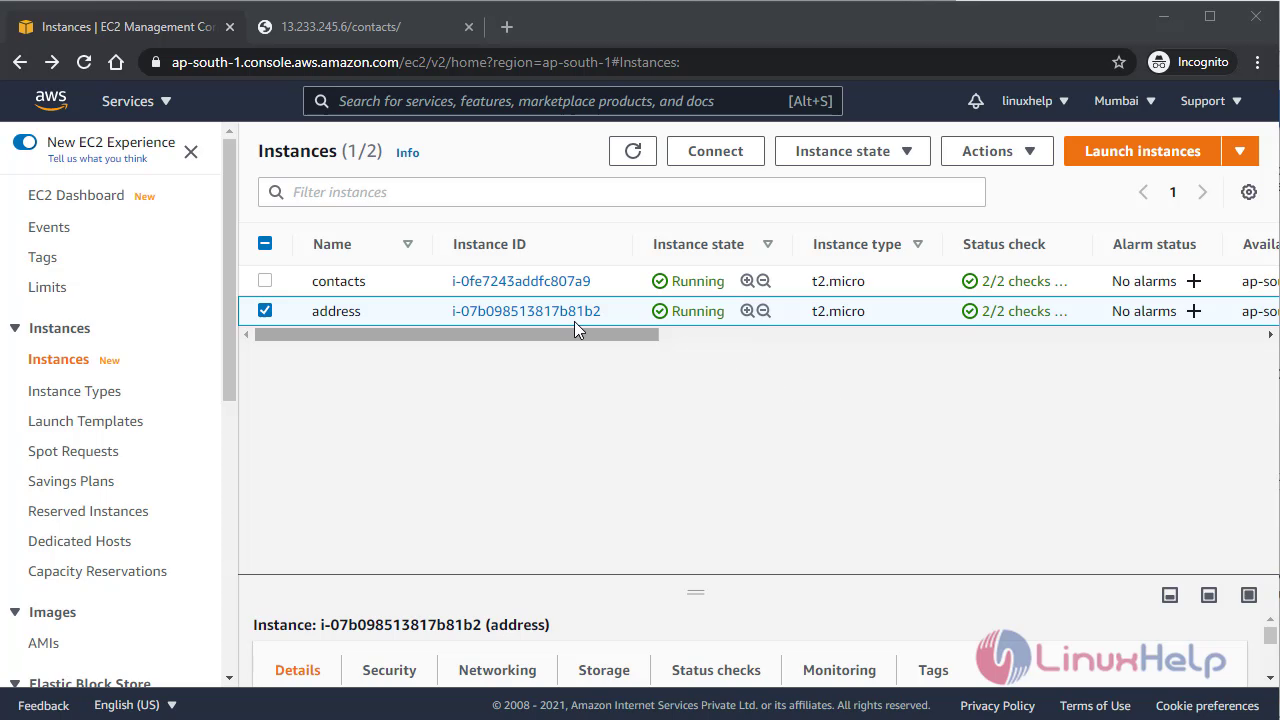
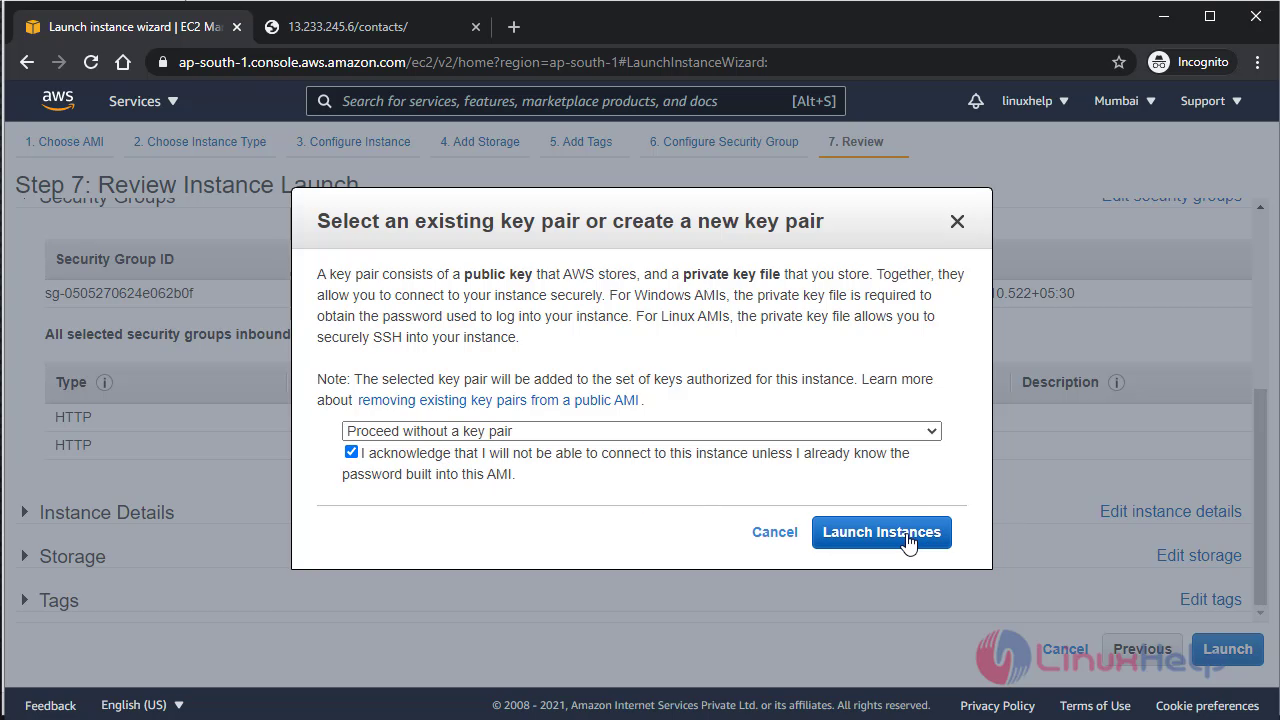 Now both instance have been created
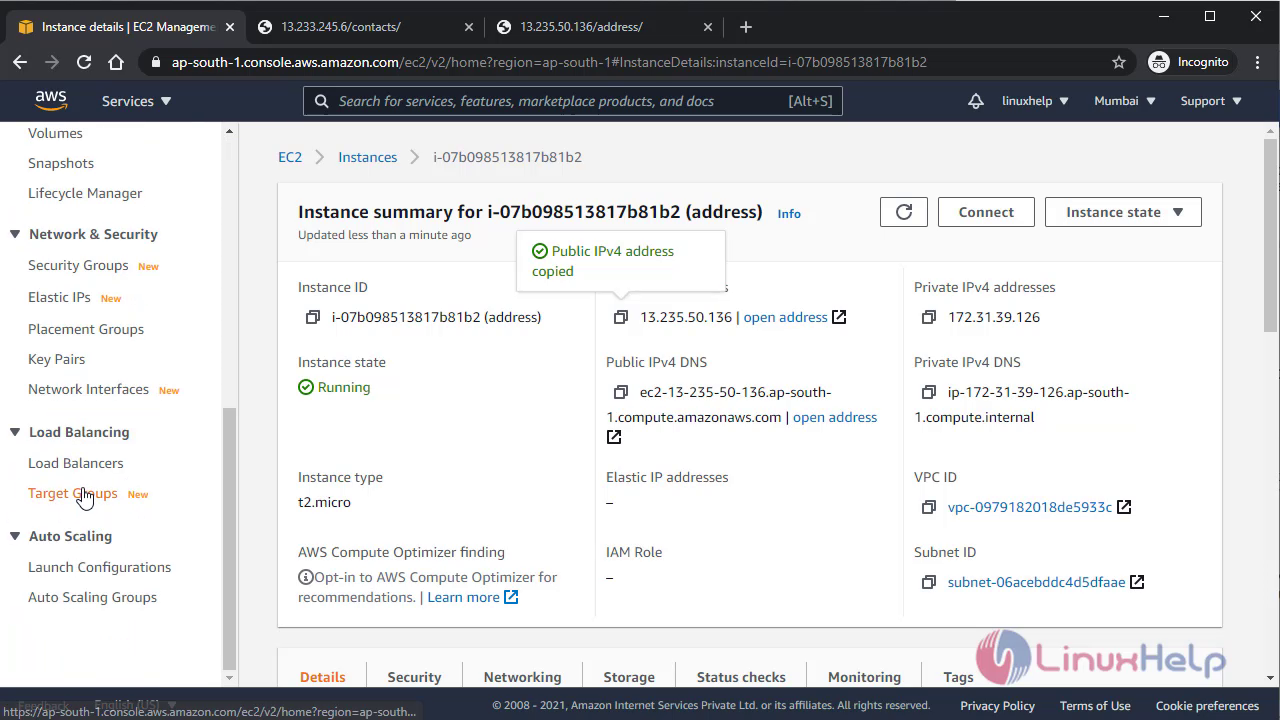
 Now cross check 2nd instance, of its accessibility using its public ip
 Now its time to create two target group and assign each instance in each target group
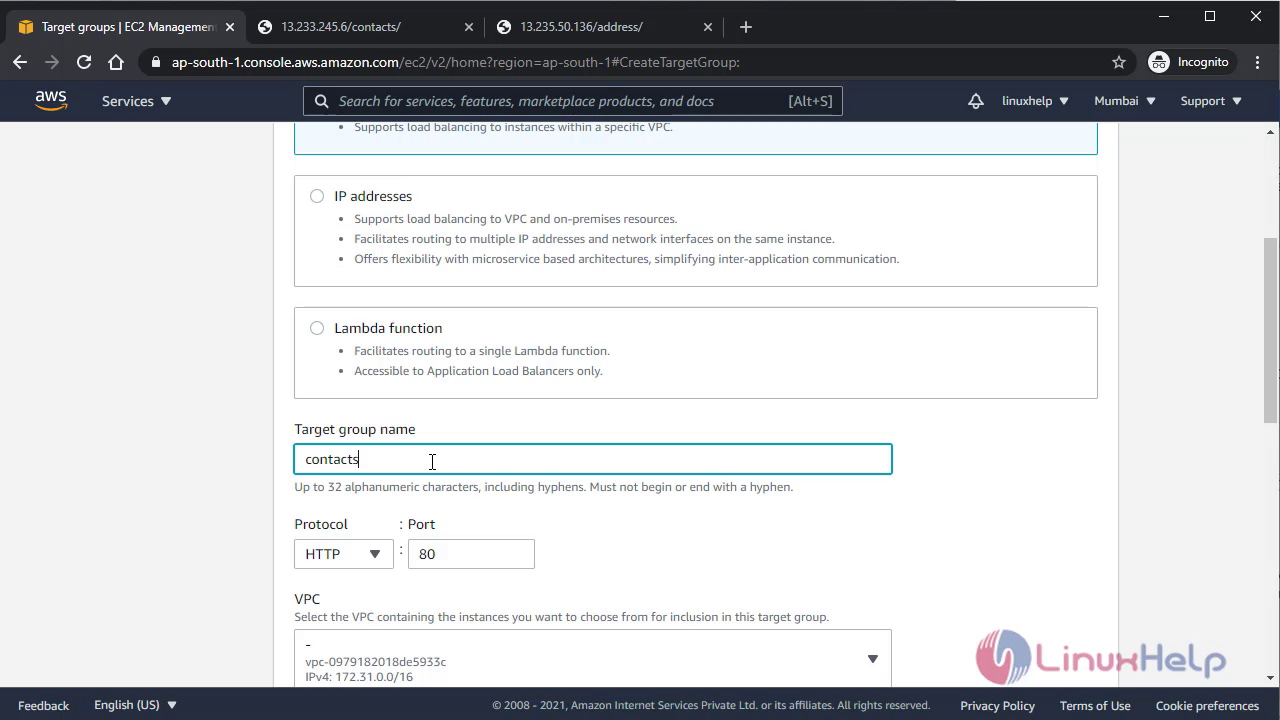
 Give name for the target group, and assign the health check file location
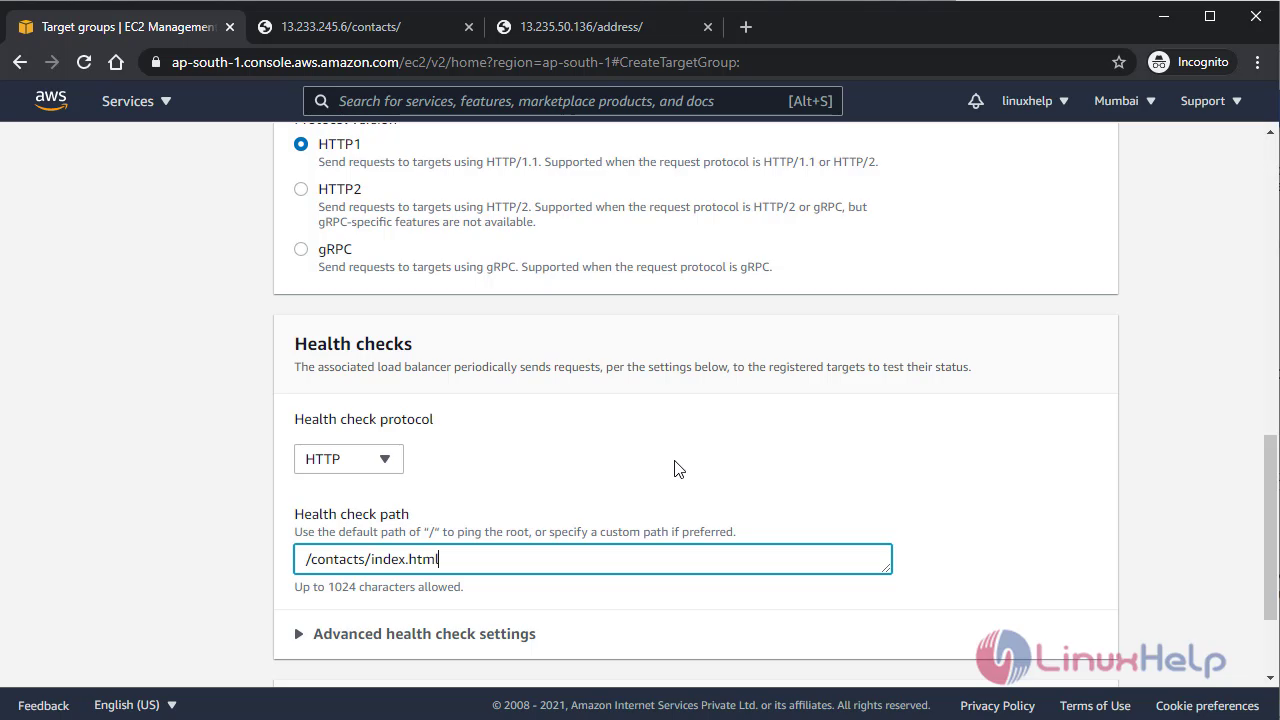 Now register target group for particular instance
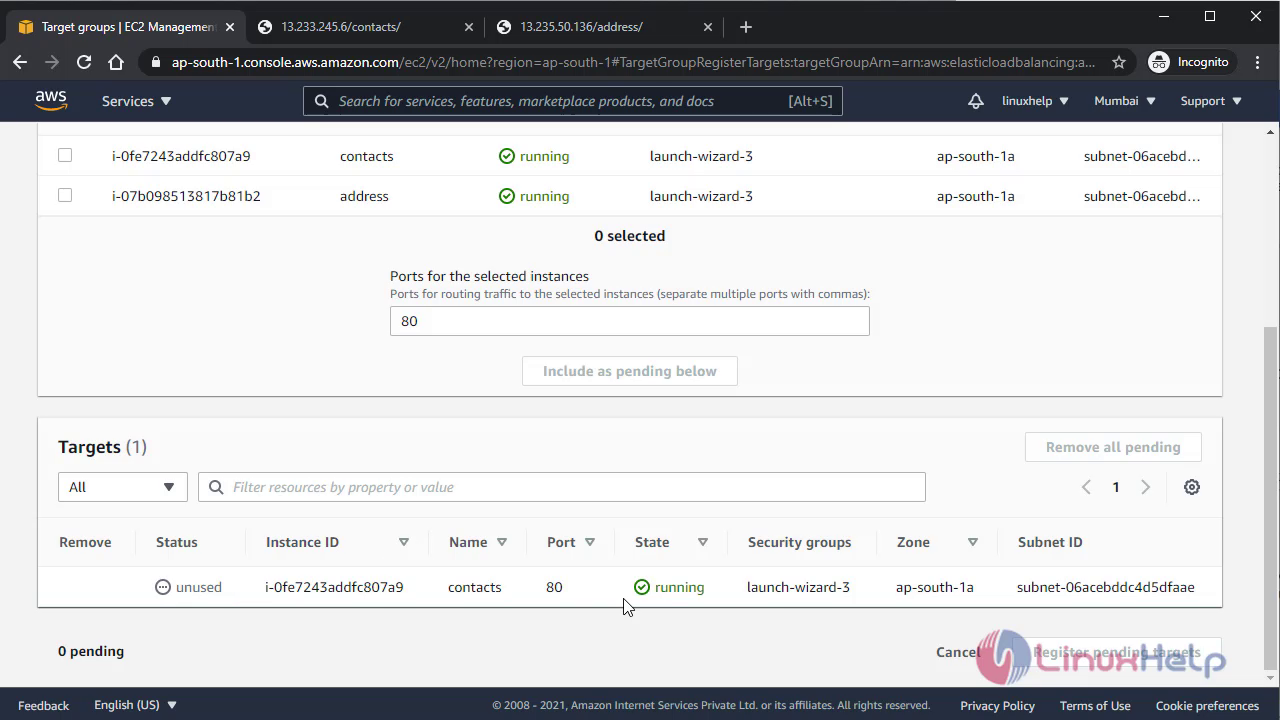 This time create 2nd instance and do all the above process for it
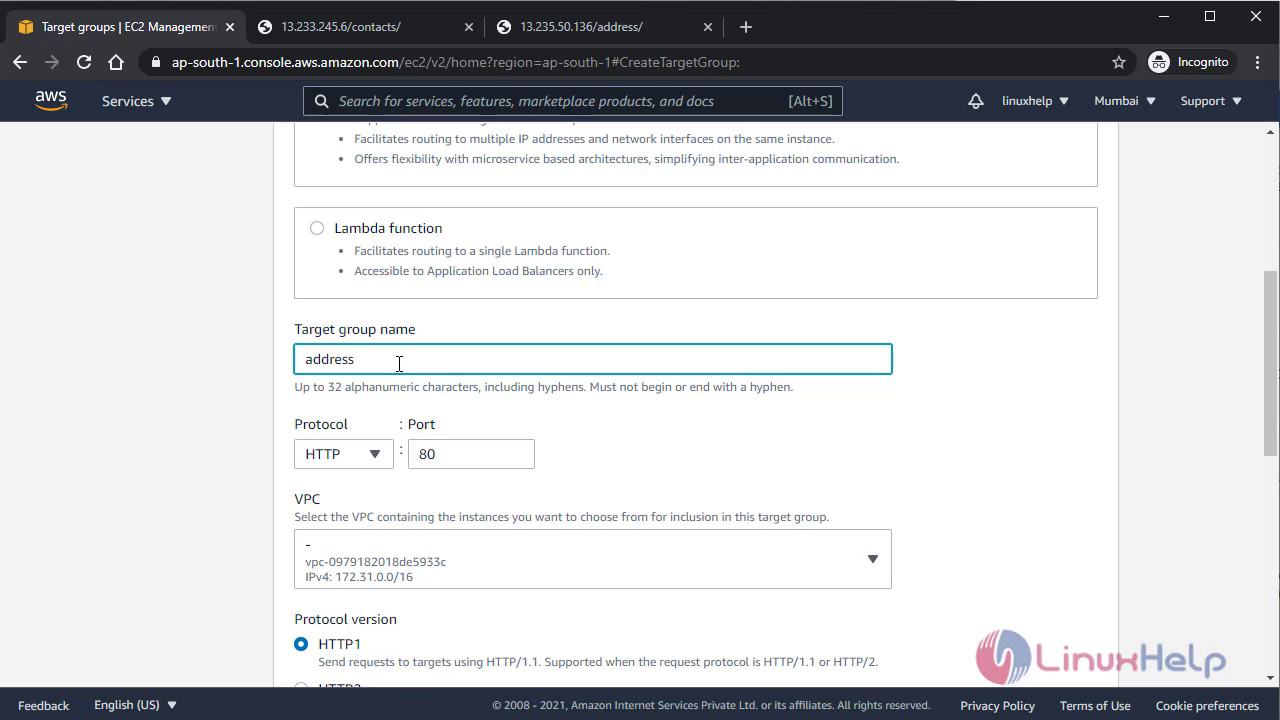
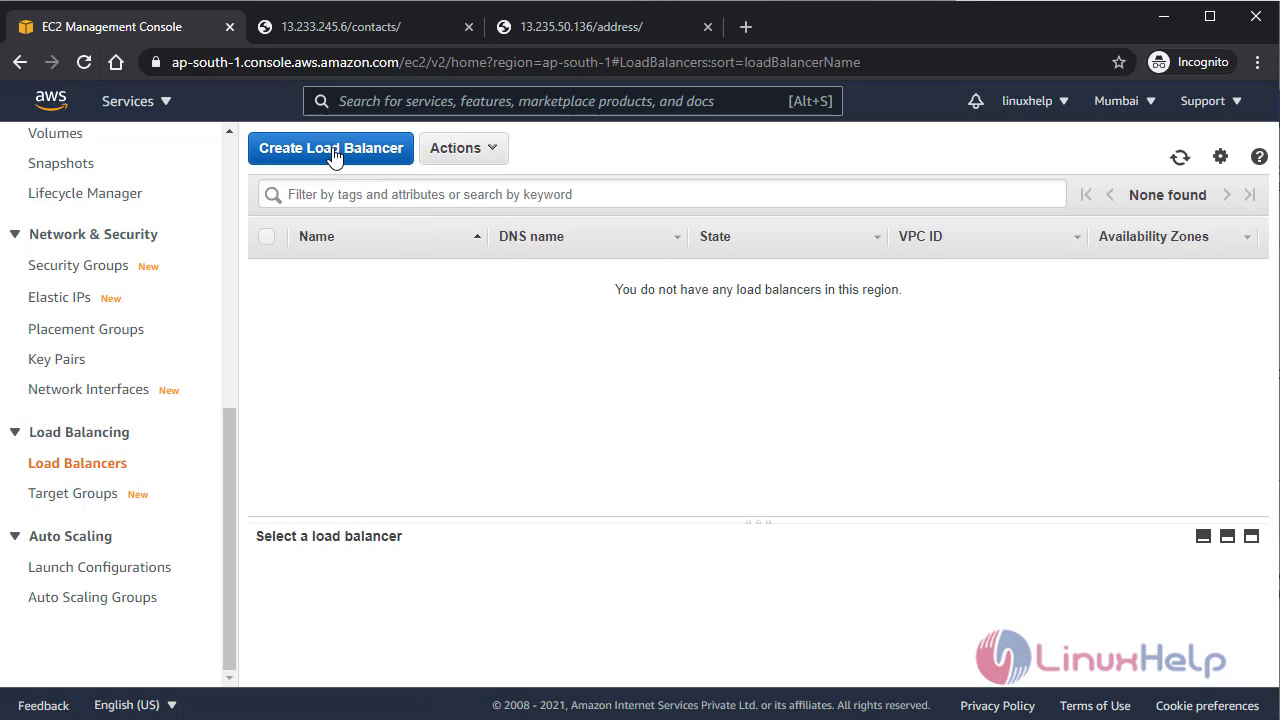
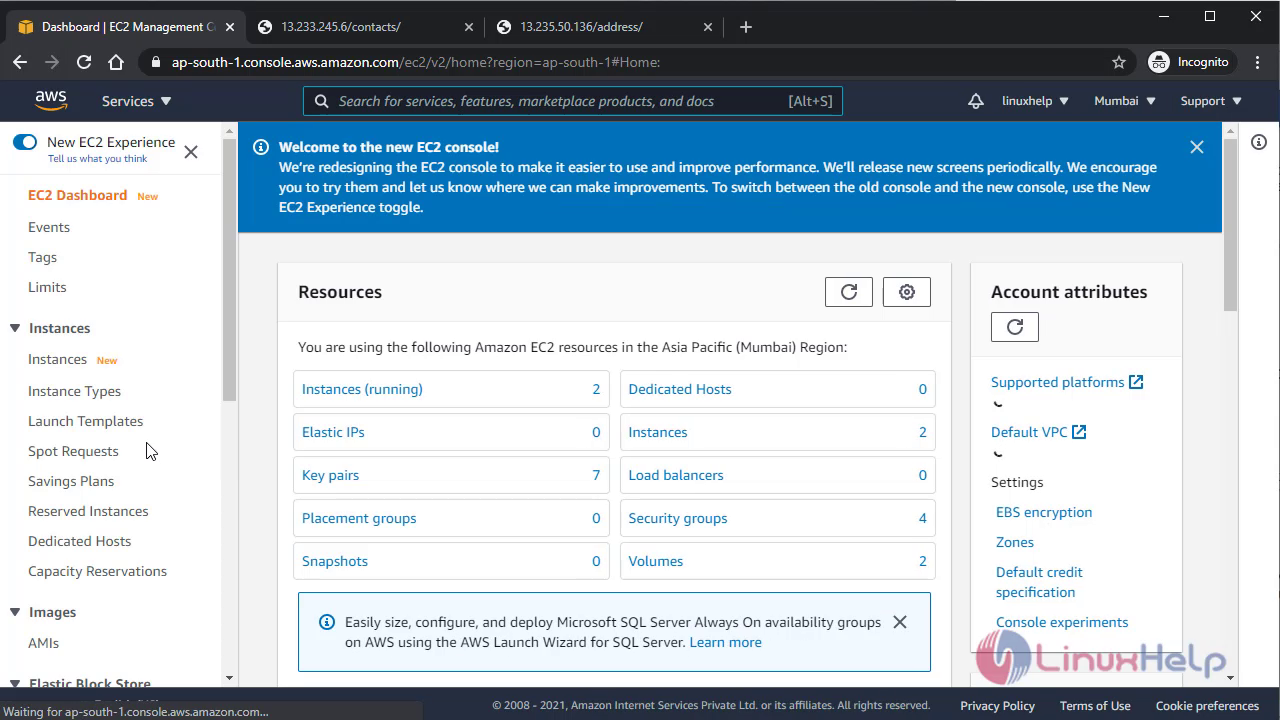 Now you have created target group but they are in unused state because of no one target group is assigned in any load balancer hence now create Application load balancer
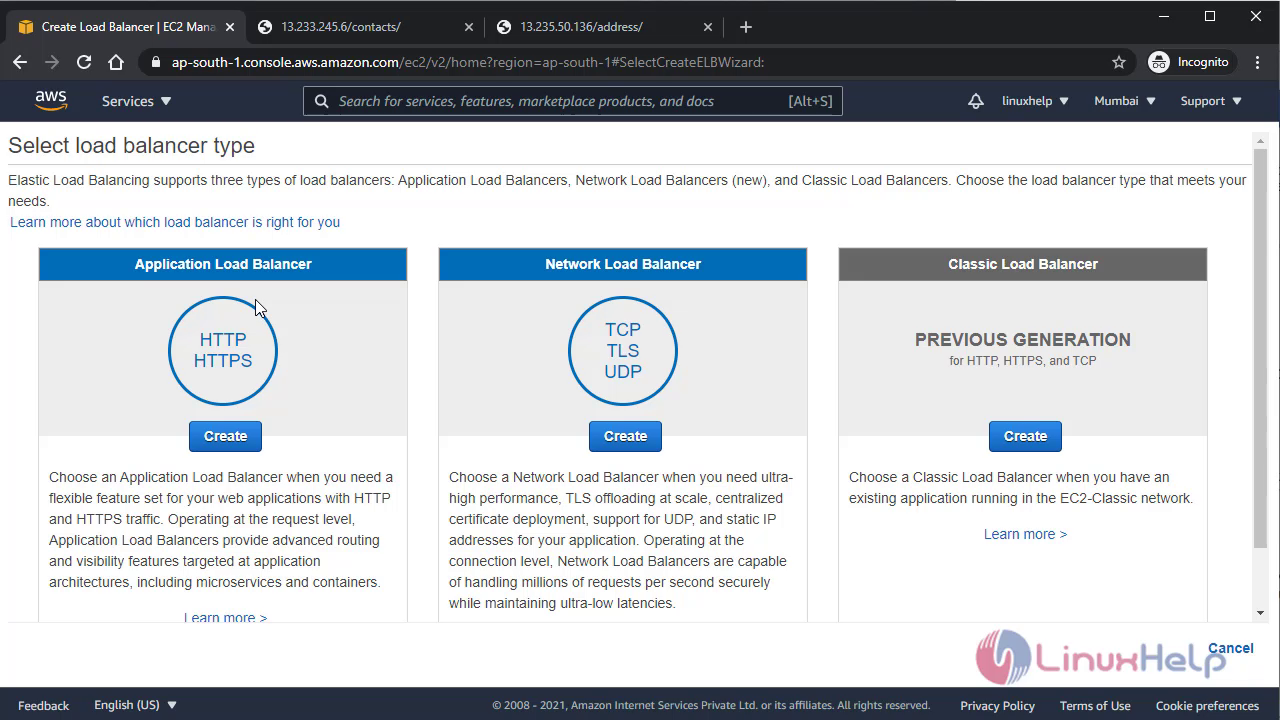
 Select application load balancer
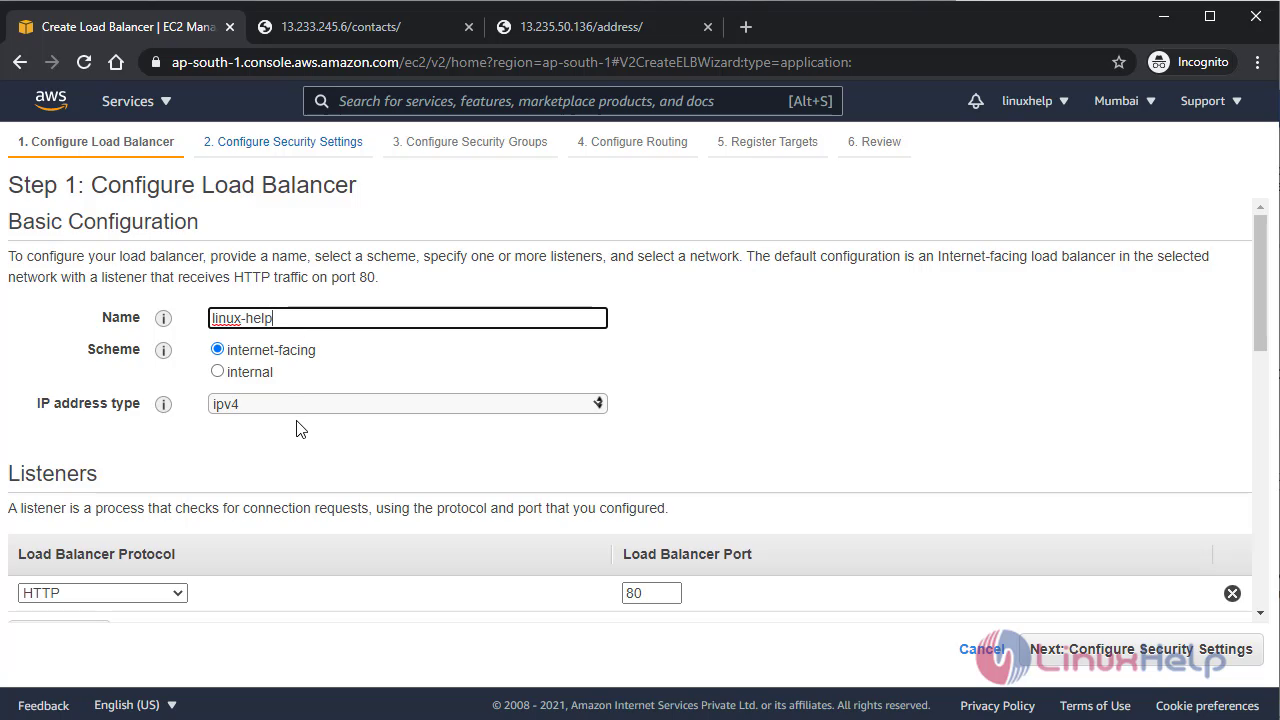
 Give a name for load balancer
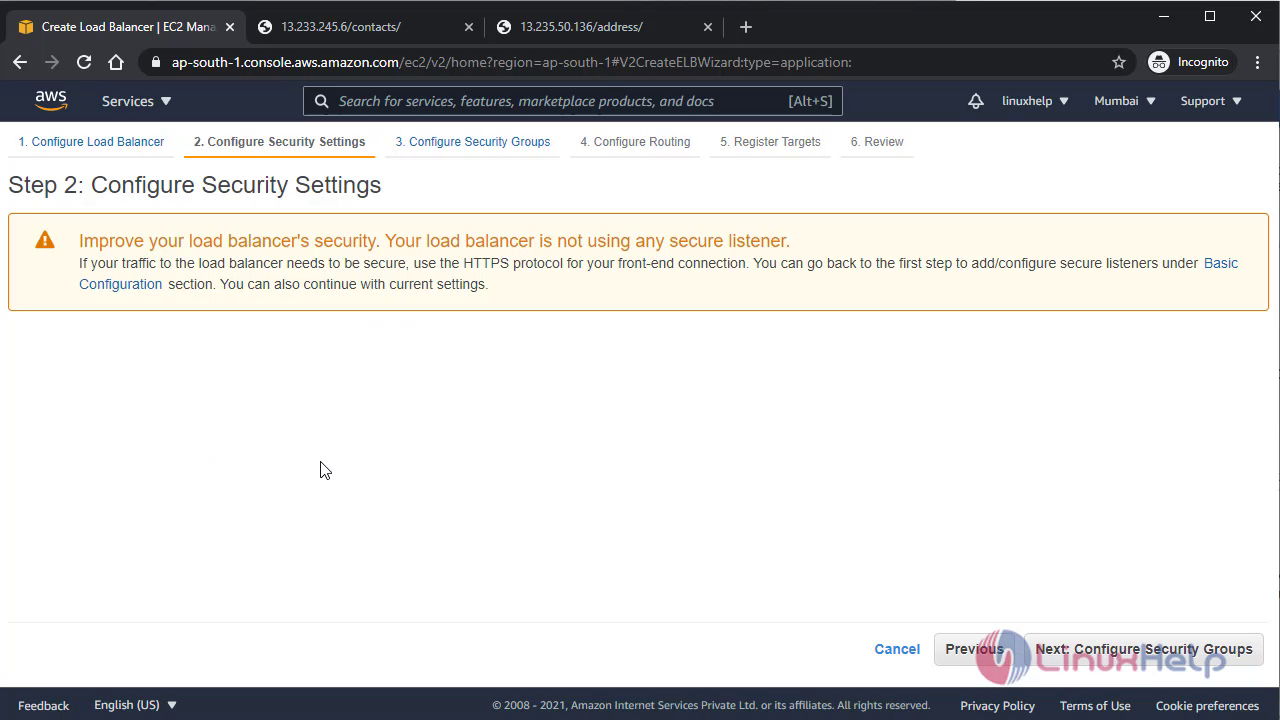
 Now it showing some liitle ssl security warning because of I haven’t purchased the ssl so for demo skip this step
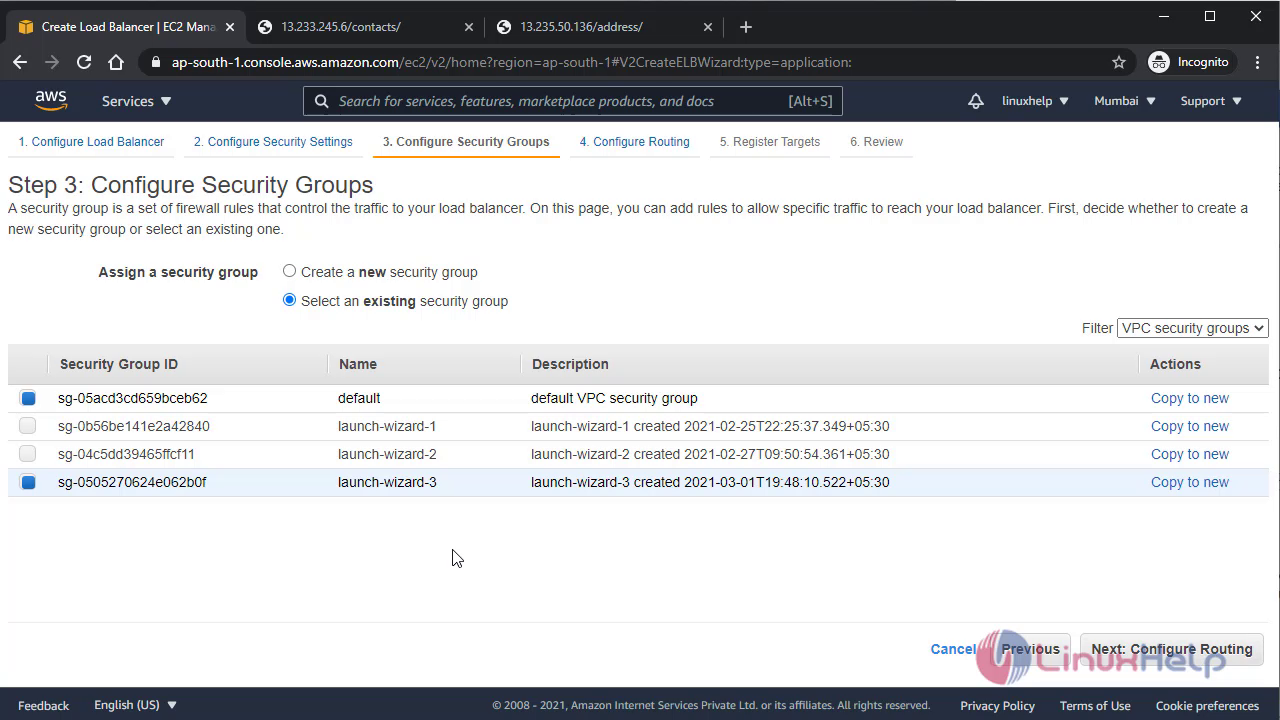
 Now assign security group for ALB
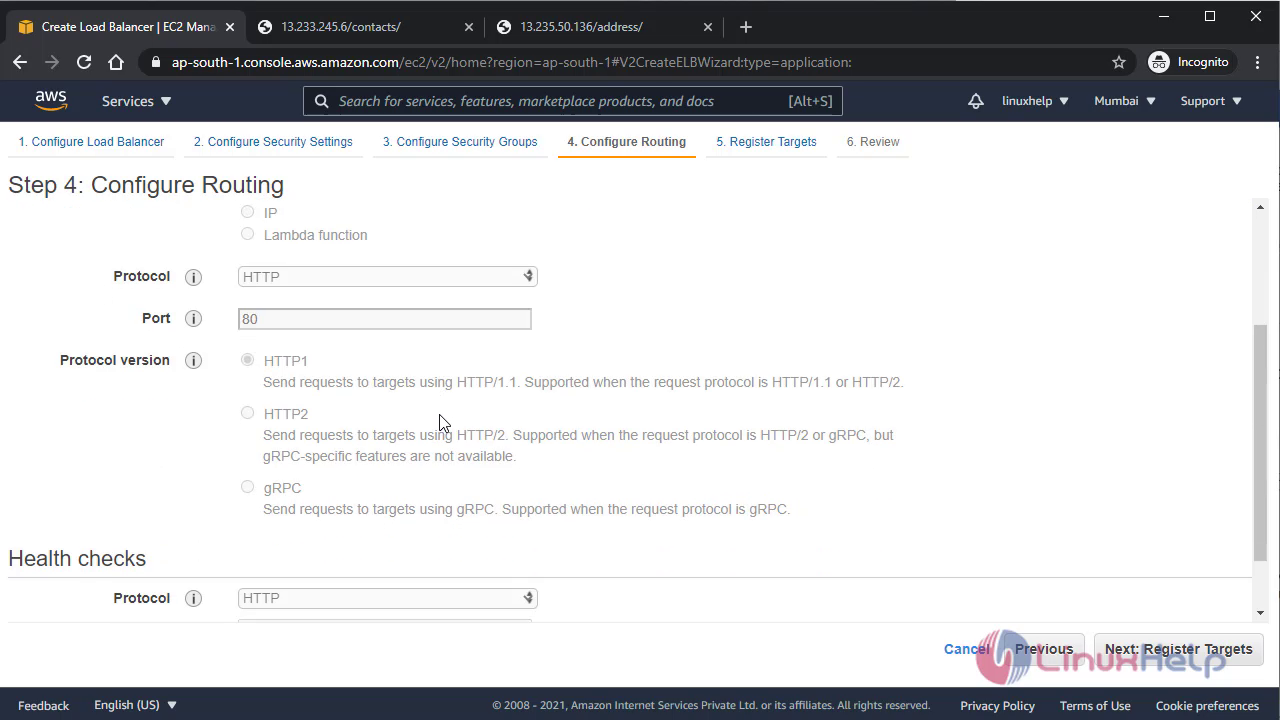
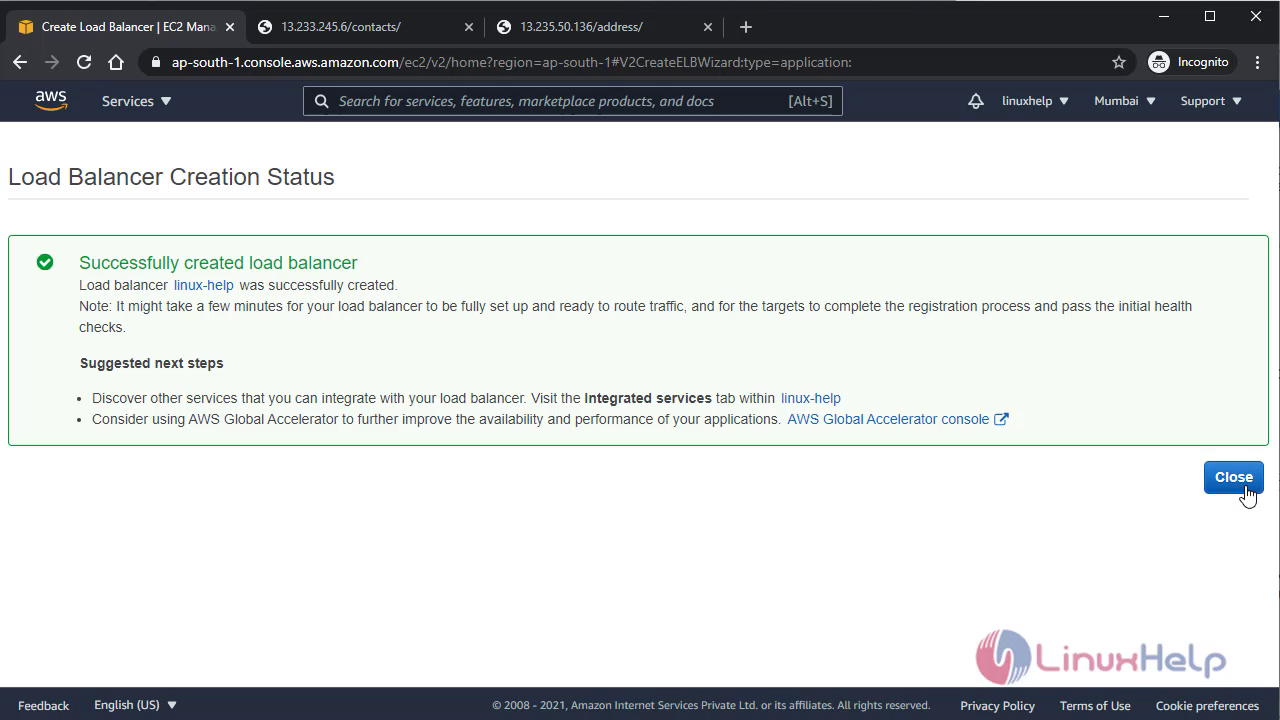
Load balancer have been created
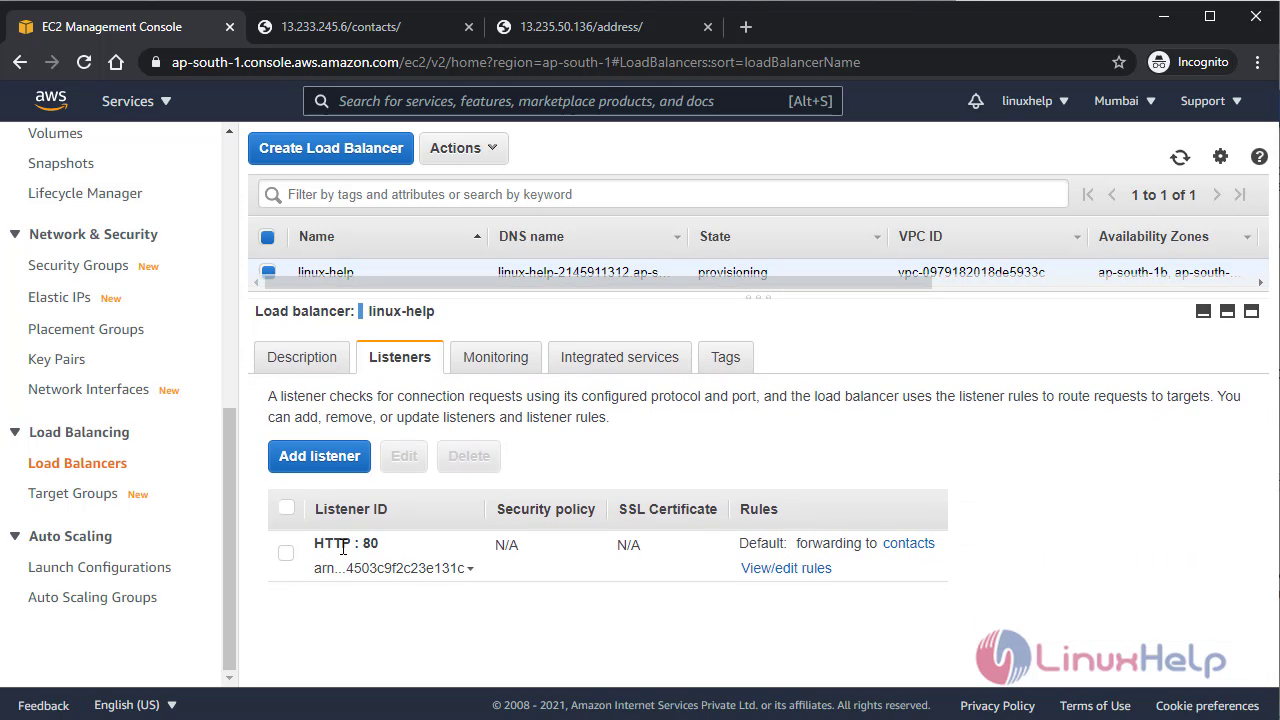
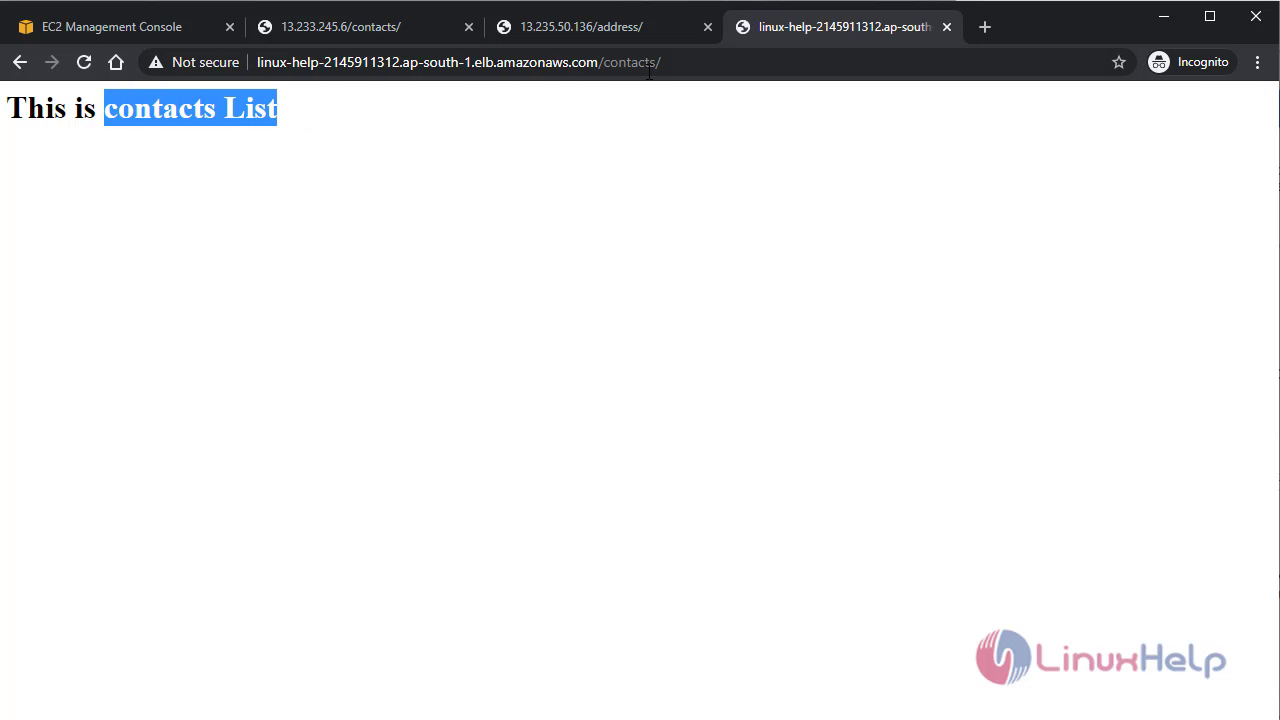
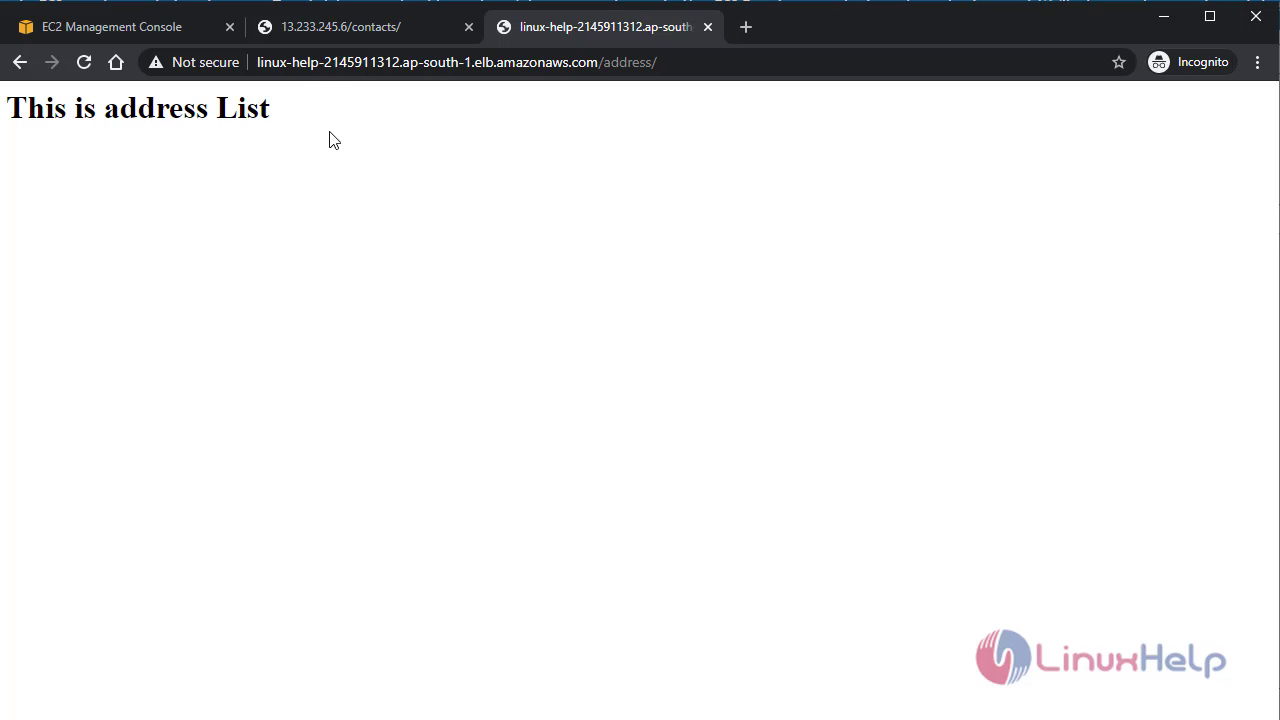
 Now go to the load balancer Listeners tab and add rule according to below
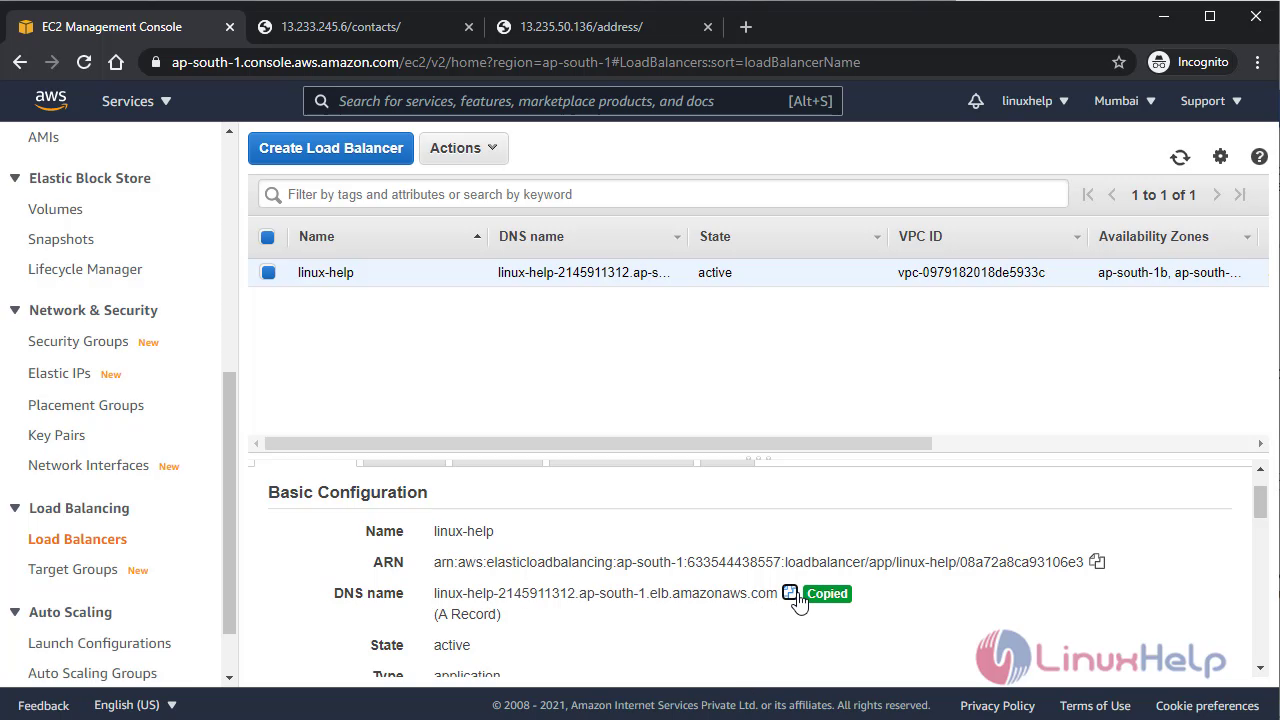
 Now to verify the ALB process copy the domain name for the ALB and paste it In browser
 With this method the configuration of Application Load balancer comes to ans end.
Comments ( 0 )
No comments available