How to Configure AWS SQS(Simple Queue Service)
To Configure Simple Queue Service
Introduction:
Amazon Simple Queue Service is a distributed message queuing service that was introduced by Amazon.com in late 2004 which supports the programmatic sending of messages through web service applications as a way to communicate over the Internet.
Steps to configure:
Basic Workflow diagram for SQS
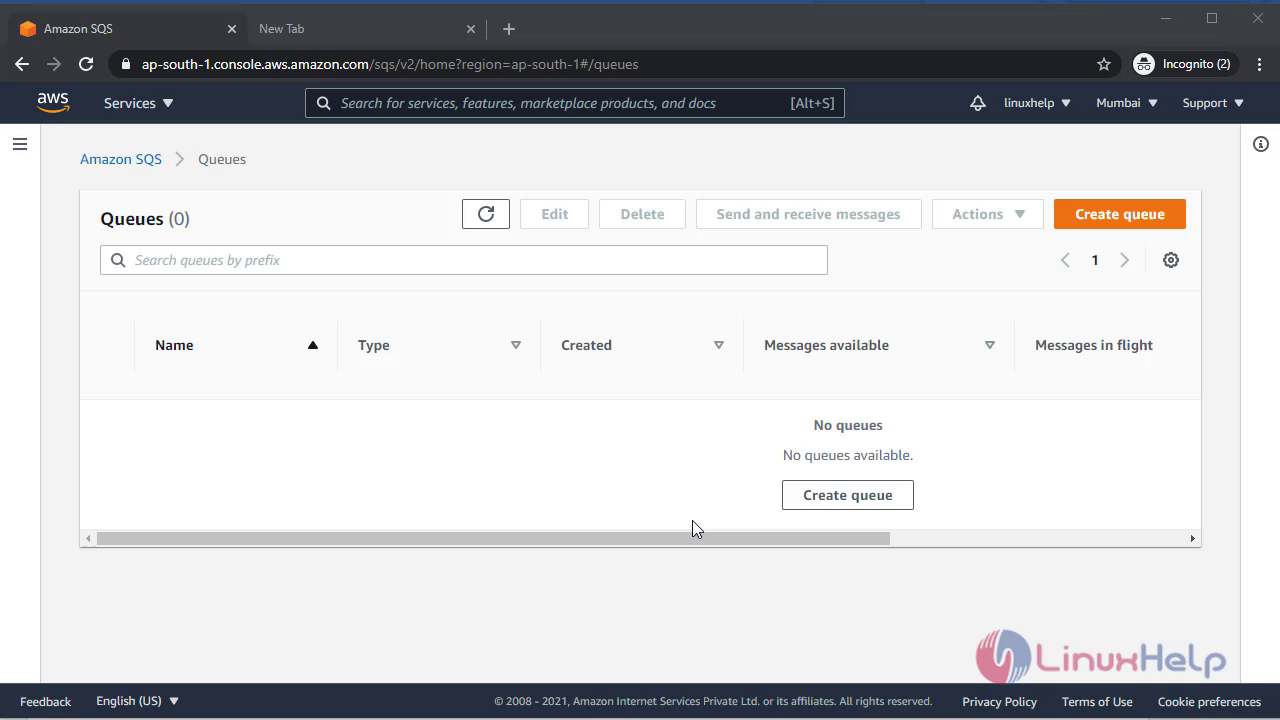
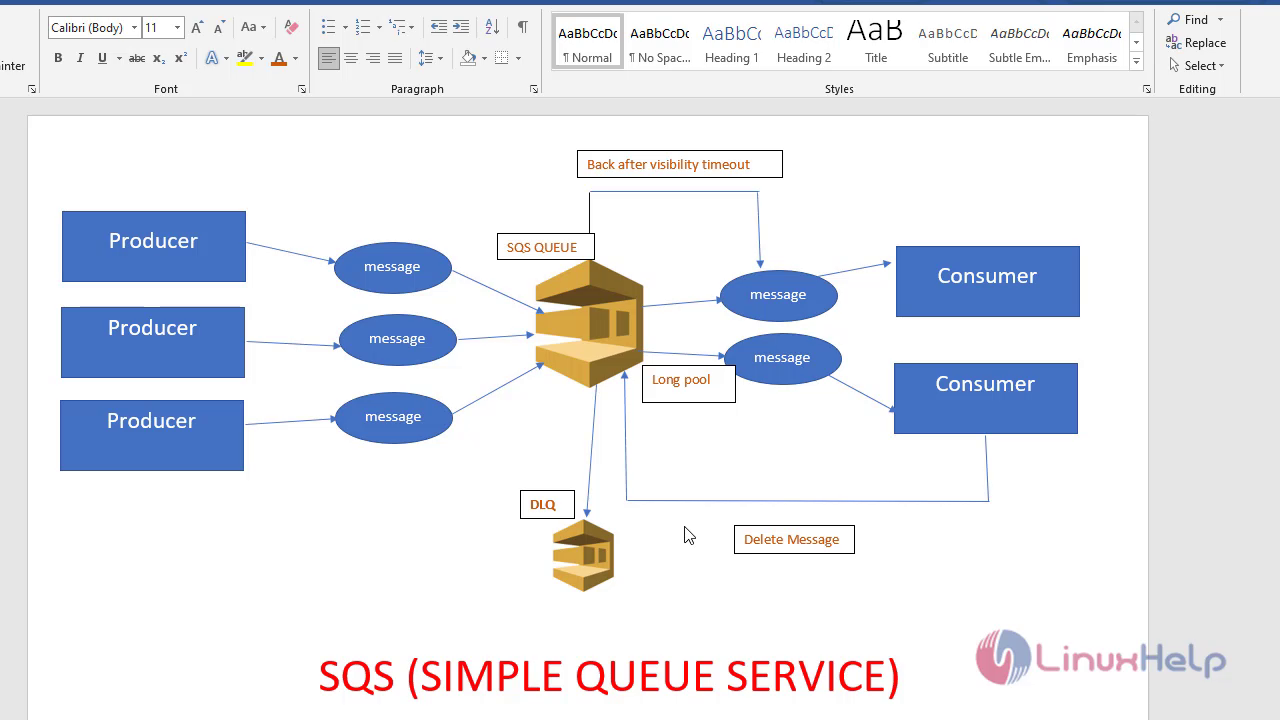 Now move to the amazon AWS console management system
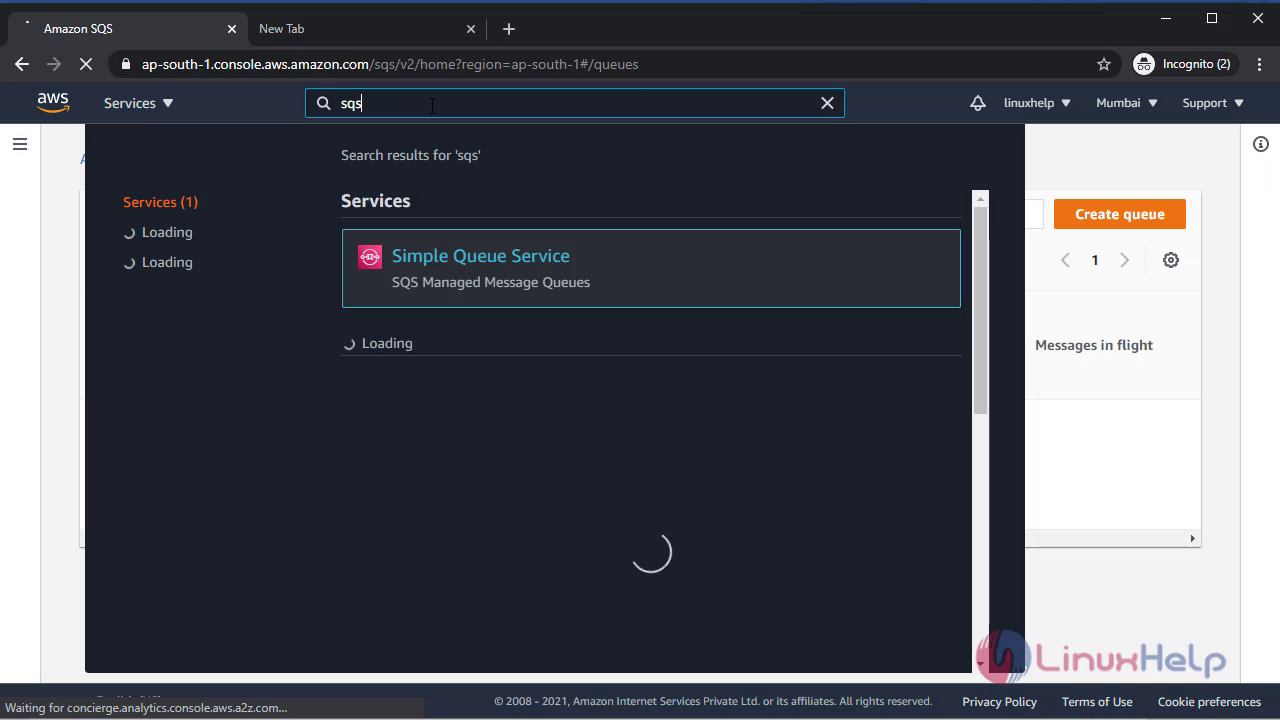
 To choose SQS service in AWS console go to the services and search for the SQS there
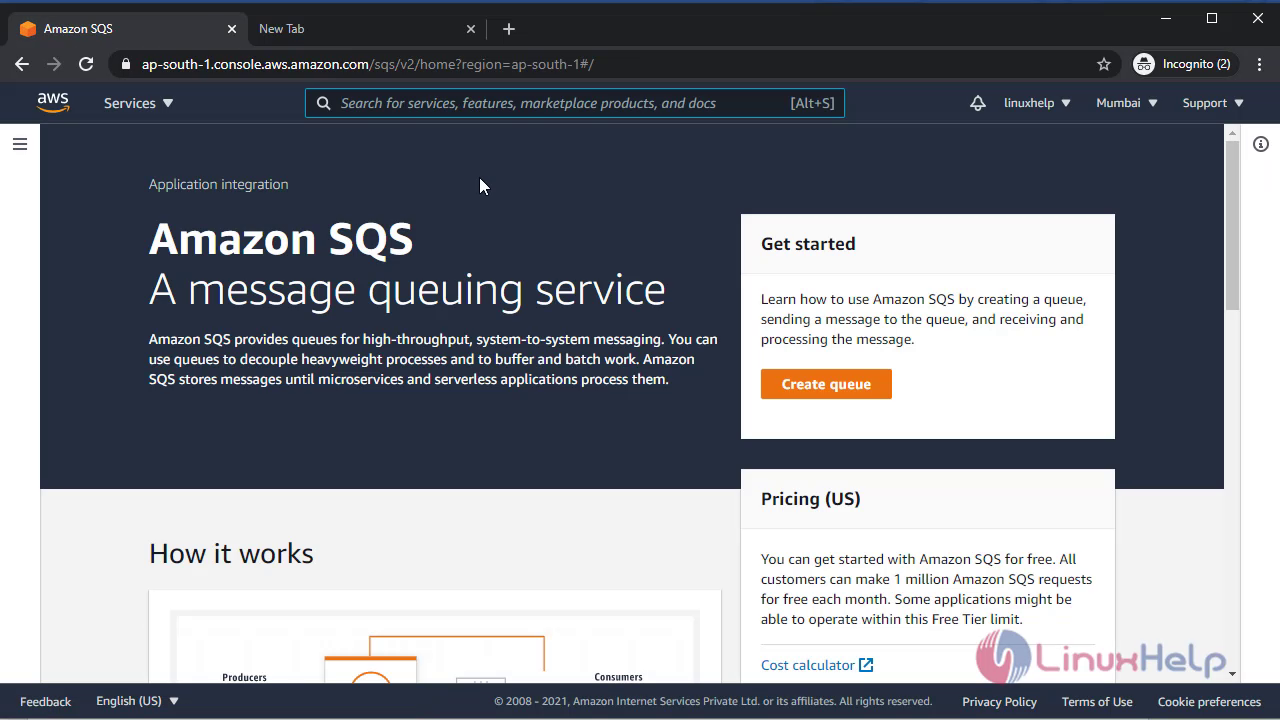
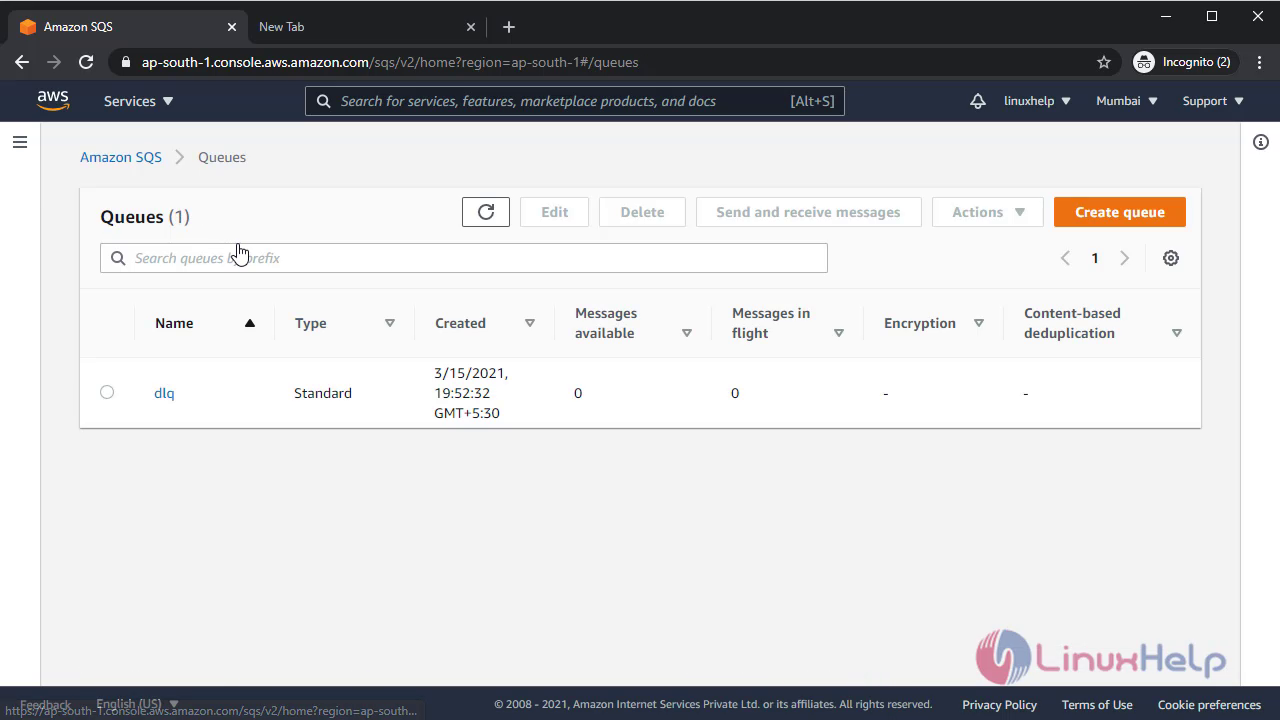
 Now to create queue click the icon create queue
 Now give all the default configuration or required configuration for your SQS service
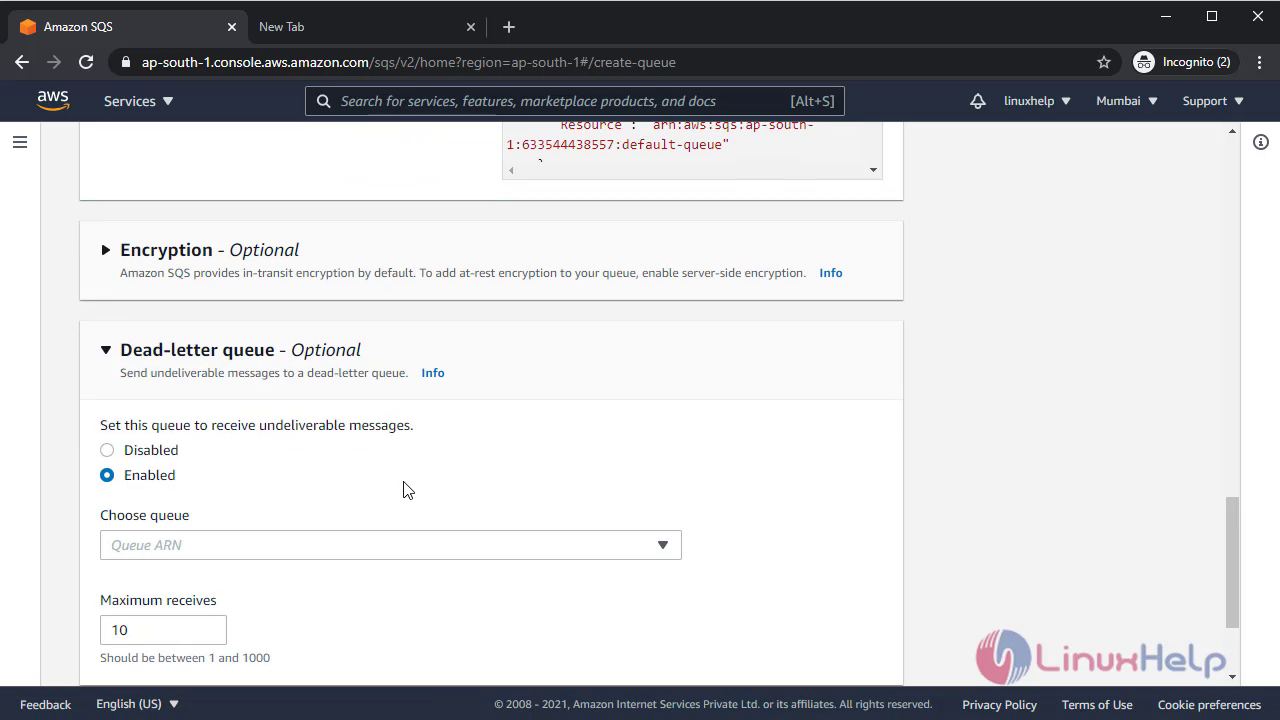
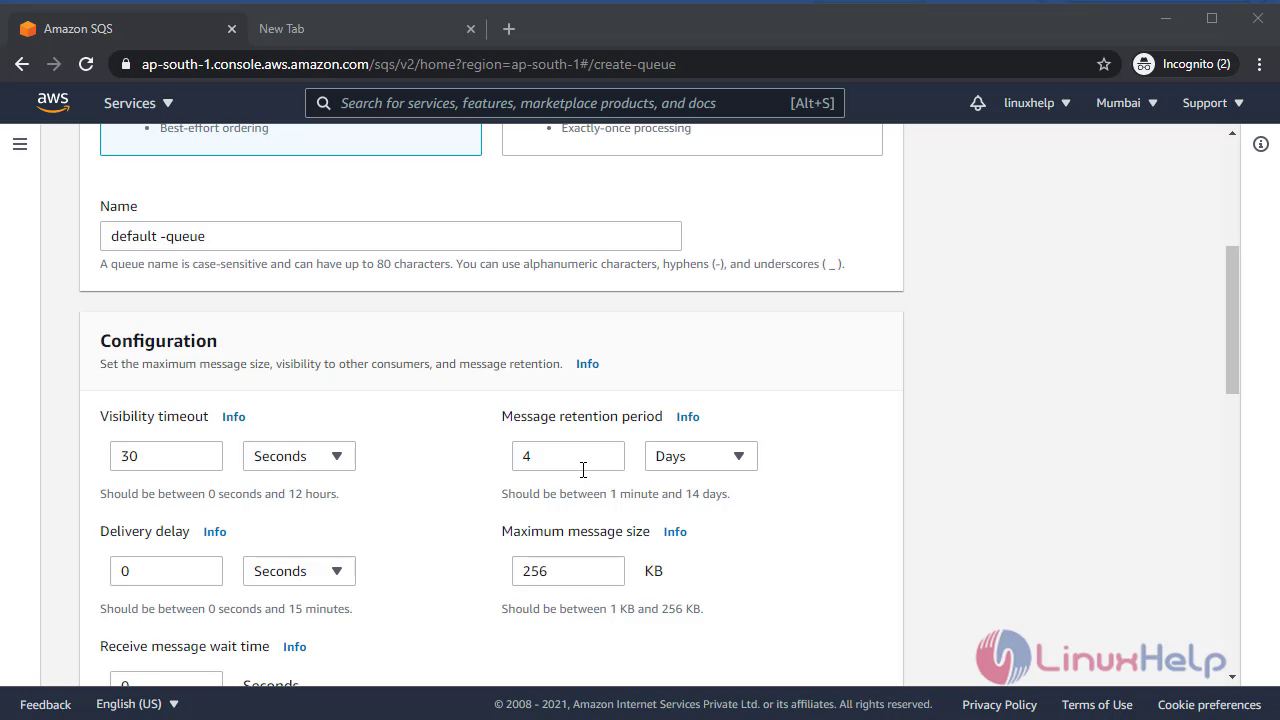 From this section you can also attach another dead letter queue
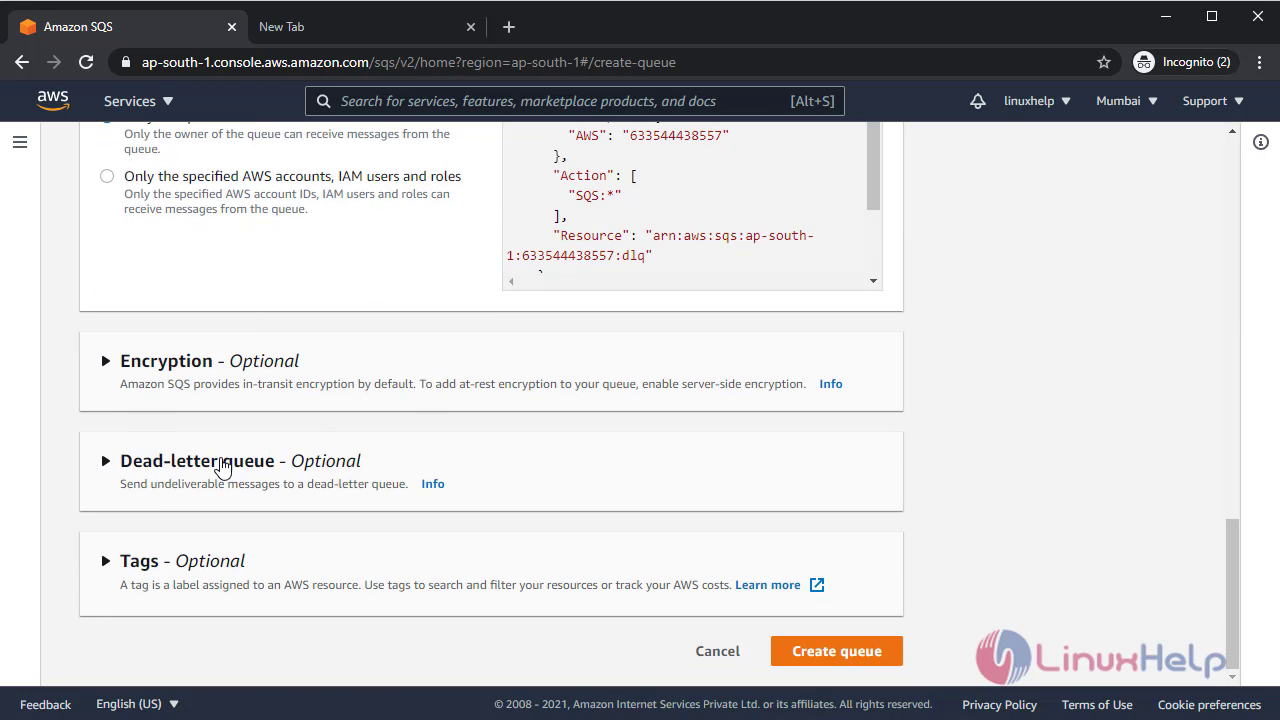
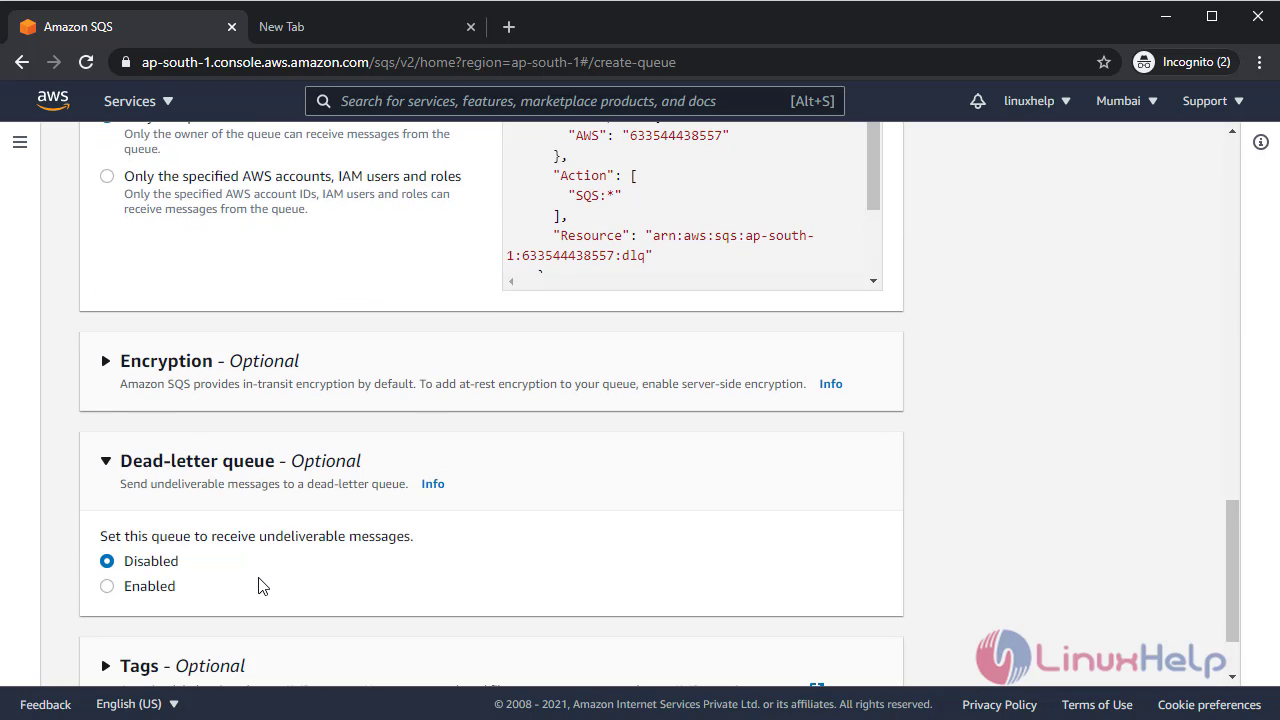 Dead letter queue has been created
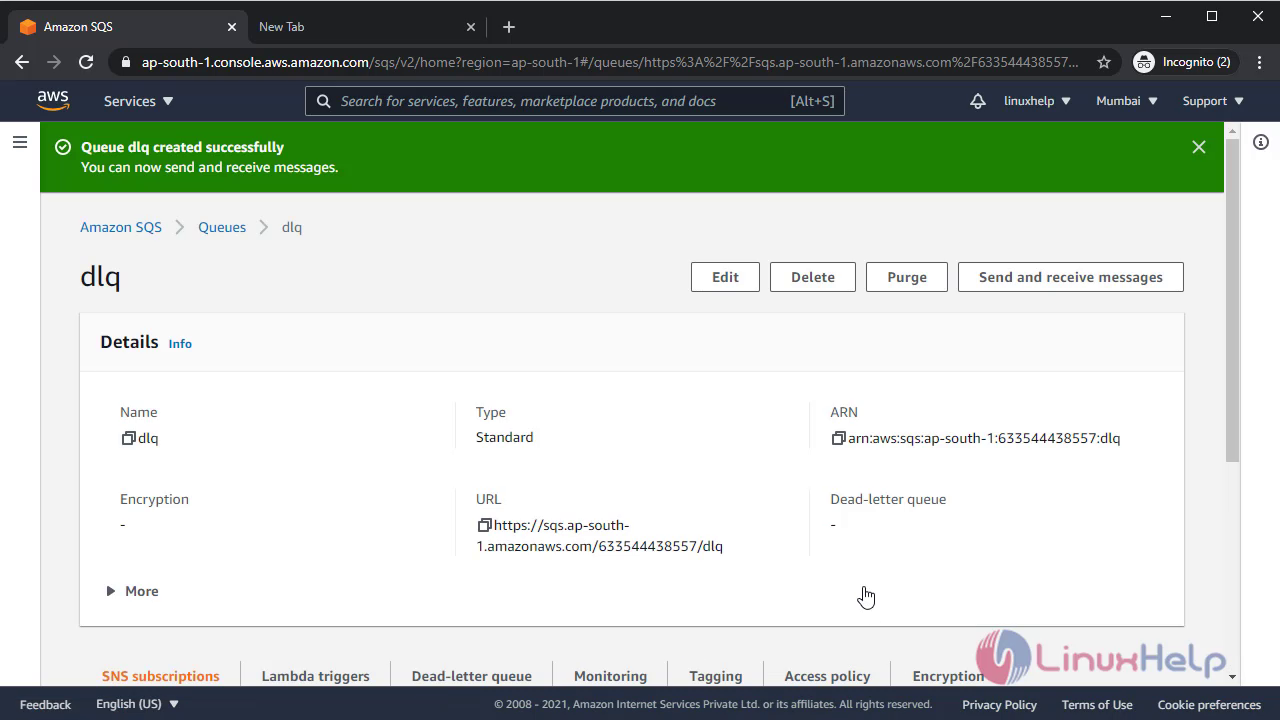 Now create another main default queue
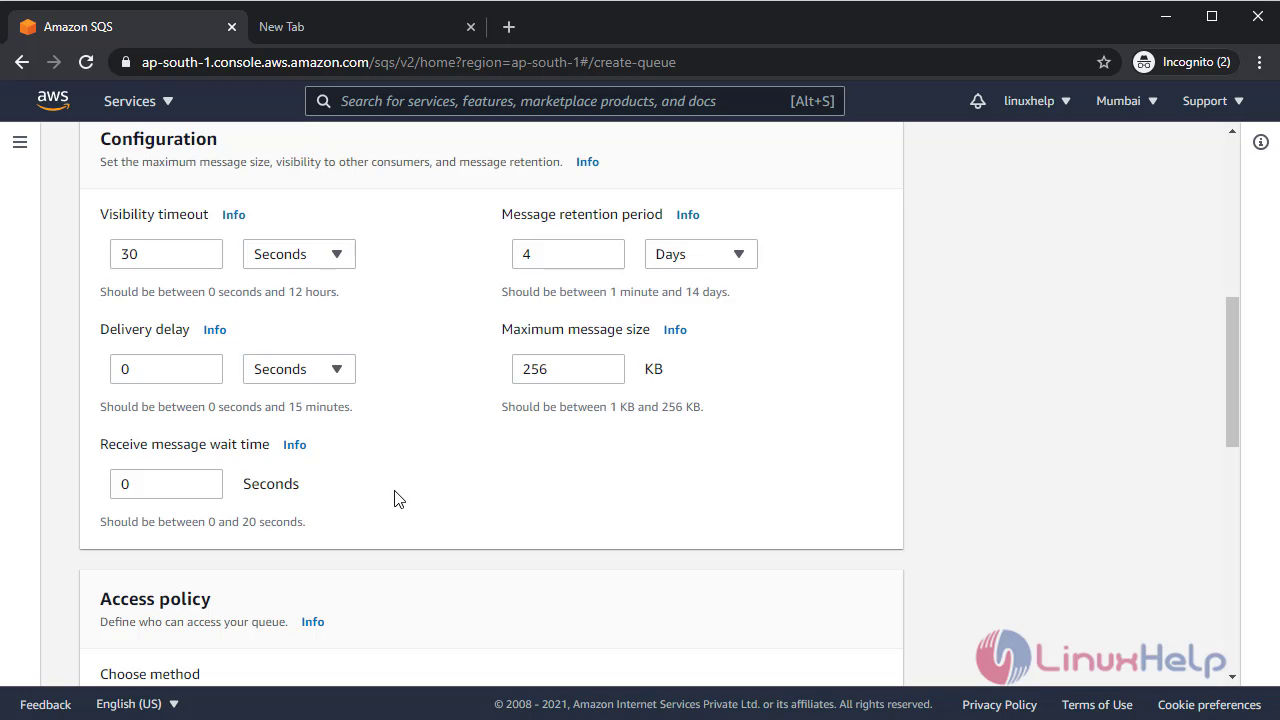
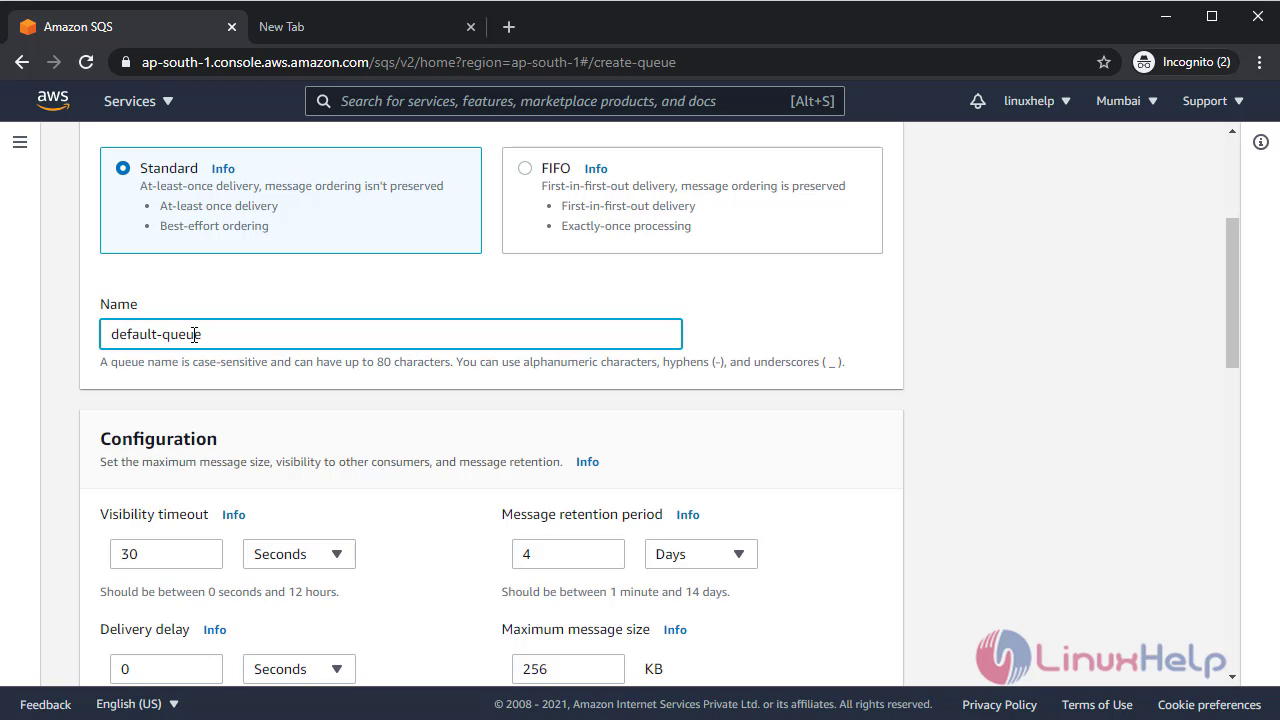
Give name for the default queue
 Now attach dead letter queue(dlq) in your default queue
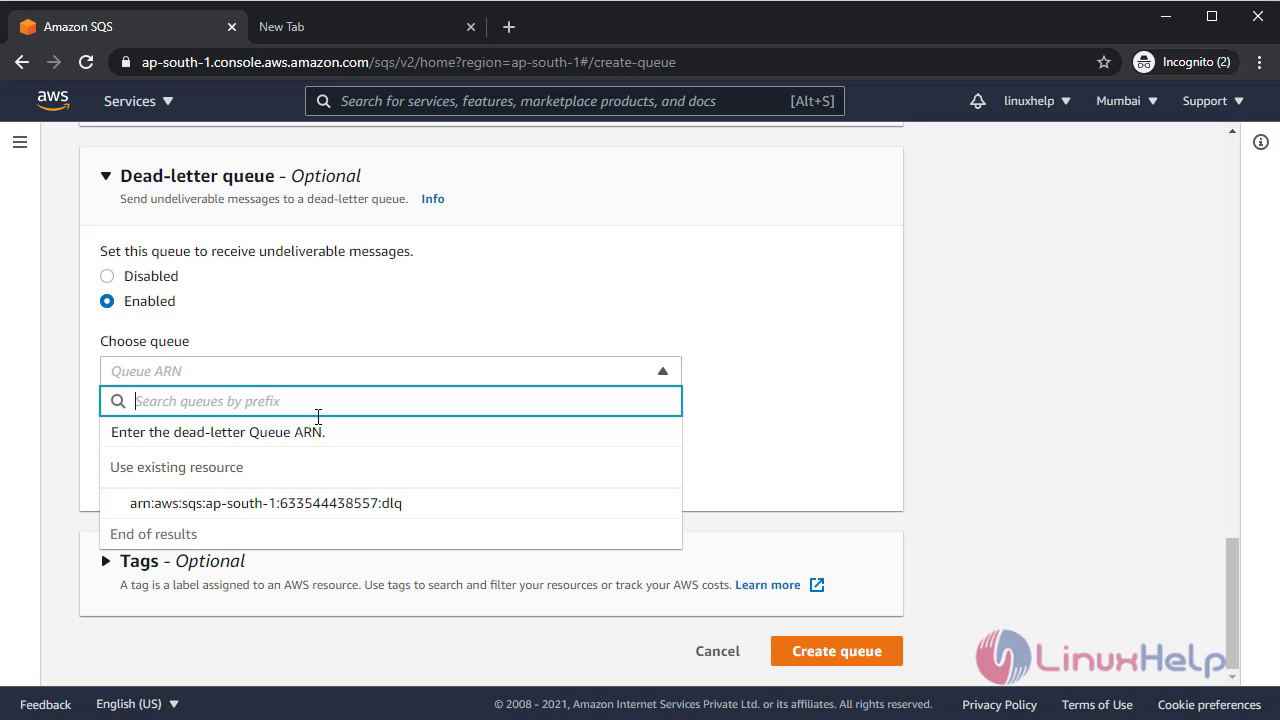
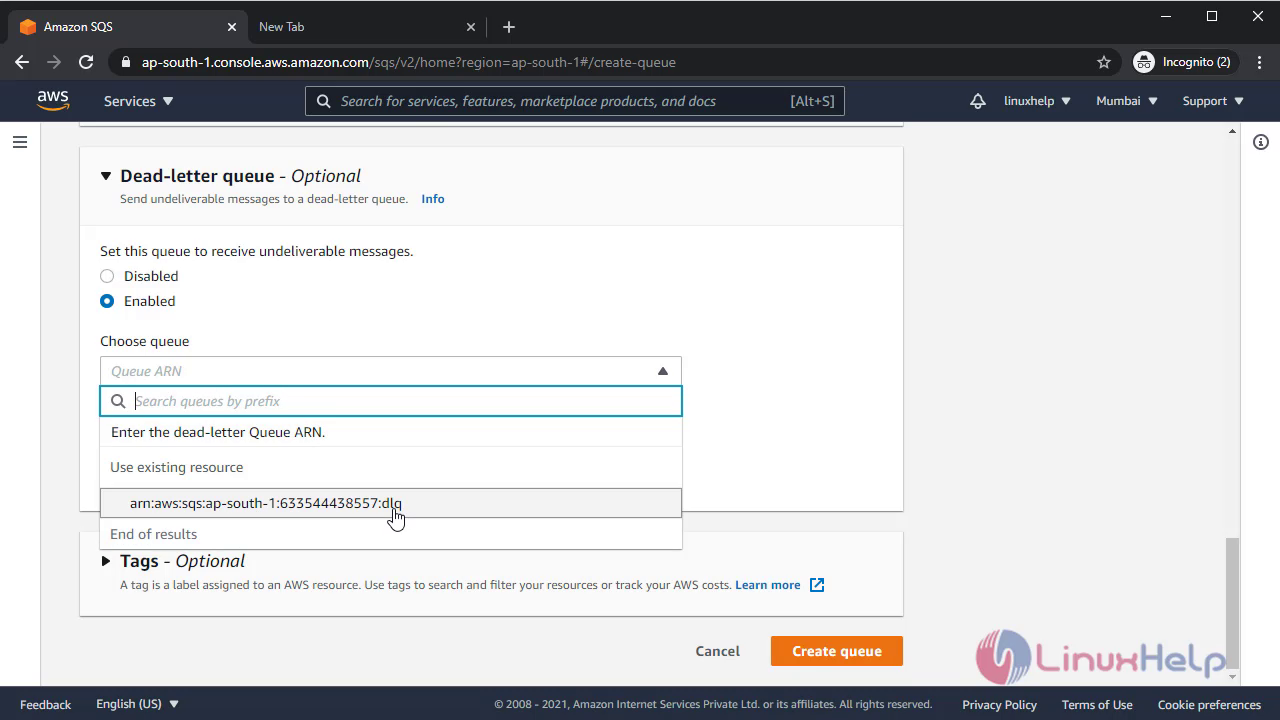 Queue has been created
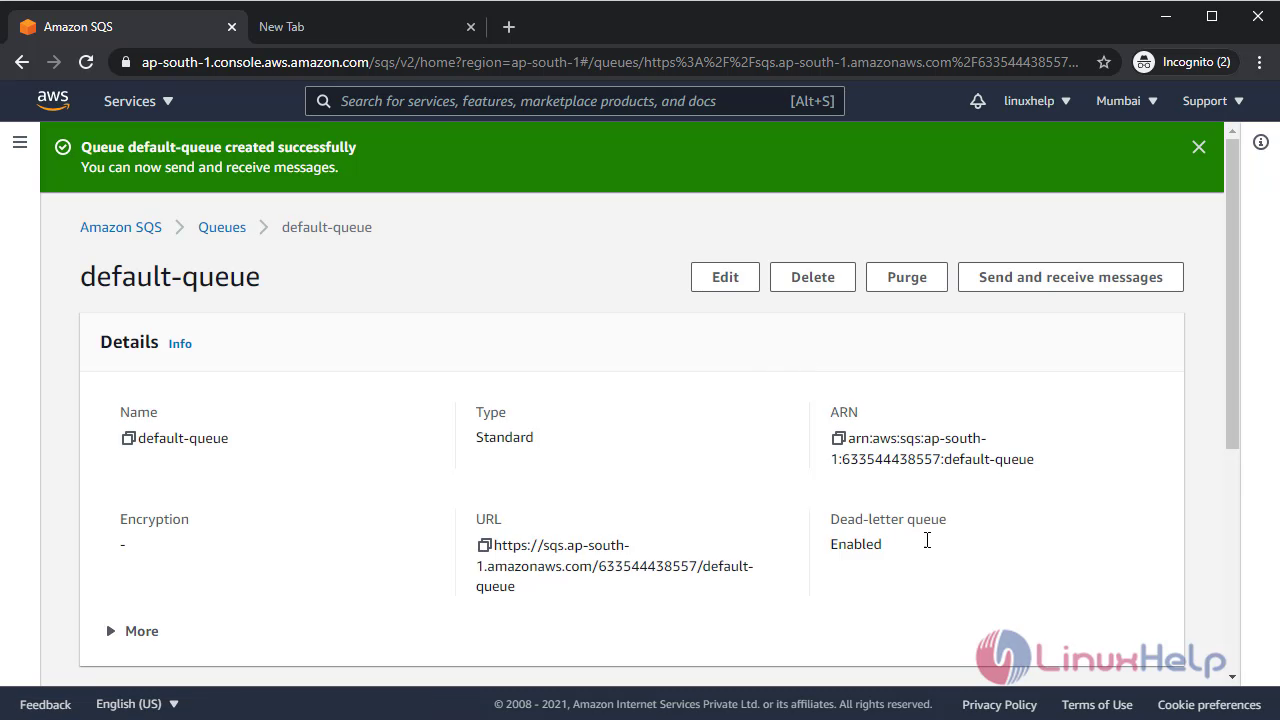 Now both queue has been created
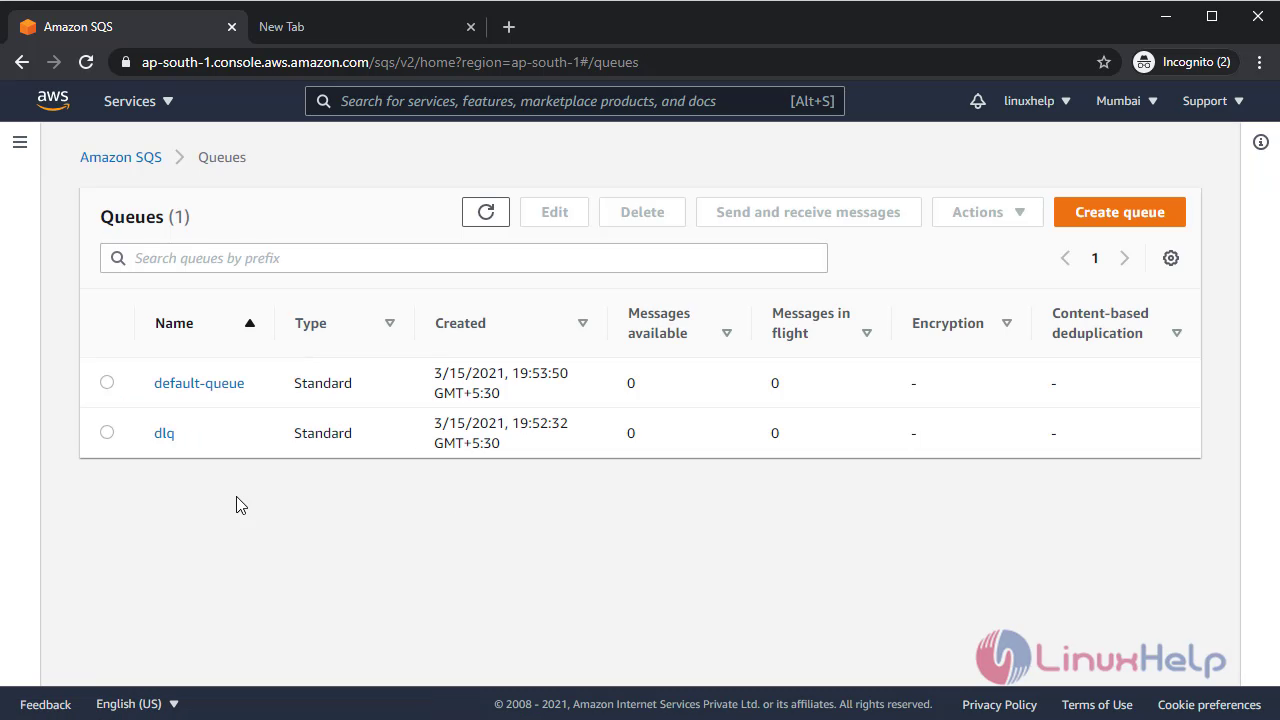 To test message in queue we are going to send 5 messages form the default queue
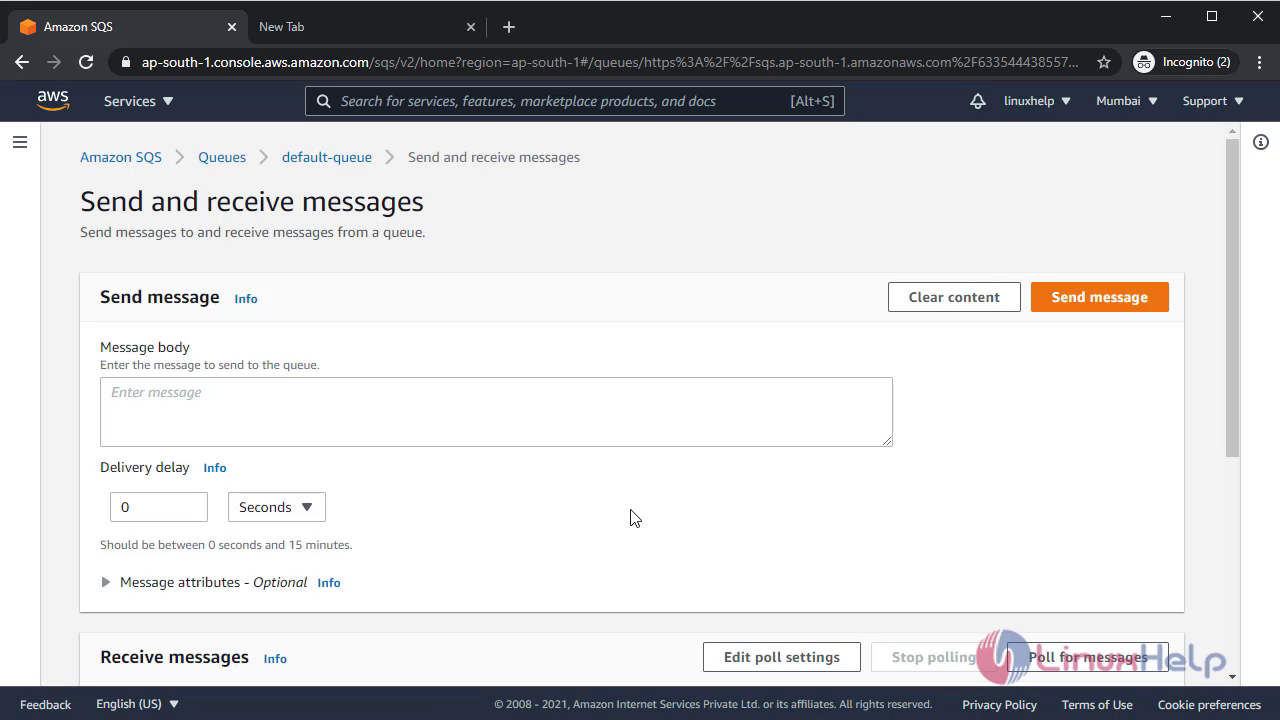
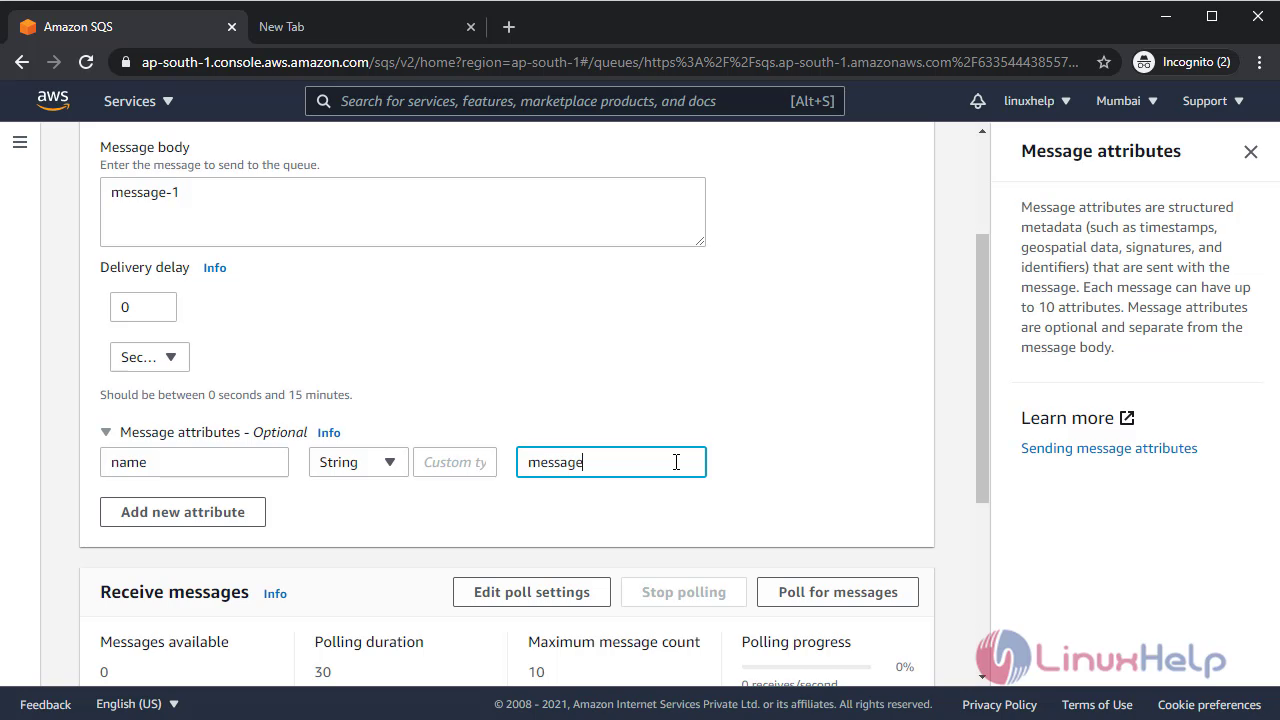
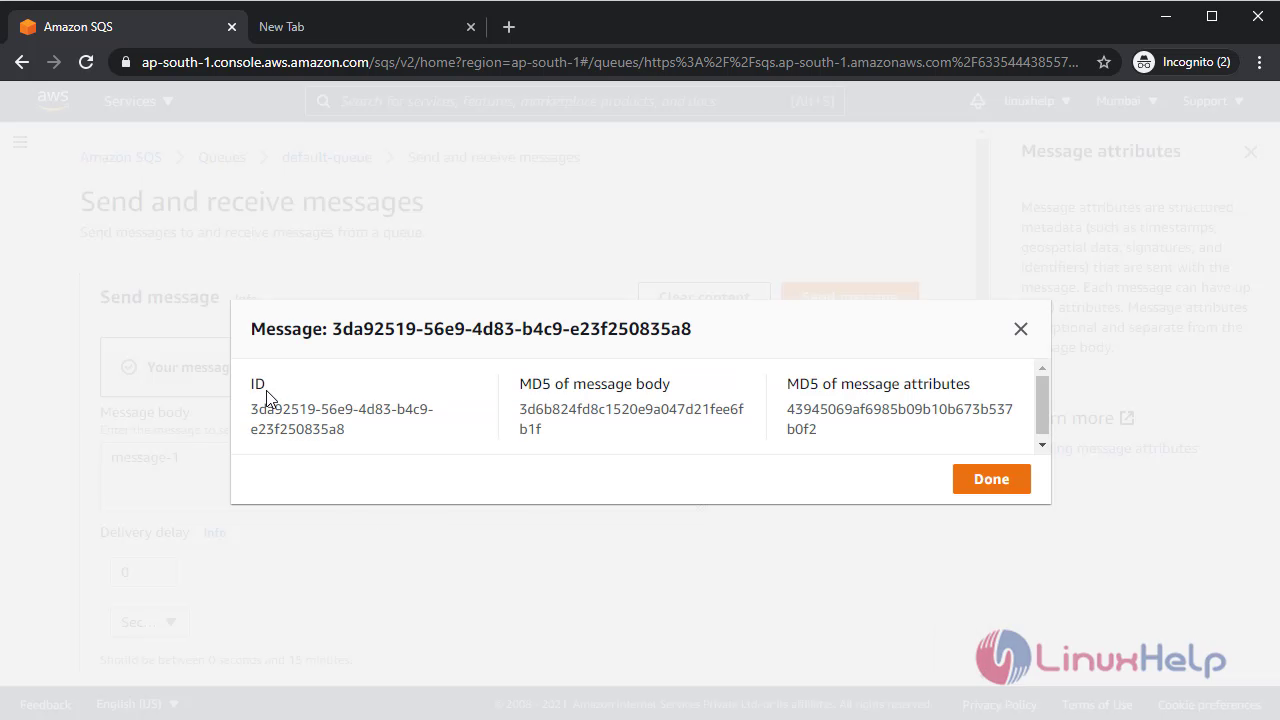
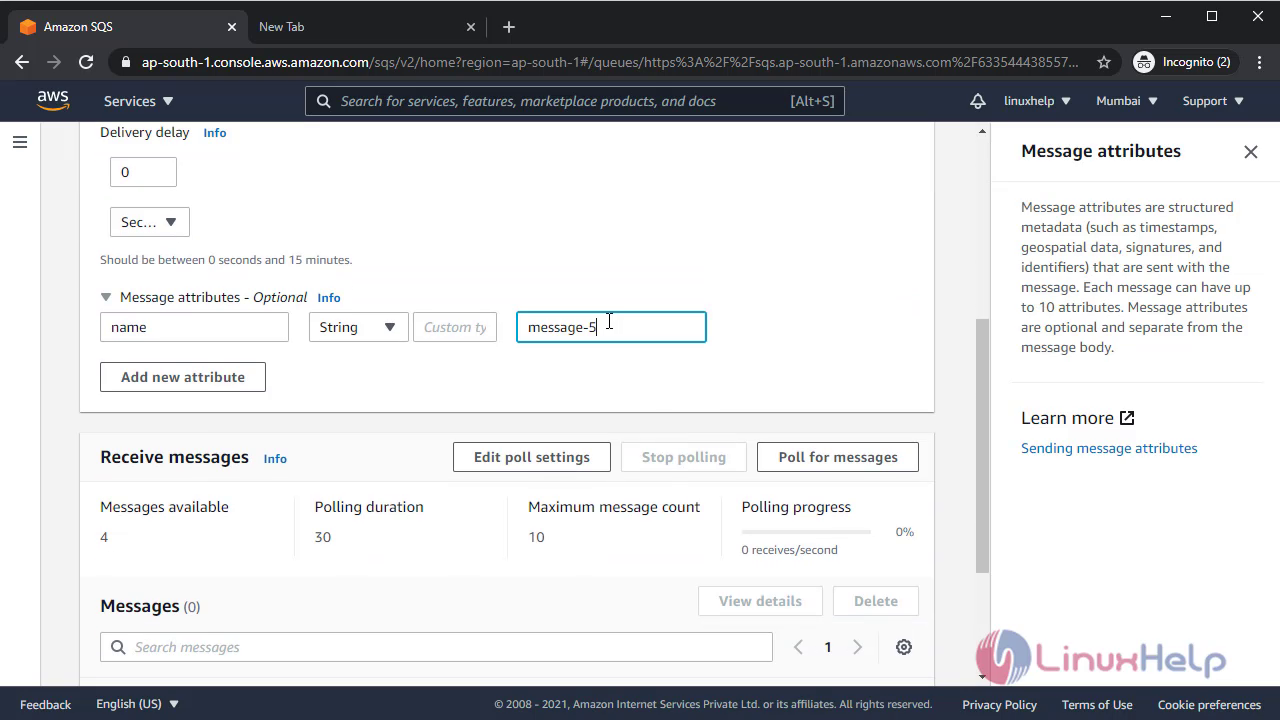 Having move to default queue and start the polling process you will find all the message will come over there
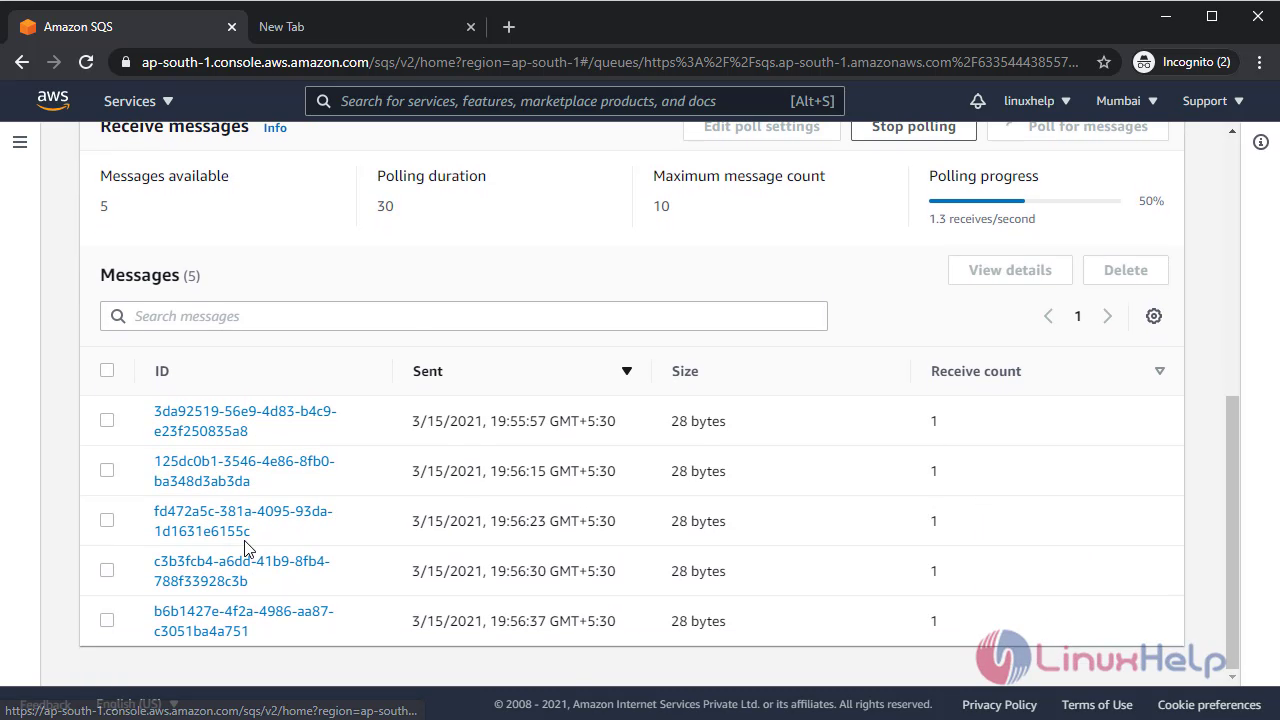 Now select one process and delete it to show as a process Is completed
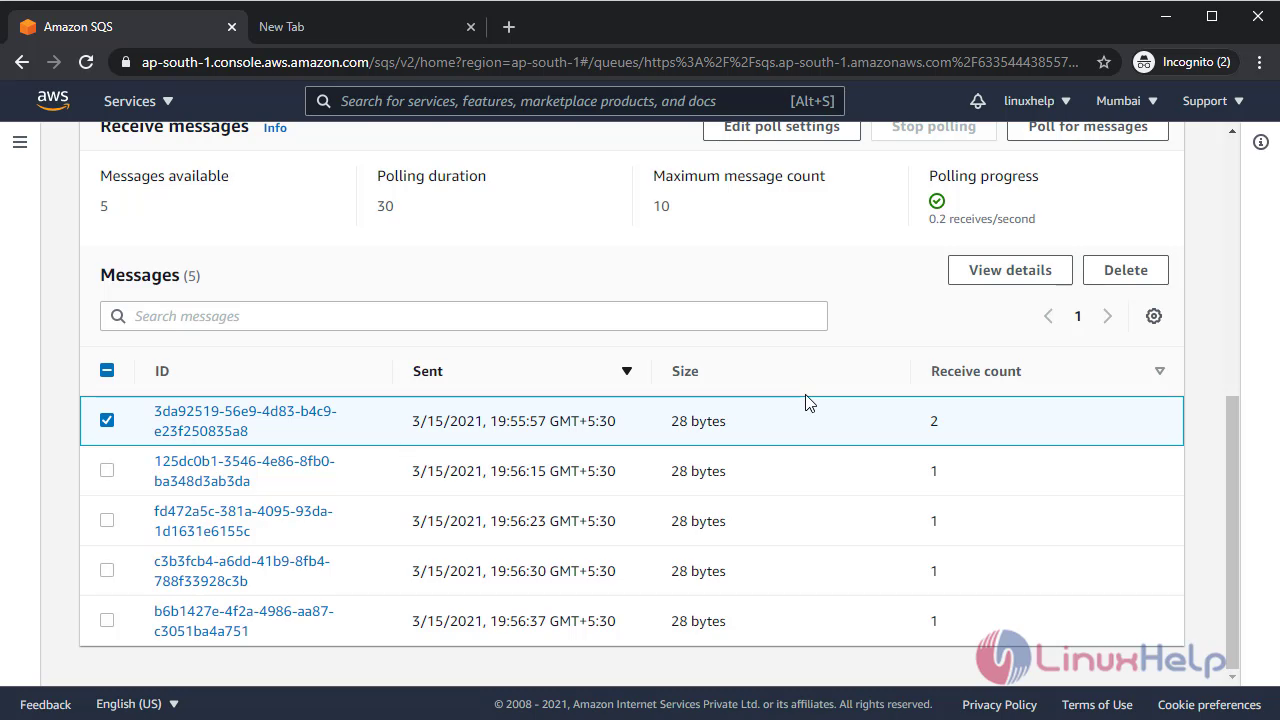
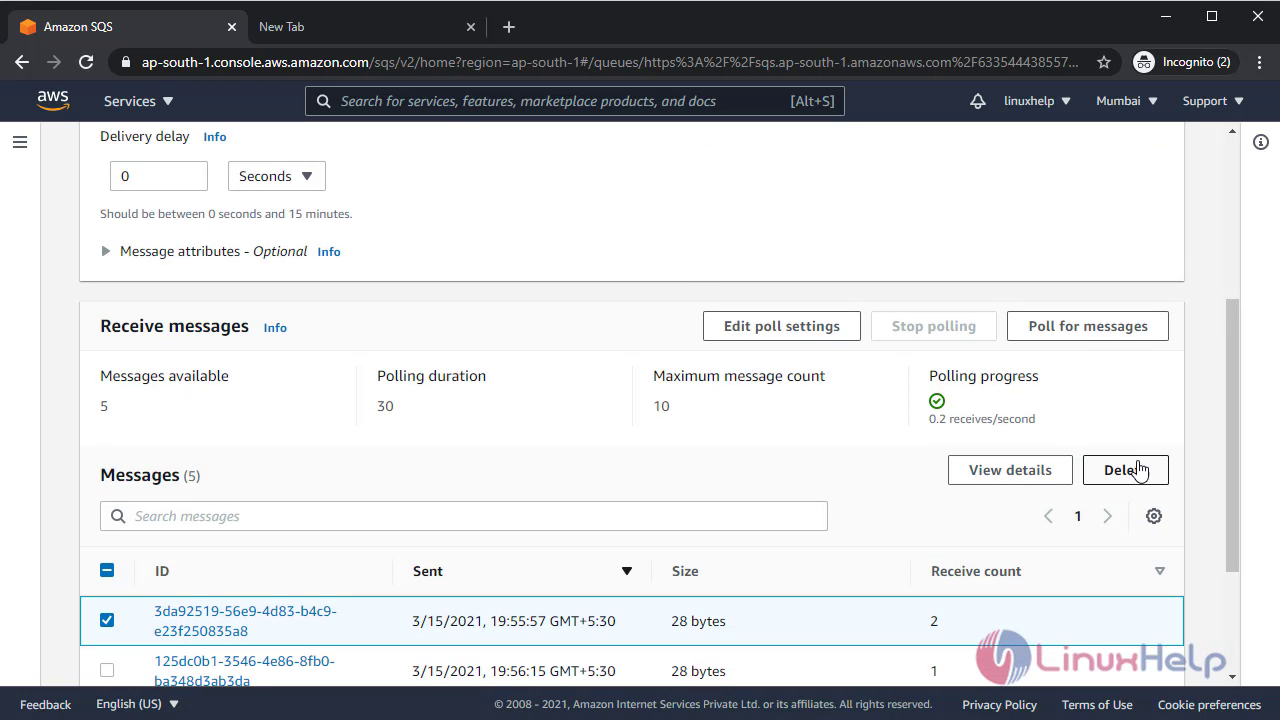
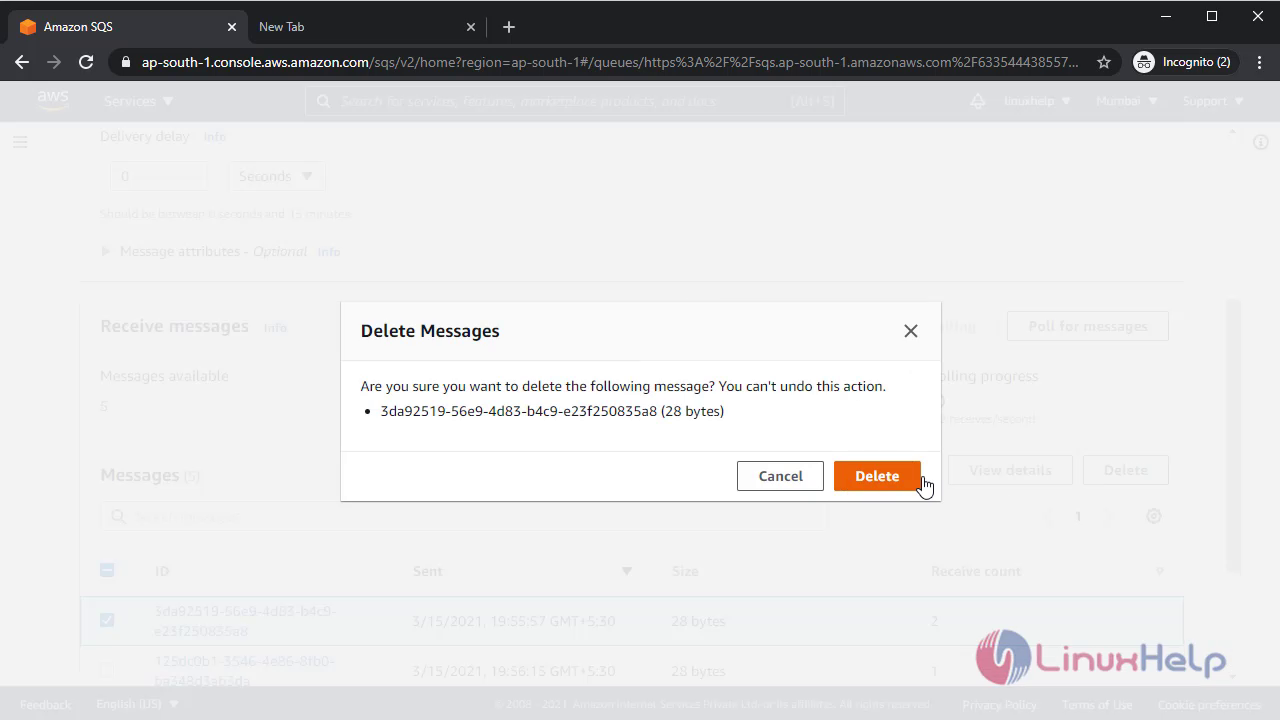 Now if go back and check again the default queue will show 1 less message
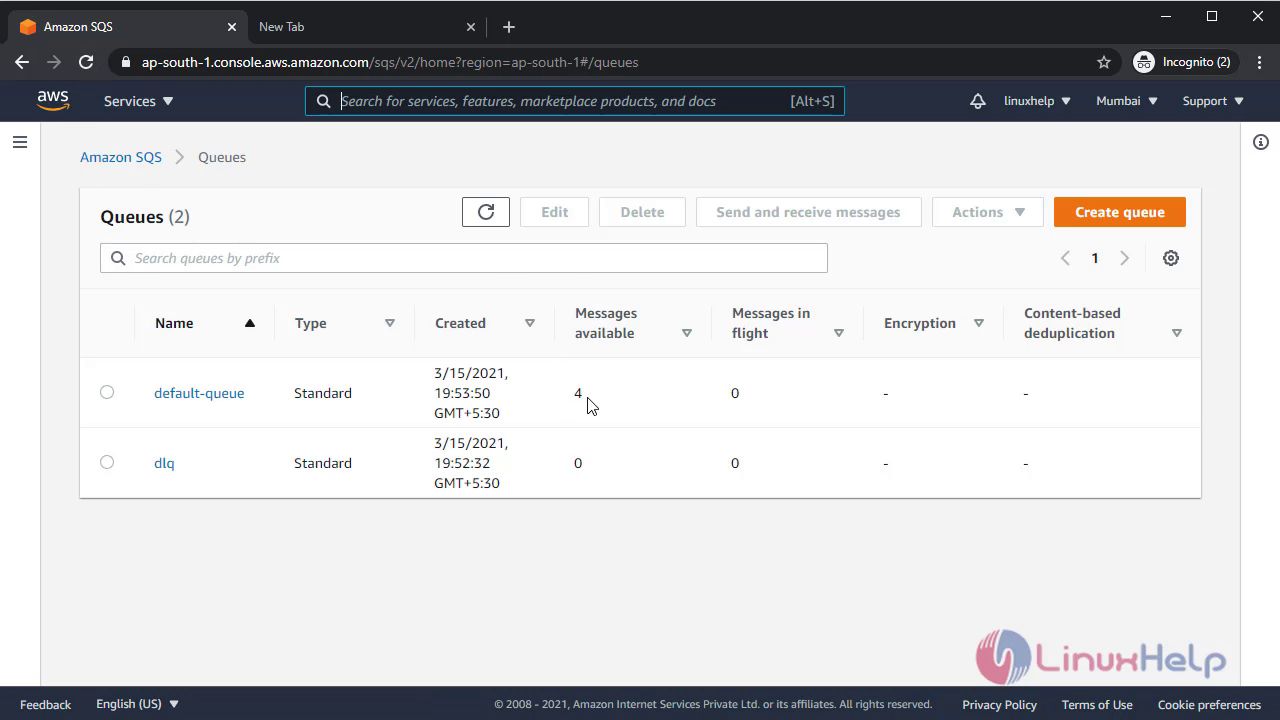 If you do polling again then it will comes up as like below
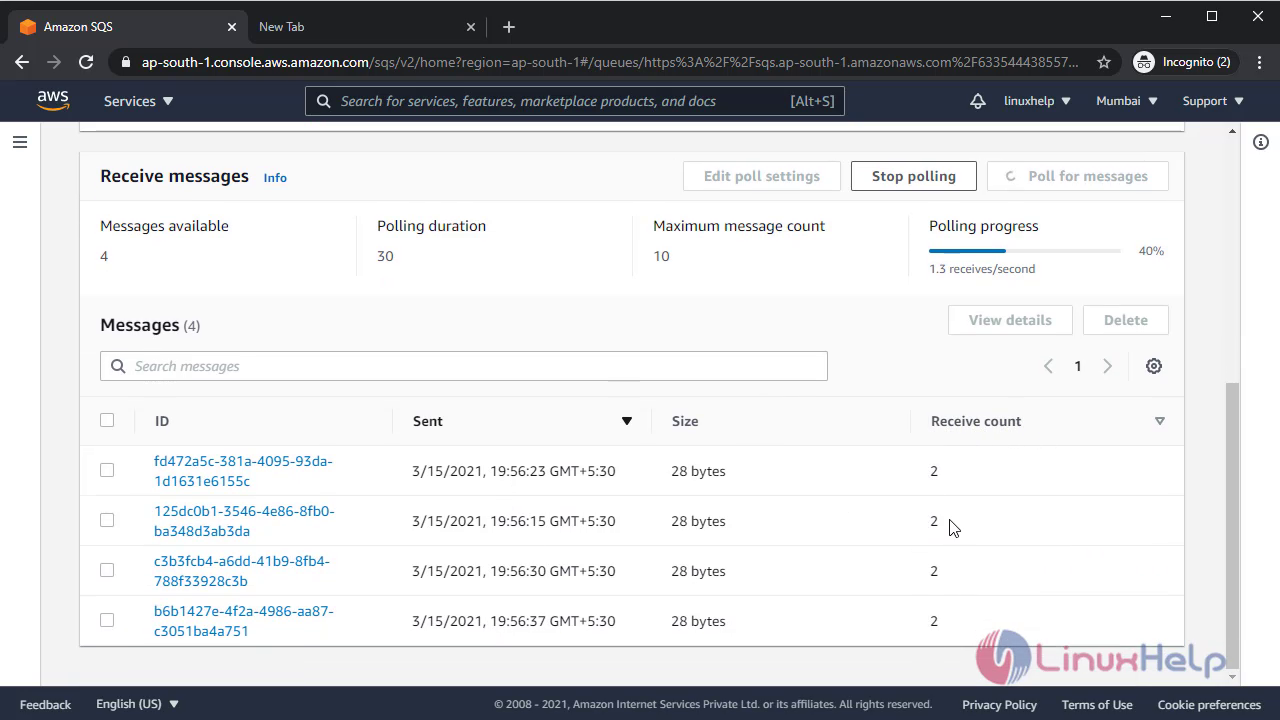 After completion of one more message process
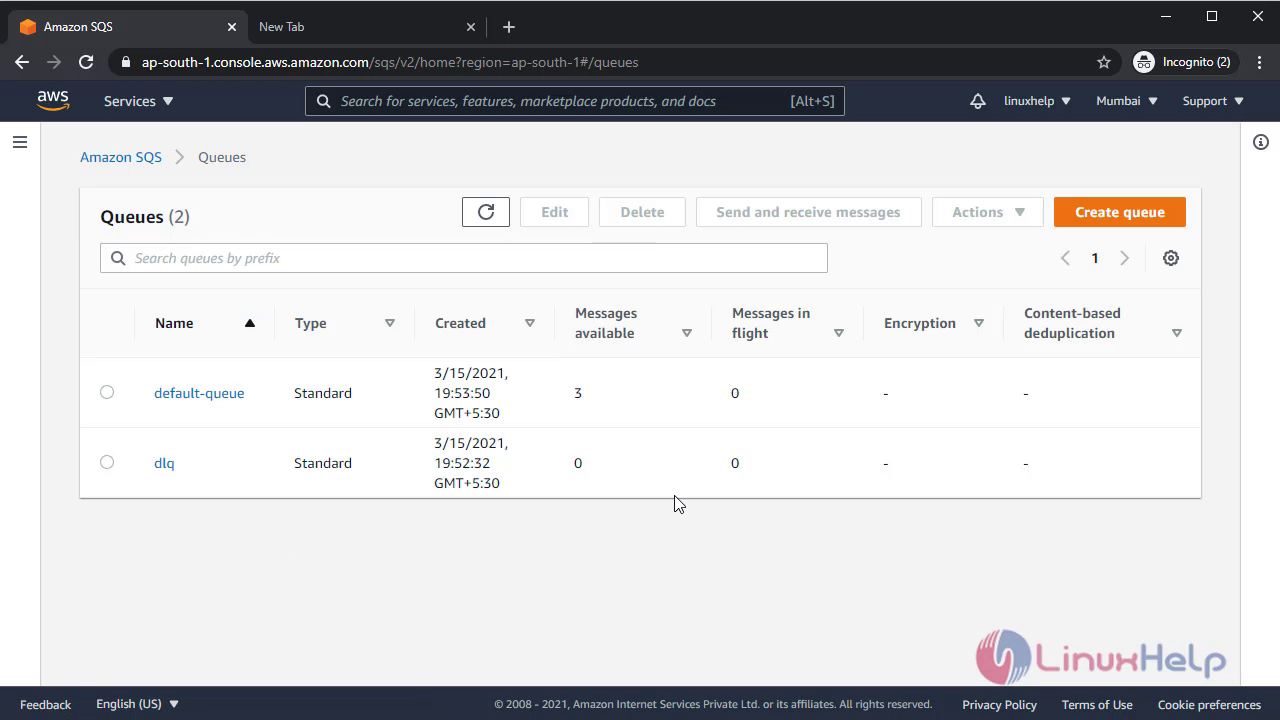 Now check default queue message count
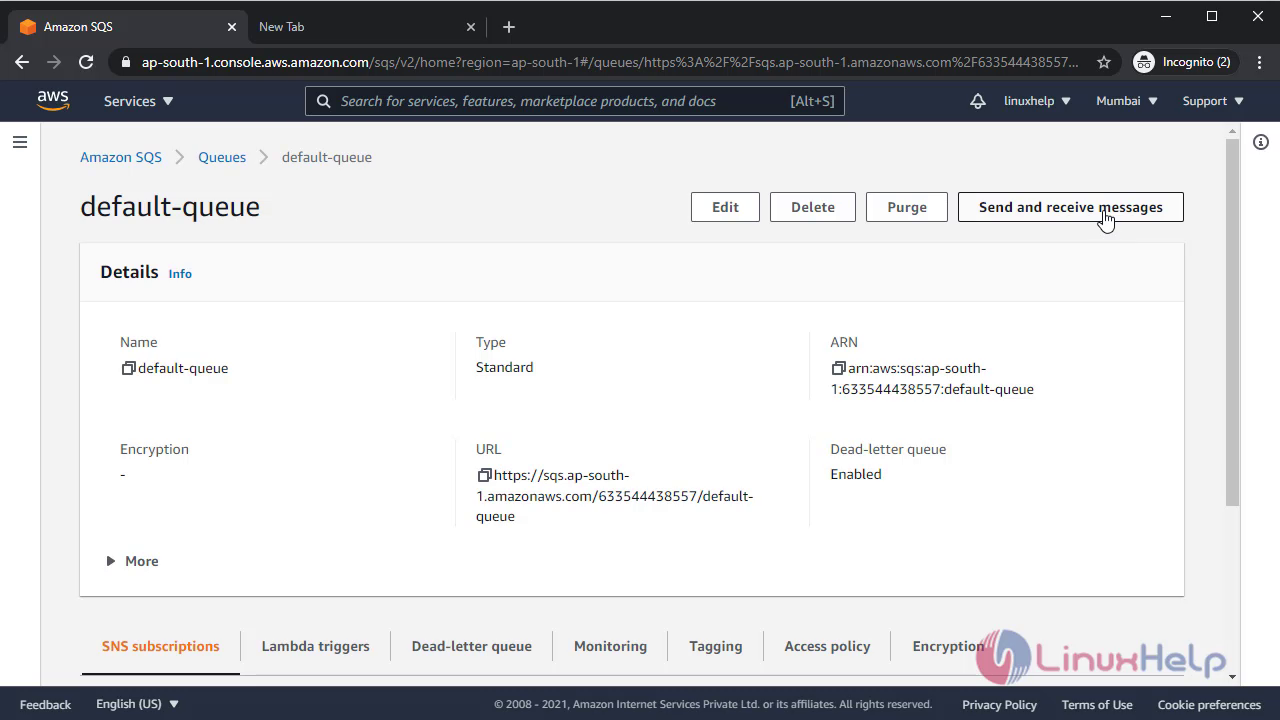
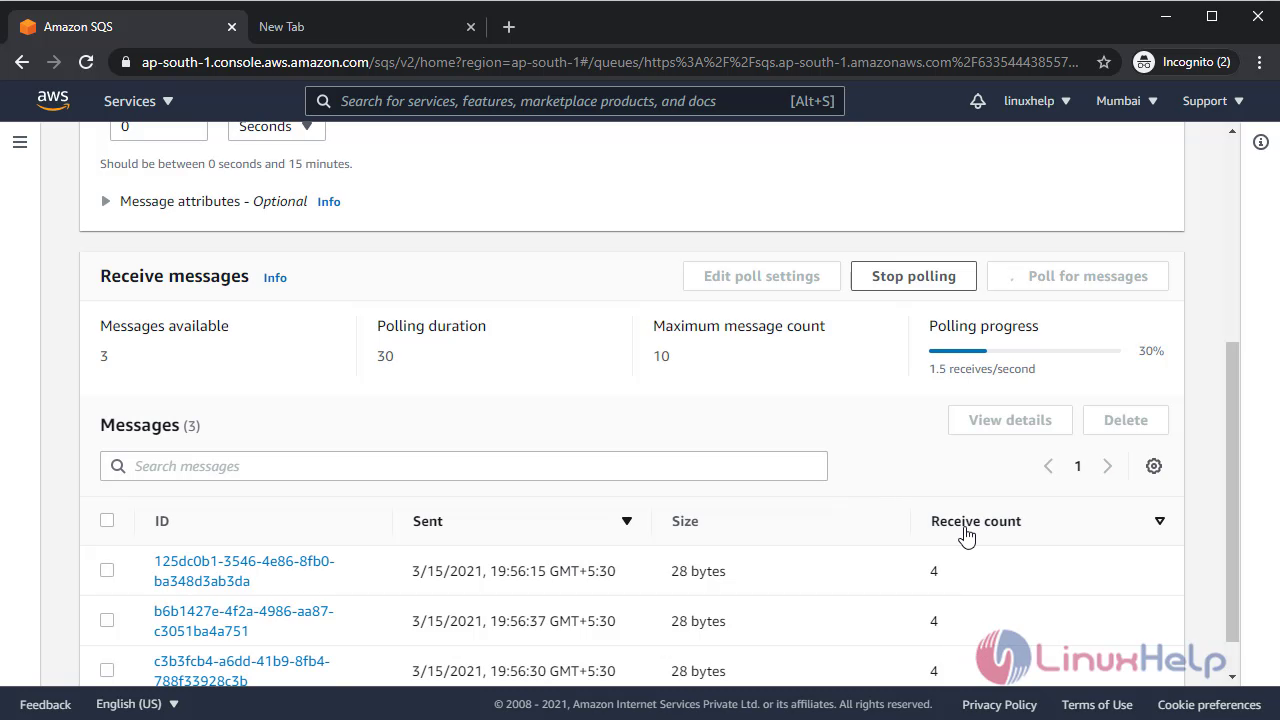
So after doing multiple processing in message if the process will not be completed then it will move to dead letter queue hence
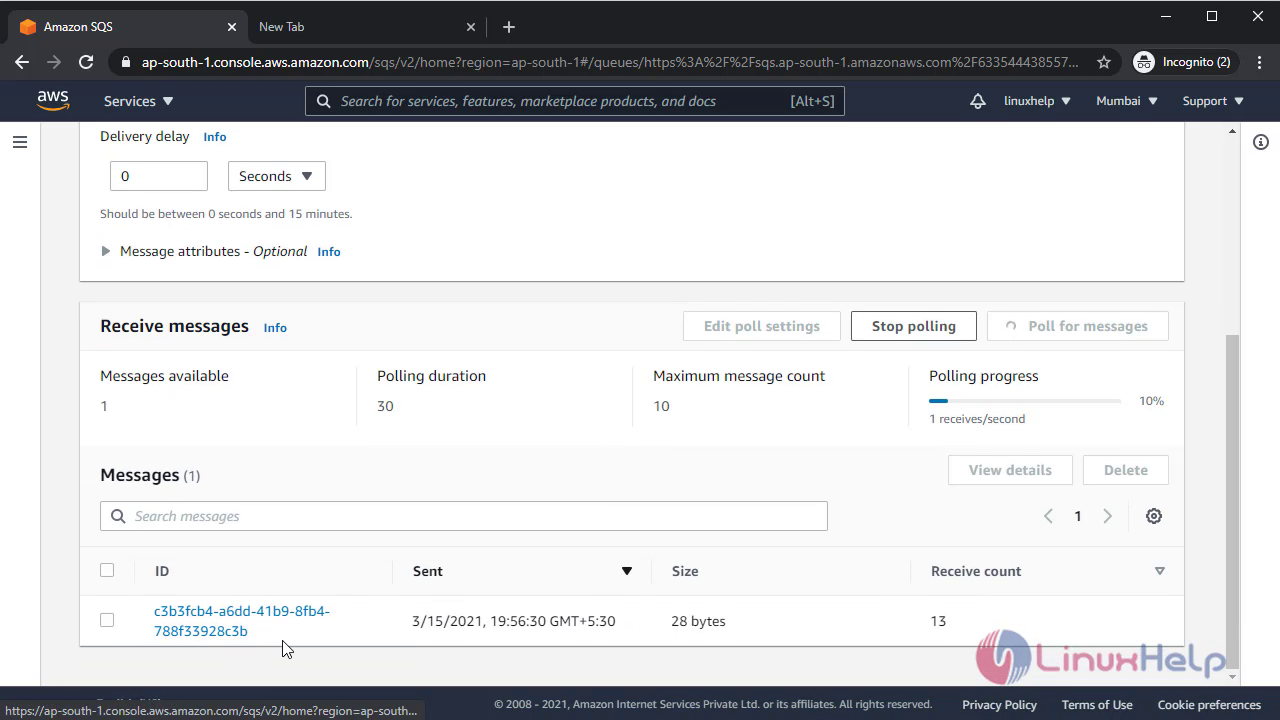
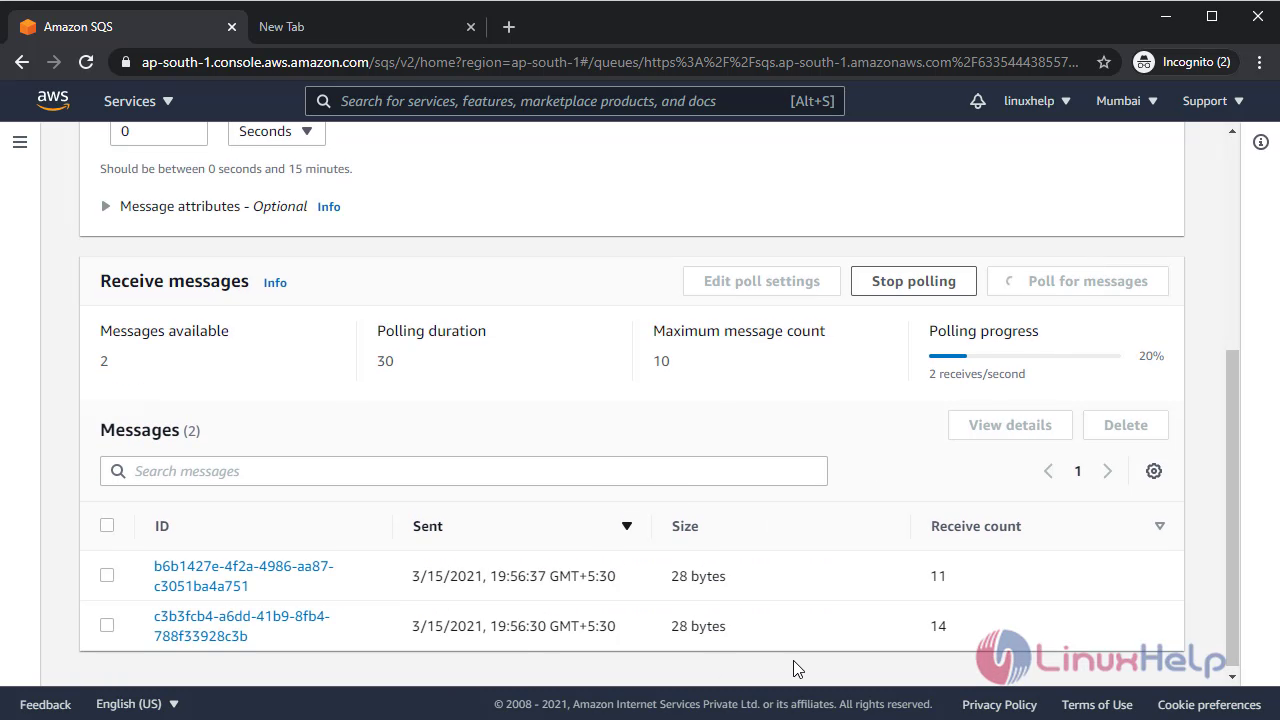 With this method, configuration of SGS on Aws comes to end.
Comments ( 0 )
No comments available