How to configure multiple instance of Apache on the same server in CentOS 6.7
How to configure multiple instance of Apache on the same server in CentOS 6.7
Apache is the mostly widely used web server developed and maintained by open community of developers under Apache Software Foundation. In this tutorial we are going to configure multiple instances of Apache webserver on the same server in CentOS 6.7.
Installation procedure
To start the installation process, first install the apache, mod_ssl and mod_nss package in the target system.
[root@linuxhelp Desktop]# yum install httpd mod_ssl mod_nss -y
Loaded plugins: fastestmirror, refresh-packagekit, security
Setting up Install Process
Determining fastest mirrors
epel/metalink                                                                             | 4.6 kB     00:00
 * base: mirror.fibergrid.in
 * epel: mirror01.idc.hinet.net
 * extras: mirror.fibergrid.in
.
.
.
Updated:
  httpd.x86_64 0:2.2.15-59.el6.centos
Dependency Updated:
  httpd-tools.x86_64 0:2.2.15-59.el6.centos
Complete!
The packages has been successfully installed. Now duplicate the Http Configuration File and conf.d location.
[root@localhost Desktop]# cp -p /etc/httpd/conf/httpd.conf /etc/httpd/conf/httpd2.conf
[root@localhost Desktop]# cp -pr /etc/httpd/conf.d/ /etc/httpd/conf.d2/
Open the configuration file for Apache second instance and run the following command.
[root@localhost Desktop]# vim /etc/httpd/conf/httpd2.conf
The configuration file opens, change the settings as shown below. Save and exit from the file.
Listen 8095
PidFile run/httpd.pid2
Include conf.d2/*.conf
The configuration file is saved successfully. Now change the SSL Listening port of Apache second instance.
[root@localhost Desktop]# vim /etc/httpd/conf.d2/ssl.conf
Next change the NSS Listening port of Apache second instance.
[root@localhost Desktop]# vim /etc/httpd/conf.d2/nss.conf
The configuration settings for Apache second instance is done successfully. Flush and save the iptables.
[root@localhost Desktop]# iptables &ndash F
[root@localhost Desktop]# service iptables save
Start the Apache second instance by running the following command.
[root@localhost Desktop]# /usr/sbin/httpd -f /etc/httpd/conf/httpd2.conf -k start
httpd: Could not reliably determine the server' s fully qualified domain name, using localhost.localdomain for ServerName
The second instance is started successfully. Now start the Apache first instance by running the following command.
[root@localhost Desktop]# service httpd start
Starting httpd: httpd: Could not reliably determine the server' s fully qualified domain name, using localhost.localdomain for ServerName                  [  OK  ]
The two instances of Apache is running successfully. Next create index.html file in document root directory of apache.
[root@localhost Desktop]# vim /var/www/html/index.html
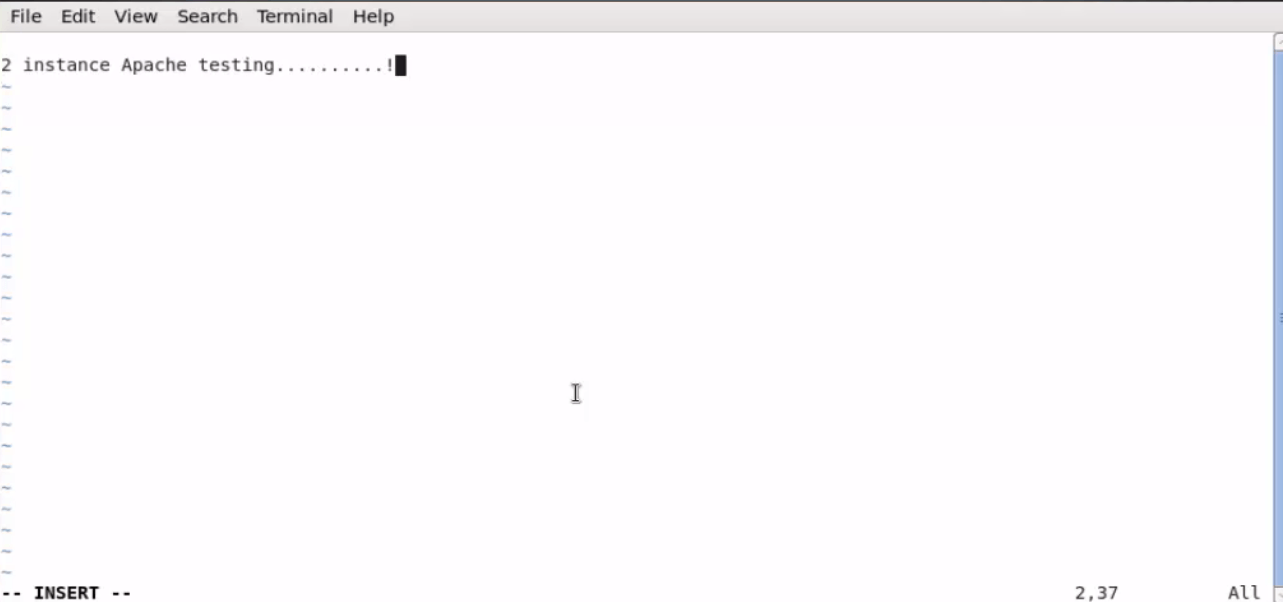
Run the following command to confirm that both httpd processes are running using the following command.
[root@localhost Desktop]# ps -aux | grep httpd
Warning: bad syntax, perhaps a bogus ' -' ? See /usr/share/doc/procps-3.2.8/FAQ
root      27588  0.0  0.1  41696  2988 pts/0    S    15:11   0:00 /usr/libexec/nss_pcache 65538 off /etc/httpd/alias
root      27590  0.0  2.8 466128 54444 ?        Ssl  15:11   0:00 /usr/sbin/httpd -f /etc/httpd/conf/httpd2.conf -k start
apache    27592  0.0  0.3 466040  7360 ?        S    15:11   0:00 /usr/sbin/httpd -f /etc/httpd/conf/httpd2.conf -k start
apache    27593  0.0  0.6 478084 12484 ?        S    15:11   0:00 /usr/sbin/httpd -f /etc/httpd/conf/httpd2.conf &ndash k
.
.
.
Open the Browser and check the multiple instance of apache working status by opening two different tabs.
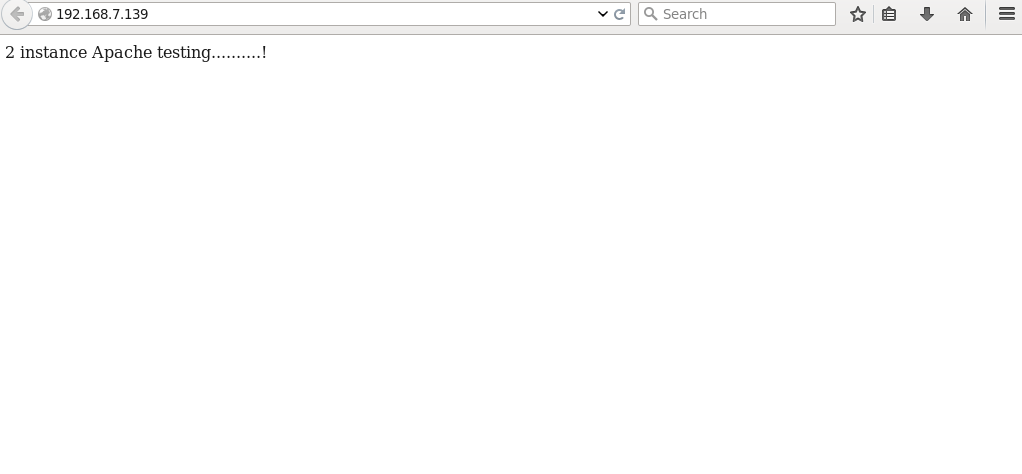
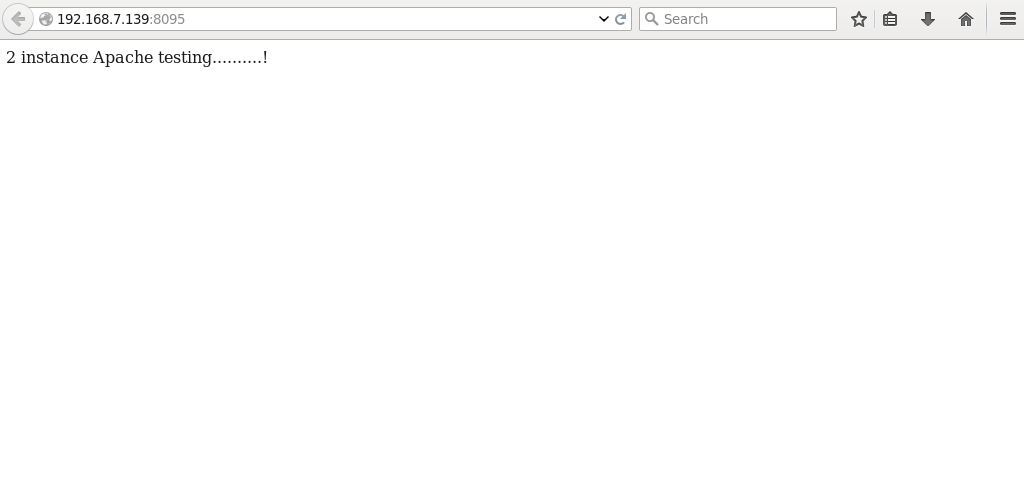
Wasn' t that an easy configuration procedure? Apache supports a variety of features that extend the core functionality.
Comments ( 0 )
No comments available