How to create a user on GitLab on Fedora 34
To Create User and Add User into the Particular Group In Gitlab
Introduction:
GitLab is a free git repository management application based on Ruby on Rails. It offers the open-core company that provides GitLab, the DevOps platform that combines the ability to develop, secure, and operate software in a single application.This tutorial explains the method to add the users into a particular group In Gitlab-ce 14.4.
Procedure:
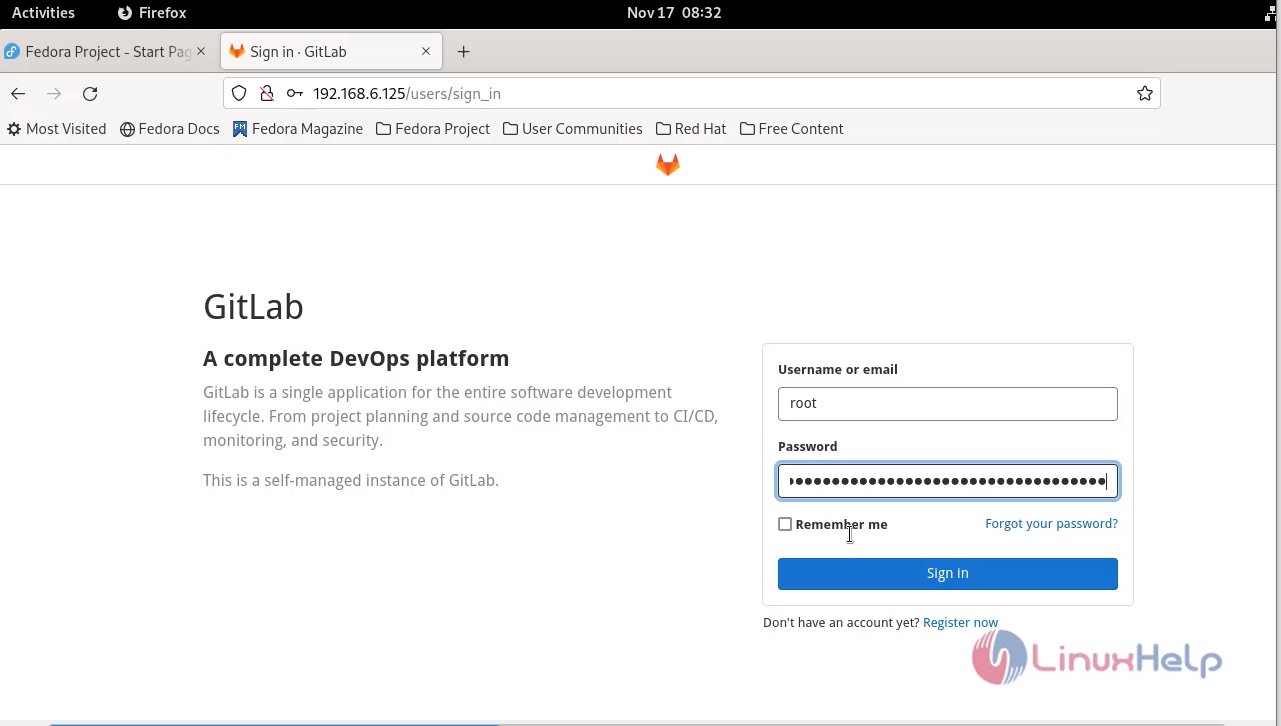
Step 1: Open the Gitlab on browser and login.
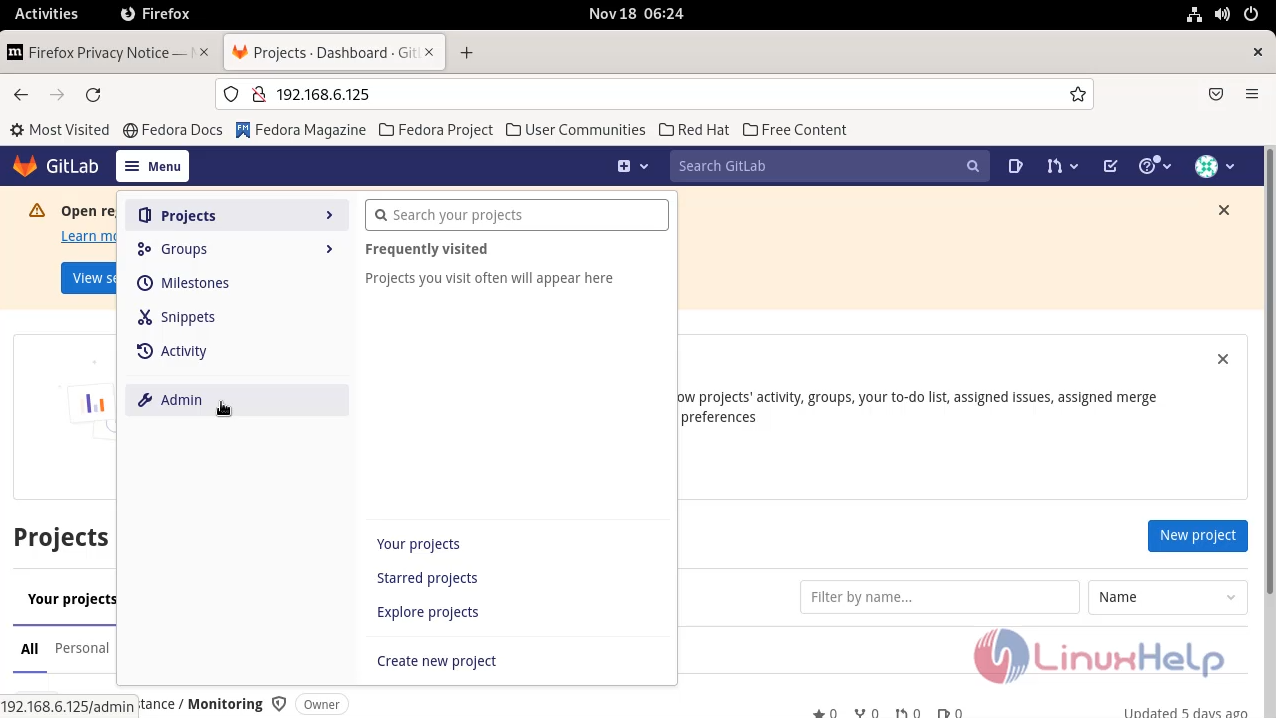
Step 2: Go to the menu option and select the Admin.
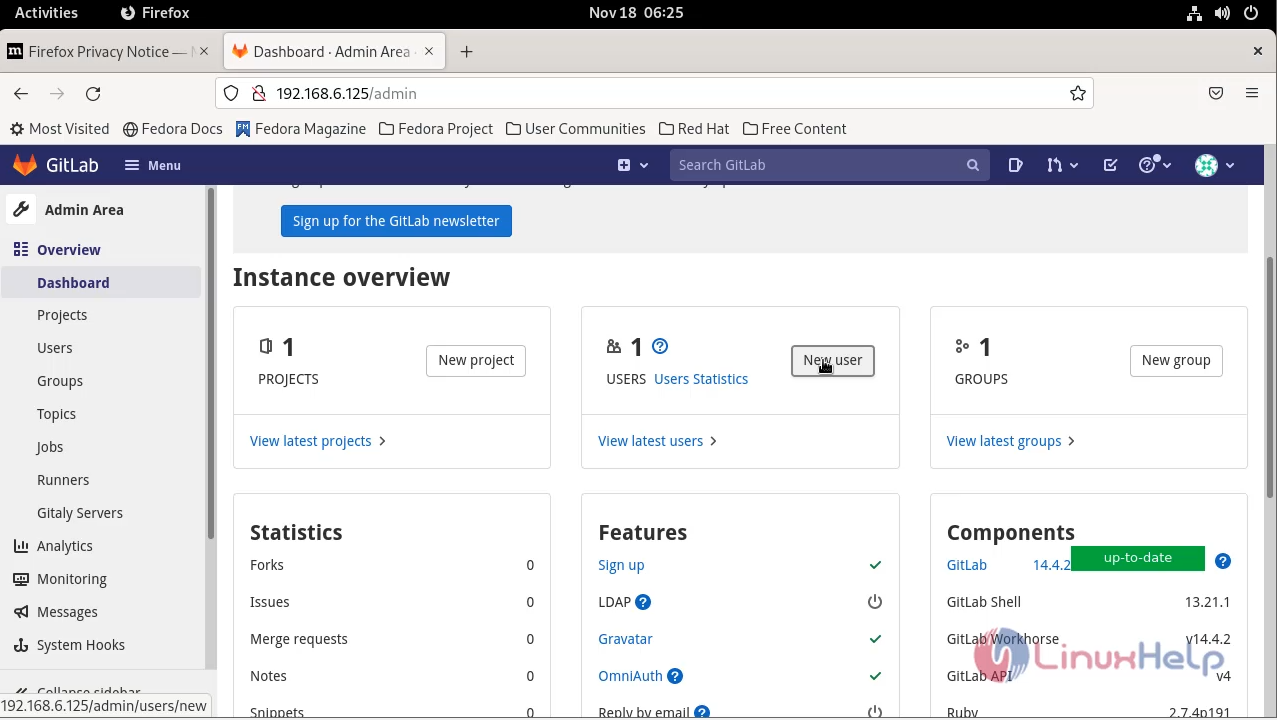
Step 3: Then select the new user option.
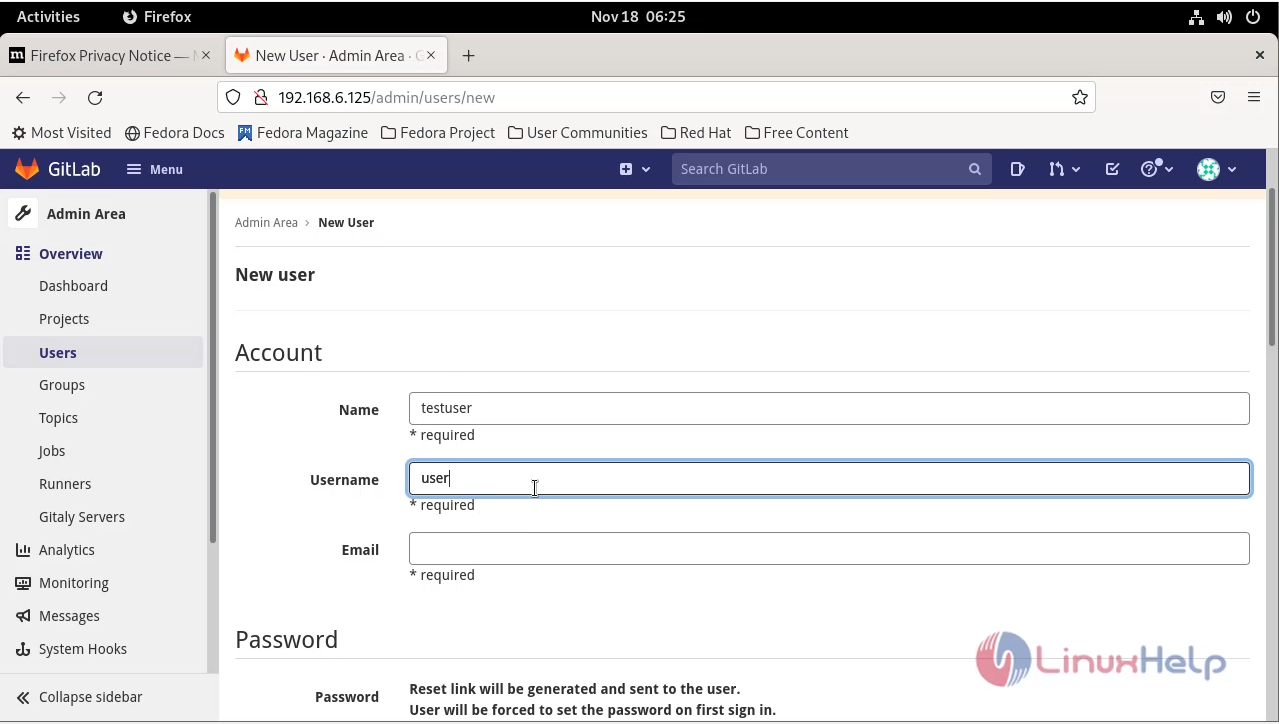
Step 4: Go to the Admin Area and create the new user.
Step 5: User was successfully created.
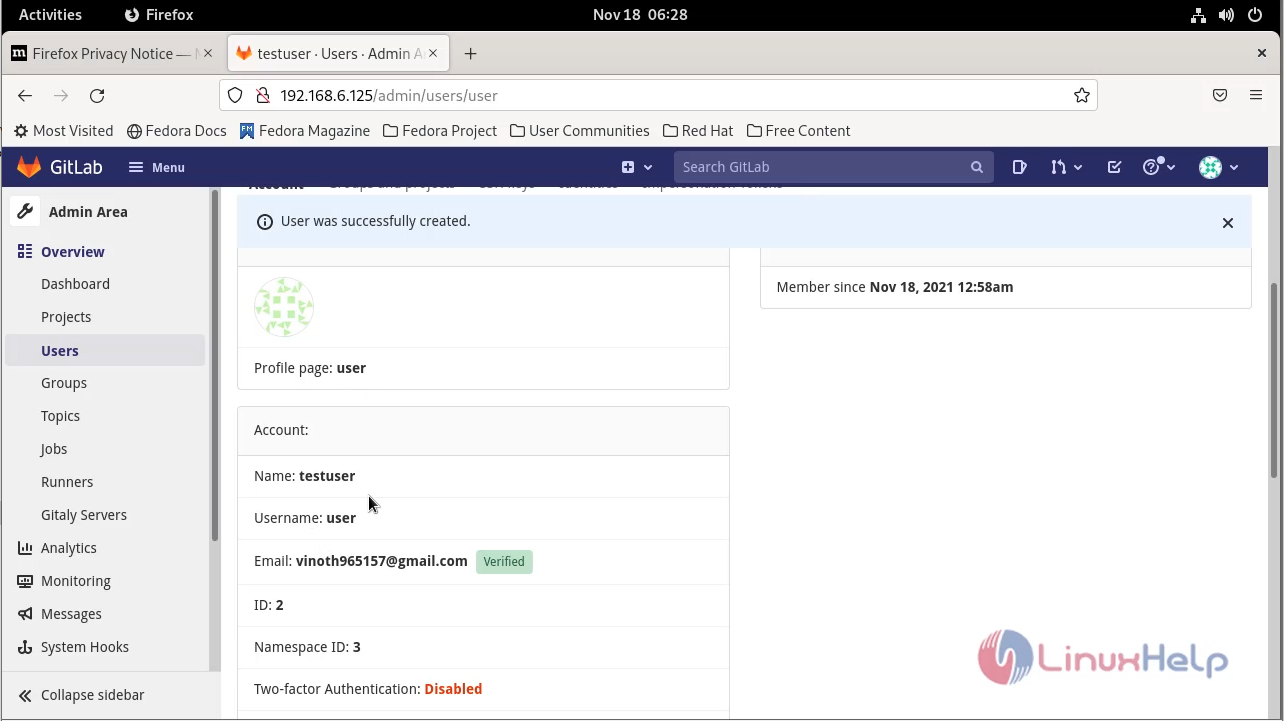
Step 6: Then go to the group section.
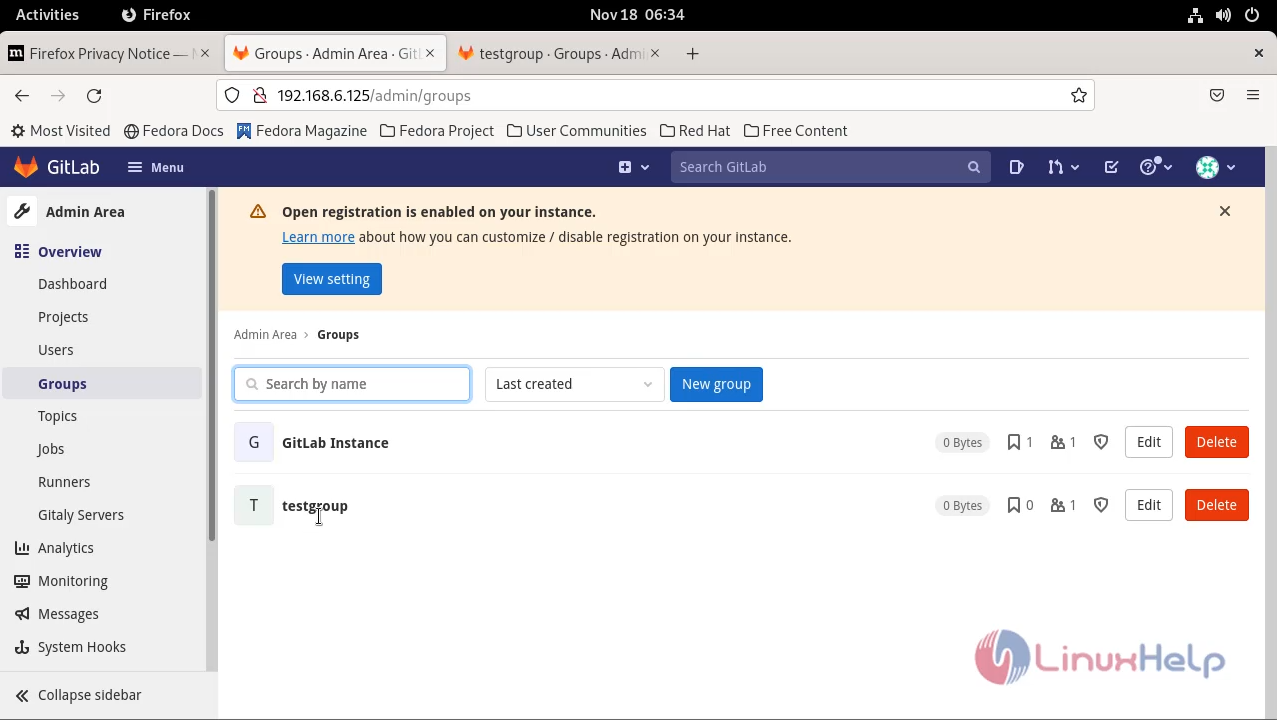
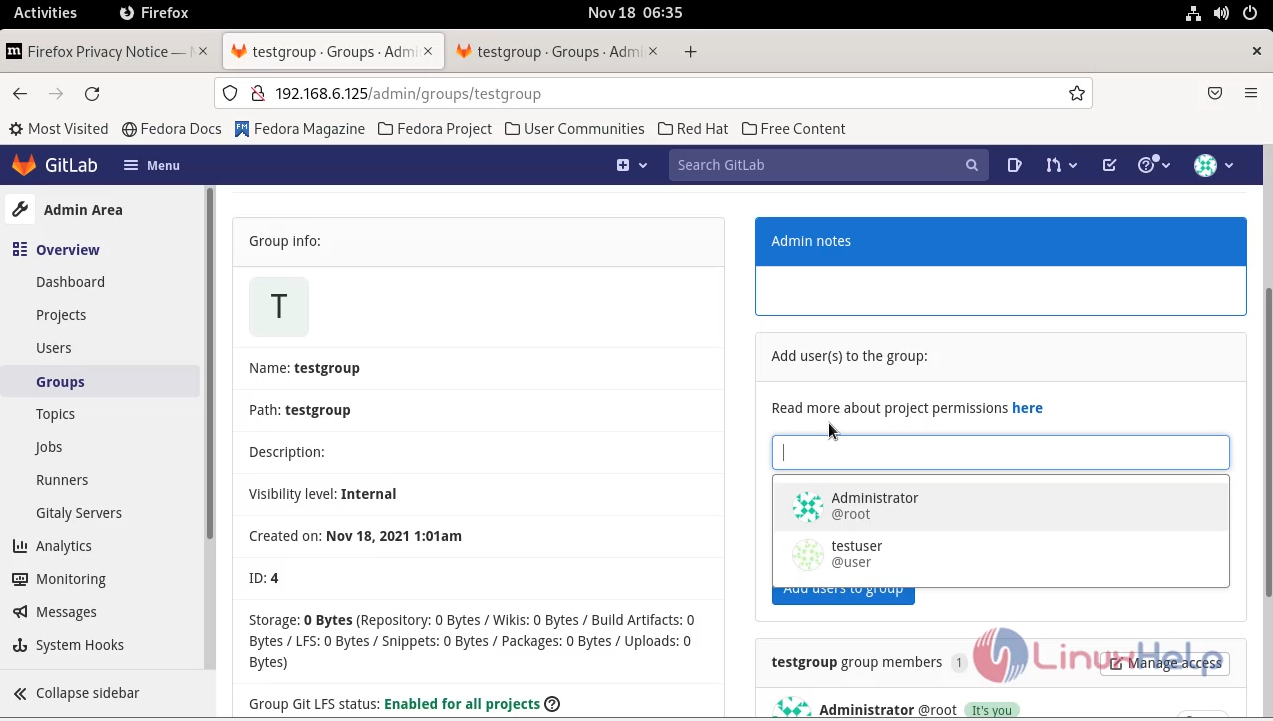
Step 7: Add the user into the group.
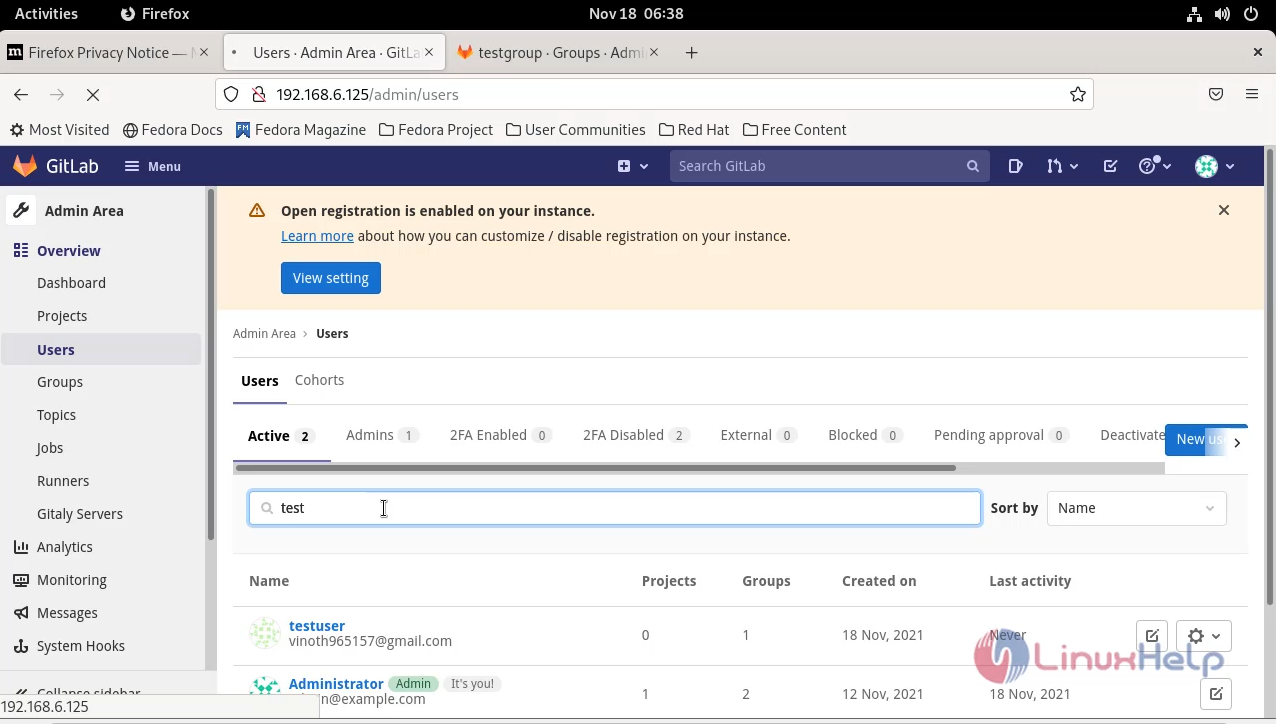
Step 8: Search the user and check the user group details.
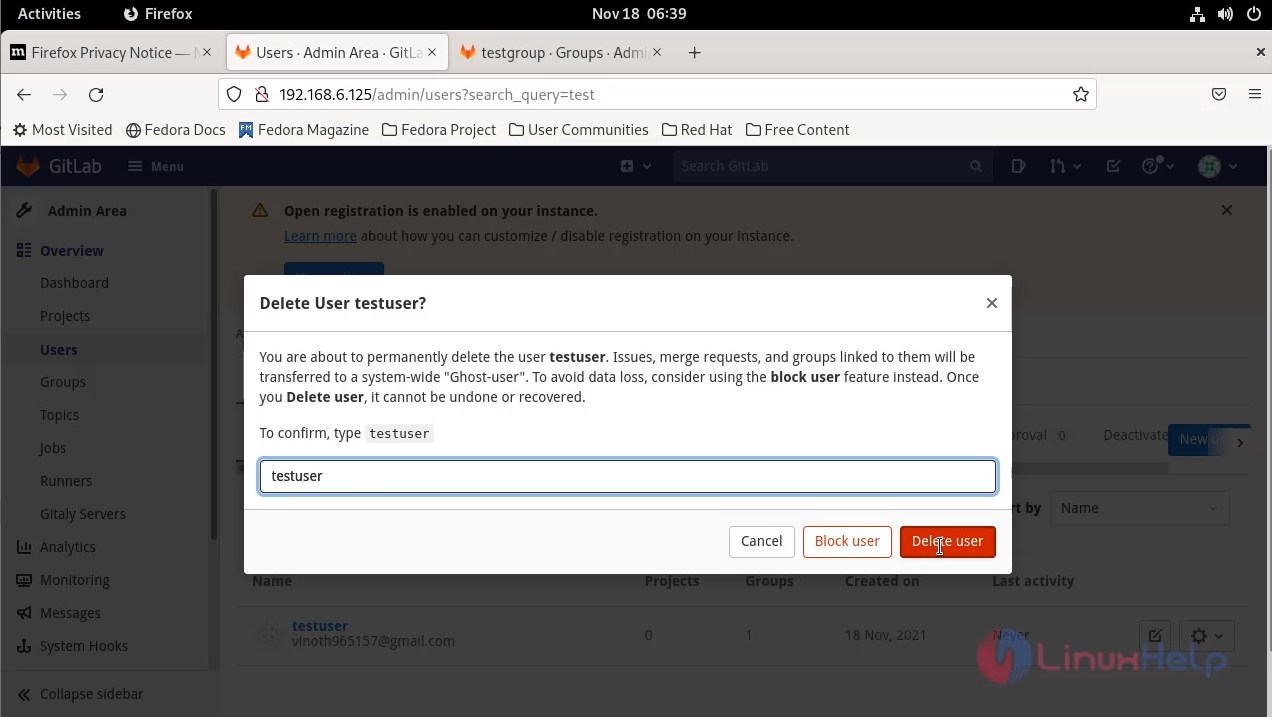
Step 9: Select the delete option to delete the user.
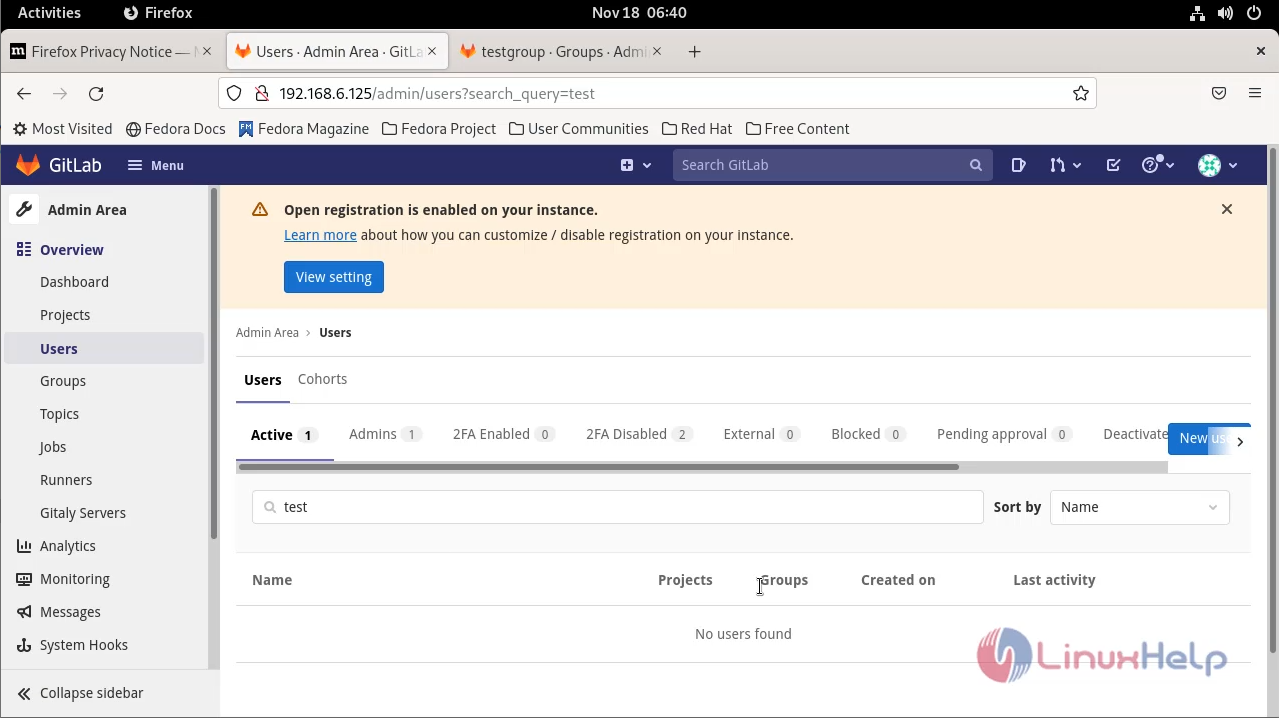
Step 10: After delete the user you can see this message “ No user found”.
Conclusion:
This is the method to Create User and Add user into the Particular group in Gitlab has come to an end
Comments ( 0 )
No comments available