How to Create Amazon Inspector on AWS
To create Amazon Inspector on AWS
Introduction:
Amazon Inspector is an electronic security assessment service that serves to develop the security and agreement of applications used on AWS that also assesses applications for exposure, vulnerabilities, and deviations from best practices. After developing the assessment, Amazon Inspector renders a complete list of security findings prioritized by level of severity. Amazon Inspector security assessments help us to monitor unintended network accessibility of our Amazon EC2 instances and for vulnerabilities on the EC2 instances. Amazon Inspector assessments are approved by you as pre-defined rules packages mapped to current security's most suitable practices and vulnerability definitions. In this tutorial, we will see about the Amazon Inspector on AWS.
Procedure:
Switch your AWS console and login your account
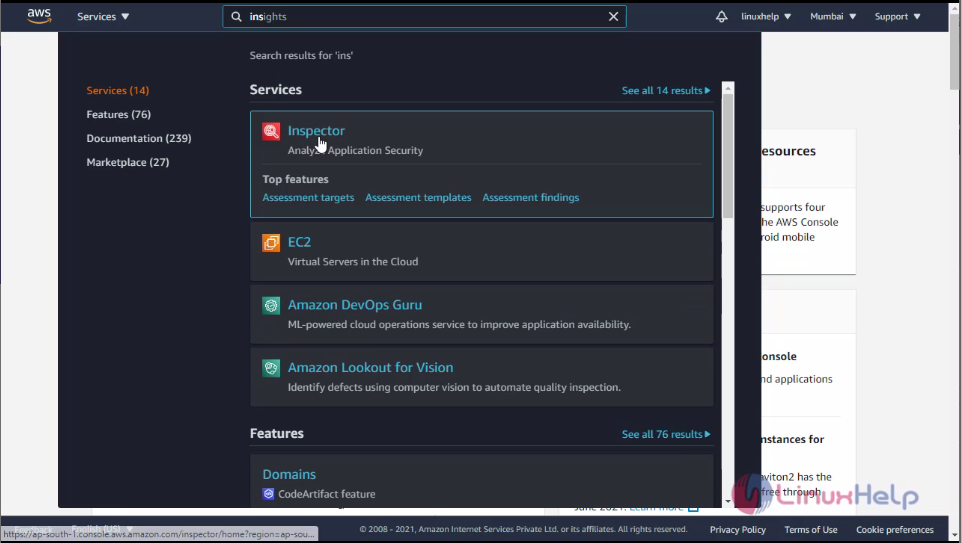
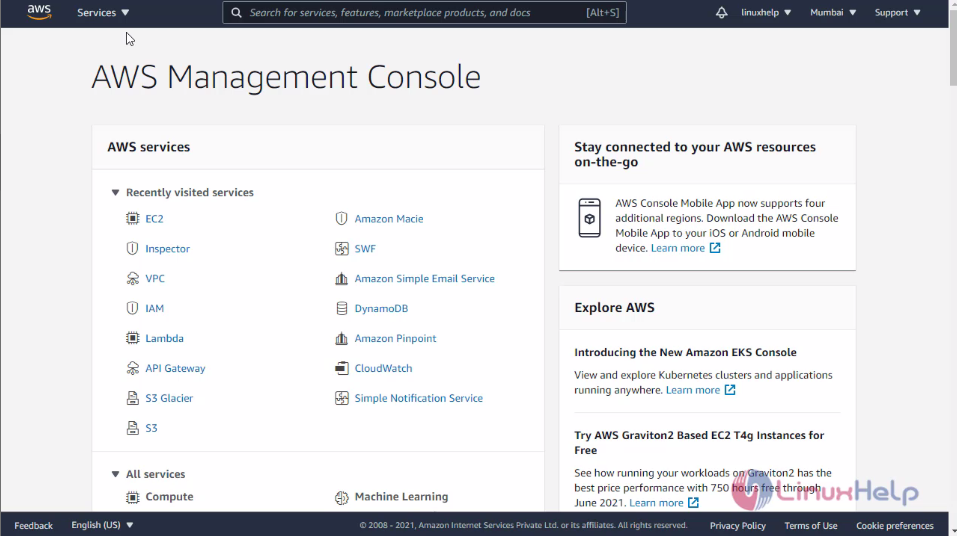 Here click the services and type Inspector then click inspector
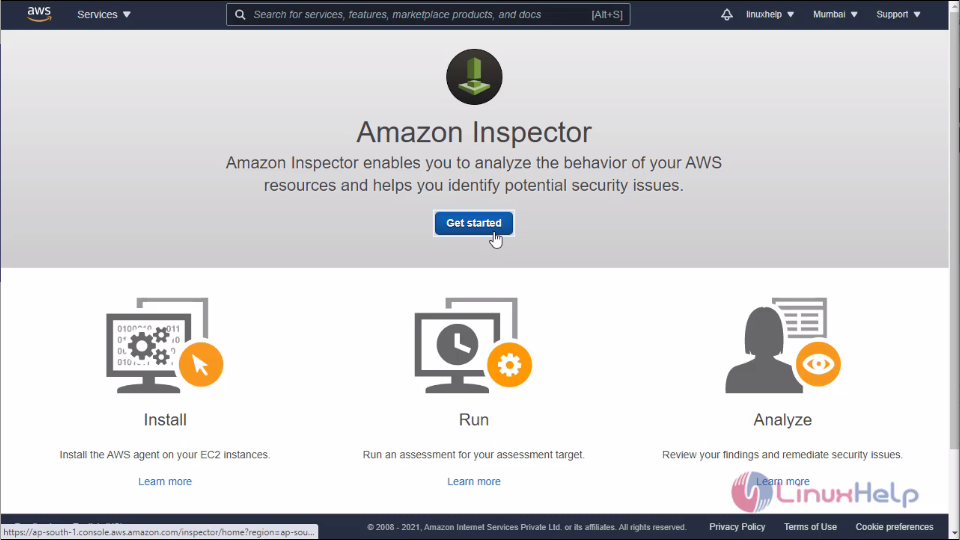
 This is the dashboard of the Inspector here clicks get started
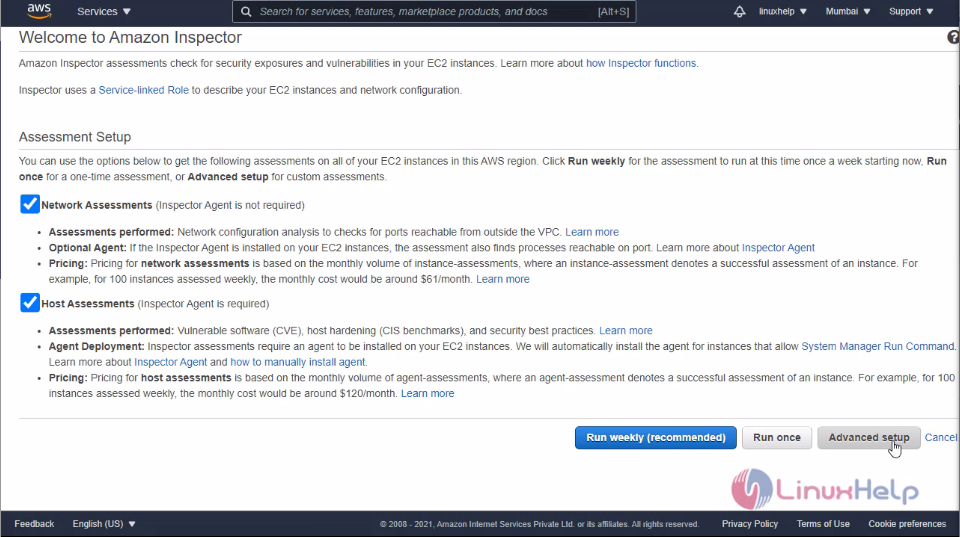
 Then click advanced setup
 Before you create the assessment target you need to create the EC2 instance. For that you need to go on the EC2 instance console
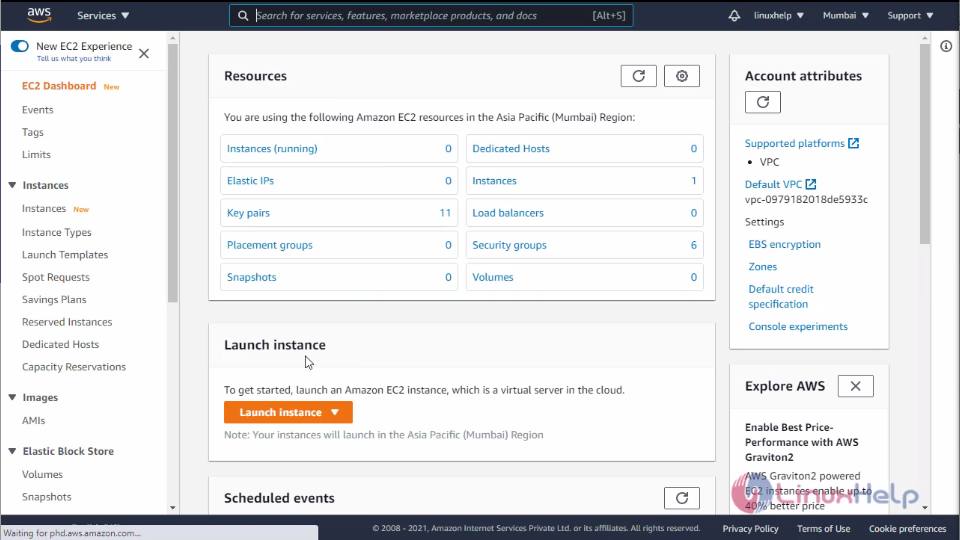
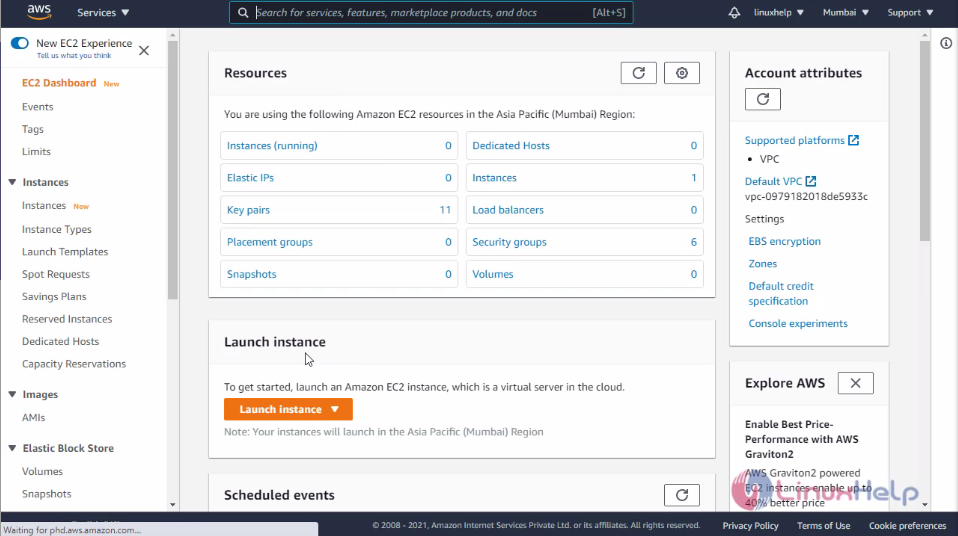 Here click launch instance and select your AMI
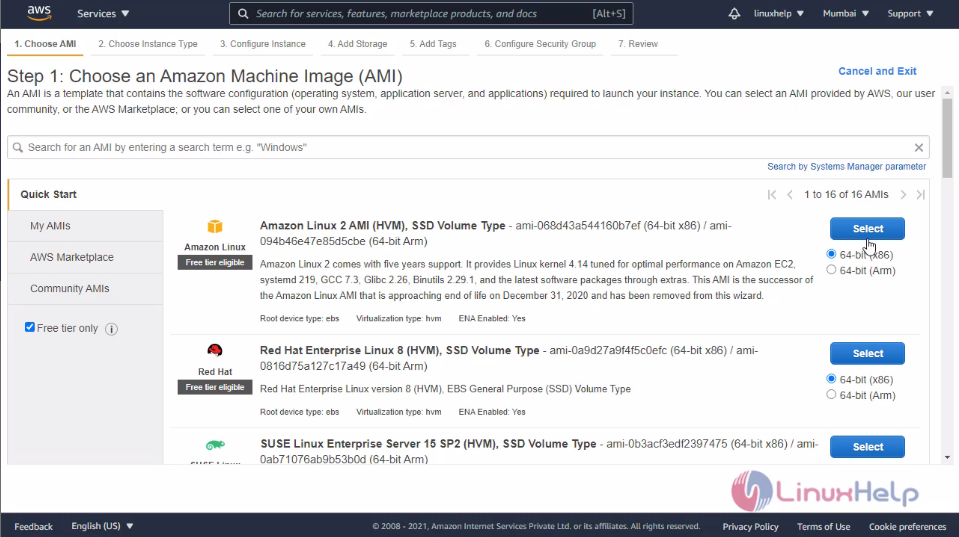 Then choose your instance type and click continue instance details
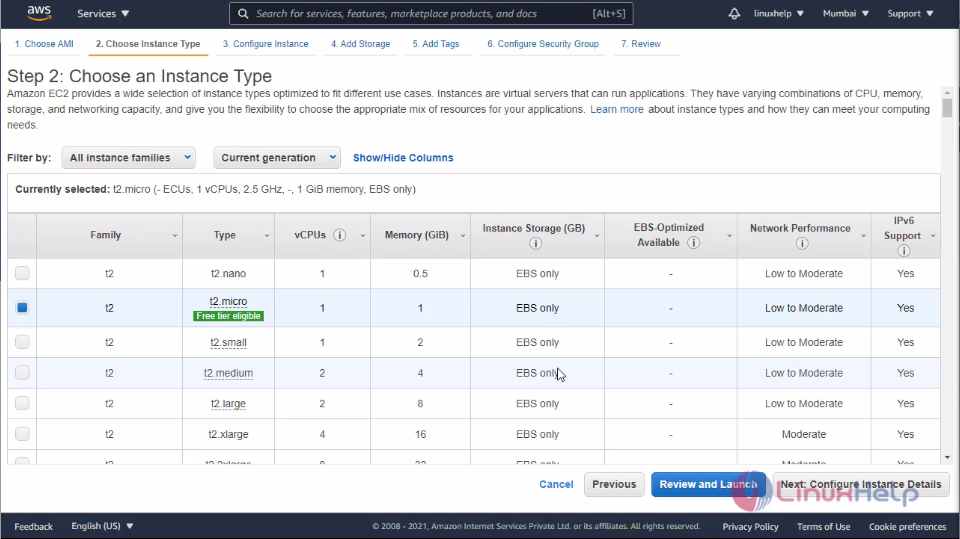 Configure you instance details on this tab then click add storage
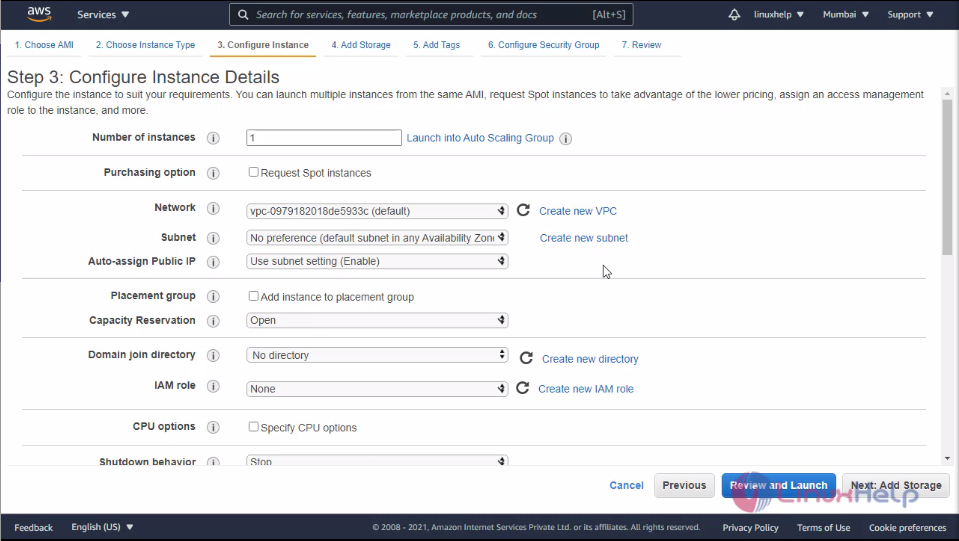 Here you can define you instance storage after that hit add tags
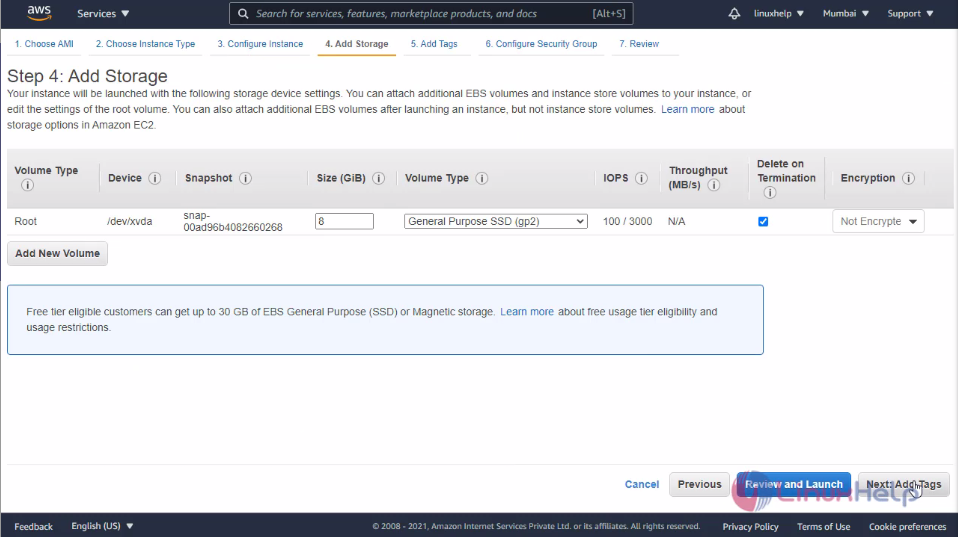 Here adds the tag for your instance and click configure security group
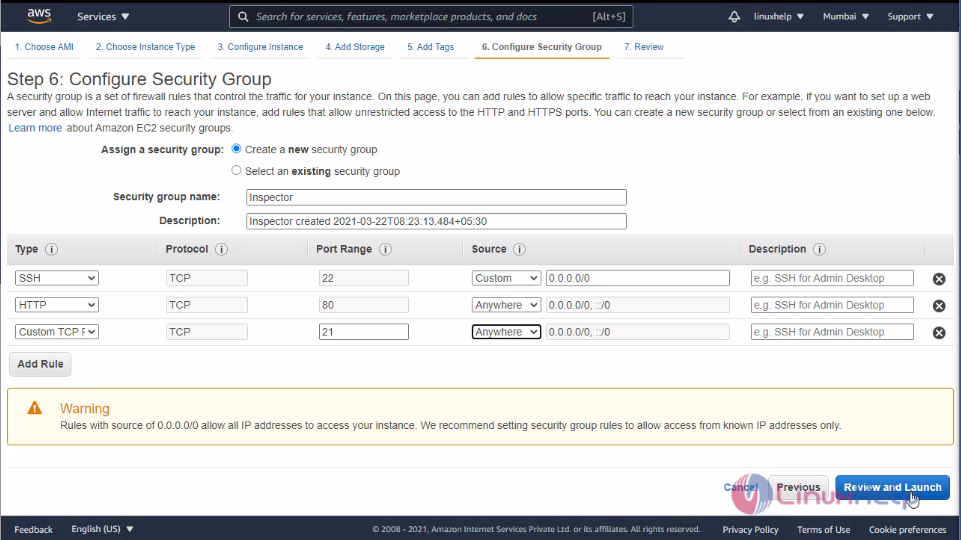
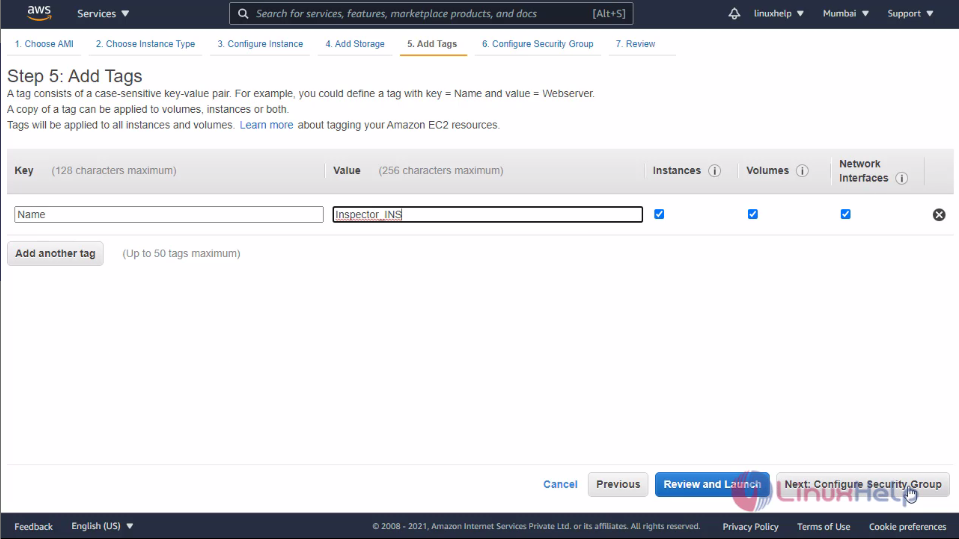 In this tab I will add the TCP port to the public access in the security group after that click review and launch
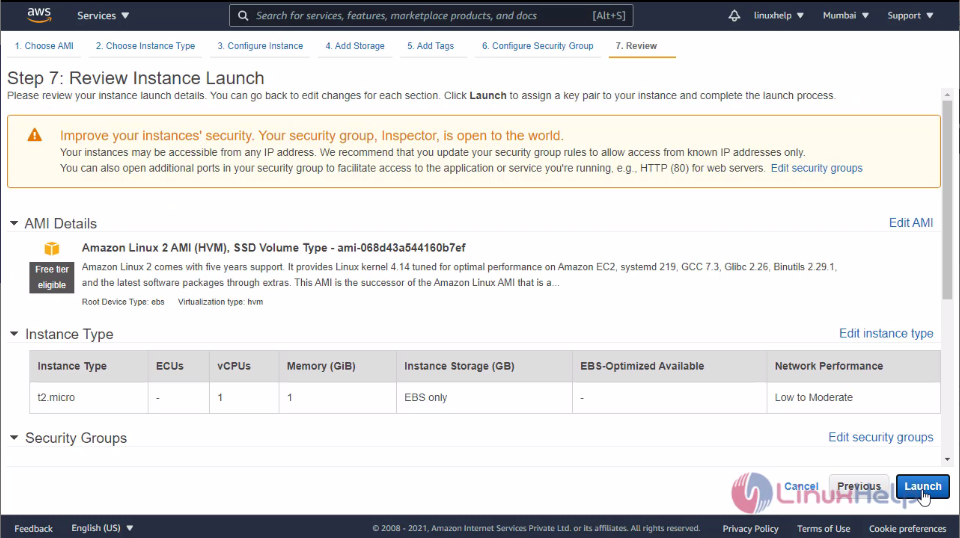
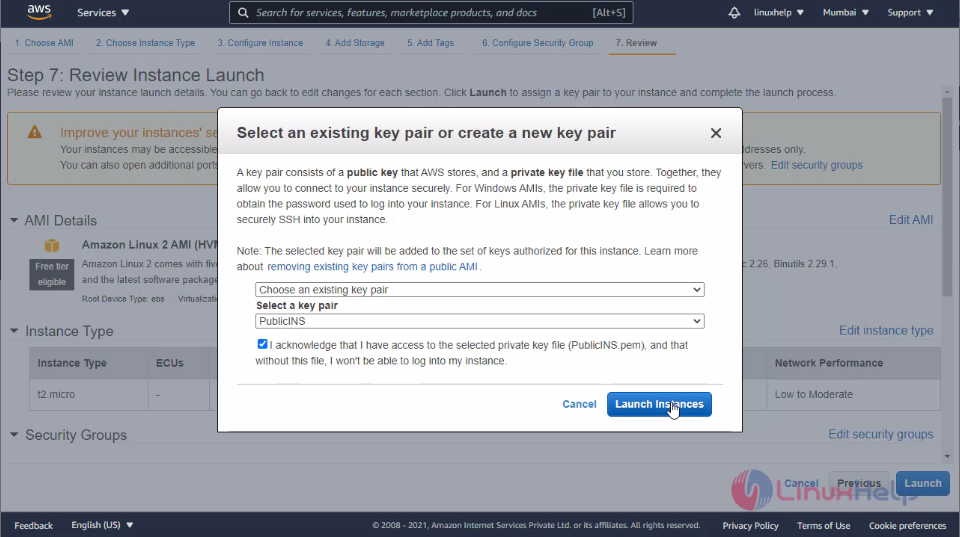
 Click launch instance and select or create your keypair here I am choose the existing keypair
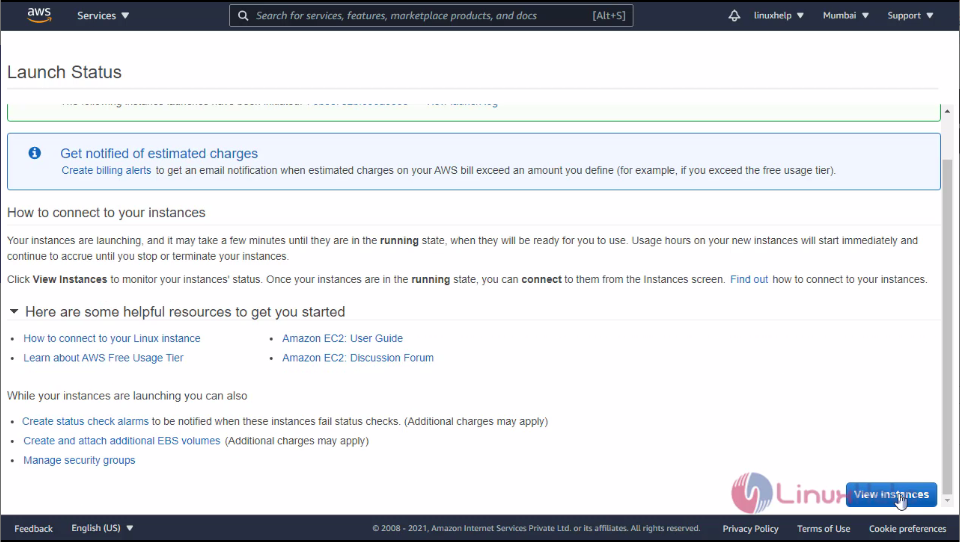
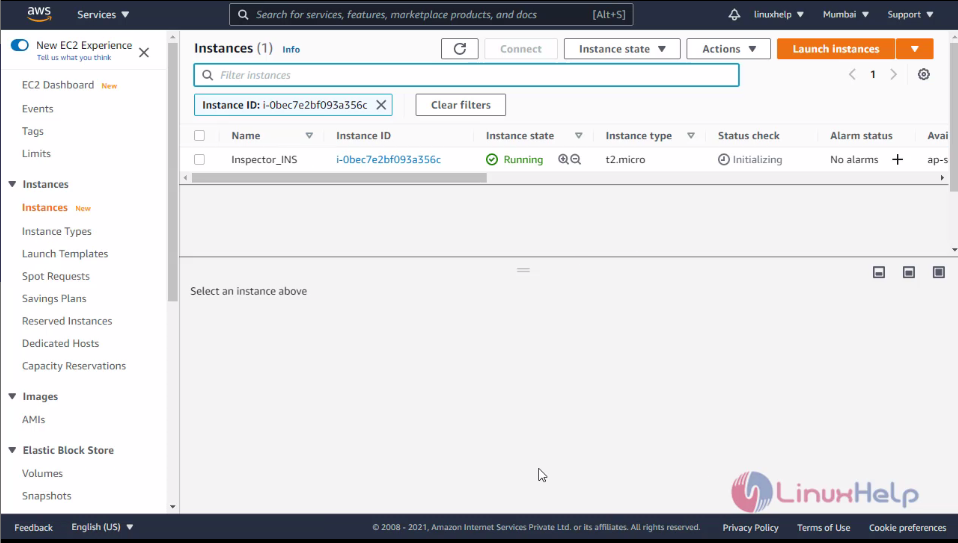
 The instance is launched now click view instance. Here you can the instance is running
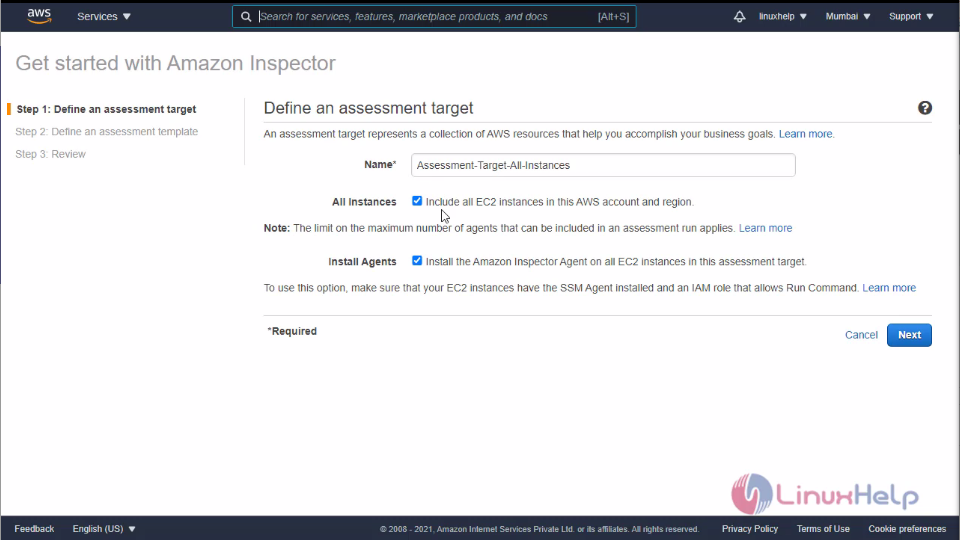
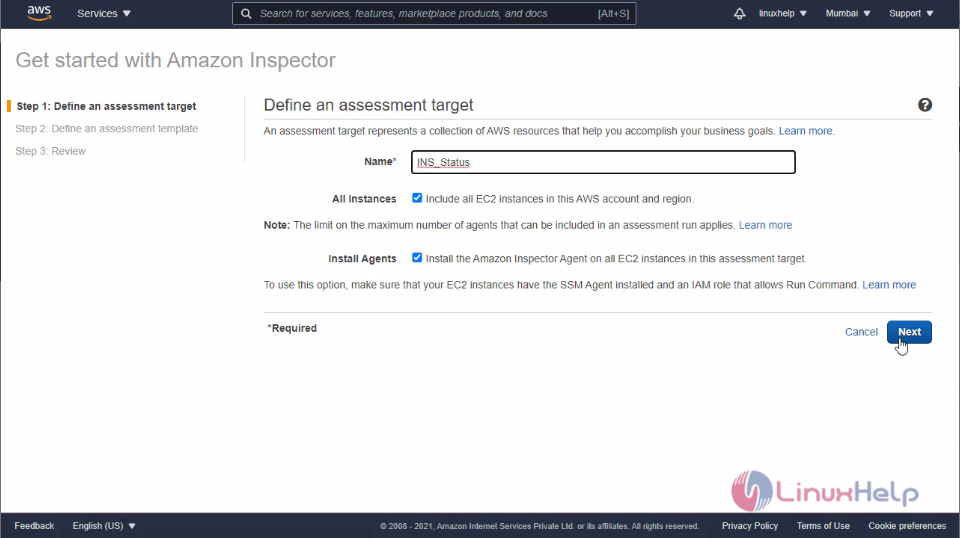
 After the instance creation is completed then get back to the Inspector tab and enter th assessment name and click next
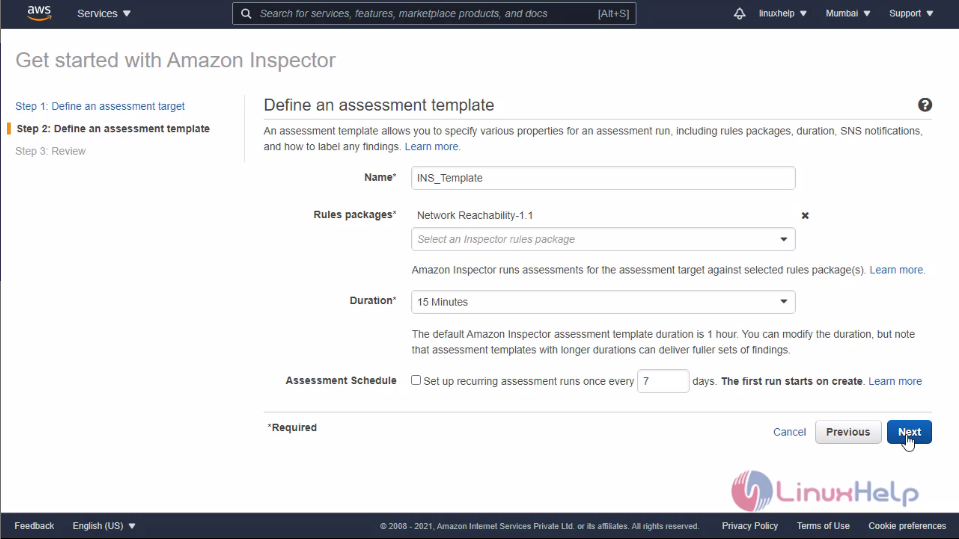
 Here you need to define your assessment template and click next
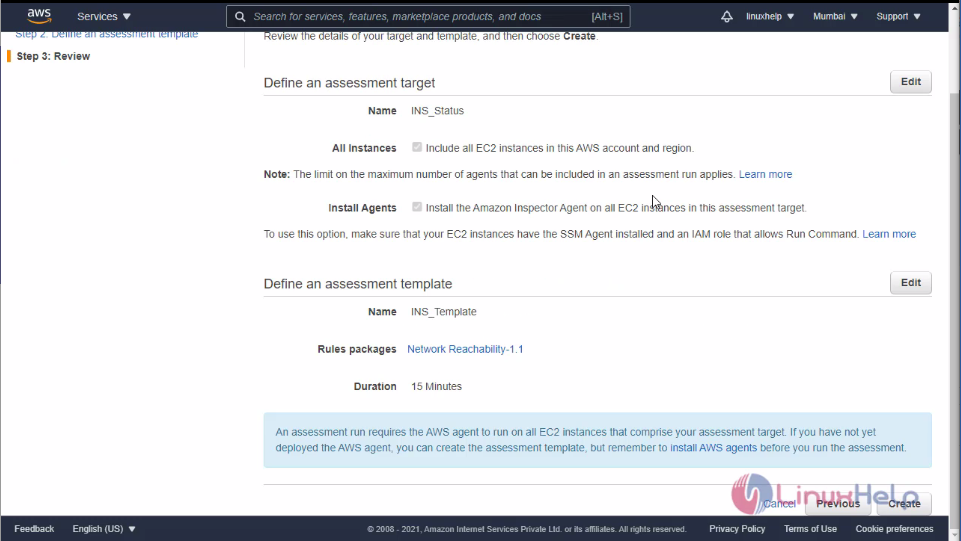
 Review your inspector and click create
Now the inspector is created.
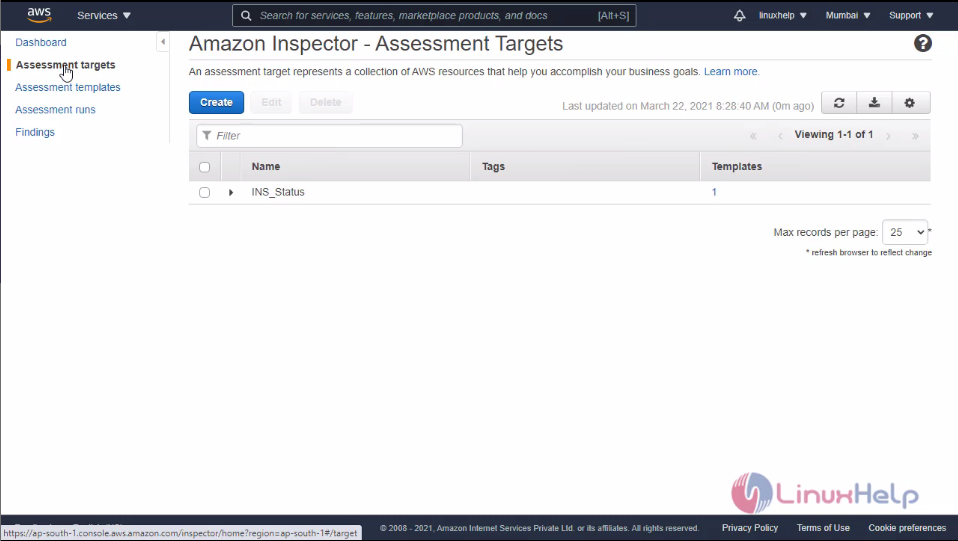 Click findings. There you can see the Inspector findings on your instance. There will be the four levels
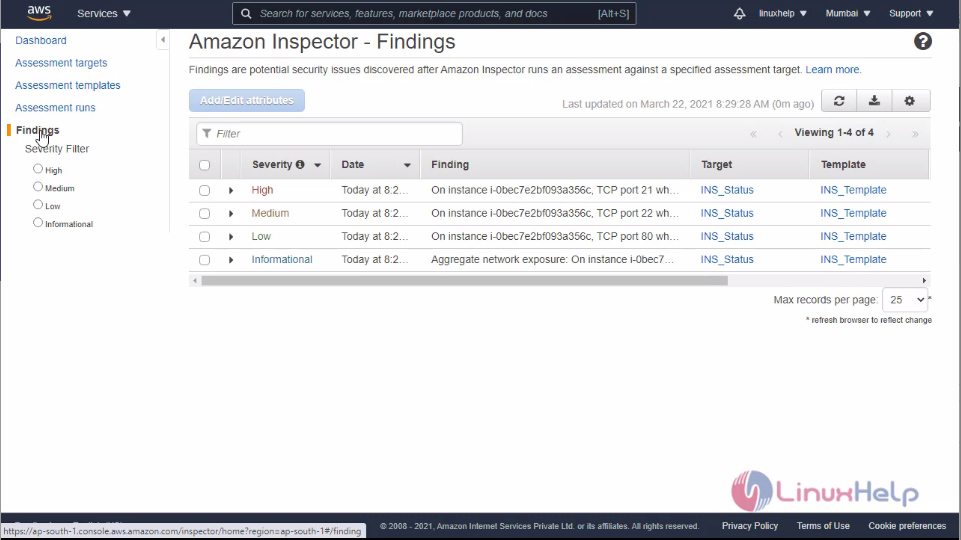 Those are defining the description about the status of the instance
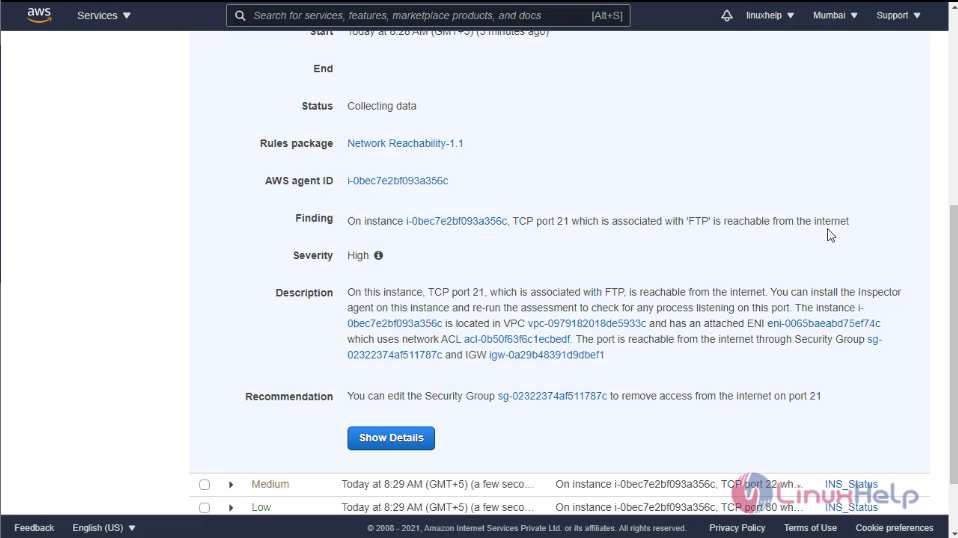 With this method to create Amazon Inspector on AWS is comes to an end.
Comments ( 0 )
No comments available