How to Create Amazon Transcribe on AWS
To Create Amazon Transcribe on AWS
Introduction:
Amazon Transcribe offers developers to add speech-to-text capabilities to their applications. Audio data is virtually impossible for computers to search and examine. So, the recorded speech requires to be converted to text before it can be used in applications. Amazon Transcribe utilizes a deep learning process called automatic speech recognition (ASR), which helps in converting speech to text swiftly and perfectly. In this tutorial, we will see how to create Amazon Transcribe on AWS.
Procedure:
Switch your AWS console and log in to your account
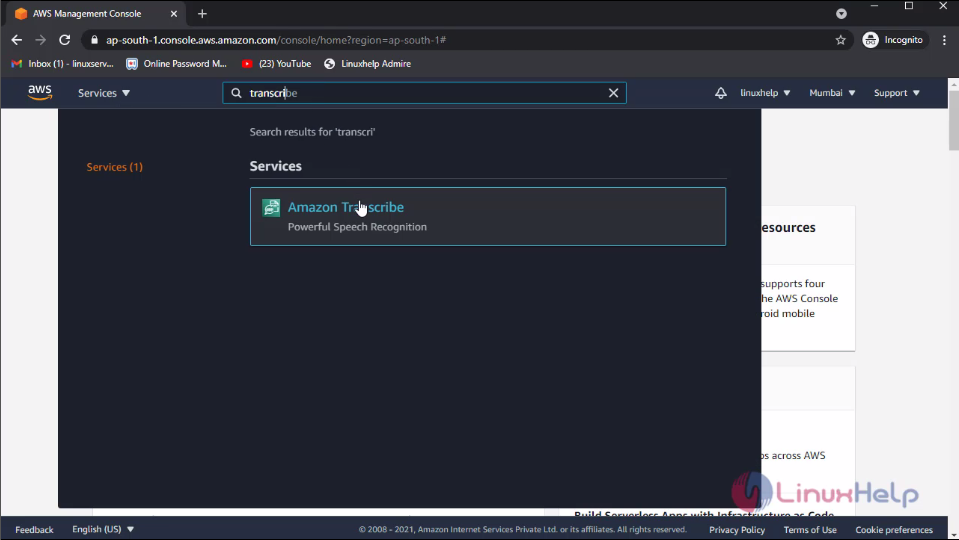
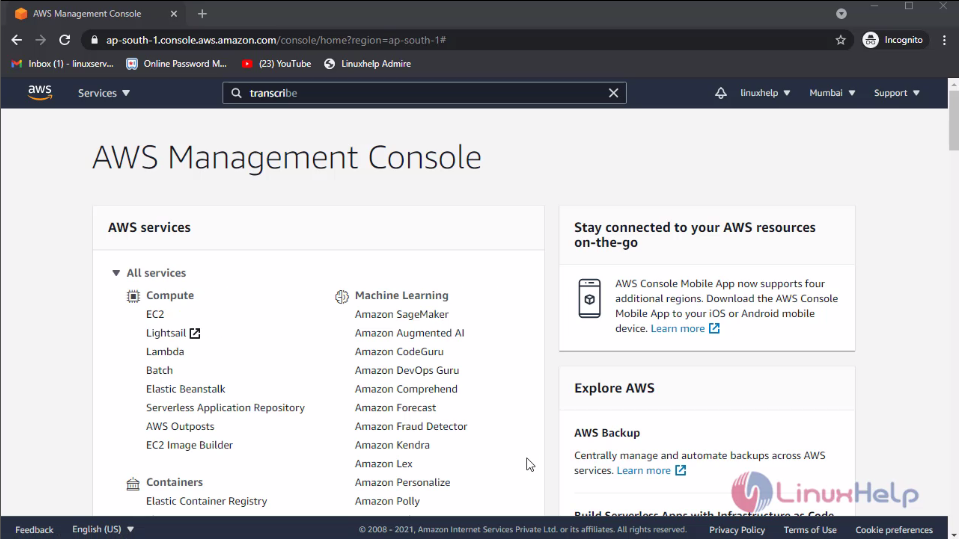 Then, click services and search for transcribe and click on it
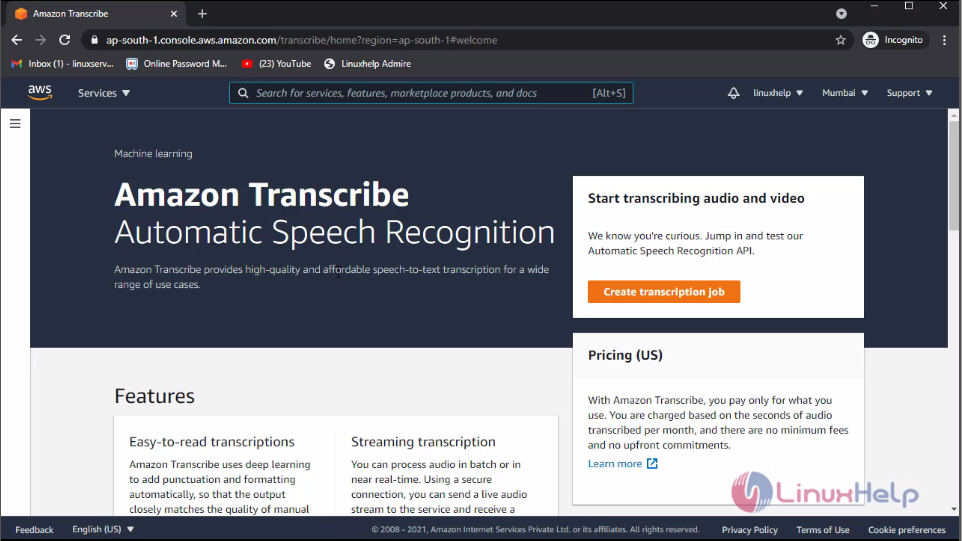
 This is the dashboard of the amazon transcribe. Now, to create a transcription job, click create transcription job
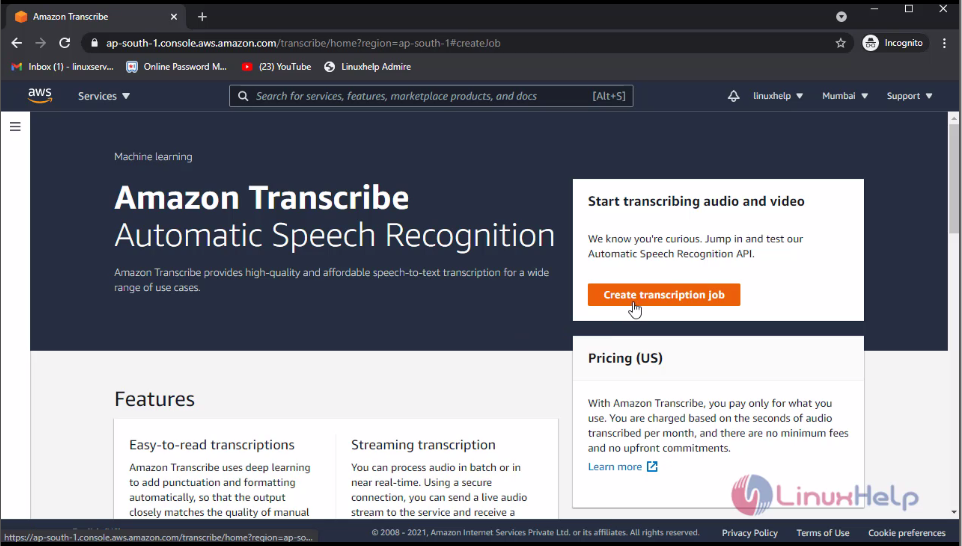
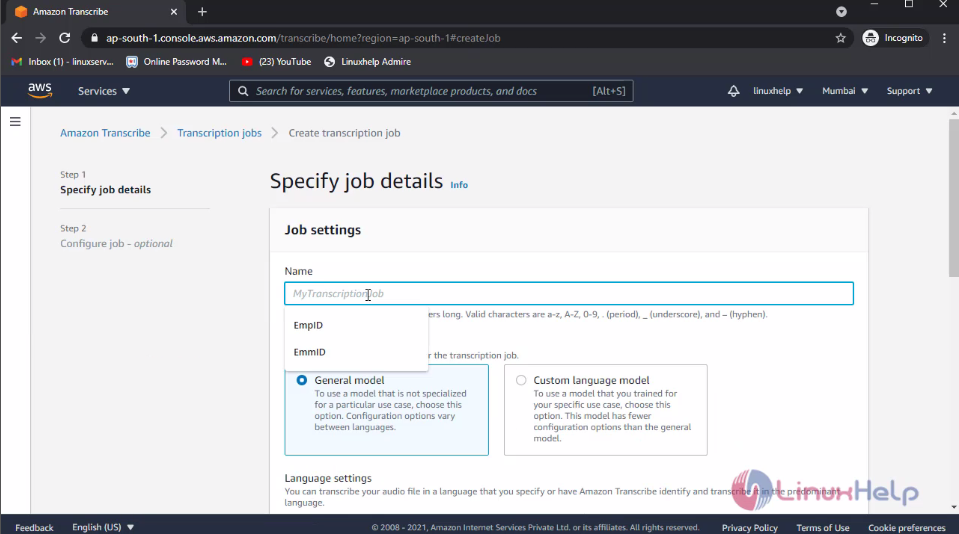
Now, enter the transcription job name
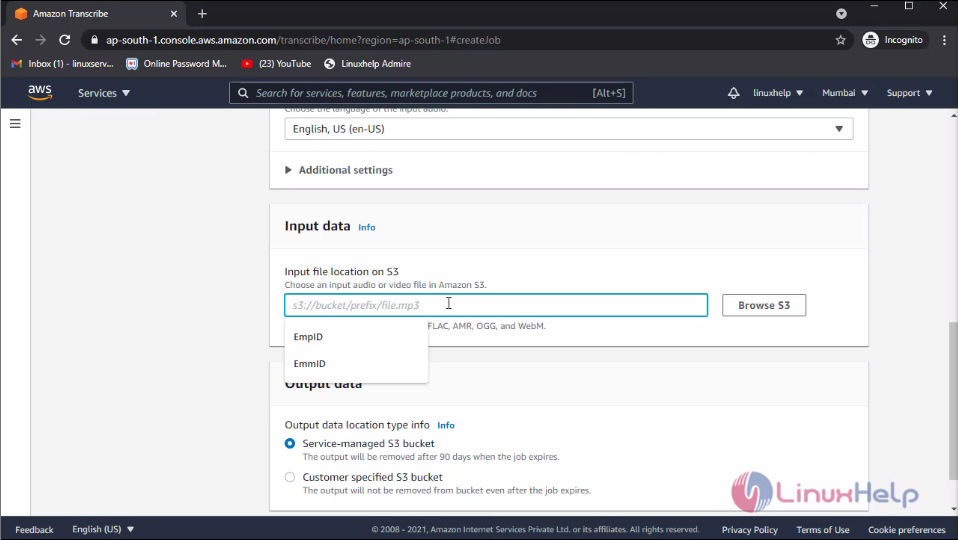
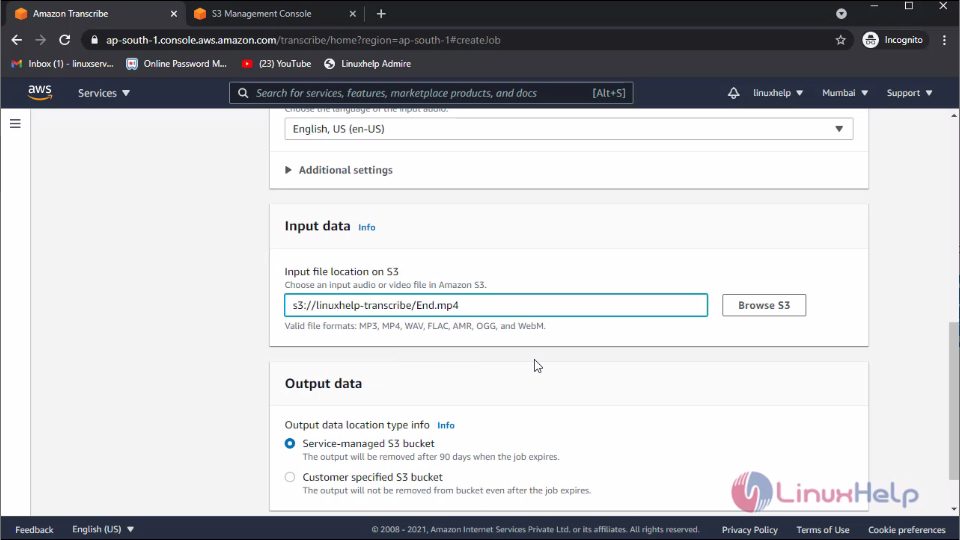
 In this Input data field, enter the file path of the S3 bucket. Now, to create an S3 bucket go to the S3 window
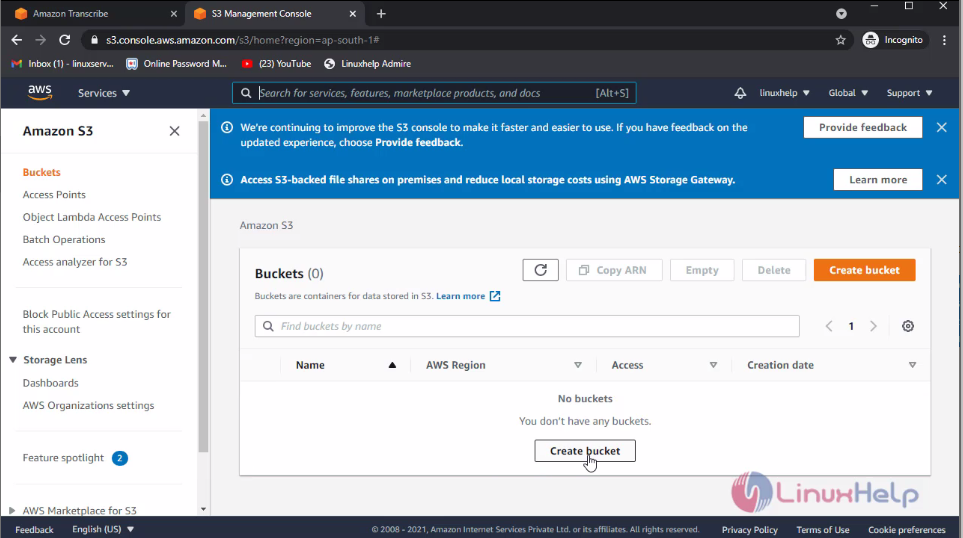
 Here, I will create an S3 bucket and add some media files to this bucket. First, click create bucket
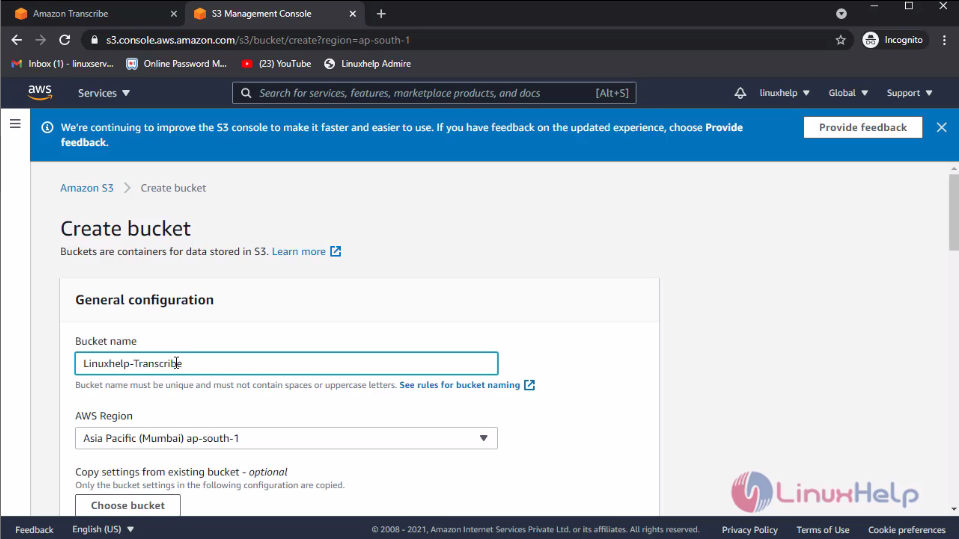
 Now, enter the bucket name and then click create bucket
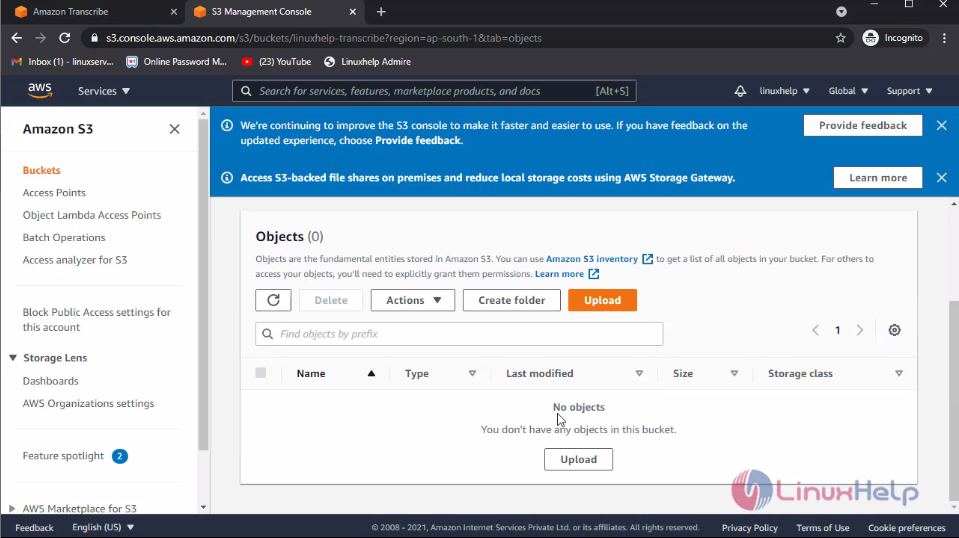
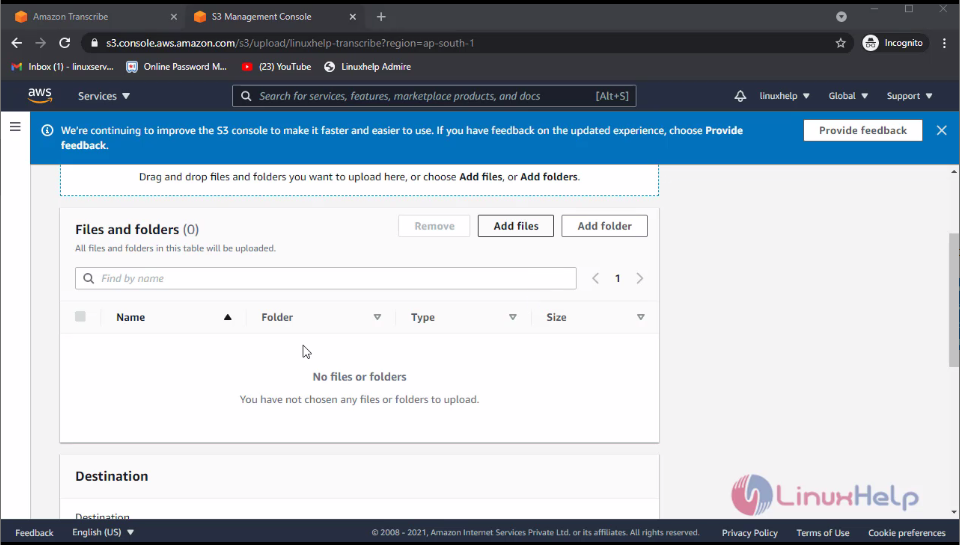
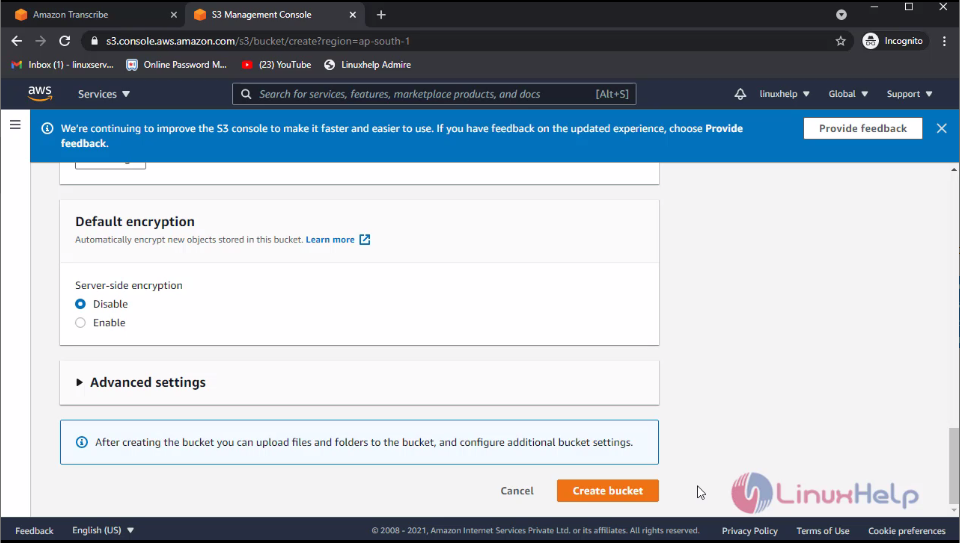 In this bucket, I am adding some media files. For that select bucket and click upload, then add the file.
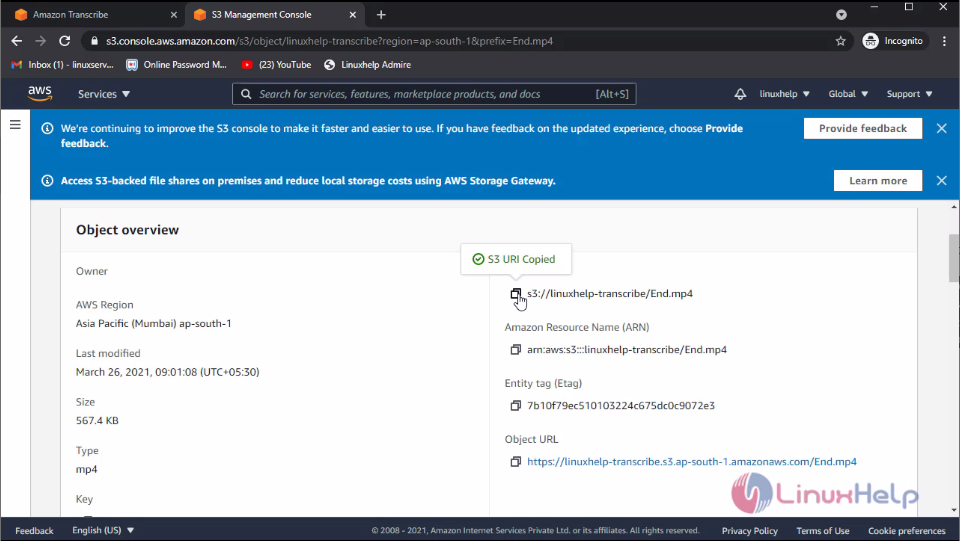
 Now, I am copying the media file URL and pasting it to the Transcribe field
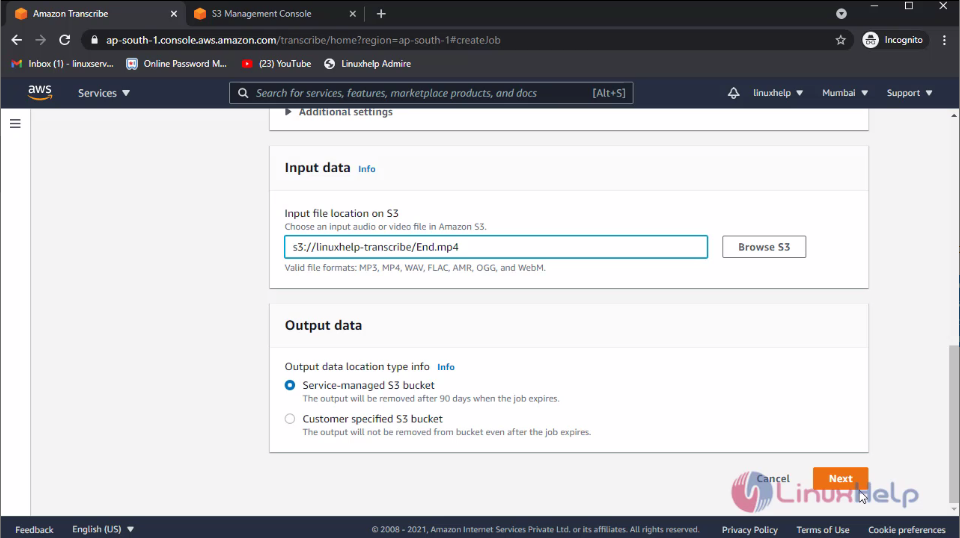
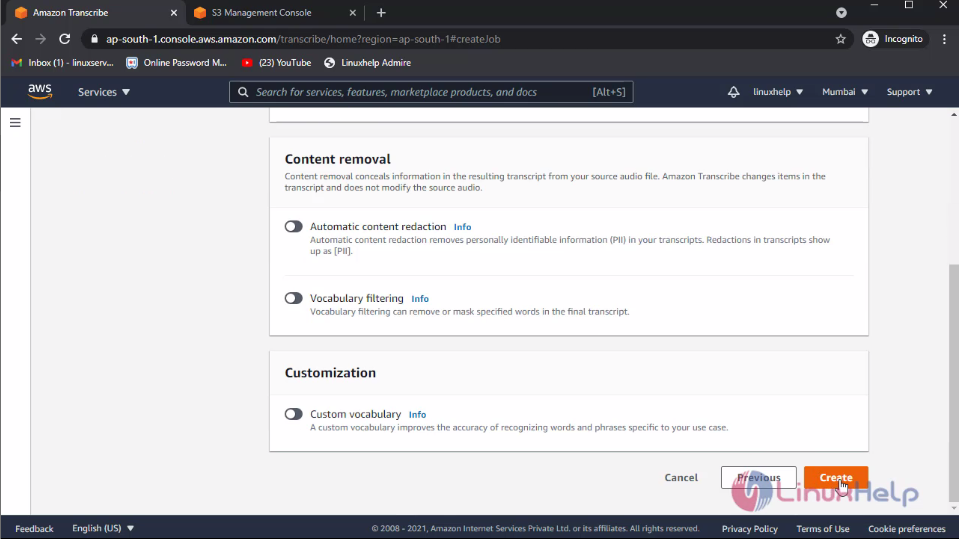
Then, click next and click create
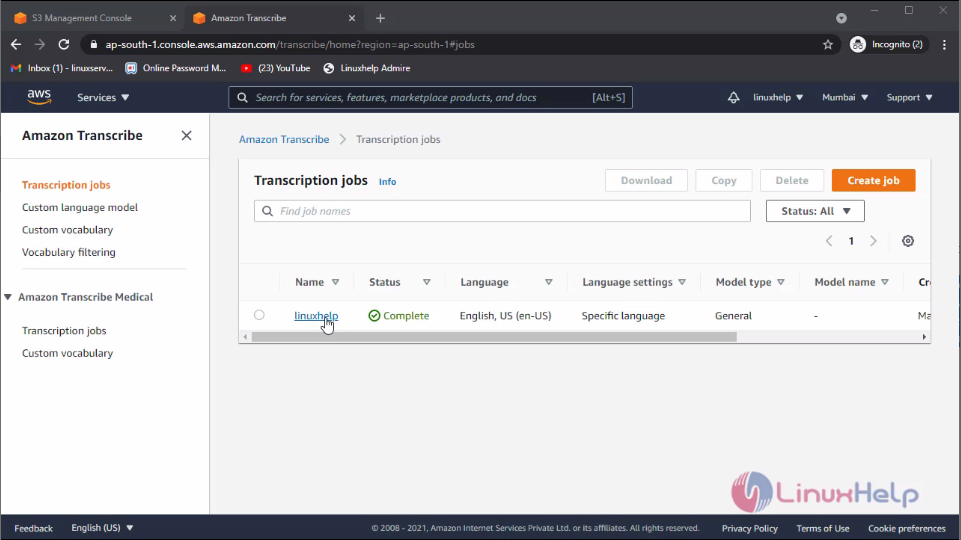
 Here you can see the job is created. Now click the job
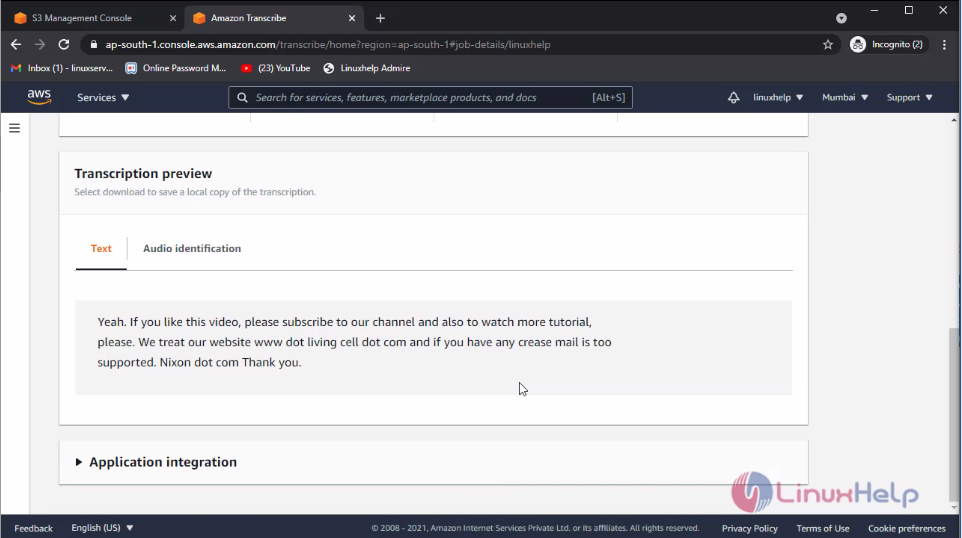
 Then, scroll down so that you can see the text file. This text file in the converted form was previously uploaded to the S3 bucket
 With this method, the procedure to create Amazon Transcribe on AWS comes to an end.
Comments ( 0 )
No comments available