How to Create Custom Module in SuiteCRM
Create Custom Module in SuiteCRM
Procedure to Create New Custom Module in SuiteCRM
Process
Click on admin option, to navigate into admin panel
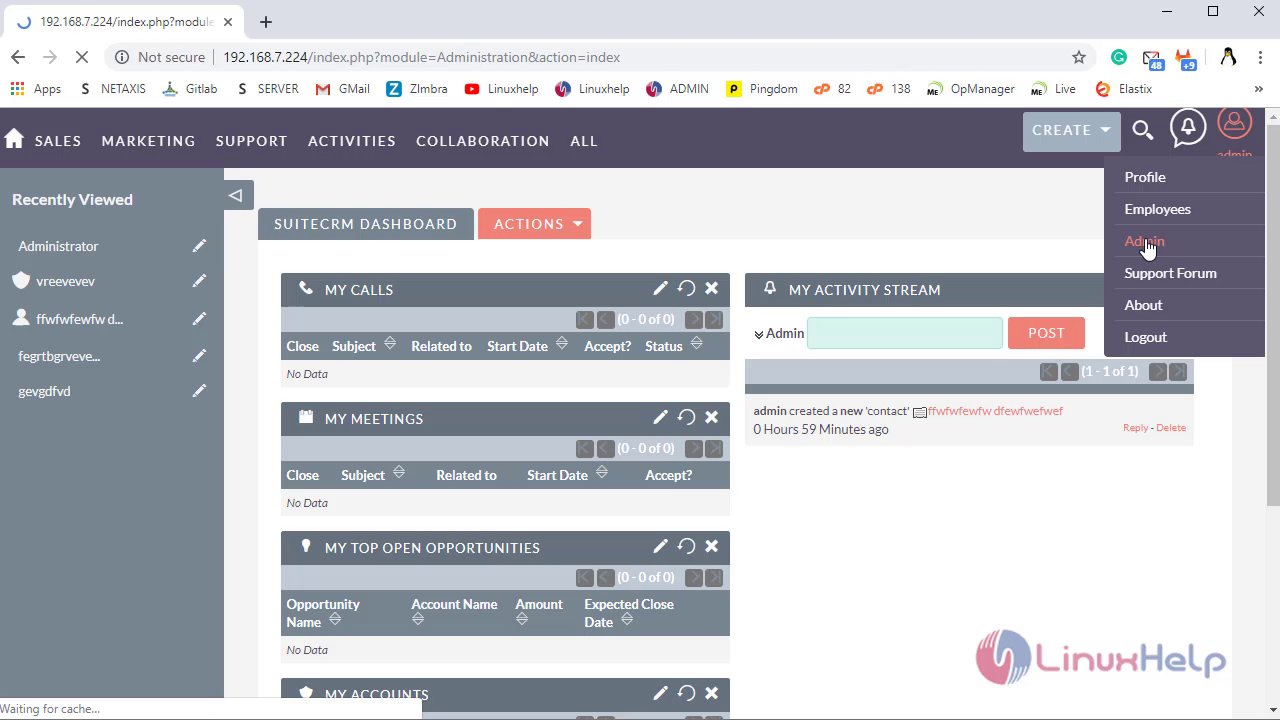
In admin panel, under Developer Tool click on Module Builder
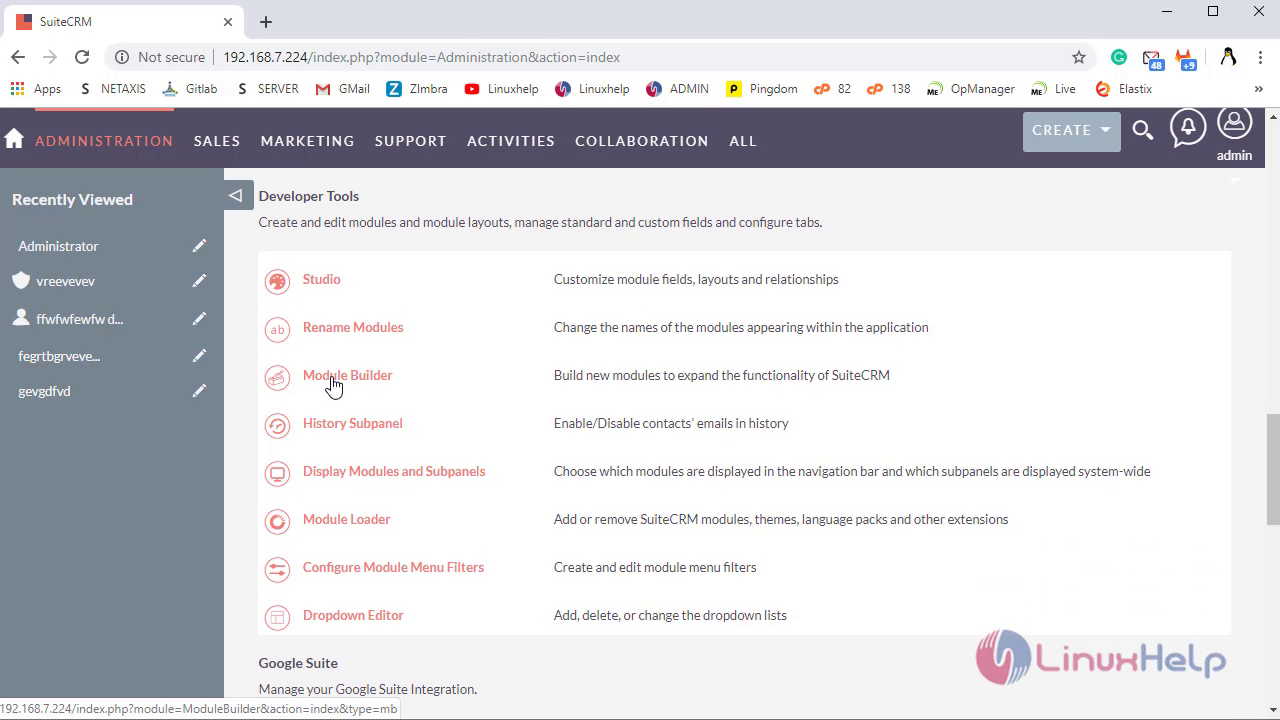
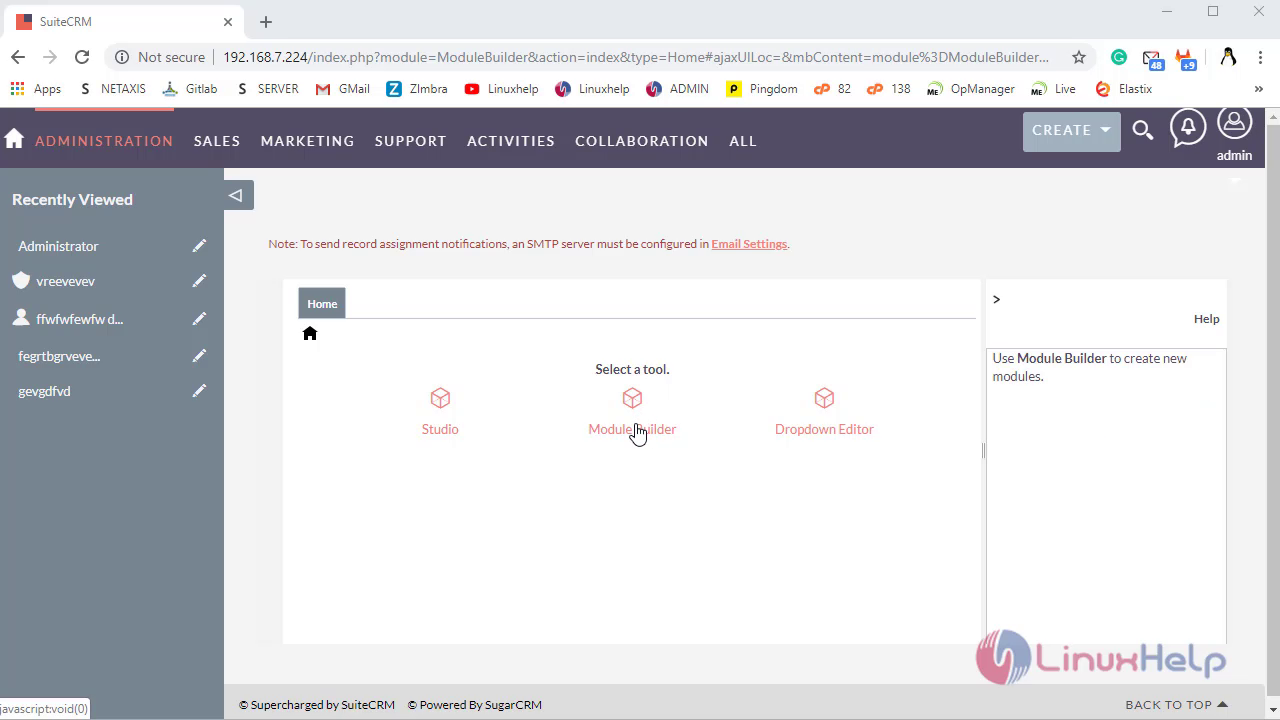
Click on Module Builder to Create New Custom Module
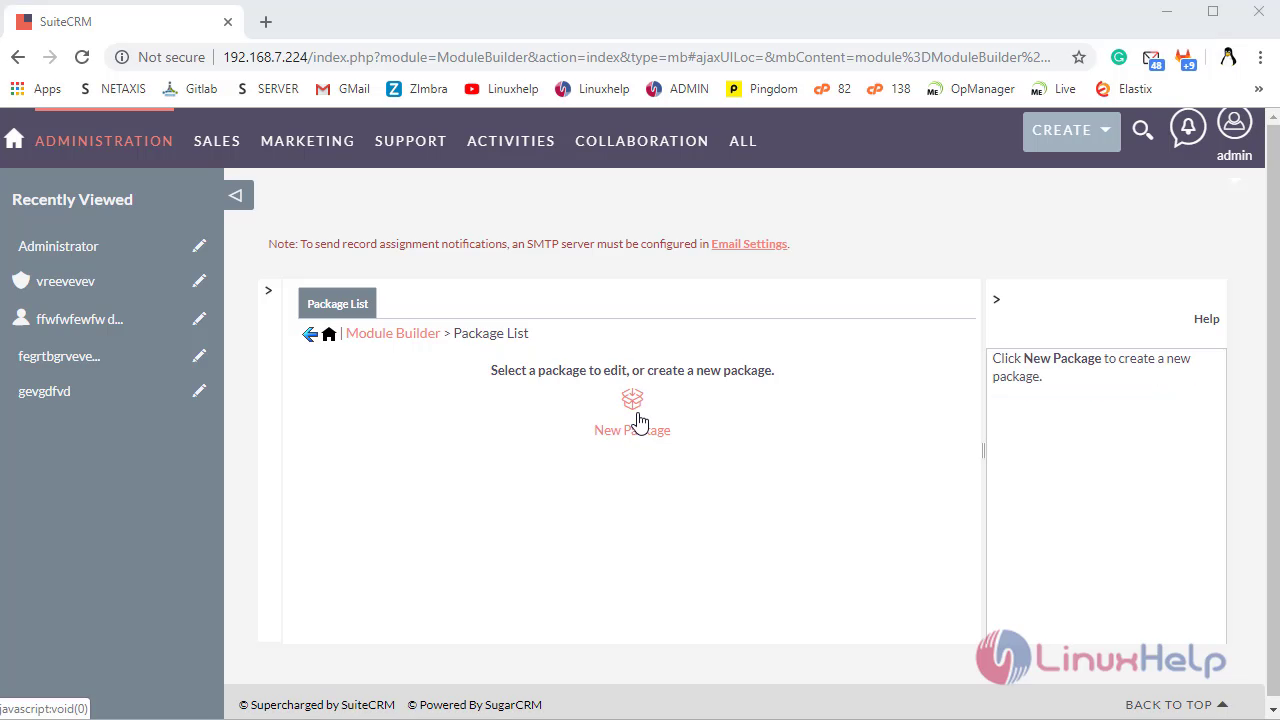
Here, Click on New Package to create Package
Where, Fill Fields then click on Save option
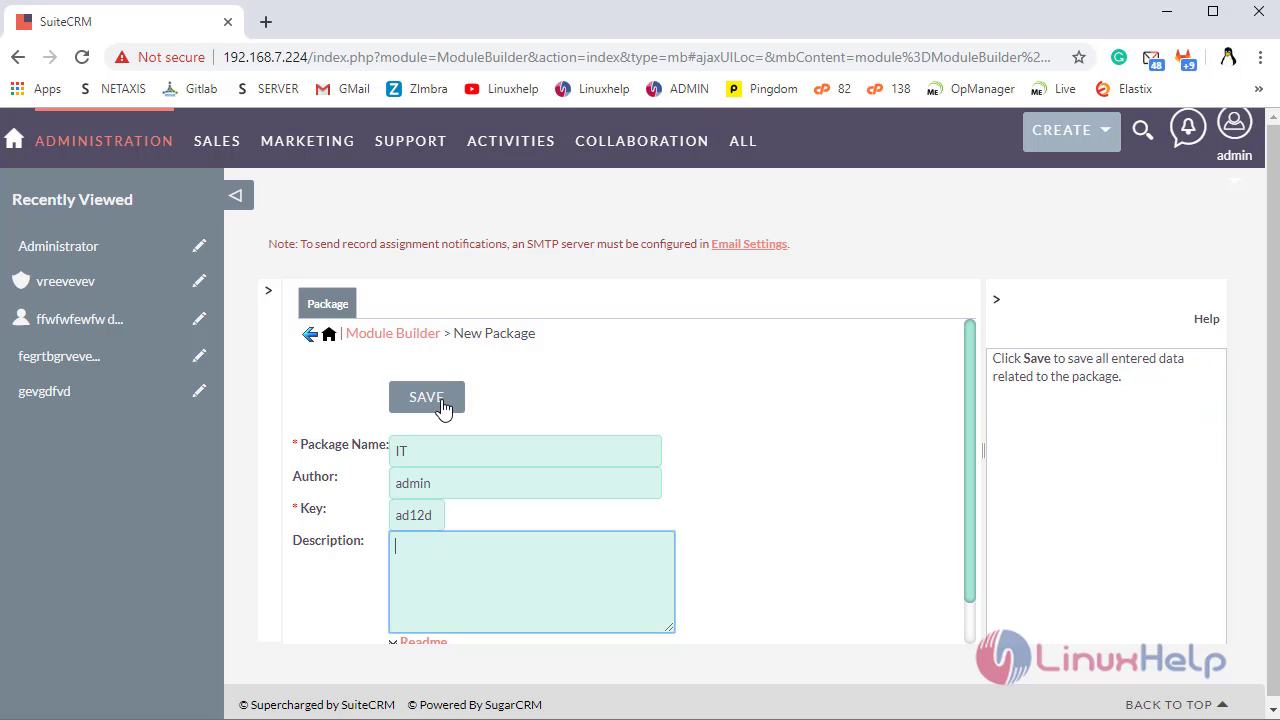
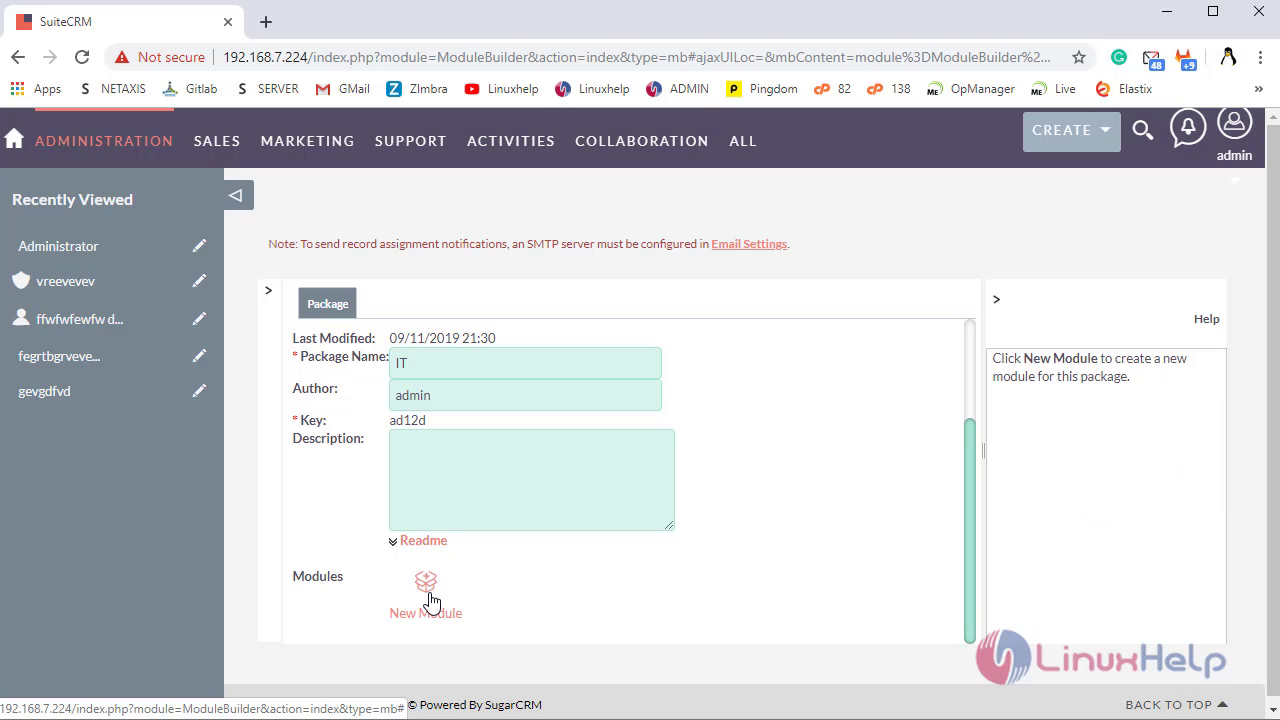
In package, Click on New Module Option to create Module
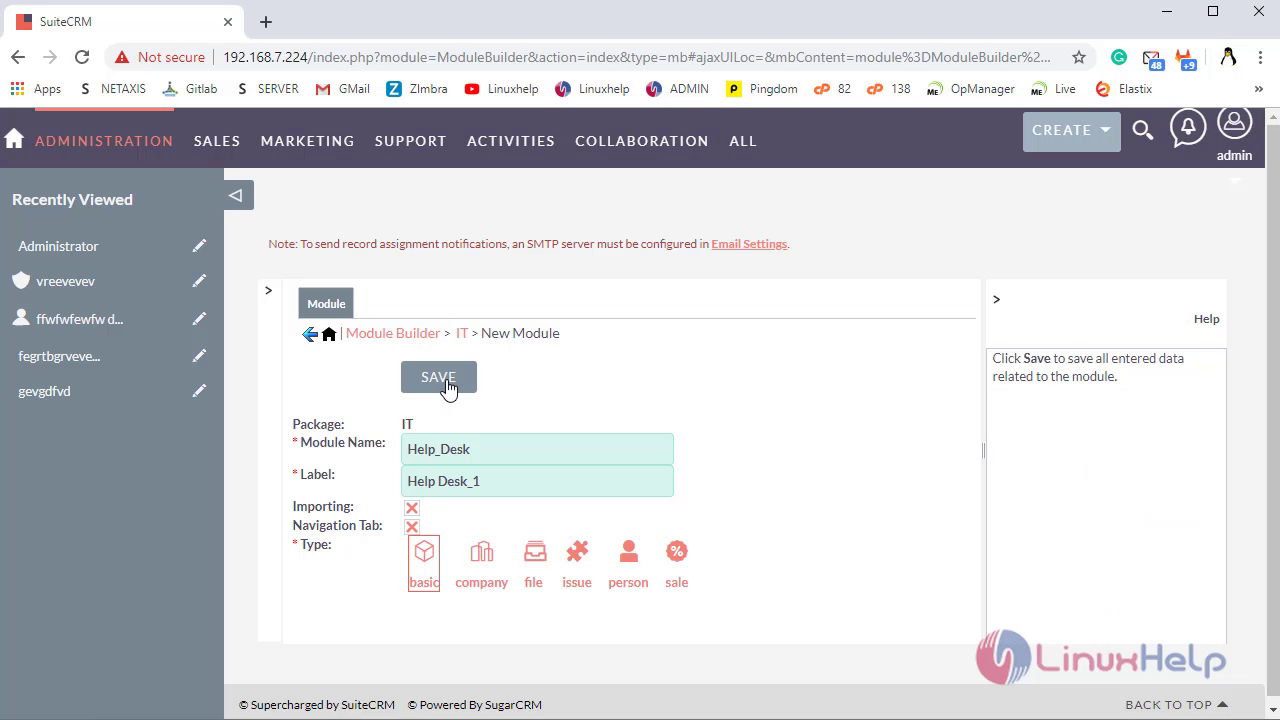
Fill the fields then Select the Template Type Based on Your Requirement then click on save option
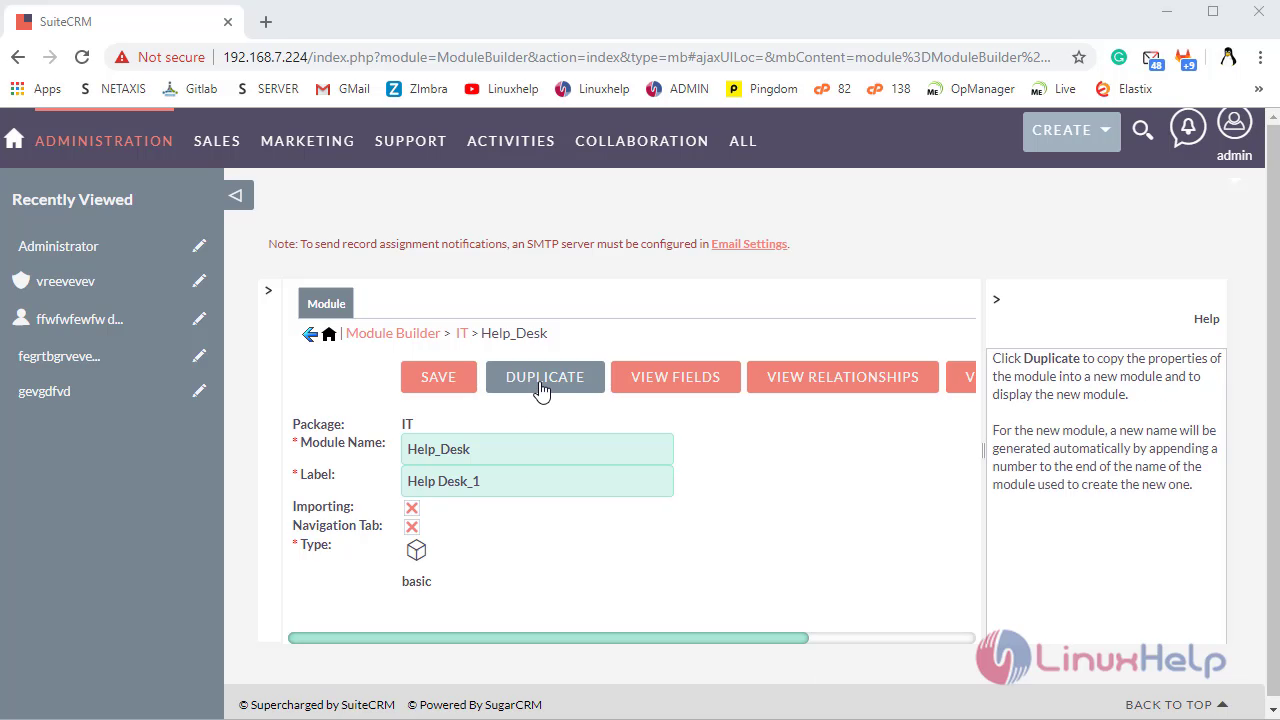
 Click on Duplicate option to Duplicate the module then the duplicate module will created automatically at the end
Click on ViewFields options to Add and View the fields in module
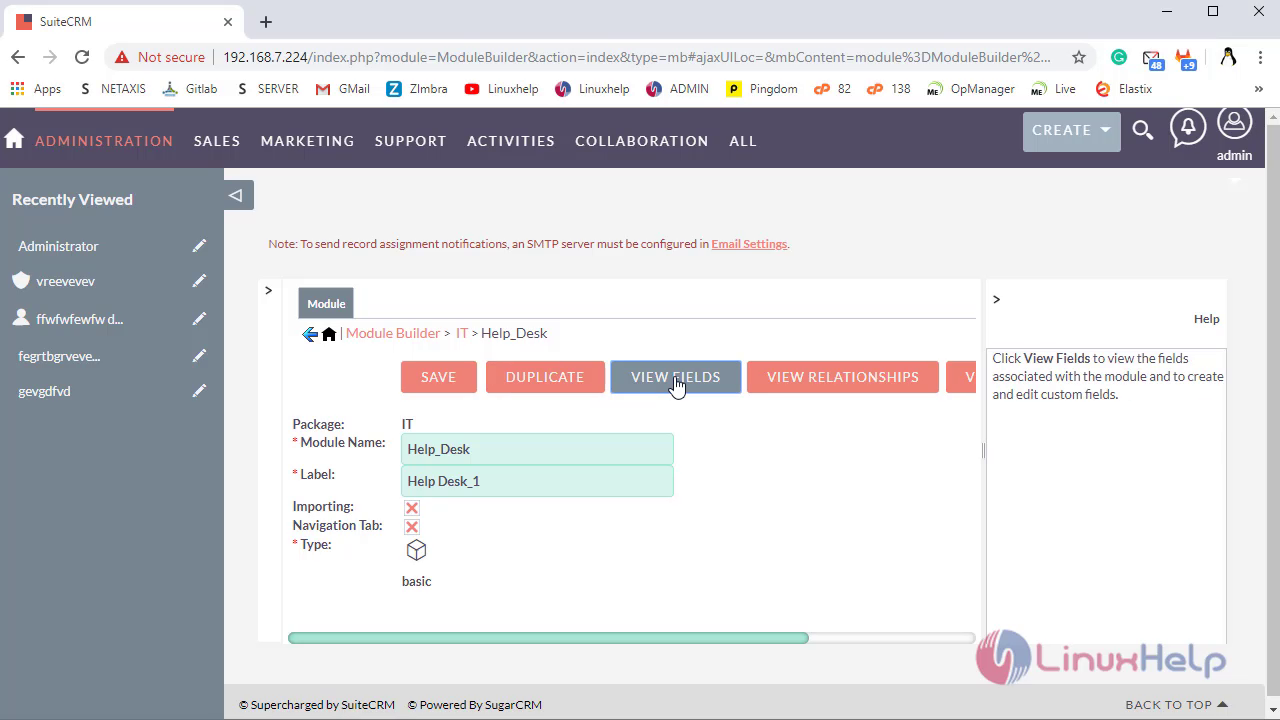
Click on View RelationShips options to Add and View the RelationShips in module
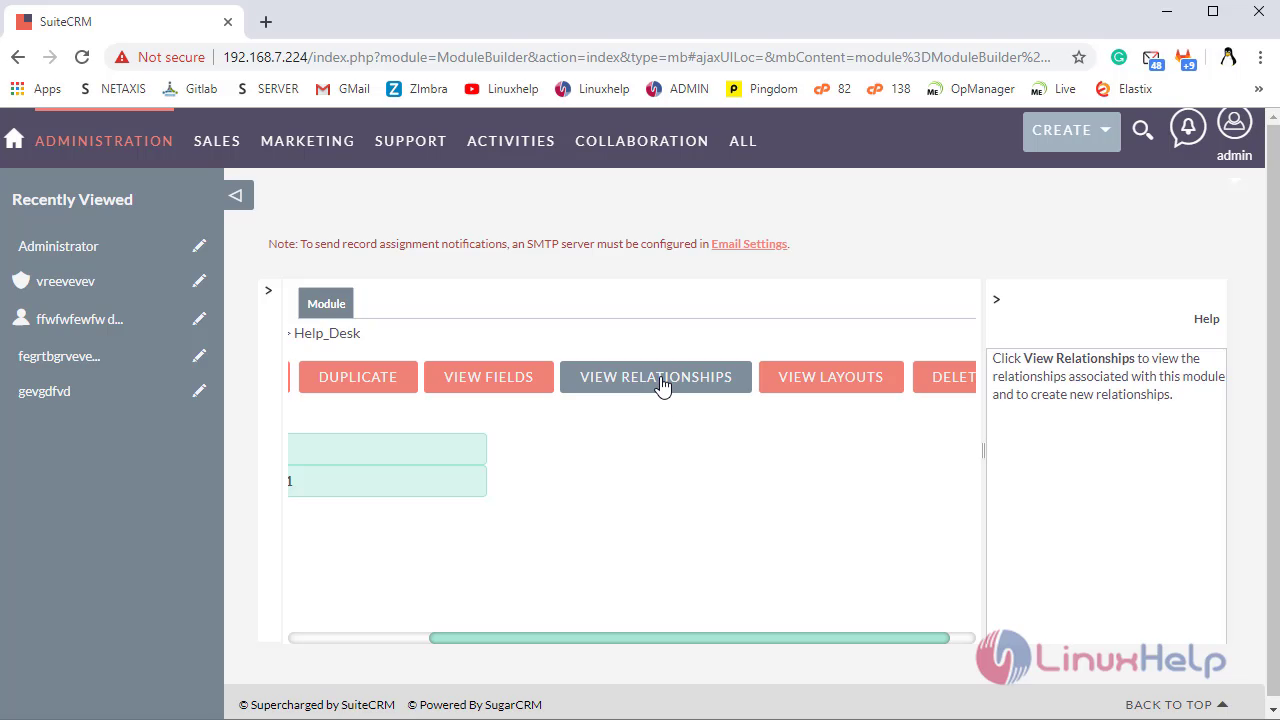
Click on View Layouts options to Add and View the Layouts in module
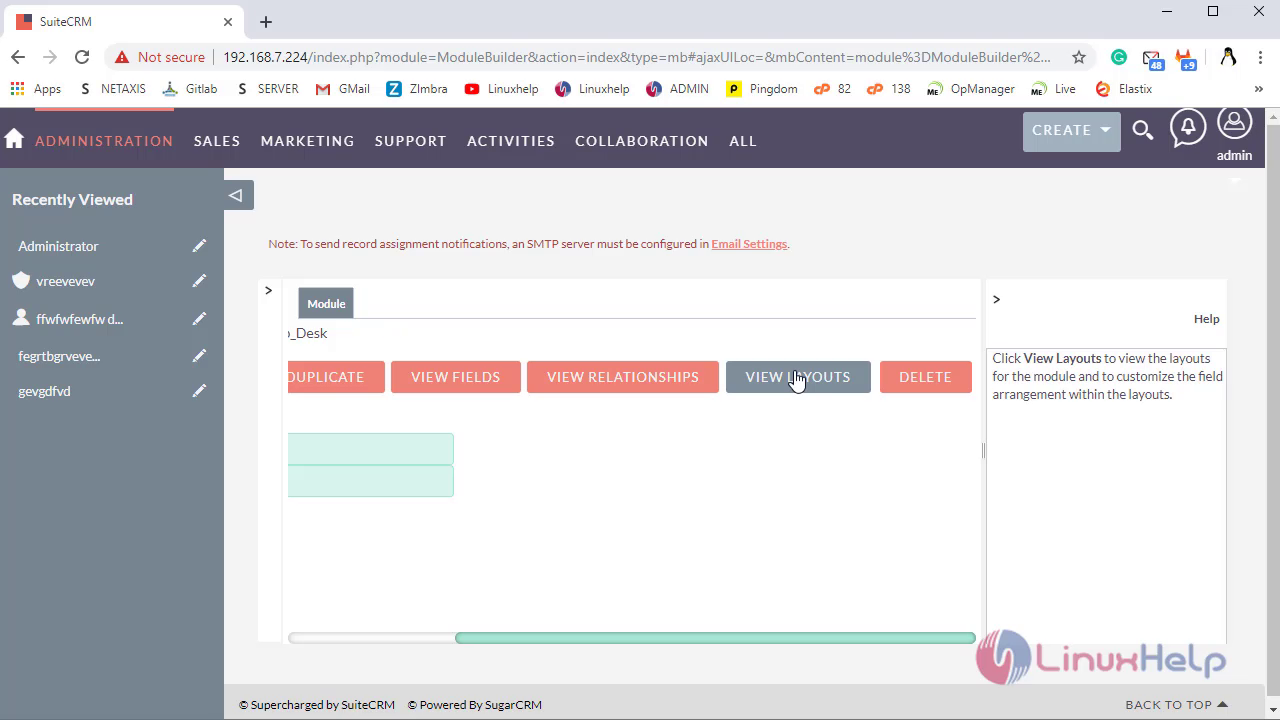
Click on Delete Option to Delete saved Module
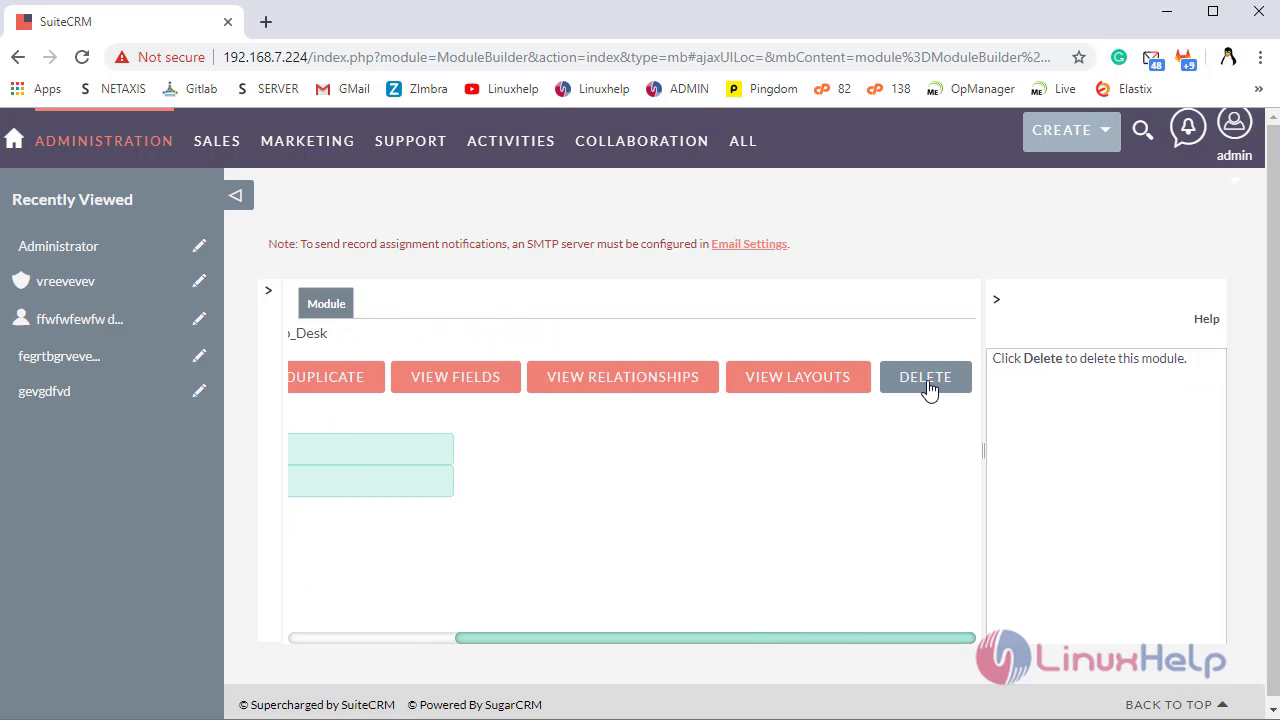
Click on Deploy option to Install the package in Current Instance
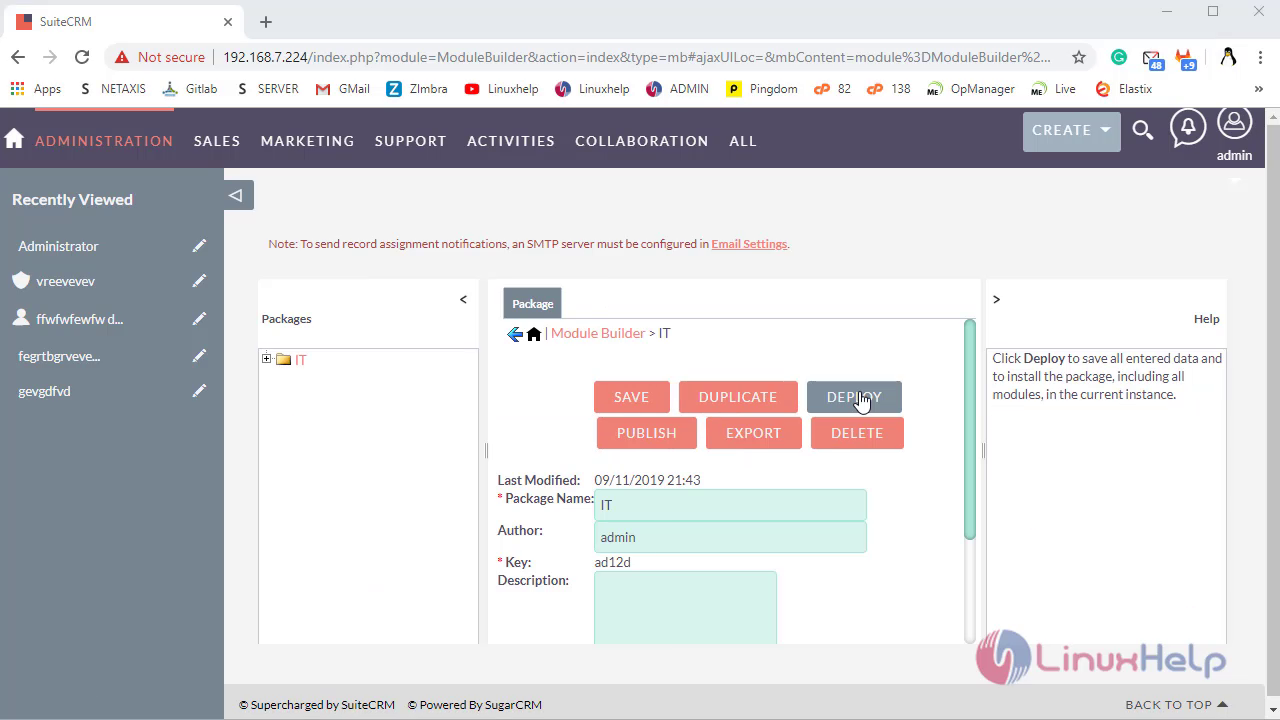
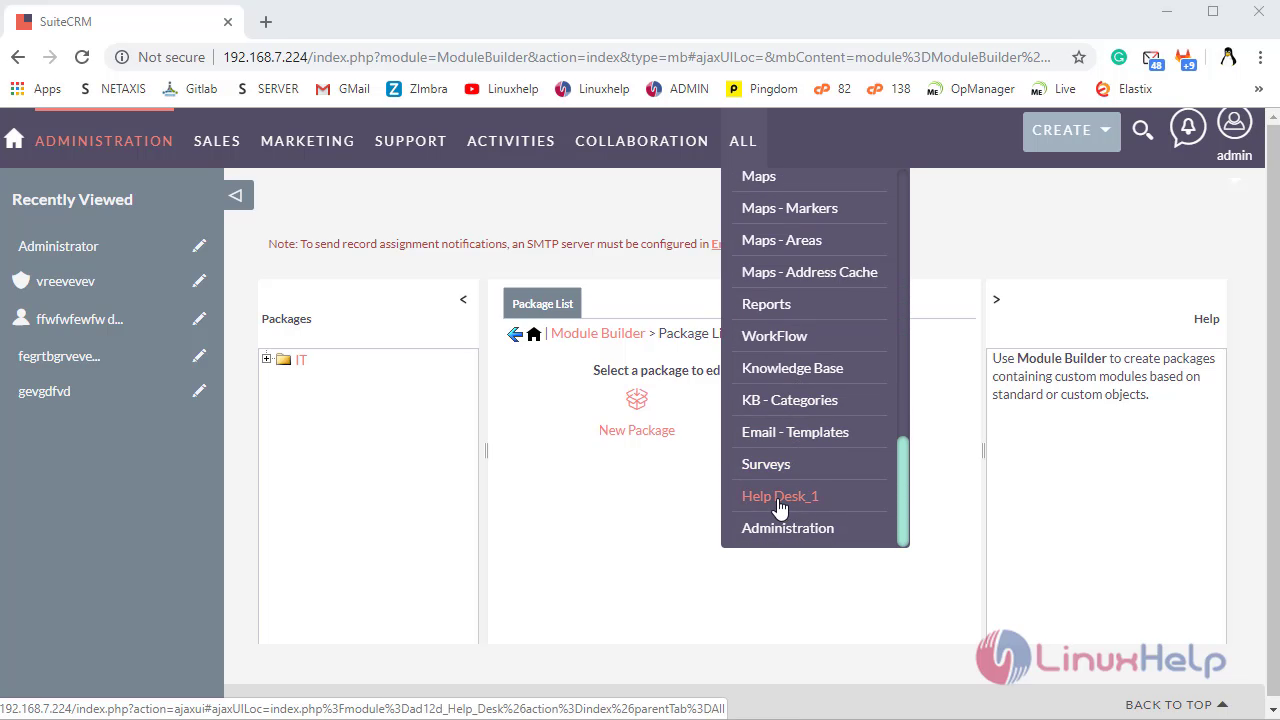
Navigate to ALL to check the created custom module
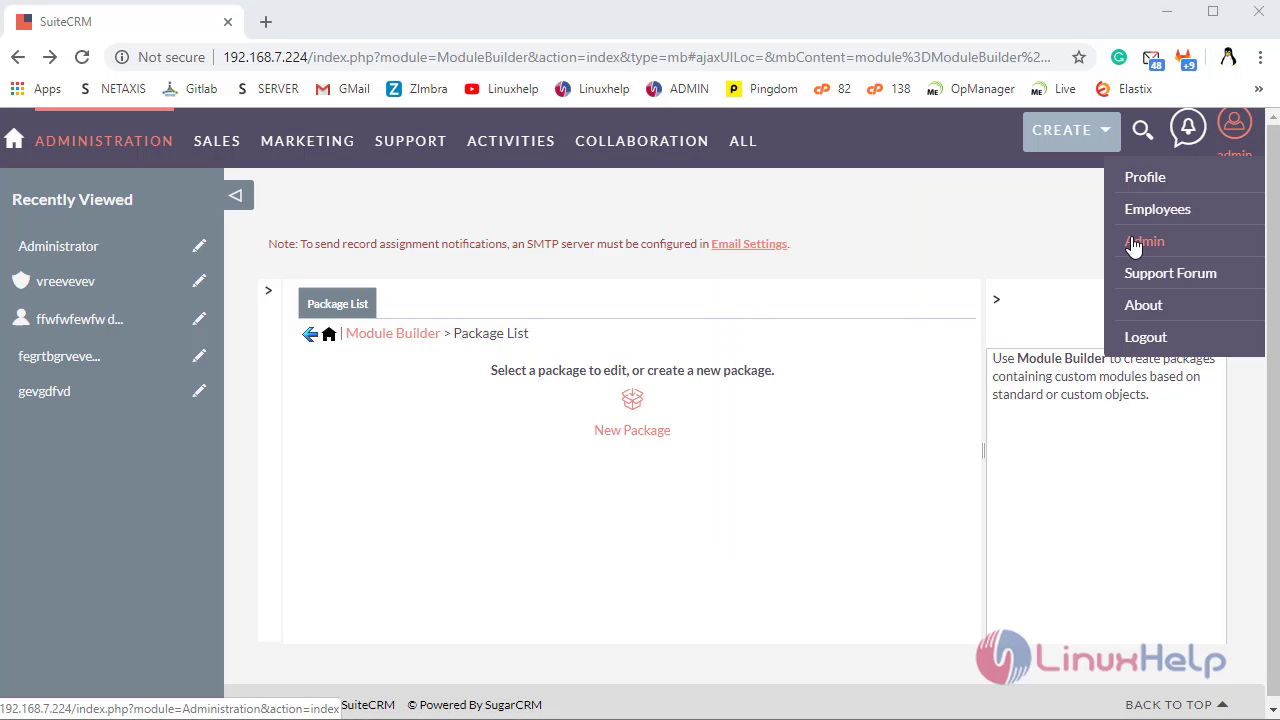
To uninstall the Module, navigate to admin panel
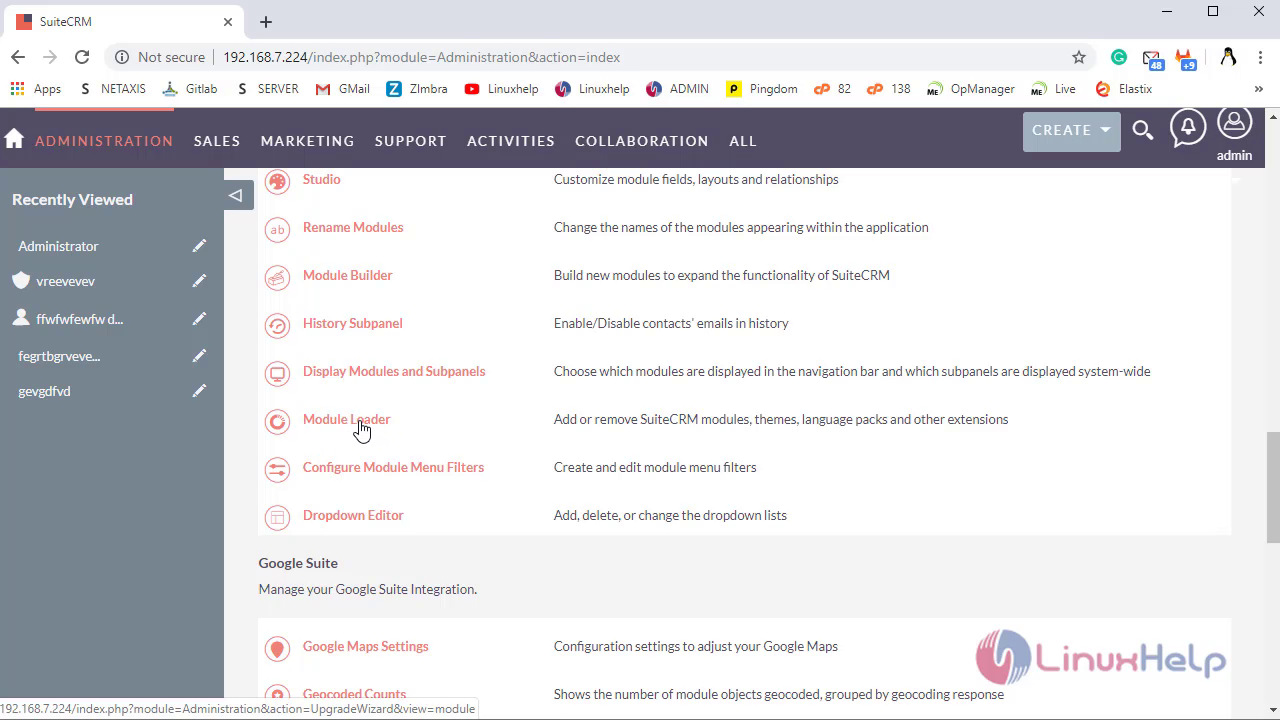
Under Developer Tool option Select Module Loader
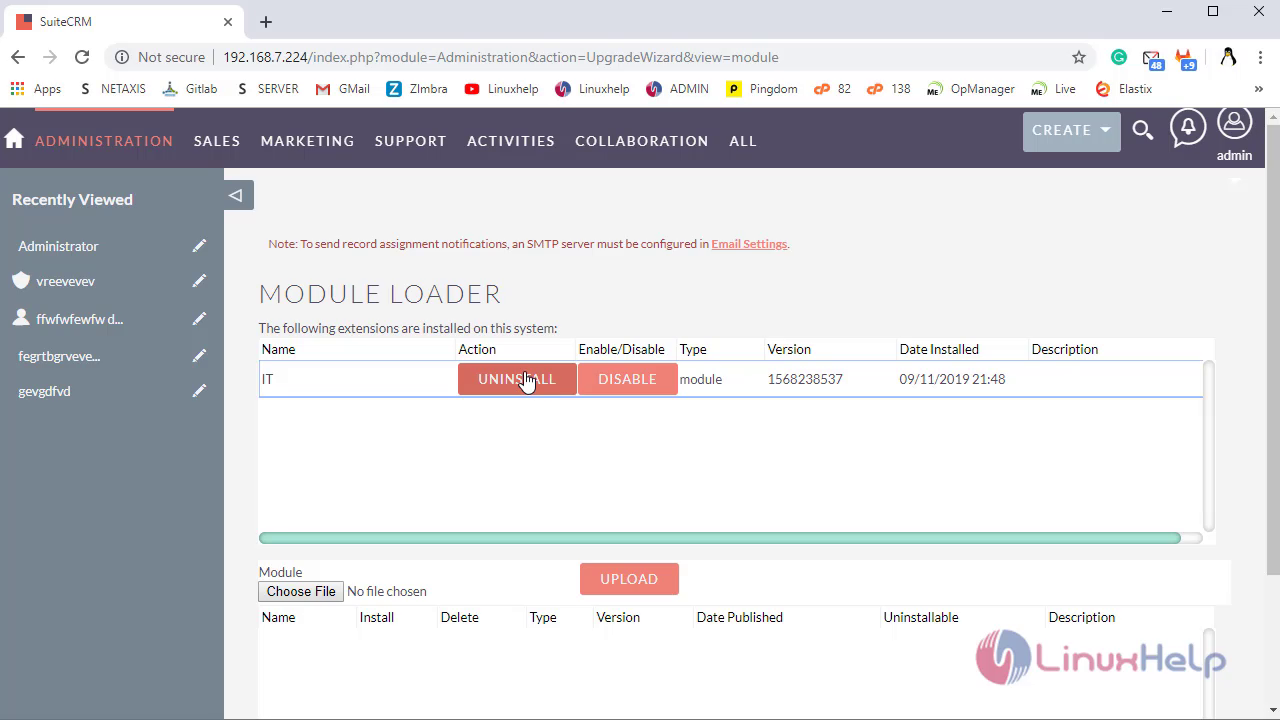
In Module Loader, Select the module then click on the uninstall option
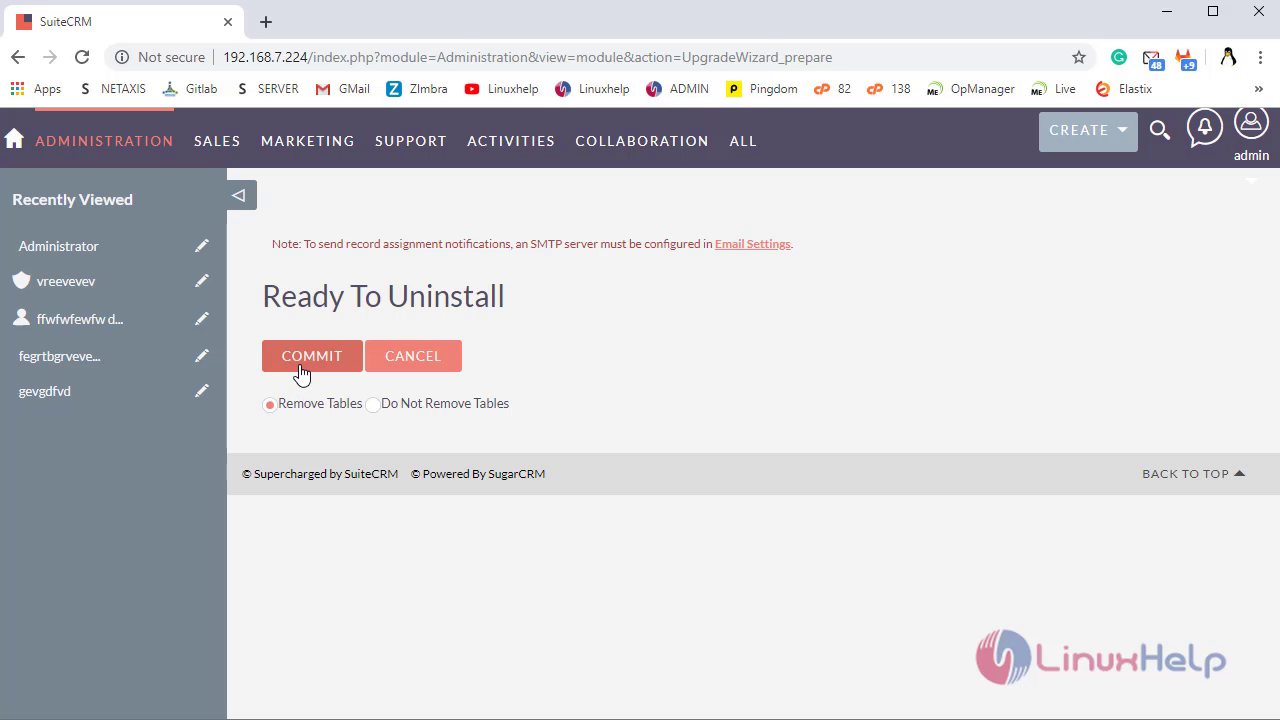
Select the field, then click on Commit option
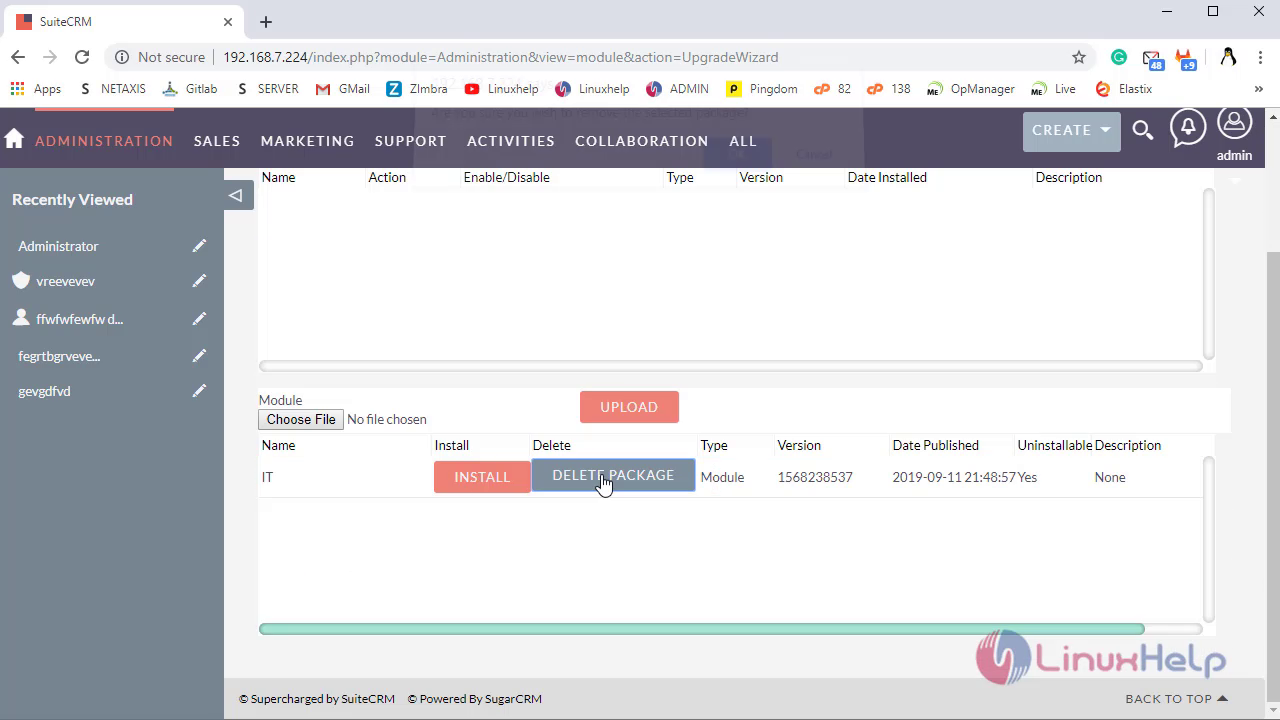
Click on Delete Package Option to delete the package completely from the current instance
With this,the method to Create Custom Module In Suite CRM comes to end here
Comments ( 0 )
No comments available