How to install Actionaz 3.9.2 on Ubuntu 18.04
To install Actionaz 3.9.2 on Ubuntu 18.04
Actionaz is a task automation tool that allows the user to create and execute action list. It contains an intuitive interface that creates action lists using drag and drop. Advanced users can use JavaScript to extend its functionality. The tool can emulate mouse clicks or key presses, display message boxes, edit text files, etc. It is so simple to install Actionaz 3.9.2 on Ubuntu and this tutorial covers the ground on the same process.
Installation
Add a new repository that contains Actionaz tool by making use of the following command.
root@linuxhelp1:~# add-apt-repository ppa:nilarimogard/webupd8

The main Web Upd8 PPA maintained by http://www.webupd8.org/
To add this PPA, simply paste this in a terminal:

sudo add-apt-repository ppa:nilarimogard/webupd8
.
.
Get:7 http://ppa.launchpad.net/nilarimogard/webupd8/ubuntu bionic/main amd64 Packages [1,596 B]
Get:8 http://ppa.launchpad.net/nilarimogard/webupd8/ubuntu bionic/main Translation-en [1,092 B]
Fetched 19.6 kB in 4s (5,475 B/s)
Reading package lists... Done
After adding repo we need to update the system repository as follows.
root@linuxhelp1:~# apt-get update
Hit:1 http://ppa.launchpad.net/nilarimogard/webupd8/ubuntu bionic InRelease
Hit:2 http://in.archive.ubuntu.com/ubuntu bionic InRelease
Hit:3 http://security.ubuntu.com/ubuntu bionic-security InRelease
Hit:4 http://in.archive.ubuntu.com/ubuntu bionic-updates InRelease
Hit:5 http://in.archive.ubuntu.com/ubuntu bionic-backports InRelease
Reading package lists... Done
Now install Actionaz tool using this following command.
root@linuxhelp1:~# apt-get install actionaz -y
Reading package lists... Done
Building dependency tree
Reading state information... Done

The following packages were automatically installed and are no longer required

  apache2-bin apache2-data apache2-utils libapr1 libaprutil1 libaprutil1-dbd-sqlite3
  libaprutil1-ldap

Use ' sudo apt autoremove'  to remove them.
The following additional packages will be installed

.
.
Setting up libqt5opengl5:amd64 (5.9.5+dfsg-0ubuntu1) ...
Setting up libqt5multimedia5:amd64 (5.9.5-0ubuntu1) ...
Setting up libqt5sql5-sqlite:amd64 (5.9.5+dfsg-0ubuntu1) ...
Setting up libqt5scripttools5:amd64 (5.9.5+dfsg-0ubuntu1) ...
Setting up libqt5svg5:amd64 (5.9.5-0ubuntu1) ...
Setting up libqt5multimediawidgets5:amd64 (5.9.5-0ubuntu1) ...
Setting up actiona (3.9.2-1build2) ...
Setting up actionaz (3.9.2-1build2) ...
Processing triggers for libc-bin (2.27-3ubuntu1) ...
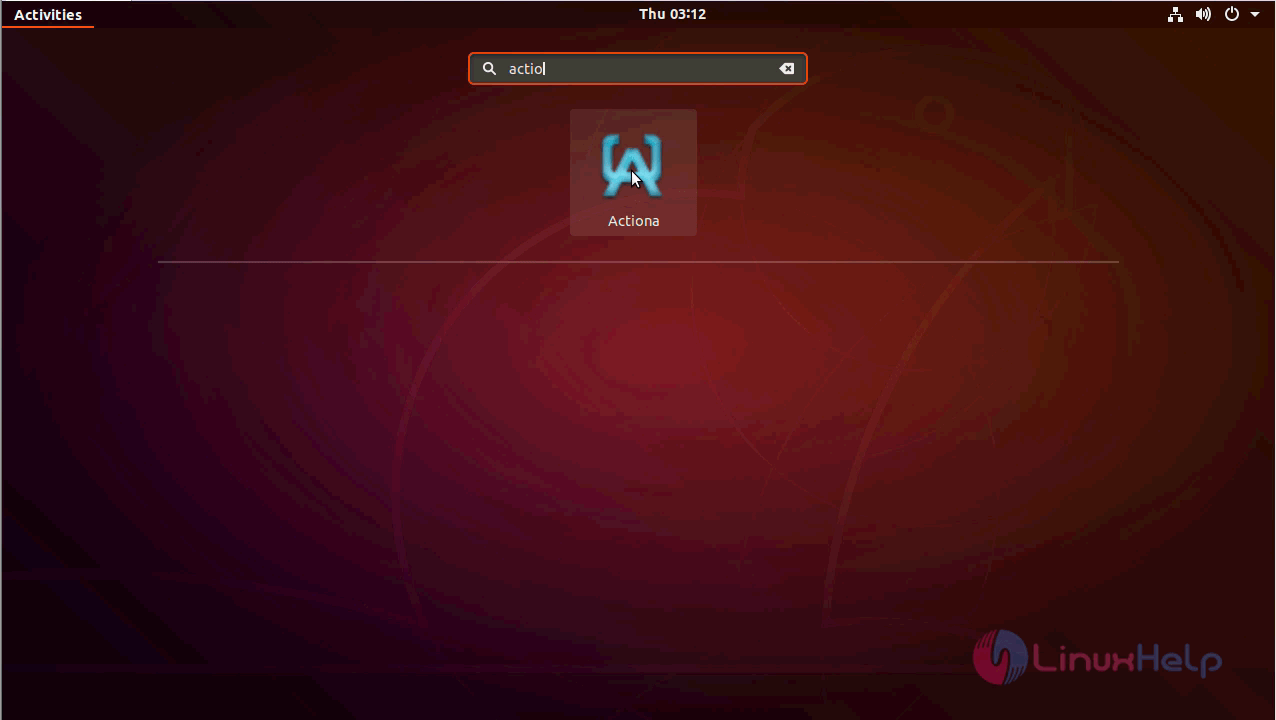
After the installation, you can access the application from the menu.
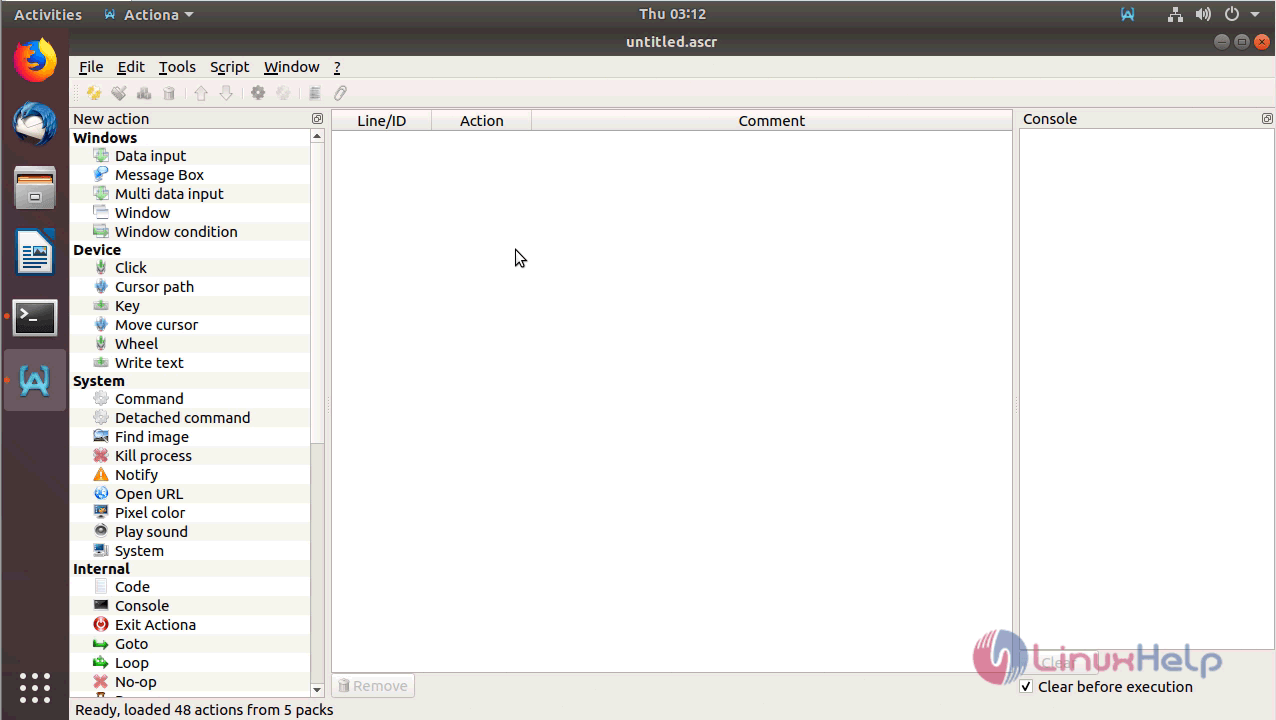
With this, the method to install Actionaz 3.9.2 on Ubuntu 18.04 comes to an end.
Comments ( 0 )
No comments available