How to Install and Configure Bludit CMS on CentOS 8.1
How to install and Configure GpEasy CMS On CentOS 8.1
Introduction:
GPEasy is a complete Content Management System (CMS) that allows users to build rich, flexible websites with a simple, easy-to-use interface. Users can easily see changes to the admin interface in one window due to the embedded design.
Prerequisite:
Apache
Mariadb
Php and its module (php php-zip php-soap php-cli php-common php-gd php-mbstring php-mcrypt php-mysqlnd php-xml)
First check the installed version of OS
[root@linuxhelp ~]# rpm -q centos-release
centos-release-8.1-1.1911.0.8.el8.x86_64
create a directory
[root@linuxhelp ~]# mkdir gp
Move into the newly created directory.
[root@linuxhelp ~]# cd gp
Before installing the CMS first download the installer package from its official website.
[root@linuxhelp gp]# wget https://sourceforge.net/projects/gpeasy/files/latest/download
--2020-12-02 12:53:52--  https://sourceforge.net/projects/gpeasy/files/latest/download
Resolving sourceforge.net (sourceforge.net)... 216.105.38.13
Connecting to sourceforge.net (sourceforge.net)|216.105.38.13|:443... connected.
HTTP request sent, awaiting response... 302 Found
Location: https://downloads.sourceforge.net/project/gpeasy/gpeasy/4.4/gpEasy_4.4.zip?r=&ts=1606893833&use_mirror=master [following]
HTTP request sent, awaiting response... 200 OK
Length: 2838827 (2.7M) [application/octet-stream]
Saving to: ‘download’download                     100%[===========================================>]   2.71M   343KB/s    in 7.3s    2020-12-02 12:54:58 (380 KB/s) - ‘download’ saved [2838827/2838827]
Now extract the download folder
[root@linuxhelp gp]# unzip download
Archive:  download
   creating: gpEasy/
 extracting: gpEasy/robots.txt
  inflating: gpEasy/Addon.ini
  inflating: gpEasy/README.md
  inflating: gpEasy/.htaccess
  inflating: gpEasy/gpconfig.php
  inflating: gpEasy/index.php
   creating: gpEasy/themes/
  inflating: gpEasy/themes/index.html
creating: gpEasy/data/
  inflating: gpEasy/data/index.html
  inflating: gpEasy/data/example_htaccess
   creating: gpEasy/addons/
  inflating: gpEasy/addons/Multi Site/multi_site.css
Now move gpEasy into the final directory.
[root@linuxhelp gp]# mv gpEasy/ final
Now change directory to the final
[root@linuxhelp gp]# cd final/
Change ownership for final directory
[root@linuxhelp final]# chown -R apache. ./
Change writable permission to the directory.
[root@linuxhelp final]# chmod -R 775 ./
Now create virtual host to access gpEasy
[root@linuxhelp final]# vim /etc/httpd/conf.d/gp.conf
Now restart the apache to update the changes.
[root@linuxhelp final]# systemctl restart httpd
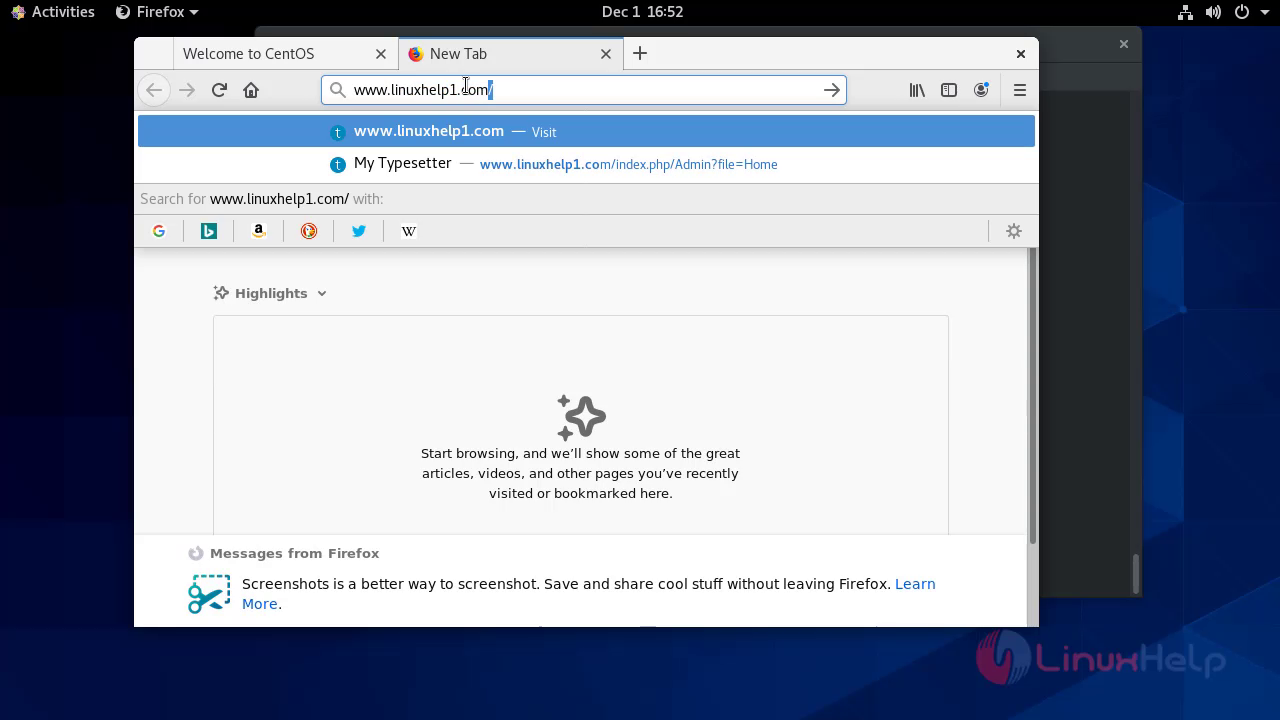
Now move to the browser and enter your domain name there..
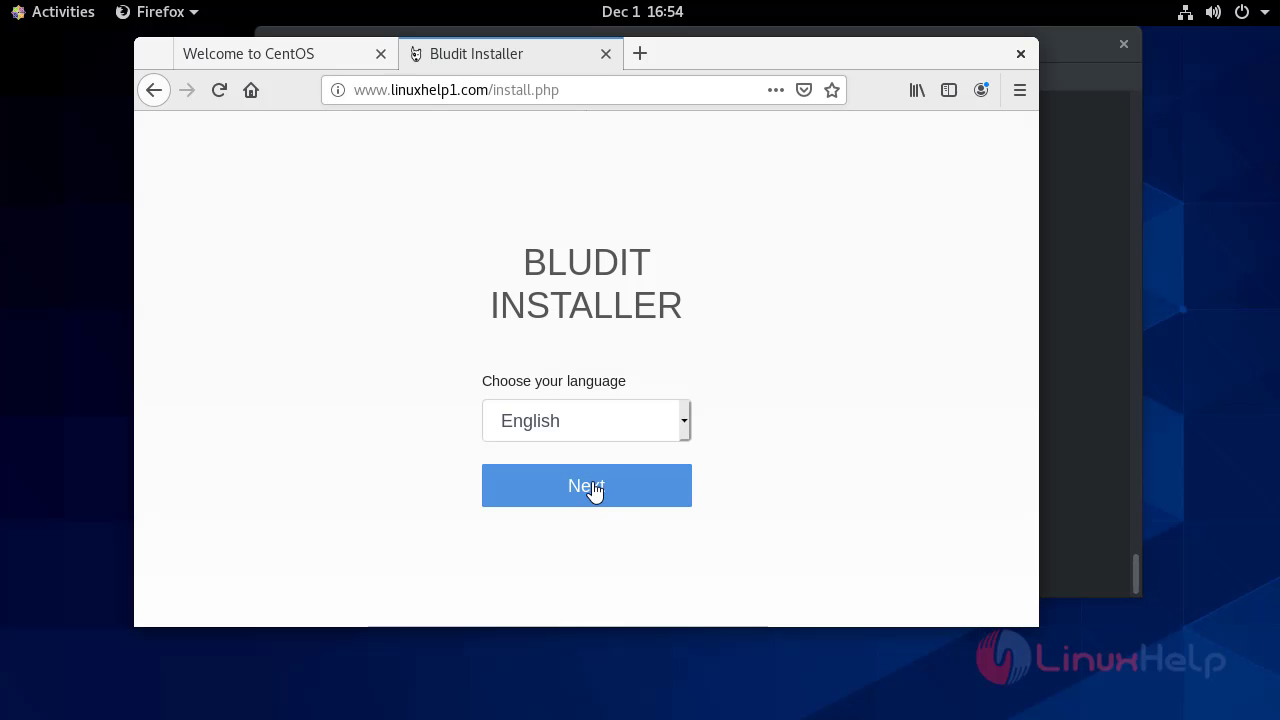
 This is the installer page of the gpeasy CMS
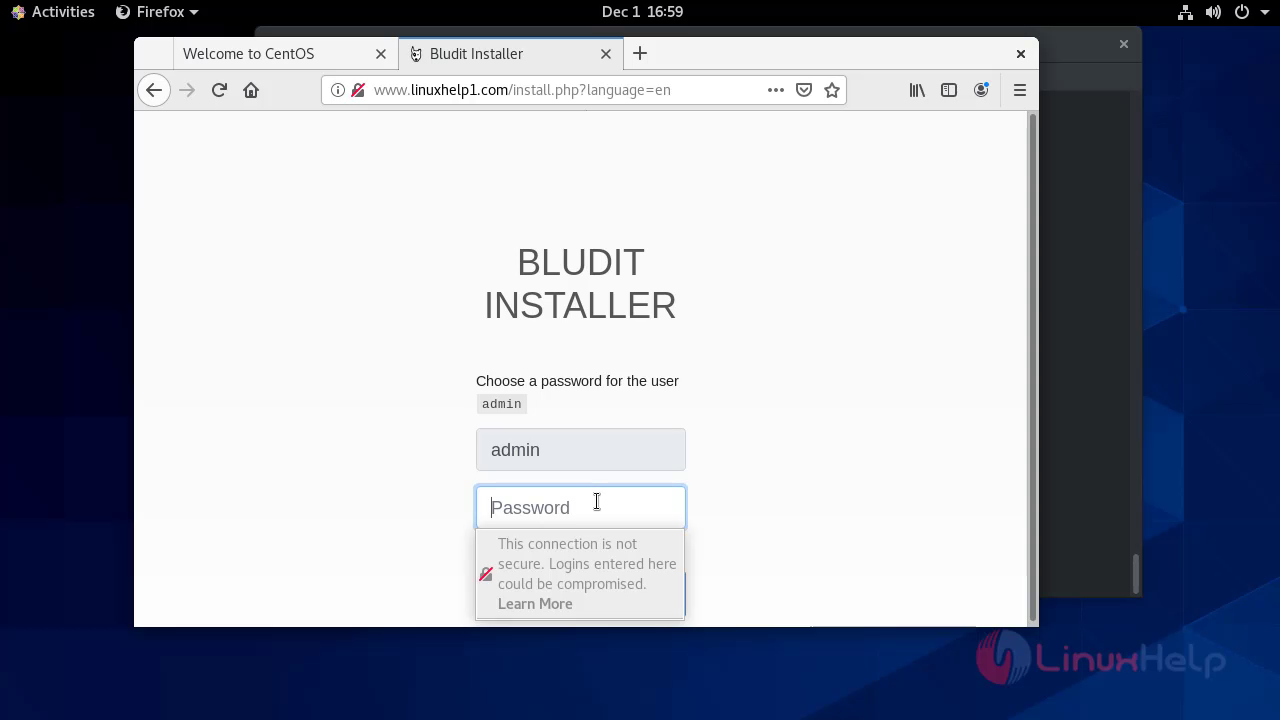
 Configure your admin credential here.
 This is the dashboard page of Gp Easy CMS
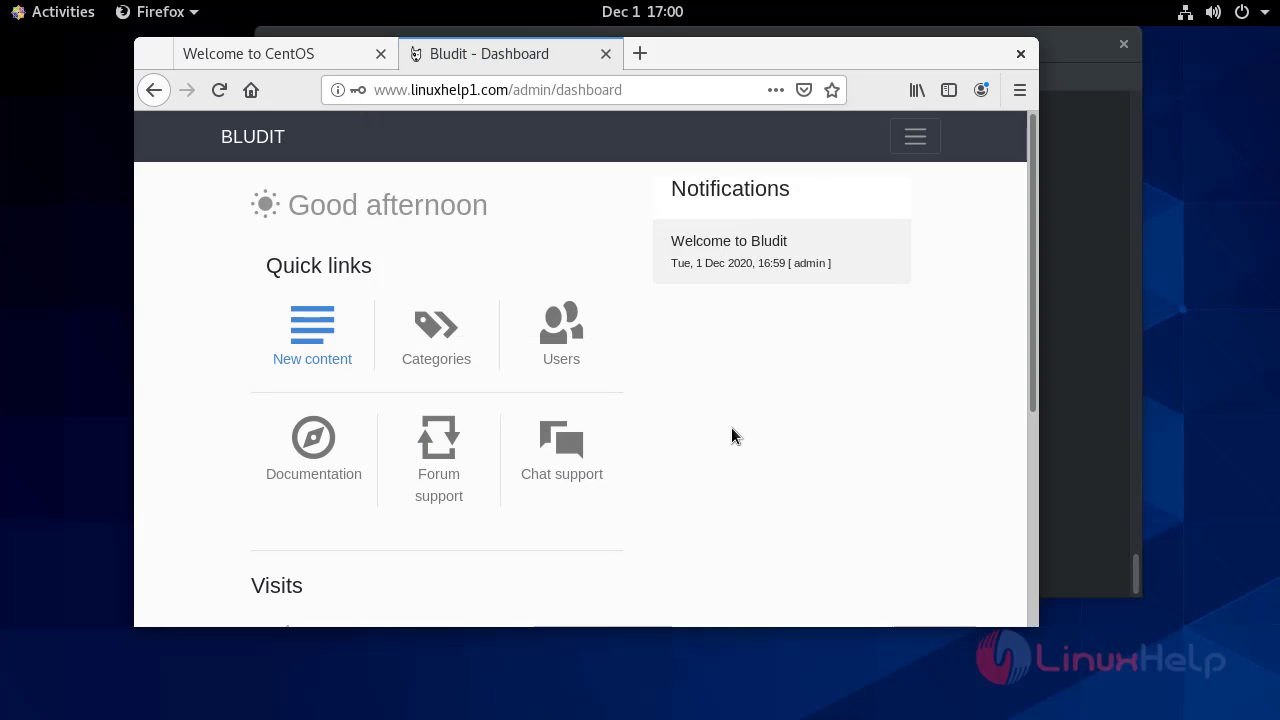
With this the installation of GpEasy CMS on CentOS 8.1 comes to an end.
Comments ( 0 )
No comments available