How to Install and Configure Quick CMS on CentOS 8.1
- 00:38 Yum install httpd -y
- 01:24 systemctl start httpd
- 01:27 systemctl enable httpd
- 01:37 systemctl status httpd
- 01:48 yum install php php-zip php-soap php-cli php-common php-gd php-mbstring php-mcrypt php-mysqlnd php-xml
- 02:20 wget https://opensolution.org/download/home.html?sFile=Quick.Cms_v6.6-en.zip
- 03:20 mv quickcms /var/www/
- 03:36 chown -R apache:apache /var/www/quickcms
- 03:56 chmod -R 755 /var/www/quickcms
- 04:14 vim /etc/httpd/conf.d/quickcms.conf
- 06:05 systemctl restart httpd
To Install and Configure Quick CMS on CentOS 8.1
INTRODUCTION
Quick CMS is a freeware, small, simple, and multilingual Content Management System, that is helpful in the management of your website. It offers plenty of options. Some of its features include: very easy to set up and install, MOBILE version, based on Flat Files, very easy to customize, good support via email and forums, no limit pages depth, no limit images per page, and more.
Prerequisite:
Apache
PHP and its module (php php-zip php-soap php-cli php-common php-gd php-mbstring php-mcrypt php-mysqlnd php-xml)
Installation Procedure:
Install the apache server using the following commnad
[root@linuxhelp ~]# yum install httpd -y
Last metadata expiration check: 1:23:11 ago on Tuesday 13 October 2020 12:10:30 PM IST.
Dependencies resolved.
httpd                                        x86_64                           2.4.37-21.module_el8.2.0+494+1df74eae                               AppStream                           1.7 M
Installing dependencies:
 …..
….
  apr-1.6.3-9.el8.x86_64                                       apr-util-1.6.1-6.el8.x86_64
 httpd-filesystem-2.4.37-21.module_el8.2.0+494+1df74eae.noarch
  httpd-tools-2.4.37-21.module_el8.2.0+494+1df74eae.x86_64     mod_http2-1.11.3-3.module_el8.2.0+486+c01050f0.1.x86_64     centos-logos-httpd-80.5-2.el8.noarch
Complete!
Now install the PHP and its module by following method
[root@linuxhelp ~] yum install php php-zip php-soap php-cli php-common php-gd php-mbstring php-mcrypt php-mysqlnd php-xml
Last metadata expiration check: 0:00:14 ago on Tuesday 13 October 2020 03:10:48 PM IST.

Package php-mbstring-7.2.24-1.module_el8.2.0+313+b04d0a66.x86_64 is already installed.
Package php-gd-7.2.24-1.module_el8.2.0+313+b04d0a66.x86_64 is already installed.
Package php-mysqlnd-7.2.24-1.module_el8.2.0+313+b04d0a66.x86_64 is already installed.
Package php-pecl-zip-1.15.3-1.module_el8.2.0+313+b04d0a66.x86_64 is already installed.
Package php-soap-7.2.24-1.module_el8.2.0+313+b04d0a66.x86_64 is already installed.
Package php-ldap-7.2.24-1.module_el8.2.0+313+b04d0a66.x86_64 is already installed.
Package php-common-7.2.24-1.module_el8.2.0+313+b04d0a66.x86_64 is already installed.

Installing:
 php                                         x86_64                            7.2.24-1.module_el8.2.0+313+b04d0a66                               AppStream                            1.5 M
Installing dependencies:
 nginx-filesystem                            noarch                            1:1.14.1-9.module_el8.0.0+184+e34fea82                             AppStream                             24 k
 php-cli                                     x86_64                            7.2.24-1.module_el8.2.0+313+b04d0a66                               AppStream                            3.1 M
Installing weak dependencies:
 php-fpm                                     x86_64                            7.2.24-1.module_el8.2.0+313+b04d0a66                               AppStream                            1.6 M
……………….
………………….
 (4/4): php-cli-7.2.24-1.module_el8.2.0+313+b04d0a66.x86_64.rpm                                                                                               234 kB/s | 3.1 MB     00:13
  Preparing        :                                                                                                                                                                     1/1
  Installing       : php-cli-7.2.24-1.module_el8.2.0+313+b04d0a66.x86_64                                                                                                                 ¼
……………..
……………
  Verifying        : php-fpm-7.2.24-1.module_el8.2.0+313+b04d0a66.x86_64                                                                                                                 4/4
Installed:
php-7.2.24-1.module_el8.2.0+313+b04d0a66.x86_64            php-fpm-7.2.24-1.module_el8.2.0+313+b04d0a66.x86_64        nginx-filesystem-1:1.14.1-9.module_el8.0.0+184+e34fea82.noarch
  php-cli-7.2.24-1.module_el8.2.0+313+b04d0a66.x86_64

Complete!
Configure the info.php by using the following command:
[root@linuxhelp ~]# vim /var/www/html/info.php
<?
Phpinfo();
?>
Once the all step is completed restart the apache service Now, download Quick CMS using wget command:
[root@linuxhelp ~]# wget https://opensolution.org/download/home.html?sFile=Quick.Cms_v6.6-en.zip
--2020-11-18 12:50:00--  https://opensolution.org/download/home.html?sFile=Quick.Cms_v6.6-en.zip
Resolving opensolution.org (opensolution.org)... 94.152.51.156
Connecting to opensolution.org (opensolution.org)|94.152.51.156|:443... connected.
HTTP request sent, awaiting response... 200 OK
Length: unspecified [application/zip]
Saving to: ‘home.html?sFile=Quick.Cms_v6.6-en.zip’

home.html?sFile=Quick.Cm     [               <=>              ] 787.35K  71.7KB/s    in 11s

2020-11-18 12:50:16 (71.7 KB/s) - ‘home.html?sFile=Quick.Cms_v6.6-en.zip’ saved [806242
Unzip Quick CMS file to a destination file name “quickcms”
[root@linuxhelp ~]# unzip home.html?sFile=Quick.Cms_v6.6-en.zip -d quickcms
Archive: home.html?sFile=Quick.Cms_v6.6-en.zip
creating: quickcms/core/
inflating: quickcms/core/common-admin.js
inflating: quickcms/core/common-admin.php
inflating: quickcms/core/common.js
……
……
inflating: quickcms/core/libraries/quick.form.min.js
inflating: quickcms/core/libraries/quick.slider.min.js
inflating: quickcms/core/libraries/sql.php
inflating: quickcms/core/libraries/trash.php
creating: quickcms/plugins/tinymce/plugins/tabindex/
inflating: quickcms/index.php
inflating: quickcms/HOW_TO_INSTALL.txt
Then, move quickcms to apache root directory
[root@linuxhelp ~]# mv quickcms /var/www
Now change ownership for that quickcms
[root@linuxhelp ~]# chown -R apache:apache /var/www/quickcms
Now change permission by triggering the following command
[root@linuxhelp ~]# chmod -R 755 /var/www/quickcms
Next step is very crucial. configure the Apache VirtualHost for Landing. Open the .conf file for Landing
[root@linuxhelp ~]# vim /etc/httpd/conf.d/quickcms.conf'
Restart apache service to reflex changes that have been made in virtualhost
[root@linuxhelp ~]# systemctl restart httpd
Now open your browser and type domain name there.
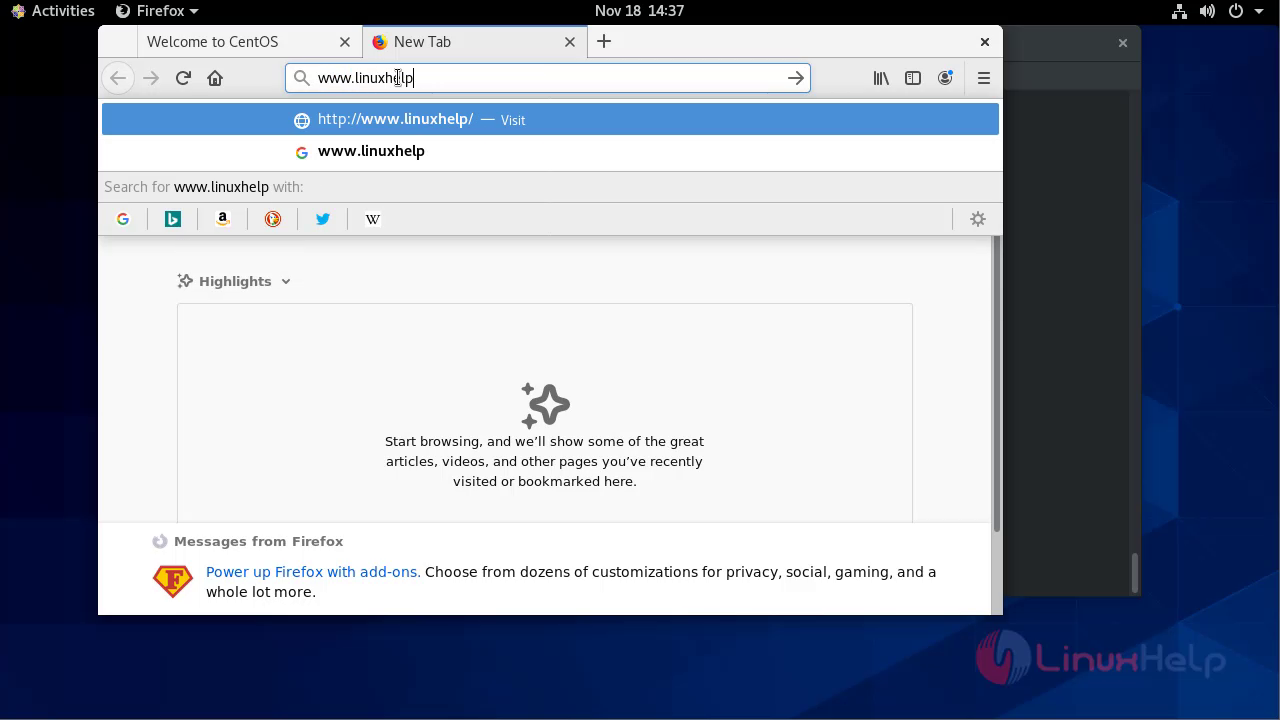 This is the welcome page for the quick CMS.
 Now register by giving credentials
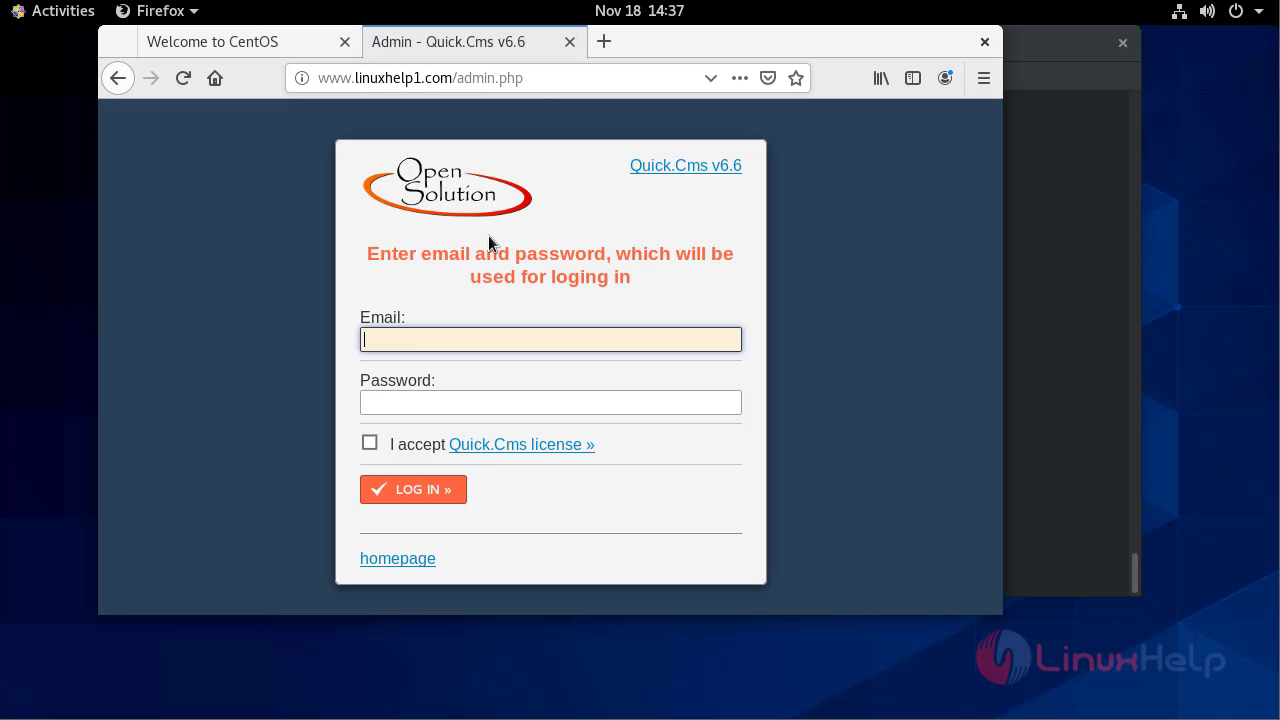 This is the dashboard for the quick cms
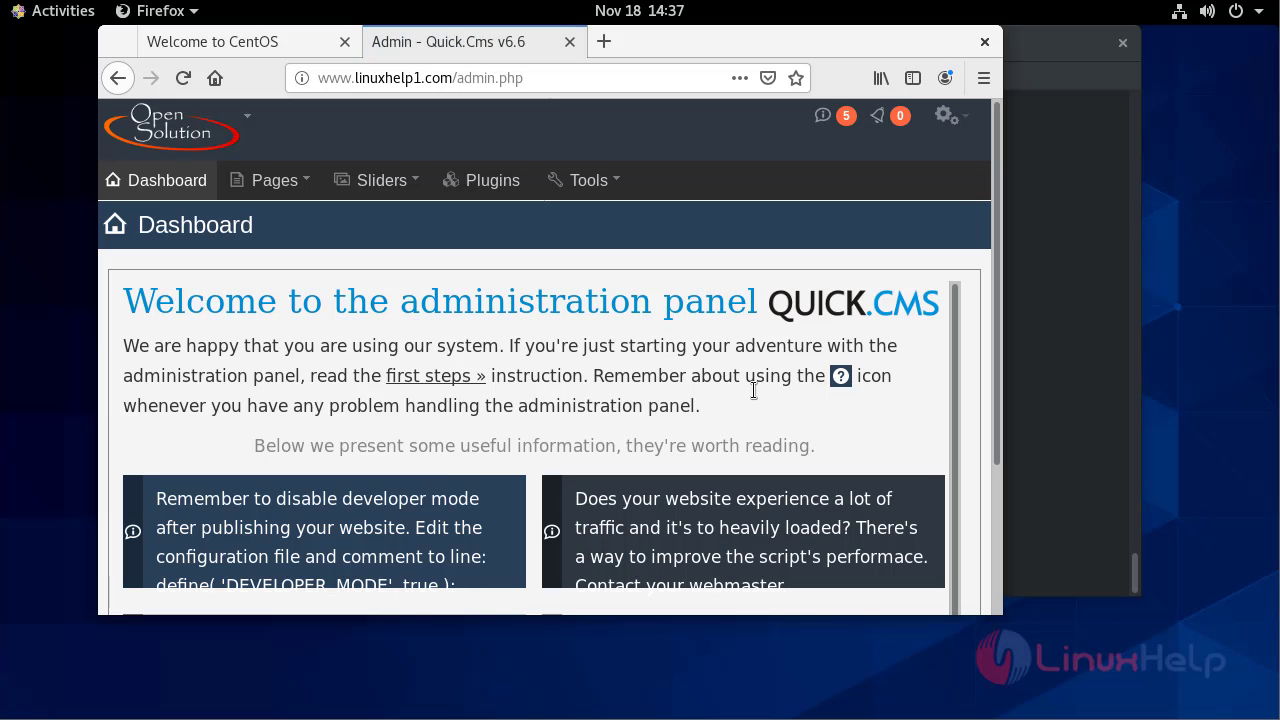 With this method installation of quick CMS on CentOS 8.1 comes to the end.
Comments ( 0 )
No comments available