How to install Arachni - web application scanner in Ubuntu
{{postValue.id}}
To install Arachni web application scanner in Ubuntu
Arachni is a free source, high performance, modular ruby framework. It allows the developers to create and deploy their components easily and quickly. It maintains the server consistency by auto- detecting the server health. Installation of Arachni is explained in this manual.
To install Arachni web application scanner
Download the Arachni package by using the following command.
root@linuxhelp:/home/user1# wget https://github.com/Arachni/arachni/releases/download/v1.4/arachni-1.4-0.5.10-linux-x86_64.tar.gz
--2016-09-12 03:59:02--  https://github.com/Arachni/arachni/releases/download/v1.4/arachni-1.4-0.5.10-linux-x86_64.tar.gz
Resolving github.com (github.com)... 192.30.253.113
Connecting to github.com (github.com)|192.30.253.113|:443... connected.
..
&hellip
2016-09-12 04:02:43 (608 KB/s) - ‘ arachni-1.4-0.5.10-linux-x86_64.tar.gz’  saved [135763146/135763146]
Extract the package by running the following command.
root@linuxhelp:/home/user1# tar -xvf arachni-1.4-0.5.10-linux-x86_64.tar.gz
arachni-1.4-0.5.10/
arachni-1.4-0.5.10/TROUBLESHOOTING
arachni-1.4-0.5.10/VERSION
arachni-1.4-0.5.10/README
&hellip
&hellip .
&hellip
arachni-1.4-0.5.10/system/gems/gems/http_parser.rb-0.6.0/README.md
arachni-1.4-0.5.10/system/gems/gems/http_parser.rb-0.6.0/LICENSE-MIT
arachni-1.4-0.5.10/system/gems/gems/http_parser.rb-0.6.0/http_parser.rb.gemspec
arachni-1.4-0.5.10/system/gems/gems/http_parser.rb-0.6.0/Gemfile.lock
arachni-1.4-0.5.10/system/environment
To launch Arachni
Start the Arachni web interface by using the below command.
root@linuxhelp:/home/user1/arachni-1.4-0.5.10/bin# ./arachni_web
Puma 2.14.0 starting...
* Min threads: 0, max threads: 16
* Environment: development
* Listening on tcp://localhost:9292
Open the browser and navigate to https://localhost:9292/users/sign_in/

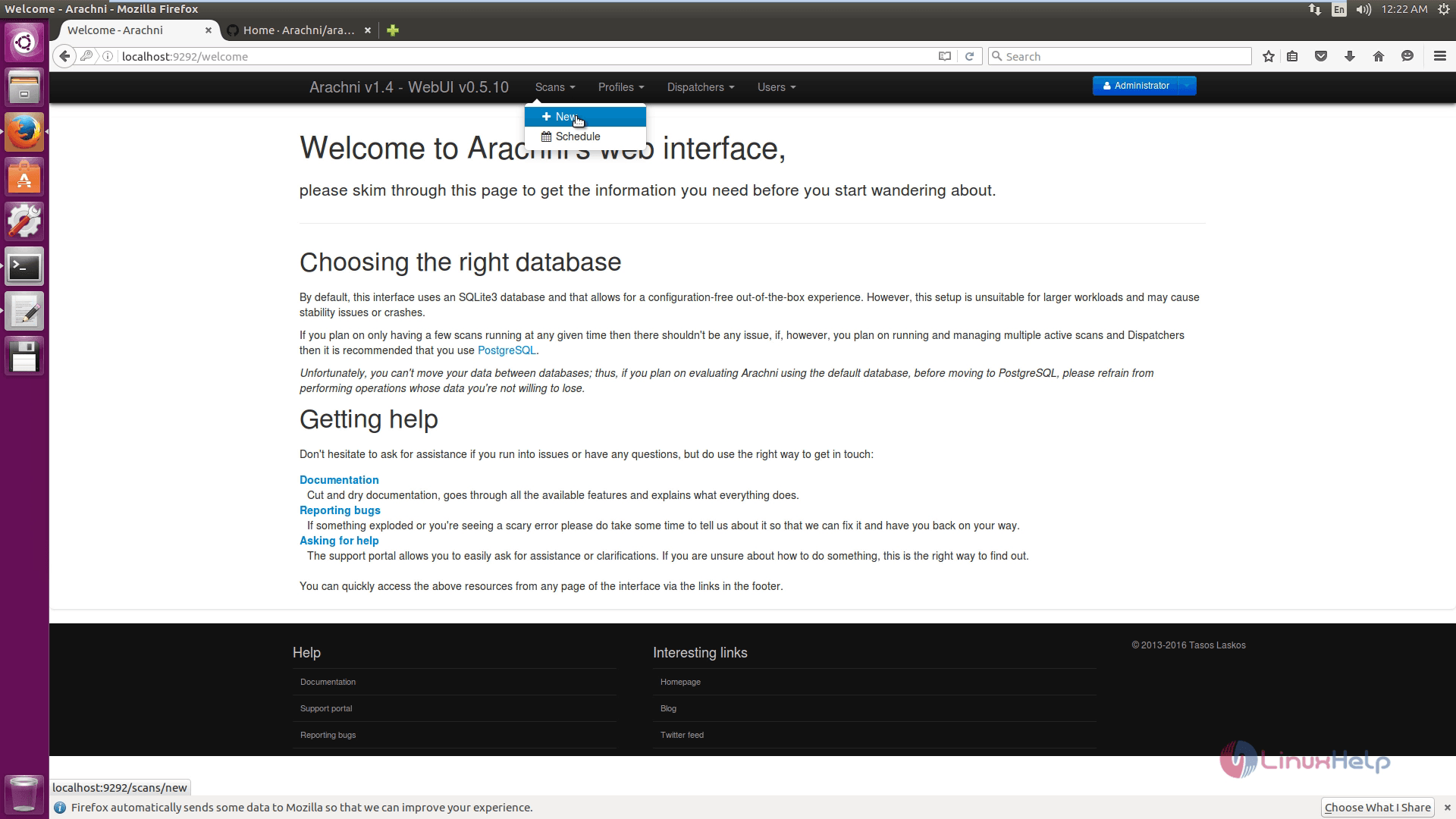
To start a new scan, click " +New " icon.
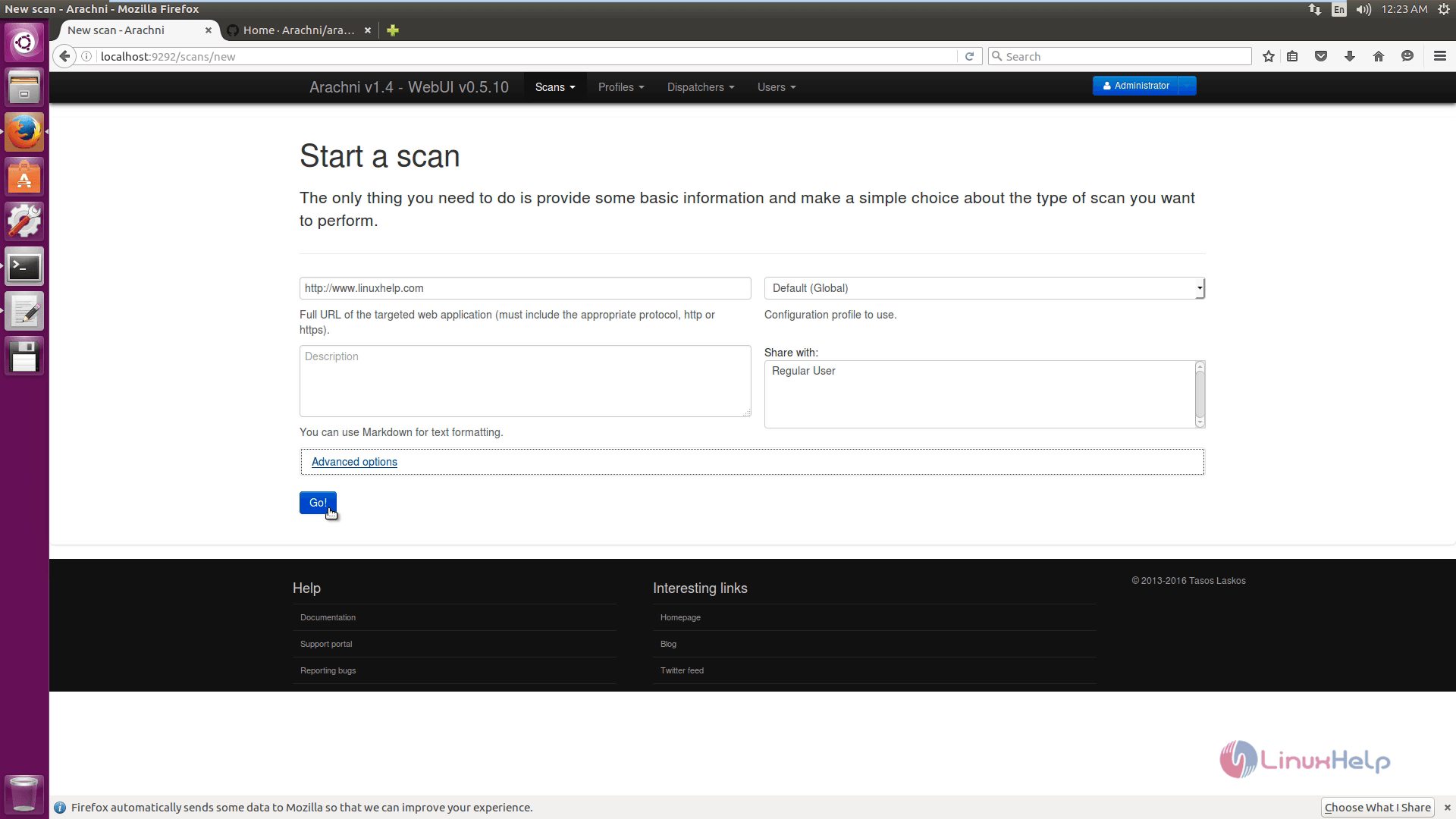
Click on Go for scanning.
Here the Scanning starts.


Scan completed and to download report, choose the format and click Ok.


Comments ( 0 )
No comments available