• Categories
    Category
    {{ postCtrl.tags }}
    • {{ category.tag_type }}

      • {{tag.tag_name}}
      • View more
  • Categories
    Category
    {{ postCtrl.tags }}
    • {{ category.tag_type }}

      • {{tag.tag_name}}
      • View more
  • News
  • Tutorials
  • Forums
  • Tags
  • Users
Tutorial News Comments FAQ Related Articles

How to install Atom 1.14 on Ubuntu 16.04

{{postValue.id}}

To install Atom on Ubuntu

Atom is an open-source text editor for task editing. Although it has an approachable default configuration, it can also be deeply customized. This tutorial sheds light on the installation of Atom Text Editor 1.14 on Ubuntu 16.04.

Installing Atom

Initiate the Atom installation by adding the atom editor package into repository via ppa.

root@linuxhelp1:~# add-apt-repository ppa:webupd8team/atom
Press [ENTER] to continue or ctrl-c to cancel adding it
gpg: keyring `/tmp/tmprlleezw_/secring.gpg'  created
.
.
.
gpg: no ultimately trusted keys found
gpg: Total number processed: 1
gpg:               imported: 1  (RSA: 1)
OK

Once it is done, update the machine.

root@linuxhelp1:~# apt-get update
Get:1 http://security.ubuntu.com/ubuntu xenial-security InRelease [102 kB]
Hit:2 http://ppa.launchpad.net/clipgrab-team/ppa/ubuntu xenial InRelease      
Hit:3 http://in.archive.ubuntu.com/ubuntu xenial InRelease                    
Hit:4 http://ppa.launchpad.net/otto-kesselgulasch/gimp-edge/ubuntu xenial InRelease
.
.
.
Get:11 http://in.archive.ubuntu.com/ubuntu xenial-backports InRelease [102 kB]
Fetched 326 kB in 3s (96.8 kB/s)    
Reading package lists... Done

Now install the Atom editor.

root@linuxhelp1:~# apt-get install atom
Reading package lists... Done
Building dependency tree       
Reading state information... Done
The following additional packages will be installed:
  git git-man liberror-perl
Suggested packages:
  git-daemon-run | git-daemon-sysvinit git-doc git-el git-email git-gui gitk gitweb
  git-arch git-cvs git-mediawiki git-svn
.
.
.
Processing triggers for mime-support (3.59ubuntu1) ...
Processing triggers for hicolor-icon-theme (0.15-0ubuntu1) ...
Setting up liberror-perl (0.17-1.2) ...
Setting up git-man (1:2.7.4-0ubuntu1) ...
Setting up git (1:2.7.4-0ubuntu1) ...
Setting up atom (1.14.2-1~webupd8~0) ...

Atom Editor is now installed. Open the dashboard of ubuntu to launch Atom Editor.
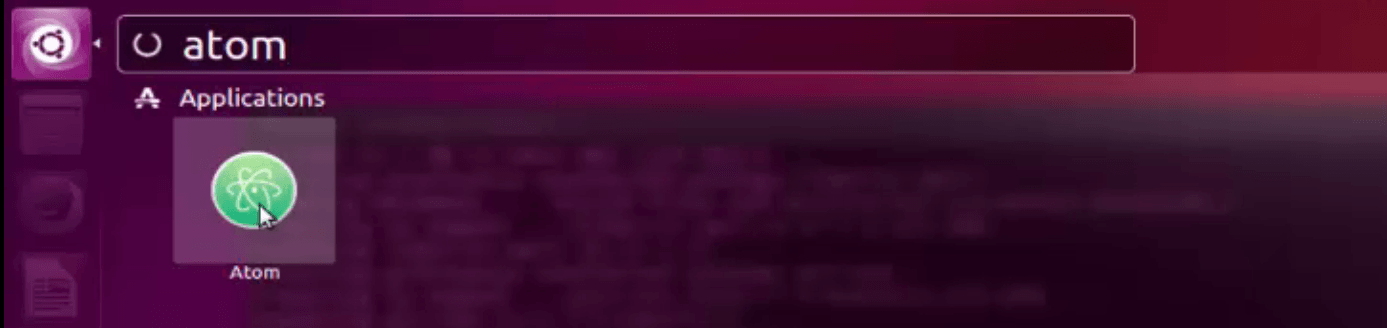
search_atom
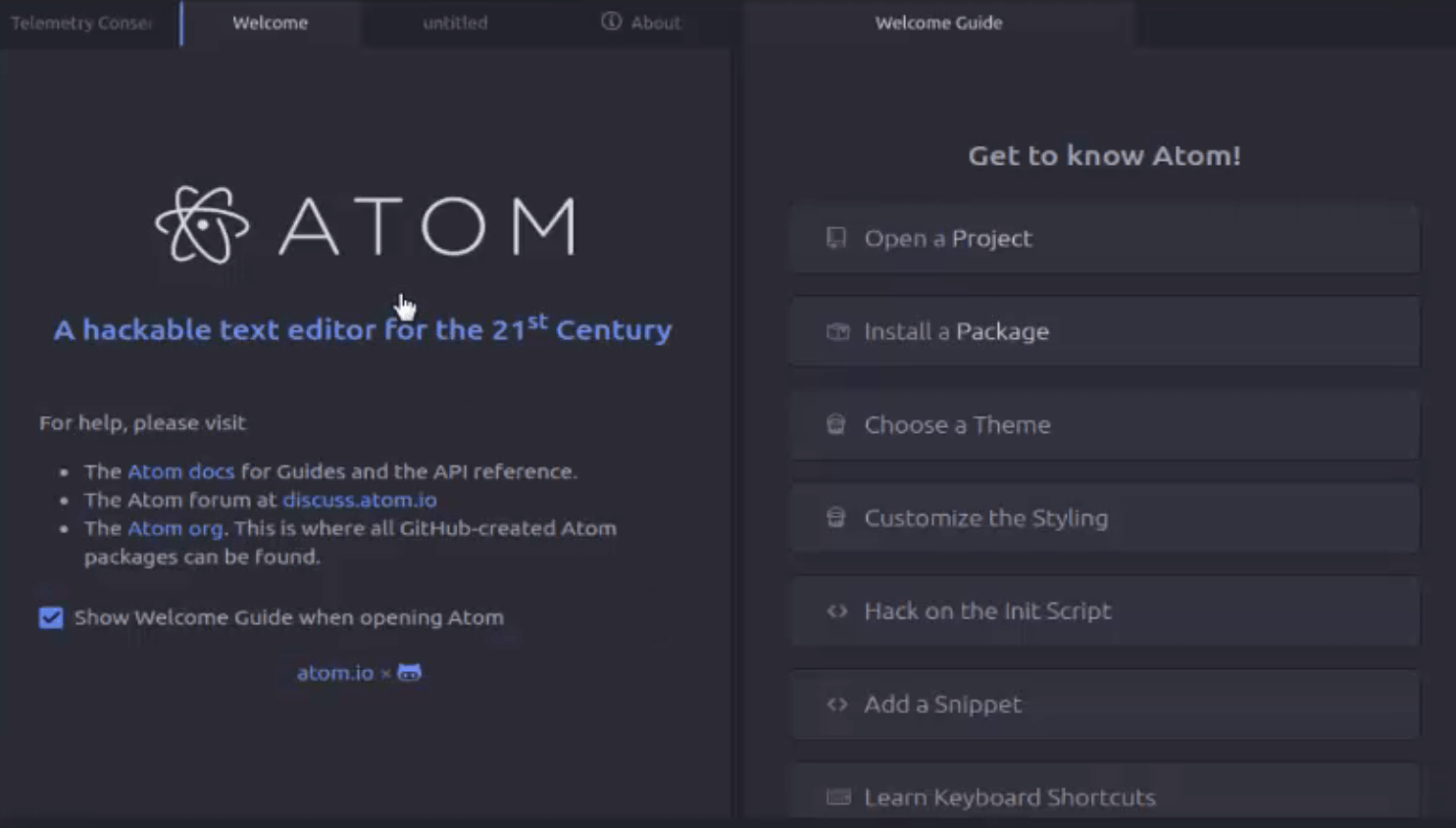
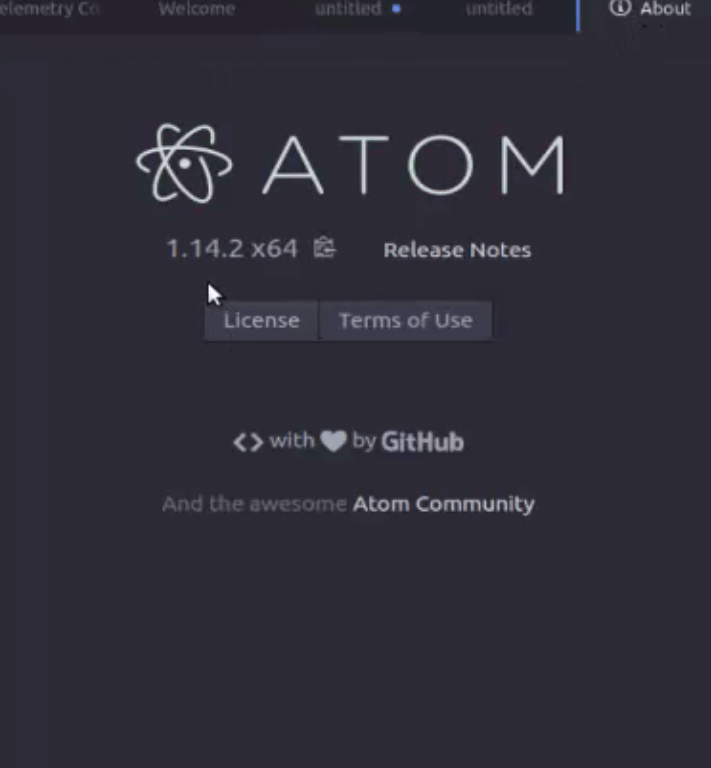
atom text editor

Type the text document or generate source code in atom editor.
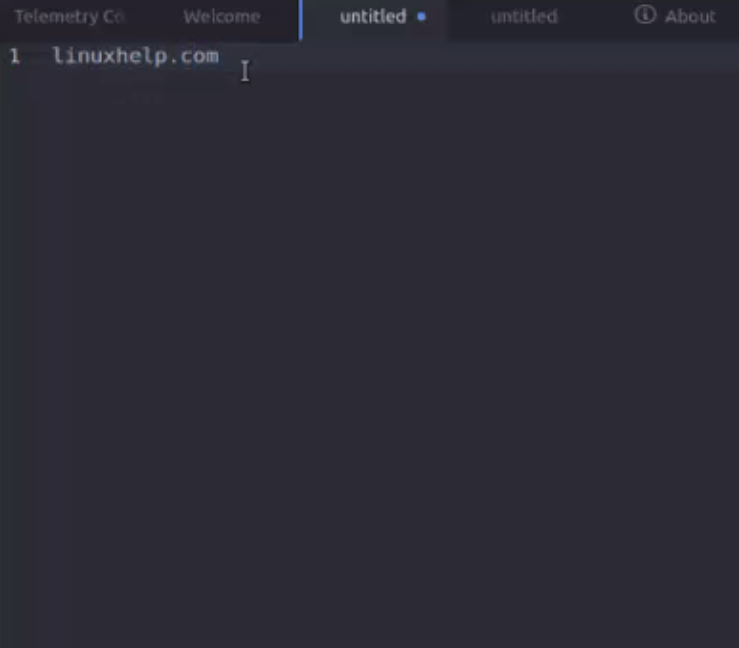
text_document
atom_terms_of_use

Tags:
sebastian
Author: 

Comments ( 0 )

No comments available

Add a comment
{{postCtrl.cmtErrMsg}}

Frequently asked questions ( 5 )

Q

What platforms does Atom run on?

A

Prebuilt versions of Atom are available for OS X 10.9 or later, Windows 7 or later, RedHat Linux, and Ubuntu Linux.


If you would like to build from source on Windows, Linux, or OS X, see the Atom README for more information.

Q

How can I contribute to Atom?

A

You can contribute by creating a package that adds something awesome to Atom!


Also, if you’d like to contribute to the core editor, one of the bundled packages, or one of the libraries that power Atom, just go to github.com/atom.


You should also read the contributing guide before getting started.

Q

What is Atom text editor?

A

Atom is an open-source, modern and approachable text editor. It can also be used for editing source code for OS X, Linux, and Windows

Q

What theaters does Atom support?

A

Atom currently supports the following movie theater chains (in a few instances, not all locations are supported yet, as we continue to roll out with those theaters).

Q

For which general use cases is NGINX more appropriate than Squid?

A

NGINX is generally deployed as a reverse proxy, not as a caching proxy (like Squid). The key advantage with NGINX is its nominal RAM and CPU usage under heavy load. Squid is best applied to cache dynamic content for applications that cannot do it themselves.

Back To Top!
Rank
User
Points

Top Contributers

userNamenaveelansari
135850

Top Contributers

userNameayanbhatti
92510

Top Contributers

userNamehamzaahmed
32150

Top Contributers

1
userNamelinuxhelp
31040

Top Contributers

userNamemuhammadali
24500
Can you help legeek ?
Installation of the call center module

hello

I wish to install a call center in virtual with issabel, I downloaded the latest version of it , but I don' t arrive to install the call center module in issabel. please help me

thanks!

Networking
  • Routing
  • trunk
  • Netmask
  • Packet Capture
  • domain
  • HTTP Proxy
Server Setup
  • NFS
  • KVM
  • Memory
  • Sendmail
  • WebDAV
  • LXC
Shell Commands
  • Cloud commander
  • Command line archive tools
  • last command
  • Shell
  • terminal
  • Throttle
Desktop Application
  • Linux app
  • Pithos
  • Retrospect
  • Scribe
  • TortoiseHg
  • 4Images
Monitoring Tool
  • Monit
  • Apache Server Monitoring
  • EtherApe 
  • Arpwatch Tool
  • Auditd
  • Barman
Web Application
  • Nutch
  • Amazon VPC
  • FarmWarDeployer
  • Rukovoditel
  • Mirror site
  • Chef
Contact Us | Terms of Use| Privacy Policy| Disclaimer
© 2025 LinuxHelp.com All rights reserved. Linux™ is the registered trademark of Linus Torvalds. This site is not affiliated with linus torvalds in any way.