How to install Atom editor 1.16.0 on Linux Mint 17.3
How to install Atom editor 1.16.0 on Linux Mint 17.3
Atom Text Editor v1.16.0 recently released, is one of the most widely used hackable text editor and its built on atom-shell. It comes with a modern, approachable, but yet hackable to the core tool that you can customize to your needs. Comparing it to other desktop applications, it comes with its own icon in the dock, native menus and dialogs, and full access to the file system. Furthermore, it is used also as an IDE (Integrated Development Environment). This tutorial will explain on how to install Atom editor 1.16.0 on Linux Mint 17.3.
Features
- Works across operating systems. You can use it on OS X, Windows, or Linux.
- Search for and install new packages or start creating your own, all from within Atom.
- Easily browse and open a single file, a whole project, or multiple projects in one window.
- Split the interface into multiple panes to compare and edit code across files.
- Comes pre-installed with four UI and eight syntax themes in both dark and light colors.
Installation procedure
To start with the installation procedure, first add the atom package into repository via ppa.
linuxhelp1 Desktop # add-apt-repository ppa:webupd8team/atom
you are about to add the following PPA to your system:
 PPA for Atom text editor: https://atom.io
Press [ENTER] to continue or ctrl-c to cancel adding it
.
.
.
gpg: requesting key EEA14886 from hkp server keyserver.ubuntu.com
gpg: key EEA14886: public key " Launchpad VLC"  imported
gpg: Total number processed: 1
gpg:               imported: 1  (RSA: 1)
The repository is added successfully. Now update the target machine by executing the apt-get update command.
linuxhelp1 Desktop # apt-get update
Ign http://archive.canonical.com trusty InRelease
Get:1 http://security.ubuntu.com trusty-security InRelease [65.9 kB]
Ign http://archive.ubuntu.com trusty InRelease
Get:2 http://archive.canonical.com trusty Release.gpg [933 B]
.
.
.
Ign http://archive.ubuntu.com trusty/restricted Translation-en_IN
Ign http://archive.ubuntu.com trusty/universe Translation-en_IN
Fetched 5,603 kB in 48s (115 kB/s)
Reading package lists... Done
The system is updated. Next install the atom package by running the following command.
linuxhelp1 Desktop # apt-get install atom
Reading package lists... Done
Building dependency tree
Reading state information... Done
The following extra packages will be installed:
  git git-man liberror-perl
.
.
.
Setting up liberror-perl (0.17-1.1) ...
Setting up git-man (1:1.9.1-1ubuntu0.4) ...
Setting up git (1:1.9.1-1ubuntu0.4) ...
Setting up atom (1.16.0-1~webupd8~0) ...
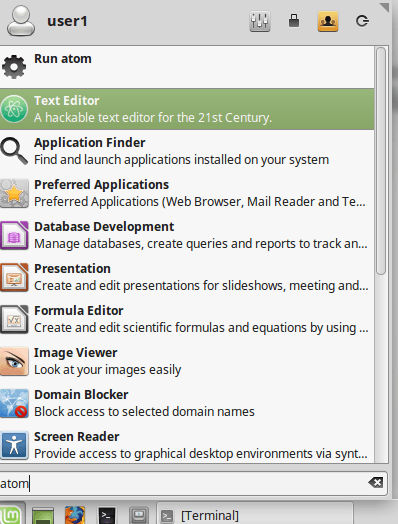
To launch the atom text editor type the application name in the Linux mint dashboard and run the application.
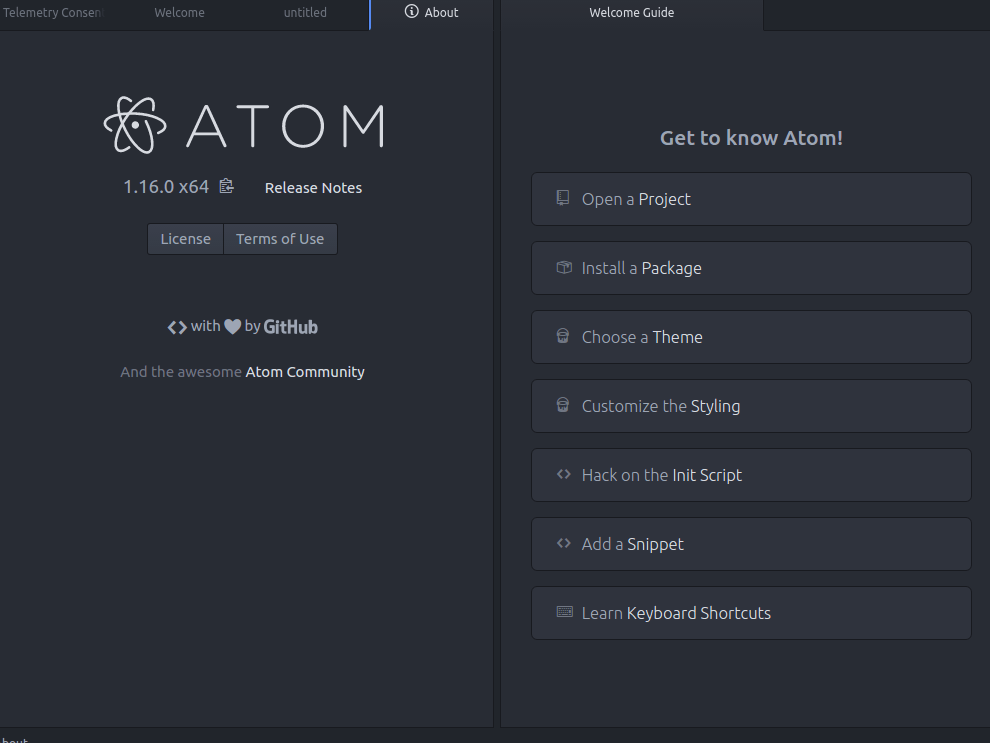
Now the Atom editor is launched the user can edit or create the source code through this editor.
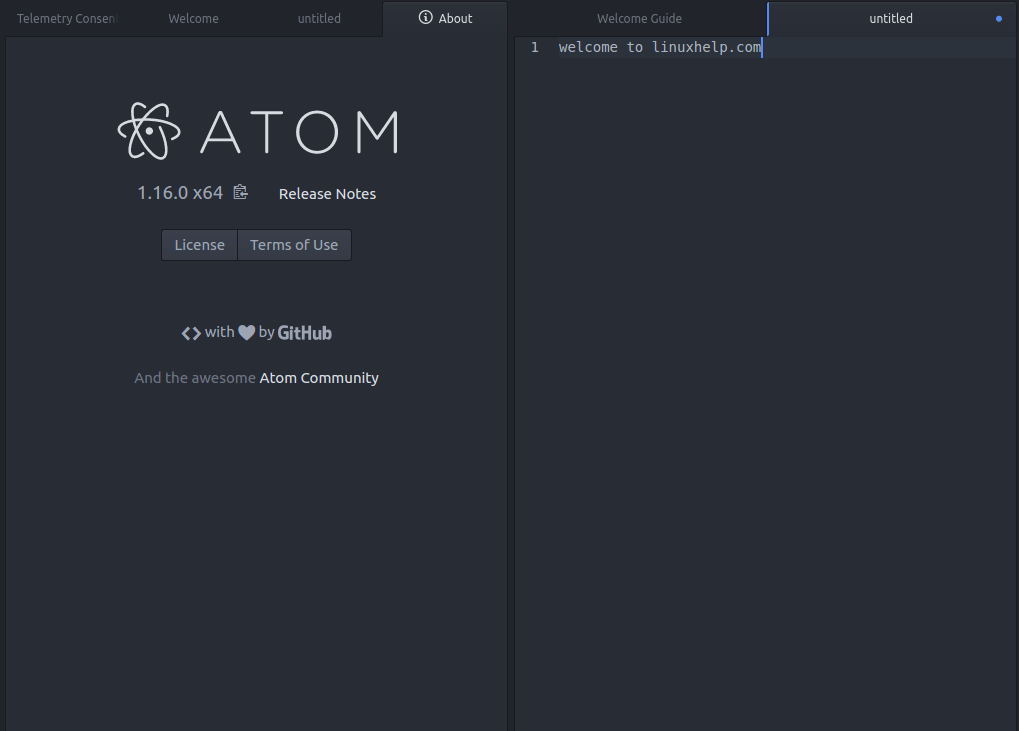
Wasn' t that an easy installation procedure? The Atom editor is built on Electron and also cross check the written codes with the other ones in an easy way.
Comments ( 0 )
No comments available