How to Install Audacious Music Player 3.8.2 on Ubuntu 16.04
{{postValue.id}}
To Install Audacious Music Player 3.8.2 on Ubuntu 16.04
Audacious is a free, open source and high quality audio player. It is known for its low resource usage and it supports a wide range of audio formats. It is the default audio player in Lubuntu and in Ubuntu Studio. This article sheds light on the installation process involved with Audacious.
Plugin Features
- Decoder plugins, which contain the actual codecs used for decoding content.
- Transport plugins, which are lowlevel and implemented by the VFS layer.
- Output plugins, which provide the audio system backend of the player.
- Visualization plugins, which provide visualizations based on fast Fourier transforms of the wave data.
- Effect plugins, which provide various sound processing on the decoded audio stream
- Container plugins, which provide support for playlists and other similar structures.
- Audacious owes a large portion of its functionality to plugins, including all codecs. More features are available via third-party plugins.
Initiate the installation of Audacious by adding the audacious package into repository via ppa.
root@linuxhelpubnt:~# add-apt-repository ppa:nilarimogard/webupd8
Press [ENTER] to continue or ctrl-c to cancel adding it
gpg: keyring `/tmp/tmpq_sg4jt_/secring.gpg'  created
gpg: keyring `/tmp/tmpq_sg4jt_/pubring.gpg'  created
.
.
.
gpg: Total number processed: 1
gpg:               imported: 1  (RSA: 1)
OK
Once it is done, update the machine by running the following command.
root@linuxhelpubnt:~# apt-get update
Get:1 http://ppa.launchpad.net/nilarimogard/webupd8/ubuntu xenial InRelease [17.5 kB]
Hit:2 http://in.archive.ubuntu.com/ubuntu xenial InRelease
Get:3 http://in.archive.ubuntu.com/ubuntu xenial-updates InRelease [102 kB]
.
.
.
Get:17 http://in.archive.ubuntu.com/ubuntu xenial-updates/multiverse amd64 DEP-11 Metadata [2,516 B]
Get:18 http://in.archive.ubuntu.com/ubuntu xenial-backports/main amd64 DEP-11 Metadata [3,328 B]
Fetched 3,038 kB in 19s (157 kB/s)
Reading package lists... Done
Now is the time to install the Audacious package, use the following command to install Audacious with plugins.
root@linuxhelpubnt:~# apt-get install audacious audacious-plugins
Reading package lists... Done
Building dependency tree
Reading state information... Done
The following packages were automatically installed and are no longer required:
  libpango1.0-0 libpangox-1.0-0
.
.
.
Setting up va-driver-all:amd64 (1.7.0-1) ...
Setting up vdpau-driver-all:amd64 (1.1.1-3ubuntu1) ...
Processing triggers for libc-bin (2.23-0ubuntu5) ...
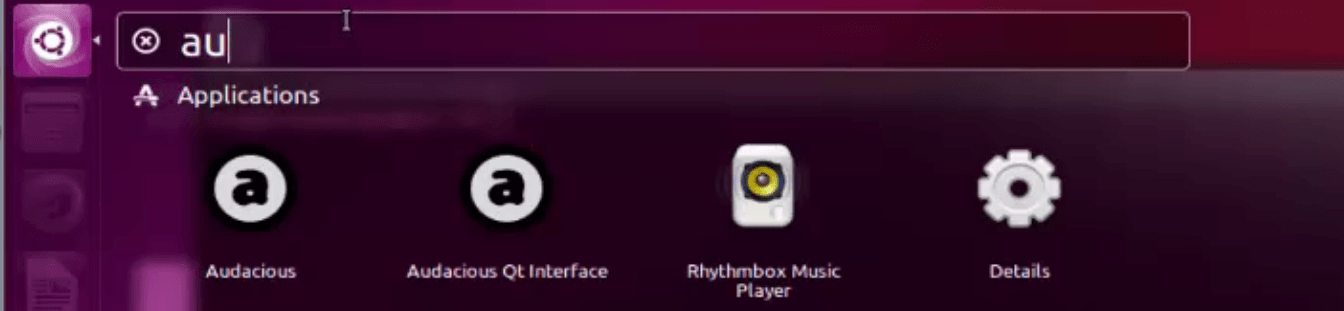
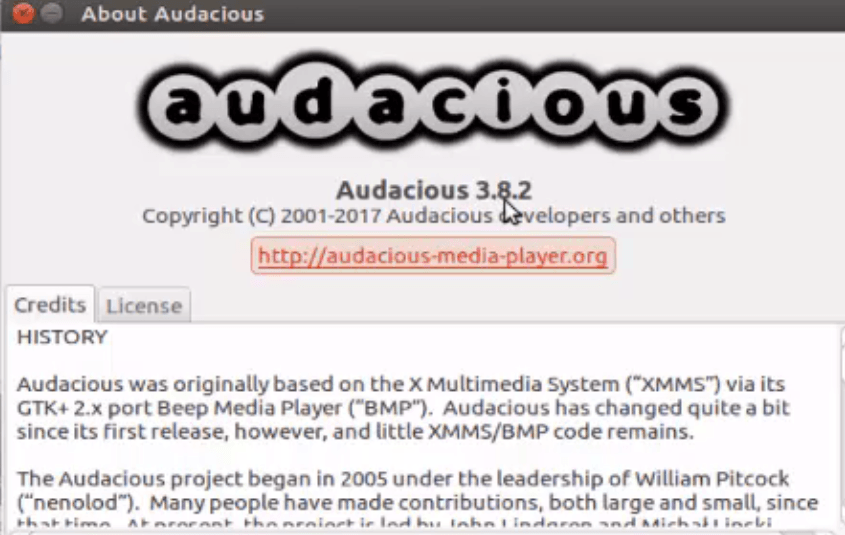
Audacious is now installed, launch the Audacious music player from Ubuntu dashboard.
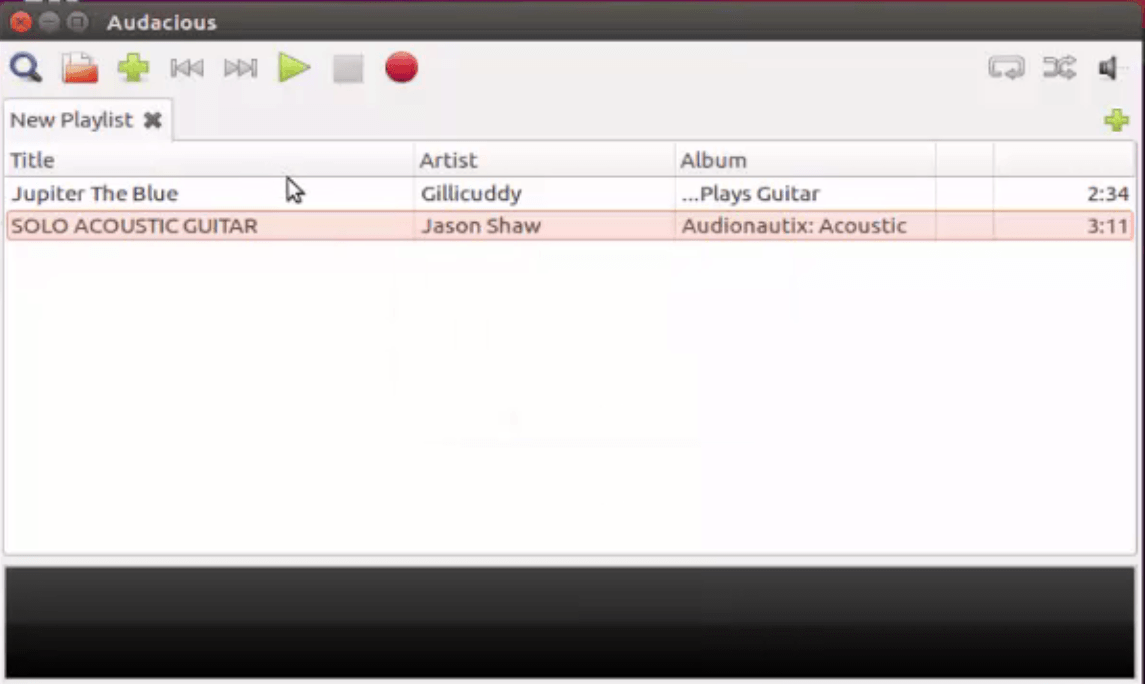
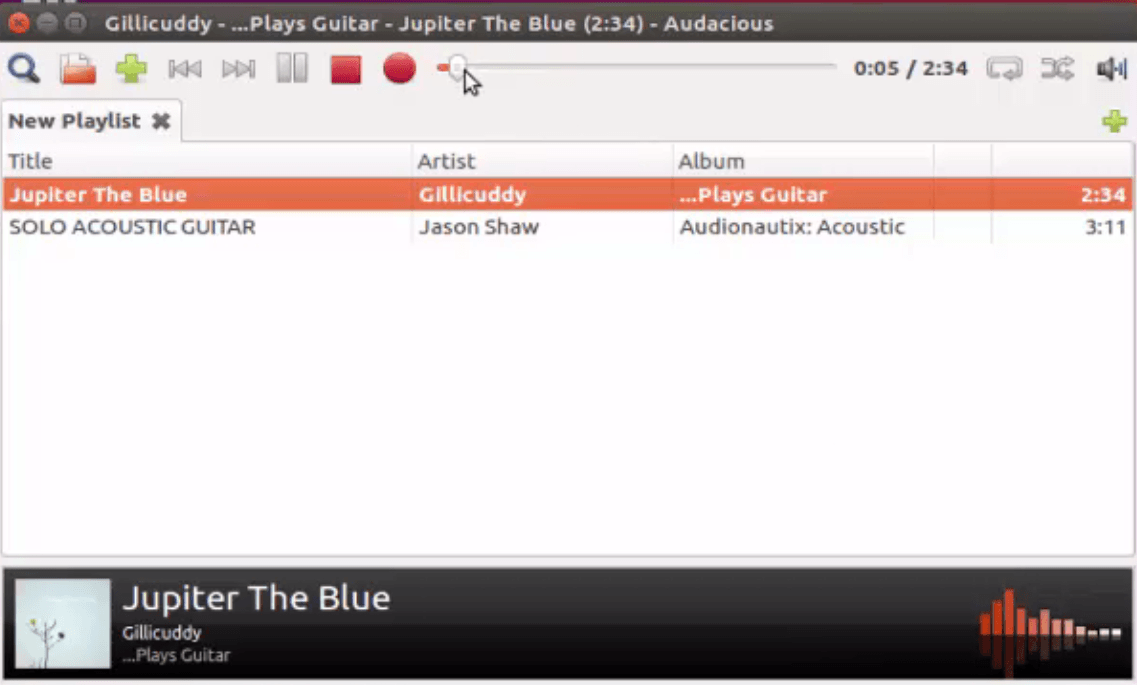
Select and play your favorite songs.
Comments ( 0 )
No comments available