How to Install Audacity 2.2.1 in Linux Mint 18.3
To Install Audacity 2.2.1 in Linux Mint 18.3
Audacity, free and open-source audio editing and recording software, reached the new major 2.2.0 release a few days ago with great new features and tons of bug-fixes and some of them are listed below.
Features
&bull Four supplied user interface themes and customizability of themes for advanced users.
&bull Playback of MIDI files (requires cooperating software synthesizer programs on macOs or Linux)
&bull Better organized menus
&bull Help link buttons in many dialogs lead to the relevant manual pages
&bull 198 bugs/annoyances in 2.1.3 fixed, most importantly
&bull Improved recovery from full file system errors
&bull Thorough update of the manual with new images, more hover texts, and more cross-references.
&bull Complete support for macOS 10.12 (Sierra) and 10.13 (High Sierra)
It is so easy to install Audacity 2.2.1 in Linux Mint 18.3, and this tutorial covers the ground on the same process.
Installing Audacity 2.2.1
First, make sure you update your system by making use of the following command.
linuxhelp user # apt-get update
Hit:1 http://archive.ubuntu.com/ubuntu xenial InRelease
Ign:2 http://packages.linuxmint.com sylvia InRelease
Hit:3 http://archive.canonical.com/ubuntu xenial InRelease
Get:4 http://packages.linuxmint.com sylvia Release [24.2 kB]
.
.
Get:21 http://security.ubuntu.com/ubuntu xenial-security/universe Translation-en [119 kB]
Get:22 http://archive.ubuntu.com/ubuntu xenial-updates/universe Translation-en [238 kB]
Fetched 5,221 kB in 8s (622 kB/s)
Reading package lists... Done
You shall now add the necessary repository via PPA in the following manner.
linuxhelp user # add-apt-repository ppa:ubuntuhandbook1/audacity
You are about to add the following PPA:
 The PPA contains the most recent release of Audacity (2.1.3 so far) since Audacity Team only provides an daily build PPA.

No updates for Ubuntu 14.04 due to old libraries (2.1.3 requires GCC > = 4.9).
.
.
gpg: requesting key 852541CB from hkp server keyserver.ubuntu.com
gpg: key 852541CB: public key " Launchpad PPA for Panda Jim"  imported
gpg: Total number processed: 1
gpg:               imported: 1  (RSA: 1)
Once it' s done, you need to update the system again by making use of the following command.
linuxhelp user # apt-get update
Hit:1 http://archive.ubuntu.com/ubuntu xenial InRelease
Hit:2 http://security.ubuntu.com/ubuntu xenial-security InRelease
Hit:3 http://archive.canonical.com/ubuntu xenial InRelease
Hit:4 http://archive.ubuntu.com/ubuntu xenial-updates InRelease
.
.
Get:12 http://ppa.launchpad.net/ubuntuhandbook1/audacity/ubuntu xenial/main i386 Packages [996 B]
Get:13 http://ppa.launchpad.net/ubuntuhandbook1/audacity/ubuntu xenial/main Translation-en [492 B]
Fetched 21.1 kB in 2s (9,184 B/s)
Reading package lists... Done
And then you shall proceed with the installation of Audacity by making use of the following command.
linuxhelp user # apt-get install audacity
Reading package lists... Done
Building dependency tree
Reading state information... Done
The following additional packages will be installed:
.
.
Setting up libvamp-hostsdk3v5:amd64 (2.6~repack0-2) ...
Setting up libwxbase3.0-0v5:amd64 (3.0.2+dfsg-1.3ubuntu0.1) ...
Setting up libwxgtk3.0-0v5:amd64 (3.0.2+dfsg-1.3ubuntu0.1) ...
Setting up audacity (2.2.1-1build1~ubuntu16.04) ...
Processing triggers for libc-bin (2.23-0ubuntu9) ...
Now you shall launch the newly installed Audacity application via your Linux Mint search field.
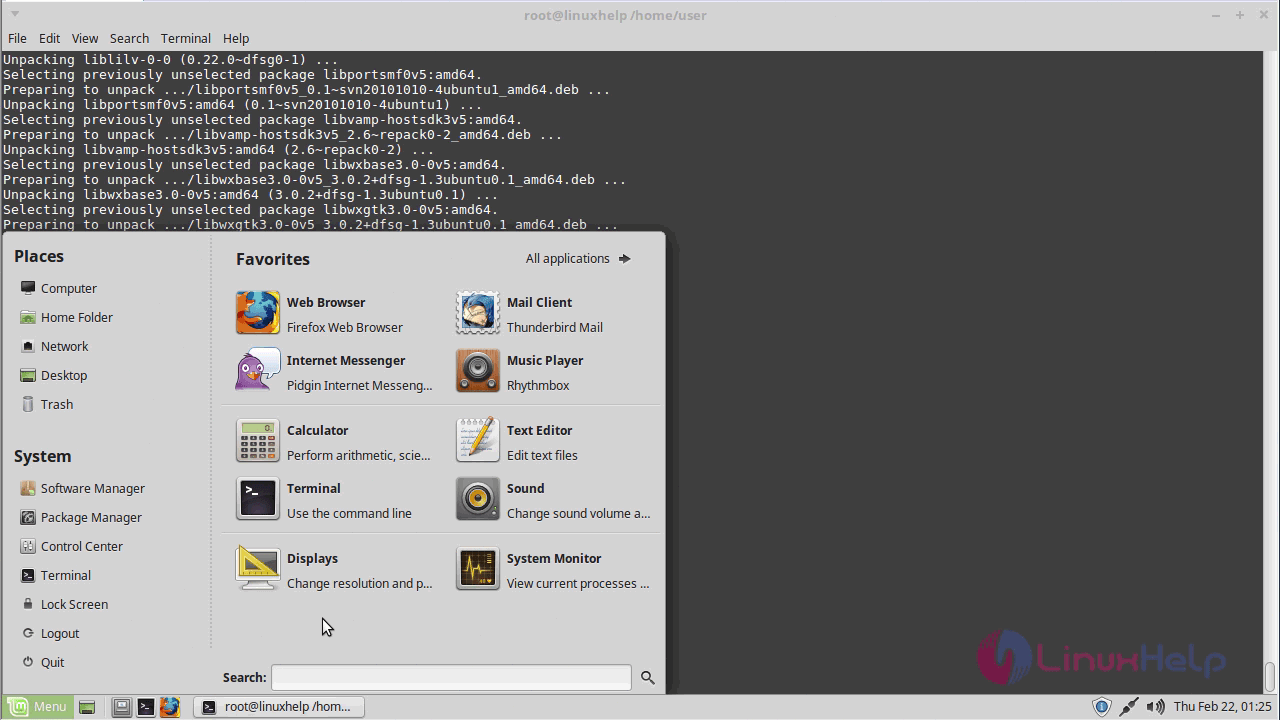
You shall type Audacity in your search field.
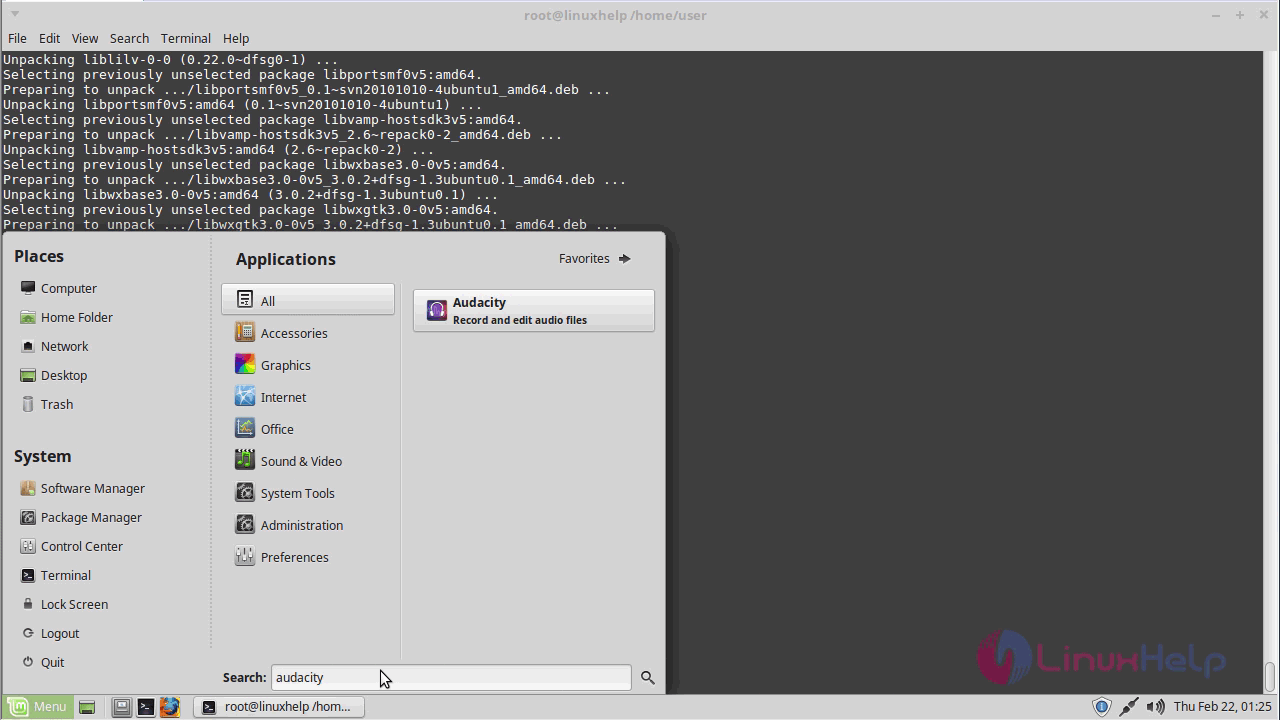
When the application icon appears, click on it to open.
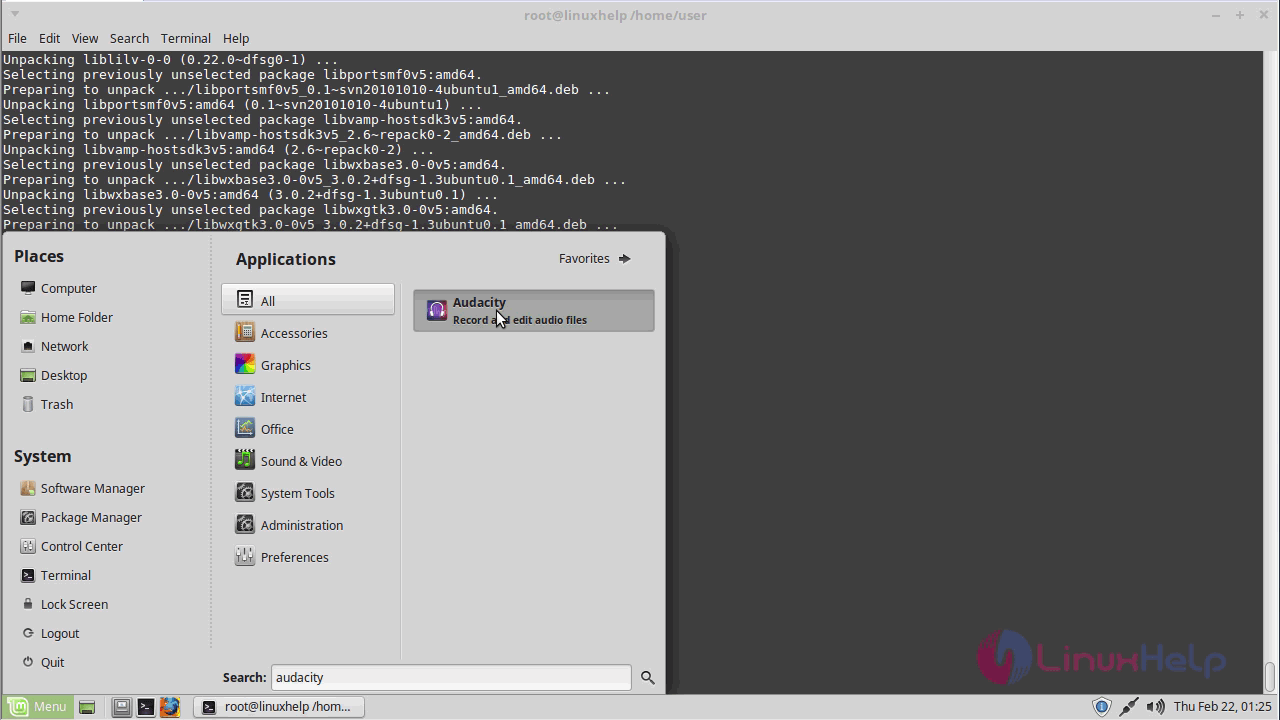
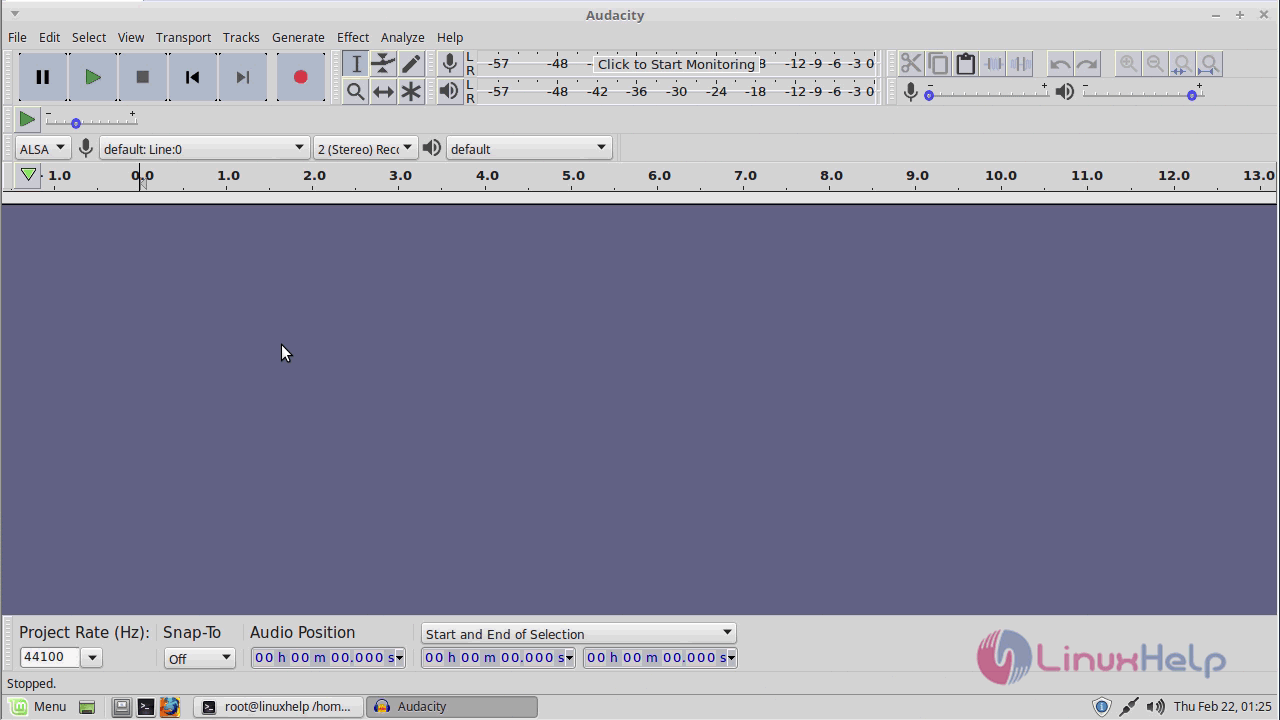
The Audacity application now appears on your screen.
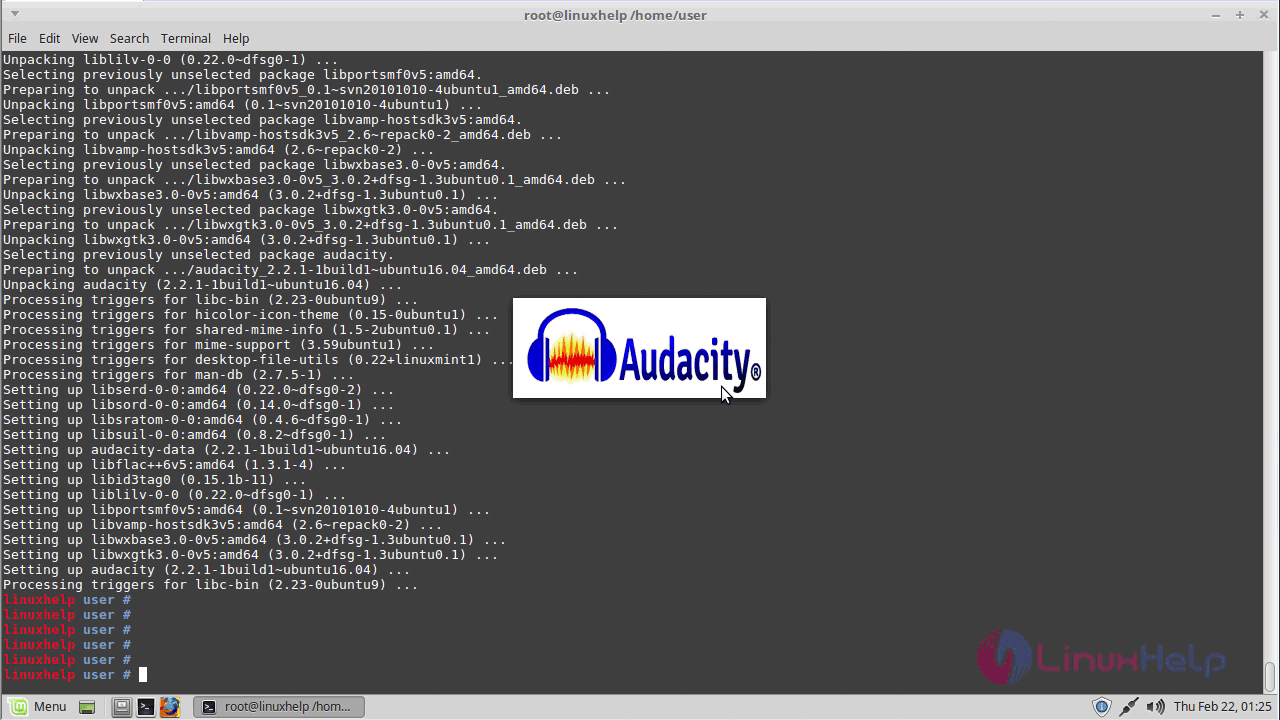
The application details are displayed when it is loading.
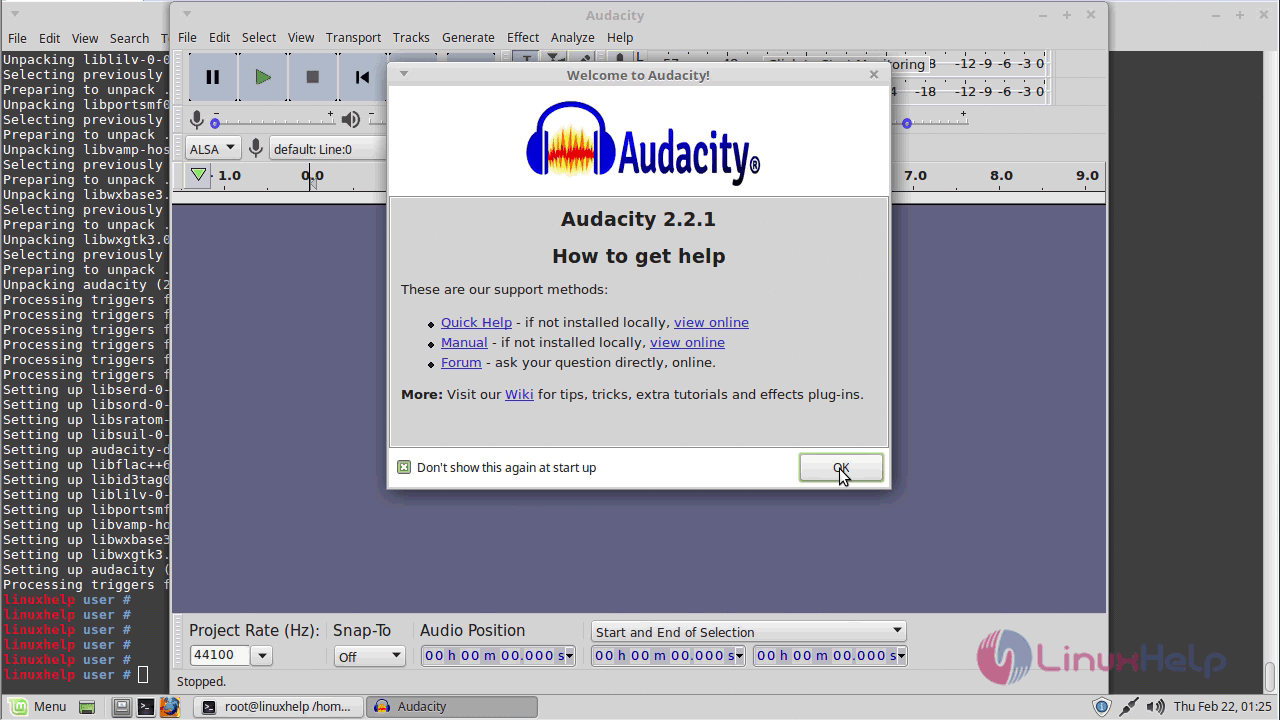
Th Audacity application will look like the one in the following image.
With this, the tutorial on how to install Audacity comes to an end.
Comments ( 0 )
No comments available