How to install Audacity 2.2.2 on Ubuntu 18.04
To install Audacity 2.2.2 on Ubuntu 18.04
Audacity is a free, cross-platform, easy-to-use, multi-track audio editor and recorder with an interface which is translated into many languages. Audacity can record live audio through a microphone or mixer, or digitize recordings from other media. With some sound cards, and on any recent version of Windows, Audacity can also capture streaming audio. It is so simple to install Audacity and this tutorial covers the ground in the same process.
Installing Audacity
Before we begin, let' s update the system repository package by making use of the following command.
root@linuxhelp1:~# apt-get update
Hit:1 http://security.ubuntu.com/ubuntu bionic-security InRelease
Hit:2 http://in.archive.ubuntu.com/ubuntu bionic InRelease
Hit:3 http://in.archive.ubuntu.com/ubuntu bionic-updates InRelease
Hit:4 http://in.archive.ubuntu.com/ubuntu bionic-backports InRelease
Reading package lists... Done
And then, add the repository which contains audacity installation package as follows.
root@linuxhelp1:~# add-apt-repository ppa:ubuntuhandbook1/audacity
 The PPA contains the most recent release of Audacity (2.1.3 so far) since Audacity Team only provides an daily build PPA.

No updates for Ubuntu 14.04 due to old libraries (2.1.3 requires GCC > = 4.9).

For help, please use Audacity forum: http://forum.audacityteam.org/
 More info: https://launchpad.net/~ubuntuhandbook1/+archive/ubuntu/audacity
Press [ENTER] to continue or Ctrl-c to cancel adding it.
.
.
Get:4 http://ppa.launchpad.net/ubuntuhandbook1/audacity/ubuntu bionic/main i386 Packages [1,000 B]
Hit:5 http://in.archive.ubuntu.com/ubuntu bionic-updates InRelease
Get:6 http://ppa.launchpad.net/ubuntuhandbook1/audacity/ubuntu bionic/main amd64 Packages [996 B]
Hit:7 http://in.archive.ubuntu.com/ubuntu bionic-backports InRelease
Get:8 http://ppa.launchpad.net/ubuntuhandbook1/audacity/ubuntu bionic/main Translation-en [492 B]
Fetched 17.9 kB in 4s (4,145 B/s)
Reading package lists... Done
After adding repository update the system repository once again.
root@linuxhelp1:~# apt-get update
Hit:1 http://security.ubuntu.com/ubuntu bionic-security InRelease
Hit:2 http://ppa.launchpad.net/ubuntuhandbook1/audacity/ubuntu bionic InRelease
Hit:3 http://in.archive.ubuntu.com/ubuntu bionic InRelease
Hit:4 http://in.archive.ubuntu.com/ubuntu bionic-updates InRelease
Hit:5 http://in.archive.ubuntu.com/ubuntu bionic-backports InRelease
Reading package lists... Done
The system repository is updated now so you can install Audacity using the below mentioned command.
root@linuxhelp1:~# apt-get install audacity
Reading package lists... Done
Building dependency tree
Reading state information... Done
The following packages were automatically installed and are no longer required:
  apache2-bin apache2-data apache2-utils libapr1 libaprutil1 libaprutil1-dbd-sqlite3
  libaprutil1-ldap
Use ' sudo apt autoremove'  to remove them.
The following additional packages will be installed:
.
.
Setting up libqt5widgets5:amd64 (5.9.5+dfsg-0ubuntu1) ...
Setting up liblilv-0-0 (0.24.2~dfsg0-1) ...
Setting up libavcodec57:amd64 (7:3.4.2-1build1) ...
Setting up libsuil-0-0:amd64 (0.10.0~dfsg0-1) ...
Setting up libqt5svg5:amd64 (5.9.5-0ubuntu1) ...
Setting up libchromaprint1:amd64 (1.4.3-1) ...
Setting up libavformat57:amd64 (7:3.4.2-1build1) ...
Setting up audacity (2.2.2-1build1~ubuntu18.04) ...
Processing triggers for libc-bin (2.27-0ubuntu2) ...
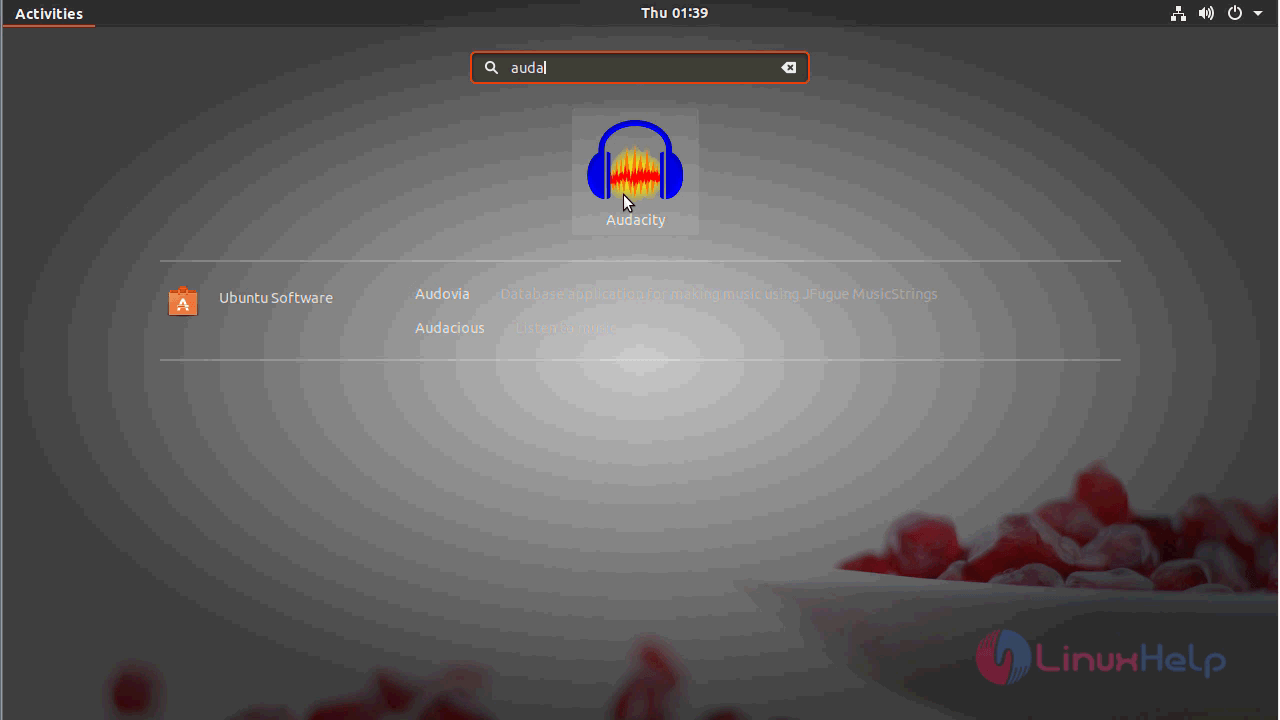
Audacity is now installed and you can access it from the ubuntu search field by typing Audacity in the search field.
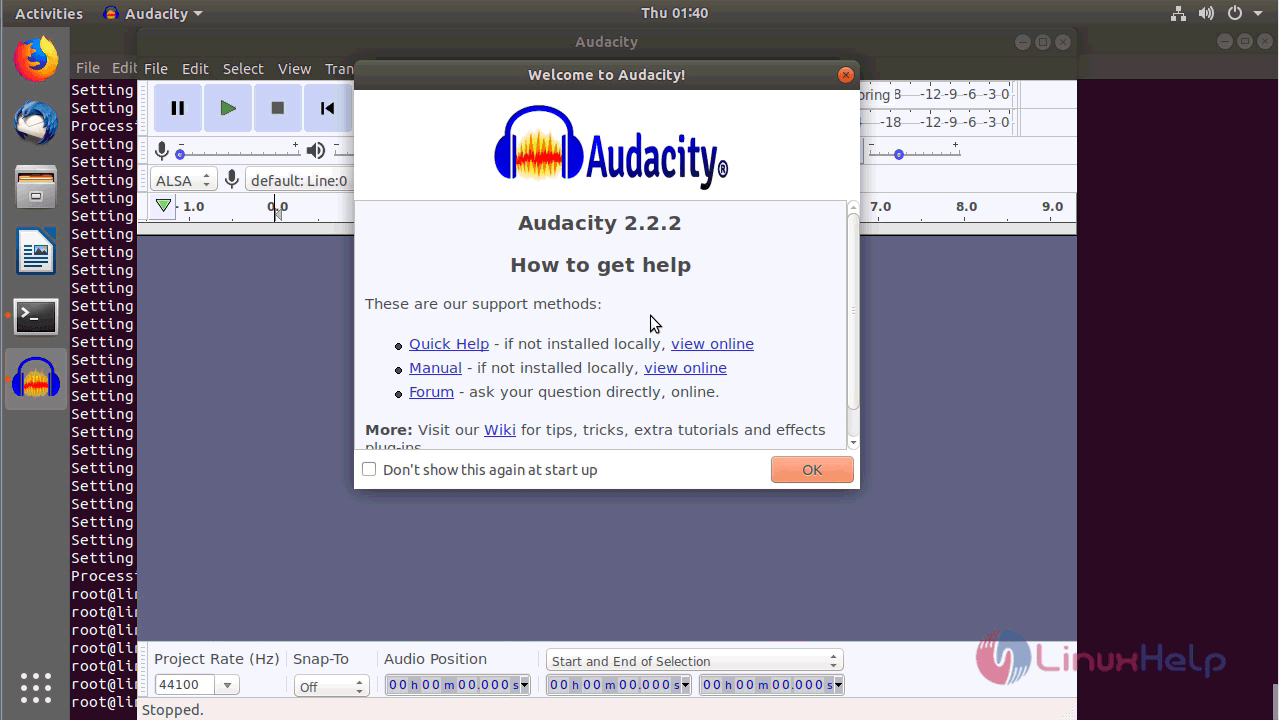
After opening the application it will display the welcome page where you can see the version details and other supports.
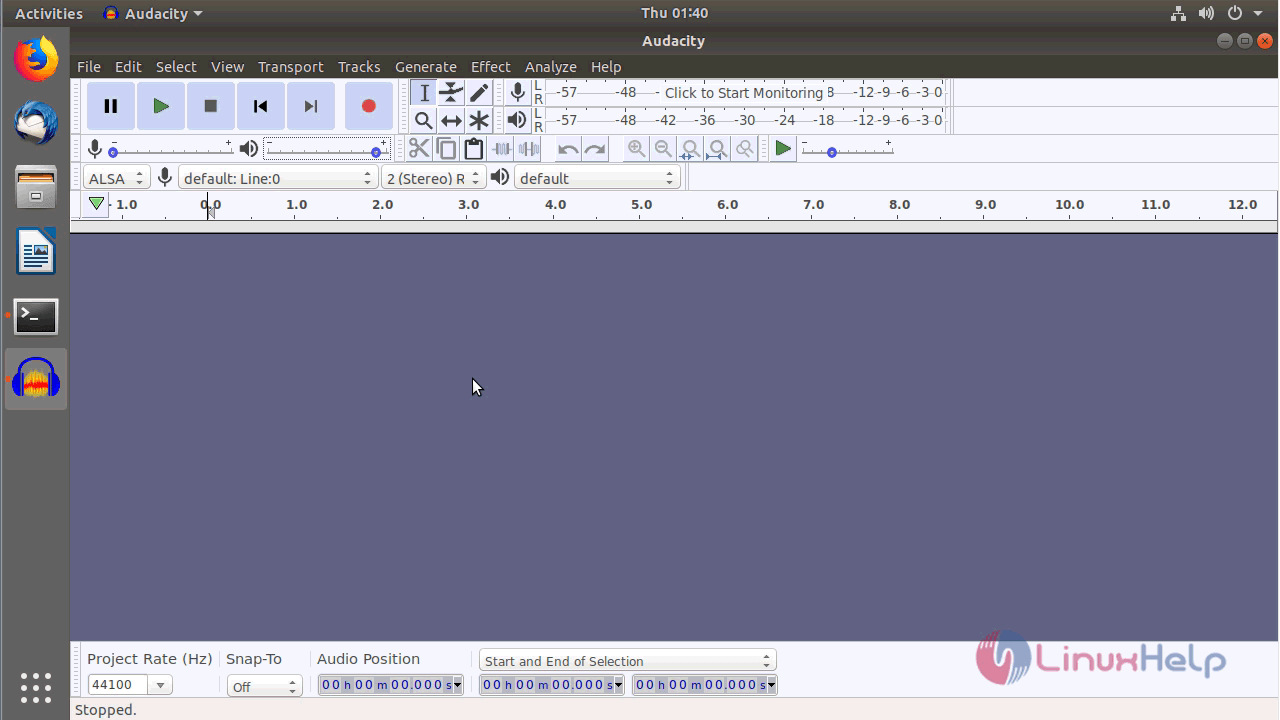
This is the interface of the Audacity application.
With this, the method to install Audacity 2.2.2 on Ubuntu 18.04 comes to an end.
Comments ( 0 )
No comments available