How to install Audio recorder on Linux Mint 18.03
To install Audio Recorder on Linux Mint 18.03
Audio Recorder records, all kind of sound your computer makes. It records audio played through your system’ s soundcard, microphones, browsers, webcams and more. The method to install Audio Recorder on Linux Mint 18.03 is so simple and it is covered in this tutorial.
Installing Audio Recorder
We have to add repository via PPA and for that, you need to run the following command.
linuxhelp ~ # add-apt-repository ppa:audio-recorder/ppa
You are about to add the following PPA:
 This is a new package archive for Audio-recorder.
It has packages for Ubuntu 15.x, 16.x, 17.x and Linux Mint 18.x.
This PPA belongs to the team.

.
.
.
Press Enter to continue or Ctrl+C to cancel

Executing: /tmp/tmp.J2CplyrATf/gpg.1.sh --keyserver
hkp://keyserver.ubuntu.com:80
--recv-keys
ACF9669F
gpg: requesting key ACF9669F from hkp server keyserver.ubuntu.com
gpg: key ACF9669F: public key " Launchpad PPA for Team audio-recorder"  imported
gpg: Total number processed: 1
gpg:               imported: 1  (RSA: 1)
After adding repository we have to update our system repository index as follows.
linuxhelp ~ # apt-get update
Hit:1 http://ppa.launchpad.net/audio-recorder/ppa/ubuntu xenial InRelease
Hit:2 http://archive.canonical.com/ubuntu xenial InRelease
Hit:3 http://archive.ubuntu.com/ubuntu xenial InRelease
Hit:4 http://archive.ubuntu.com/ubuntu xenial-updates InRelease
Ign:5 http://packages.linuxmint.com sylvia InRelease
Hit:6 http://security.ubuntu.com/ubuntu xenial-security InRelease
Hit:7 http://ppa.launchpad.net/ondrej/php/ubuntu xenial InRelease
Hit:8 http://archive.ubuntu.com/ubuntu xenial-backports InRelease
Hit:9 http://packages.linuxmint.com sylvia Release
Reading package lists... Done
Then we can install audio recorder now using the following command.
linuxhelp ~ # apt-get install audio-recorder -y
Reading package lists... Done
Building dependency tree
Reading state information... Done
The following packages were automatically installed and are no longer required:
  libcurl3 libmcrypt4
Use ' sudo apt autoremove'  to remove them.
.
.
.
Selecting previously unselected package audio-recorder.
(Reading database ... 220864 files and directories currently installed.)
Preparing to unpack .../audio-recorder_1.7-5~xenial_amd64.deb ...
Unpacking audio-recorder (1.7-5~xenial) ...
Processing triggers for hicolor-icon-theme (0.15-0ubuntu1) ...
Processing triggers for libglib2.0-0:amd64 (2.48.2-0ubuntu1) ...
Processing triggers for desktop-file-utils (0.22+linuxmint1) ...
Processing triggers for mime-support (3.59ubuntu1) ...
Setting up audio-recorder (1.7-5~xenial) ...
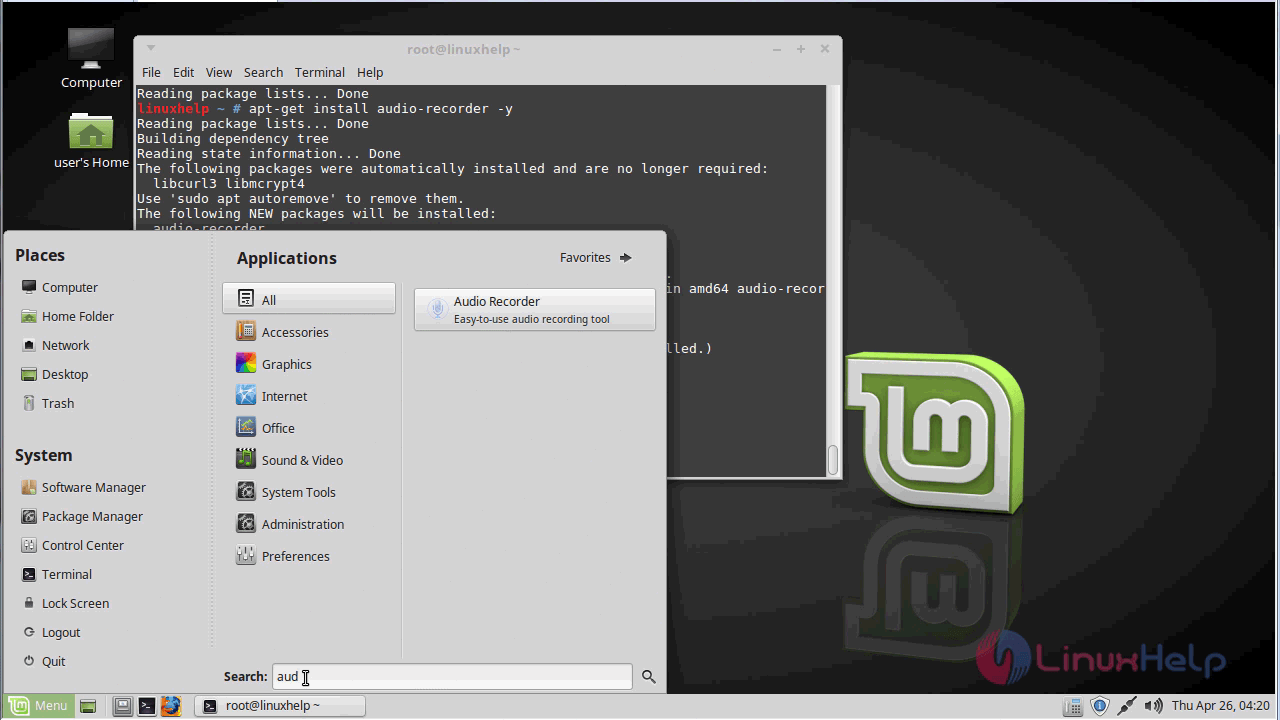
After Installation you can open the application by searching from the search field, the application icon will appear to click to open.
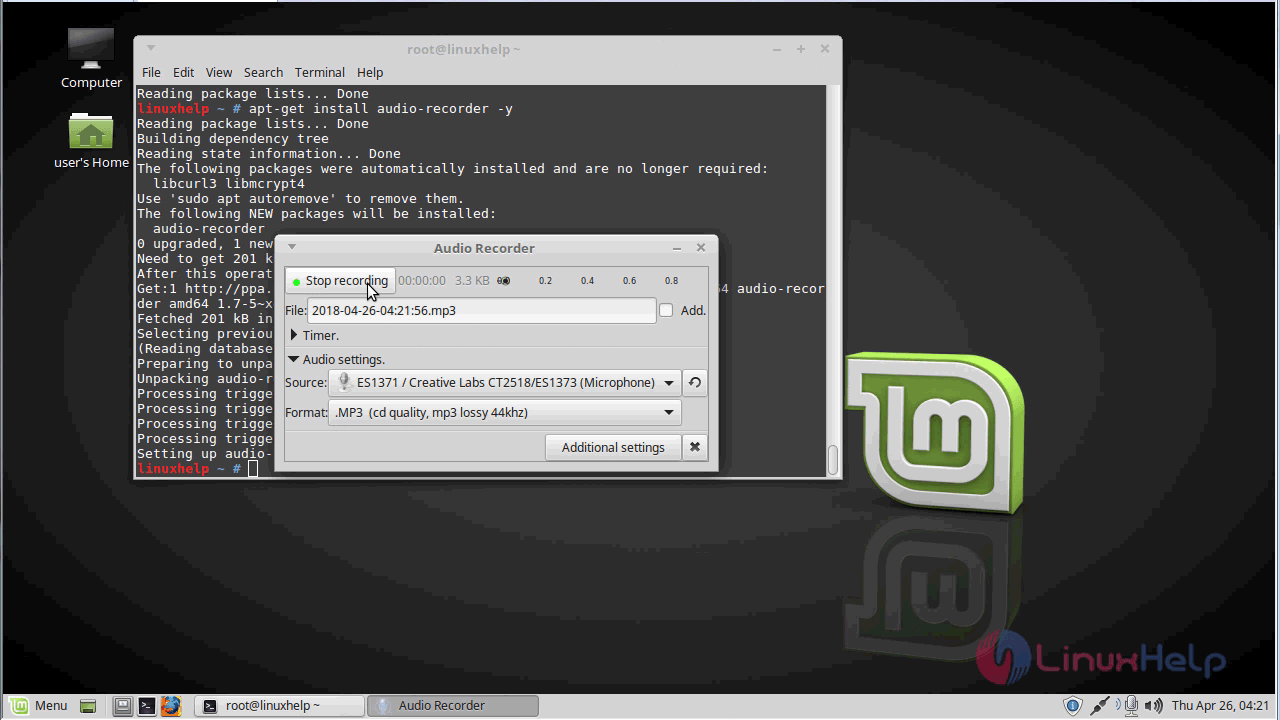
Now, you can able to record any audio using this audio recorder application.
With this, the method to install Audio recorder on Linuxmint-18.03 comes to an end.
Comments ( 0 )
No comments available