How to install Banshee 2.6.3 on Linux mint-18.3
To install Banshee 2.6.3 on Linux mint-18.3
Banshee is a cross-platform open-source media player built upon Mono and Gtk# and it uses the GStreamer multimedia platform for encoding and decoding various media formats, including Ogg Vorbis, MP3 and FLAC. Banshee can play and import audio CDs and supports many portable media players. It also has Last.fm integration, album artwork fetching, smart playlists and podcast support.
Installing Banshee 2.6.3
First, make sure you update the system by making use of the following command.
linuxhelp ~ # apt-get update
Hit:1 http://archive.canonical.com/ubuntu xenial InRelease
Ign:2 http://packages.linuxmint.com sylvia InRelease
Hit:3 http://archive.ubuntu.com/ubuntu xenial InRelease
Hit:4 http://packages.linuxmint.com sylvia Release
Get:6 http://security.ubuntu.com/ubuntu xenial-security InRelease [102 kB]
Get:7 http://archive.ubuntu.com/ubuntu xenial-updates InRelease [102 kB]
Hit:8 http://archive.ubuntu.com/ubuntu xenial-backports InRelease
Get:9 http://archive.ubuntu.com/ubuntu xenial-updates/main amd64 Packages [737 kB]
Get:10 http://archive.ubuntu.com/ubuntu xenial-updates/main i386 Packages [684 kB]
Get:11 http://archive.ubuntu.com/ubuntu xenial-updates/universe amd64 Packages [593 kB]
Get:12 http://archive.ubuntu.com/ubuntu xenial-updates/universe i386 Packages [549 kB]
Fetched 2,767 kB in 16s (168 kB/s)
Reading package lists... Done
Once it is done, you shall proceed with the installation of the Banshee by making use of the following command.
linuxhelp ~ # apt-get install banshee -y
Reading package lists... Done
Building dependency tree
Reading state information... Done
The following additional packages will be installed:
  libdbus-glib1.0-cil libdbus1.0-cil libgdata2.1-cil libgkeyfile1.0-cil libgtk-sharp-beans-cil libgudev1.0-cil libmono-data-tds4.0-cil
  libmono-system-data4.0-cil libmono-system-enterpriseservices4.0-cil libmono-system-numerics4.0-cil libmono-system-runtime-serialization4.0-cil
  libmono-system-servicemodel-internals0.0-cil libmono-system-transactions4.0-cil libmono-system-xml-linq4.0-cil libmono-zeroconf1.0-cil
  libnewtonsoft-json5.0-cil libnotify0.4-cil libtaglib2.1-cil
Suggested packages:
  gstreamer1.0-plugins-bad gstreamer1.0-plugins-ugly gstreamer1.0-ffmpeg banshee-dbg
Recommended packages:
  brasero banshee-extension-soundmenu
The following NEW packages will be installed:
  banshee libdbus-glib1.0-cil libdbus1.0-cil libgdata2.1-cil libgkeyfile1.0-cil libgtk-sharp-beans-cil libgudev1.0-cil libmono-data-tds4.0-cil
  libmono-system-data4.0-cil libmono-system-enterpriseservices4.0-cil libmono-system-numerics4.0-cil libmono-system-runtime-serialization4.0-cil
  libmono-system-servicemodel-internals0.0-cil libmono-system-transactions4.0-cil libmono-system-xml-linq4.0-cil libmono-zeroconf1.0-cil
  libnewtonsoft-json5.0-cil libnotify0.4-cil libtaglib2.1-cil
0 upgraded, 19 newly installed, 0 to remove and 273 not upgraded.
.
.
Setting up libmono-system-enterpriseservices4.0-cil (4.2.1.102+dfsg2-7ubuntu4) ...
Setting up libmono-system-numerics4.0-cil (4.2.1.102+dfsg2-7ubuntu4) ...
Setting up libmono-system-data4.0-cil (4.2.1.102+dfsg2-7ubuntu4) ...
Setting up libmono-system-servicemodel-internals0.0-cil (4.2.1.102+dfsg2-7ubuntu4) ...
Setting up libmono-system-runtime-serialization4.0-cil (4.2.1.102+dfsg2-7ubuntu4) ...
Setting up libmono-system-xml-linq4.0-cil (4.2.1.102+dfsg2-7ubuntu4) ...
Setting up libnewtonsoft-json5.0-cil (6.0.8+dfsg-1) ...
* Installing 1 assembly from libnewtonsoft-json5.0-cil into Mono
Setting up libgdata2.1-cil (2.2.0.0-2build1) ...
* Installing 11 assemblies from libgdata2.1-cil into Mono
Setting up libgkeyfile1.0-cil (0.1-5) ...
* Installing 1 assembly from libgkeyfile1.0-cil into Mono
Setting up libgtk-sharp-beans-cil (2.14.1-4) ...
Setting up libgudev1.0-cil (0.1-4build1) ...
* Installing 1 assembly from libgudev1.0-cil into Mono
Setting up libmono-zeroconf1.0-cil (0.9.0-6) ...
* Installing 5 assemblies from libmono-zeroconf1.0-cil into Mono
Setting up libnotify0.4-cil (0.4.0~r3032-7build1) ...
* Installing 1 assembly from libnotify0.4-cil into Mono
Setting up libtaglib2.1-cil (2.1.0.0-3build1) ...
* Installing 1 assembly from libtaglib2.1-cil into Mono
Setting up banshee (2.6.3+sarah) ...
Now that Banshee has been installed, you shall launch it through your Linux Mint search field.
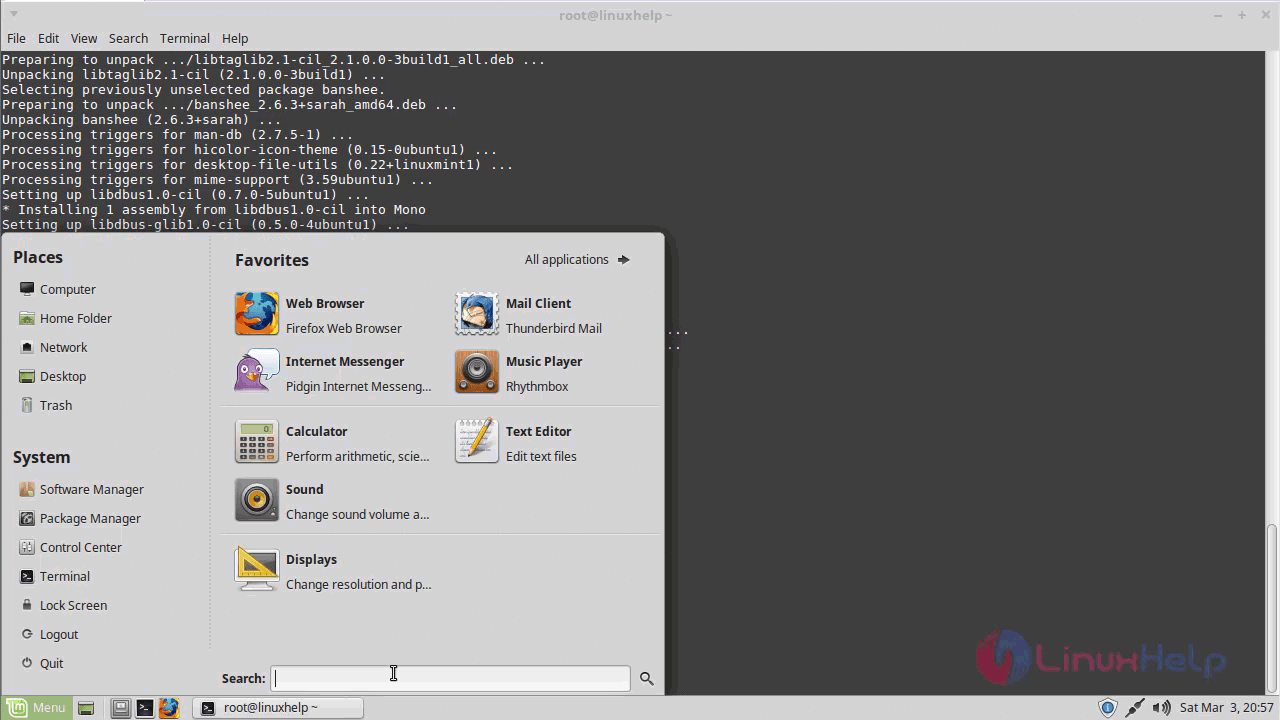
Type Banshee on the search field.
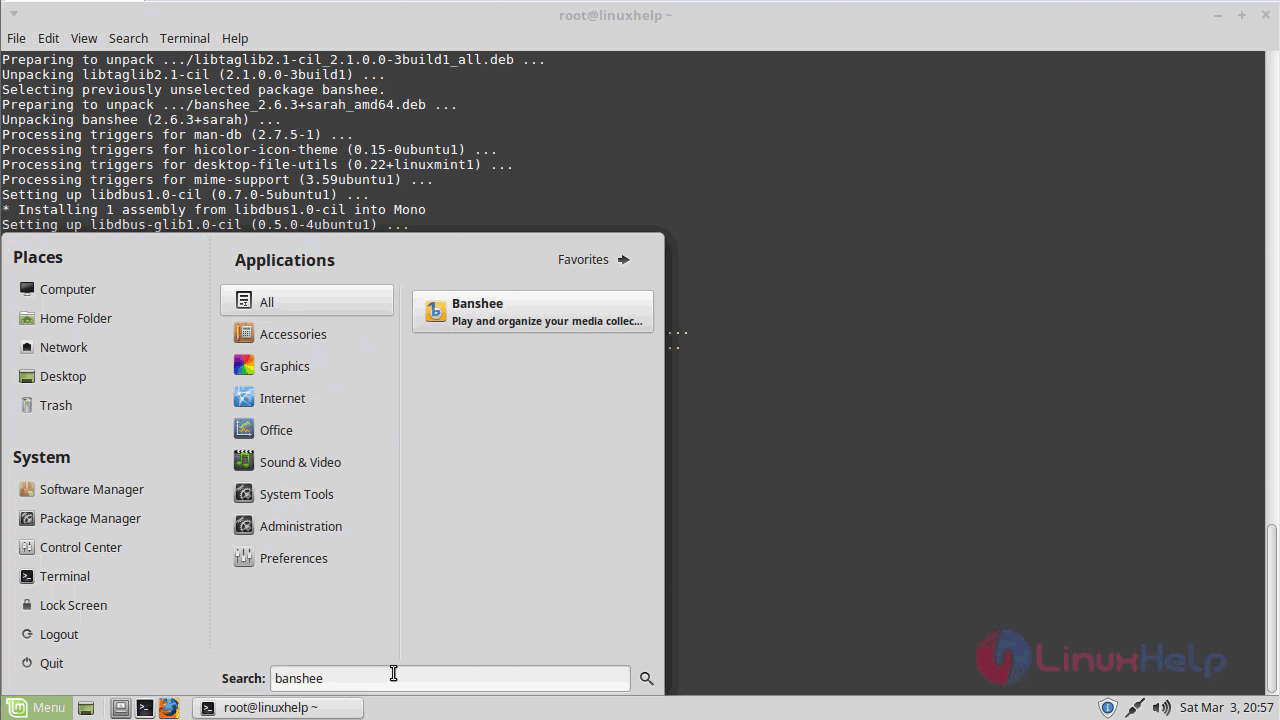
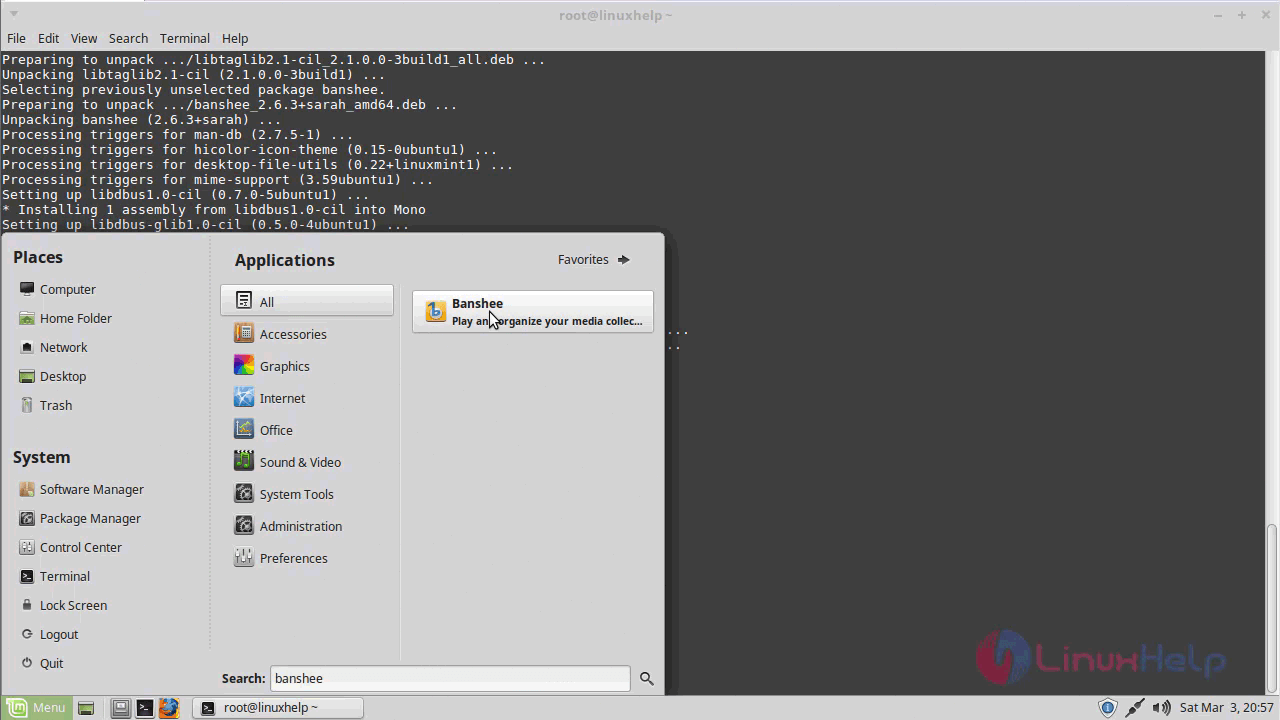
Once it is done, you need to click on the application that appears on your screen. Click to open
The Banshee application now appears on your screen.
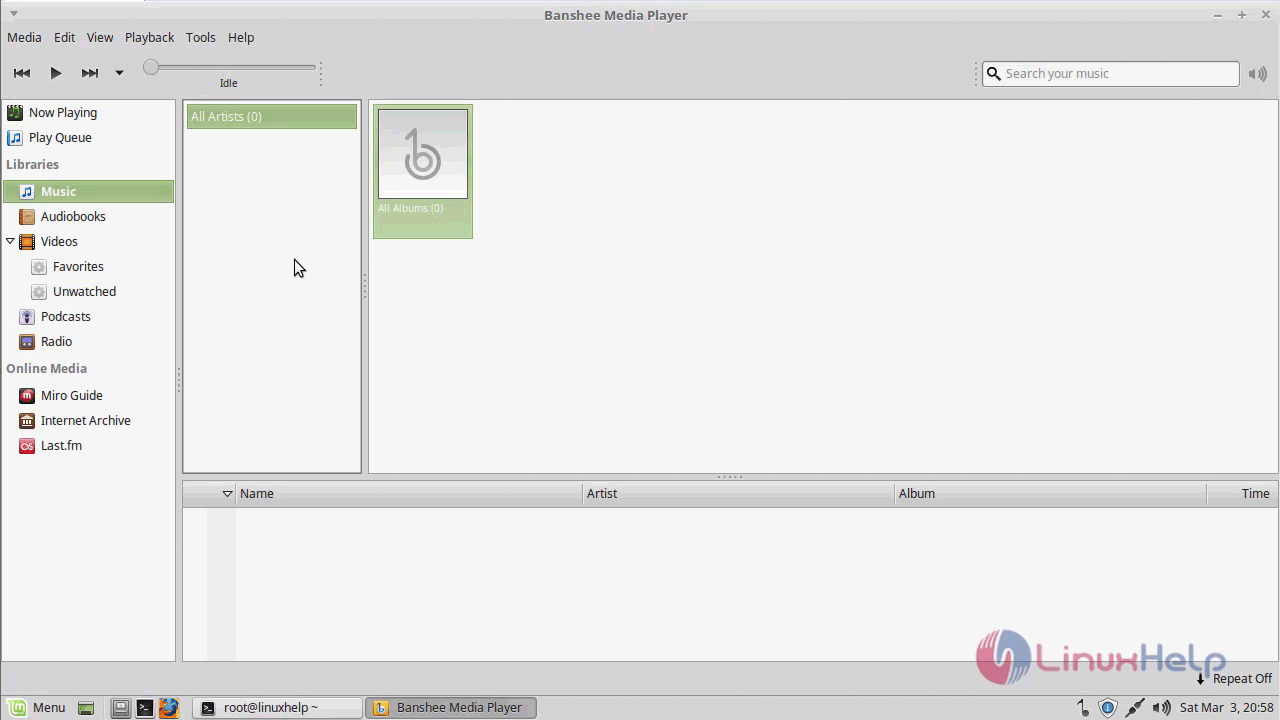
To show version
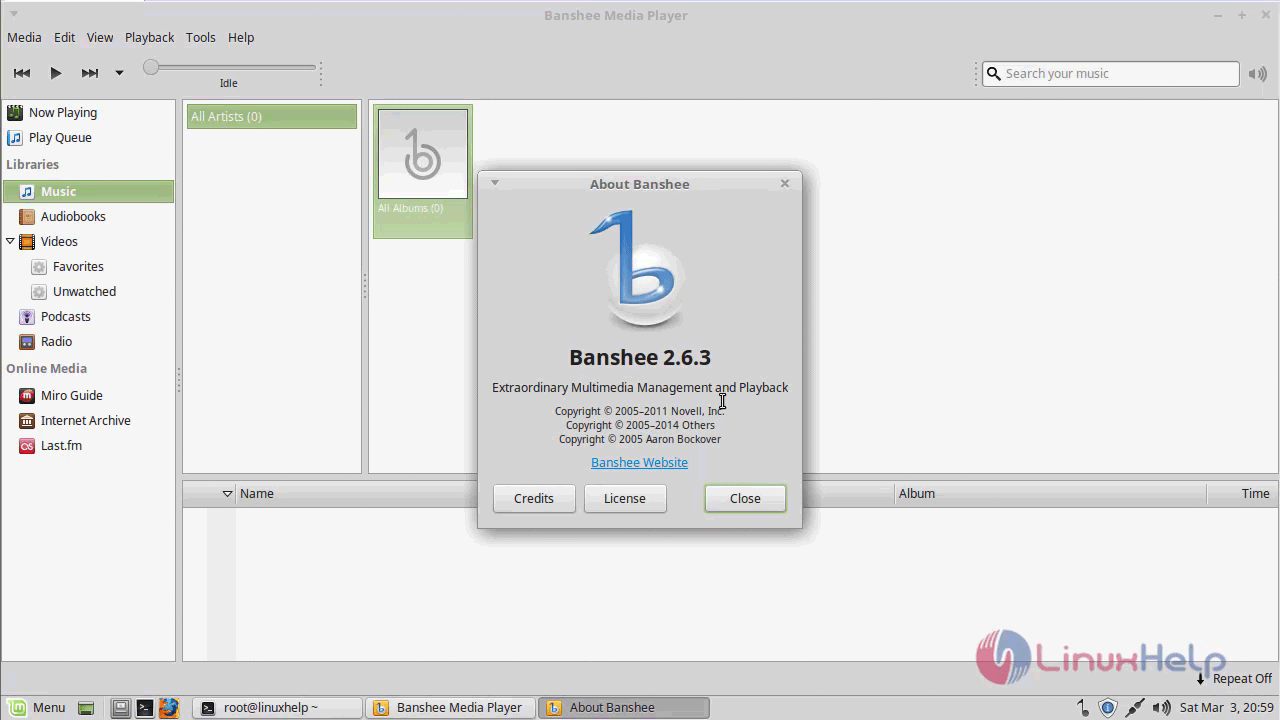
With this the installation of Banshee comes to an end.
Comments ( 0 )
No comments available