How to install BigTree CMS – 4.2.21 on linux mint – 18.03
To install BigTree CMS &ndash 4.2.21 on Linux Mint 18.03
Bigtree CMS is a free and open source Content Management System. It allows us to create your own website. It is built on PHP and MySQL and uses various PHP templates. It can be used to manage complex content like blog posts, formatted news releases, calendar events, frequently asked questions, and homepage features.
Pre-requirements
- Install LAMP (Apache, php7.0, MariaDB-server)
- In MariaDB (create database, user and give privileges to the user)
- For PHP installation follow the instructions given below
- add-apt-repository ppa:ondrej/php
- apt-get update
- Modules apt-get install php7.0
(apt-get install php-mysql php-curl php-json php-cgi php libapache2-mod-php php-mcrypt php-xmlrpc php-gd php-mbstring php  php-common  php-xmlrpc php-soap  php-xml php-intl
 php-cli  php-ldap php-zip php-readline php-imap php-tidy php-recode php-sqlite3 php-xdebug php-gettext php-dev php-pear php-memcache php-memcached php-bz2)
Installing BigTree CMS &ndash 4.2.21
We have to download the big tree cms package from the browser, using the following this link. https://www.bigtreecms.org/download/core/.
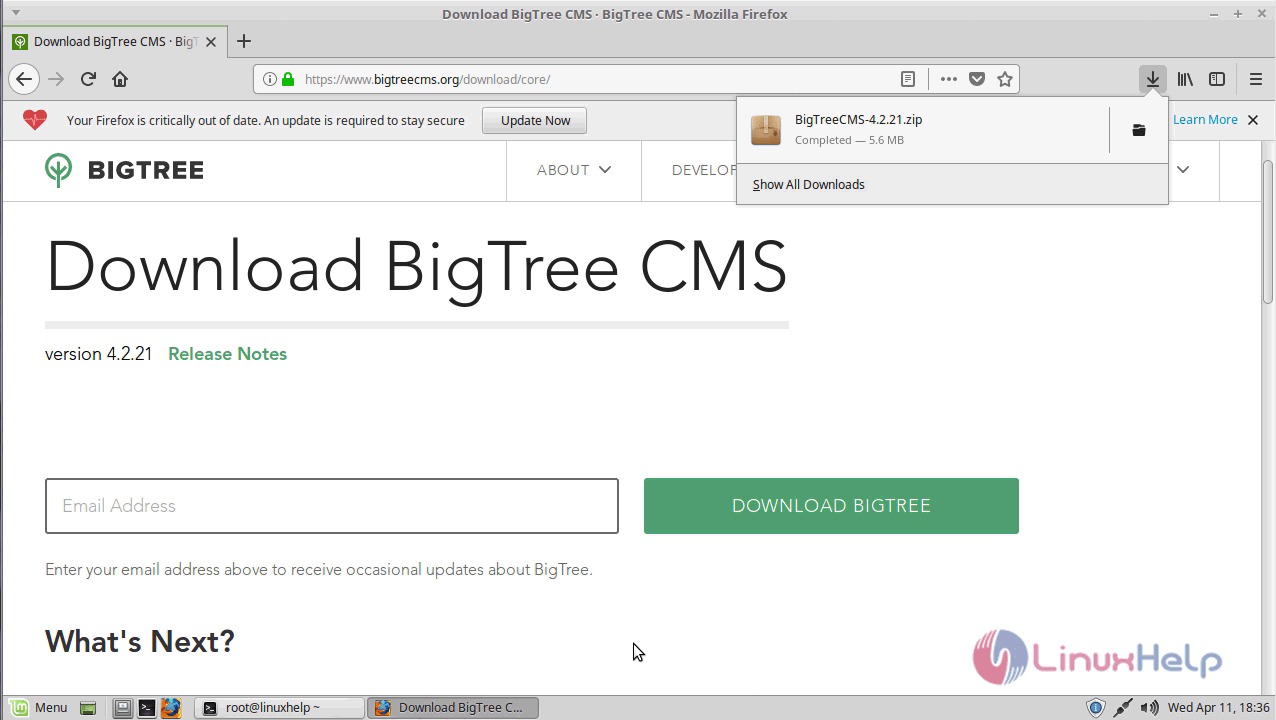
After Downloading unzip the downloaded package.
linuxhelp Downloads # unzip BigTreeCMS-4.2.21.zip
Archive:  BigTreeCMS-4.2.21.zip
   creating: BigTree-CMS/
  inflating: BigTree-CMS/.gitmodules
  inflating: BigTree-CMS/README.md
  inflating: BigTree-CMS/bigtree.sql
   creating: BigTree-CMS/core/
   creating: BigTree-CMS/core/admin/
  inflating: BigTree-CMS/core/admin/_nav-tree.php
   creating: BigTree-CMS/core/admin/ajax/
   creating: BigTree-CMS/core/admin/ajax/auto-modules/
.
.
   creating: BigTree-CMS/core/inc/lib/slug-generator/tests/
  inflating: BigTree-CMS/core/inc/lib/slug-
  generator/tests/SlugGeneratorTest.php
  inflating: BigTree-CMS/core/inc/lib/slug-generator/tests/SlugOptionsTest.php
  inflating: BigTree-CMS/core/inc/lib/slug-generator/tests/bootstrap.php
  inflating: BigTree-CMS/core/inc/lib/text-statistics.php
  inflating: BigTree-CMS/core/launch.php
  inflating: BigTree-CMS/core/router.php
  inflating: BigTree-CMS/core/version.php
  inflating: BigTree-CMS/example-site.sql
  inflating: BigTree-CMS/install.php
  inflating: BigTree-CMS/license.txt
We have to rename the bigtree directory.
linuxhelp Downloads # mv BigTree-CMS/ bigtree
After that, we have to move the file into the /var/www directory.
linuxhelp Downloads # mv bigtree/ /var/www/
Now switch to the directory /var/www directory.
linuxhelp Downloads # cd /var/www/
We have to change ownership and permission for the file.
linuxhelp www # ls
bigtree  html
linuxhelp www # chown -R www-data:www-data bigtree/
linuxhelp www # chmod -R 775 bigtree/
We have to change the value of the php.ini file.
linuxhelp www # vim /etc/php/7.0/apache2/php.ini
Modify the following lines as shown here.
file_uploads = On
short_open_tag = On
upload_max_filesize = 64M
post_max_size = 64M
We have to configure a virtual host for big tree cms. Create a file named bigtree.conf.
linuxhelp www # cd /etc/apache2/sites-available/
linuxhelp sites-available # vim bigtree.conf
< VirtualHost *:80>
ServerName www.linuxhelp1.com
DocumentRoot /var/www/bigtree/
< Directory /var/www/bigtree/>
AllowOverride All
allow from all
< /Directory>
< /VirtualHost>
And then we have to enable the site access.
linuxhelp sites-available # a2ensite bigtree.conf
Enabling site bigtree.
To activate the new configuration, you need to run:
  service apache2 reload
We have to enable the rewrite module.
linuxhelp sites-available # a2enmod rewrite
Enabling module rewrite.
To activate the new configuration, you need to run:
  service apache2 restart
We have to enter to the hosts file.
linuxhelp sites-available # vim /etc/hosts
< give your ip >      < give your domain name>
Finally, we have to restart the apache2 service.
linuxhelp sites-available # systemctl restart apache2.service
After restarting apache server we have to open the browser, enter the local IP or domain name.
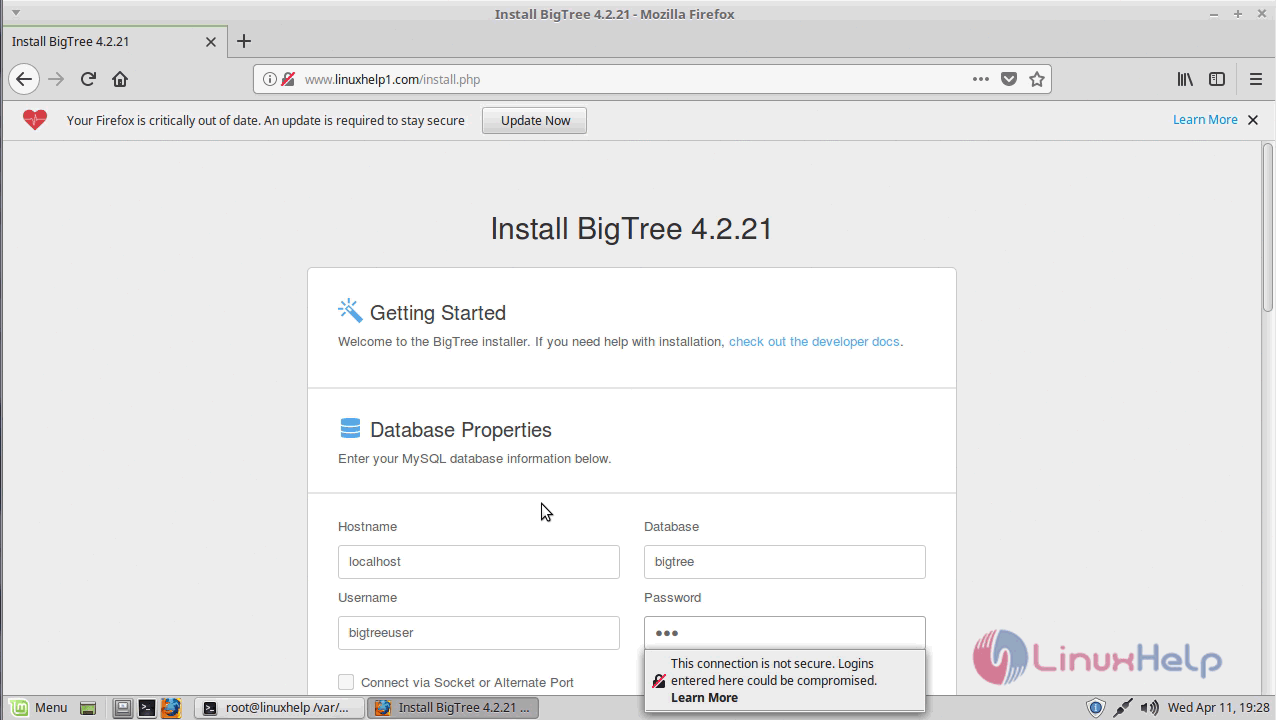
Here enter the database and Admin user detail click and continue.
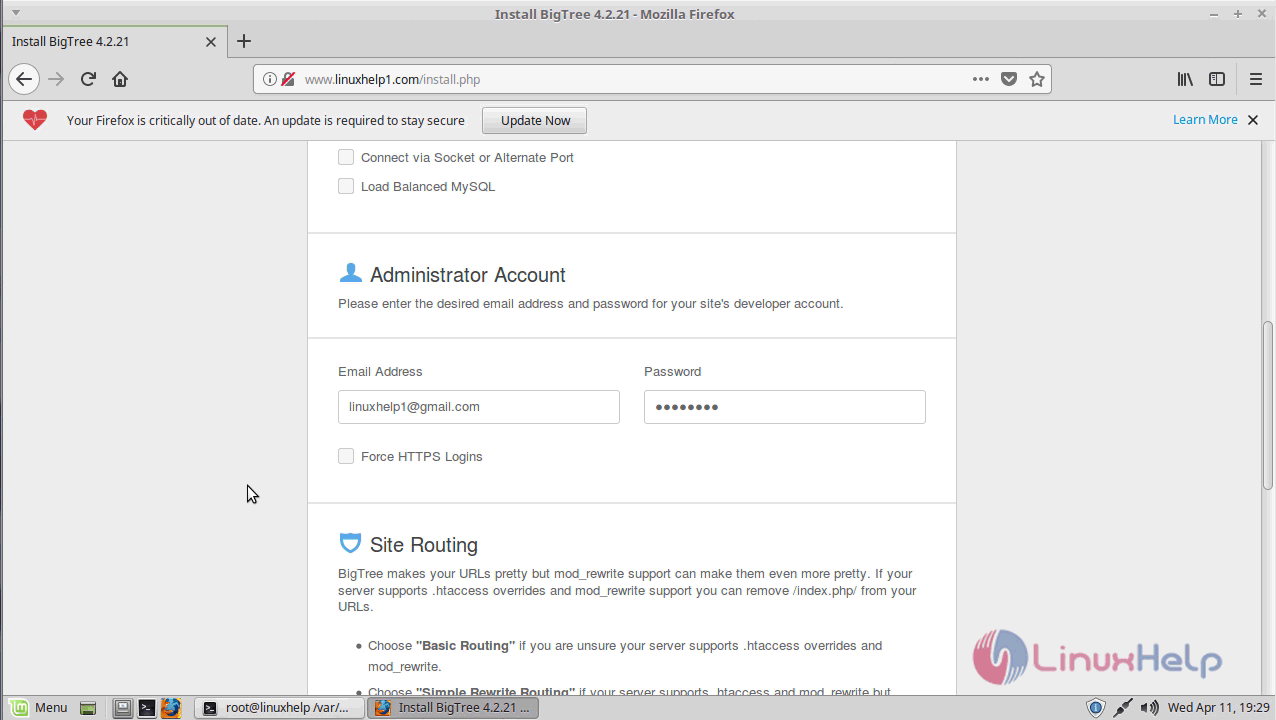
Next, create a user account for admin login.
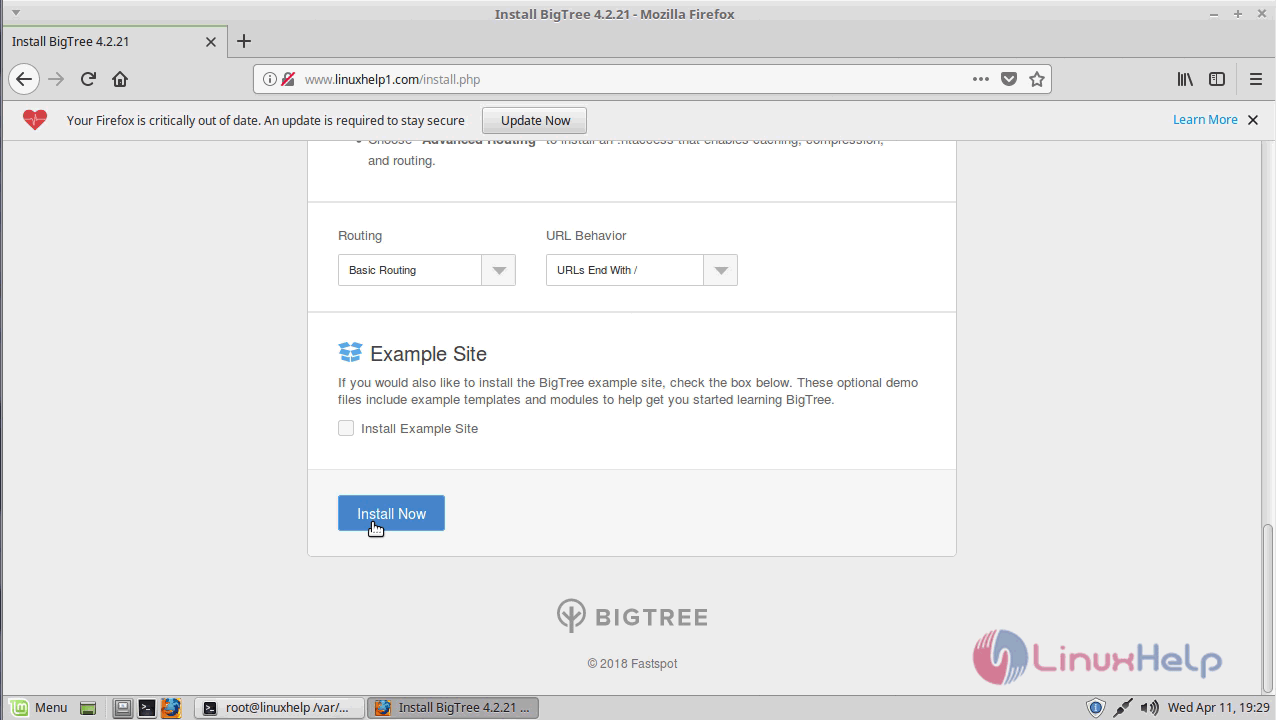
Once everything is set up click install now.
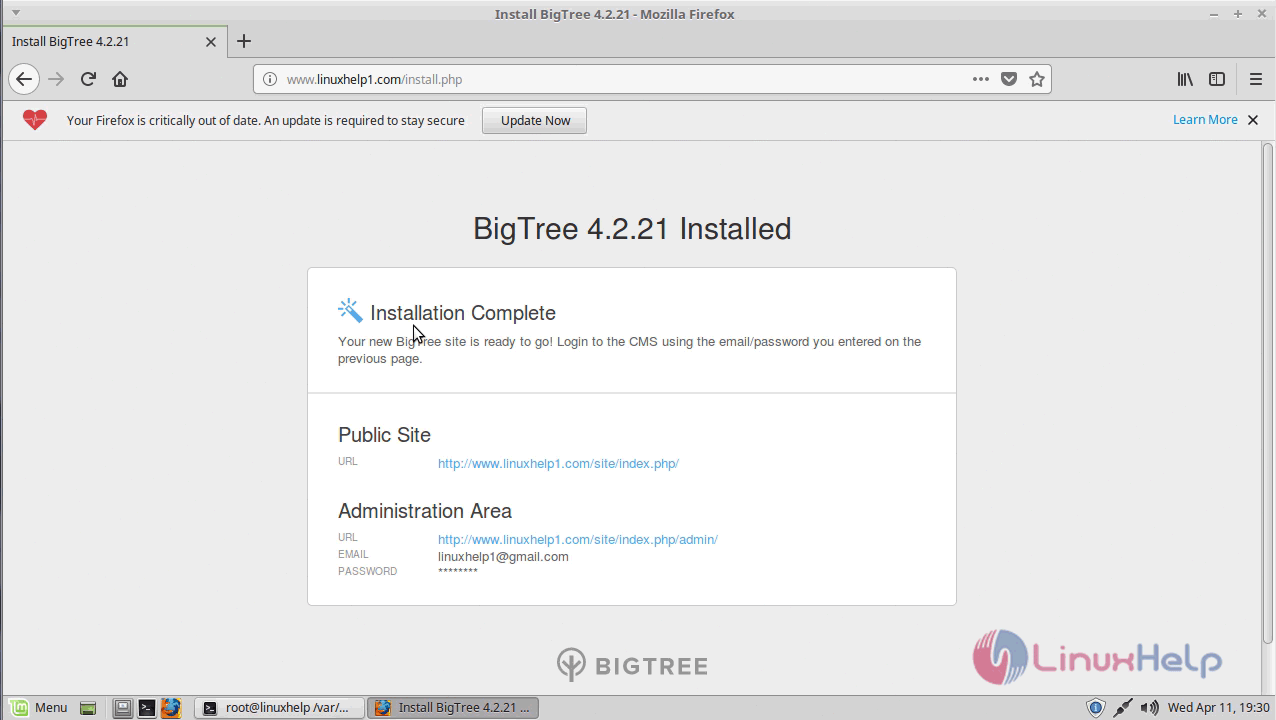
After installation completes, it will show the status of the installation. Follow the admin URL to access as an admin user.
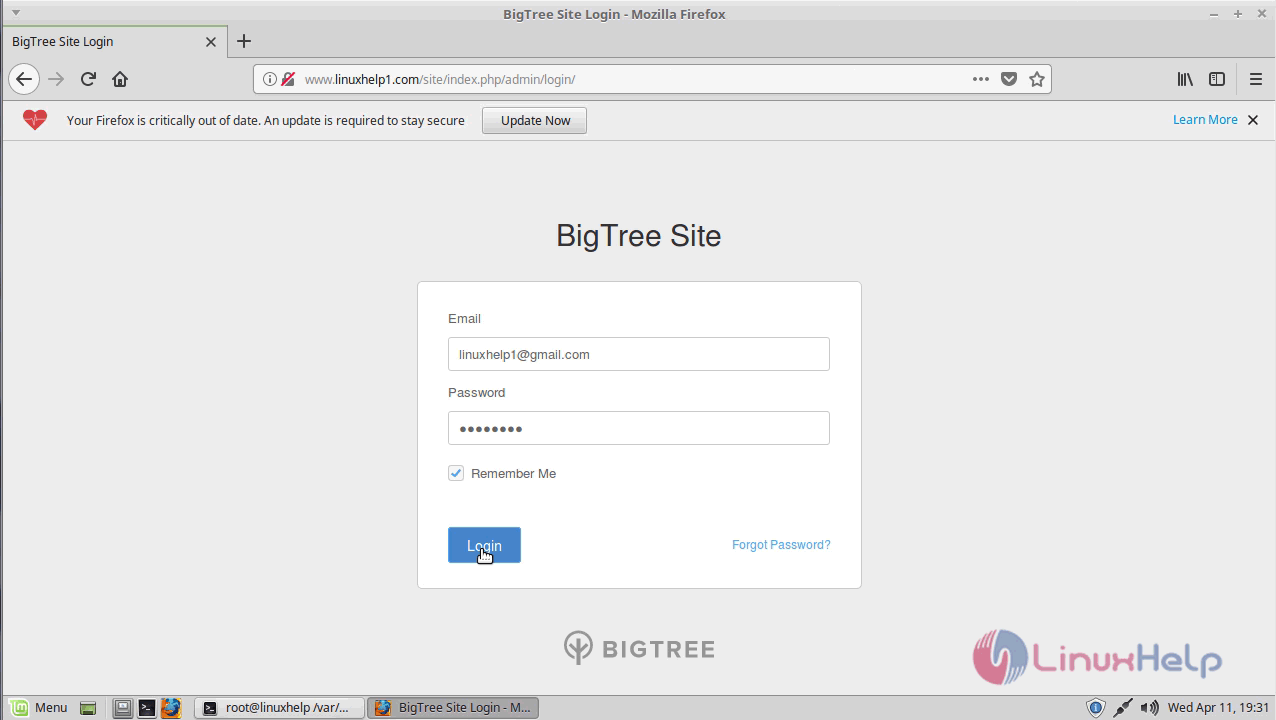
Enter the credentials to log in.
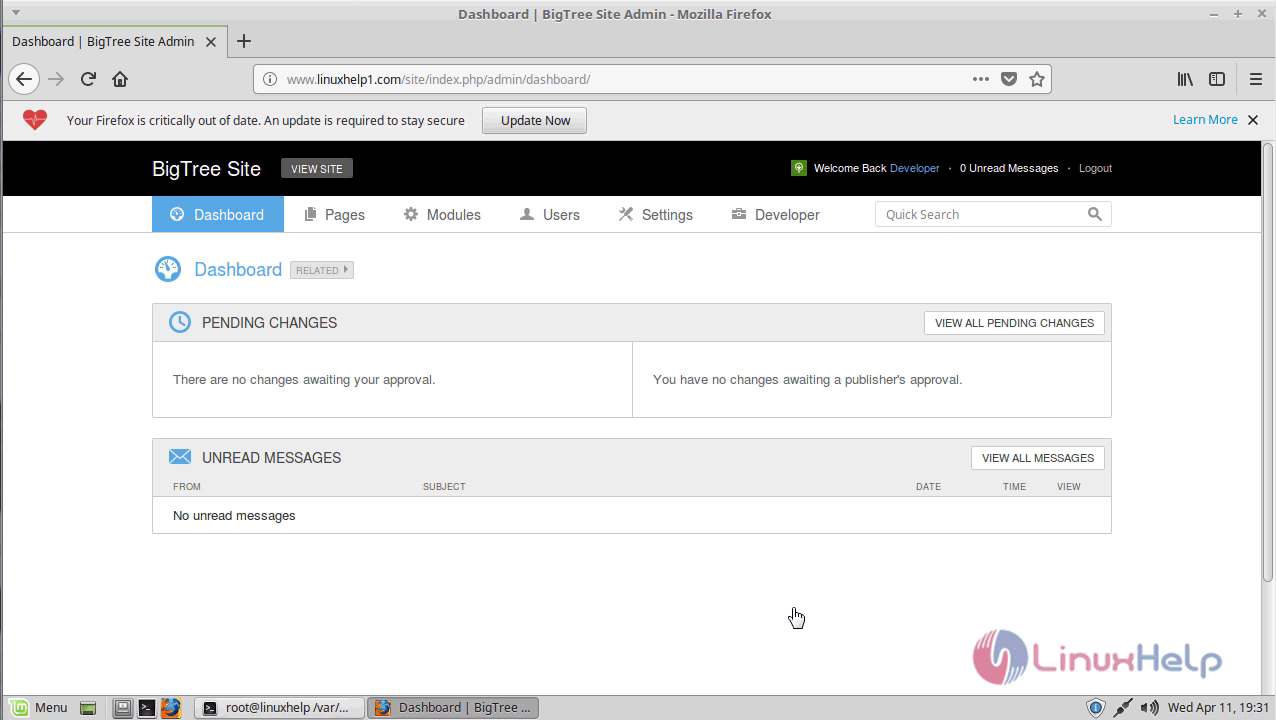
It will show admin page of BigTree CMS.
With this, the method to install BigTree CMS &ndash 4.2.21 on Linux Mint &ndash 18.03
Comments ( 0 )
No comments available