How To Install BitCoin-Wallet On Ubuntu 16.04
To Install BitCoin Wallet On Ubuntu 16.04
Bitcoin is a virtual and crypto-currency created by Satoshi Nakamoto. With BitCoins, you don’ t need to rely on any bank for Internet based money transaction. There are no limits to how small or how big each transaction can be. You can send or receive a very small amount of Bitcoin, for example 0.000000001BTC. Another advantage is that the whole transaction process can be completed anonymously. Bitcoin is not cheap. As of today, 1 BTC(Bitcoin) = 6609.01 US Dollar and the value of a Bitcoin is still rising.
Installing BitCoin
It is very essential to add the repository in your system. So run the following command which adds the required repos.
root@linuxhelpubnt:~# apt-add-repository ppa:bitcoin/bitcoin
 Stable Channel of bitcoin-qt and bitcoind for Ubuntu, and their dependencies

Note that you should prefer to use the official binaries, where possible, to limit trust in Launchpad/the PPA owner.

No longer supports precise, due to its ancient gcc and Boost versions.
 More info: https://launchpad.net/~bitcoin/+archive/ubuntu/bitcoin
Press [ENTER] to continue or ctrl-c to cancel adding it

gpg: keyring `/tmp/tmp9mg97fbt/secring.gpg'  created
gpg: keyring `/tmp/tmp9mg97fbt/pubring.gpg'  created
gpg: requesting key 8842CE5E from hkp server keyserver.ubuntu.com
gpg: /tmp/tmp9mg97fbt/trustdb.gpg: trustdb created
gpg: key 8842CE5E: public key " Launchpad PPA for Bitcoin"  imported
gpg: no ultimately trusted keys found
gpg: Total number processed: 1
gpg:               imported: 1  (RSA: 1)
OK
Once the repositories are added, update the newly added repositories.
root@linuxhelpubnt:~# apt-get update
Hit:1 http://in.archive.ubuntu.com/ubuntu xenial InRelease
Get:2 http://security.ubuntu.com/ubuntu xenial-security InRelease [102 kB]
Get:3 http://in.archive.ubuntu.com/ubuntu xenial-updates InRelease [102 kB]
Get:4 http://ppa.launchpad.net/bitcoin/bitcoin/ubuntu xenial InRelease [17.5 kB]
Get:5 http://in.archive.ubuntu.com/ubuntu xenial-backports InRelease [102 kB]
Get:6 http://ppa.launchpad.net/bitcoin/bitcoin/ubuntu xenial/main amd64 Packages [2,784 B]
Get:7 http://ppa.launchpad.net/bitcoin/bitcoin/ubuntu xenial/main i386 Packages [2,792 B]
Get:8 http://ppa.launchpad.net/bitcoin/bitcoin/ubuntu xenial/main Translation-en [1,712 B]
Fetched 331 kB in 3s (99.0 kB/s)
Reading package lists... Done
Now is the time to install BitCoin Wallet. Run the following command which kick-starts the installation process.
root@linuxhelpubnt:~#  apt-get install bitcoin-qt
Reading package lists... Done
Building dependency tree
Reading state information... Done
The following packages were automatically installed and are no longer required:
  gnome-software-common libgtkspell3-3-0
Use ' sudo apt autoremove'  to remove them.
The following NEW packages will be installed:
  bitcoin-qt
0 upgraded, 1 newly installed, 0 to remove and 586 not upgraded.
Need to get 0 B/3,716 kB of archives.
After this operation, 11.6 MB of additional disk space will be used.
Selecting previously unselected package bitcoin-qt.
(Reading database ... 179170 files and directories currently installed.)
Preparing to unpack .../bitcoin-qt_0.15.0-xenial9_amd64.deb ...
Unpacking bitcoin-qt (0.15.0-xenial9) ...
Processing triggers for gnome-menus (3.13.3-6ubuntu3) ...
Processing triggers for desktop-file-utils (0.22-1ubuntu5) ...
Processing triggers for bamfdaemon (0.5.3~bzr0+16.04.20160415-0ubuntu1) ...
Rebuilding /usr/share/applications/bamf-2.index...
Processing triggers for mime-support (3.59ubuntu1) ...
Processing triggers for man-db (2.7.5-1) ...
Setting up bitcoin-qt (0.15.0-xenial9) ...
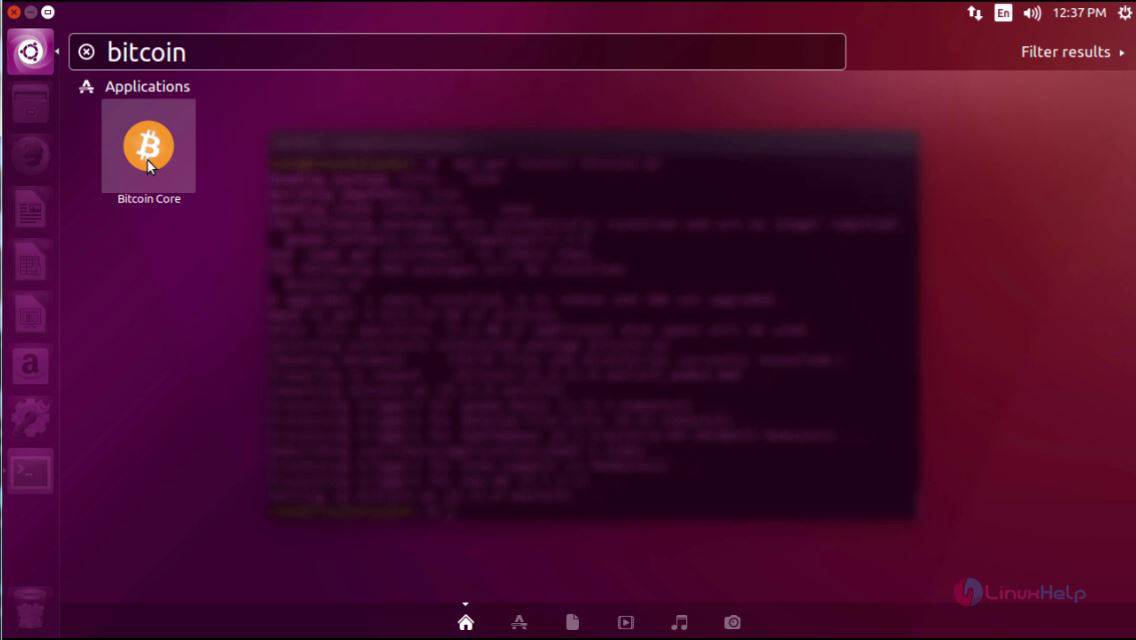
The BitCoin Wallet has been installed. You can go to your Ubuntu dashboard and type BitCoin, the application icon appears on your screen. Click on it to open it.
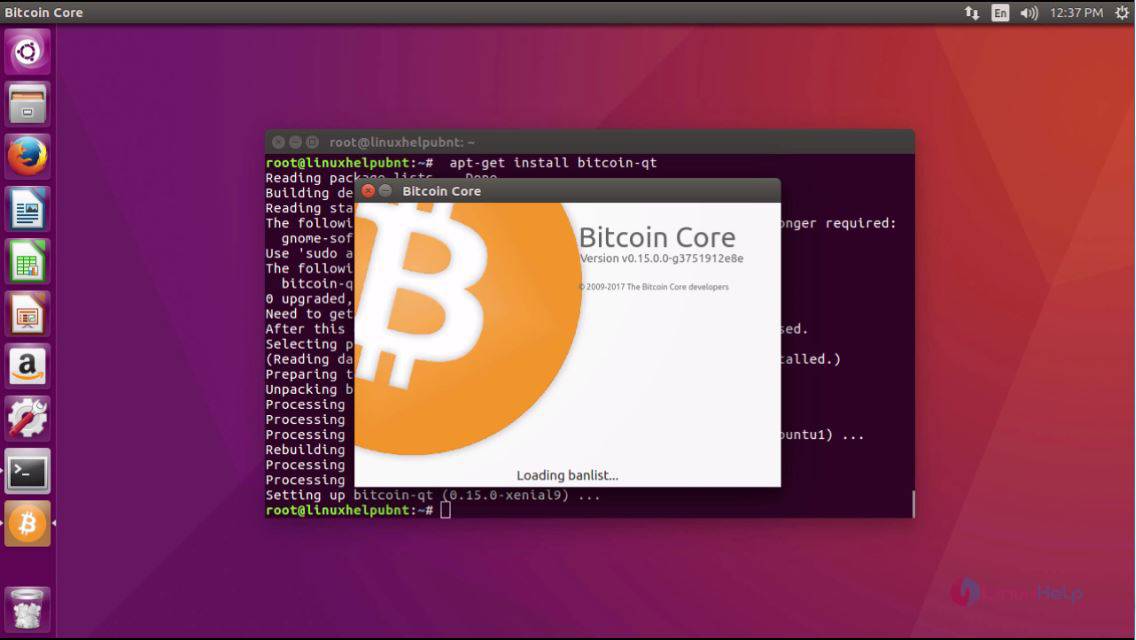
The application is getting loaded.
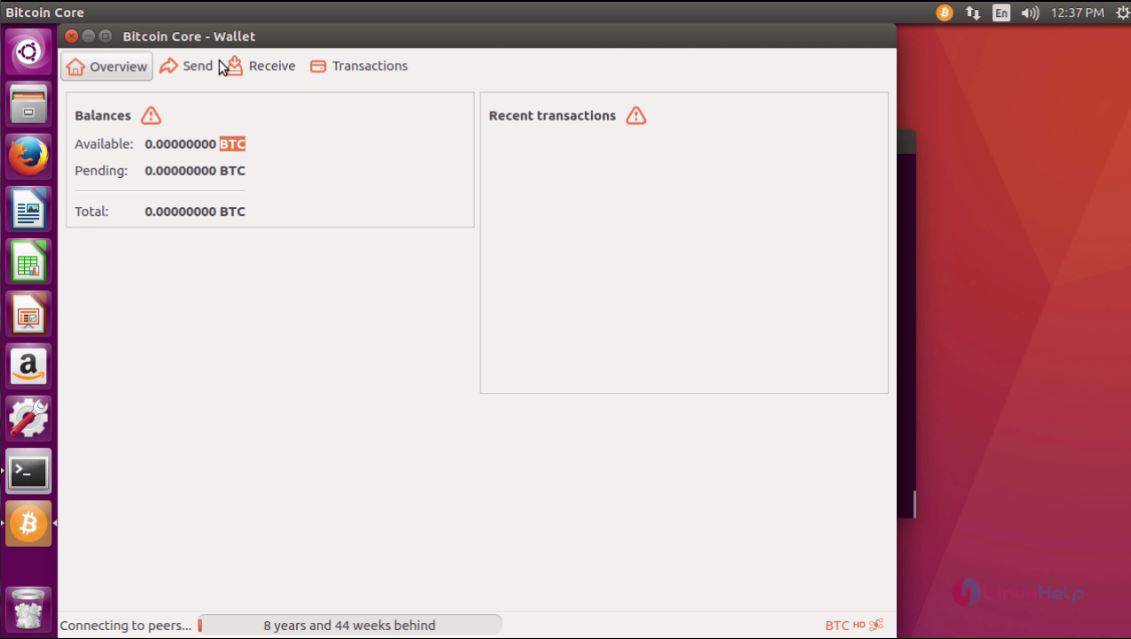
Once it is open, you can see that it resembles the one in the following image.
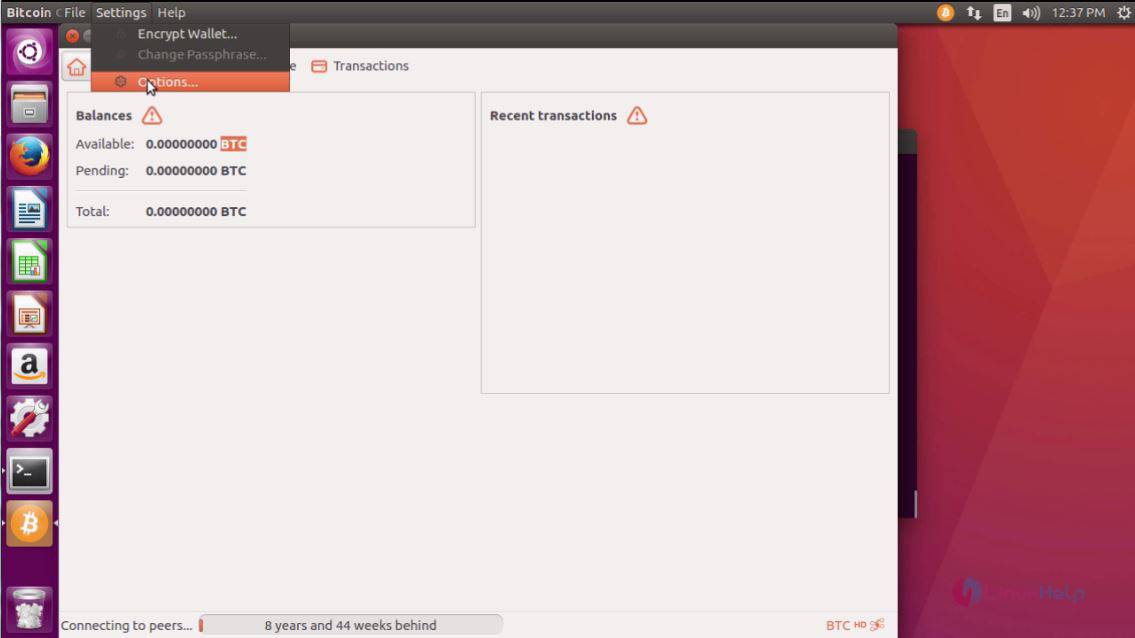
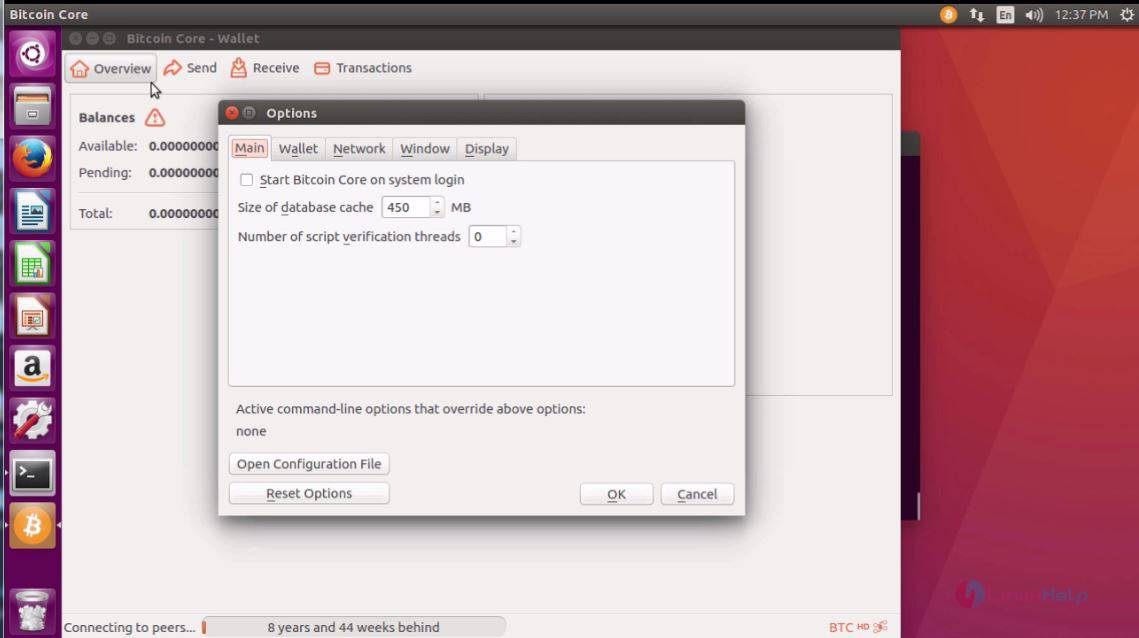
You can go to Settings and choose Options, if you want to make any modifications in the settings.
In the Options tab, you can configure the options as per your desire.
With this, the installation of BitCoin Wallet on Ubuntu 16.04 comes to an end.
Comments ( 0 )
No comments available