How to install Bitwig studio 2.1.3 on Solus 3
How to install Bitwig Studio 2.1.3 on Solus-3
Bitwig Studio is dynamic, cross-platform software used for creating and performing musical projects by many music enthusiasts. Bitwig Studio lets its users to take greater control of your music, giving them access to every aspect of their production. Bitwig Studio comes loaded with industry-standard with industry-leading features, designed to meet the demands of present-day musicians, producers and sound designers. It is really so simple to install Bitwig Studio on Solus 3.
Installing Bitwig
First, make sure you update the system by making use of the following command.
root@linuxhelp1 ~ # eopkg update-repo
Updating repository: Solus
l.xz.sha1sum     (40.0  B)100%    557.28 KB/s [00:00:00] [complete]
Solus repository information is up-to-date.
And then, make sure you download the installation package by making use of the following command.
root@linuxhelp1 ~ # eopkg bi --ignore-safety https://raw.githubusercontent.com/solus-project/3rd-party/master/multimedia/music/bitwig-studio/pspec.xml
pspec.xml                      (3.0 KB)100%     29.49 MB/s [00:00:00] [complete]
actions.py                     (414.0  B)100%      2.01 MB/s [00:00:00] [complete]
DEBUG: InstallDB initialized in 0.0461909770966.
DEBUG: RepoDB initialized in 0.000144004821777.
bitwig-wrapper                 (75.0  B)100%    880.23 KB/s [00:00:00] [complete]
bitwig-studio.desktop          (322.0  B)100%      8.76 MB/s [00:00:00] [complete]
Building source package: bitwig-studio
component.xml                  (48.0  B)100%      1.31 MB/s [00:00:00] [complete]
Fetching source from: https://downloads.bitwig.com/stable/2.1.3/bitwig-studio-2.1.3.deb
bitwig-studio-2.1.3.deb        (207.8 MB)100%    382.63 KB/s [00:00:00] [complete]
Source archive is stored: /var/cache/eopkg/archives/bitwig-studio-2.1.3.deb
Unpacking archive(s)...
 unpacked (/var/eopkg/bitwig-studio-2.1.3-5/work)
.
.
DEBUG: return value for " LC_ALL=C /usr/bin/readelf -d /var/eopkg/bitwig-studio-2.1.3-5/install/opt/bitwig-studio/lib/bitwig-studio/libxcb-render.so.0"  is 0
DEBUG: return value for " LC_ALL=C /usr/bin/readelf -d /var/eopkg/bitwig-studio-2.1.3-5/install/opt/bitwig-studio/lib/bitwig-studio/libXdmcp.so.6"  is 0
DEBUG: return value for " LC_ALL=C /usr/bin/readelf -d /var/eopkg/bitwig-studio-2.1.3-5/install/opt/bitwig-studio/lib/bitwig-studio/libbase-platform.so"  is 0
DEBUG: return value for " LC_ALL=C /usr/bin/readelf -d /var/eopkg/bitwig-studio-2.1.3-5/install/opt/bitwig-studio/lib/bitwig-studio/libfreetype.so.6"  is 0
DEBUG: return value for " LC_ALL=C /usr/bin/readelf -d /var/eopkg/bitwig-studio-2.1.3-5/install/opt/bitwig-studio/lib/bitwig-studio/libxcb.so.1"  is 0
DEBUG: return value for " LC_ALL=C /usr/bin/readelf -d /var/eopkg/bitwig-studio-2.1.3-5/install/opt/bitwig-studio/lib/bitwig-studio/libpng16.so.16"  is 0
Including external link ' /var/eopkg/bitwig-studio-2.1.3-5/install/usr/bin/bitwig-studio'
Including directory ' /var/eopkg/bitwig-studio-2.1.3-5/install/opt/bitwig-studio/lib/jre/lib/applet'
Building package: bitwig-studio
Creating bitwig-studio-2.1.3-5-1-x86_64.eopkg...
Keeping build directory
Once it is done, you shall proceed with the installation of the Bitwig Studio application.
root@linuxhelp1 ~ # eopkg it bitwig-studio*.eopkg
The following packages will be installed in order to satisfy dependencies:
jack-audio-connection-kit  libbsd  openjdk-8
Do you want to continue? (yes/no)y
Following packages will be installed:
celt  jack-audio-connection-kit  libbsd  libsamplerate  openjdk-8
The total size of package(s): 183.92 MB
There are extra packages due to dependencies. Do you want to continue? (yes/no)y
Downloading 1 / 5
Package celt found in repository Solus
.
.
Installed openjdk-8
 [✓] Syncing filesystems                                                success
 [✓] Updating dynamic library cache                                     success
 [✓] Updating mimetype database                                         success
 [✓] Updating desktop database                                          success
 [✓] Updating manpages database                                         success
Installation order: bitwig-studio
Installing bitwig-studio, version 2.1.3, release 5
Extracting the files of bitwig-studio
Installed bitwig-studio
 [✓] Syncing filesystems                                                success
 [✓] Updating mimetype database                                         success
 [✓] Updating icon theme cache: hicolor                                 success
 [✓] Updating desktop database                                          success
The installation is now complete, you shall open Solus’ s search field.
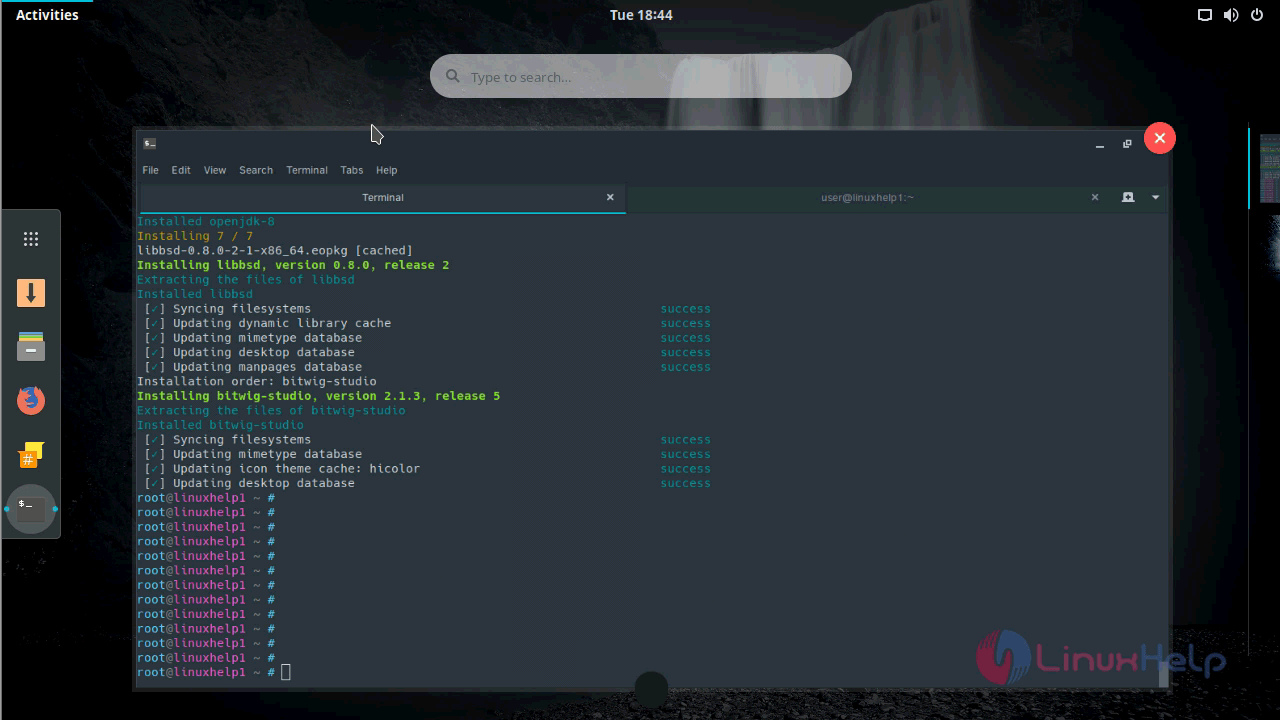
Type the name of bitwig studio in the search field.
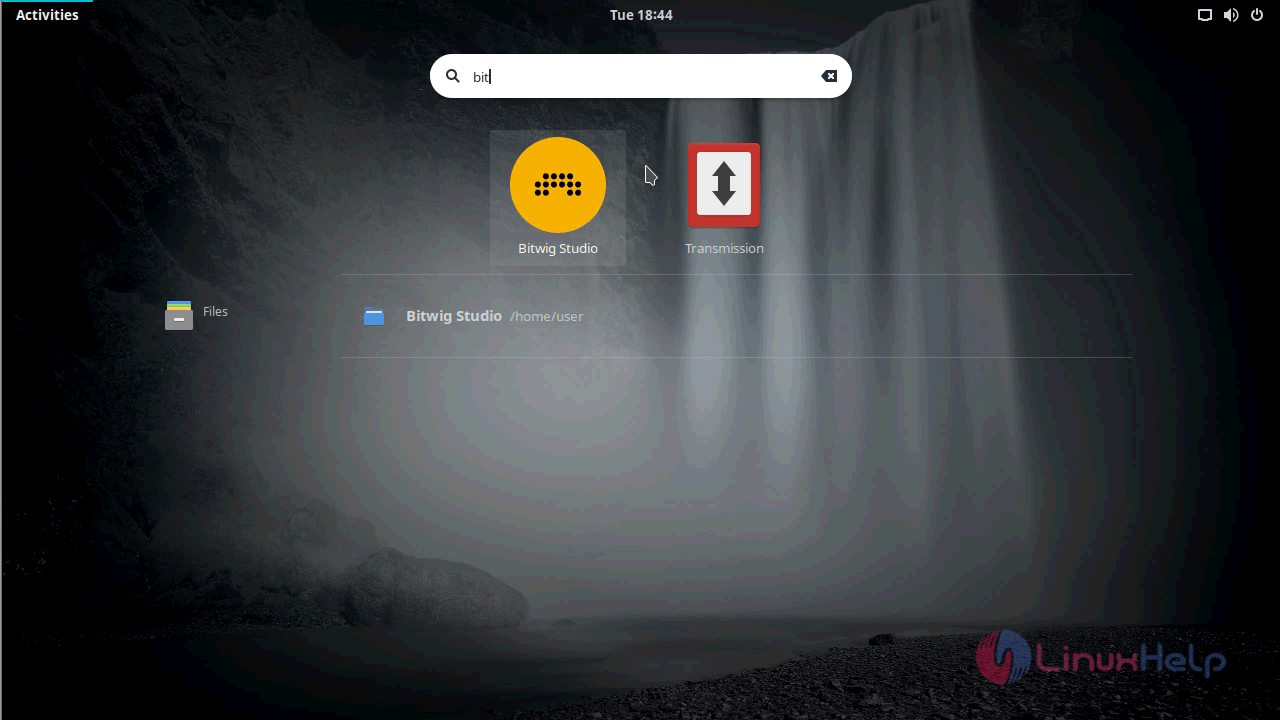
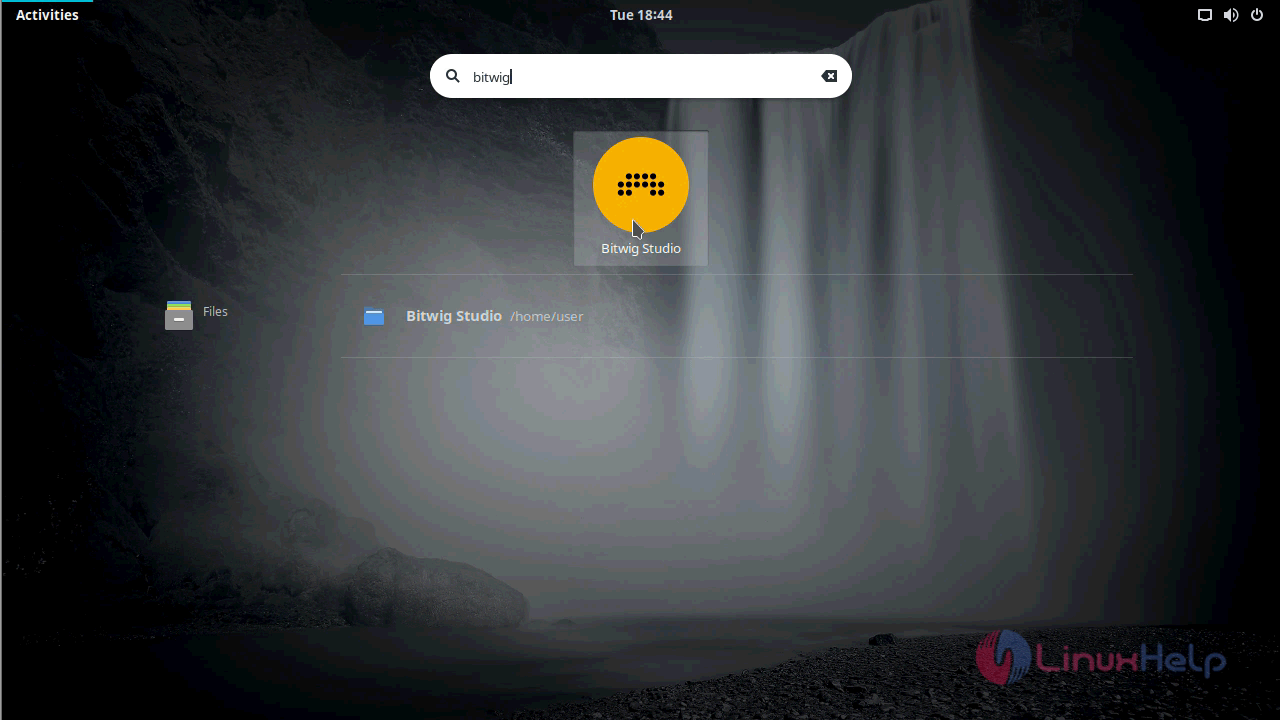
When the icon appears, click on it to open Bitwig Studio.
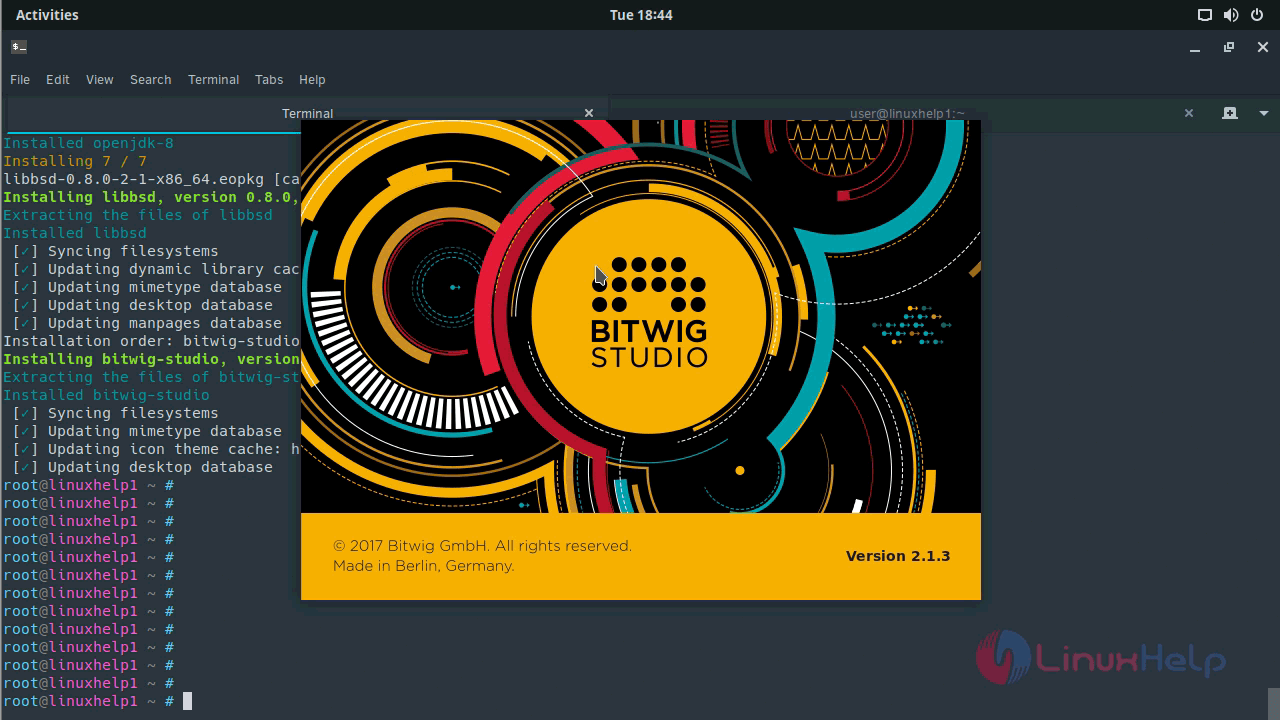
The Bitwig Studio setup now appears on your screen.
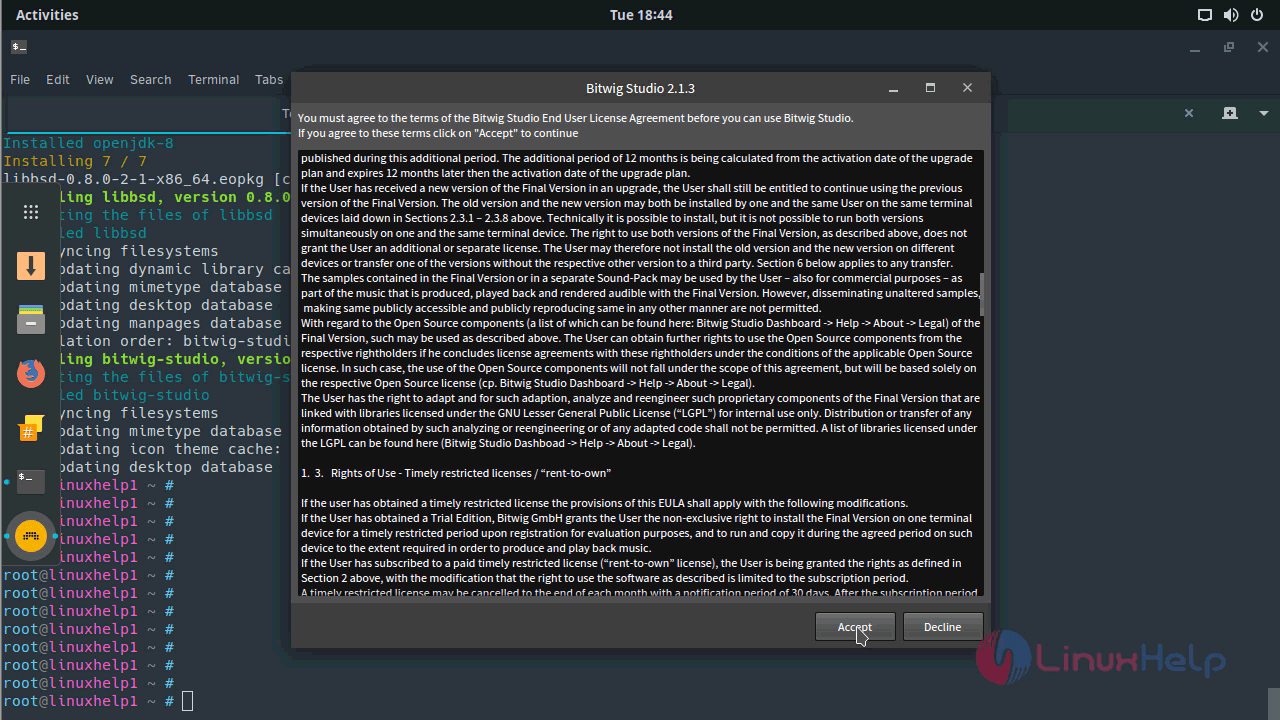
You need to accept term & condition for Bitwig studio to proceed further.
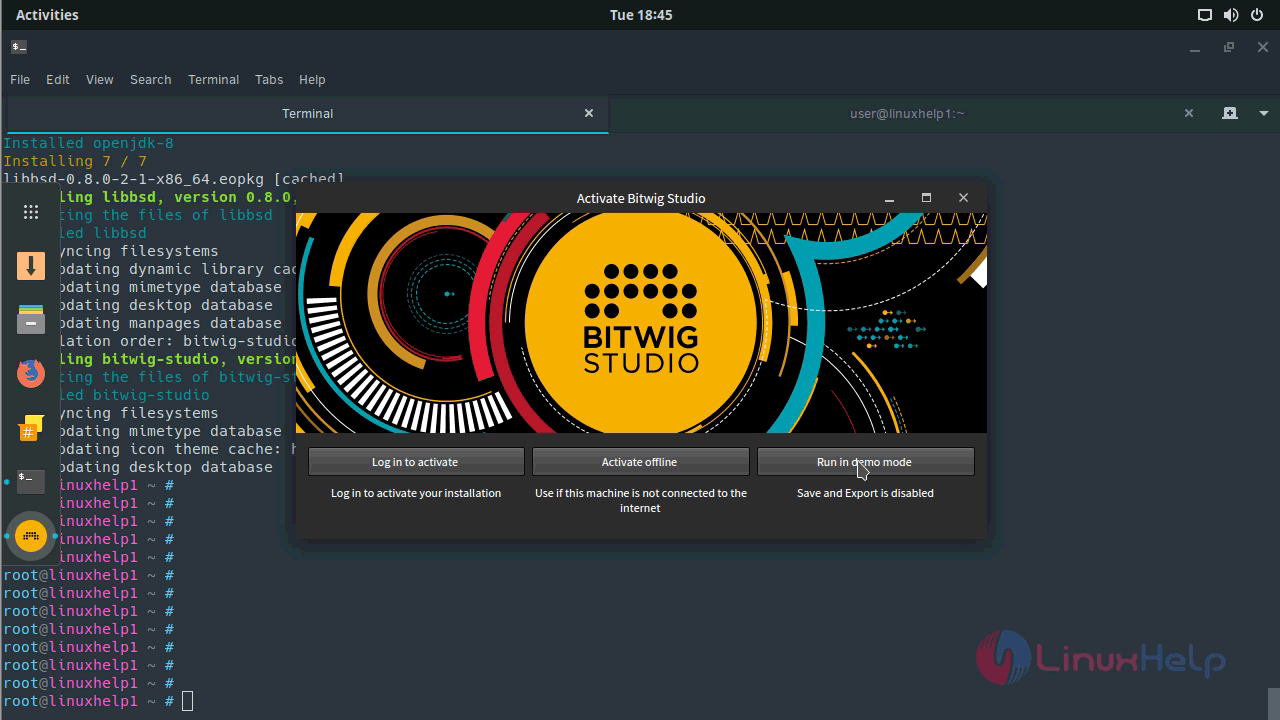
And then, you need to activate the Bitwig application.
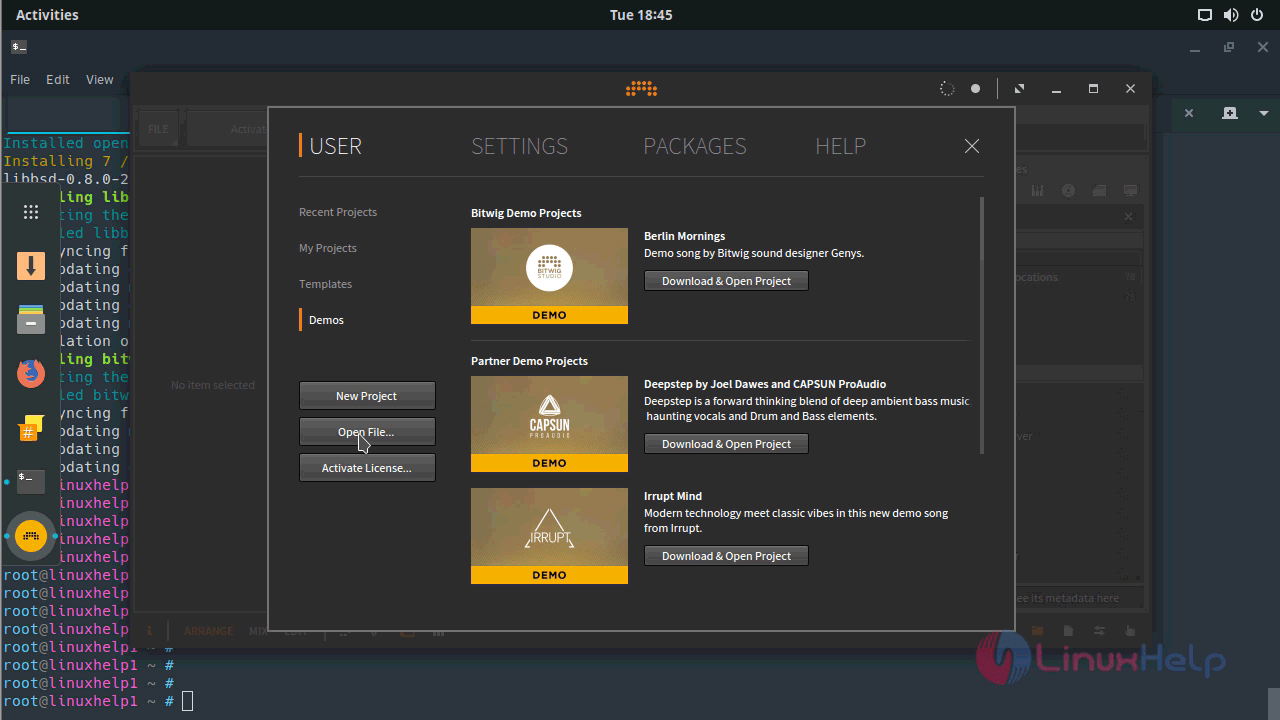
You can open an existing project.
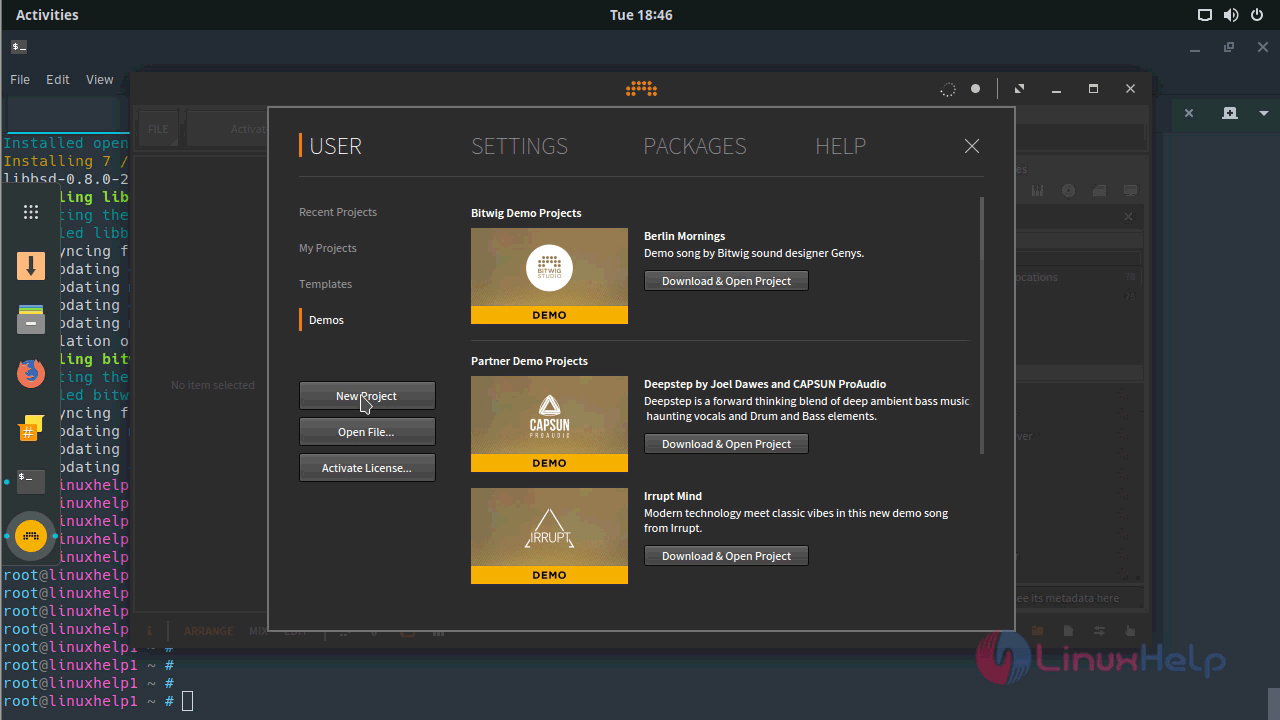
Or create a new project by yourself.
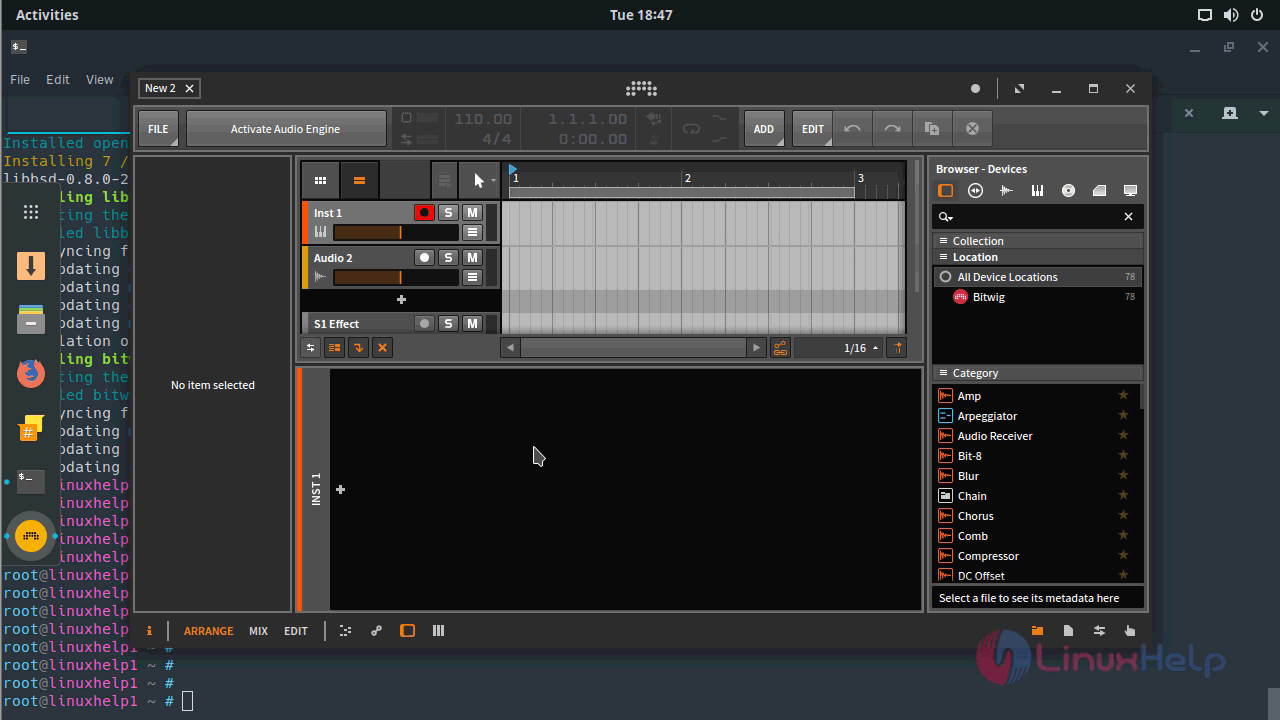
The Bitwig Studio application now appears on the screen.
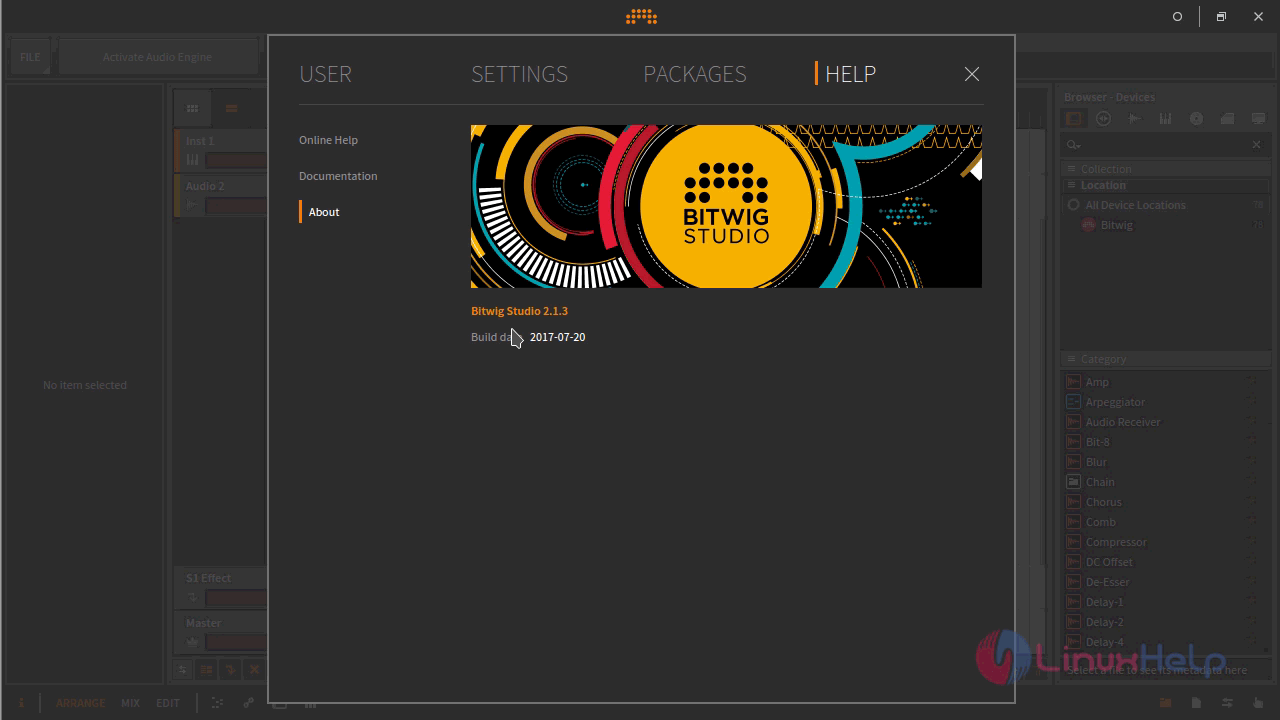
You can know more information about Bitwig by getting to know its version.
With this, the installation of Bitwig Studio comes to an end.
Comments ( 0 )
No comments available