How to Install BleachBit in Linux
To Install BleachBit in Linux
BleachBit is an open source application which quickly cleans and free your hard disk space from the system and also shield our privacy. It is used to delete all traces of installing and uninstalling software while browsing the internet. How to install BleachBit is discussed in this article.
Features
- Shredding files and wiping options.
- Supports Linux and Windows.
- Click preview, click delete, check boxes, read description.
- Supports 61 languages.
- Constant updates with latest features.
- Free to modify, share and learn (open source).
- No browser toolbars, ads, malware or spyware.
- Overwrite free disk space to hide previously deleted files.
- CleanerML allows anyone to write a new cleaner using XML.
- Support for Command line scripting and automation.
Bleachbit Installation in Linux
Use the following link to download bleachbit package,
https://www.bleachbit.org/download/linux
For Fedora
[root@linuxhelp ~]# dnf install https://download.bleachbit.org/bleachbit-1.10-1.1.fc23.noarch.rpm
Last metadata expiration check performed 0:09:05 ago on Wed May 18 04:02:10 2016.
Dependencies resolved.
================================================================================================
Package Arch Version Repository Size
================================================================================================
Installing:
ORBit2 x86_64 2.14.19-14.fc23 fedora 180 k
bleachbit noarch 1.10-1.1 @commandline 418 k
gamin x86_64 0.1.10-22.fc23 updates 124 k
.
.
.
.
gnome-vfs2-common.noarch 2.24.4-19.fc23 libIDL.x86_64 0.8.14-10.fc23
libbonobo.x86_64 2.32.1-8.fc22 pycairo.x86_64 1.10.0-2.fc23
pygobject2.x86_64 2.28.6-14.fc23 pygtk2.x86_64 2.24.0-14.fc23
python.x86_64 2.7.11-3.fc23 python-libs.x86_64 2.7.11-3.fc23
python-pip.noarch 7.1.0-1.fc23 python-setuptools.noarch 18.0.1-2.fc23
python-simplejson.x86_64 3.5.3-3.fc23 python-xpyb.x86_64 1.3.1-5.fc23
Complete!
To Launch BleachBit
Use the following command to Launch Bleachbit.
[root@linuxhelp ~]# bleachbit
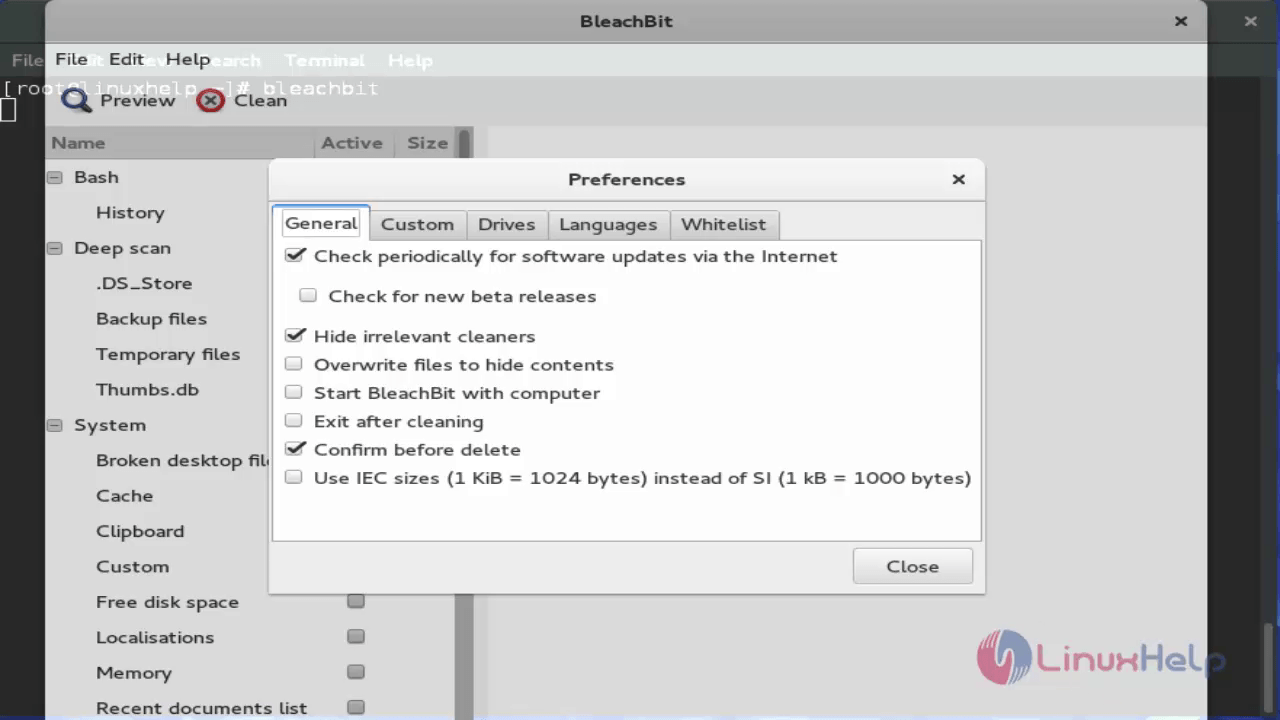
Then bleachbit will ask us about the preferences. Select the preferences and click close.
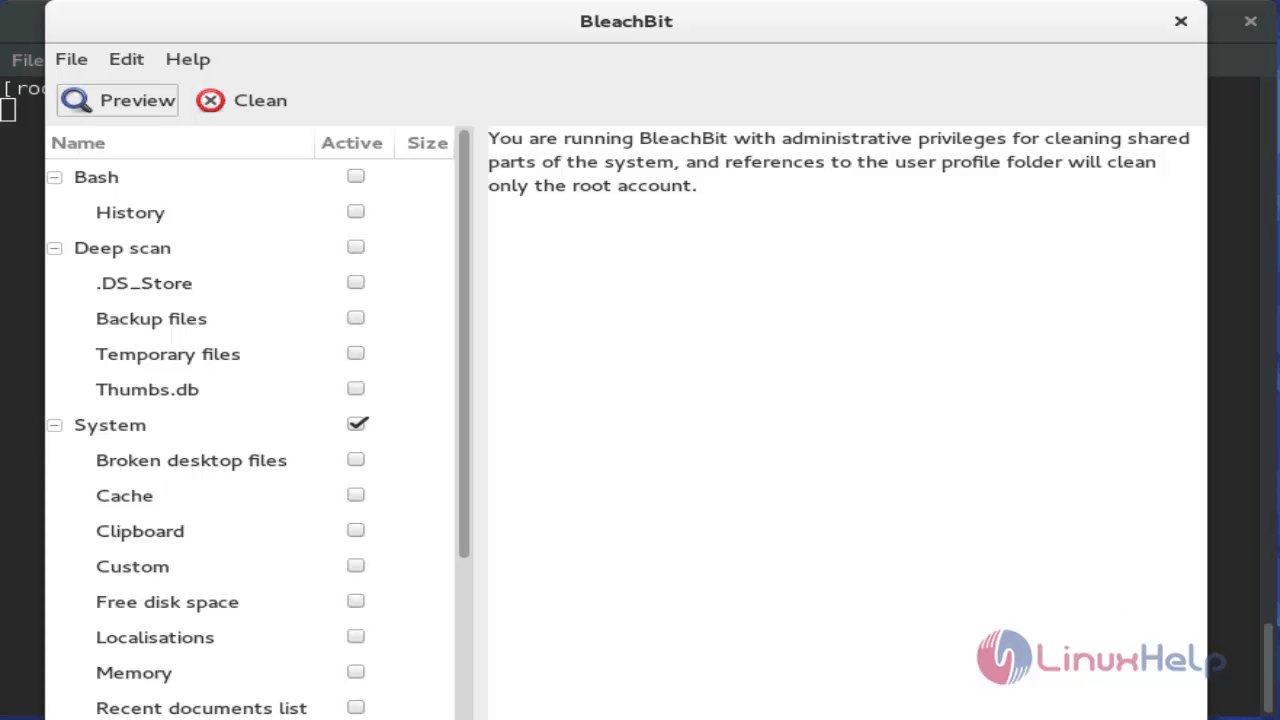
The main window of Bleachbit appears as shown below.
Other Features
Default Clean
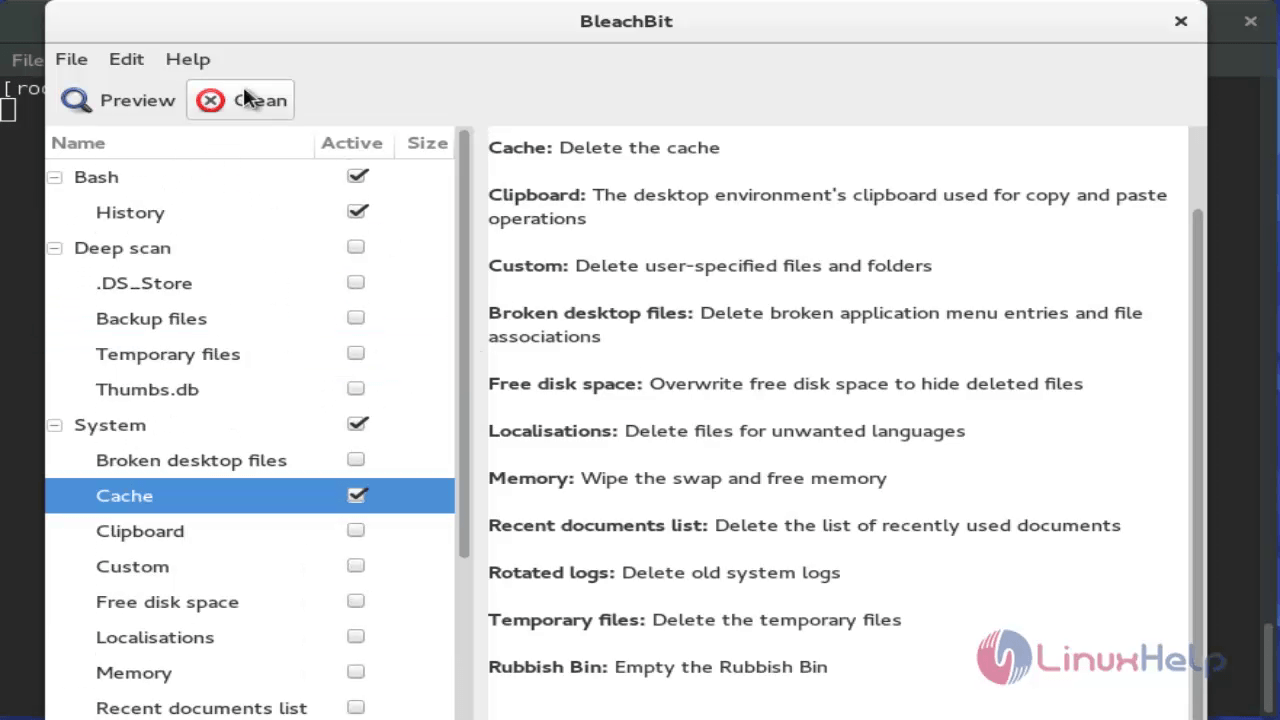
On the main window, click on the boxes to include it on clean activity. Preview it and click clean.
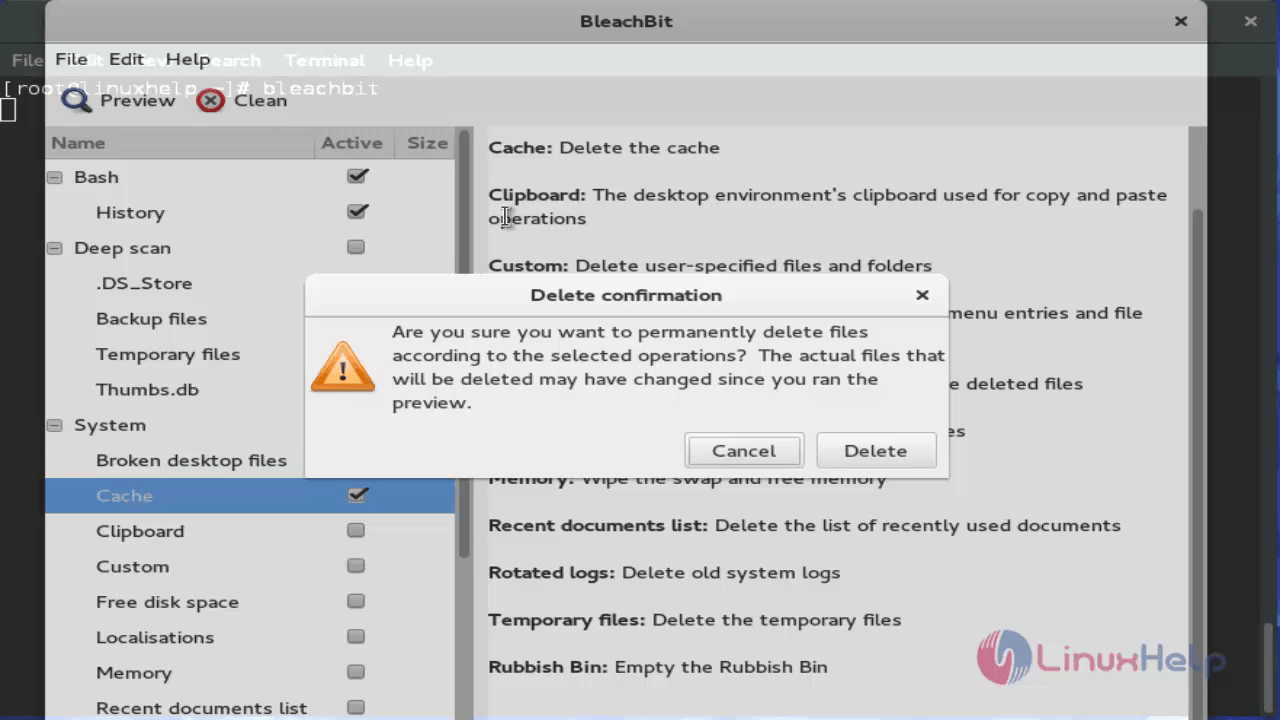
A warning message pops-up. Press Delete button to proceed.
Shred Files and Folders
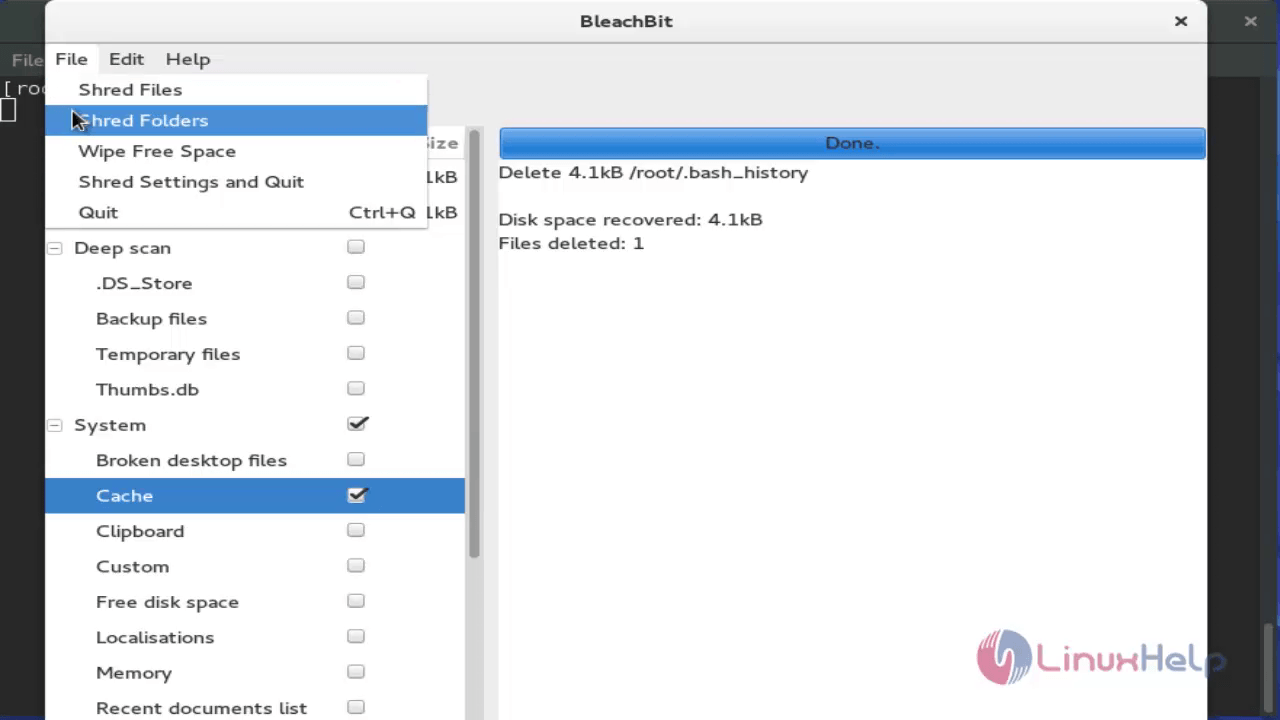
Go to File --> Shred Files / Shred Folders to delete files and folders. The shredded files and folders cannot be recovered again.
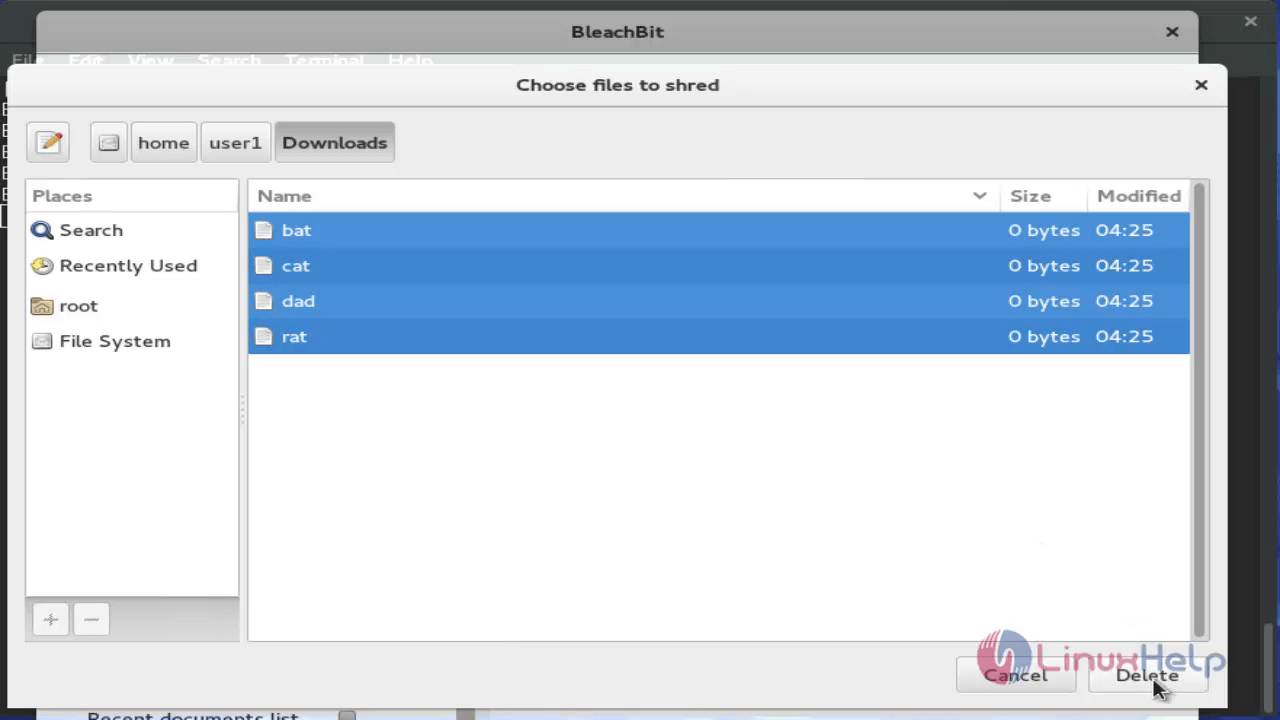
Select the unwanted files to be deleted and Click delete.
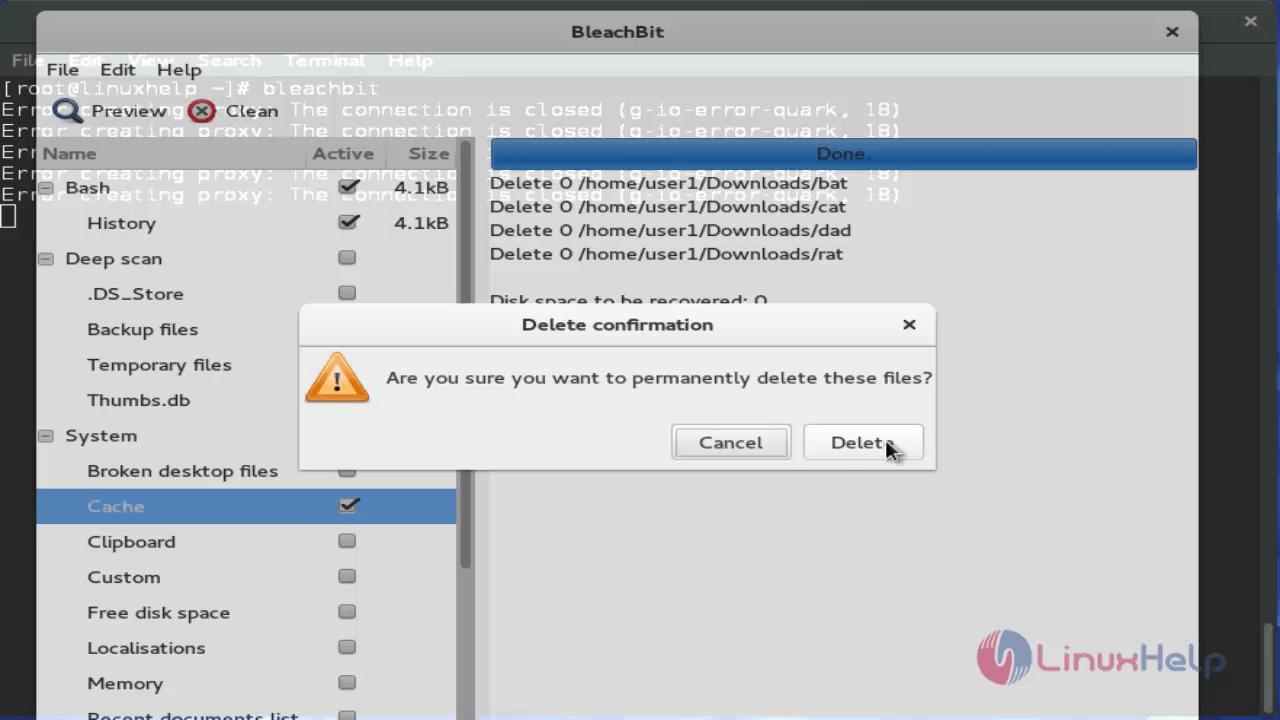
Again click delete option to confirm.
Wipe free space
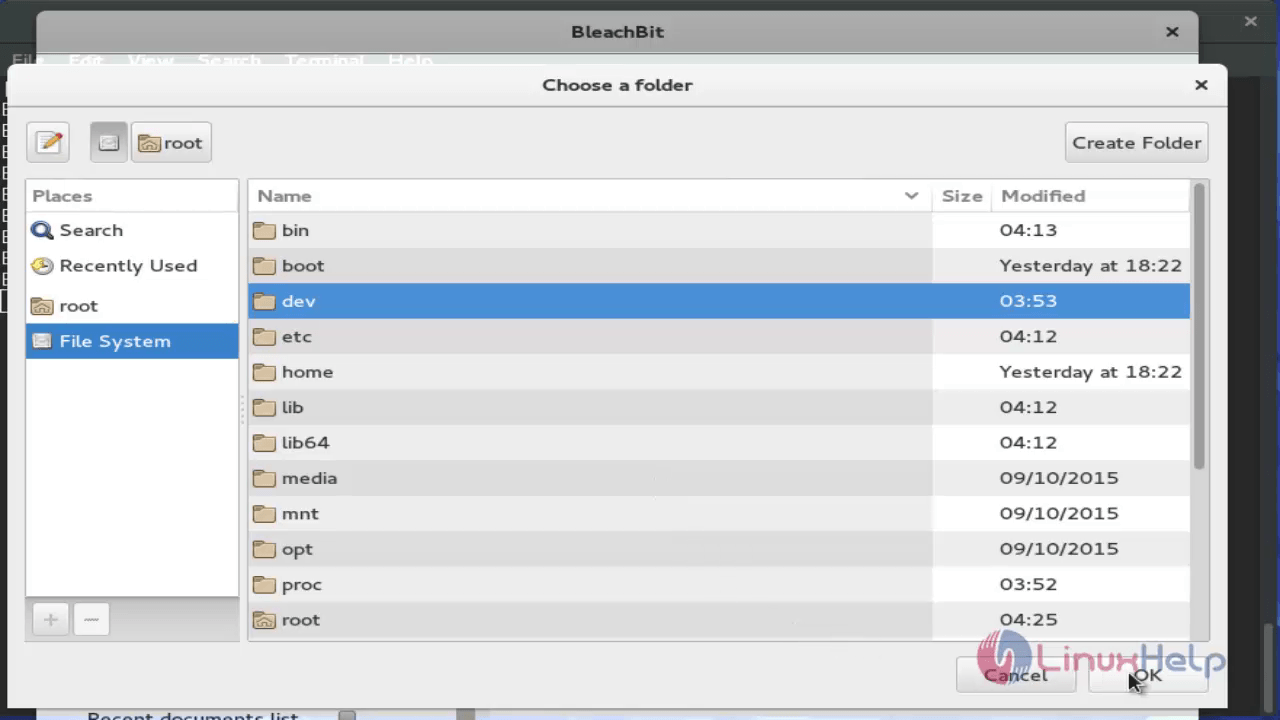
Go to File --> Wipe Free Space. It is used to overwrite a free space in a specific folder.
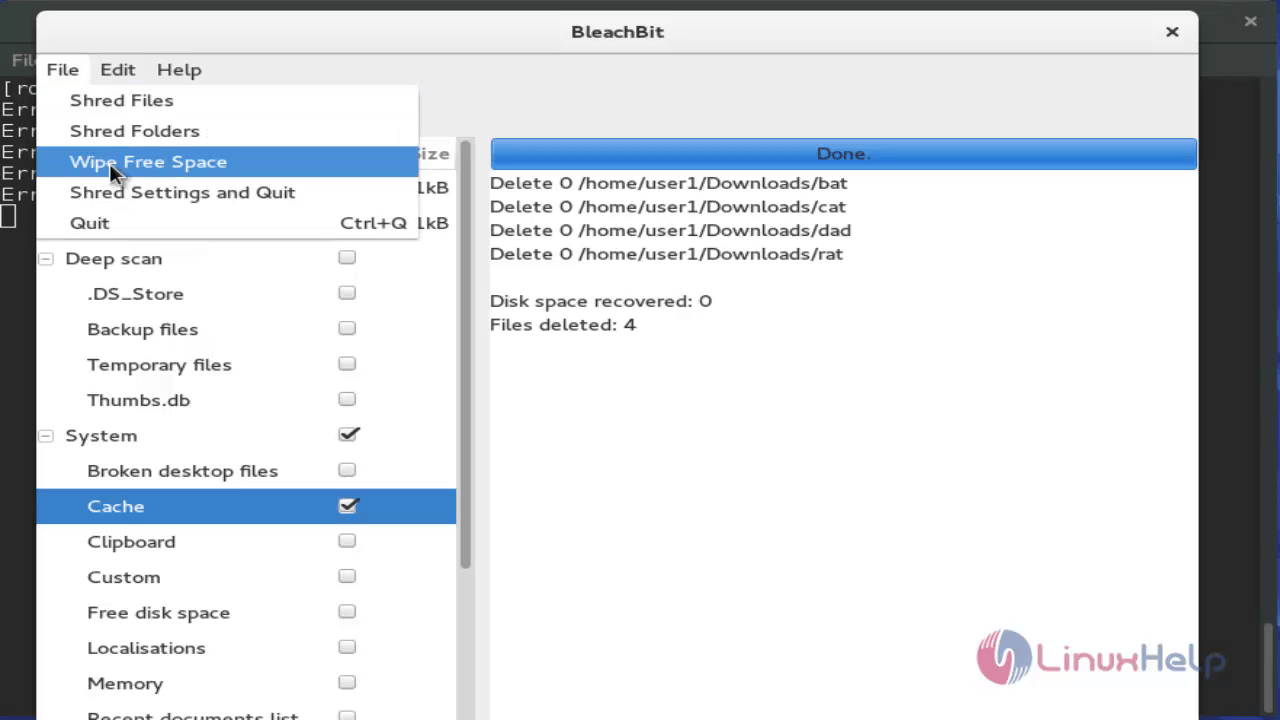
Choose the files to be deleted and click OK.
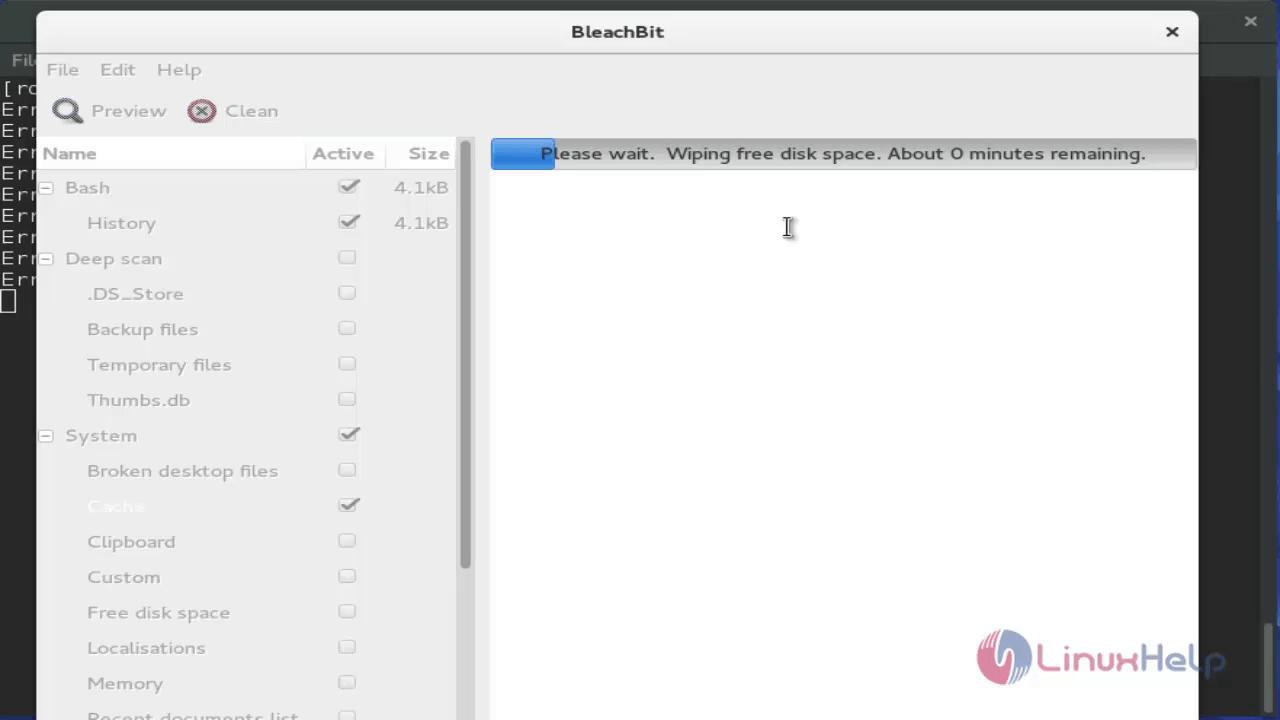
Wiping process starts.
Comments ( 0 )
No comments available