How to install Bludit CMS on Ubuntu 20.4.1
- 00:47 apt install apache2
- 01:09 apt install php php-xml php-mysql php-mbstring php-zip php-soap php-sqlite3 php-curl php-gd php-ldap php-imap php-common
- 01:34 wget https://www.bludit.com/releases/bludit-3-8-1.zip
- 02:15 chown -R www-data.www-data /var/www/bludit
- 02:50 vim /etc/apache2/sites-available/bludit.conf
- 03:23 a2dissite 000-default.conf
- 03:38 a2ensite bludit.conf
- 04:05 systemctl restart apache2
To install Bludit CMS on Ubuntu 20.4.1
Introduction:
Bludit is a web application to build your own website or blog in seconds. It's completely free and open source. Bludit is a Flat-File CMS, which means that Bludit uses files in the JSON format to store the content.
Installation process:
Run lsb_release command to check the installed version of OS as follows.
root@linuxhelp:~# lsb_release -a
No LSB modules are available.
Distributor ID:	Ubuntu
Description:	Ubuntu 20.04.1 LTS
Release:	20.04
Codename:	focal
Install Apache:
root@linuxhelp:~# apt install apache2
Reading package lists... Done
Building dependency tree
Reading state information... Done
The following packages were automatically installed and are no longer required:
  linux-headers-5.4.0-42 linux-headers-5.4.0-42-generic linux-headers-5.4.0-52 linux-headers-5.4.0-52-generic
  linux-image-5.4.0-42-generic linux-image-5.4.0-52-generic linux-modules-5.4.0-42-generic linux-modules-5.4.0-52-generic
  linux-modules-extra-5.4.0-42-generic linux-modules-extra-5.4.0-52-generic
Use 'sudo apt autoremove' to remove them.
Start the apache by following command
root@linuxhelp:~# systemctl start apache2
Install PHP modules by using below commands:
root@linuxhelp:~# apt install php php-xml php-mysql php-mbstring php-zip php-soap php-sqlite3 php-curl php-gd php-ldap php-imap php-common
Reading package lists... Done
Building dependency tree
Reading state information... Done
The following packages were automatically installed and are no longer required:
  linux-headers-5.4.0-42 linux-headers-5.4.0-42-generic linux-headers-5.4.0-52 linux-headers-5.4.0-52-generic
  linux-image-5.4.0-42-generic linux-image-5.4.0-52-generic linux-modules-5.4.0-42-generic linux-modules-5.4.0-52-generic
  linux-modules-extra-5.4.0-42-generic linux-modules-extra-5.4.0-52-generic
Use 'sudo apt autoremove' to remove them.
The following additional packages will be installed:
  libapache2-mod-php7.4 libc-client2007e libonig5 libzip5 mlock php7.4 php7.4-cli php7.4-common php7.4-curl php7.4-gd
Download Bludit cms by using below command:
root@linuxhelp:~# wget https://www.bludit.com/releases/bludit-3-8-1.zip
--2020-12-02 18:58:52--  https://www.bludit.com/releases/bludit-3-8-1.zip
Resolving www.bludit.com (www.bludit.com)... 104.27.171.56, 104.27.170.56, 172.67.211.35, ...
Connecting to www.bludit.com (www.bludit.com)|104.27.171.56|:443... connected.
HTTP request sent, awaiting response... 200 OK
Length: 1367695 (1.3M) [application/zip]
Saving to: ‘bludit-3-8-1.zip’
bludit-3-8-1.zip                 100%[=======================================================>]   1.30M   986KB/s    in 1.4s
Extract the Zip file by using below command:
root@linuxhelp:~# unzip bludit-3-8-1.zip
Archive:  bludit-3-8-1.zip
   creating: bludit-3-8-1/
  inflating: bludit-3-8-1/install.php
  inflating: bludit-3-8-1/index.php
  inflating: bludit-3-8-1/LICENSE
   creating: bludit-3-8-1/bl-languages/
  inflating: bludit-3-8-1/bl-languages/tr_TR.json
  inflating: bludit-3-8-1/bl-languages/ms_MY.json
  inflating: bludit-3-8-1/bl-languages/hu_HU.json
  inflating: bludit-3-8-1/bl-languages/pt_PT.json
Rename the directory:
root@linuxhelp:~# mv bludit-3-8-1 /var/www/bludit
Give the Ownership and permissions to Bludit directory
root@linuxhelp:~# chown -R www-data.www-data /var/www/bludit
root@linuxhelp:~# chmod -R 755 /var/www/bludit
Create a virtualhost Bludit for CMS:
root@linuxhelp:~# vim /etc/apache2/sites-available/bludit.conf
Disable default access
root@linuxhelp:~# a2dissite 000-default.conf
Site 000-default disabled.
To activate the new configuration, you need to run:
Enable site access
root@linuxhelp:~# a2ensite bludit.conf
Enabling site bludit.
To activate the new configuration, you need to run:
  systemctl reload apache2
Enable rewrite module
root@linuxhelp:~# a2enmod rewrite
Enabling module rewrite.
To activate the new configuration, you need to run:
  systemctl restart apache2
Once it is completed, Restart the Apache Web Server by running the following command
root@linuxhelp:~# systemctl restart apache2
Once completed above step goto browser type URL
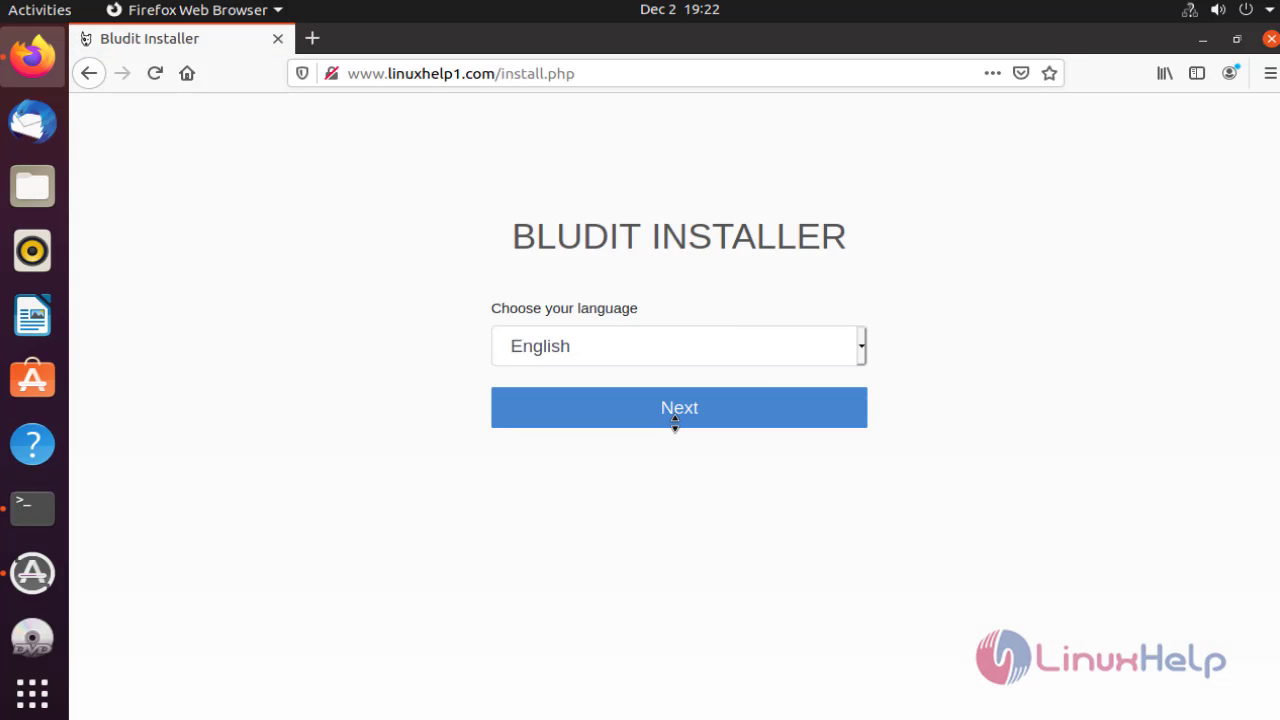
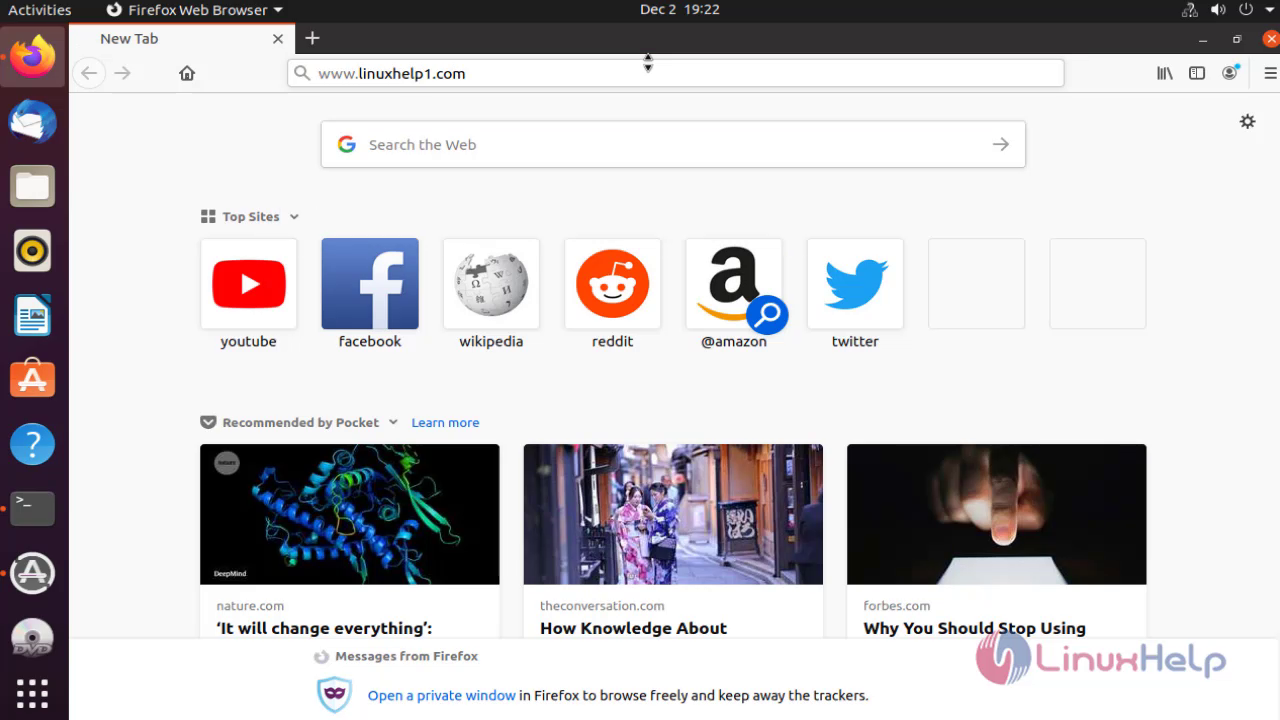 It will open Installation page
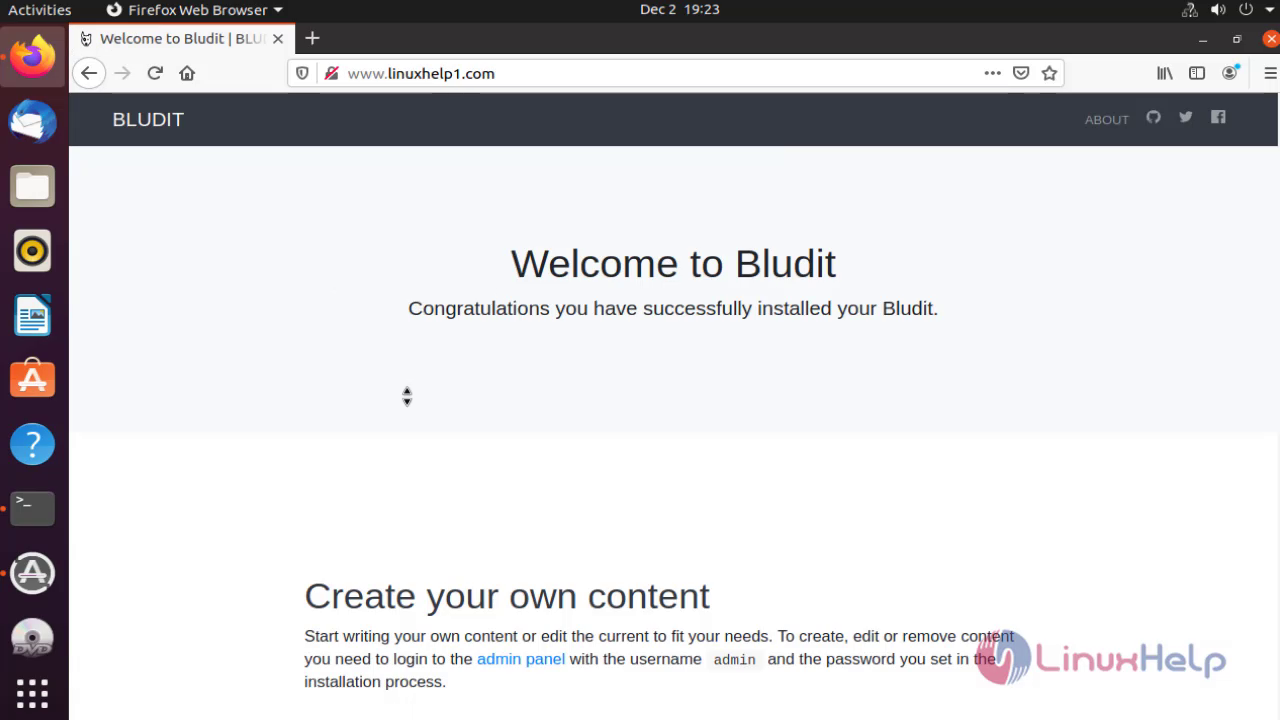
 It will show the Welcome page
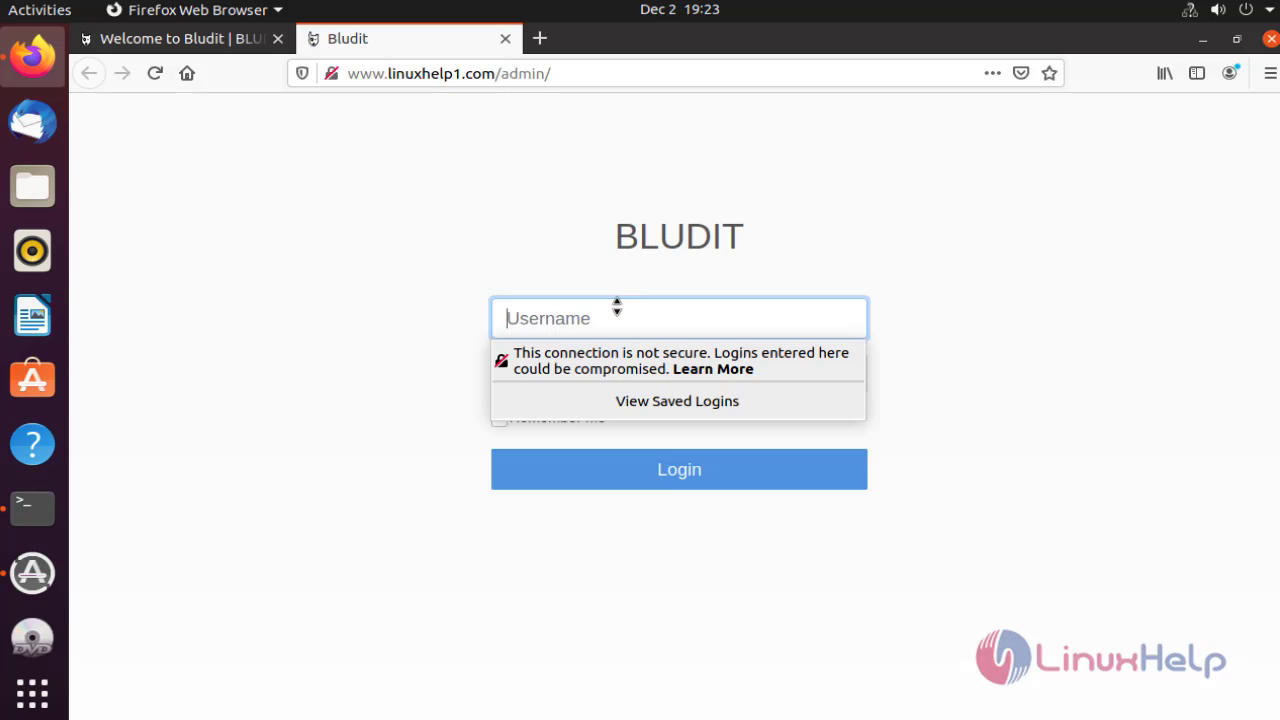
 Login as admin
 It will show the dashboard of Bludit CMS
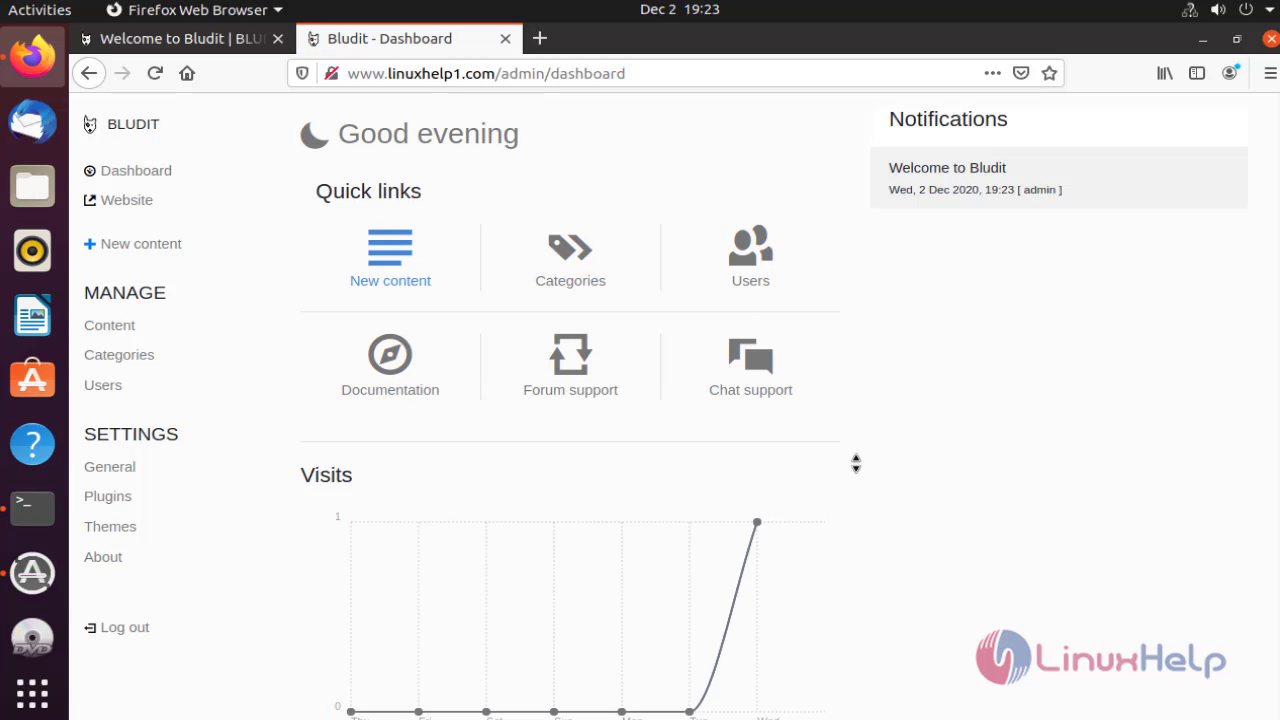
with this installation of bludit Cms on ubuntu comes to end
Comments ( 0 )
No comments available