How to install Bookworm on Ubuntu 17.04
To install Bookworm on Ubuntu 17.04
Bookworm is a simple eBook reader with a modern user interface. It supports all sorts of modern file formats like pdf, epub, mobi etc. Also it supports different reading profiles of light and dark, bookmark pages from favourite book, and supports full-screen mode. This tutorial explains the installation procedure of Bookworm on Ubuntu 17.04.
Installation procedure
To proceed with the installation procedure, add the required repository by executing the following command.
root@linuxhelp:~# add-apt-repository ppa:bookworm-team/bookworm
 More info: https://launchpad.net/~bookworm-team/+archive/ubuntu/bookworm
Press [ENTER] to continue or ctrl-c to cancel adding it

gpg: keybox ' /tmp/tmpsdi4em_c/pubring.gpg'  created
gpg: /tmp/tmpsdi4em_c/trustdb.gpg: trustdb created
gpg: key 01ECAA19EC33CA14: public key " Launchpad PPA for Bookworm-team"  imported
gpg: Total number processed: 1
gpg:               imported: 1
OK
The repositories are added to the system. Update the system by running the apt-get update command.
root@linuxhelp:~# apt-get update
Hit:1 http://in.archive.ubuntu.com/ubuntu zesty InRelease
Hit:2 http://in.archive.ubuntu.com/ubuntu zesty-updates InRelease
Hit:3 http://security.ubuntu.com/ubuntu zesty-security InRelease
Hit:4 http://in.archive.ubuntu.com/ubuntu zesty-backports InRelease
Get:5 http://ppa.launchpad.net/bookworm-team/bookworm/ubuntu zesty InRelease [15.9 kB]
Get:6 http://ppa.launchpad.net/bookworm-team/bookworm/ubuntu zesty/main amd64 Packages [756 B]
Get:7 http://ppa.launchpad.net/bookworm-team/bookworm/ubuntu zesty/main i386 Packages [756 B]
Get:8 http://ppa.launchpad.net/bookworm-team/bookworm/ubuntu zesty/main Translation-en [236 B]
Fetched 17.7 kB in 5s (3,212 B/s)
Reading package lists... Done
The repositories are added to the system and updated with the required repositories. Next install Bookworm application by executing the following command.
root@linuxhelp:~# apt-get install bookworm
Reading package lists... Done
Building dependency tree
Reading state information... Done
The following additional packages will be installed:
  libgranite-common libgranite2 unrar
Recommended packages:
  apport-hooks-elementary contractor
The following NEW packages will be installed:
  bookworm libgranite-common libgranite2 unrar
0 upgraded, 4 newly installed, 0 to remove and 281 not upgraded.
Need to get 511 kB of archives.
After this operation, 5,019 kB of additional disk space will be used.
Do you want to continue? [Y/n] y
.
.
.
.
Processing triggers for man-db (2.7.6.1-2) ...
Processing triggers for gnome-menus (3.13.3-6ubuntu5) ...
Processing triggers for hicolor-icon-theme (0.15-1) ...
Setting up libgranite2:amd64 (0.3.0-2~experimental1ubuntu2) ...
Setting up bookworm (0.6-0~42~ubuntu17.04.1) ...
Processing triggers for libc-bin (2.24-9ubuntu2) ...
The application is successfully installed in the system. To run the application, type the Bookworm application name in the Ubuntu dashboard. Click on the icon to run the application.
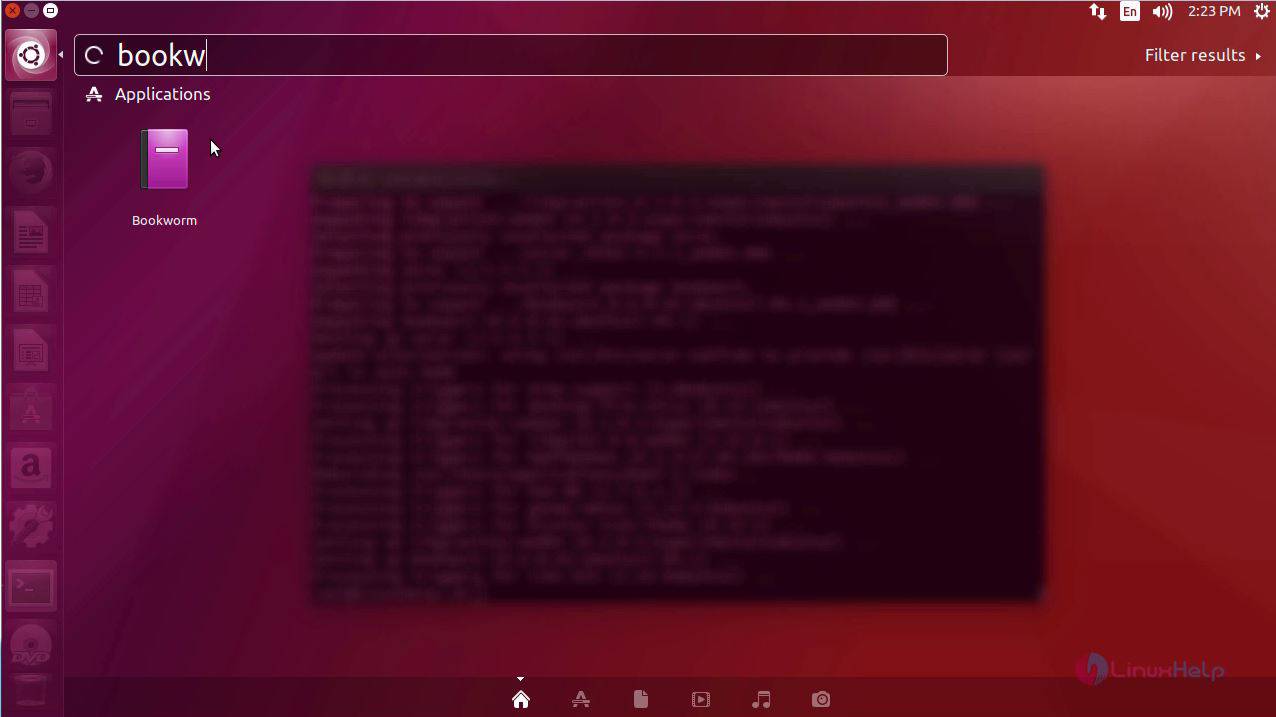
The Bookworm application is running successfully in the system.
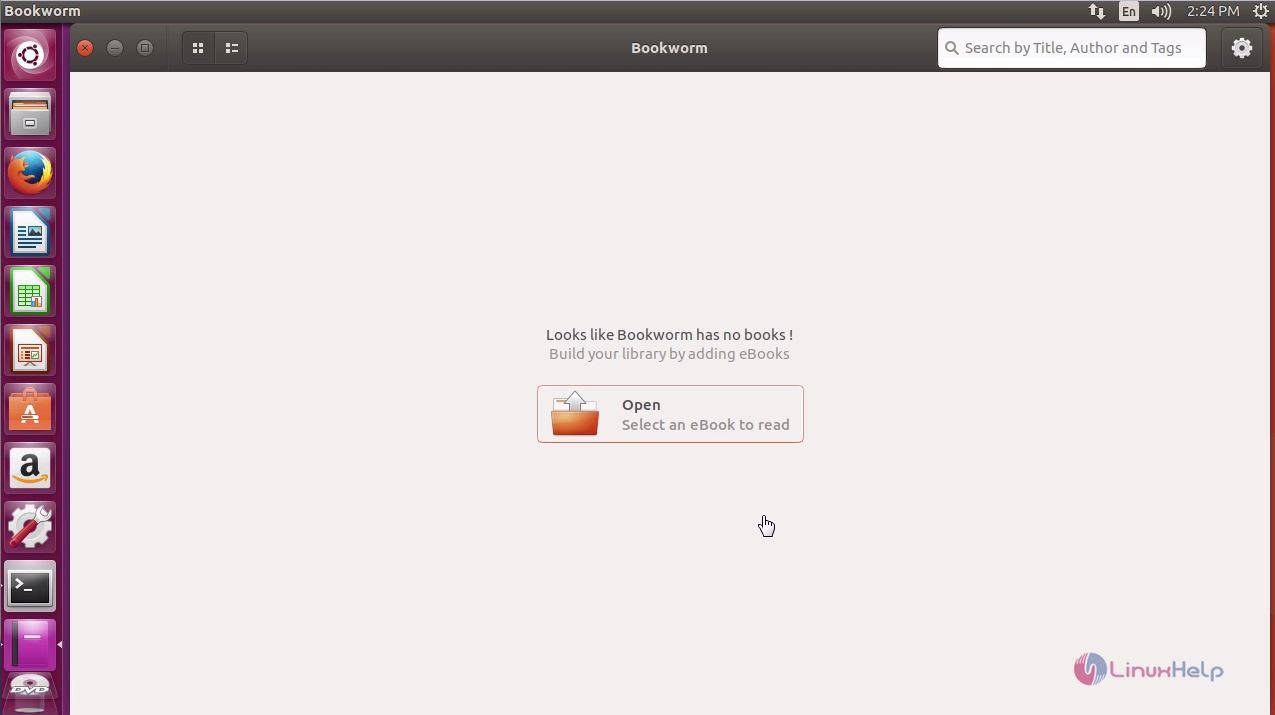
Thus concludes the installation of Bookworm on Ubuntu 17.04.
Comments ( 0 )
No comments available