• Categories
    Category
    {{ postCtrl.tags }}
    • {{ category.tag_type }}

      • {{tag.tag_name}}
      • View more
  • Categories
    Category
    {{ postCtrl.tags }}
    • {{ category.tag_type }}

      • {{tag.tag_name}}
      • View more
  • News
  • Tutorials
  • Forums
  • Tags
  • Users
Tutorial News Comments FAQ Related Articles

How to install Brackets 1.9 Code Editor on Ubuntu 16.04

{{postValue.id}}

How to install Brackets 1.9 Code Editor on Ubuntu 16.04

Brackets is an open-source editor written in HTML, CSS, and JavaScript with a primary focus on web development. Brackets is available for cross-platform download on Mac, Windows, and Linux. This tutorial explains about how to install Bracket 1.9 on Ubuntu 16.04.

Features

  • Live preview.
  • Contains Inline editor.
  • Supports extensions and comes with a built-in extension manager, with hundreds of themes and extensions available to install.

Installation procedure

To start the installation procedure, add the bracket package into repository via ppa.

root@linuxhelpubnt:~# add-apt-repository ppa:webupd8team/brackets
More info: https://launchpad.net/~webupd8team/+archive/ubuntu/brackets
Press [ENTER] to continue or ctrl-c to cancel adding it
.
.
.
gpg: key EEA14886: public key " Launchpad VLC"  imported
gpg: no ultimately trusted keys found
gpg: Total number processed: 1
gpg:               imported: 1  (RSA: 1)
OK

Update the system using the apt get update command and run the command.

root@linuxhelpubnt:~# apt-get update
Hit:1 http://ppa.launchpad.net/webupd8team/brackets/ubuntu xenial InRelease
Get:2 http://security.ubuntu.com/ubuntu xenial-security InRelease [102 kB]                    
.
.
.
Hit:5 http://repo.percona.com/apt xenial InRelease                                      
Get:6 http://in.archive.ubuntu.com/ubuntu xenial-backports InRelease [102 kB]                 
Fetched 306 kB in 3s (96.8 kB/s)  
Reading package lists... Done

Now install the bracket packages and run the following command.

root@linuxhelpubnt:~# apt-get install brackets
Reading package lists... Done
Building dependency tree      
Reading state information... Done
.
.
.
Unpacking brackets (1.9.0libgcrypt11-17312+1~webupd8~0) ...
Processing triggers for hicolor-icon-theme (0.15-0ubuntu1) ...
Setting up brackets (1.9.0libgcrypt11-17312+1~webupd8~0) ...

Open the dashboard of Ubuntu to launch Brackets application.
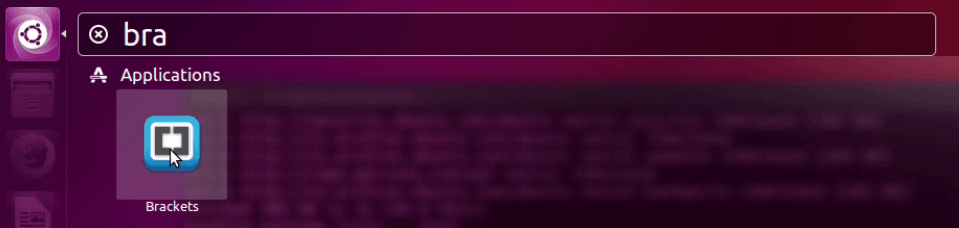
dashboard

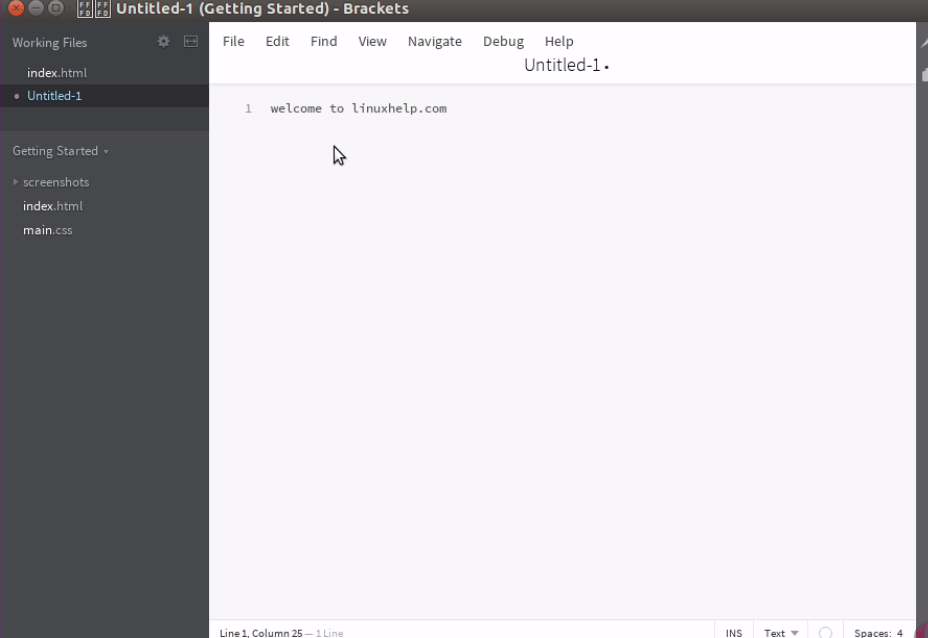
Now you can edit you source code or managing text documents by using Brackets editor.
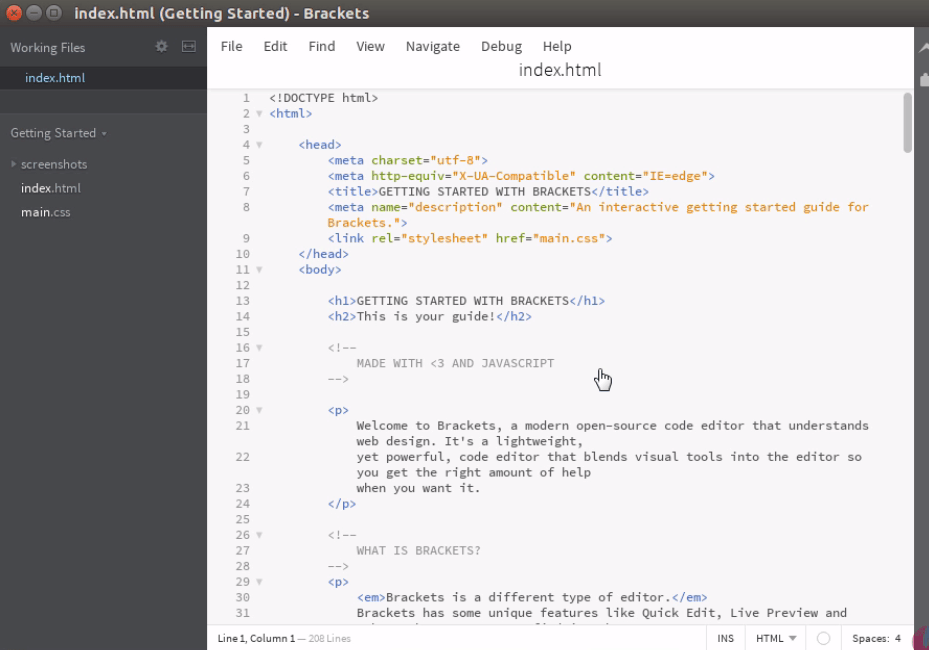
Brackets

editor

Wasn' t that an easy installation procedure? Brackets also allows developers to make creative projects.

Tags:
lincoln
Author: 

Comments ( 0 )

No comments available

Add a comment
{{postCtrl.cmtErrMsg}}

Frequently asked questions ( 5 )

Q

Will this Brackets 1.9 Code Editor be installed in Mac Os?

A

Yes, you can install Brackets 1.9 Code Editor across any platform service.

Q

Will this Brackets 1.9 Code Editor manage extensions?

A

Yes Supports extensions and comes with a built-in extension manager, with hundreds of themes and extensions available to install.

Q

Please provide the installation procedure for Brackets 1.9 Code Editor in LinuxMint?

A

For installing Brackets 1.9 Code Editor use the following link https://www.linuxhelp.com/how-to-install-brackets-code-editor-1-12-on-linux-mint-18-3/

Q

Does this Brackets 1.9 Code Editor support inline editing?

A

Brackets 1.9 Code Editor do support inline editing operation.

Q

What are the extensions that get supported in Brackets 1.9 Code Editor?

A

Brackets 1.9 Code Editor supports extensions and comes with a built-in extension manager, with hundreds of themes and extensions available to install.

Back To Top!
Rank
User
Points

Top Contributers

userNamenaveelansari
135850

Top Contributers

userNameayanbhatti
92510

Top Contributers

userNamehamzaahmed
32150

Top Contributers

1
userNamelinuxhelp
31040

Top Contributers

userNamemuhammadali
24500
Can you help Lucas ?
Various options in Top command

Am using Top command only to view the load average, what are the various options in Top command..??

Networking
  • Routing
  • trunk
  • Netmask
  • Packet Capture
  • domain
  • HTTP Proxy
Server Setup
  • NFS
  • KVM
  • Memory
  • Sendmail
  • WebDAV
  • LXC
Shell Commands
  • Cloud commander
  • Command line archive tools
  • last command
  • Shell
  • terminal
  • Throttle
Desktop Application
  • Linux app
  • Pithos
  • Retrospect
  • Scribe
  • TortoiseHg
  • 4Images
Monitoring Tool
  • Monit
  • Apache Server Monitoring
  • EtherApe 
  • Arpwatch Tool
  • Auditd
  • Barman
Web Application
  • Nutch
  • Amazon VPC
  • FarmWarDeployer
  • Rukovoditel
  • Mirror site
  • Chef
Contact Us | Terms of Use| Privacy Policy| Disclaimer
© 2025 LinuxHelp.com All rights reserved. Linux™ is the registered trademark of Linus Torvalds. This site is not affiliated with linus torvalds in any way.