How to Install Cacti on ubuntu 17.04 server
To Install Cacti on ubuntu 17.04 server
Cacti is complete network graphing solution designed to harness the power of RRDTool' s data storage and graphing functionality. Cacti provide a fast poller, advanced graph templating, multiple data acquisition methods, and user management features out of the box. All of this is wrapped in an intuitive, easy to use interface that makes sense for LAN-sized installations up to complex networks with thousands of devices. Cacti is also packed with several features and some of them are listed as follows.
Features
&bull Graphs
&bull Data Sources
&bull Data Gathering
&bull Templates
&bull Graph Display
&bull User Management
Requirement
You need to make sure you have installed Ubuntu 17.04 LAMP server.
It is really so simple to install Cacti on Ubuntu 17.04 and this tutorial covers the ground in the same process.
Installing Cacti
First, you need to install a set of Cacti tools and for that, you need to make use of the following commands
root@linxuhelp1:~# apt-get install snmp snmpd cacti rrdtool cacti-spine -y
Reading package lists... Done
Building dependency tree
Reading state information... Done
The following additional packages will be installed:
  dbconfig-common dbconfig-mysql libdbi1 libjs-jquery-cookie libjs-jquery-jstree libjs-jquery-ui libjs-jquery-ui-theme-ui-lightness
  libmysqlclient20 libphp-adodb librrd8 php-mbstring php-snmp php-xml php7.0-mbstring php7.0-snmp php7.0-xml
Suggested packages:
  php-ldap moreutils snmp-mibs-downloader libjs-jquery-ui-docs librrds-perl snmptrapd
The following NEW packages will be installed:
  cacti cacti-spine dbconfig-common dbconfig-mysql libdbi1 libjs-jquery-cookie libjs-jquery-jstree libjs-jquery-ui
  libjs-jquery-ui-theme-ui-lightness libmysqlclient20 libphp-adodb librrd8 php-mbstring php-snmp php-xml php7.0-mbstring
  php7.0-snmp php7.0-xml rrdtool snmp snmpd
0 upgraded, 21 newly installed, 0 to remove and 311 not upgraded.
Need to get 5,175 kB of archives.
After this operation, 20.2 MB of additional disk space will be used.
Get:1 http://old-releases.ubuntu.com/ubuntu zesty/main amd64 dbconfig-common all 2.0.8 [600 kB]
Get:2 http://old-releases.ubuntu.com/ubuntu zesty/universe amd64 dbconfig-mysql all 2.0.8 [1,032 B]
Get:3 http://old-releases.ubuntu.com/ubuntu zesty/main amd64 libdbi1 amd64 0.9.0-4 [27.8 kB]
Get:4 http://old-releases.ubuntu.com/ubuntu zesty/universe amd64 libjs-jquery-cookie all 11-3 [6,840 B]
Get:5 http://old-releases.ubuntu.com/ubuntu zesty/universe amd64 libjs-jquery-jstree all 3.3.3+dfsg1-1 [119 kB]
Get:6 http://old-releases.ubuntu.com/ubuntu zesty/universe amd64 libjs-jquery-ui all 1.12.1+dfsg-4 [232 kB]
Get:7 http://old-releases.ubuntu.com/ubuntu zesty/universe amd64 libjs-jquery-ui-theme-ui-lightness all 1.12.1+dfsg-1 [28.4 kB]
22% [Waiting for headers]
.
.
Creating config file /etc/dbconfig-common/cacti.conf with new version

Creating config file /etc/cacti/debian.php with new version
checking privileges on database cacti for cacti@localhost: user creation needed.
granting access to database cacti for cacti@localhost: success.
verifying access for cacti@localhost: success.
creating database cacti: success.
verifying database cacti exists: success.
populating database via sql...  done.
dbconfig-common: flushing administrative password

Creating config file /etc/apache2/conf-available/cacti.conf with new version

Creating config file /etc/lighttpd/conf-available/20-cacti.conf with new version
apache2_invoke: Enable configuration cacti
Setting up php-snmp (1:7.0+49) ...
Setting up cacti-spine (0.8.8h-3) ...

Creating config file /etc/cacti/spine.conf with new version
Processing triggers for ureadahead (0.100.0-19) ...
Processing triggers for libc-bin (2.24-9ubuntu2) ...
Processing triggers for libapache2-mod-php7.0 (7.0.22-0ubuntu0.17.04.1) ...
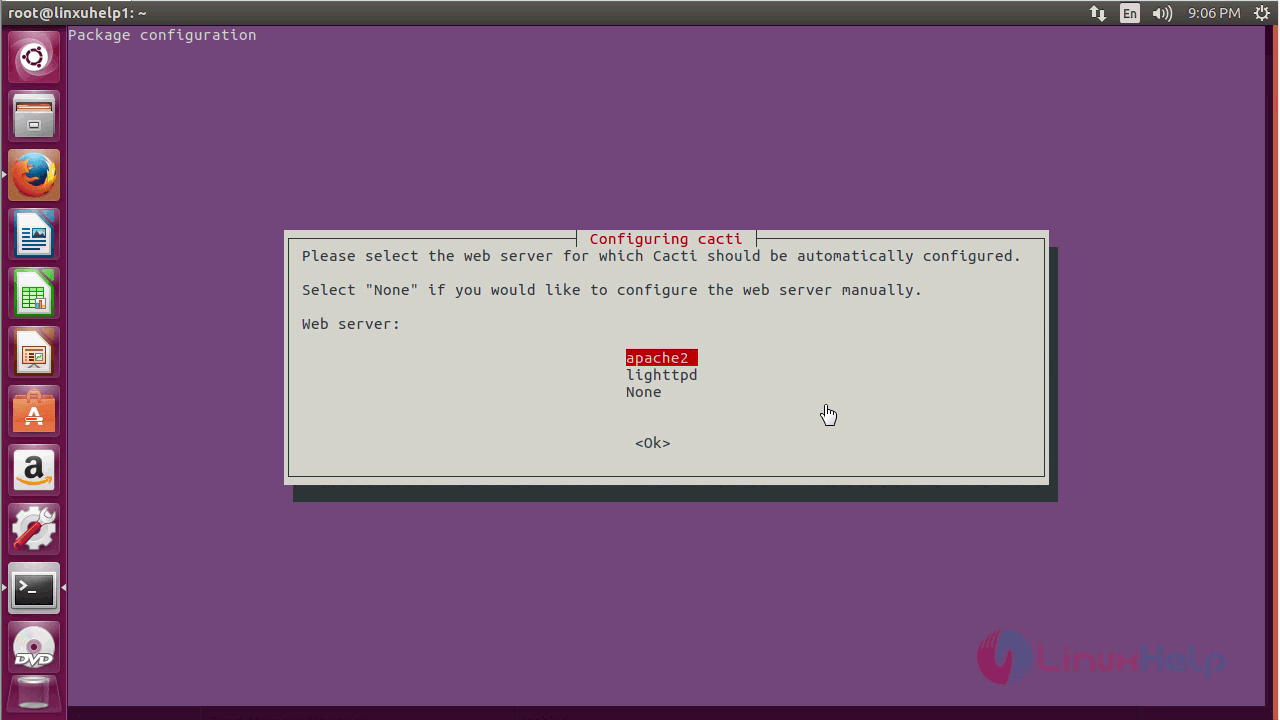
You need to select the web server. Here since Apache is installed, it is selected.
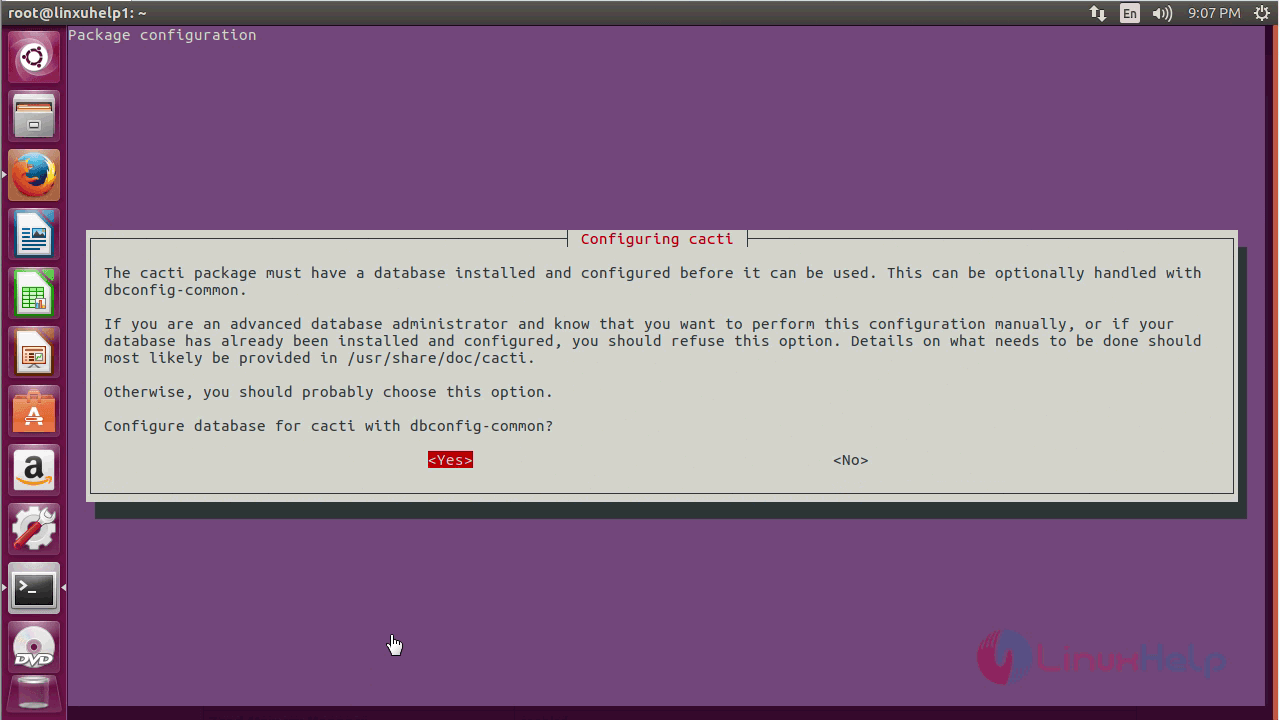
And you need to configure your MySQL Database.
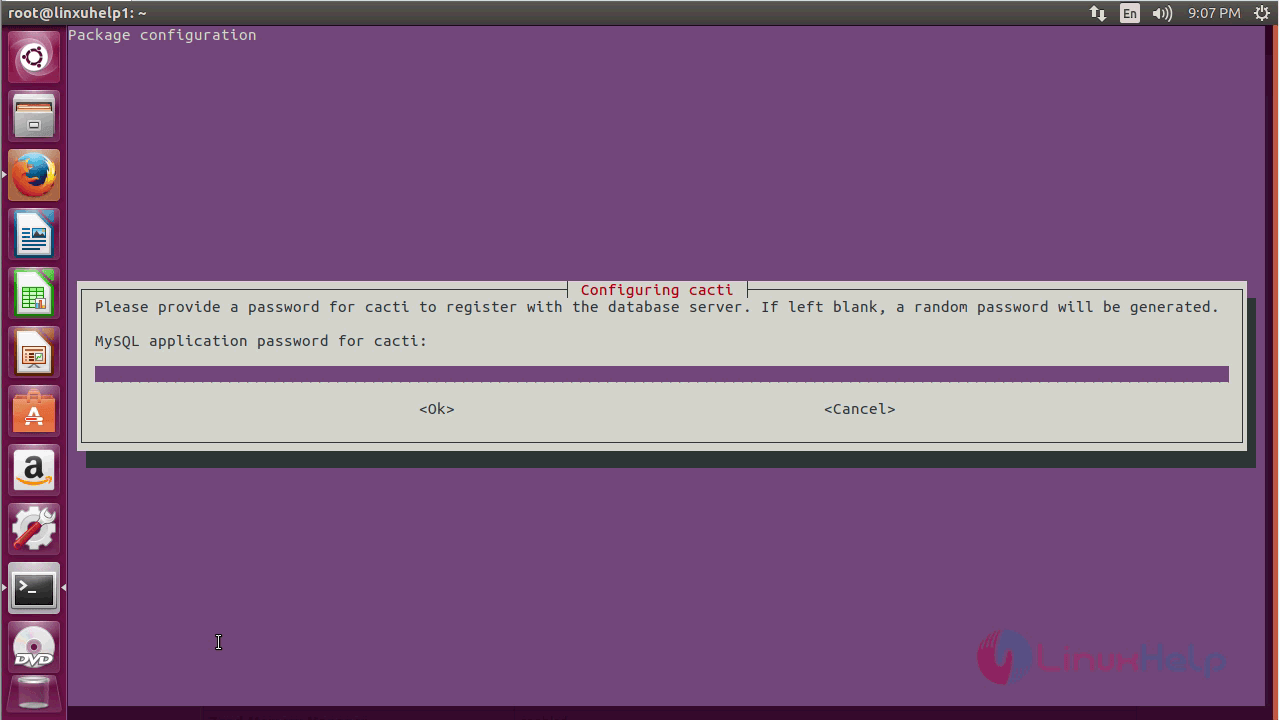
And then you need to set MySQL application password for cacti.
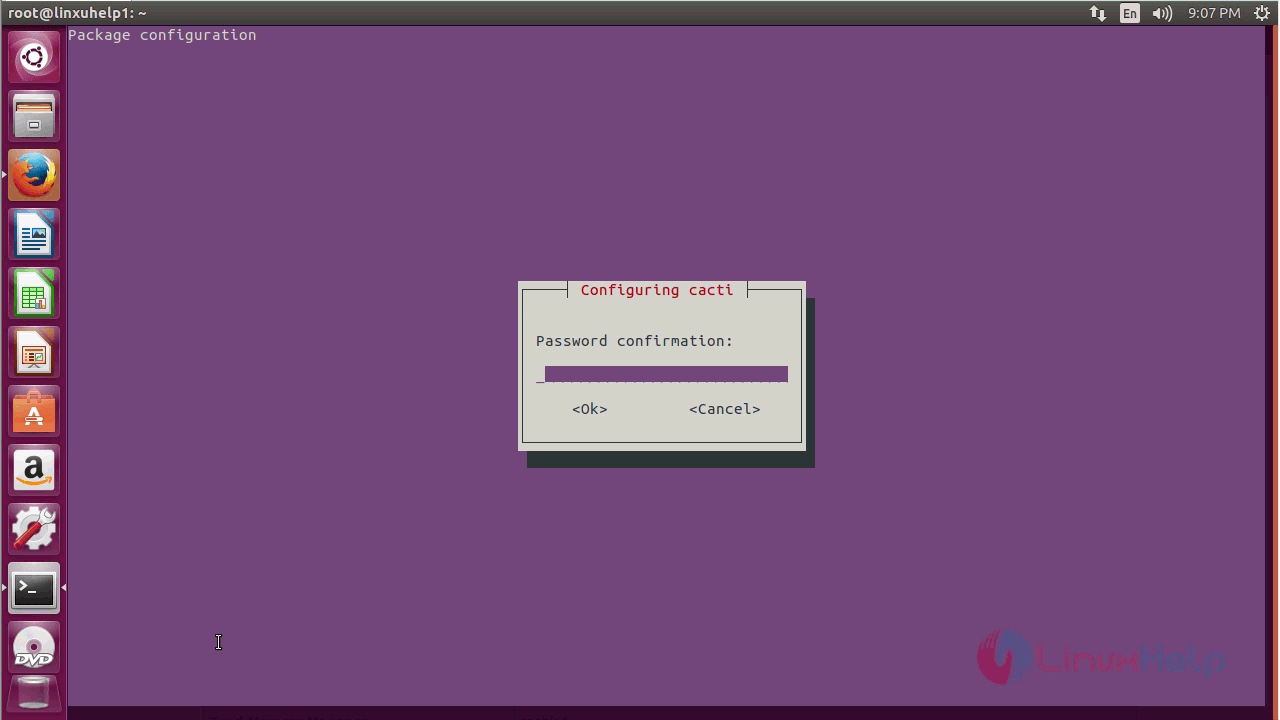
And then, you need to confirm the password.
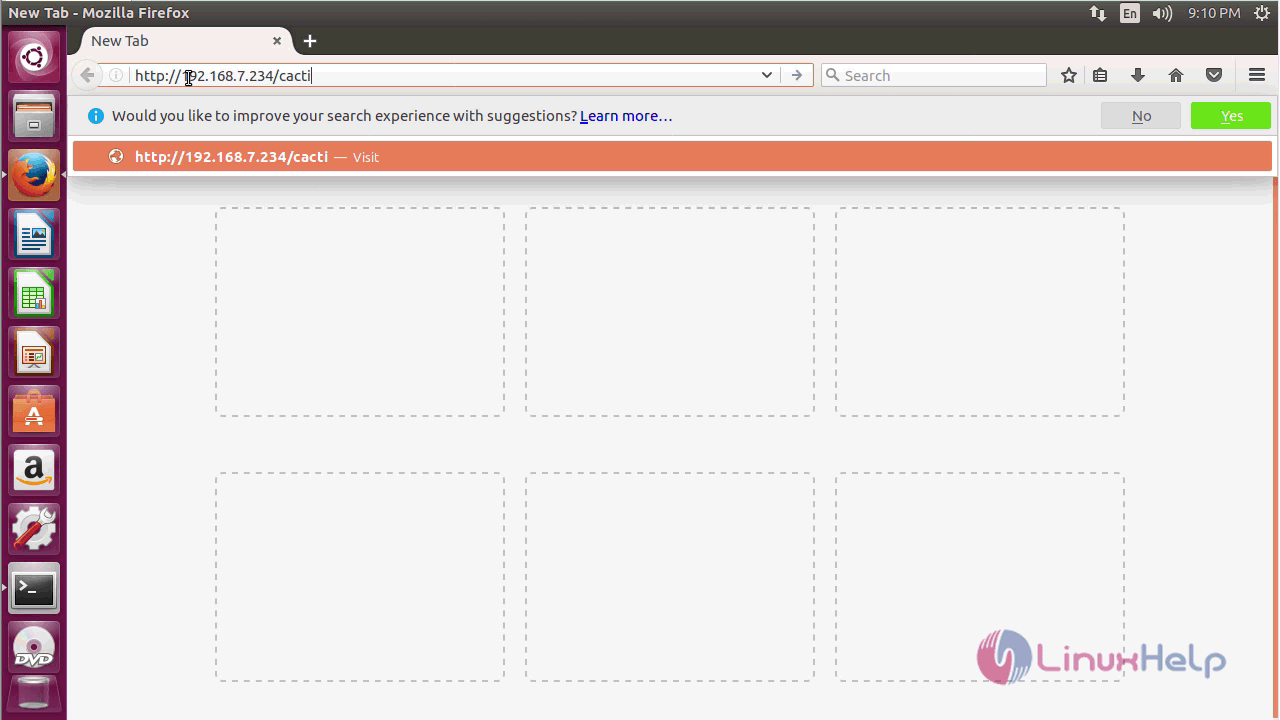
You can now open your browser and type URL: http://local IP/cacti/
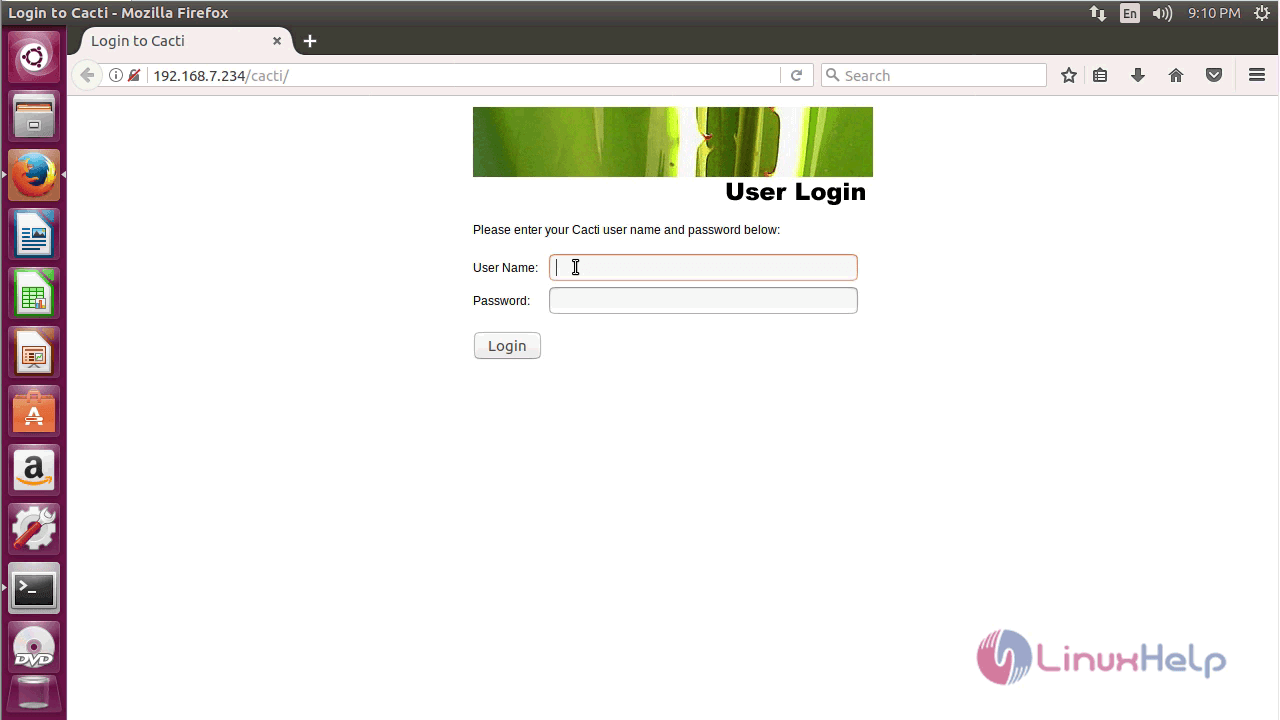
The login page of Cacti appears on the screen.
After login to open Cacti web page.
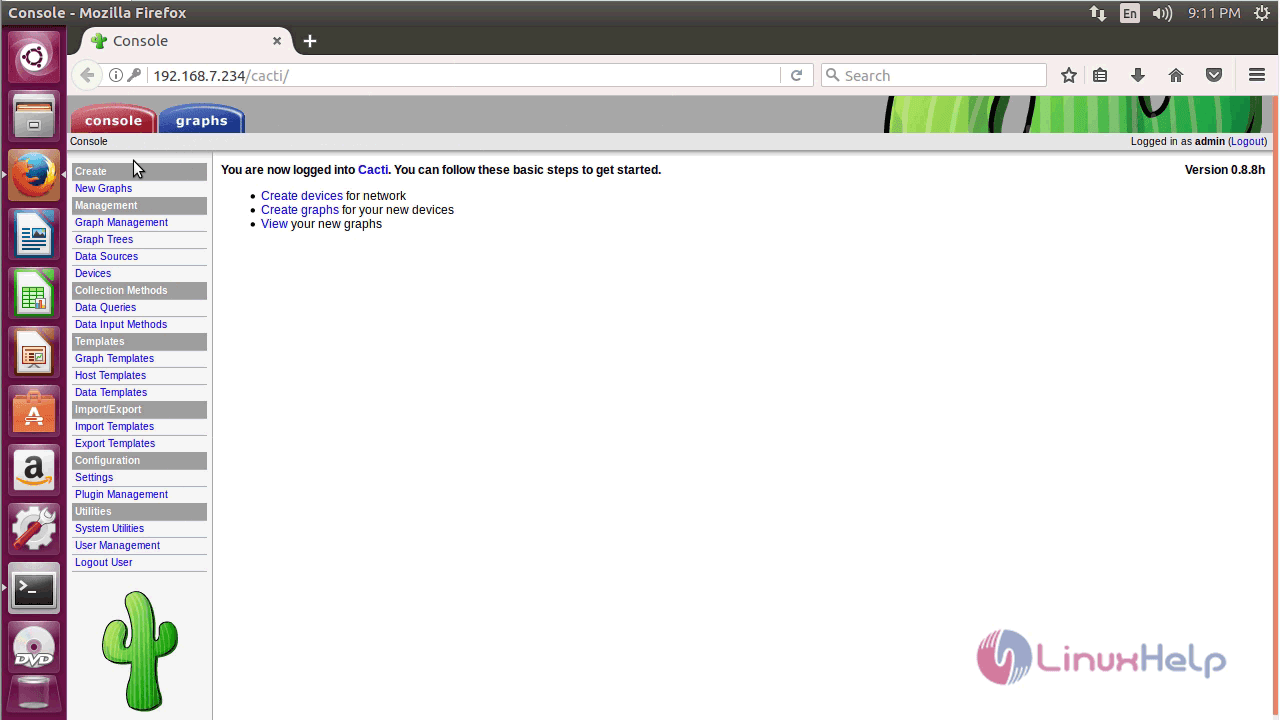
With this, the installation of Cacti tool on Ubuntu 17.04 comes to an end.
Comments ( 0 )
No comments available