How to install Caddy on Ubuntu
How to install Caddy on Ubuntu
Caddy is an open source HTTP web browser for writers to work on their articles offline. It can also be installed on Linux operating system and also supports HTTPS. This tutorial explains the installation procedure of Caddy on Ubuntu.
Installation procedure
To start the installation procedure of caddy, go to caddyserver official site to download the package according to the distribution used in the target system. Run the below command to download the package for caddy.
root@linuxhelp1:~# wget https://caddyserver.com/download/builds/173003001257928/caddy_linux_amd64_custom.tar.gz
--2017-04-08 16:18:12--  https://caddyserver.com/download/builds/173003001257928/caddy_linux_amd64_custom.tar.gz
Resolving caddyserver.com (caddyserver.com)... 162.243.142.63, 2604:a880:1:20::8c:3001
Connecting to caddyserver.com (caddyserver.com)|162.243.142.63|:443... connected.
HTTP request sent, awaiting response... 200 OK
Length: 4997180 (4.8M) [application/gzip]
Saving to: ‘ caddy_linux_amd64_custom.tar.gz’
caddy_linux_amd64_custom.tar.gz             100%[=========================================================================================> ]   4.77M  41.4KB/s    in 2m 12s
2017-04-08 16:20:25 (37.1 KB/s) - ‘ caddy_linux_amd64_custom.tar.gz’  saved [4997180/4997180]
After downloading the package, create a new directory for caddy and extract the package into it.
root@linuxhelp1:~# mkdir caddy
root@linuxhelp1:~# mv caddy_linux_amd64_custom.tar.gz caddy/
root@linuxhelp1:~# cd caddy/
root@linuxhelp1:~/caddy# ls
caddy_linux_amd64_custom.tar.gz
root@linuxhelp1:~/caddy# tar -xzvf caddy_linux_amd64_custom.tar.gz
README.txt
LICENSES.txt
CHANGES.txt
init/
init/README.md
init/freebsd/
init/freebsd/caddy
init/linux-systemd/
init/linux-systemd/README.md
init/linux-systemd/caddy.service
init/linux-sysvinit/
init/linux-sysvinit/README.md
init/linux-sysvinit/caddy
init/linux-upstart/
init/linux-upstart/README.md
init/linux-upstart/caddy.conf
init/linux-upstart/caddy.conf.centos-6
init/linux-upstart/caddy.conf.ubuntu-12.04
init/mac-launchd/
init/mac-launchd/README.md
init/mac-launchd/com.caddyserver.web.plist
caddy
The extraction is done successfully. Create a default web page content for caddy, so create index.html file as shown below.
root@linuxhelp1:~/caddy# vim index.html
An empty file opens, type any content inside index.html file. Save and exit from the file. Now run the script file called “ caddy” located under caddy’ s directory to start the service.
root@linuxhelp1:~/caddy# ./caddy
Activating privacy features... done.
http://:2015
WARNING: File descriptor limit 1024 is too low for production servers. At least 8192 is recommended. Fix with " ulimit -n 8192" .
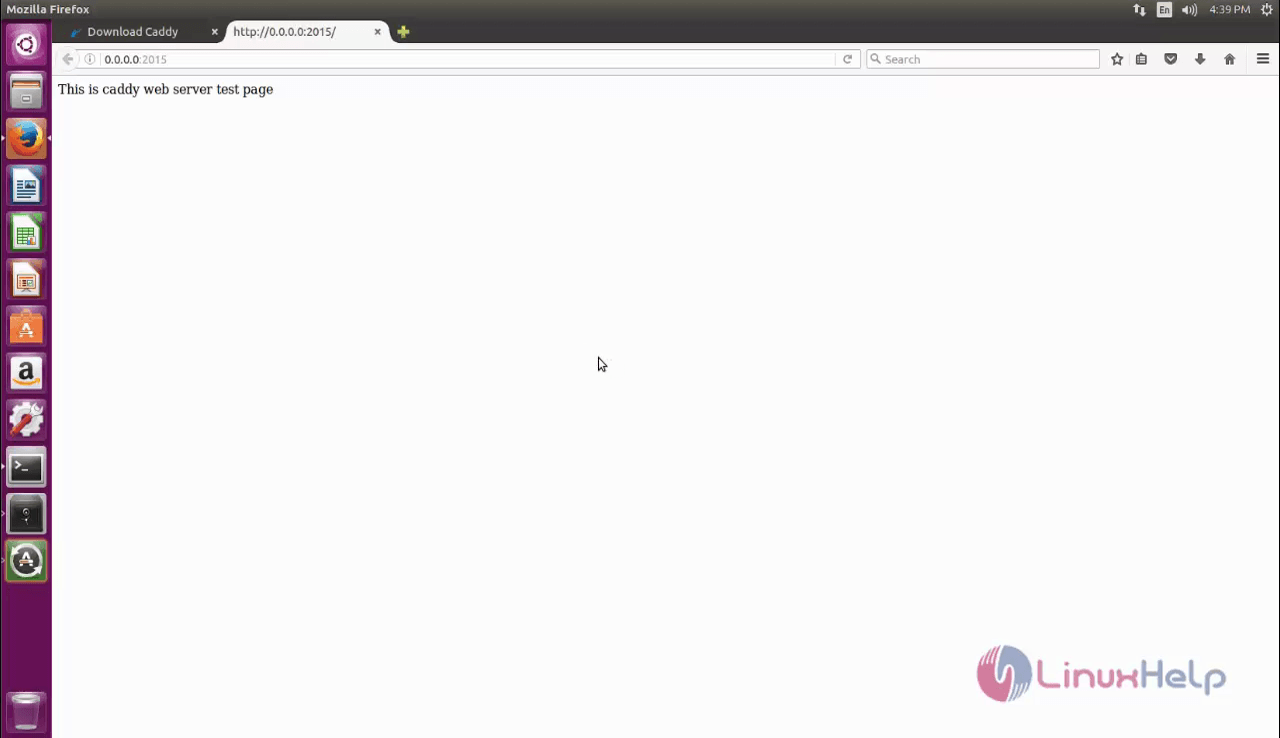
Now start the web server. Open the browser and go to the link http://0.0.0.0:2015 to access caddy’ s default web page that contains the content of index.html file.
Wasn' t that an easy installation procedure? Caddy can also support HTML, Markdown or WordPress Blog.
Comments ( 0 )
No comments available