How to Install Centos8 and fix the error “ pane is dead “ on VMware Workstation
How to Install Centos8 and fix the error “ pane is dead “ on VMware Workstation
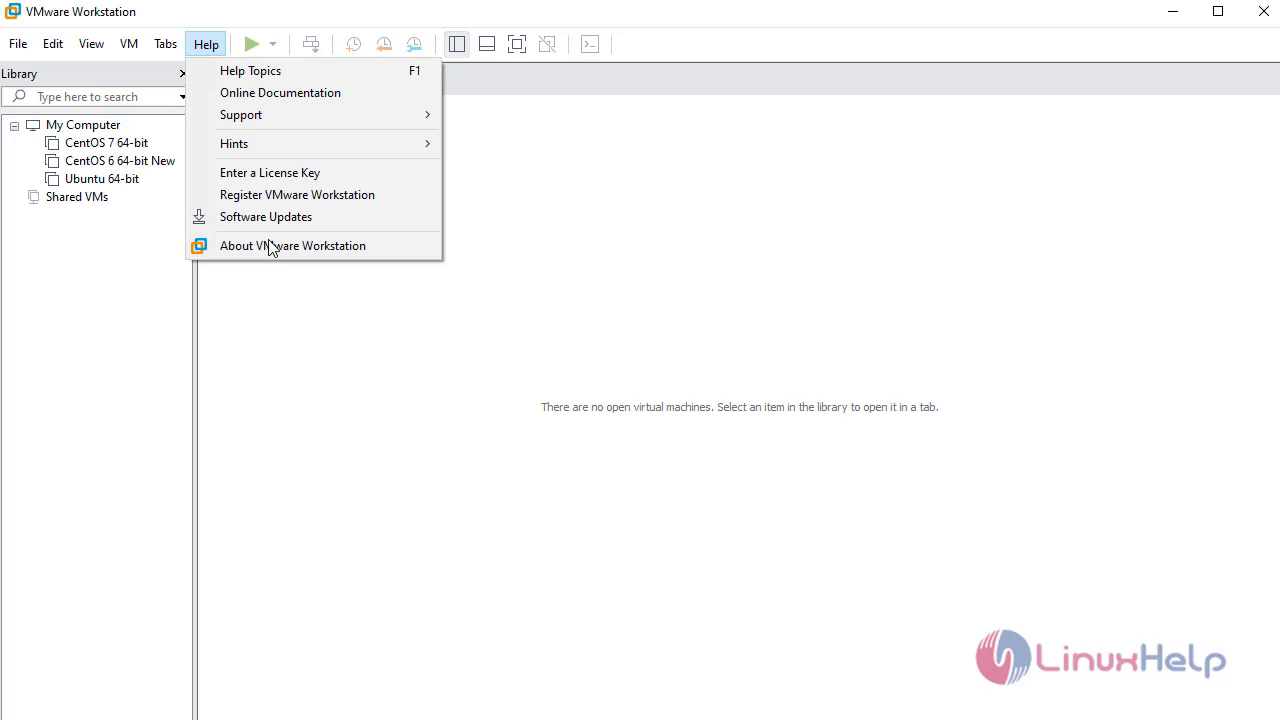
To check installed version VMware
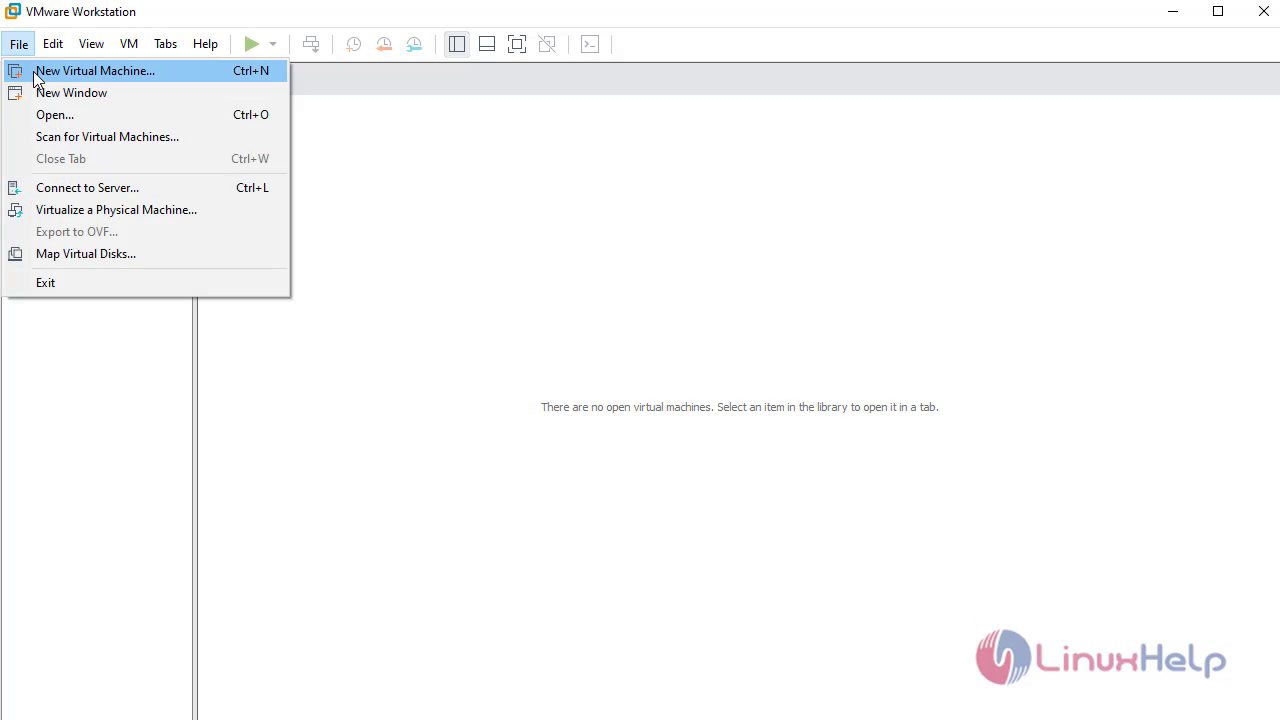
Click on File-New Virtual Machine to create new
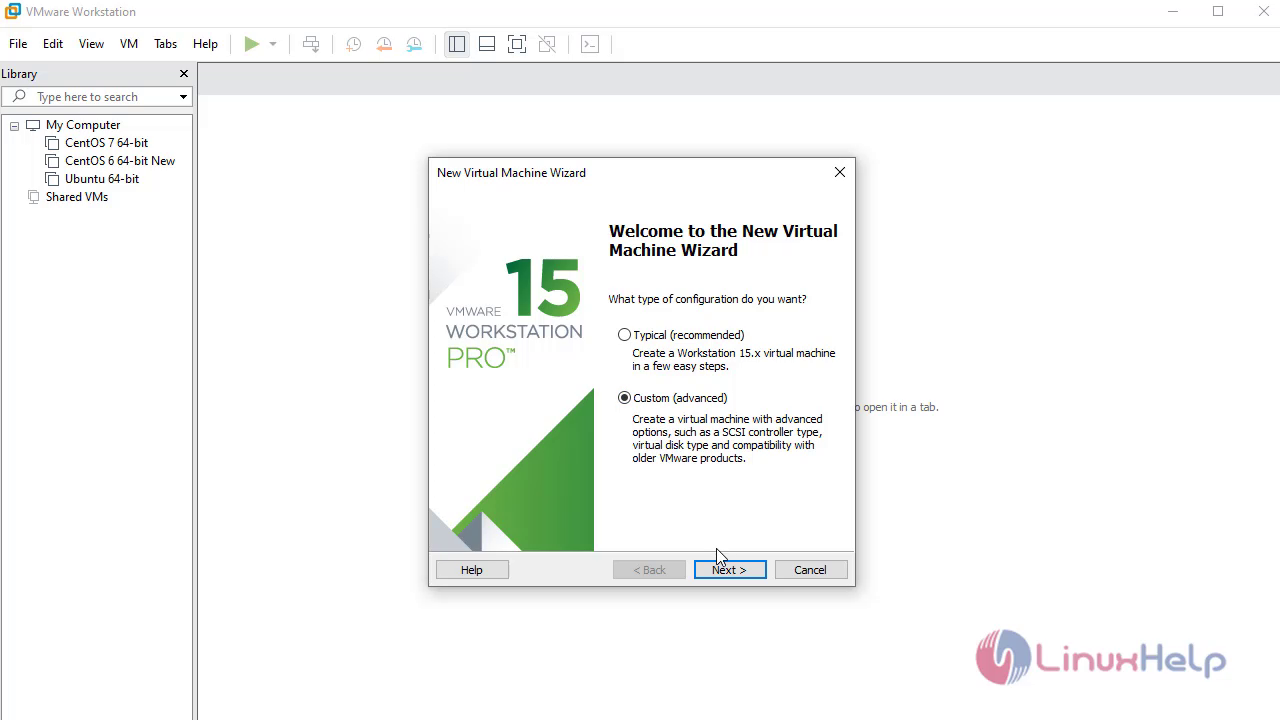
Select custom
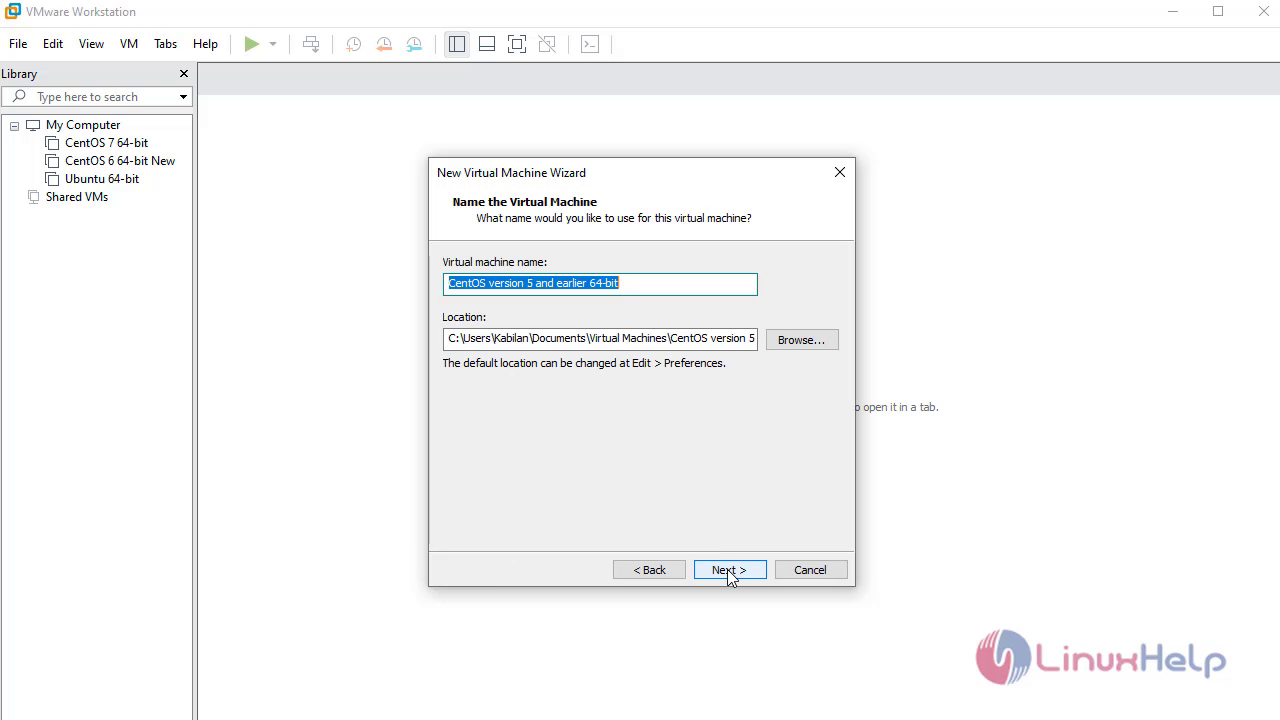
Click on Browse option to select the source os image
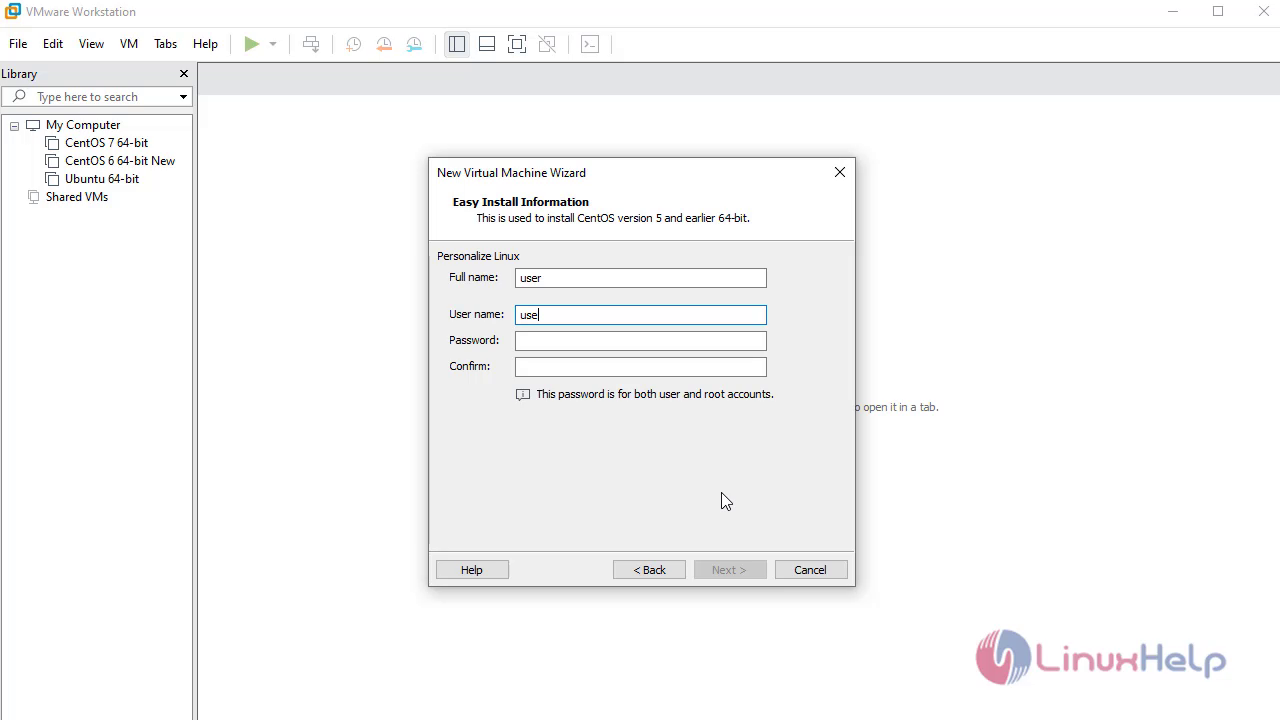
Create user credentials here
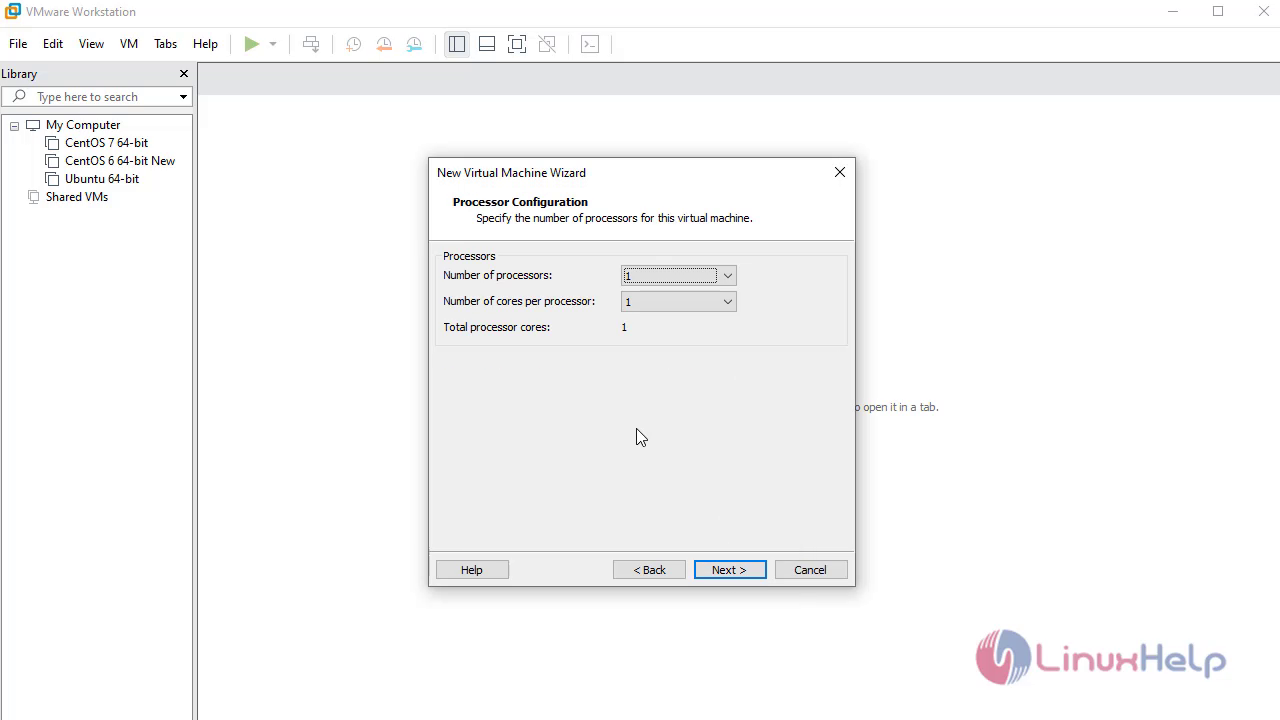
Select the number of processors
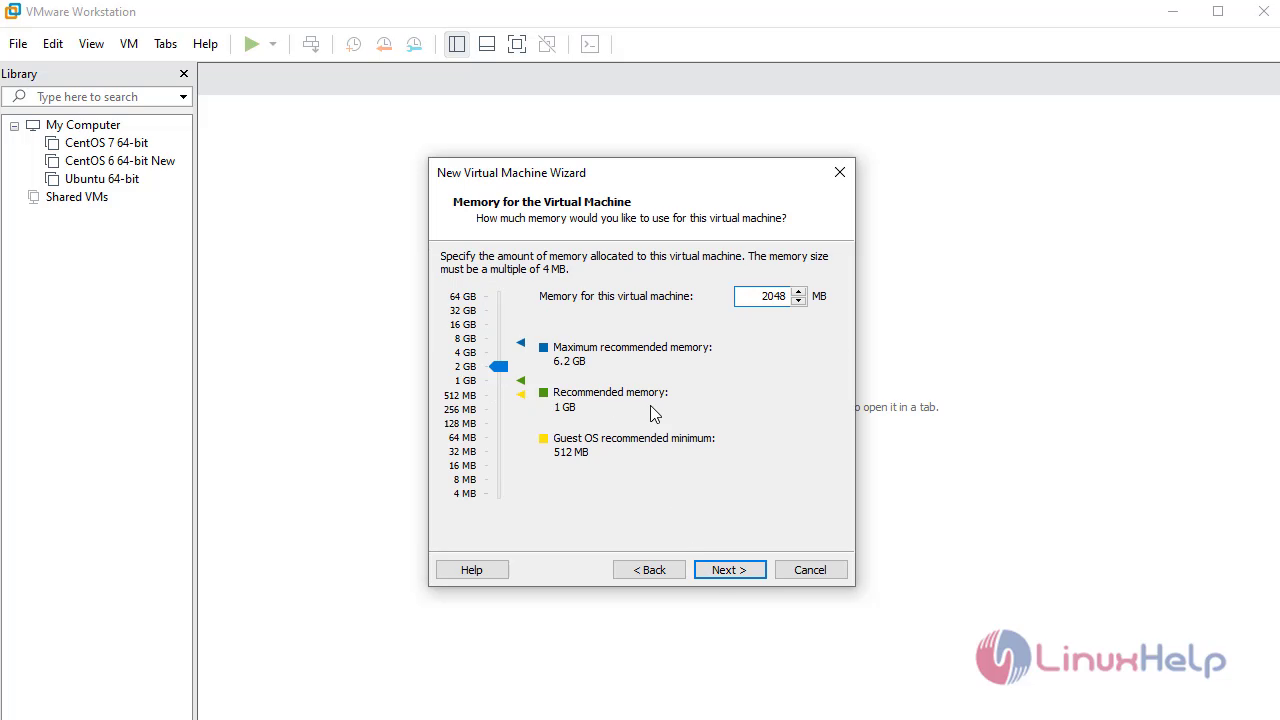
Select the Ram size for the vm
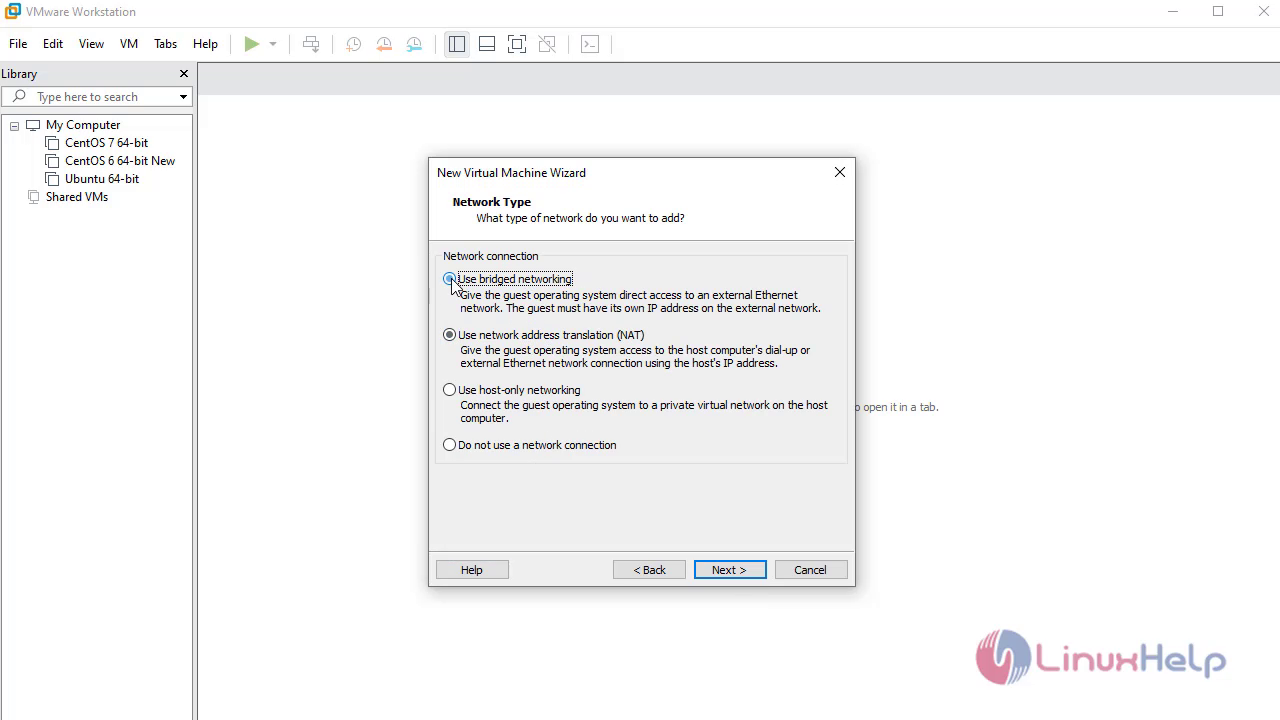
Choose Network Type
Specify the HDD capcity
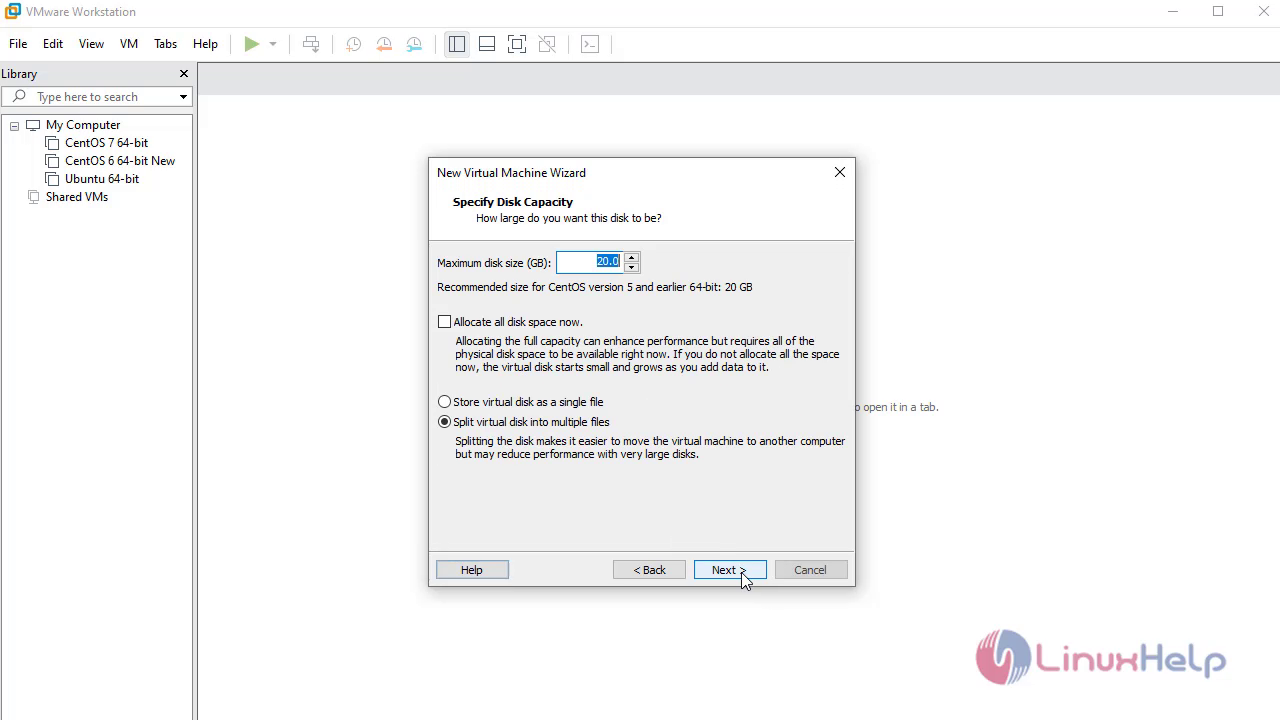
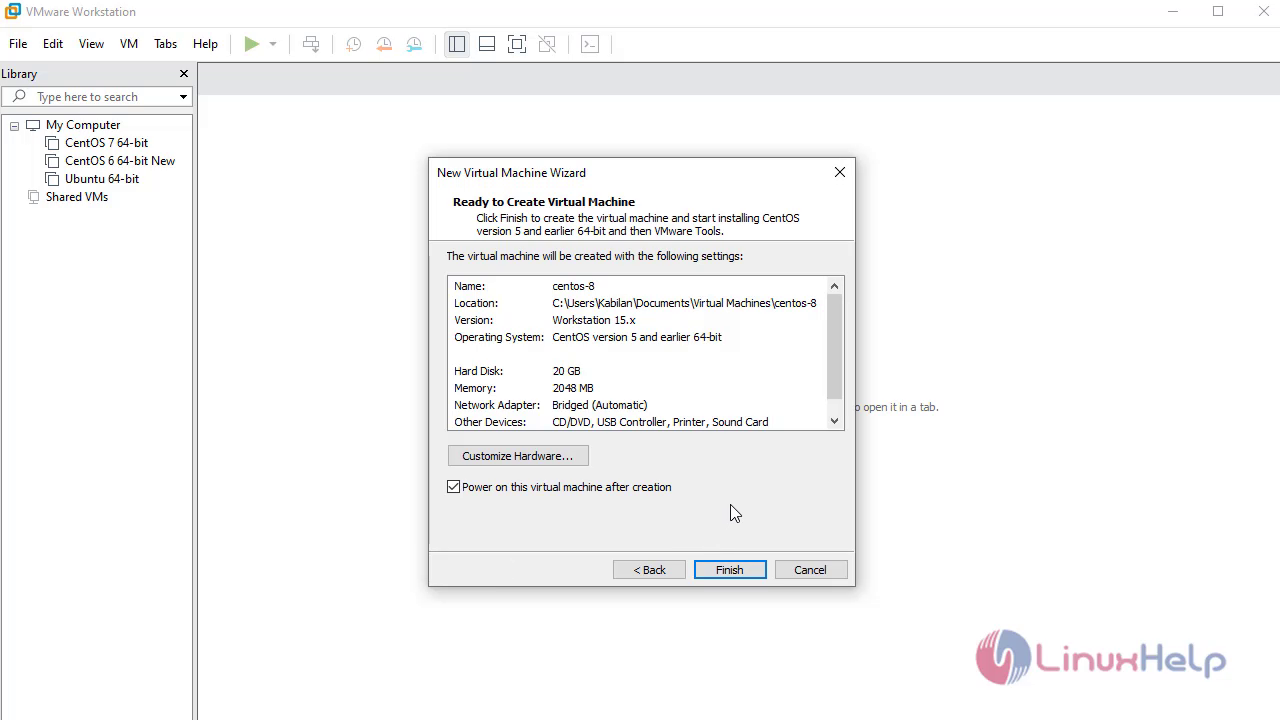
Click on finish to complete the setup
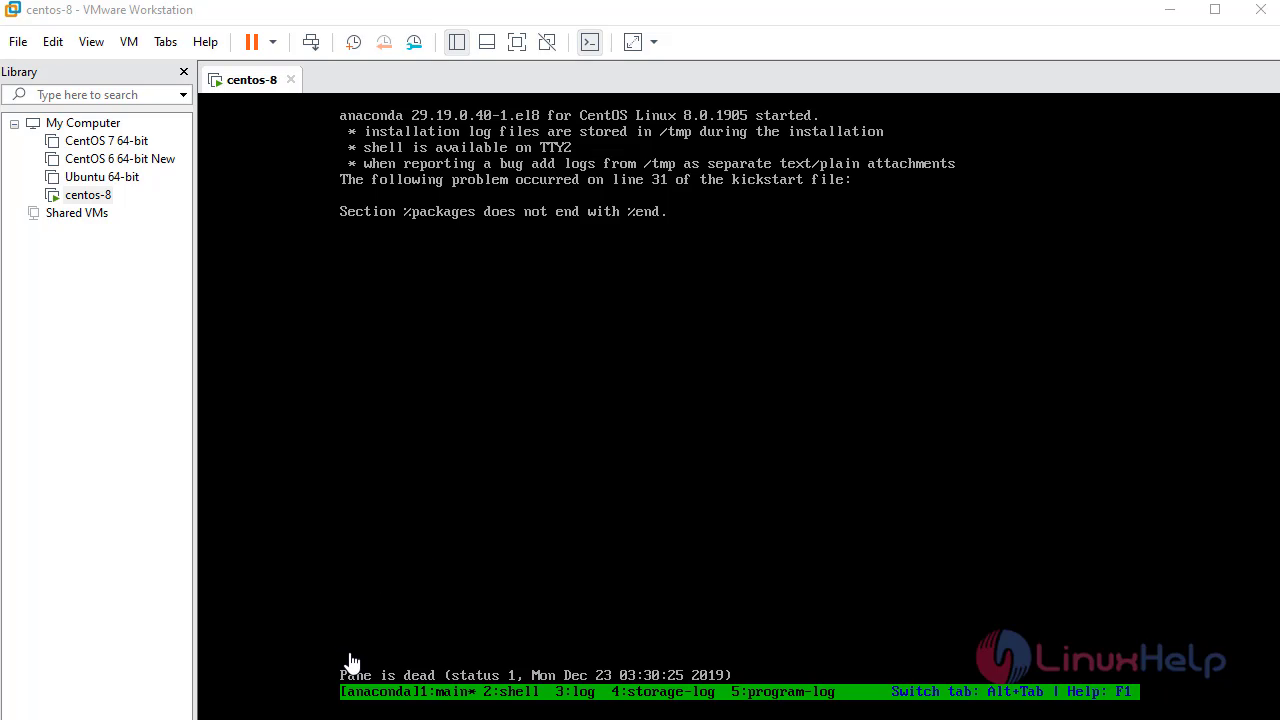
If you get the below error( Pane is dead )
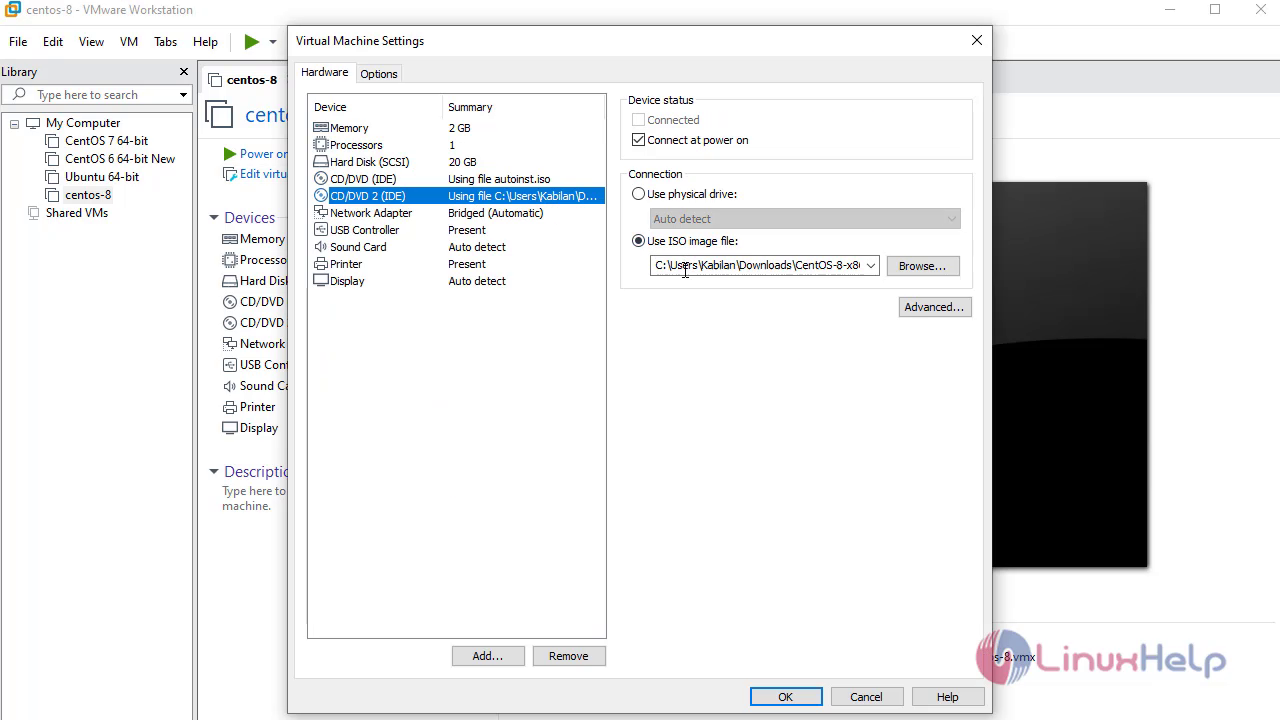
Power off the vm and edit the vm
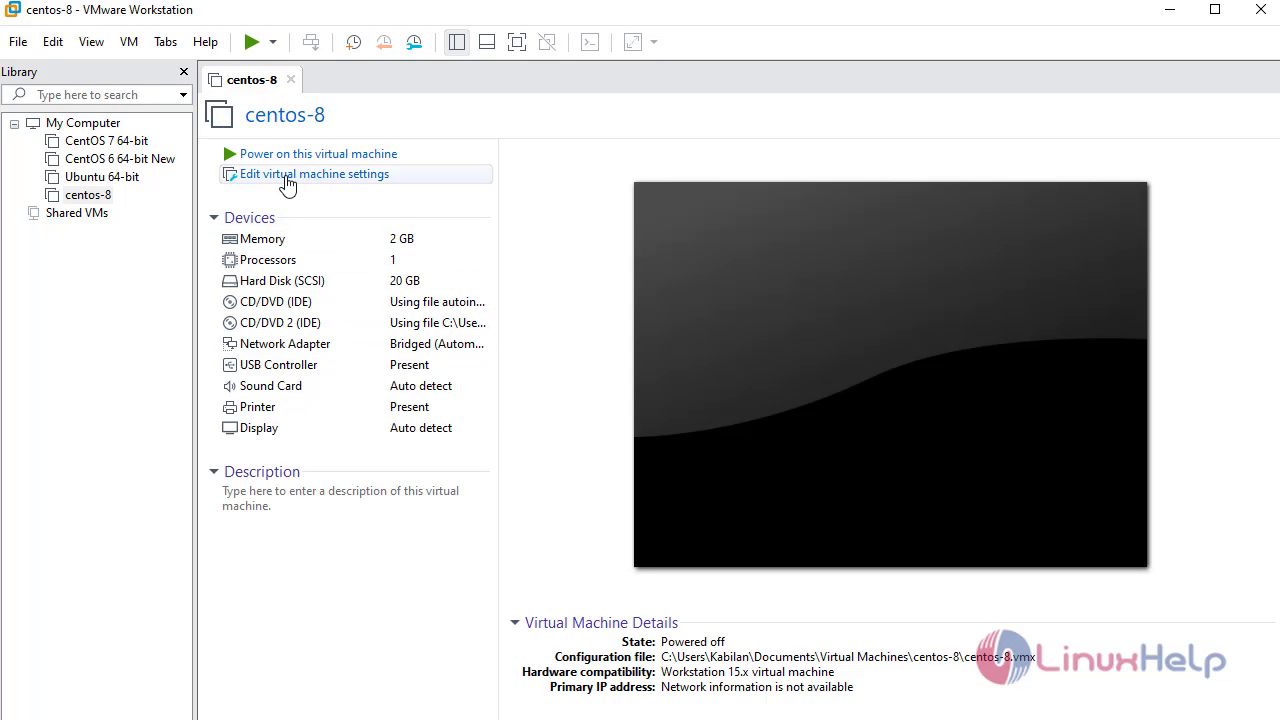
Remove the Unwanted CD drive
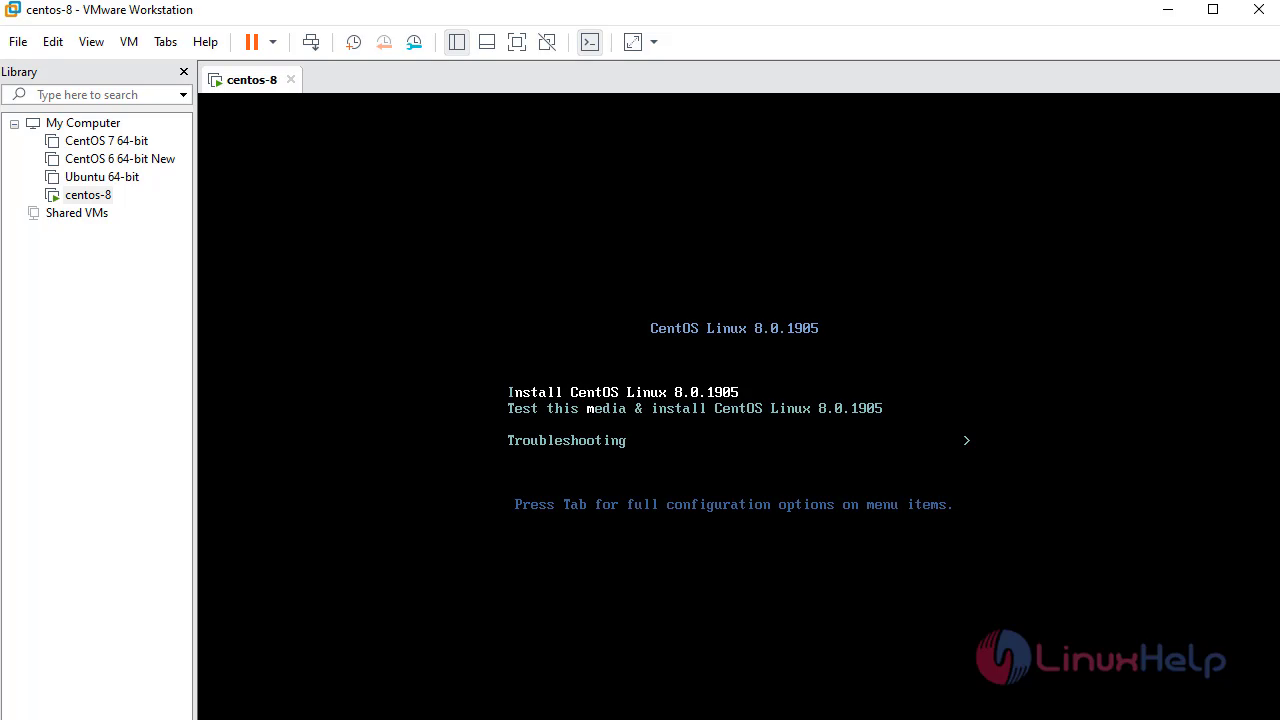
Select the first option to install centos8
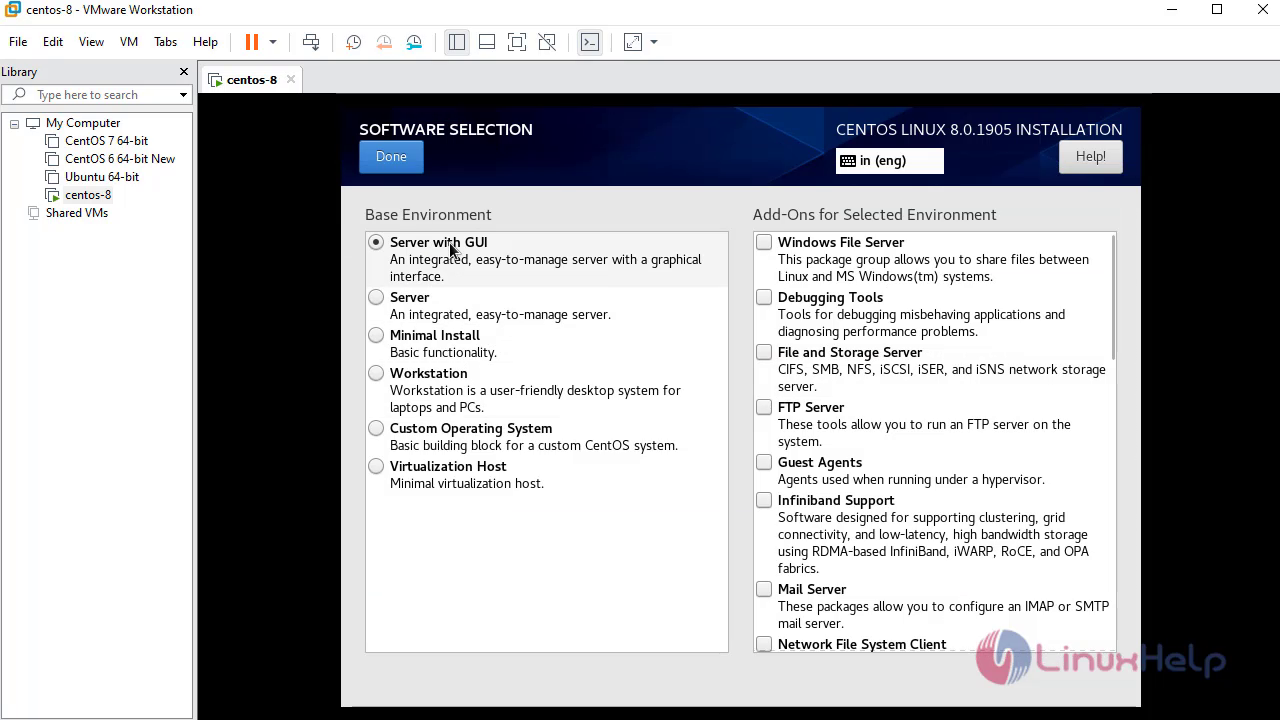
Select the software based on your requirement
Click on Installation destination to configure partition
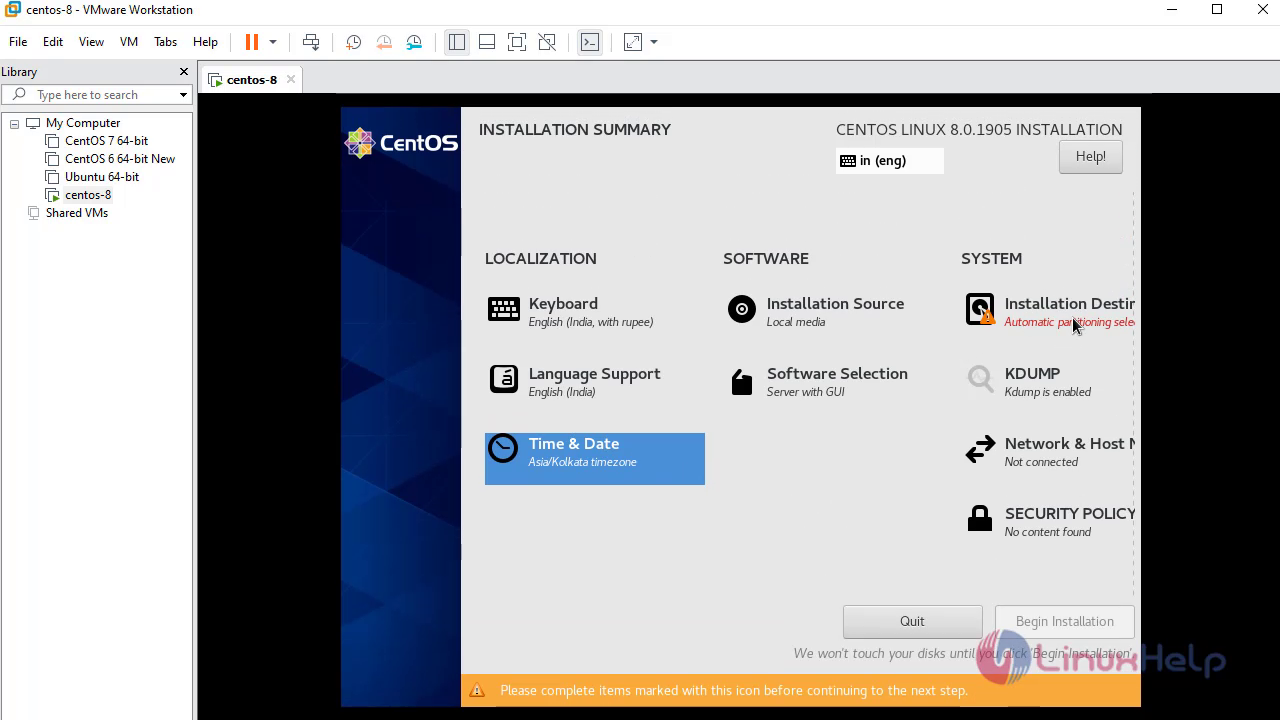
Click on Network to configure Network
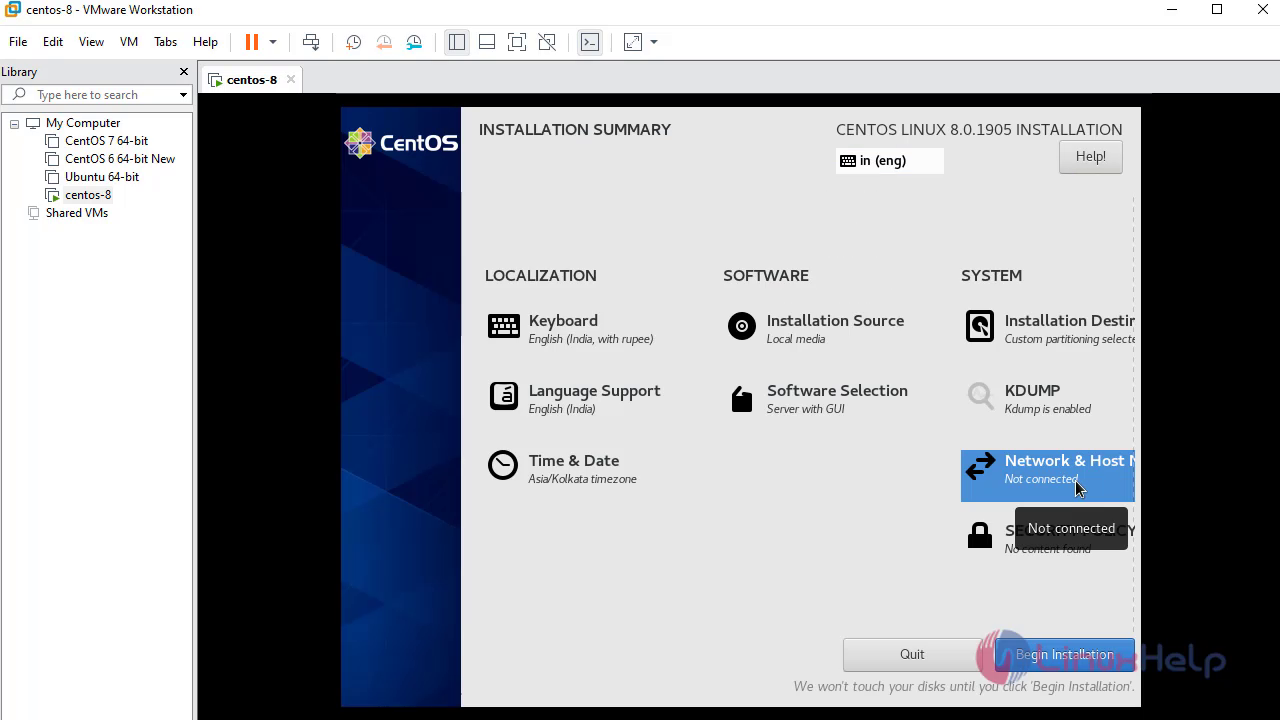
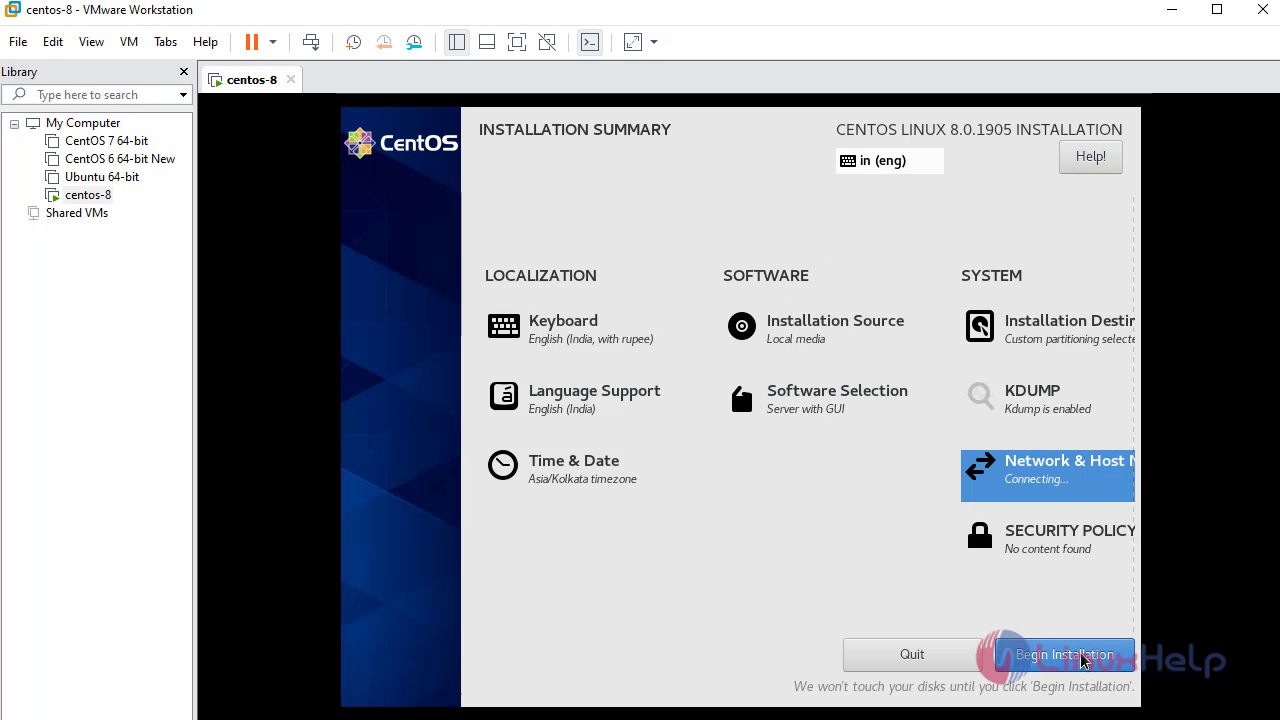
Click on Begin Installation to start the Installation
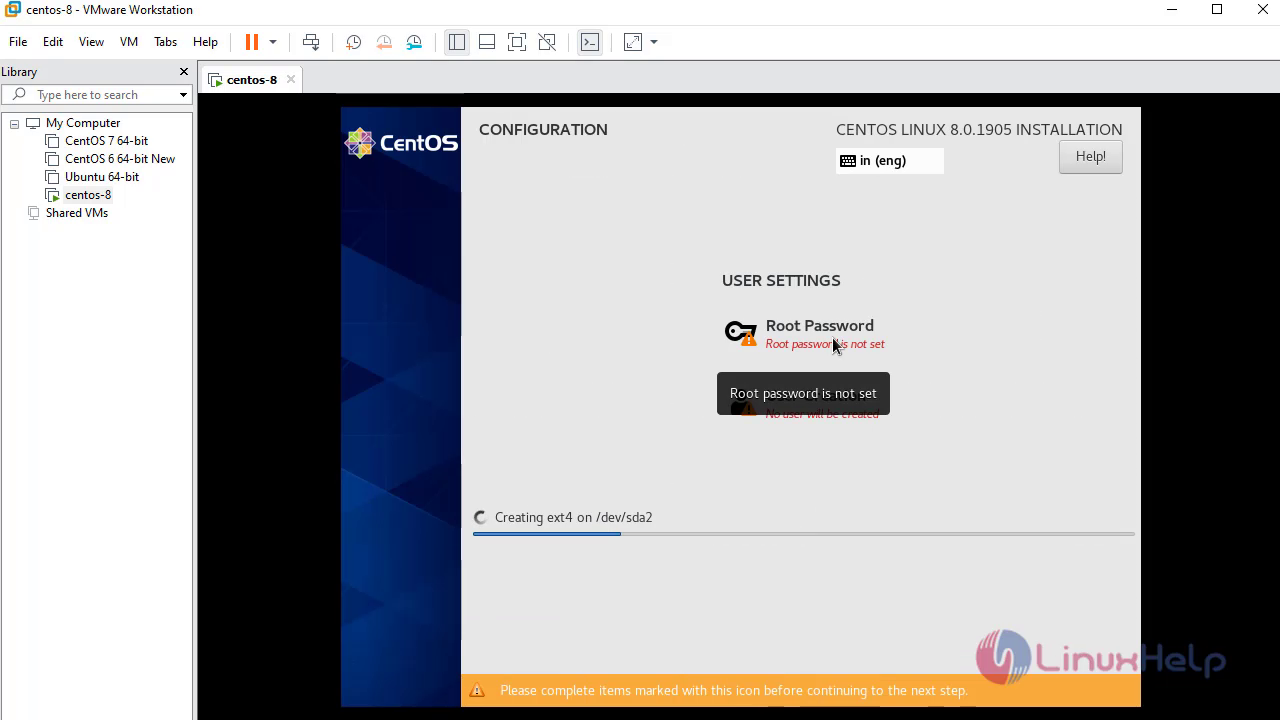
Click on Root Password option to set root password
Accept the License
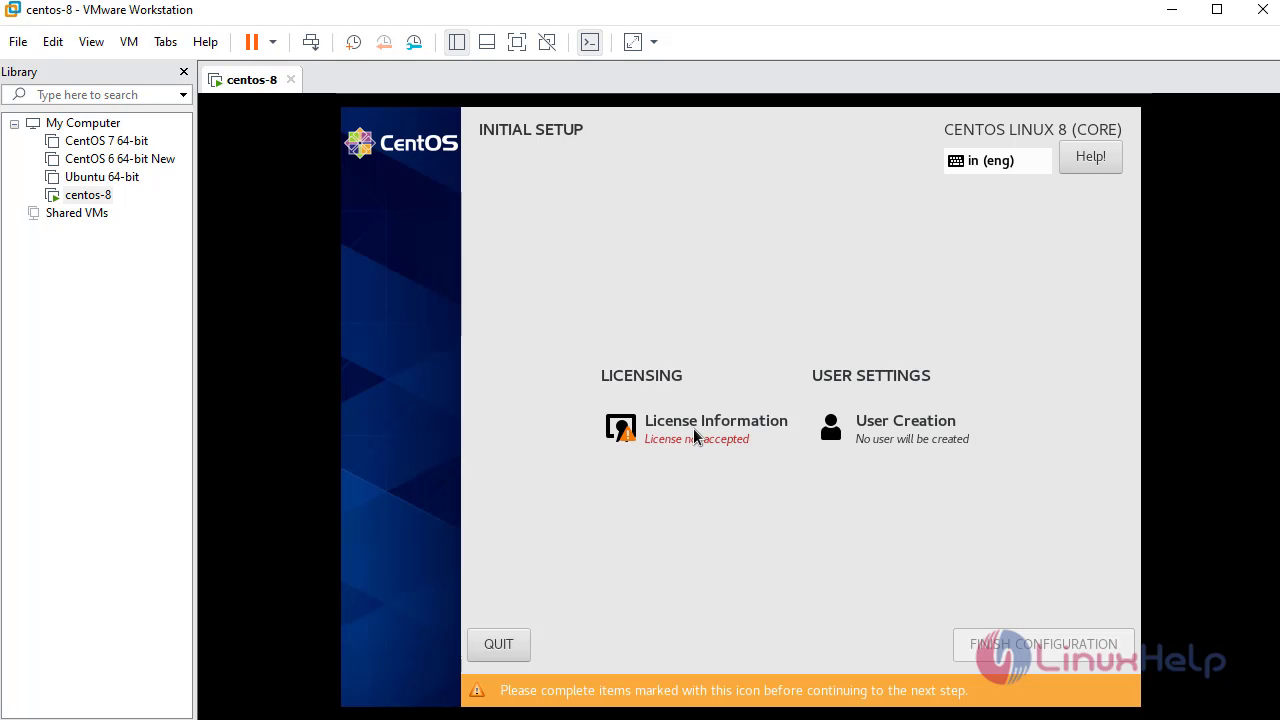
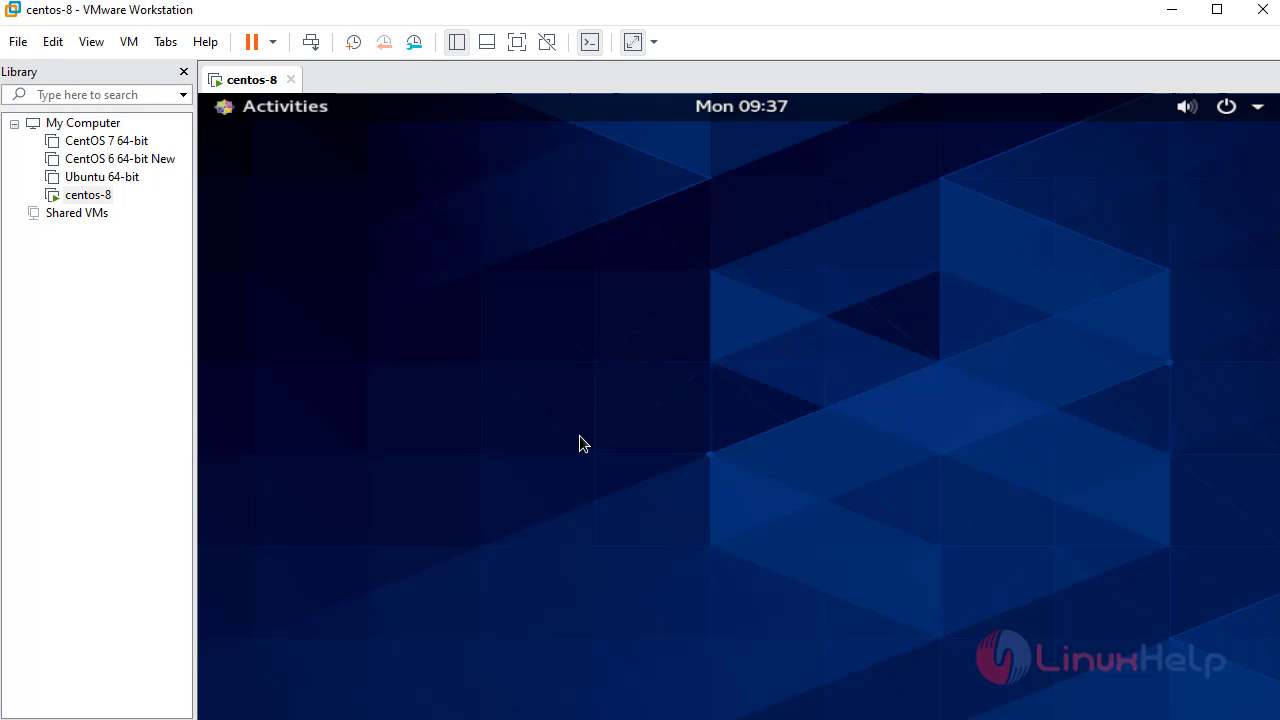
With, this the method to install Centos8 in VMware comes to end
Comments ( 0 )
No comments available