How to install Centreon on CentOS 7
How to install Centreon on CentOS 7
Centreon is a free Open Source monitoring software which allows an administrator to easily configure alerts based on thresholds, generate email alerts, add systems to be monitored quickly without the need of configuring complicated configuration files. Centreon offers flexible configuration through the differents architectures. This article will explain on how to install Centreon on CentOS 7.
Installation procedure
To start with the installation procedure, install the required dependent package such as HTTPD and MariaDB. Press y to continue with the installation procedure.
[root@linuxhelp Desktop]# yum install httpd mariadb-server &ndash y
Loaded plugins: fastestmirror, langpacks
Repodata is over 2 weeks old. Install yum-cron? Or run: yum makecache fast
base                                                     | 3.6 kB     00:00
extras                                                   | 3.4 kB     00:00
updates                                                  | 3.4 kB     00:00
.
.
.
Installed:
  httpd.x86_64 0:2.4.6-45.el7.centos.4   mariadb-server.x86_64 1:5.5.52-1.el7
Dependency Updated:
  mariadb-libs.x86_64 1:5.5.52-1.el7
Complete!
The packages are installed successfully. Now create a directory named mariadb.service.d/ under the directory path /etc/systemd/system by running the following command.
[root@linuxhelp Desktop]# mkdir -p /etc/systemd/system/mariadb.service.d/
Enter into that newly created directory by executing the following command.
[root@linuxhelp Desktop]# cd /etc/systemd/system/mariadb.service.d/
Create a conf file named limits.conf and enter the following lines in the file using vim editor.
[root@linuxhelp mariadb.service.d]# vim limits.conf
[Service]
LimitNOFILE=32000
~
~
Reload the daemon by executing the following command.
[root@linuxhelp mariadb.service.d]# systemctl daemon-reload
Now start the HTTPD and MariaDB services respectively.
[root@linuxhelp mariadb.service.d]# systemctl start mariadb httpd
Enable the HTTPD and MariaDB services by executing the following command.
[root@linuxhelp mariadb.service.d]# systemctl enable mariadb httpd
ln -s ' /usr/lib/systemd/system/mariadb.service'  ' /etc/systemd/system/multi-user.target.wants/mariadb.service'
ln -s ' /usr/lib/systemd/system/httpd.service'  ' /etc/systemd/system/multi-user.target.wants/httpd.service'
Now download the dependent package of centreon by executing the wget command followed by the download link.
[root@linuxhelp ~]# wget http://yum.centreon.com/standard/3.4/el7/stable/noarch/RPMS/centreon-release-3.4-4.el7.centos.noarch.rpm
--2017-08-17 23:59:42--  http://yum.centreon.com/standard/3.4/el7/stable/noarch/RPMS/centreon-release-3.4-4.el7.centos.noarch.rpm
Resolving yum.centreon.com (yum.centreon.com)... 52.222.190.207, 52.222.190.230, 52.222.190.196, ...
Connecting to yum.centreon.com (yum.centreon.com)|52.222.190.207|:80... connected.
.
.
100%[======================================> ] 4,308       --.-K/s   in 0s

2017-08-17 23:59:42 (388 MB/s) - ‘ centreon-release-3.4-4.el7.centos.noarch.rpm’  saved [4308/4308]
Install the dependent package of centreon by running the following command.
[root@linuxhelp ~]# yum install --nogpgcheck centreon-release-3.4-4.el7.centos.noarch.rpm
Loaded plugins: fastestmirror, langpacks
Examining centreon-release-3.4-4.el7.centos.noarch.rpm: centreon-release-3.4-4.el7.centos.noarch
.
.
Installed:
  centreon-release.noarch 0:3.4-4.el7.centos
Complete!
Now install the centreon package by running the install command in the target system.
[root@linuxhelp ~]# yum install centreon-base-config-centreon-engine centreon
Loaded plugins: fastestmirror, langpacks
centreon-stable                                          | 2.9 kB     00:00
centreon-stable-noarch                                   | 2.9 kB     00:00
(1/2): centreon-stable/x86_64/primary_db                 |  82 kB   00:00
.
.
  libdb.x86_64 0:5.3.21-19.el7
  libdb-utils.x86_64 0:5.3.21-19.el7
  net-snmp-libs.x86_64 1:5.7.2-24.el7_3.2
Complete!
Configure the timezone of the application by making the following changes in the php-timezone.ini file.
[root@linuxhelp ~]# vim /etc/php.d/php-timezone.ini
date.timezone = Etc/UTC
~
Next enable the snmpd and snmptrapd services by running the following command.
[root@linuxhelp ~]# systemctl enable snmpd snmptrapd
ln -s ' /usr/lib/systemd/system/snmpd.service'  ' /etc/systemd/system/multi-user.target.wants/snmpd.service'
ln -s ' /usr/lib/systemd/system/snmptrapd.service'  ' /etc/systemd/system/multi-user.target.wants/snmptrapd.service'
Restart the HTTPD and MariaDB services.
[root@linuxhelp ~]# systemctl restart httpd mariadb
Now switch over to your browser and execute the machine' s IP address followed by the centreon link. Click next to go to the installation wizard.
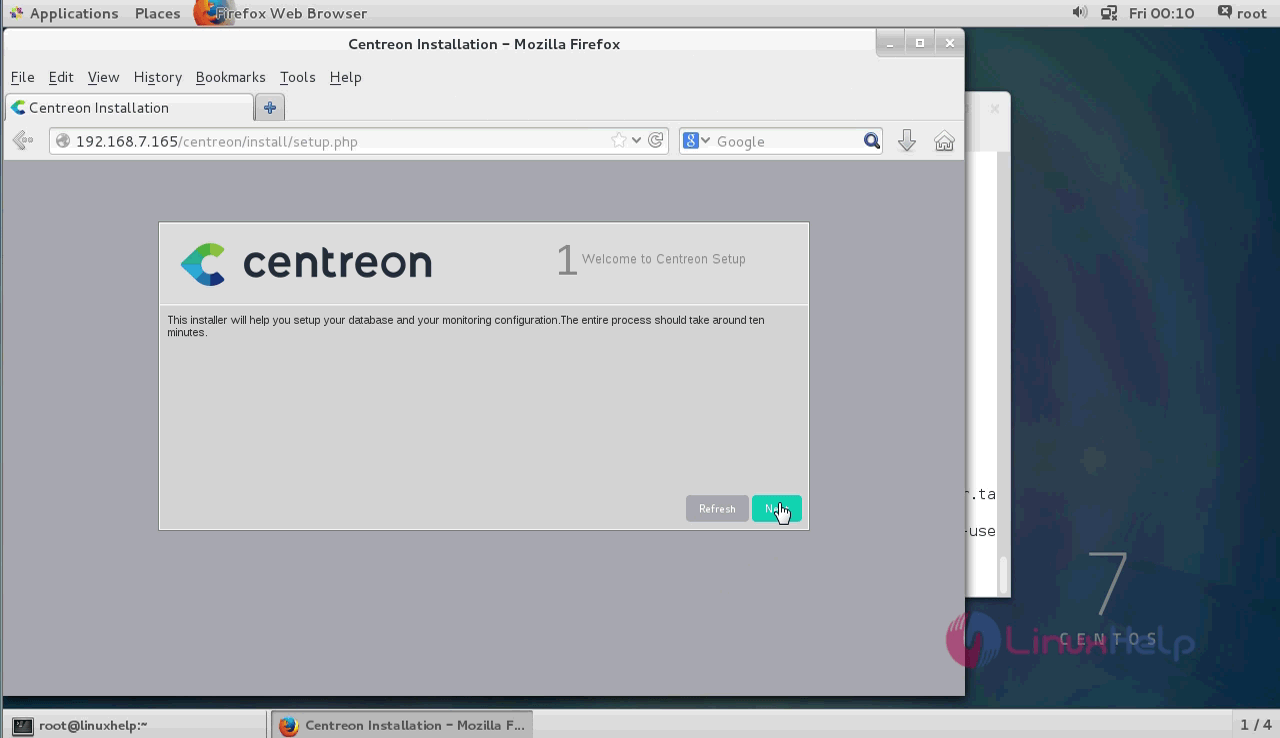
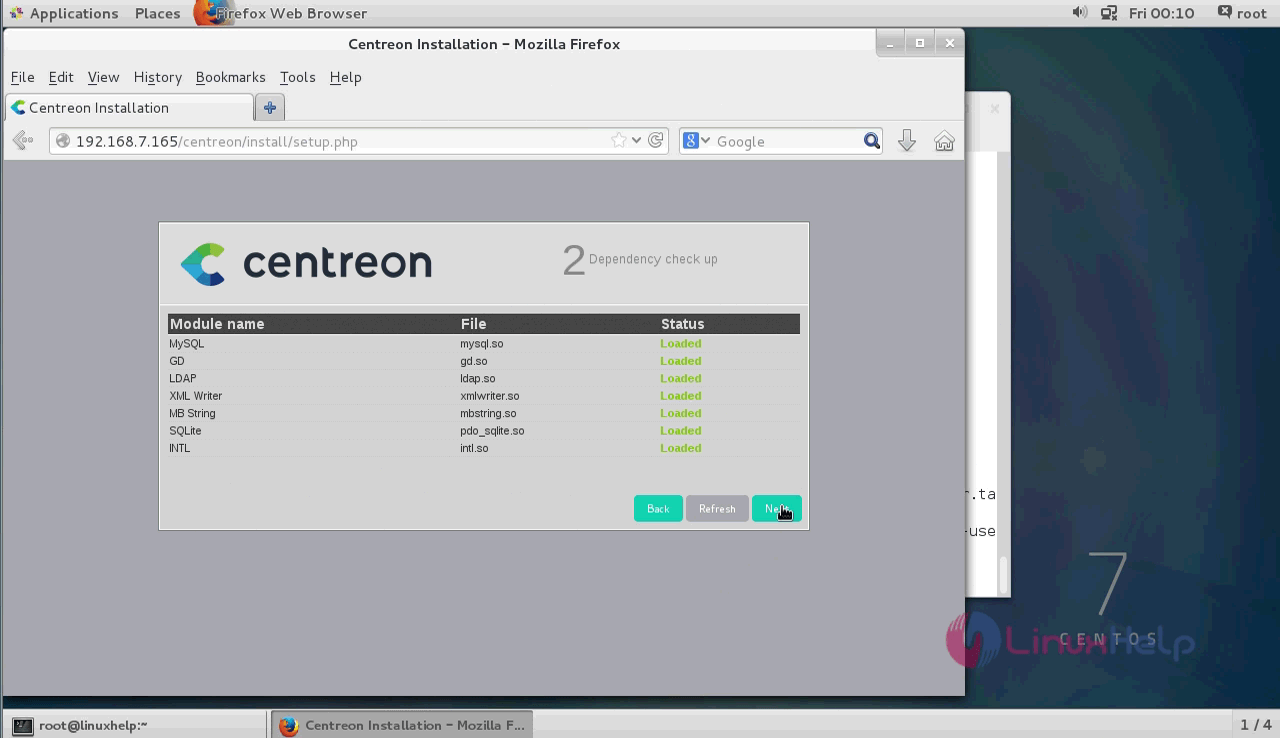
This page contains the dependent softwares with the centreon and click next.
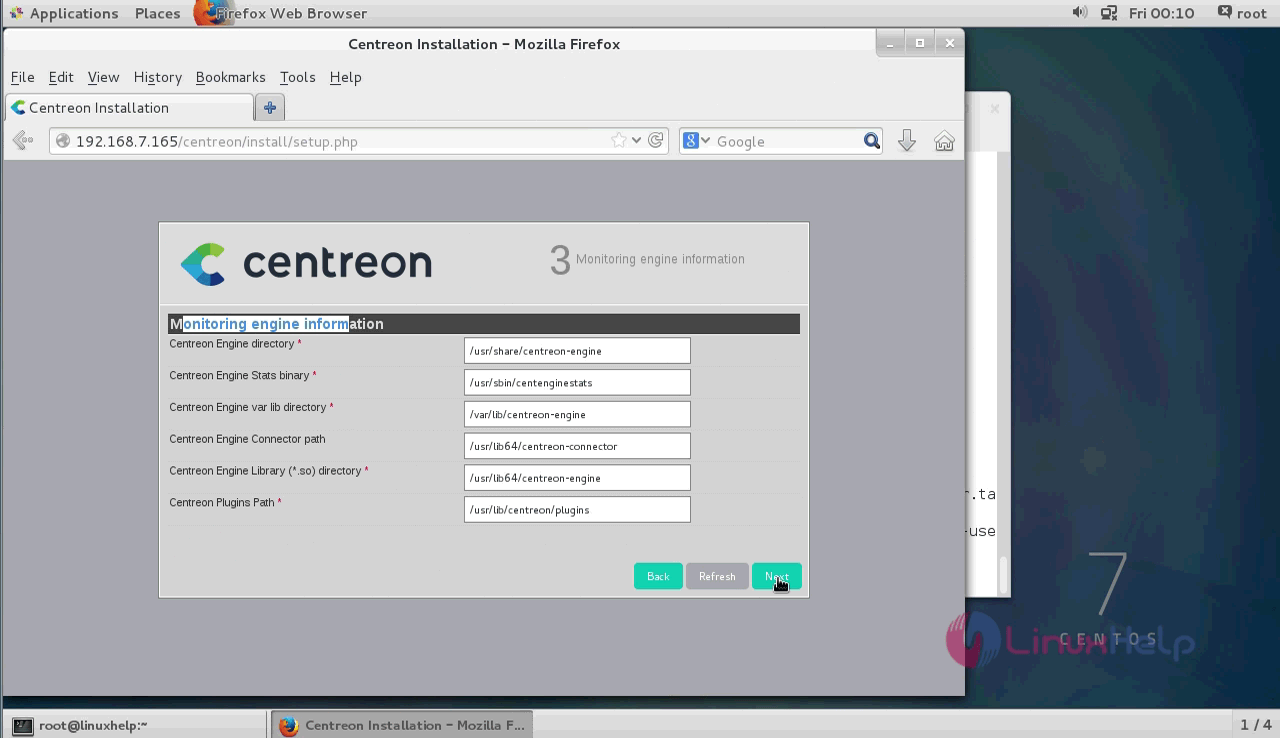
This page shows the monitoring engine information. Check the requirements and click next.
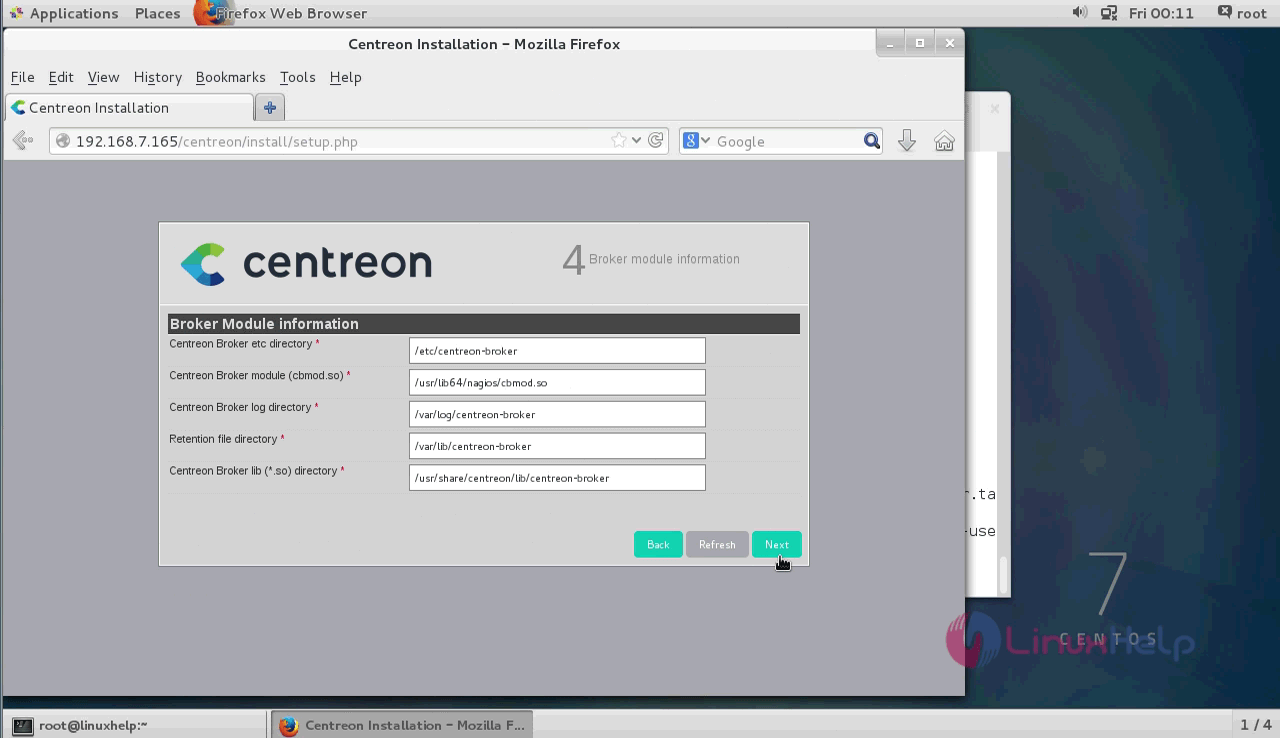
Now it shows the Broker module information and click next option.
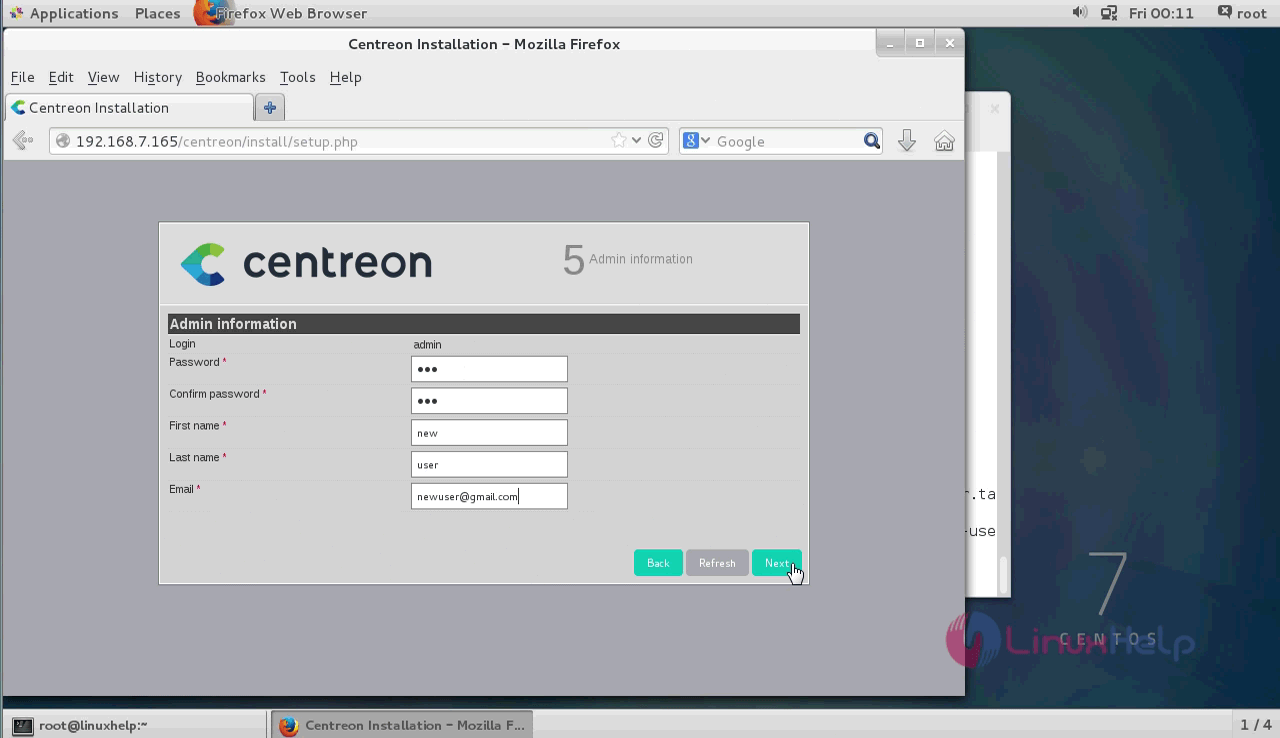
This page contains the admin information. Fill it with required admin details and click next.
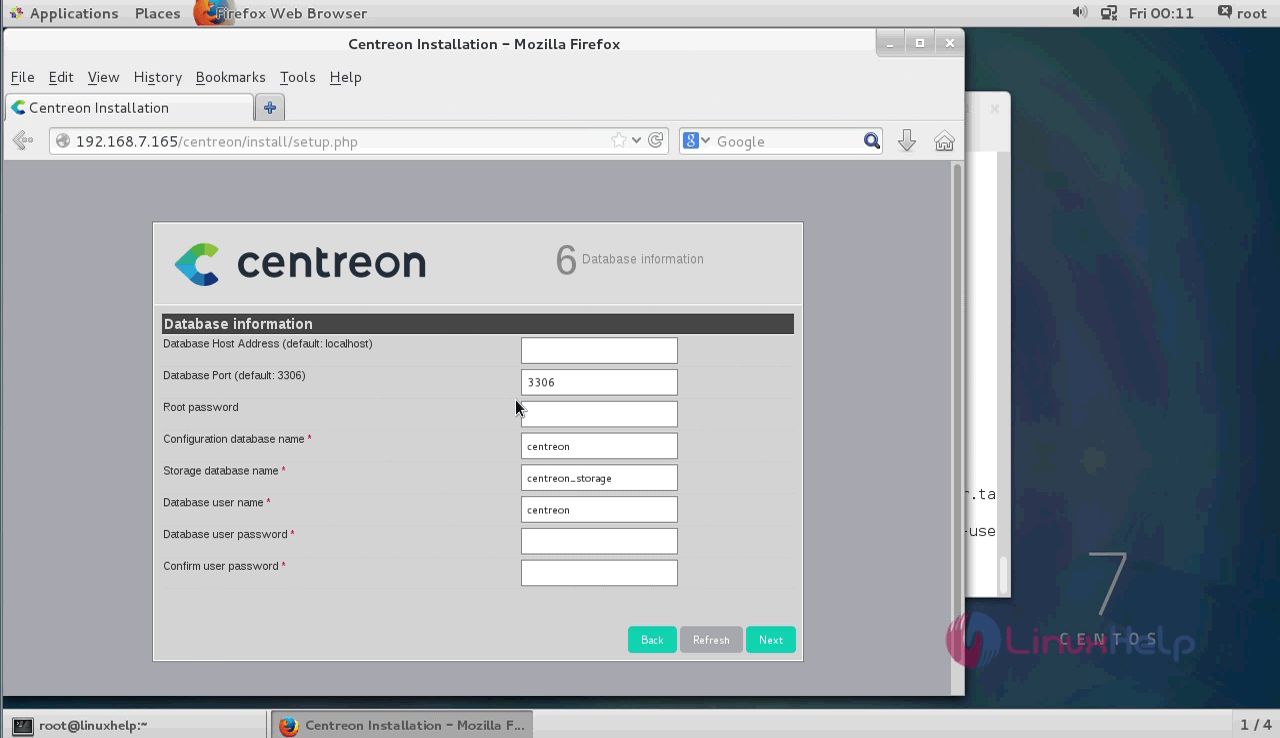
Next fill the database details and click next.
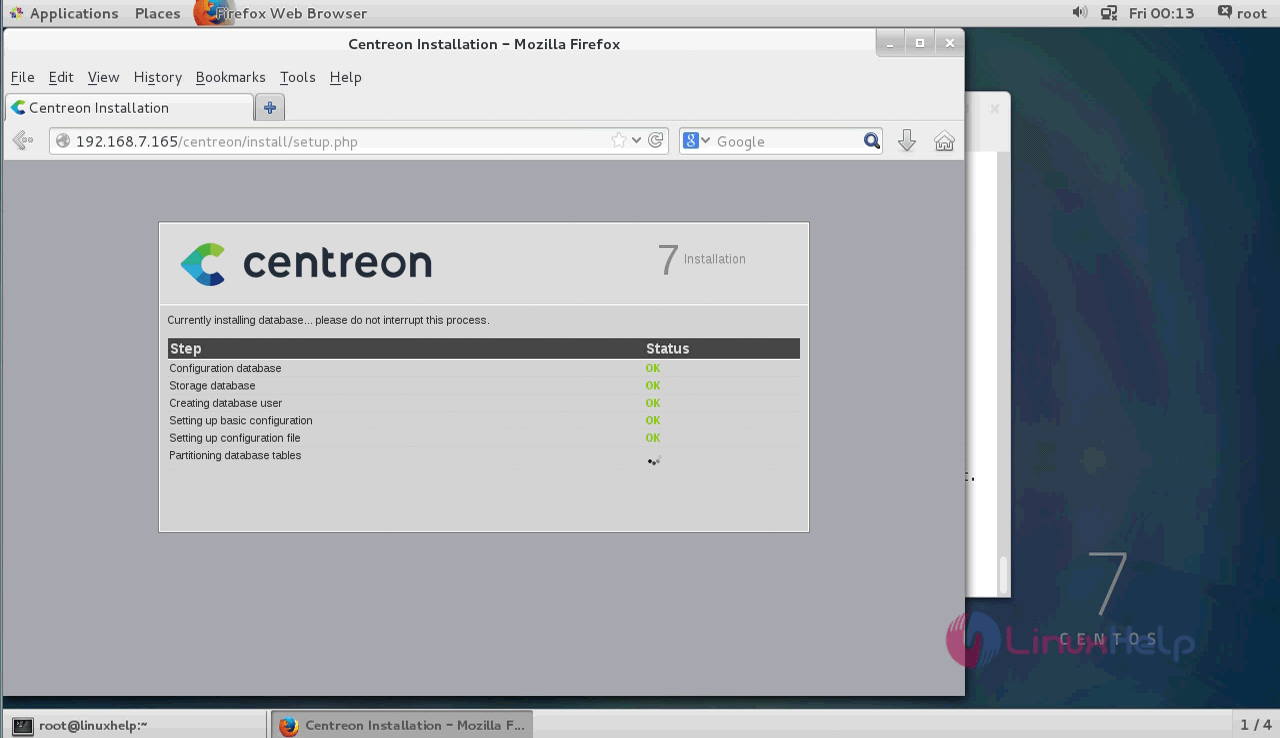
Check the database informations that is displayed in the wizard and click next.
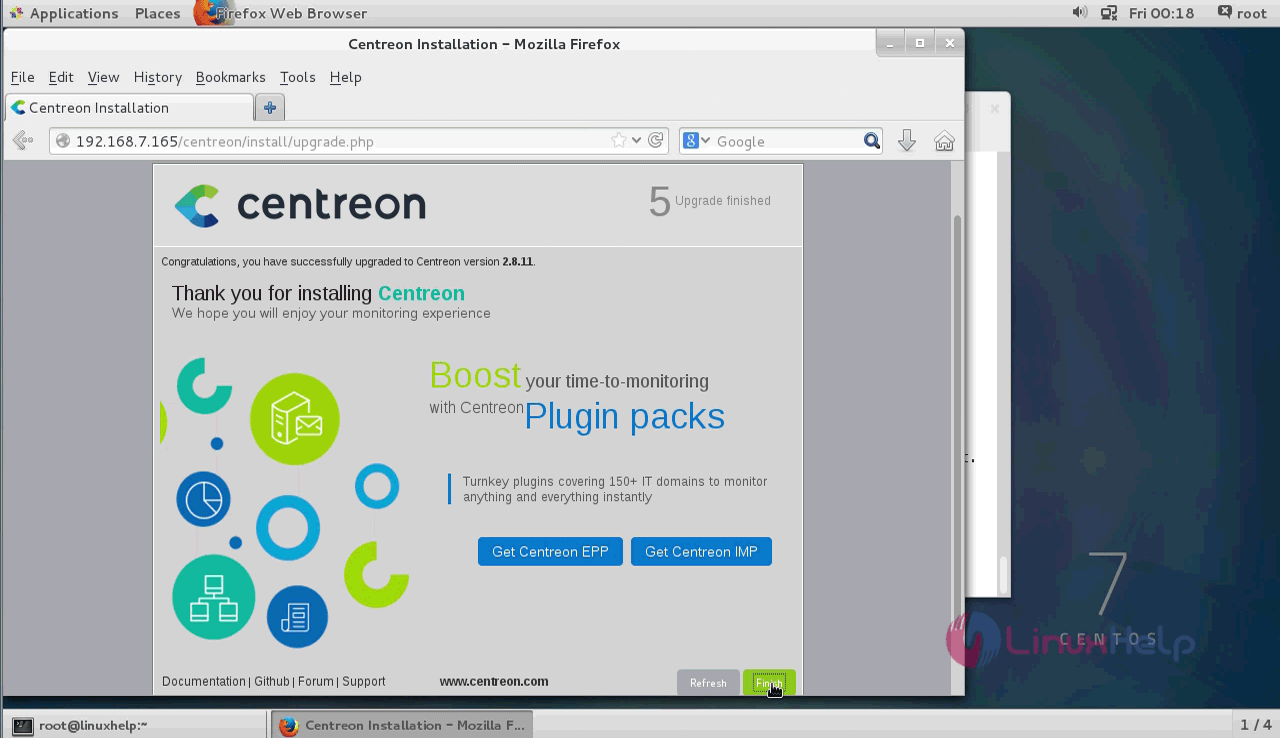
The installation process is complete. Now the centreon welcome page is shown in the browser and click next.
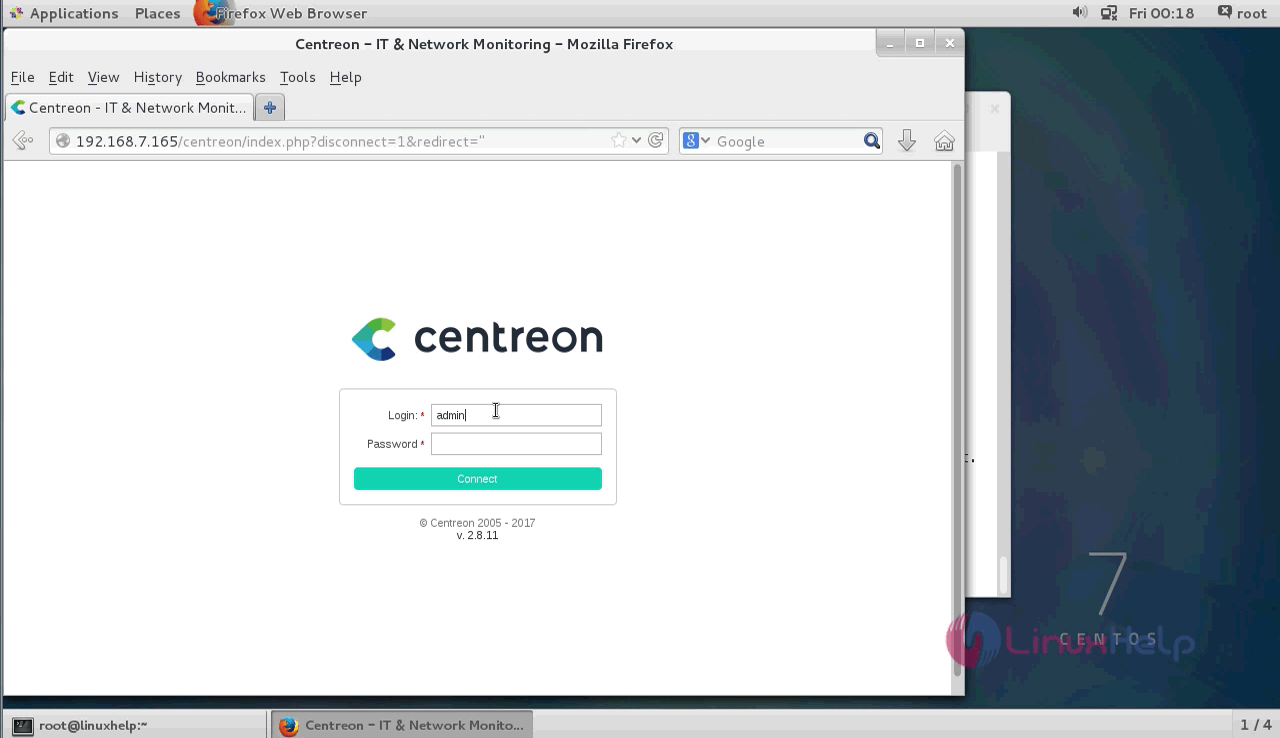
The login page is shown on the scree. Enter the login credentials and click login.
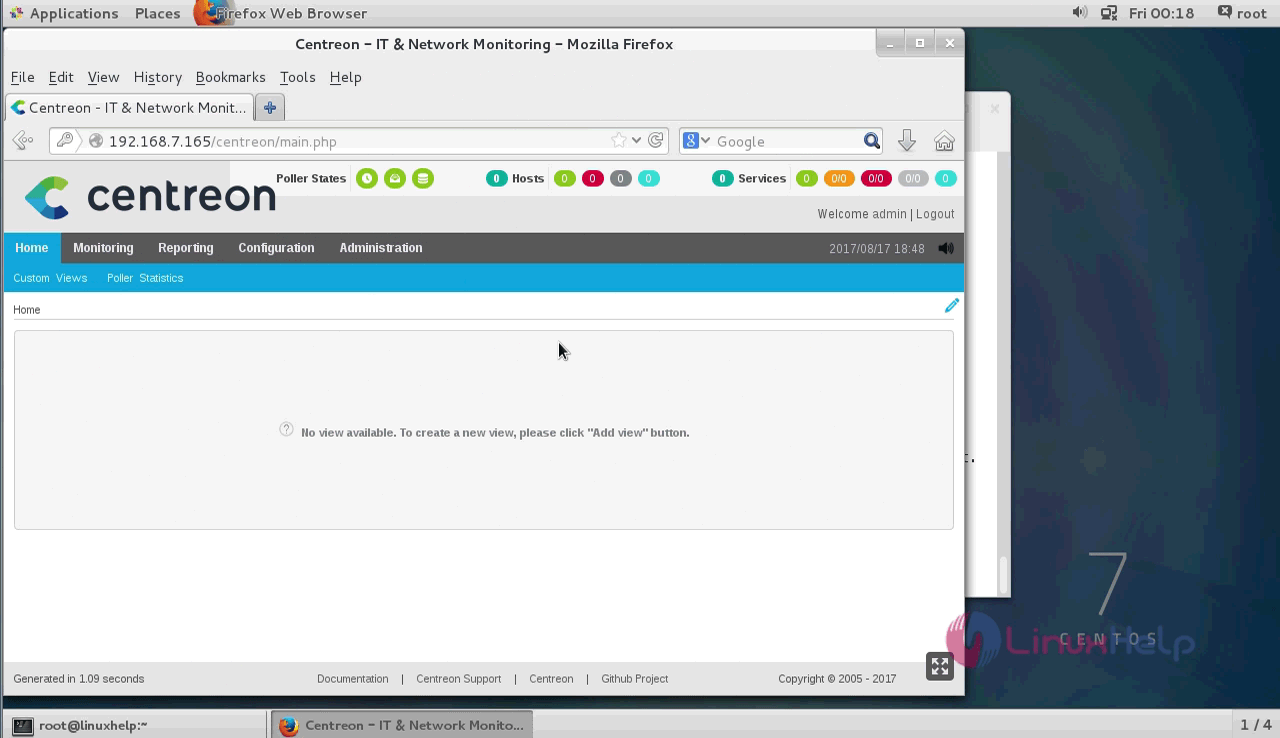
The home page of centreon is shown below.
The installation procedure of Centreon is complete.
Comments ( 0 )
No comments available