How to install Cherrytree 0.37.6 on Ubuntu 18.04
{{postValue.id}}
To install Cherrytree 0.37.6 on Ubuntu 18.04
Cherrytree is a lightweight text editor. It’ s used for image handling, password protection etc. It stores data as a single XML or SQLite file. It also provides a feature to copy/paste the hyperlinks from the other apps. It is so simple to install Cherrytree 0.37.6 on Ubuntu 18.04 and this tutorial covers the method to install Cherrytree 0.37.6 on Ubuntu 18.04.
Installing Cherrytree
Now we have to download a Cherrytree package using this following URL.
root@linuxhelp1:~# wget http://www.giuspen.com/software/cherrytree_0.37.6-1_all.deb
--2018-05-26 05:20:18--  http://www.giuspen.com/software/cherrytree_0.37.6-1_all.deb
Resolving www.giuspen.com (www.giuspen.com)... 89.40.172.66
Connecting to www.giuspen.com (www.giuspen.com)|89.40.172.66|:80... connected.
HTTP request sent, awaiting response... 200 OK
Length: 654480 (639K) [application/x-debian-package]
Saving to: ‘ cherrytree_0.37.6-1_all.deb’

cherrytree_0.37.6-1_all 100%[==============================> ] 639.14K  --.-KB/s    in 0.02s

2018-05-26 05:20:22 (35.8 MB/s) - ‘ cherrytree_0.37.6-1_all.deb’  saved [654480/654480]
Now we have to install gdebi package, which will use resolving the dependencies due to installing any Debian packages.
root@linuxhelp1:~# apt-get install gdebi -y
Reading package lists... Done
Building dependency tree
Reading state information... Done
The following packages were automatically installed and are no longer required:
  apache2-bin apache2-data apache2-utils libapr1 libaprutil1 libaprutil1-dbd-sqlite3
  libaprutil1-ldap linux-headers-4.15.0-13 linux-headers-4.15.0-13-generic
  linux-image-4.15.0-13-generic linux-image-extra-4.15.0-13-generic
Use ' sudo apt autoremove'  to remove them.
.
.
Setting up gdebi-core (0.9.5.7+nmu2) ...
Setting up gnome-icon-theme (3.12.0-3) ...
update-alternatives: using /usr/share/icons/gnome/scalable/places/debian-swirl.svg to provide /usr/share/icons/gnome/scalable/places/start-here.svg (start-here.svg) in auto mode
Processing triggers for man-db (2.8.3-2) ...
Processing triggers for gnome-menus (3.13.3-11ubuntu1) ...
Setting up libpango-perl (1.227-2build1) ...
Setting up gdebi (0.9.5.7+nmu2) ...
Setting up libgtk2-perl (2:1.24992-1build1) ...

Now we have to install a Cherrytree using the Gdebi command
root@linuxhelp1:~# gdebi cherrytree_0.37.6-1_all.deb
Reading package lists... Done
Building dependency tree
Reading state information... Done
Reading state information... Done
Requires the installation of the following packages: libappindicator1 libgtksourceview2.0-0 libgtksourceview2.0-common libindicator7 p7zip p7zip-full python-appindicator python-cairo python-chardet python-dbus python-enchant python-gi python-gobject python-gobject-2 python-gtk2 python-gtksourceview2 python-pkg-resources
.
.
Setting up cherrytree (0.37.6-1) ...
Processing triggers for man-db (2.8.3-2) ...
Processing triggers for shared-mime-info (1.9-2) ...
Processing triggers for hicolor-icon-theme (0.17-2) ...
Processing triggers for gnome-menus (3.13.3-11ubuntu1) ...
Processing triggers for desktop-file-utils (0.23-1ubuntu3) ...
Processing triggers for mime-support (3.60ubuntu1) ...
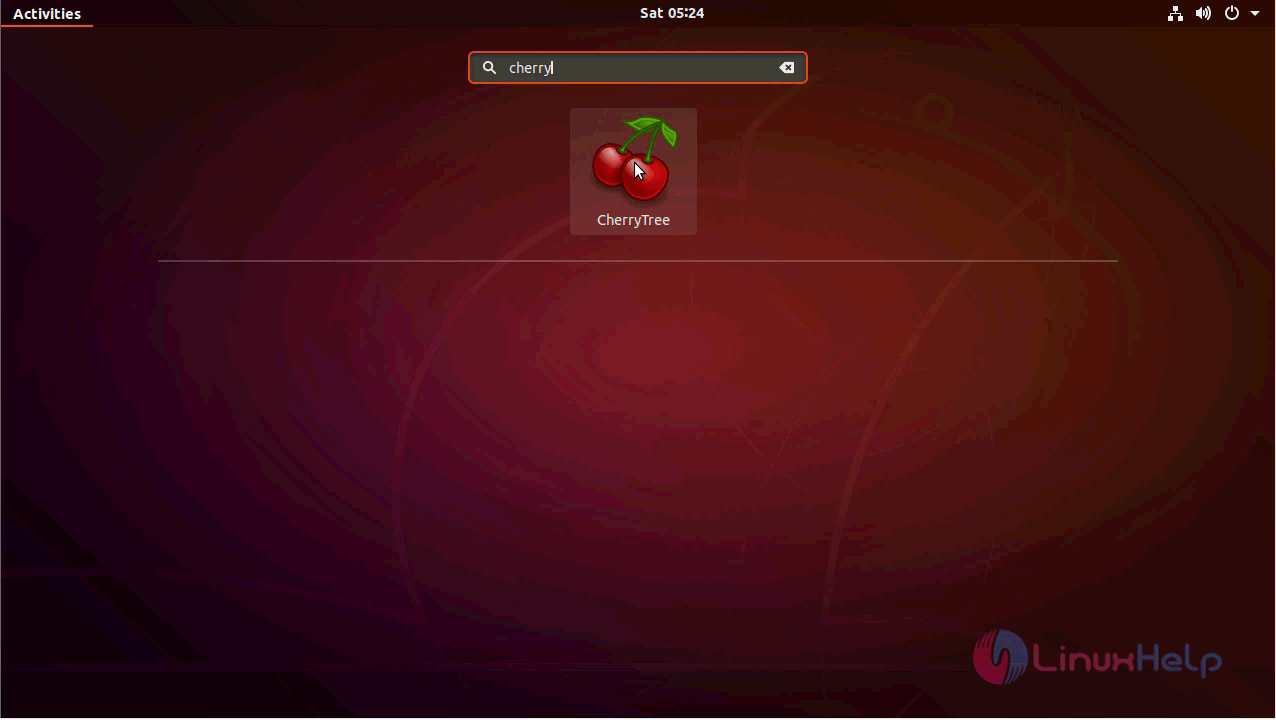
Now we have to open an Ubuntu menu and type Cherrytree on the menu.
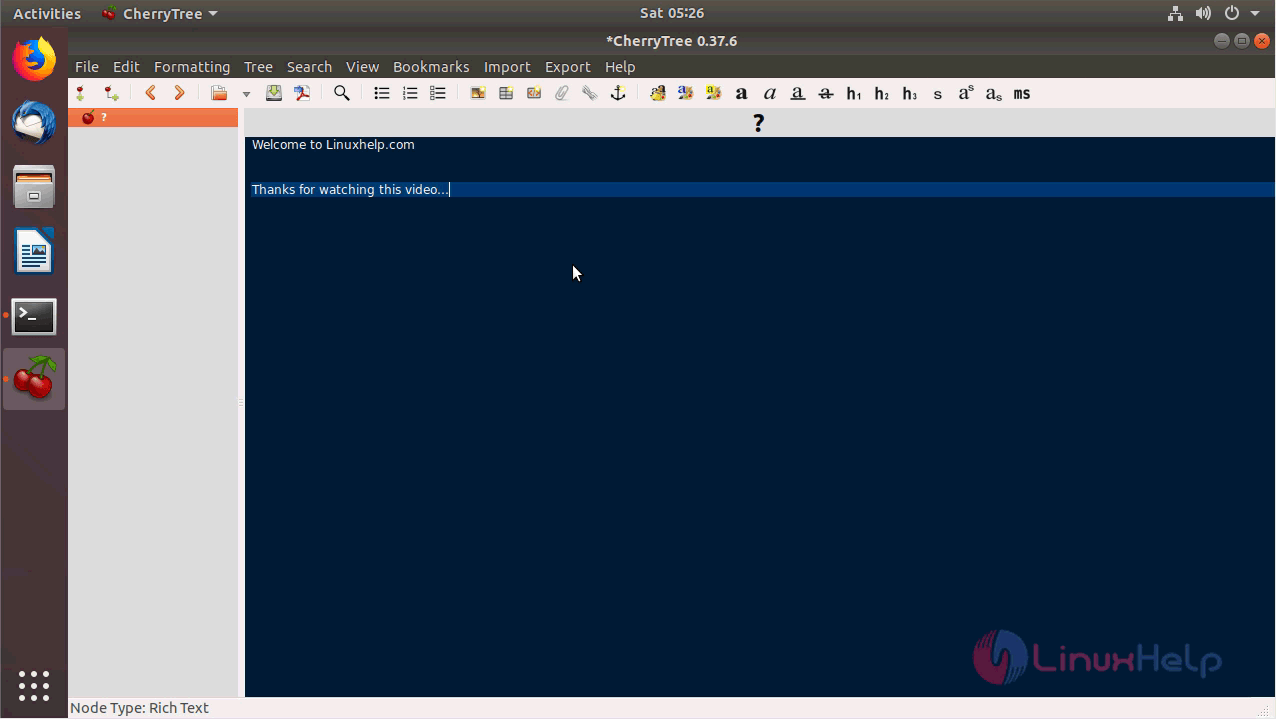
Now we are getting to open a Cherrytree.
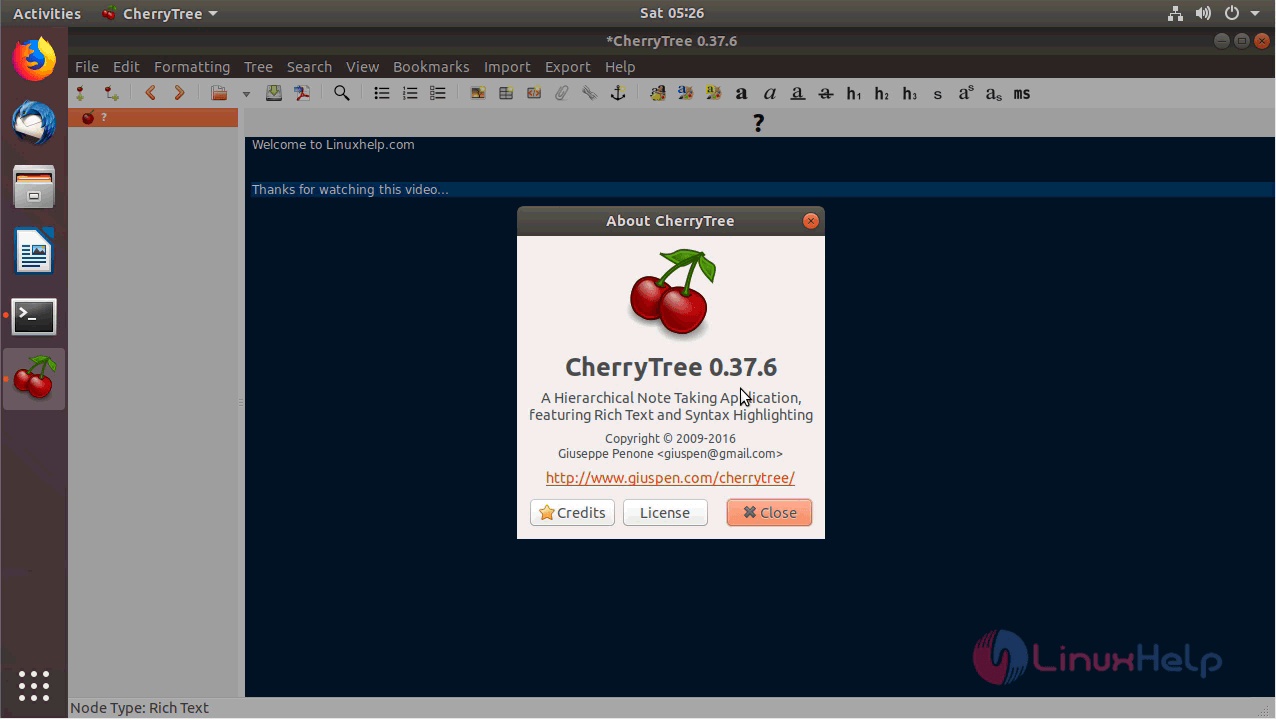
Here it will show a version of Cherrytree.
With this, the method to install Cherrytree comes to an end.
Comments ( 0 )
No comments available