How to install Chrome latest version 76.0 on opensuse 15.1
{{postValue.id}}
Installation Of Chrome on opensuse15.1
Link to install add repository
http://dl.google.com/linux/chrome/rpm/stable/x86_64 Google-Chrome
Link to download the public key of chrome
https://dl.google.com/linux/linux_signing_key.pub
Installation Procedure
To check the installed version of os
LinuxHelp:~ # cat /etc/os-release
NAME="openSUSE Leap"
VERSION="15.1 "
ID="opensuse-leap"
ID_LIKE="suse opensuse"
VERSION_ID="15.1"
HOME_URL="https://www.opensuse.org/"
Add the repository to system using following command
LinuxHelp:~ # zypper addrepo http://dl.google.com/linux/chrome/rpm/stable/x86_64 Google-Chrome
Adding repository 'Google-Chrome' ................................................................................................................................................[done]
Repository 'Google-Chrome' successfully added
URI         : http://dl.google.com/linux/chrome/rpm/stable/x86_64
Enabled     : Yes
GPG Check   : Yes
Autorefresh : No
Priority    : 99 (default priority)
Repository priorities are without effect. All enabled repositories share the same priority.
Use the below link to download google chrome public key
LinuxHelp:~ # wget https://dl.google.com/linux/linux_signing_key.pub
--2019-07-31 12:31:26--  https://dl.google.com/linux/linux_signing_key.pub
Resolving dl.google.com (dl.google.com)... 172.217.166.78, 2404:6800:4009:80d::200e
…….
Length: 8038 (7.8K) [application/octet-stream]
Saving to: ‘linux_signing_key.pub’
linux_signing_key.pub                         100%[=================================================================================================>]   7.85K  --.-KB/s    in 0.006s
2019-07-31 12:31:26 (1.34 MB/s) - ‘linux_signing_key.pub’ saved [8038/8038]
After public key downloaded, use the below command to import chrome’s public key
LinuxHelp:~ # rpm --import linux_signing_key.pub
To Install the chrome browser
LinuxHelp:~ # zypper install google-chrome-stable
Building repository 'Google-Chrome' cache ........................................................................................................................................[done]
Loading repository data...
Reading installed packages...
Resolving package dependencies...
……………
Retrieving: libappindicator3-1-12.10.1+bzr20170215-lp151.4.2.x86_64.rpm ..........................................................................................................[done]
Retrieving package google-chrome-stable-76.0.3809.87-1.x86_64                                                                                      (6/6),  56.6 MiB (200.5 MiB unpacked)
Retrieving: google-chrome-stable-76.0.3809.87-1.x86_64.rpm ...........................................................................................................[done (1.0 MiB/s)]
Checking for file conflicts: .....................................................................................................................................................[done]
.....................................................................................................................[done]
Additional rpm output:
service: no such service atd
/var/tmp/rpm-tmp.yliK3R: line 613: echo: write error: Broken pipe
update-alternatives: using /usr/bin/google-chrome-stable to provide /usr/bin/google-chrome (google-chrome) in auto mode
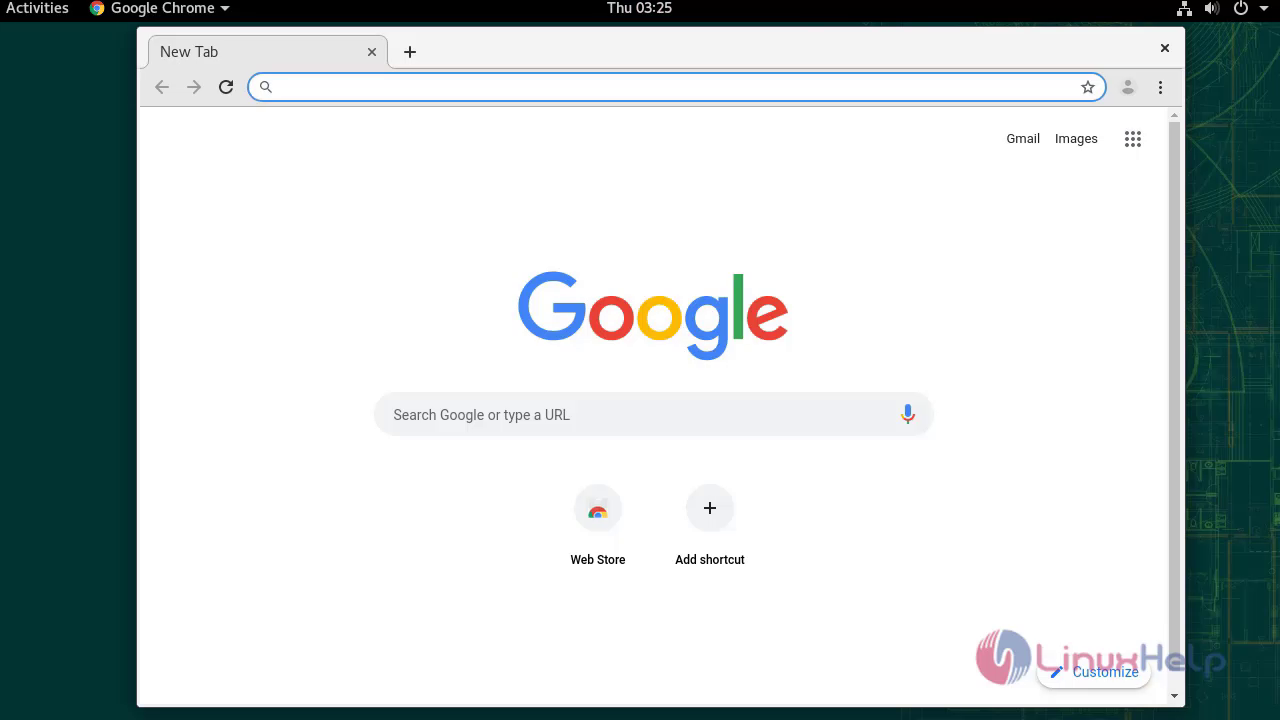
open the installed chrome browser
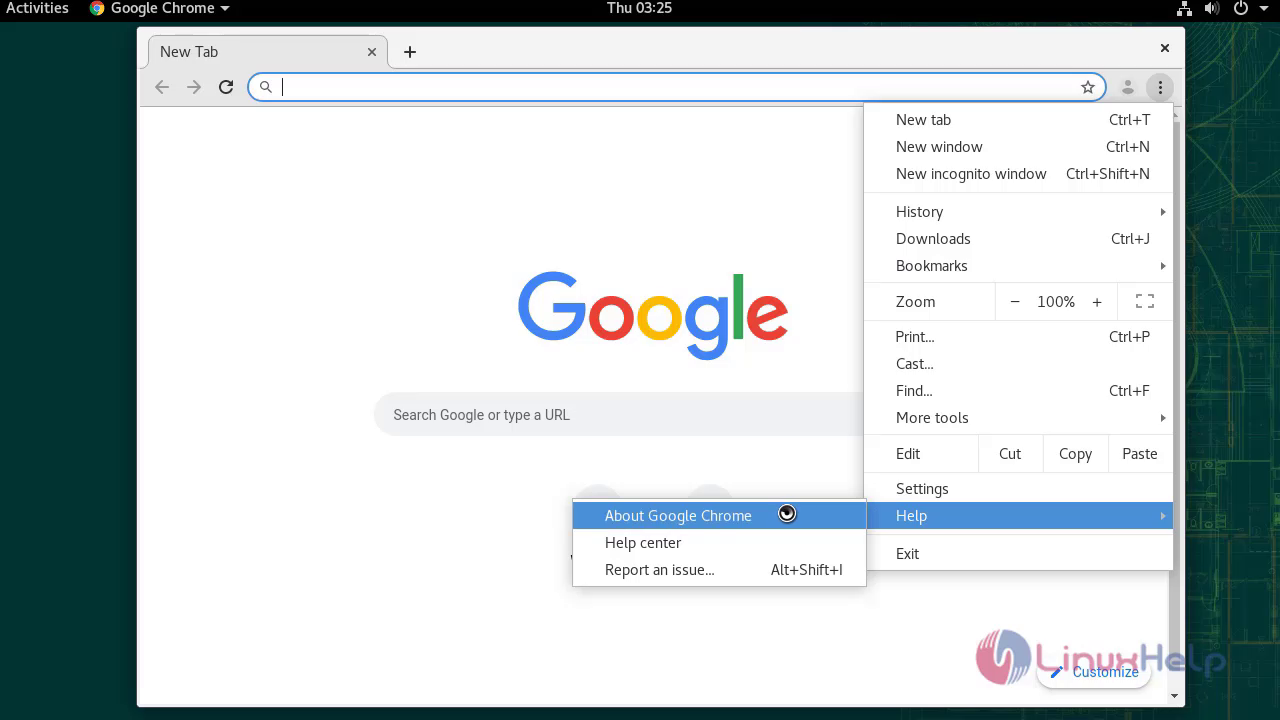
To check installed version of browser
With This the method of installting google chrom on opensuse15.1
Comments ( 0 )
No comments available