How to install Chromium 68.0 on Ubuntu 18.04
{{postValue.id}}
To install Chromium 68.0 on Ubuntu 18.04
Chromium is an open-source Web browser project started by Google, to provide the source code for the proprietary Google Chrome browser.[5] The two browsers share the majority of code and features, though there are some minor differences in features and logos, and they have different licensing. In this tutorial, we will cover the installation of Chromium on Ubuntu 18.04.
Installation
Update the system repository using the following command
root@linuxhelp1:~# apt-get update
Hit:1 http://in.archive.ubuntu.com/ubuntu bionic InRelease
Get:2 http://ppa.launchpad.net/ondrej/php/ubuntu bionic InRelease \[20.8 kB\]
Get:3 http://in.archive.ubuntu.com/ubuntu bionic-updates InRelease \[88.7 kB\]
Get:4 http://security.ubuntu.com/ubuntu bionic-security InRelease \[83.2 kB\]
Get:5 http://in.archive.ubuntu.com/ubuntu bionic-backports InRelease \[74.6 kB\]
Get:6 http://ppa.launchpad.net/ondrej/php/ubuntu bionic/main i386 Packages \[42.5 kB\]
Get:39 http://in.archive.ubuntu.com/ubuntu bionic-updates/multiverse DEP-11 64x64 Icons \[2,638 B\]
Get:40 http://in.archive.ubuntu.com/ubuntu bionic-backports/universe i386 Packages \[2,704 B\]
Get:41 http://in.archive.ubuntu.com/ubuntu bionic-backports/universe amd64 Packages \[2,704 B\]
Get:42 http://in.archive.ubuntu.com/ubuntu bionic-backports/universe amd64 DEP-11 Metadata \[5,100 B\]
Get:43 http://in.archive.ubuntu.com/ubuntu bionic-backports/universe DEP-11 64x64 Icons \[1,789 B\]
Fetched 2,829 kB in 8s (355 kB/s)
Reading package lists... Done
Install the Chromium package using the following command
root@linuxhelp1:~# apt-get install chromium-browser -y
Reading package lists... Done
Building dependency tree
Reading state information... Done
The following packages were automatically installed and are no longer required:
  apache2-bin apache2-data apache2-utils libapr1 libaprutil1 libaprutil1-dbd-sqlite3
  libaprutil1-ldap
Use 'sudo apt autoremove' to remove them.
The following additional packages will be installed:
  chromium-browser-l10n chromium-codecs-ffmpeg-extra
Suggested packages:
  webaccounts-chromium-extension unity-chromium-extension adobe-flashplugin
The following NEW packages will be installed:
  chromium-browser chromium-browser-l10n chromium-codecs-ffmpeg-extra
0 upgraded, 3 newly installed, 0 to remove and 37 not upgraded.
Need to get 58.9 MB of archives.
Preparing to unpack .../chromium-codecs-ffmpeg-extra\_68.0.3440.106-0ubuntu0.18.04.1\_amd64.deb ...
Unpacking chromium-codecs-ffmpeg-extra (68.0.3440.106-0ubuntu0.18.04.1) ...
Selecting previously unselected package chromium-browser.
Preparing to unpack .../chromium-browser\_68.0.3440.106-0ubuntu0.18.04.1\_amd64.deb ...
Unpacking chromium-browser (68.0.3440.106-0ubuntu0.18.04.1) ...
Selecting previously unselected package chromium-browser-l10n.
Preparing to unpack .../chromium-browser-l10n\_68.0.3440.106-0ubuntu0.18.04.1\_all.deb ...
Unpacking chromium-browser-l10n (68.0.3440.106-0ubuntu0.18.04.1) ...
Processing triggers for mime-support (3.60ubuntu1) ...
Processing triggers for desktop-file-utils (0.23-1ubuntu3.18.04.1) ...
Setting up chromium-codecs-ffmpeg-extra (68.0.3440.106-0ubuntu0.18.04.1) ...
Processing triggers for man-db (2.8.3-2) ...
Processing triggers for gnome-menus (3.13.3-11ubuntu1.1) ...
Processing triggers for hicolor-icon-theme (0.17-2) ...
Setting up chromium-browser (68.0.3440.106-0ubuntu0.18.04.1) ...
Setting up chromium-browser-l10n (68.0.3440.106-0ubuntu0.18.04.1) ...
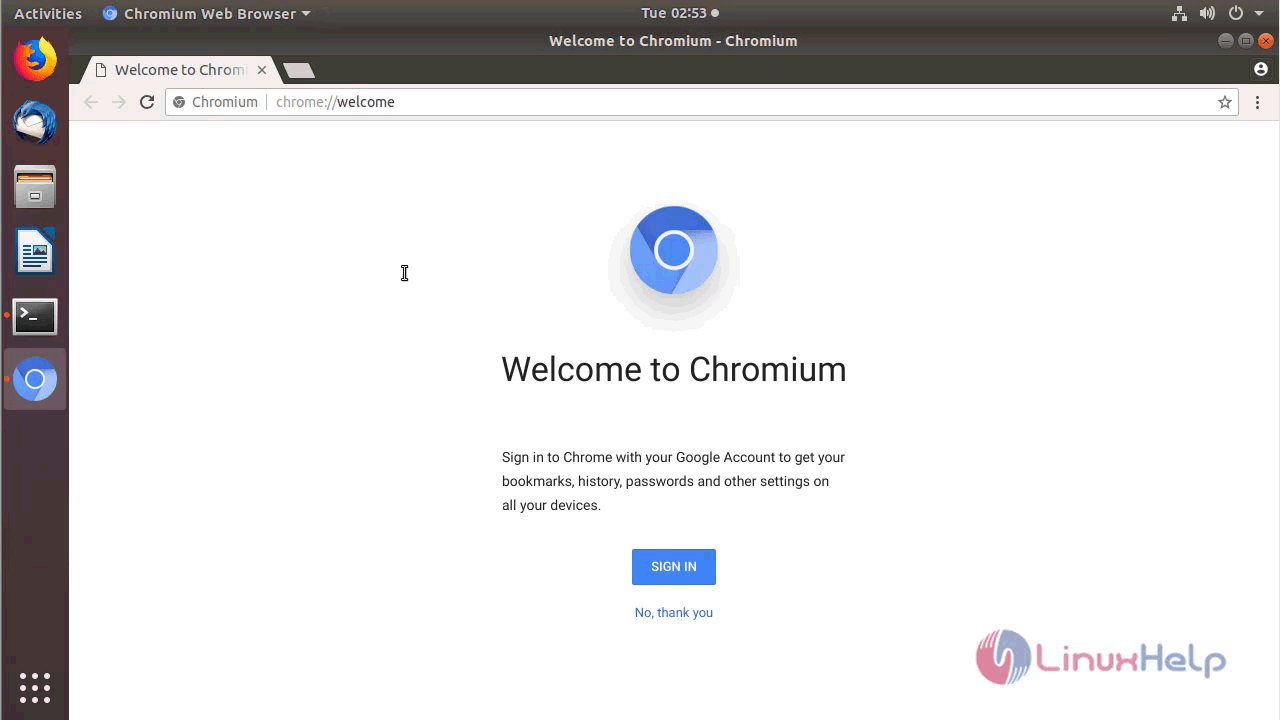
Once Installation is done you can access the Chromium from the Menu as shown here
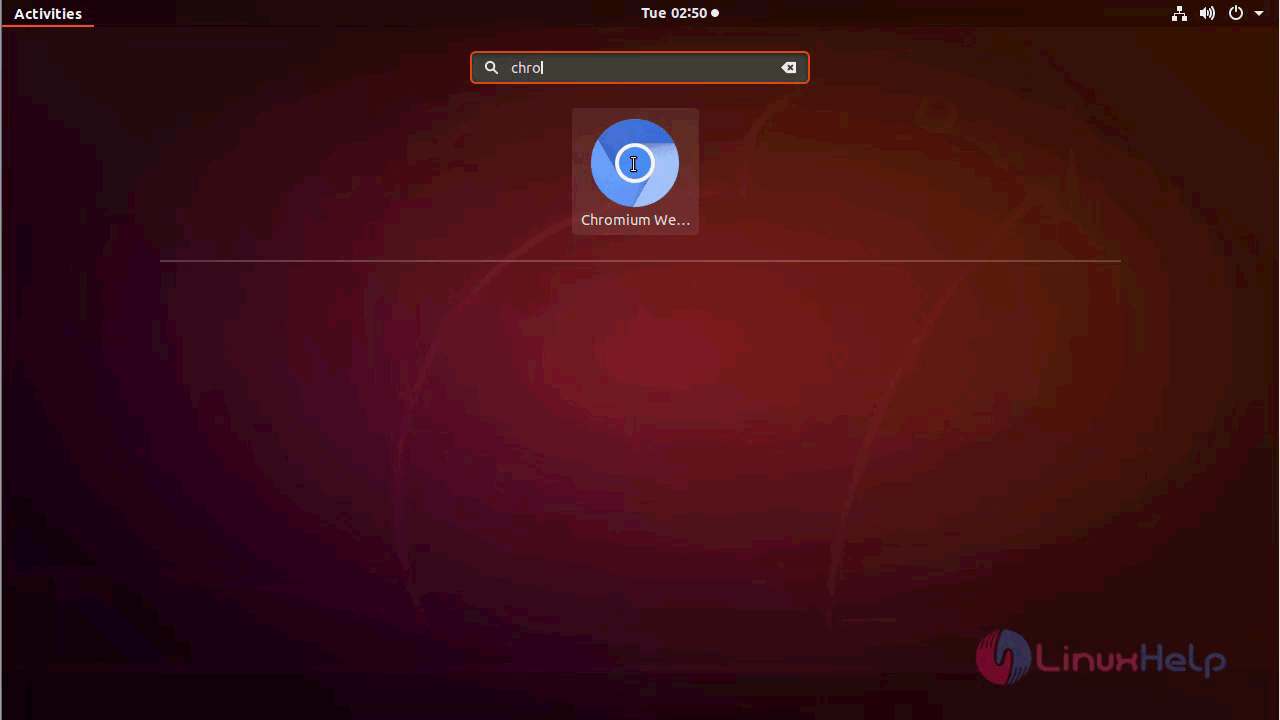
Chromium application
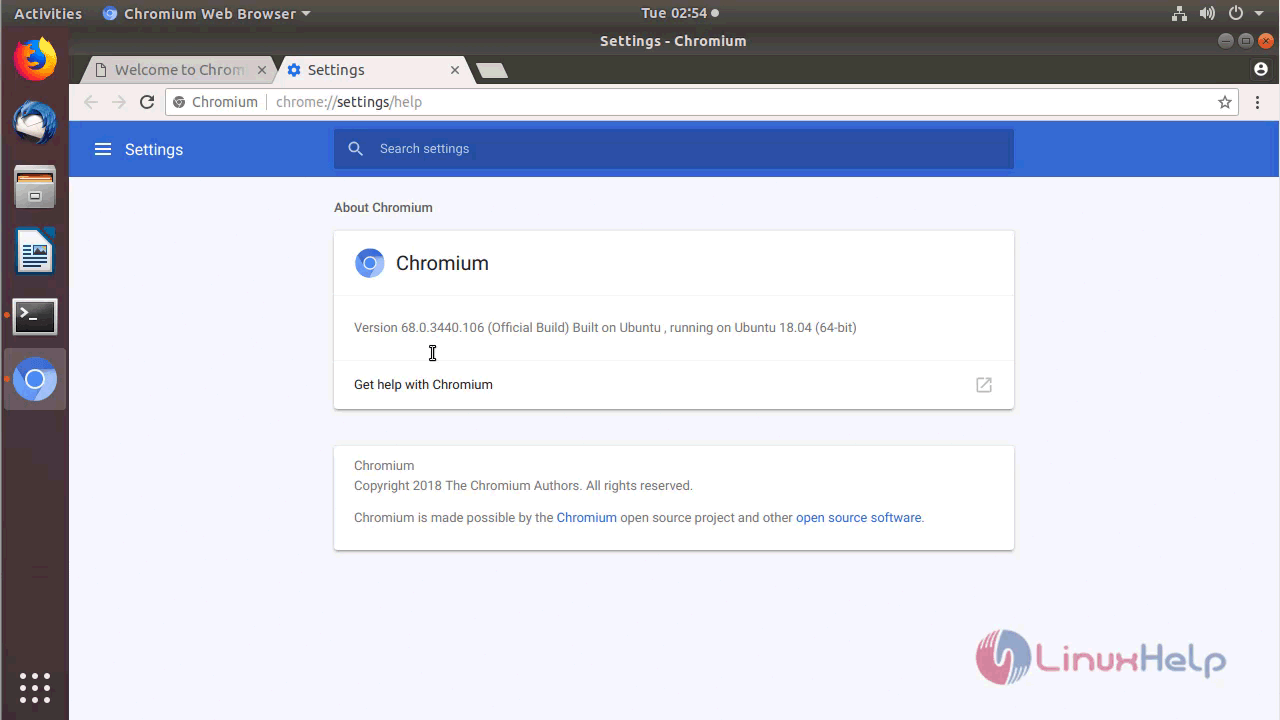
The version of Chromium can be found in Help-> About
With this, the method to install Chromium 68.0 on Ubuntu 18.04 comes to an end.
Comments ( 0 )
No comments available