• Categories
    Category
    {{ postCtrl.tags }}
    • {{ category.tag_type }}

      • {{tag.tag_name}}
      • View more
  • Categories
    Category
    {{ postCtrl.tags }}
    • {{ category.tag_type }}

      • {{tag.tag_name}}
      • View more
  • News
  • Tutorials
  • Forums
  • Tags
  • Users
Tutorial News Comments FAQ Related Articles

How to Install Cinelerra Video Editing Tool in Ubuntu 16.04

{{postValue.id}}

To Install Cinelerra Video Editor in Ubuntu 16.04

Cinelerra is a free video editing software package, used for linux operating system. It is produced by Heroine Virtual, which allow the user to perform advanced compositing operations. Installation of Cinelerra video editing tool in Ubuntu 16.04 is discussed in this article.

Features

  • Free form editing
  • 16 bit YUV compositing
  • Floating point compositing
  • Batch capturing
  • Track nudge for audio and video
  • Batch rendering
  • SMP utilization

Additional features

  • Reverse audio and video in realtime
  • Bidirectional, variable speed scrubbing
  • Variety of overlay modes
  • Nested sequences

Installation of Cinelerra Video Editor

First add the cinelerra-cv package into repository by using the below command.

root@user1:/home/user1# add-apt-repository ppa:cinelerra-ppa/ppa
 ************************************************************************
THIS PPA and its community ARE NOT AFFILIATED WITH CINELERRA.ORG
We at CINELERRA-CV.ORG have no control/influence/interest in CINELERRA.ORG and viceversa. Despite 
.
.
.
gpg: Total number processed: 1
gpg:               imported: 1  (RSA: 1)
OK

Once the repo is added, run the apt-get update command.

root@user1:/home/user1# apt-get update
Hit:1 http://in.archive.ubuntu.com/ubuntu xenial InRelease
Get:2 http://security.ubuntu.com/ubuntu xenial-security InRelease [94.5 kB]  
.
.
.
Fetched 190 kB in 1s (161 kB/s)
Reading package lists... Done

Now install the cinelerra-cv package with below command.

root@user1:/home/user1# apt-get install cinelerra-cv
Reading package lists... Done
Building dependency tree       
Reading state information... Done
.
.
.
Setting up cinelerra-cv (1:2.3.git.20160731-0~ppa1~xenial2) ...
Setting up mjpegtools-gtk (1:2.1.0+debian-4) ...
Processing triggers for libc-bin (2.23-0ubuntu3) ...

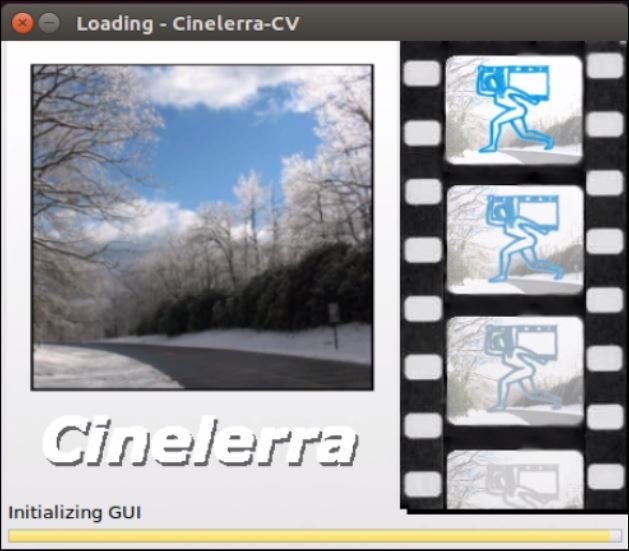
Cinelerra video editor is installed successfully. Click cinelerra icon to open, either run the below command.

root@user1:/home/user1# cinelerra-cv
cinelerra

Home page of Cinelerra will display as given below. Here you can start editing your videos.

home_page

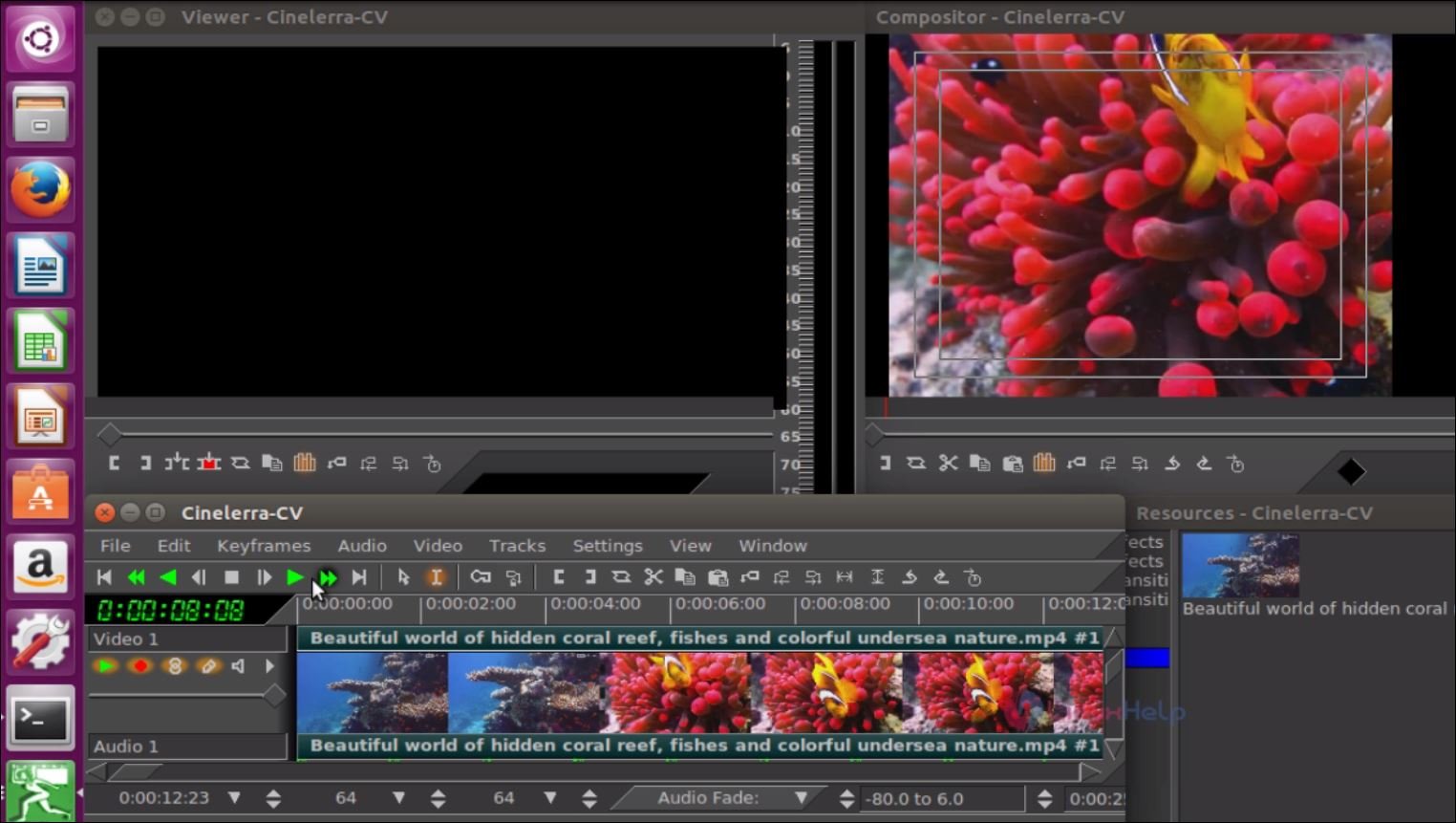
Click on the File option to upload the video file and edit it as you wish.
upload_video_file

Tags:
nicholas
Author: 

Comments ( 1 )

Jayparth
Please, would you also try to implement demonstration on how to install "ButtleOFX" on Ubuntu 16.04???...Please kindly do so...would be really grateful! Thanks !
Add a comment
{{postCtrl.cmtErrMsg}}

Frequently asked questions ( 5 )

Q

shall I use the same PPA of Cinelerra repo for linuxmint?

A

Obviously, you can use the Same PPA of Cinelerra on Linux Mint distribution too.

Q

Does Cinelerra have an optical flow effect?

A

Cinelerra does posses optical flow.

Q

Does Cinelerra have an Adobe premiere standard?

A

Adobe products tops above all other editing tools. So you won't find as many options as adobe but you can get pretty much output using Cinelerra.

Q

What are the essential features of Cinelerra Video Editor?

A

Cinelerra is a free video editing software package, used for Linux operating system. It is produced by Heroine Virtual, which allows the user to perform advanced compositing operations.

Q

What are Cinelerra's recently enabled features?

A

The recent features updated for Cinelerra Video Editing Tool are,
Reverse audio and video in real-time
Bidirectional, variable speed scrubbing
Variety of overlay modes
Nested sequences

Back To Top!
Rank
User
Points

Top Contributers

userNamenaveelansari
135850

Top Contributers

userNameayanbhatti
92510

Top Contributers

userNamehamzaahmed
32150

Top Contributers

1
userNamelinuxhelp
31040

Top Contributers

userNamemuhammadali
24500
Can you help Sebastian ?
How to change non required to required field in SuiteCRM Custom/Default Modules

How to change not required to the required field in SuiteCRM Custom/Default Modules?

Networking
  • Routing
  • trunk
  • Netmask
  • Packet Capture
  • domain
  • HTTP Proxy
Server Setup
  • NFS
  • KVM
  • Memory
  • Sendmail
  • WebDAV
  • LXC
Shell Commands
  • Cloud commander
  • Command line archive tools
  • last command
  • Shell
  • terminal
  • Throttle
Desktop Application
  • Linux app
  • Pithos
  • Retrospect
  • Scribe
  • TortoiseHg
  • 4Images
Monitoring Tool
  • Monit
  • Apache Server Monitoring
  • EtherApe 
  • Arpwatch Tool
  • Auditd
  • Barman
Web Application
  • Nutch
  • Amazon VPC
  • FarmWarDeployer
  • Rukovoditel
  • Mirror site
  • Chef
Contact Us | Terms of Use| Privacy Policy| Disclaimer
© 2025 LinuxHelp.com All rights reserved. Linux™ is the registered trademark of Linus Torvalds. This site is not affiliated with linus torvalds in any way.