How to Install ClamTK in CentOS
To Install ClamTK in CentOS
ClamTK is a free Linux based antivirus used to detect virus, trojan, malware and other threats. It is widely used as a server-side email virus scanner. The ClamTK is designed with the advanced features including, command-line scanner, automatic database update and a multi-threaded daemon. Installation of ClamTK in CentOS is explained in this article.
Installation of ClamTK
Dependency packages are required to install ClamTK. First install Curl package with the following command.
[root@linuxhelp Desktop]# yum install curl
Loaded plugins: fastestmirror, refresh-packagekit, security
Setting up Install Process
.
.
.
Updated:
  curl.x86_64 0:7.19.7-52.el6
Dependency Updated:
  libcurl.x86_64 0:7.19.7-52.el6
Complete!
Then install the epel package.
[root@linuxhelp Desktop]# yum install epel-release
Loaded plugins: fastestmirror, refresh-packagekit, security
Setting up Install Process
.
.
.
Installed:
  epel-release.noarch 0:6-8
Complete!
Now install the ClamAV package.
[root@linuxhelp Desktop]# yum install clamav clamd
Loaded plugins: fastestmirror, refresh-packagekit, security
Setting up Install Process
.
.
.
Installed:
  clamav.x86_64 0:0.99.2-1.el6                                 clamd.x86_64 0:0.99.2-1.el6
Dependency Installed:
  clamav-db.x86_64 0:0.99.2-1.el6
Complete!
Start the Clamd service to enable the ClamAV package.
[root@linuxhelp Desktop]# service clamd start
Starting Clam AntiVirus Daemon: LibClamAV Warning: **************************************************
LibClamAV Warning: ***  The virus database is older than 7 days!  ***
LibClamAV Warning: ***   Please update it as soon as possible.    ***
LibClamAV Warning: **************************************************
   [  OK  ]
Now its time to download the ClamTK installation package.
[root@linuxhelp Desktop]# wget https://bitbucket.org/dave_theunsub/clamtk/downloads/clamtk-5.24-1.el6.noarch.rpm
--2016-11-24 17:48:50--  https://bitbucket.org/dave_theunsub/clamtk/downloads/clamtk-5.24-1.el6.noarch.rpm
.
.
.
Saving to: “ clamtk-5.24-1.el6.noarch.rpm”
100%[=================================================================================> ] 226,924     98.9K/s   in 2.2s
2016-11-24 17:48:55 (98.9 KB/s) - “ clamtk-5.24-1.el6.noarch.rpm”  saved [226924/226924]
Once the ClamTK is downloaded, run the following command to install ClamTK.
[root@linuxhelp Desktop]# yum localinstall clamtk-5.24-1.el6.noarch.rpm
Loaded plugins: fastestmirror, refresh-packagekit, security
Setting up Local Package Process
Examining clamtk-5.24-1.el6.noarch.rpm: clamtk-5.24-1.el6.noarch
Marking clamtk-5.24-1.el6.noarch.rpm to be installed
.
.
.
Installed:
  clamtk.noarch 0:5.24-1.el6
&hellip
  perl-libs.x86_64 4:5.10.1-141.el6_7.1                       perl-version.x86_64 3:0.77-141.el6_7.1
Complete!
Update the antivirus signatures.
[root@linuxhelp Desktop]# freshclam
ClamAV update process started at Thu Nov 24 18:15:39 2016
main.cvd is up to date (version: 57, sigs: 4218790, f-level: 60, builder: amishhammer)
.
.
.
Downloading bytecode-285.cdiff [100%]
bytecode.cld updated (version: 285, sigs: 57, f-level: 63, builder: bbaker)
Database updated (5134169 signatures) from db.in.clamav.net (IP: 193.1.193.64)
Restart the Clamd service to take effect.
[root@linuxhelp Desktop]# service clamd restart
Stopping Clam AntiVirus Daemon:                            [  OK  ]
Starting Clam AntiVirus Daemon:                            [  OK  ]
Utilize the following command to open the installed ClamTK to access.
[root@linuxhelp Desktop]# clamtk
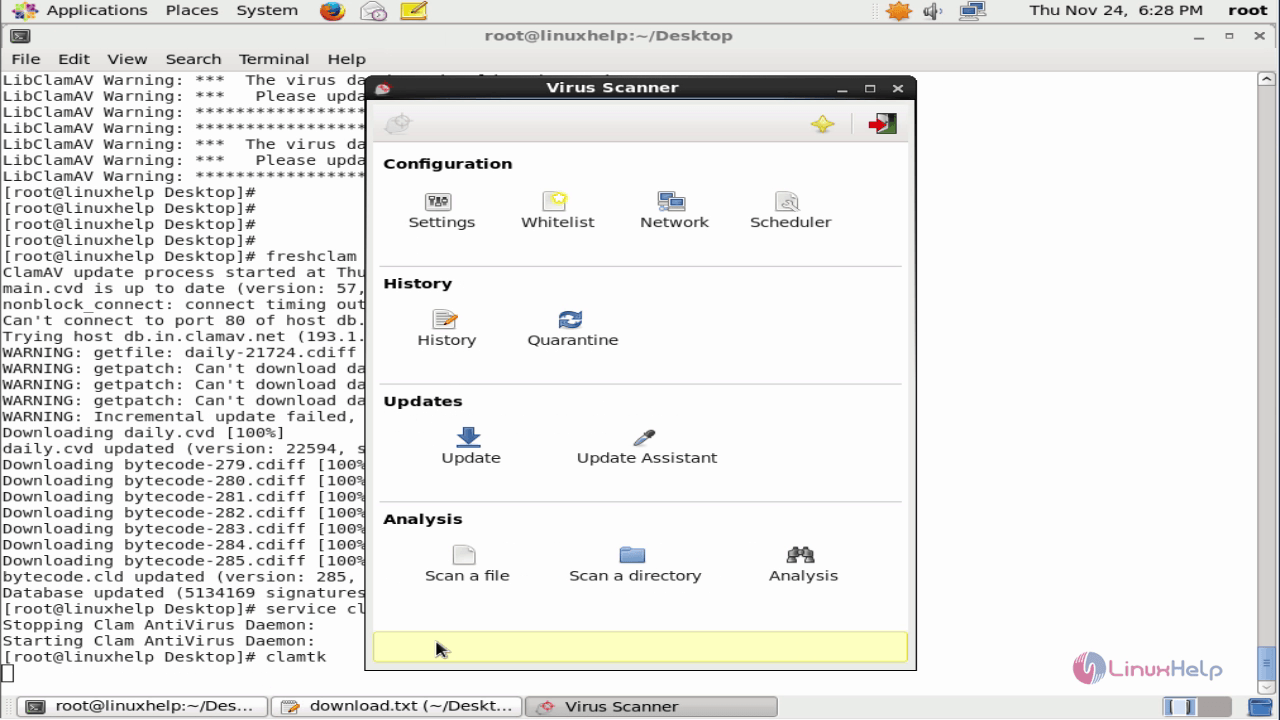
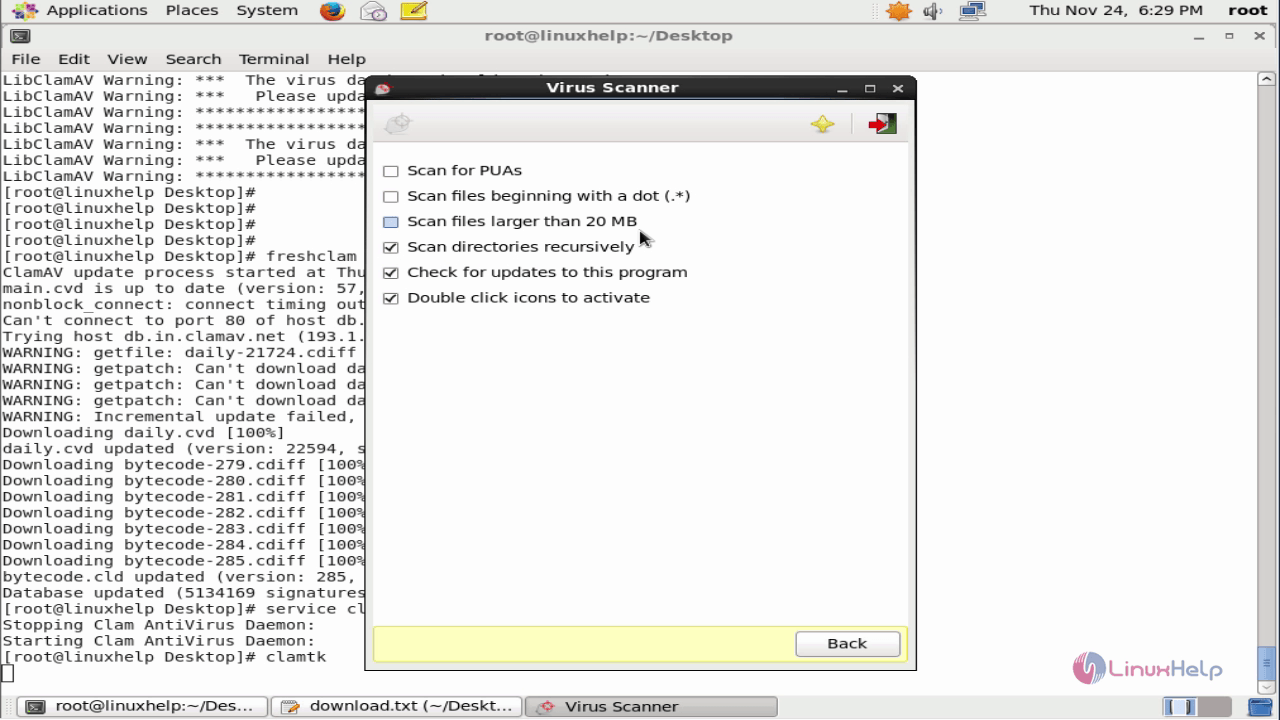
Virus scanner settings
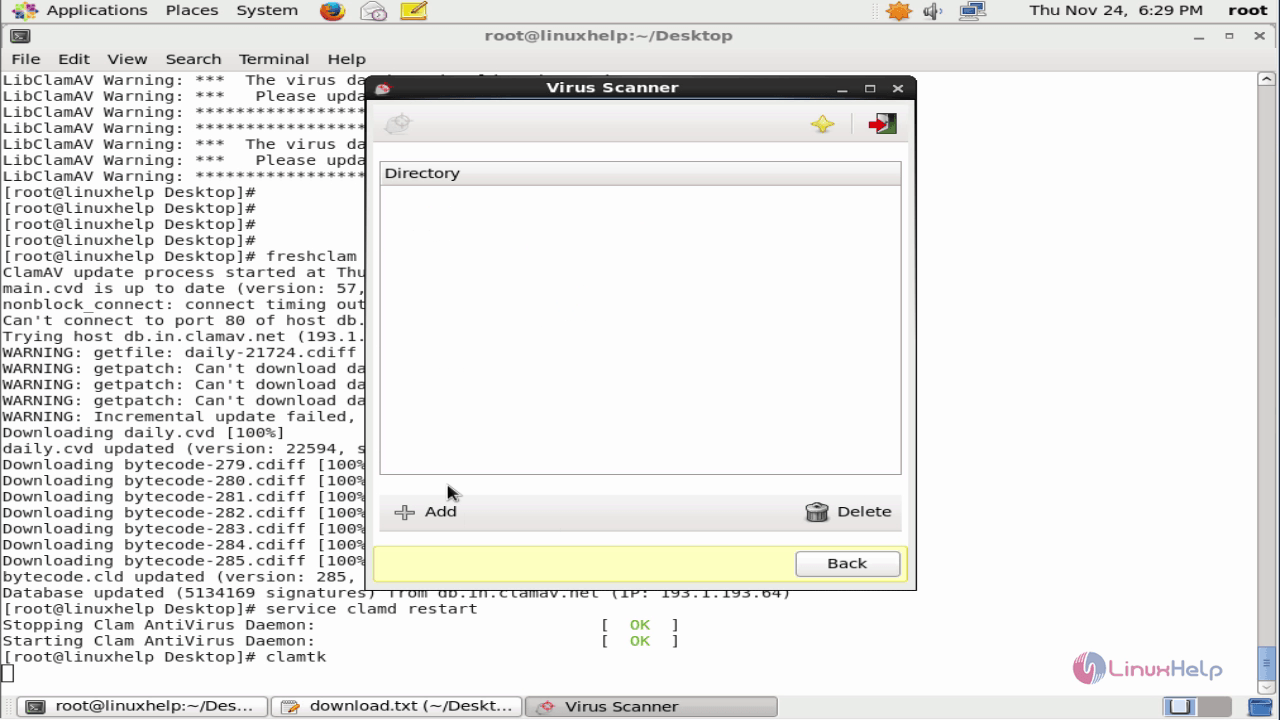
Whitelist
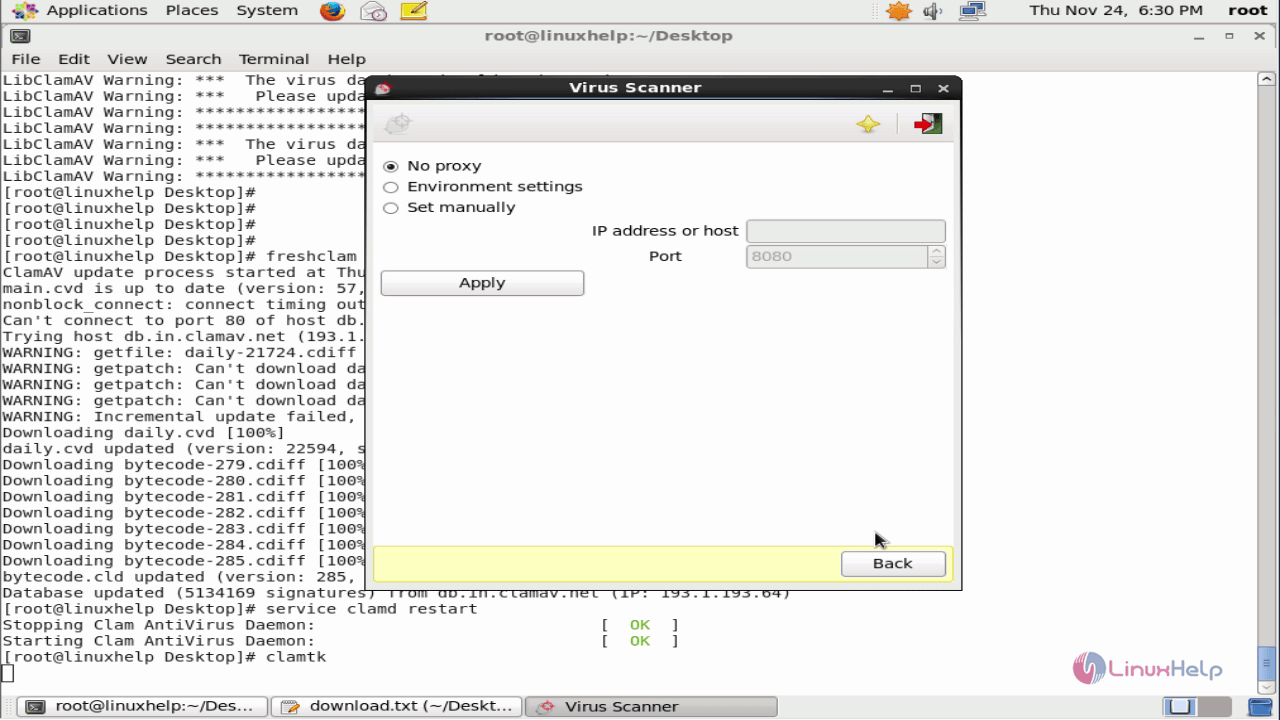
Network settings
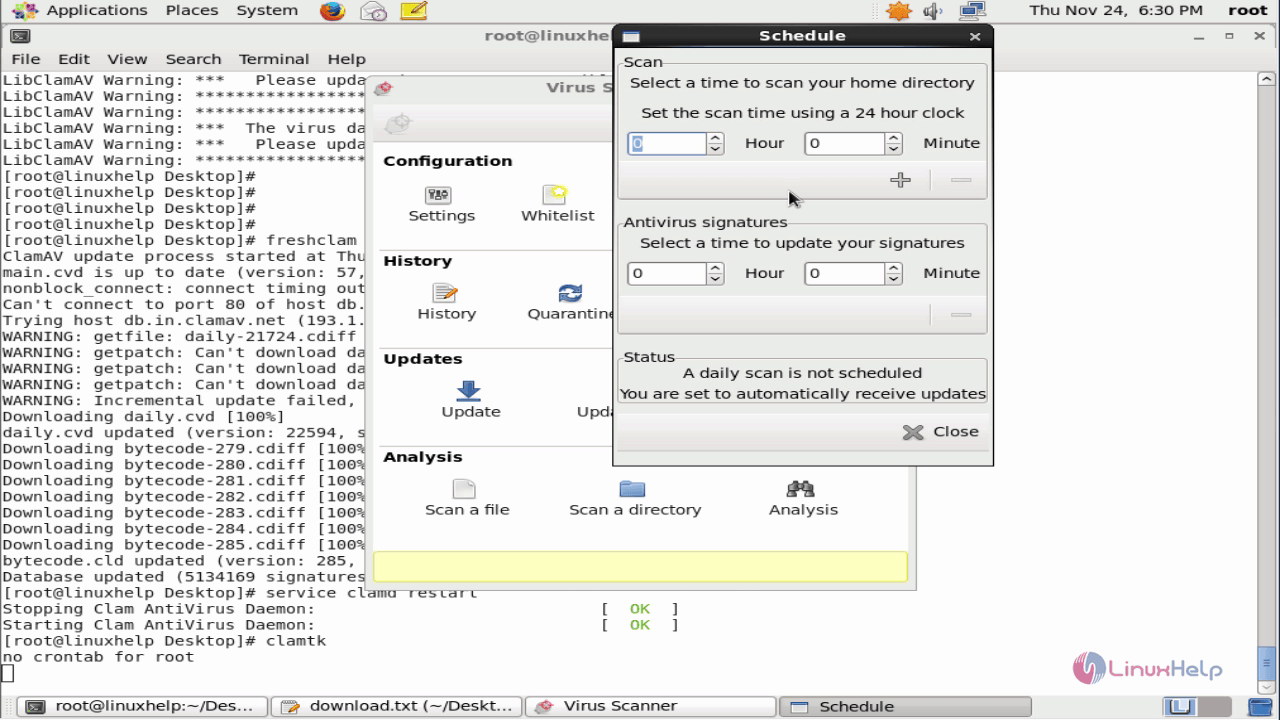
Schedule scanning and antivirus signature updates.
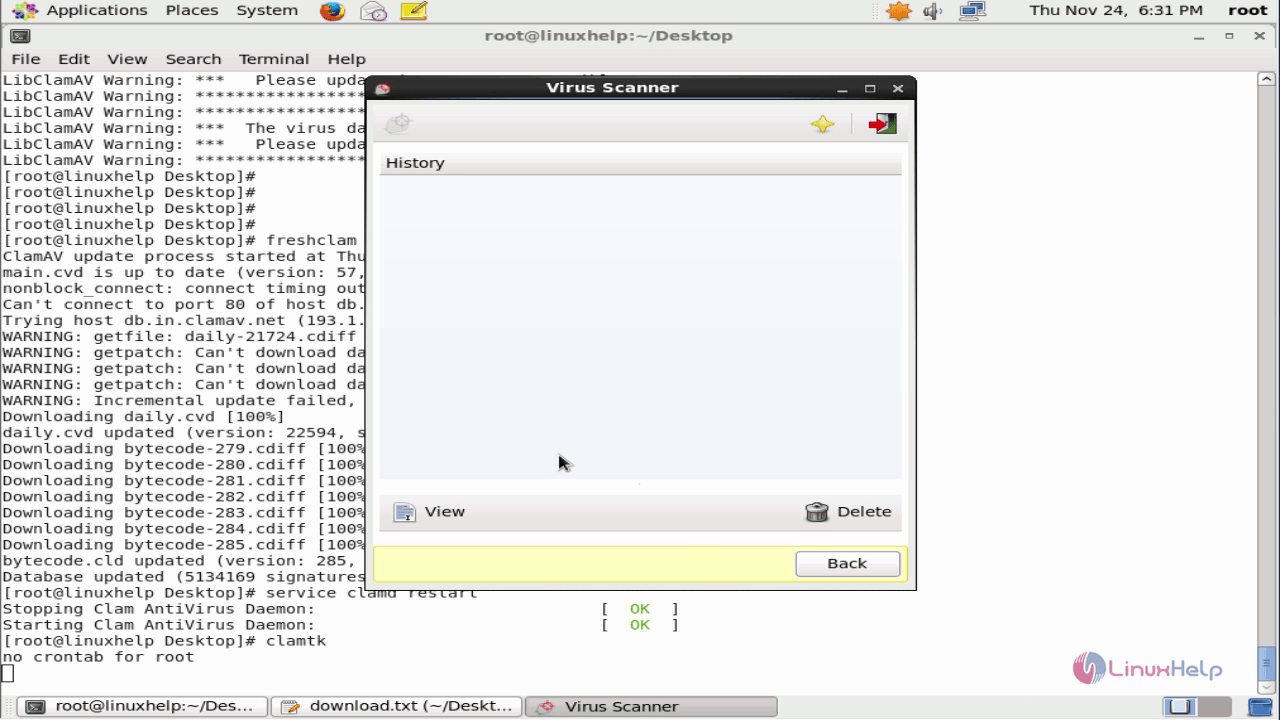
You can view the previous scan result.
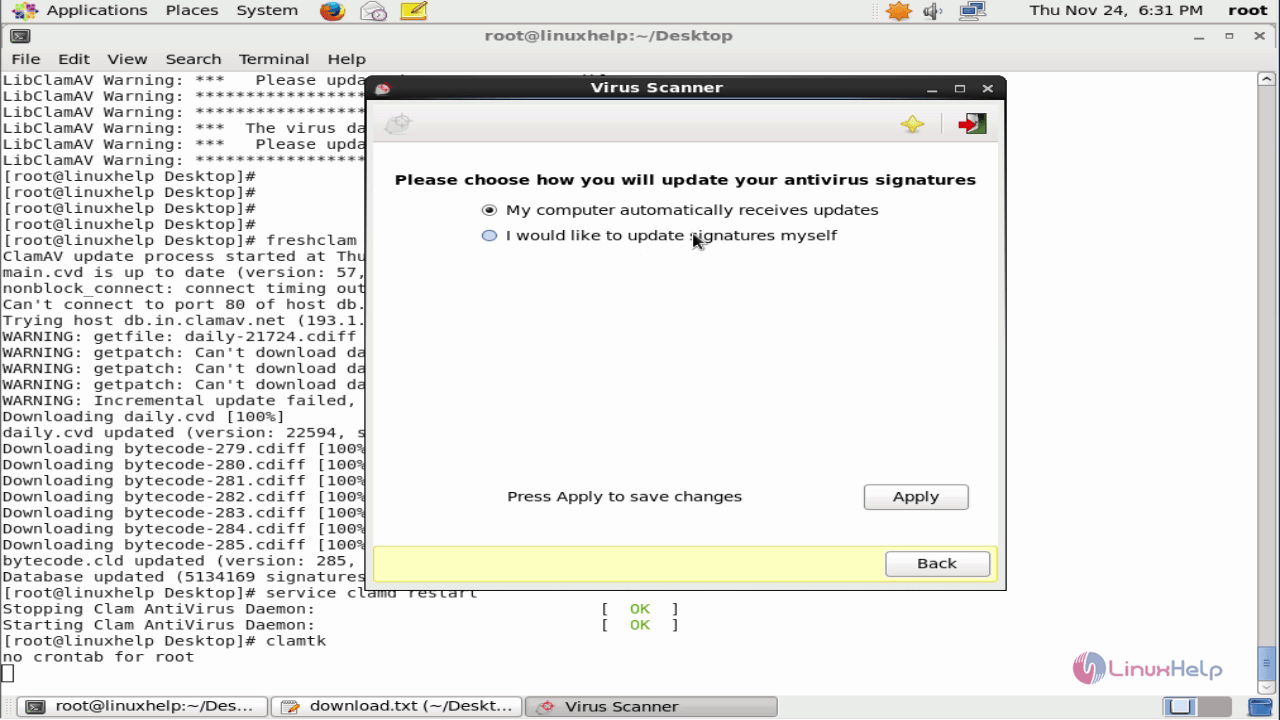
Signature update settings
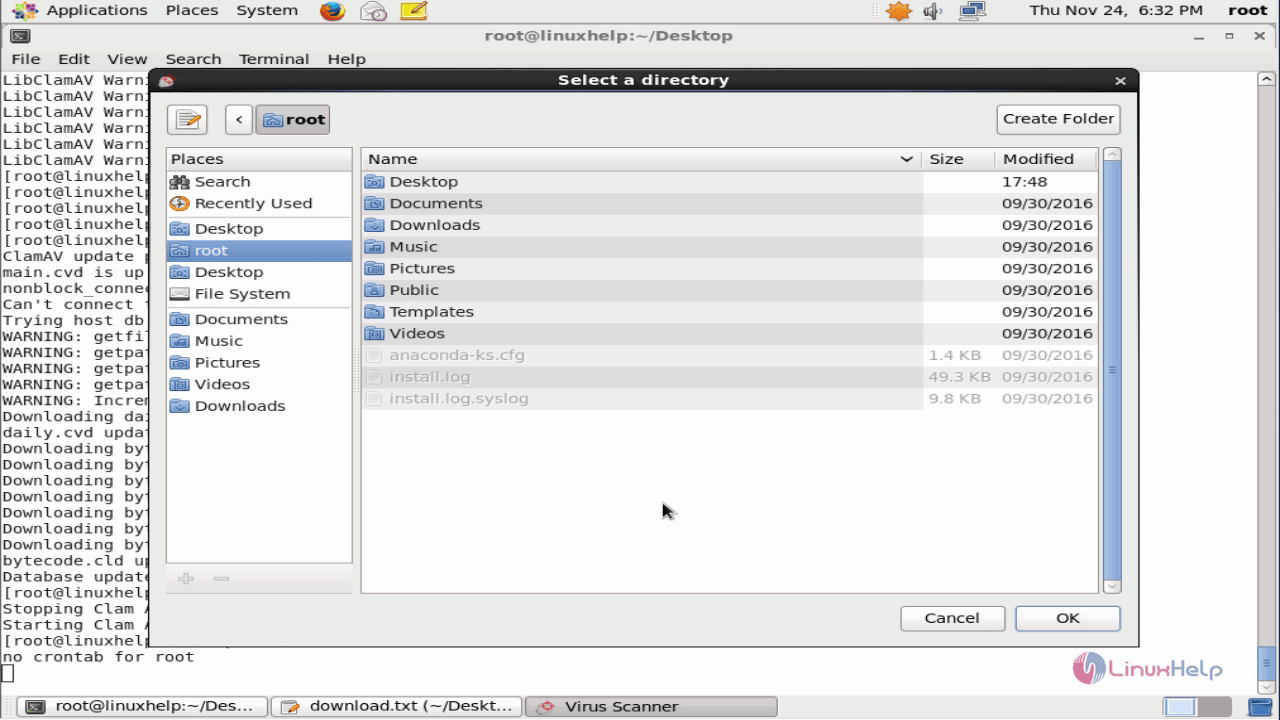
Here you need to select a directory to scan.
Comments ( 1 )