How to install Claws Mail 3.13.2 on Linux Mint 18.3
To install Claws Mail 3.13.2 on Linux Mint 18.3
Claws Mail is a fast, light-weight, and open source email client and a news reader built based on GTK+. It offers easy configuration and user-friendly features. Although it is primarily built for Linux, it can also be used for Windows users through a port, with an experimental 64-bit version. It is really simple to install Claws Mail on Linux Mint 18.3 and this tutorial covers the method on the same process.
Installing Claws Mail 3.13.2
First, make sure you update the system repository by making use of the following command.
linuxhelp user # apt-get update
Hit:1 http://archive.ubuntu.com/ubuntu xenial InRelease
Get:2 http://archive.canonical.com/ubuntu xenial InRelease [11.5 kB]
Ign:3 http://packages.linuxmint.com sylvia InRelease
Get:4 http://security.ubuntu.com/ubuntu xenial-security InRelease [102 kB]
Get:5 http://archive.ubuntu.com/ubuntu xenial-updates InRelease [102 kB]
Get:6 http://packages.linuxmint.com sylvia Release [24.2 kB]
Get:7 http://archive.ubuntu.com/ubuntu xenial-backports InRelease [102 kB]
Get:8 http://packages.linuxmint.com sylvia Release.gpg [819 B]
.
.
Get:28 http://archive.ubuntu.com/ubuntu xenial-updates/universe Translation-en [248 kB]
Get:29 http://archive.ubuntu.com/ubuntu xenial-updates/multiverse amd64 Packages [16.2 kB]
Get:30 http://archive.ubuntu.com/ubuntu xenial-updates/multiverse i386 Packages [15.3 kB]
Get:31 http://archive.ubuntu.com/ubuntu xenial-updates/multiverse Translation-en [8,076 B]
Get:32 http://archive.ubuntu.com/ubuntu xenial-backports/universe amd64 Packages [7,084 B]
Get:33 http://archive.ubuntu.com/ubuntu xenial-backports/universe i386 Packages [7,060 B]
Get:34 http://archive.ubuntu.com/ubuntu xenial-backports/universe Translation-en [3,812 B]
Fetched 5,559 kB in 40s (139 kB/s)
Reading package lists... Done
And then, you shall proceed with the installation of Claws Mail by making use of the following command.
linuxhelp user # apt-get install claws-mail
Reading package lists... Done
Building dependency tree
Reading state information... Done
The following additional packages will be installed:
  libcompfaceg1 libetpan17 libpisock9
Suggested packages:
  claws-mail-doc gedit | kwrite | mousepad | nedit claws-mail-tools jpilot pilot-link kpilot gnome-pilot
  evolution sylpheed
Recommended packages:
  claws-mail-i18n xfonts-100dpi | xfonts-75dpi | xfonts-100dpi-transcoded | xfonts-75dpi-transcoded
The following NEW packages will be installed:
  claws-mail libcompfaceg1 libetpan17 libpisock9
0 upgraded, 4 newly installed, 0 to remove and 286 not upgraded.
Need to get 1,712 kB of archives.
.
.
Unpacking libpisock9 (0.12.5-dfsg-2) ...
Selecting previously unselected package claws-mail.
Preparing to unpack .../claws-mail_3.13.2-1ubuntu1_amd64.deb ...
Unpacking claws-mail (3.13.2-1ubuntu1) ...
Processing triggers for libc-bin (2.23-0ubuntu9) ...
Processing triggers for desktop-file-utils (0.22+linuxmint1) ...
Processing triggers for mime-support (3.59ubuntu1) ...
Processing triggers for man-db (2.7.5-1) ...
Setting up libcompfaceg1 (1:1.5.2-5) ...
Setting up libetpan17:amd64 (1.6-1build1) ...
Setting up libpisock9 (0.12.5-dfsg-2) ...
Setting up claws-mail (3.13.2-1ubuntu1) ...
Processing triggers for libc-bin (2.23-0ubuntu9) ...
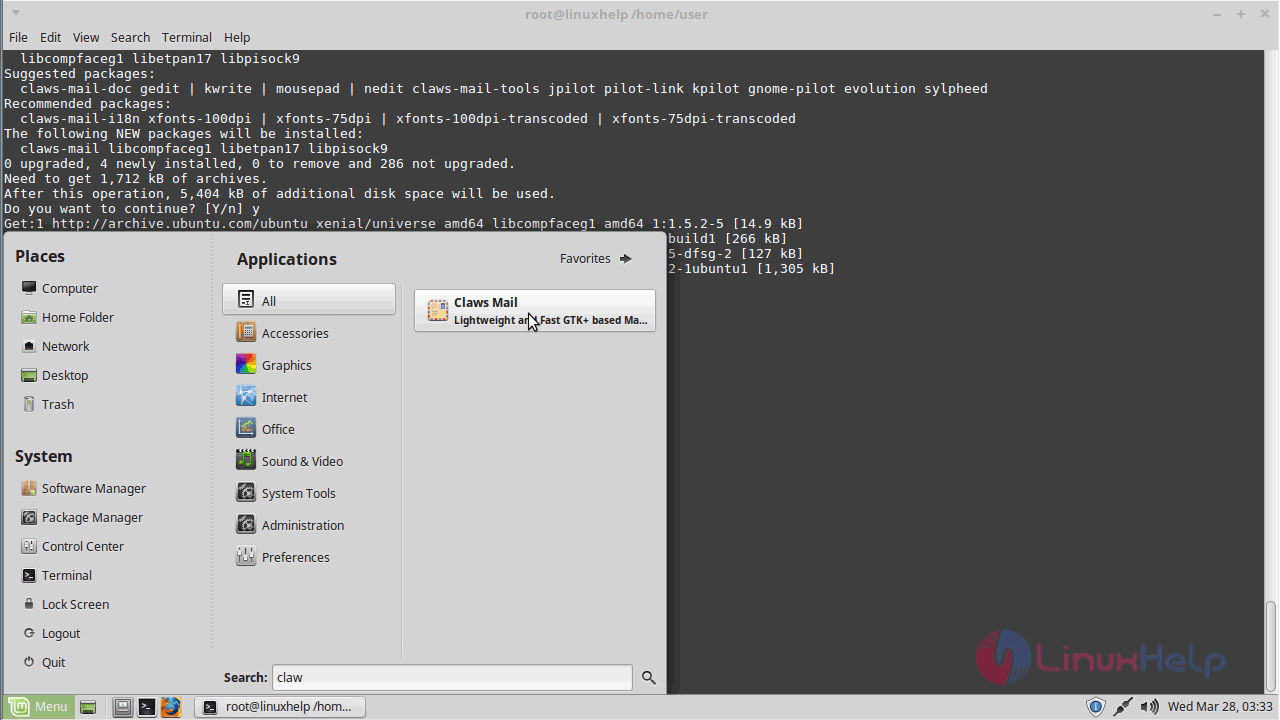
Now that Claws-mail has been installed, you shall launch it via your Linux Mint search field.
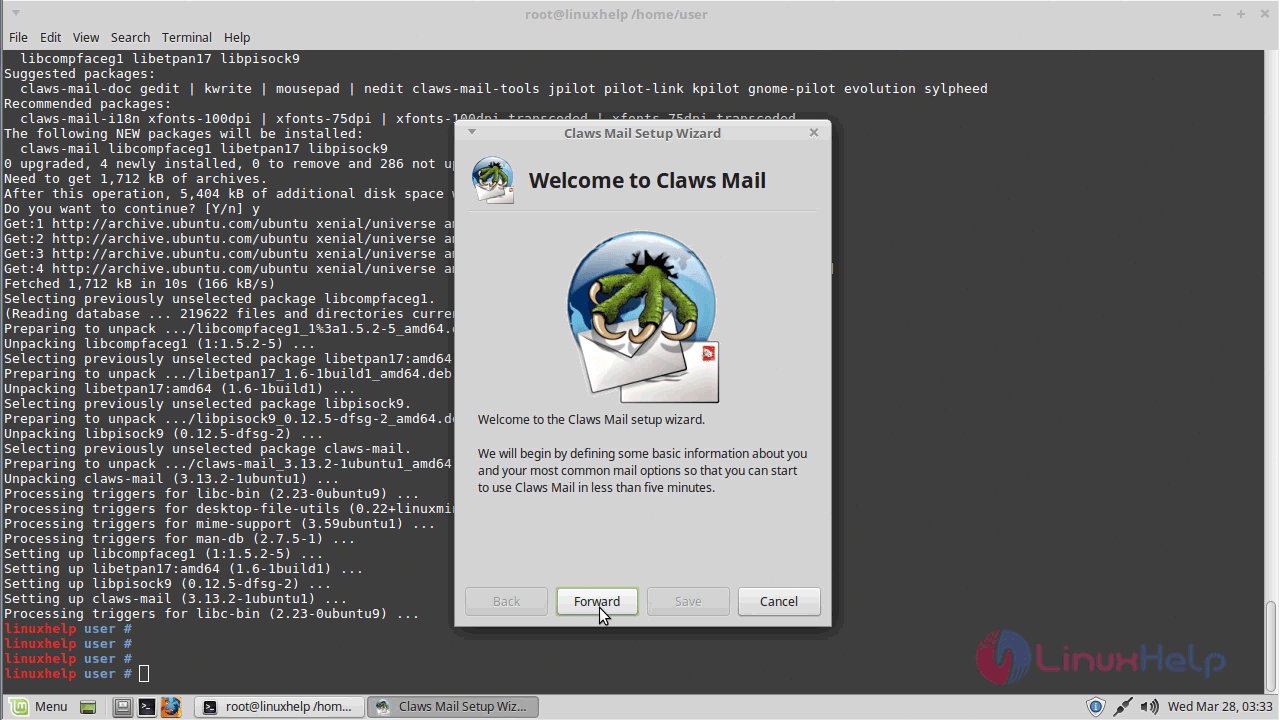
The Welcome page of Claws-mail will appear on your screen now.
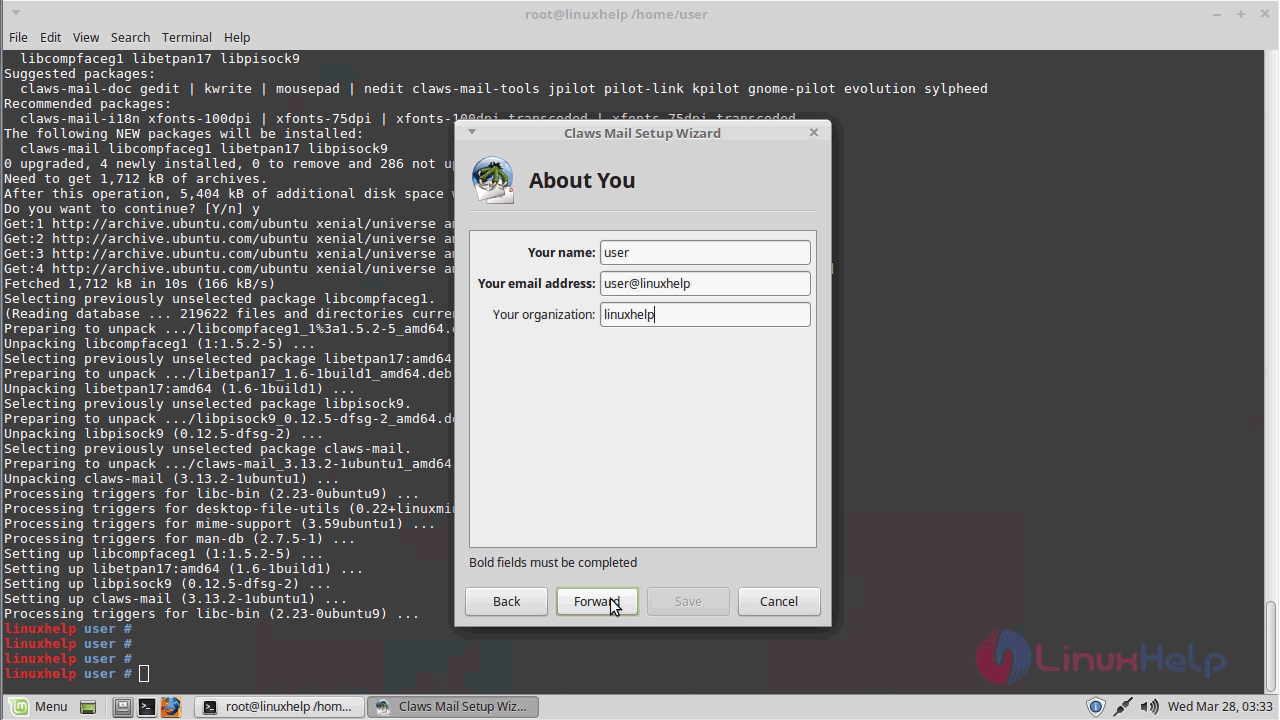
Give the detail of the user.
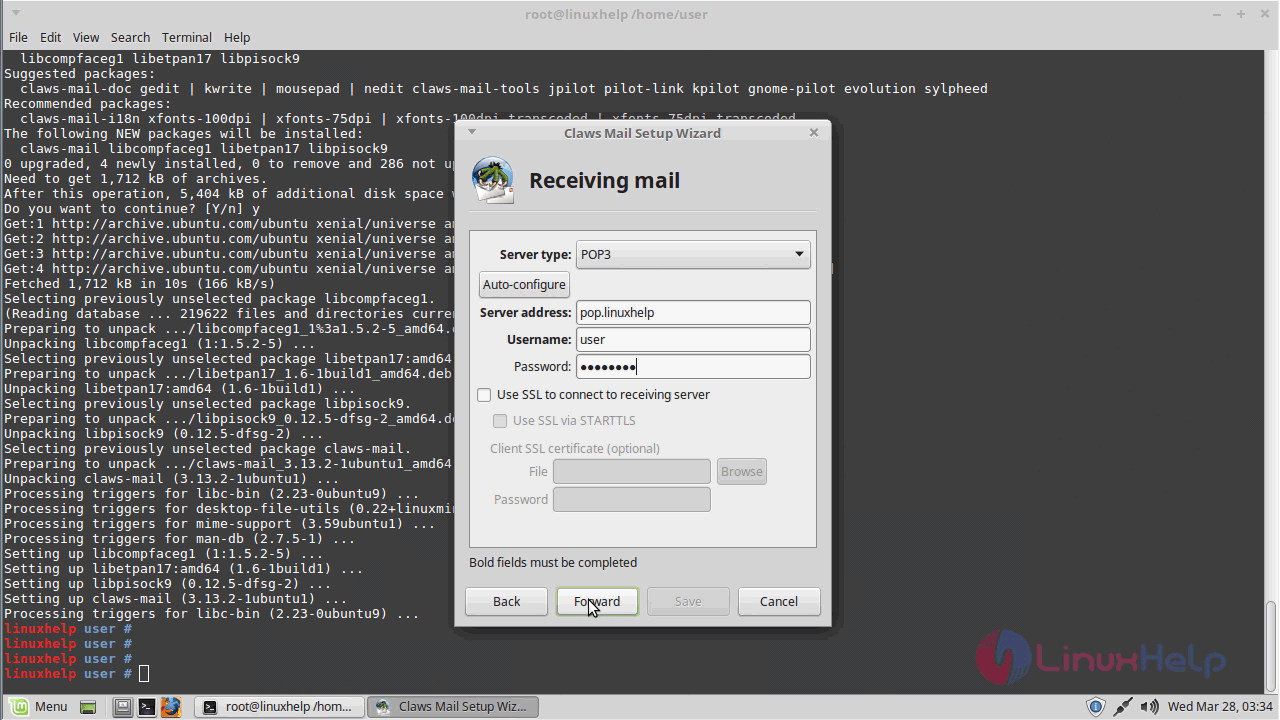
And then configure receiving mail.
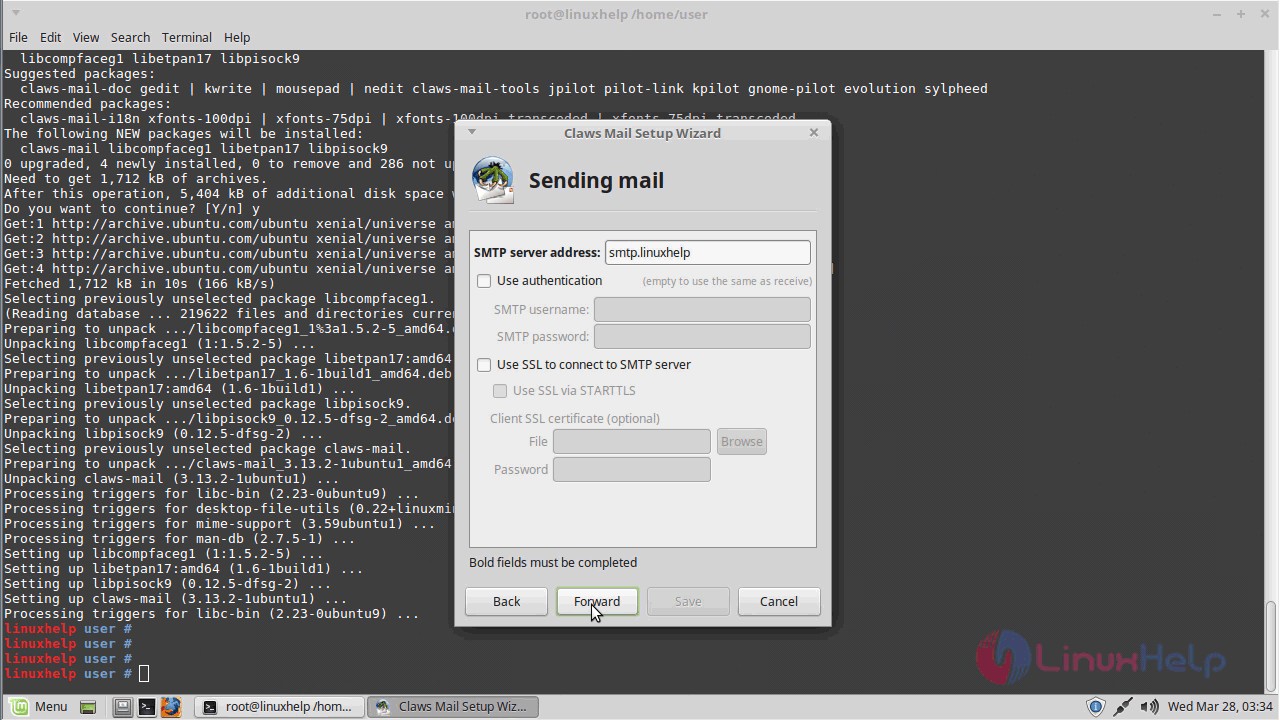
Also, you shall configure sending mail.
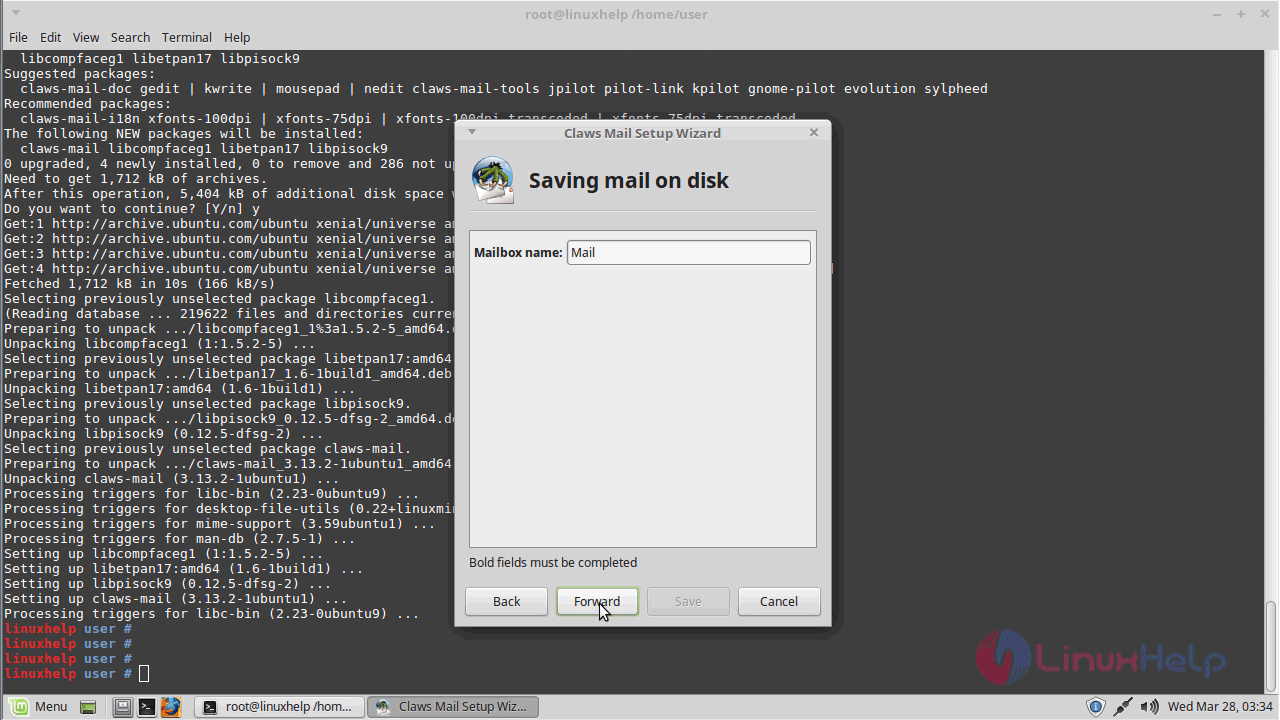
You can also configure mailbox name.
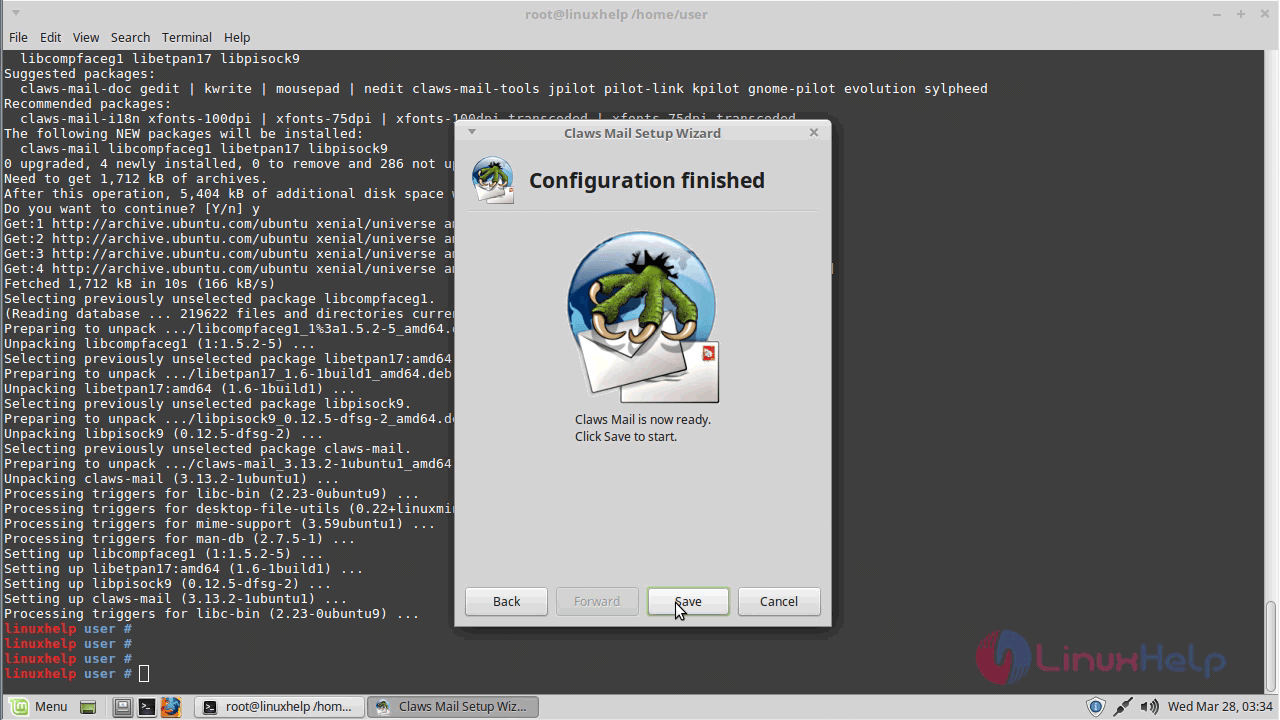
And you can finish the configuration.
Once it is done, you shall open Claws mail.
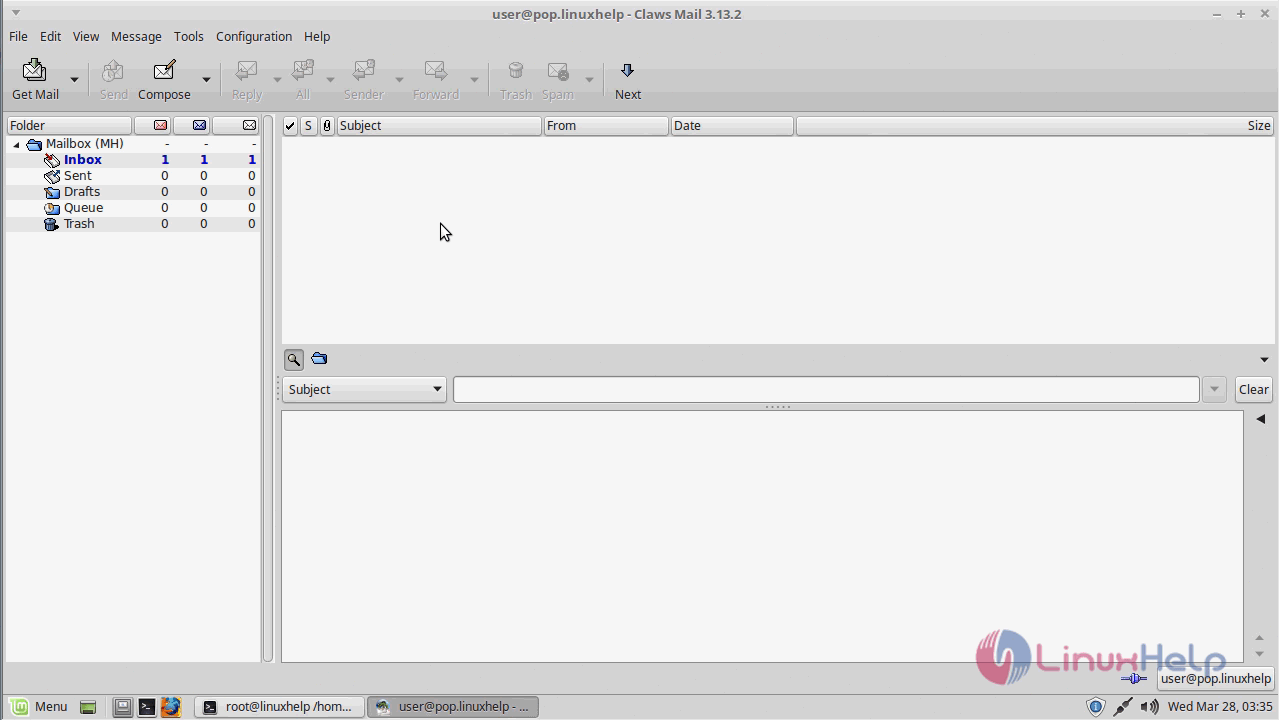
You can also check out the version of Claws-mail to know more about the package.
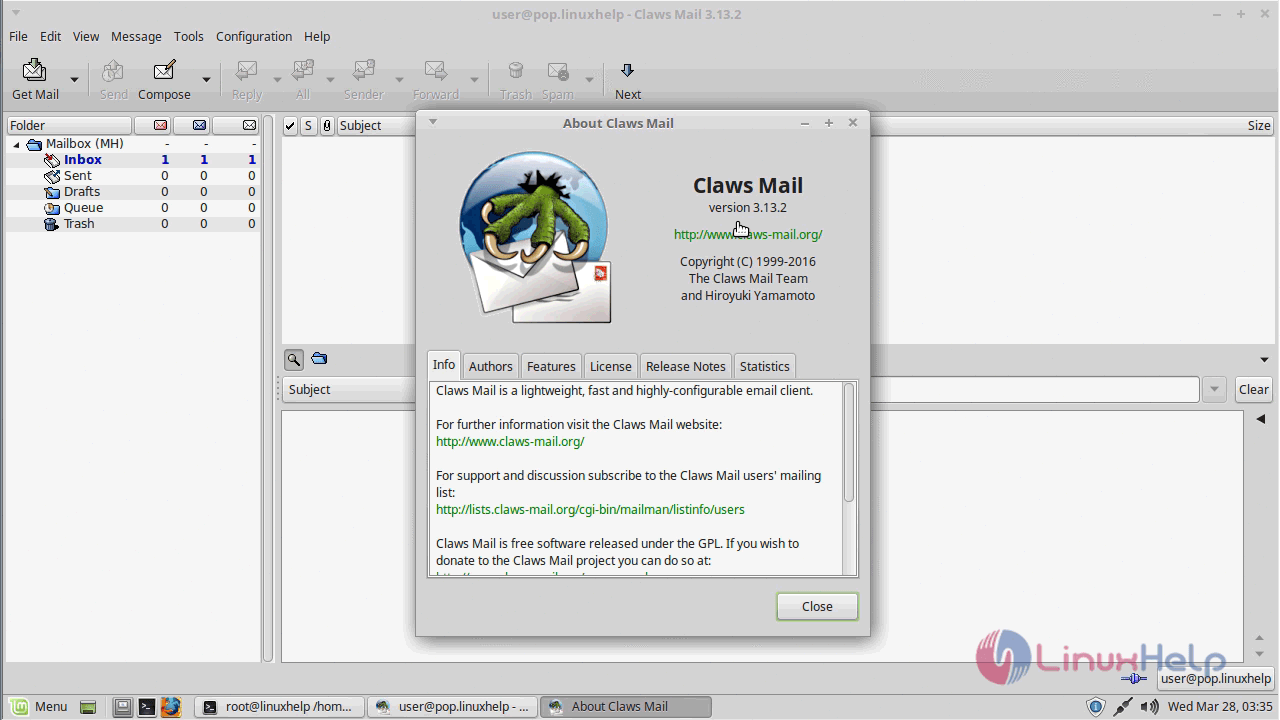
With this, installation of Claws-mail comes to an end.
Comments ( 0 )
No comments available