How to install clementine music player in Ubuntu
To install clementine music player in Ubuntu 16.04
Clementine is a free, cross-platform music player and library organiser which is a port of Amarok 1.4 to the Qt 4 framework and the GStreamer multimedia framework. Installation of clementine music player in Ubuntu is explained in this tutorial.
Features
- Provides features for Listening internet radio
- Sidebar information panes
- Creation of smart and dynamic playlists
- Tabbed playlists
- Supports Tag editor, album cover and queue manager
- To Download cover art from Last.fm
- Search and download podcasts
- Import and export files of all formats
- Moodbar visualizations
To install clementine
Utilise the following command to add the clementine repo file.
root@linuxhelp:~# add-apt-repository ppa:me-davidsansome/clementine
More info: https://launchpad.net/~me-davidsansome/+archive/ubuntu/clementine
Press [ENTER] to continue or ctrl-c to cancel adding it

gpg: keyring `/tmp/tmppgrehv5u/secring.gpg'  created
gpg: keyring `/tmp/tmppgrehv5u/pubring.gpg'  created
gpg: requesting key 044A3B98 from hkp server keyserver.ubuntu.com
gpg: /tmp/tmppgrehv5u/trustdb.gpg: trustdb created
gpg: key 044A3B98: public key " Launchpad Clementine Stable"  imported
gpg: Total number processed: 1
gpg:               imported: 1  (RSA: 1)
OK
Update the apt source by using the following command.
root@linuxhelp:~# apt-get update
Get:1 http://security.ubuntu.com/ubuntu xenial-security InRelease [94.5 kB]
Hit:2 http://ppa.launchpad.net/enlightenment-git/ppa/ubuntu xenial InRelease
Hit:3 http://in.archive.ubuntu.com/ubuntu xenial InRelease
Hit:4 http://ppa.launchpad.net/gns3/ppa/ubuntu xenial InRelease
Get:5 http://in.archive.ubuntu.com/ubuntu xenial-updates InRelease [95.7 kB]
Hit:6 http://ppa.launchpad.net/me-davidsansome/clementine/ubuntu xenial InRelease
Hit:7 http://ppa.launchpad.net/nowrep/qupzilla/ubuntu xenial InRelease
Hit:8 http://ppa.launchpad.net/otto-kesselgulasch/gimp/ubuntu xenial InRelease
Hit:9 http://ppa.launchpad.net/ubuntuhandbook1/cantata/ubuntu xenial InRelease
Hit:10 http://in.archive.ubuntu.com/ubuntu xenial-backports InRelease
Get:11 http://in.archive.ubuntu.com/ubuntu xenial-updates/universe amd64 Packages [311 kB]
Ign:12 https://www.arangodb.com/repositories/arangodb3/xUbuntu_16.04  InRelease
Hit:13 https://www.arangodb.com/repositories/arangodb3/xUbuntu_16.04  Release
Get:15 http://in.archive.ubuntu.com/ubuntu xenial-updates/universe i386 Packages [308 kB]
Fetched 809 kB in 7s (104 kB/s)
Reading package lists... Done
W: https://www.arangodb.com/repositories/arangodb3/xUbuntu_16.04/Release.gpg: Signature by key 4497DA50FBD0158CCFD1996CEE611E131C42E360 uses weak digest algorithm (SHA1)
Then install clementine tool by using the following command.
root@linuxhelp:~# apt-get install clementine
Reading package lists... Done
Building dependency tree
Reading state information... Done
The following NEW packages will be installed:
  clementine
0 upgraded, 1 newly installed, 0 to remove and 18 not upgraded.
Need to get 0 B/5,418 kB of archives.
After this operation, 24.2 MB of additional disk space will be used.
Selecting previously unselected package clementine.
(Reading database ... 242346 files and directories currently installed.)
Preparing to unpack .../clementine_1.3.1~xenial_amd64.deb ...
Unpacking clementine (1.3.1~xenial) ...
Processing triggers for gconf2 (3.2.6-3ubuntu6) ...
Processing triggers for bamfdaemon (0.5.3~bzr0+16.04.20160701-0ubuntu1) ...
Rebuilding /usr/share/applications/bamf-2.index...
Processing triggers for gnome-menus (3.13.3-6ubuntu3.1) ...
Processing triggers for desktop-file-utils (0.22-1ubuntu5) ...
Processing triggers for mime-support (3.59ubuntu1) ...
Processing triggers for hicolor-icon-theme (0.15-0ubuntu1) ...
Setting up clementine (1.3.1~xenial) ...
To Launch Clementine
Run the clementine to start the music player.
root@linuxhelp:~# clementine
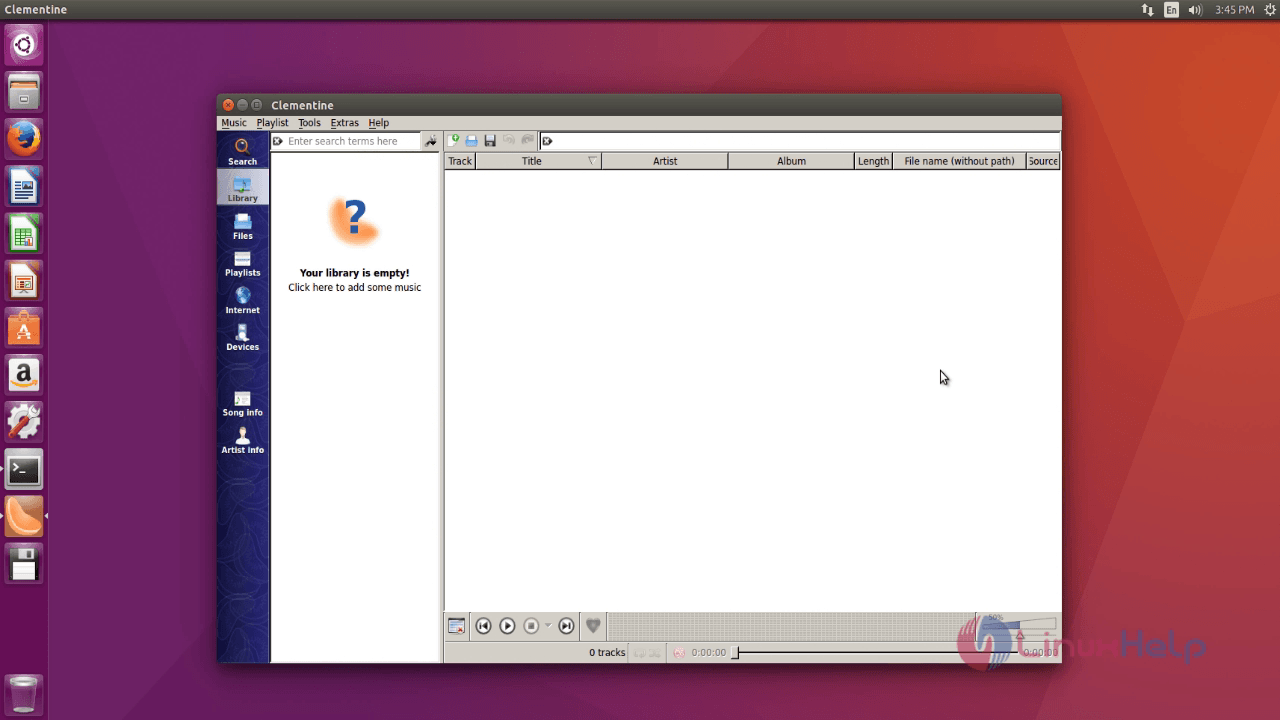
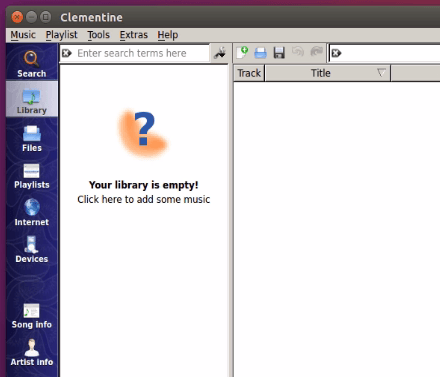
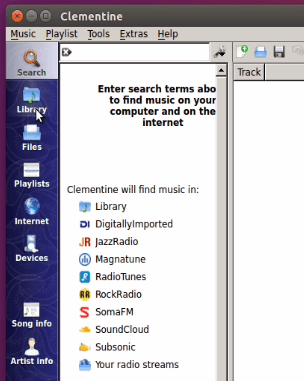
Click Library to view your music files and folders.
Files displays the list of files available.
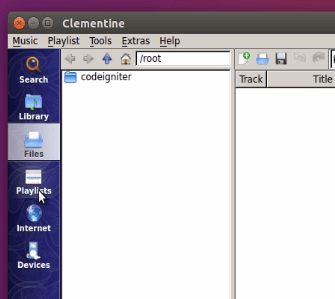
Play list shows the list of files played.
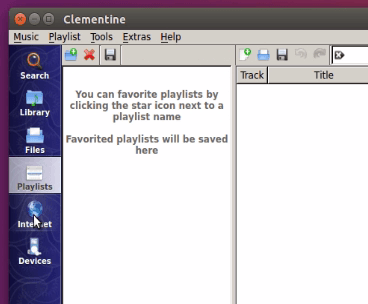
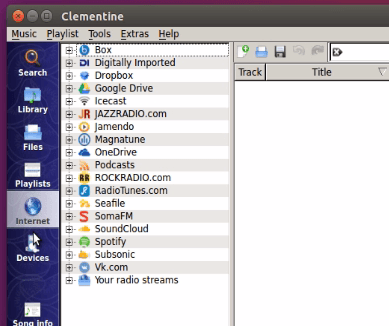
You can browse to the Internet for more options.
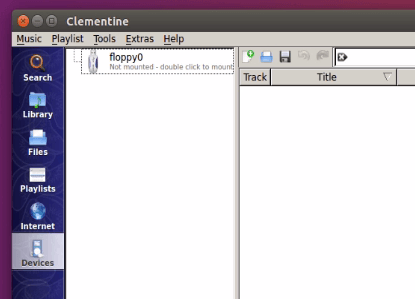
To know the Devices added click device.
To Play the music files
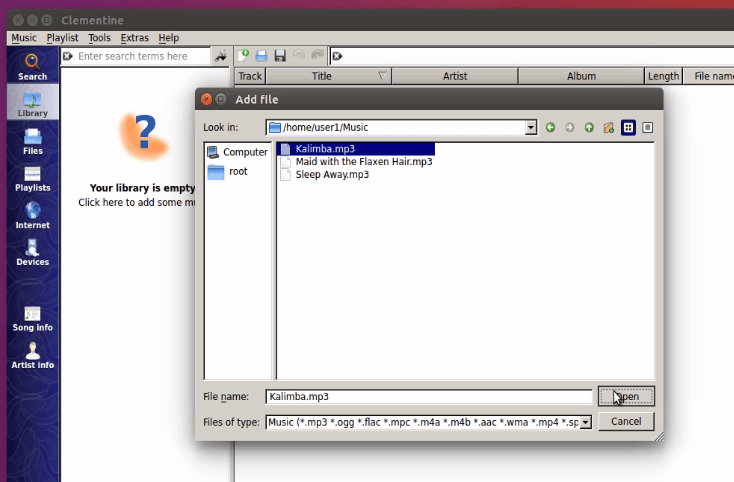
Go to Music &rarr Open file in the menu bar.
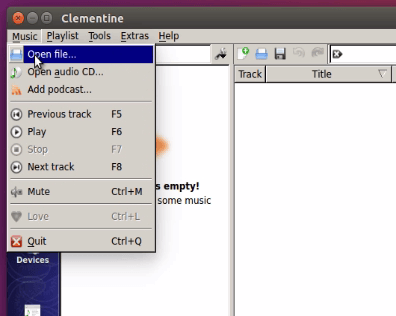
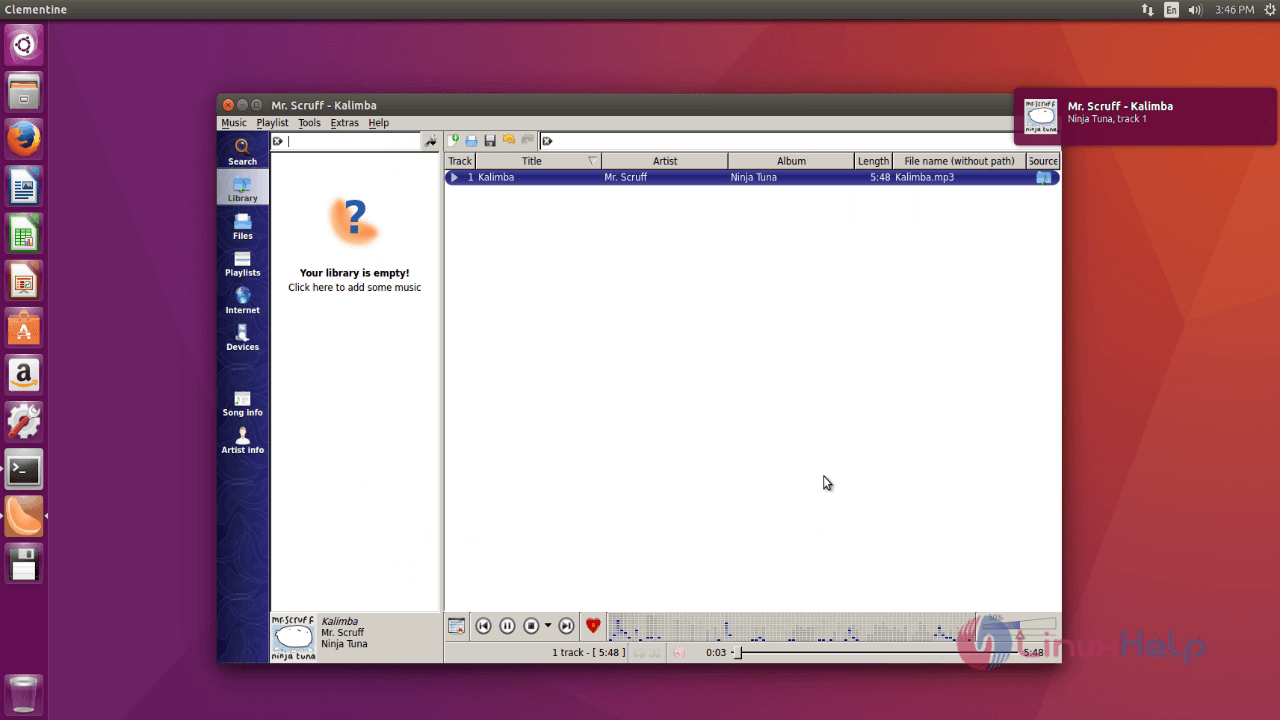
Now all the files in your library will open. Select music file and click open to play the music.
Comments ( 0 )
No comments available