How to Install Clementine on Debian 8.3
To Install Clementine on Debian 8.3
Clementine is an open-source, multi-platform music player similar to Amarok 1.4. It offers an intuitive and simple interface to its users. The installation of Clementine player on Ubuntu has already been covered by us. In this video let us see the method involved in installing Clementine on Debian.
Installing Clementine
Before initiating the installation of Clementine in your system, make sure you add the repository. Use the following command for the same purpose.
root@linuxhelp:~# nano /etc/apt/sources.list
Once it is done, add the following lines to it.
deb http://ftp.debian.org/debian/ stable main contrib non-free
deb http://ftp.de.debian.org/debian jessie main
Save and exit from the file once it is done.
After that, update the apt sources-list as follows.
root@linuxhelp:~# apt-get update
Get:1 http://ftp.debian.org jessie-updates InRelease [145 kB]
Ign http://ftp.de.debian.org jessie InRelease
Get:2 http://ftp.de.debian.org jessie Release.gpg [2,373 B]
Get:3 http://ftp.de.debian.org jessie Release [148 kB]
Get:4 http://ftp.de.debian.org jessie/main amd64 Packages [6,776 kB]
Ign http://ftp.debian.org stable InRelease
Get:5 http://ftp.debian.org jessie-updates/main Sources [15.5 kB]
Get:6 http://ftp.debian.org jessie-updates/contrib Sources [32 B]
Get:7 http://ftp.debian.org jessie-updates/main amd64 Packages/DiffIndex [7,408 B]
Get:8 http://ftp.debian.org jessie-updates/contrib amd64 Packages [32 B]
Get:9 http://ftp.debian.org jessie-updates/contrib Translation-en [14 B]
Get:10 http://ftp.debian.org jessie-updates/main Translation-en/DiffIndex [2,704 B]
Get:11 http://ftp.debian.org stable Release.gpg [2,373 B]
Get:12 http://ftp.debian.org jessie-updates/main amd64 2017-03-14-2025.02.pdiff [526 B]
Get:13 http://ftp.debian.org jessie-updates/main amd64 2017-03-14-2025.02.pdiff [526 B]
Get:14 http://ftp.debian.org stable Release [148 kB]
Get:15 http://ftp.debian.org stable/main amd64 Packages [6,776 kB]
.
.
Get:21 http://ftp.debian.org stable/non-free Translation-en [72.1 kB]
Fetched 23.4 MB in 1min 49s (213 kB/s)
Reading package lists... Done
All is set for the installation of Clementine package. Use the following command for the same purpose.
root@linuxhelp:~# apt-get install clementine
Reading package lists... Done
Building dependency tree
Reading state information... Done
The following extra packages will be installed:
  gstreamer0.10-plugins-ugly libechonest2.1 libftgl2 liblastfm1 libmysqlclient18
  libprojectm2 libqca2 libqjson0 libqt4-network libqt4-opengl libqt4-sql libqt4-sql-mysql
  libqt4-sql-sqlite libqxt-core0 libqxt-gui0 mysql-common projectm-data ttf-dejavu-core
Suggested packages:
  libqca2-plugin-cyrus-sasl libqca2-plugin-gnupg libqca2-plugin-ossl libqt4-dev
The following NEW packages will be installed:
  clementine gstreamer0.10-plugins-ugly libechonest2.1 libftgl2 liblastfm1 libmysqlclient18
  libprojectm2 libqca2 libqjson0 libqt4-network libqt4-opengl libqt4-sql libqt4-sql-mysql
  libqt4-sql-sqlite libqxt-core0 libqxt-gui0 mysql-common projectm-data ttf-dejavu-core
0 upgraded, 19 newly installed, 0 to remove and 264 not upgraded.
Need to get 8,836 kB of archives.
After this operation, 36.6 MB of additional disk space will be used.
Do you want to continue? [Y/n] y
Get:1 http://ftp.debian.org/debian/
.
.
Setting up clementine (1.2.3+dfsg-2+b1) ...
Processing triggers for libc-bin (2.19-18+deb8u2) ...
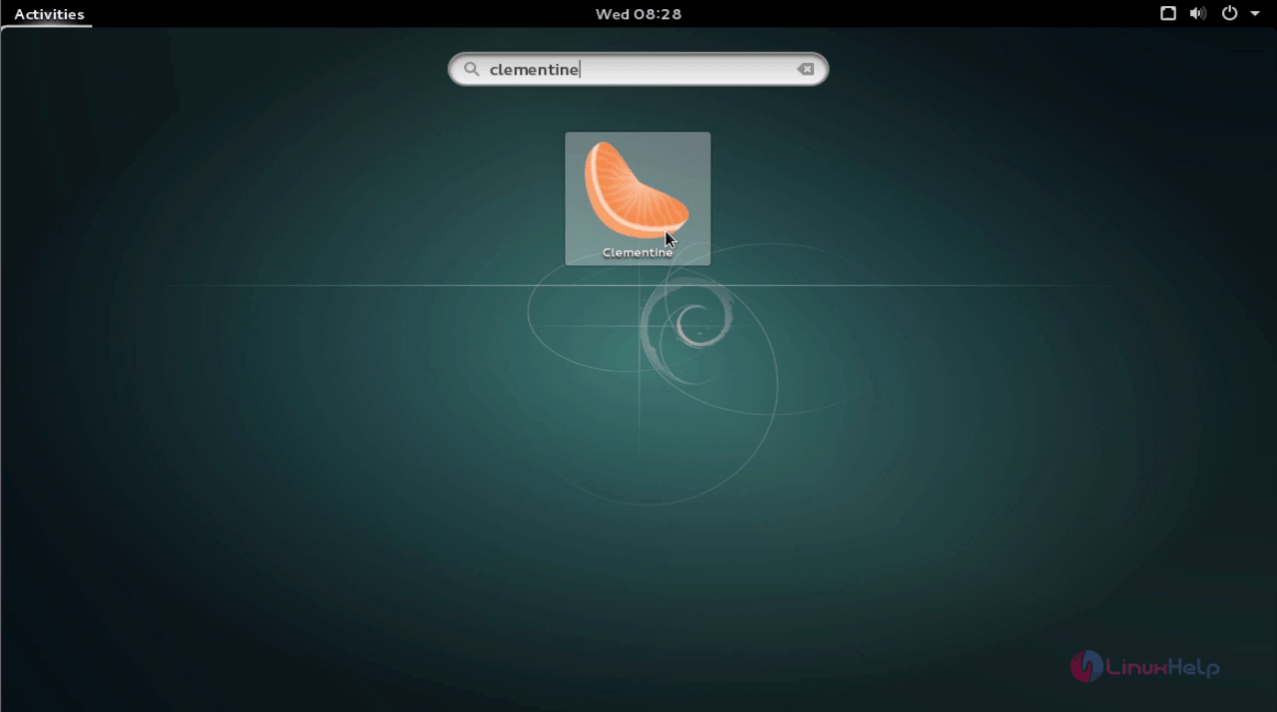
Clementine has been installed, use your activities search bar to find and open it.
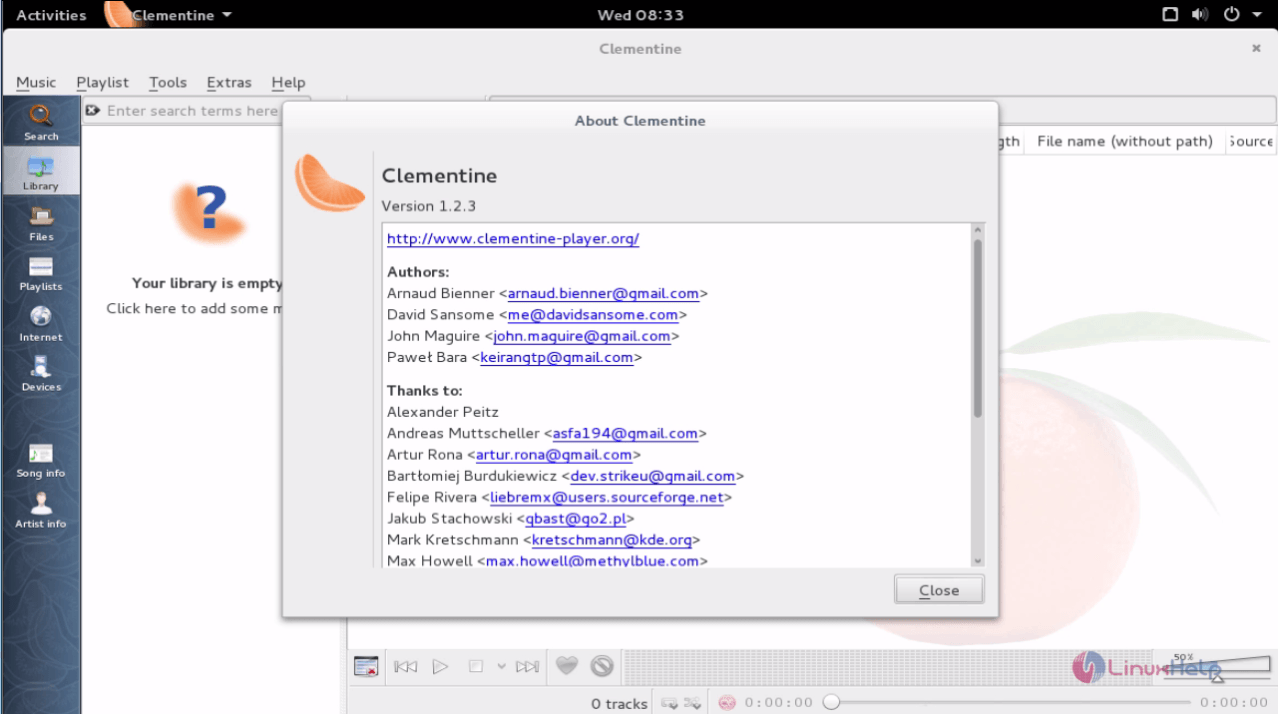
Don' t you think the installation was quite simple? Also, playing all your music files can be a lot more fun. Clementine also lets you to listen to internet radio from Spotify, SoundCloud, Grooveshark, SomaFM, Magnatune, Jamendo, SKY.fm, and many more. You can sort all your songs to playlist by adding them to smart playlist or dynamic playlist. Also, Clementine allows you play your music files from a CD. Enjoy your music experience with Clementine.
Comments ( 0 )
No comments available