How to install Concrete5 on CentOS 6.9
To install Concrete5 on CentOS 6.9
Concrete5 is a content management systems that is written in PHP and uses MySQL to store its data. It comes with an easy-to-use website builder through which you can easily create pages and content. Concrete5 is flexible, secure and mobile ready. It is based on Model-View-Controller architecture and object-oriented programming. Some of its features include integrated server, caching, developer API, version tracking system, and SEO. This tutorial explains the installation procedure of Concrete5 on CentOS 6.9.
Installation procedure
To begin with the installation procedure, download the Concrete5 package from its official site by executing the wget command followed by the download link.
[root@linuxhelp1 ~]# wget https://core-releases.s3.amazonaws.com/9314/8193/0256/concrete5-8.0.3.zip
--2017-09-23 13:35:08--  https://core-releases.s3.amazonaws.com/9314/8193/0256/concrete5-8.0.3.zip
Resolving core-releases.s3.amazonaws.com... 54.231.169.62
Connecting to core-releases.s3.amazonaws.com|54.231.169.62|:443... connected.
HTTP request sent, awaiting response... 200 OK
Length: 45636723 (44M) [application/zip]
Saving to: “ concrete5-8.0.3.zip”

100%[======================================> ] 45,636,723   477K/s   in 2m 9s
2017-09-23 13:37:19 (345 KB/s) - “ concrete5-8.0.3.zip”  saved [45636723/45636723]
Extract the downloaded file using unzip command as follows.
[root@linuxhelp1 ~]# unzip concrete5-8.0.3.zip -d concrete
Archive:  concrete5-8.0.3.zip
   creating: concrete/concrete5-8.0.3/
   creating: concrete/concrete5-8.0.3/application/
   creating: concrete/concrete5-8.0.3/application/attributes/
   creating: concrete/concrete5-8.0.3/application/authentication/
   creating: concrete/concrete5-8.0.3/application/blocks/
.
.
inflating: concrete/concrete5-8.0.3/robots.txt
   creating: concrete/concrete5-8.0.3/updates/
Move the extracted file to HTML location.
[root@linuxhelp1 ~]# mv concrete /var/www/html/
Change the ownership of the file in HTML location.
[root@linuxhelp1 ~]# chown -R apache:apache /var/www/html/concrete
Restart the Apache service.
[root@linuxhelp1 ~]# service httpd restart
Stopping httpd:                                            [  OK  ]
Starting httpd:                                            [  OK  ]
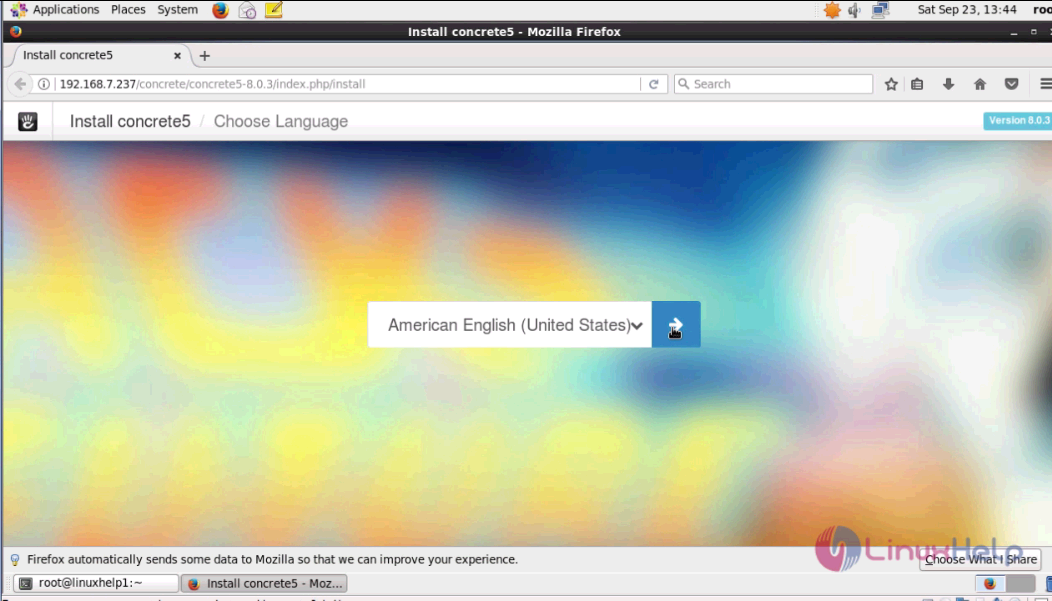
Switch over to the browser and enter the URL as machineip/concrete/concrete5-8.0.3, the installation wizard of Concrete5 is shown on the screen. Choose the language and click next.
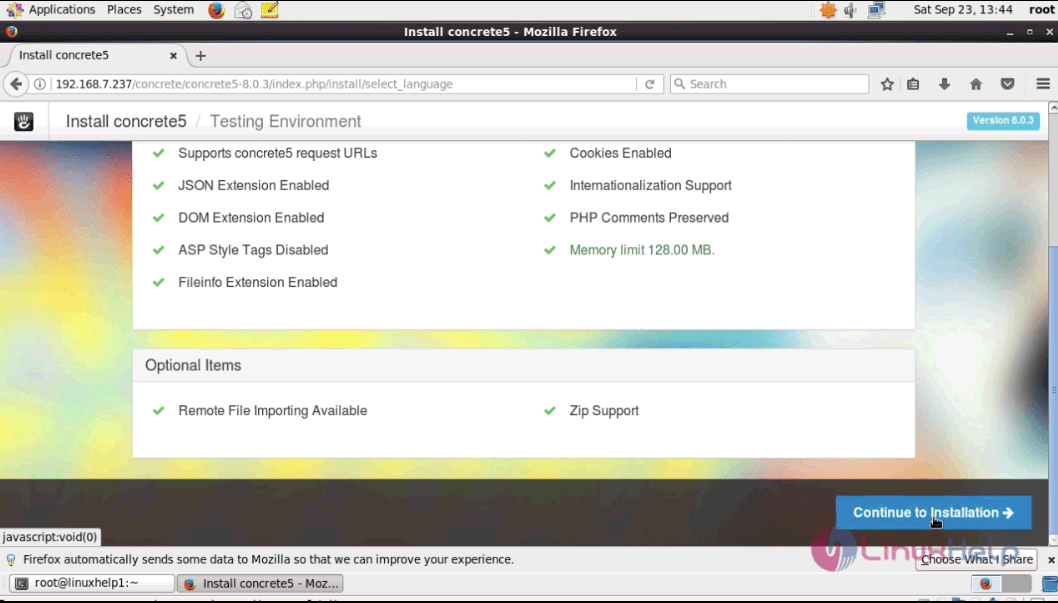
This window shows the system check before starting the installation process. Click continue to installation option.
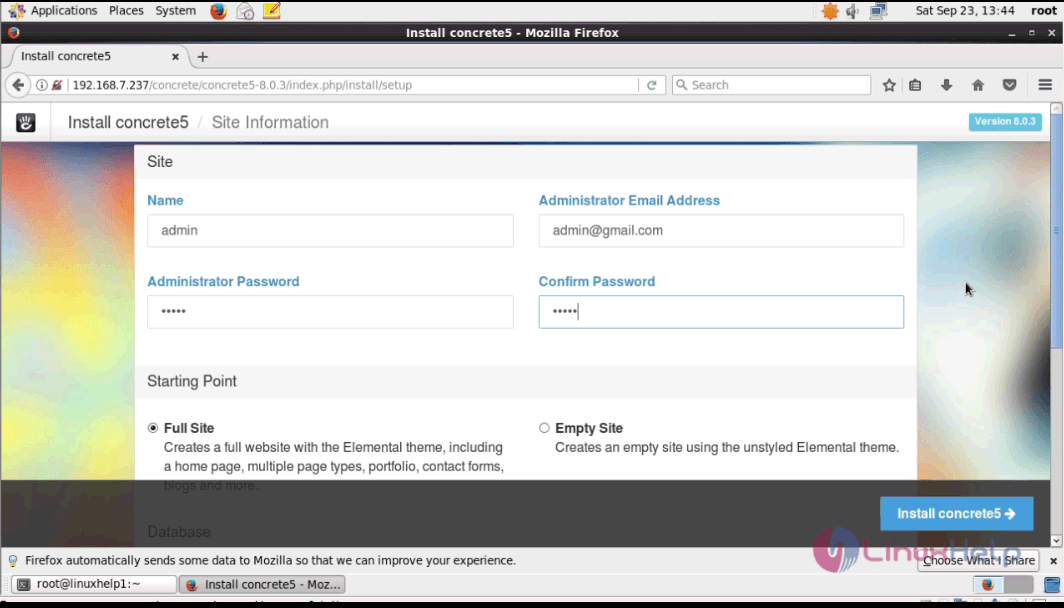
Fill the required Admin details and select the option to create a site with full options or a bare theme. Click Install Concrete5 option to continue with the installation process.
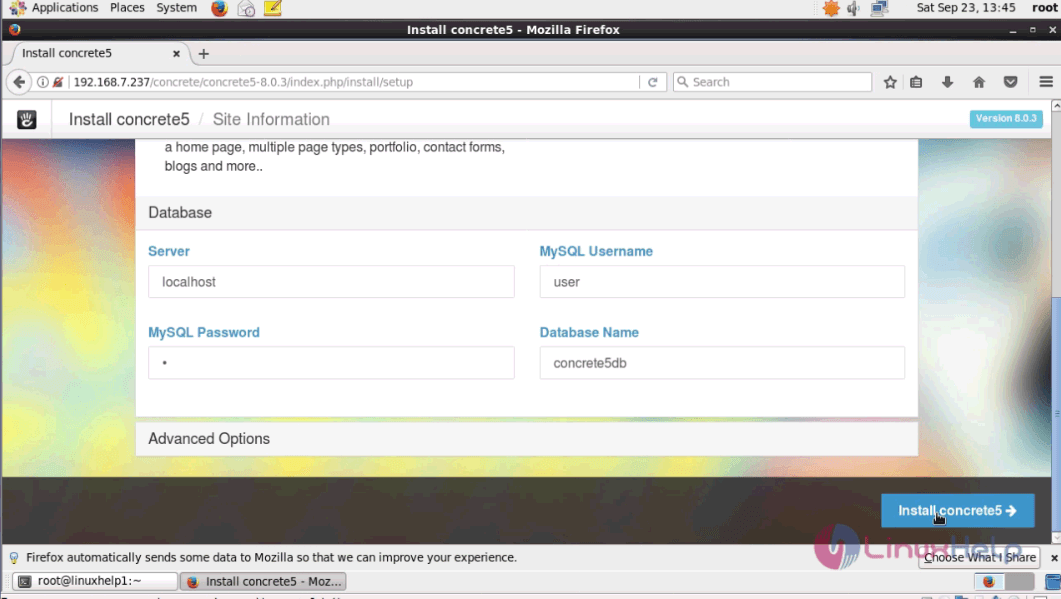
Fill the database details and click ' Install Concrete5' option.
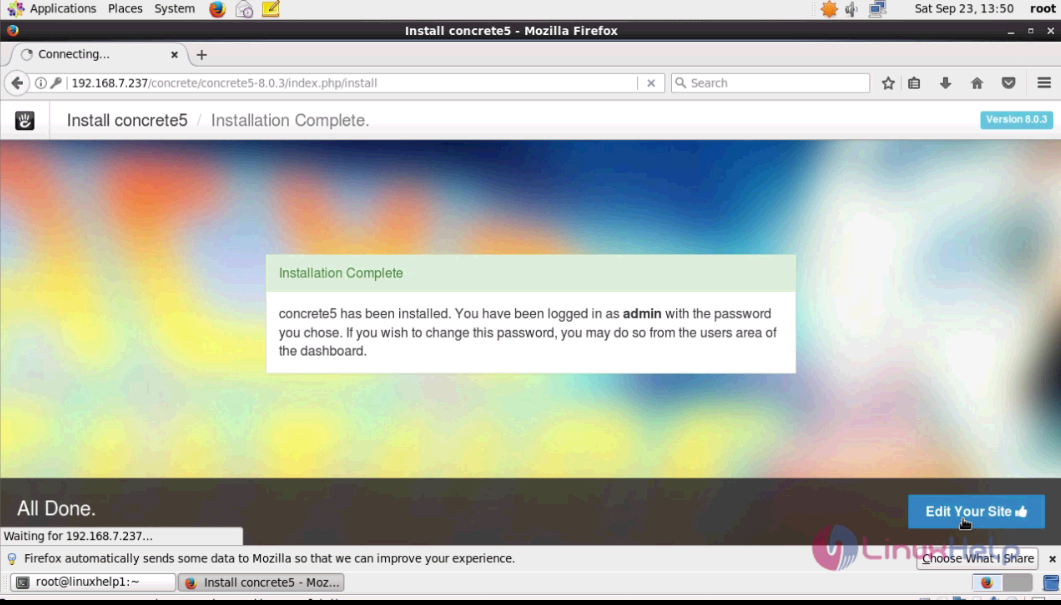
The installation is completed. To open the admin page, click edit your site option.
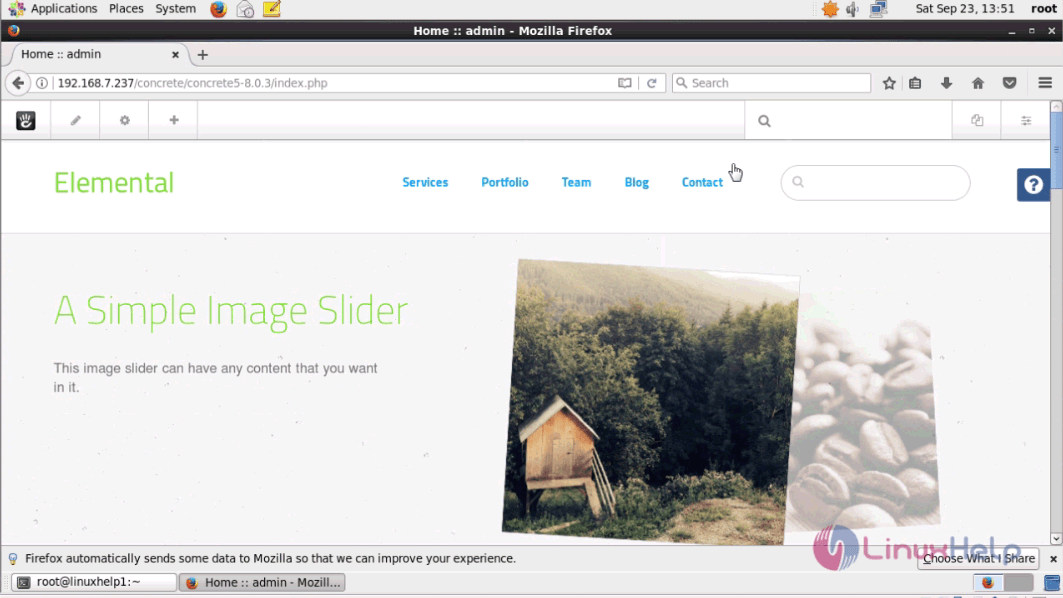
The admin page of Concrete5 appears on the screen.
Now you can customize your site in the admin side with a wide variety of options.
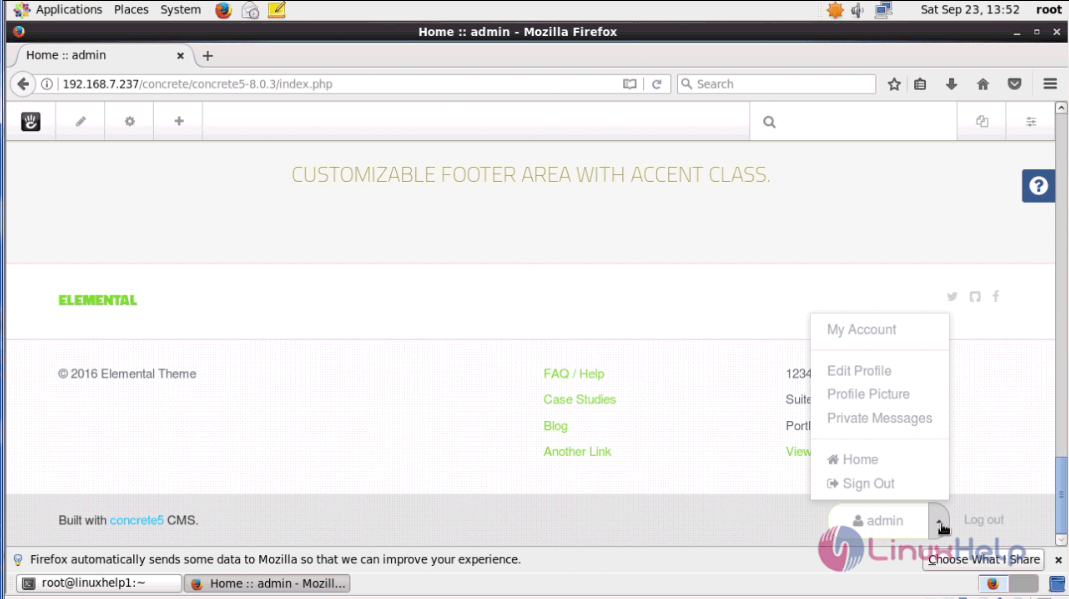
The installation of Concrete5 on CentOS 6.9 is done without any glitches.
Comments ( 0 )
No comments available