How to install Cool Reader on Linux mint 18.03
{{postValue.id}}
To install Cool Reader on Linux mint 18.03
Cool Reader 3 is an open source and lightweight e-book reader, based on XML and CSS. It is multiplatform, which works on Linux, Windows or Android and has support for FB2, TXT, RTF, DOC, HTML, EPUB, CHM, PDB or MOBI files. With the Cool reader, you can read books inside zip archives, without extracting the archives. In this tutorial, we will cover the installation of the cool reader on Linuxmint-18.03.
Installation
Download the cool reader application by using wget command.
linuxhelp ~ # wget https://launchpad.net/~vovansrnd/+archive/coolreader/+files/cr3_3.0.59.2-1_amd64.deb
--2018-09-19 15:37:52--  https://launchpad.net/~vovansrnd/+archive/coolreader/+files/cr3_3.0.59.2-1_amd64.deb
Resolving launchpad.net (launchpad.net)... 91.189.89.223, 91.189.89.222
Connecting to launchpad.net (launchpad.net)|91.189.89.223|:443... connected.
HTTP request sent, awaiting response... 301 Moved Permanently
Location: https://launchpad.net/~vovansrnd/+archive/ubuntu/coolreader/+files/cr3_3.0.59.2-1_amd64.
.
.
.
Length: 1793518 (1.7M) [application/x-debian-package]
Saving to: ‘cr3_3.0.59.2-1_amd64.deb’

cr3_3.0.59.2-1_amd64.deb  100%[==================================>]   1.71M   853KB/s    in 2.1s

2018-09-19 15:37:56 (853 KB/s) - ‘cr3_3.0.59.2-1_amd64.deb’ saved [1793518/1793518]
Install the cool reader run the following command.
linuxhelp ~ # gdebi cr3_3.0.59.2-1_amd64.deb
Reading package lists... Done
Building dependency tree
Reading state information... Done
Reading state information... Done
Requires the installation of the following packages: libjpeg62

e-book reader
 Cool Reader 3 is multiplatform e-book viewer
 with support of TXT, FB2, HTML, RTF, CHM, EPUB, TRC file formats.
 Fully supports FB2 format: tables, footnotes, CSS based formatting.
 Autodetects TXT file format and encoding, and reflows it for easy reading.
 Supports table of contents, search, bookmarks.
.
.
.
Processing triggers for libc-bin (2.23-0ubuntu9) ...
Selecting previously unselected package cr3.
(Reading database ... 220640 files and directories currently installed.)
Preparing to unpack cr3_3.0.59.2-1_amd64.deb ...
Unpacking cr3 (3.0.59.2-1) ...
Setting up cr3 (3.0.59.2-1) ...
Processing triggers for man-db (2.7.5-1) ...
Processing triggers for desktop-file-utils (0.22+linuxmint1) ...
Processing triggers for mime-support (3.59ubuntu1) ...
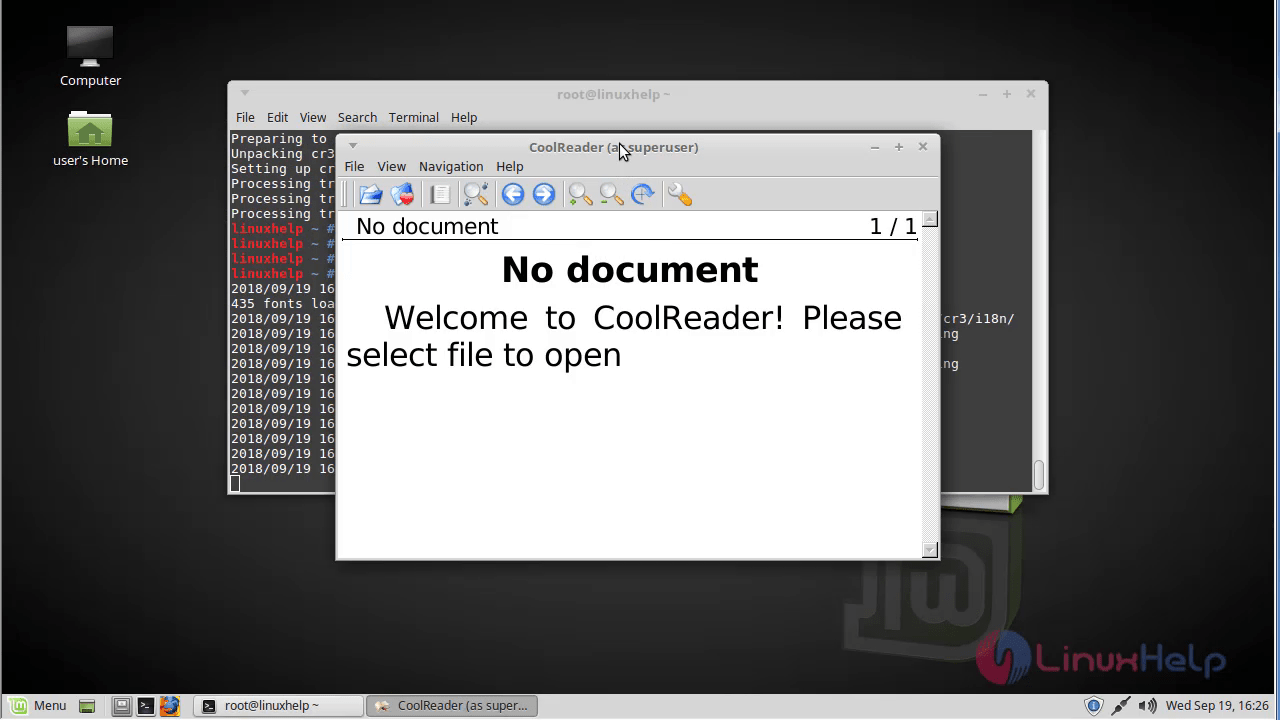
Type cr3 from the terminal.
linuxhelp ~ # cr3
2018/09/19 15:39:00.4277 WARN Changing log level from 3 to 1
435 fonts loaded.
2018/09/19 15:39:00.8501 ERROR Canot load translation file cr3_en_IN from dir /usr/share/cr3/i18n/
2018/09/19 15:39:01.0784 ERROR Error opening file /root/.cr3/cache/cr3cache.inx for reading
2018/09/19 15:39:01.0787 ERROR Document cache index file cannot be read
you can access cool reader application.
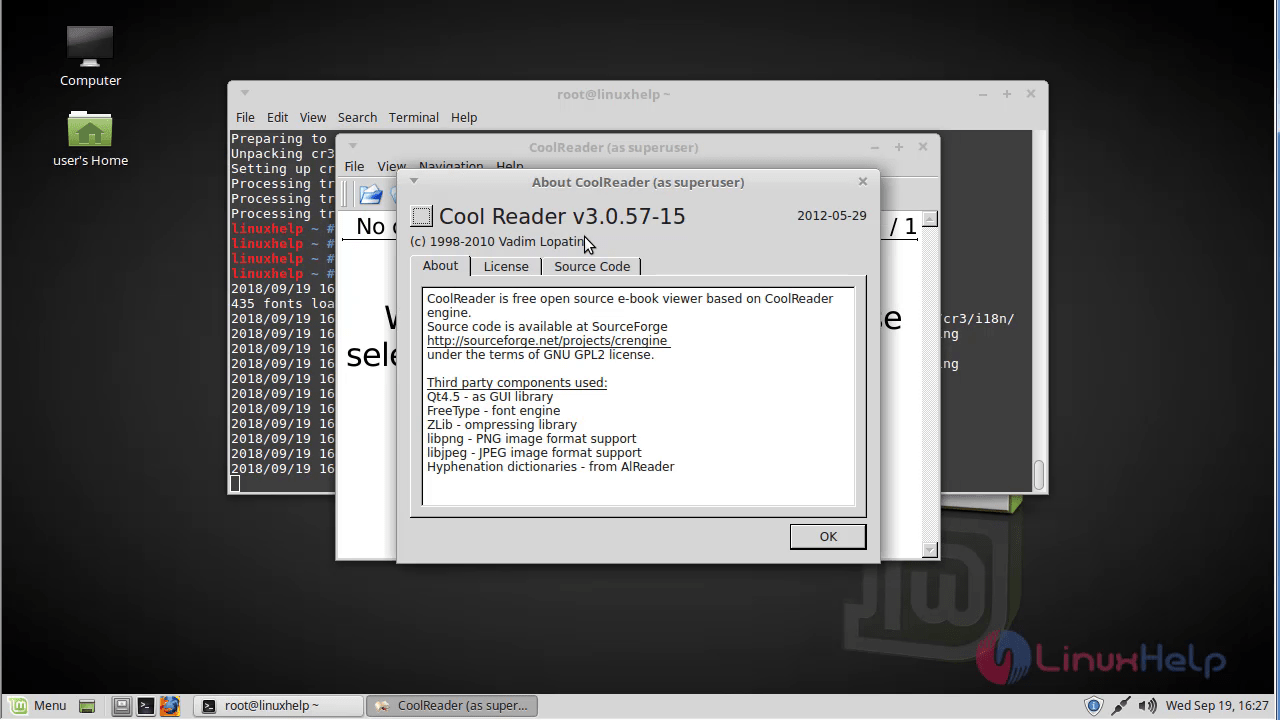
verify the version of Cool reader.
 With this, the method to install the cool reader on Linuxmint-18.03 comes to an end.
Comments ( 0 )
No comments available