How To Install CouchPotato in Ubuntu 16.04
To Install CouchPotato on Ubuntu 16.04
CouchPotato is an open source multi-platform application, used to download movies automatically. It is an automatic NZB and torrent downloader. Installation of CouchPotato in Ubuntu 16.04 is explained in this article.
Features
- Automatic downloading and sending of NZBs to SABnzbd
- Easily add movies via IMDB UserScript
- Automatic downloading of torrents files to a specified directory
- Trailer downloading
- Movie sorting & renaming
- A “ Coming Soon” page with soon to be released DVD and Theater info
- Quality options to download best available
- Support for NZBs.org, NZBMatrix, Newznab.com and ThePirateBay
To Install CouchPotato
Install the required packages for installing the couch potato.
root@linuxhelp1:~# apt-get install python git -y
Reading package lists... Done
Building dependency tree
Reading state information... Done
python is already the newest version (2.7.11-1).
python set to manually installed.
The following packages were automatically installed and are no longer required:
  libpango1.0-0 libpangox-1.0-0 linux-headers-4.4.0-21 linux-headers-4.4.0-21-generic linux-image-4.4.0-21-generic
  linux-image-extra-4.4.0-21-generic
Use ' sudo apt autoremove'  to remove them.
The following additional packages will be installed:
  git-man liberror-perl
Suggested packages:
  git-daemon-run | git-daemon-sysvinit git-doc git-el git-email git-gui gitk gitweb git-arch git-cvs git-mediawiki
  git-svn
The following NEW packages will be installed:
  git git-man liberror-perl
0 upgraded, 3 newly installed, 0 to remove and 65 not upgraded.
Need to get 3,760 kB of archives.
After this operation, 25.6 MB of additional disk space will be used.
Get:1 http://in.archive.ubuntu.com/ubuntu xenial/main amd64 liberror-perl all 0.17-1.2 [19.6 kB]
Get:2 http://in.archive.ubuntu.com/ubuntu xenial/main amd64 git-man all 1:2.7.4-0ubuntu1 [735 kB]
Get:3 http://in.archive.ubuntu.com/ubuntu xenial/main amd64 git amd64 1:2.7.4-0ubuntu1 [3,006 kB]
.
.
.
Preparing to unpack .../liberror-perl_0.17-1.2_all.deb ...
Unpacking liberror-perl (0.17-1.2) ...
Selecting previously unselected package git-man.
Preparing to unpack .../git-man_1%3a2.7.4-0ubuntu1_all.deb ...
Unpacking git-man (1:2.7.4-0ubuntu1) ...
Selecting previously unselected package git.
Preparing to unpack .../git_1%3a2.7.4-0ubuntu1_amd64.deb ...
Unpacking git (1:2.7.4-0ubuntu1) ...
Processing triggers for man-db (2.7.5-1) ...
Setting up liberror-perl (0.17-1.2) ...
Setting up git-man (1:2.7.4-0ubuntu1) ...
Setting up git (1:2.7.4-0ubuntu1) ...
Now make a directory for CouchPotato in the /opt location.
root@linuxhelp1:~# mkdir /opt/couchpotato
Use below command to change the CouchPotato directory and clone to the Github repository.
root@linuxhelp1:~# cd /opt/couchpotato/
root@linuxhelp1:/opt/couchpotato# git clone https://github.com/RuudBurger/CouchPotatoServer.git
Cloning into ' CouchPotatoServer' ...
remote: Counting objects: 49333, done.
remote: Total 49333 (delta 0), reused 0 (delta 0), pack-reused 49333
Receiving objects: 100% (49333/49333), 20.27 MiB | 603.00 KiB/s, done.
Resolving deltas: 100% (30477/30477), done.
Checking connectivity... done.
Make CouchPotato to run automatically on every reboot using following command.
root@linuxhelp1:/opt/couchpotato# cp CouchPotatoServer/init/ubuntu /etc/init.d/couchpotato
root@linuxhelp1:/opt/couchpotato# chmod +x /etc/init.d/couchpotato
Now create a file couchpotato in /etc/default location.
root@linuxhelp1:/opt/couchpotato# nano /etc/default/couchpotato
CP_USER=user1
CP_HOME=/opt/couchpotato/CouchPotatoServer
CP_DATA=/home/user1/couchpotato
Here, add it into the defaults directory with below command.
root@linuxhelp1:/opt/couchpotato# update-rc.d couchpotato defaults
After finished the above process, use below command to start CouchPotato daemon.
root@linuxhelp1:/opt/couchpotato# service couchpotato start
And now open the web browser with the URL http://localhost:5050/wizard/ to view the CouchPotato webpage.
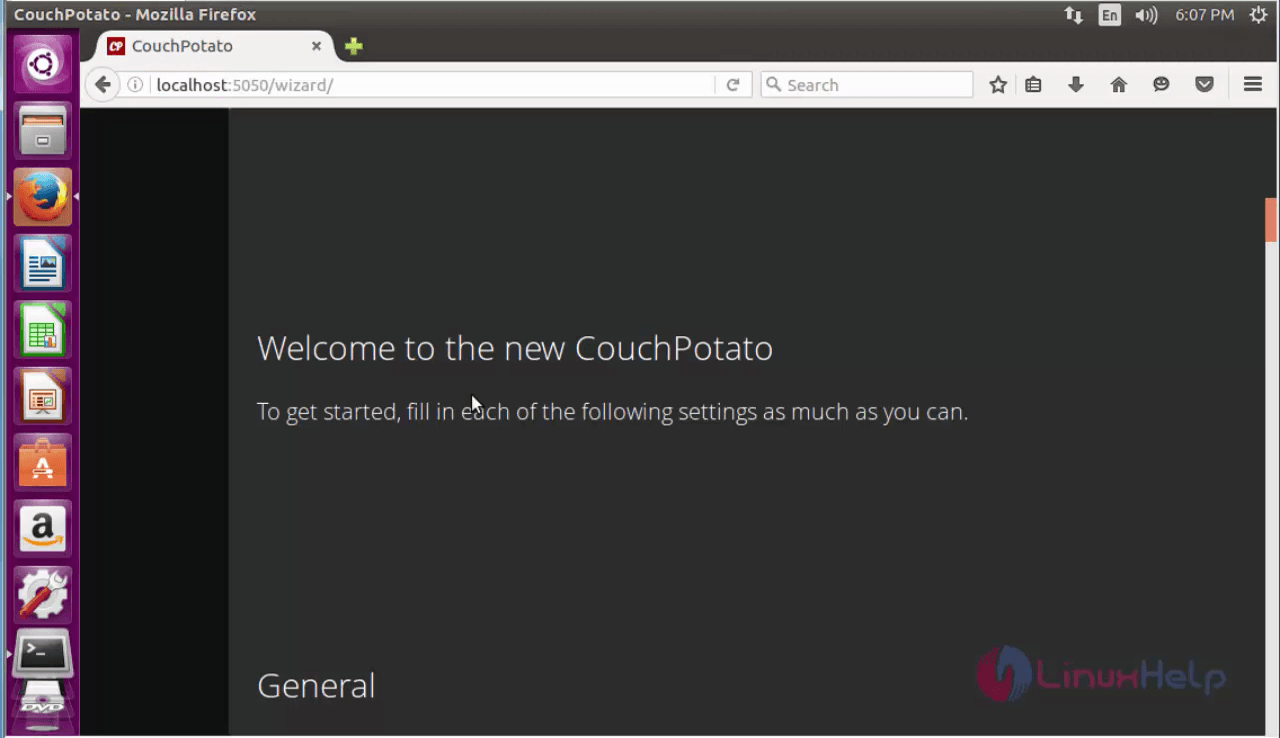
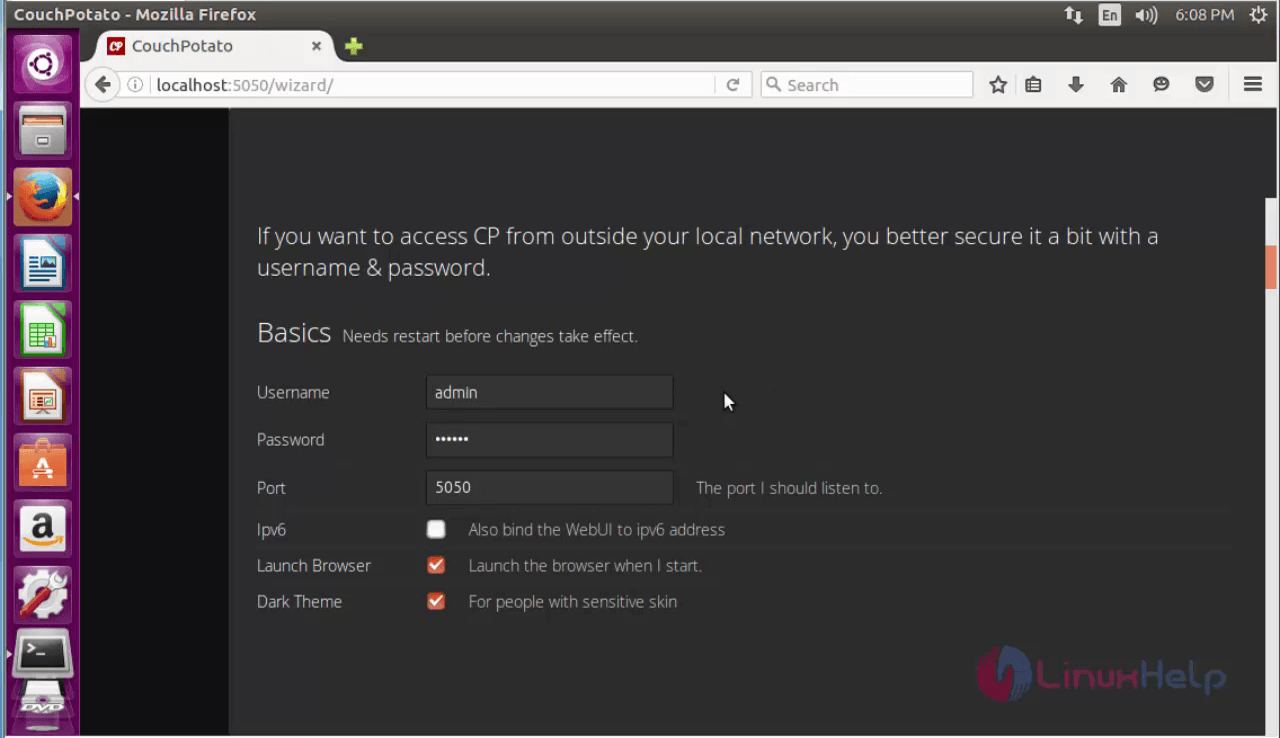
In CouchPotato dashboard, enter the required details.
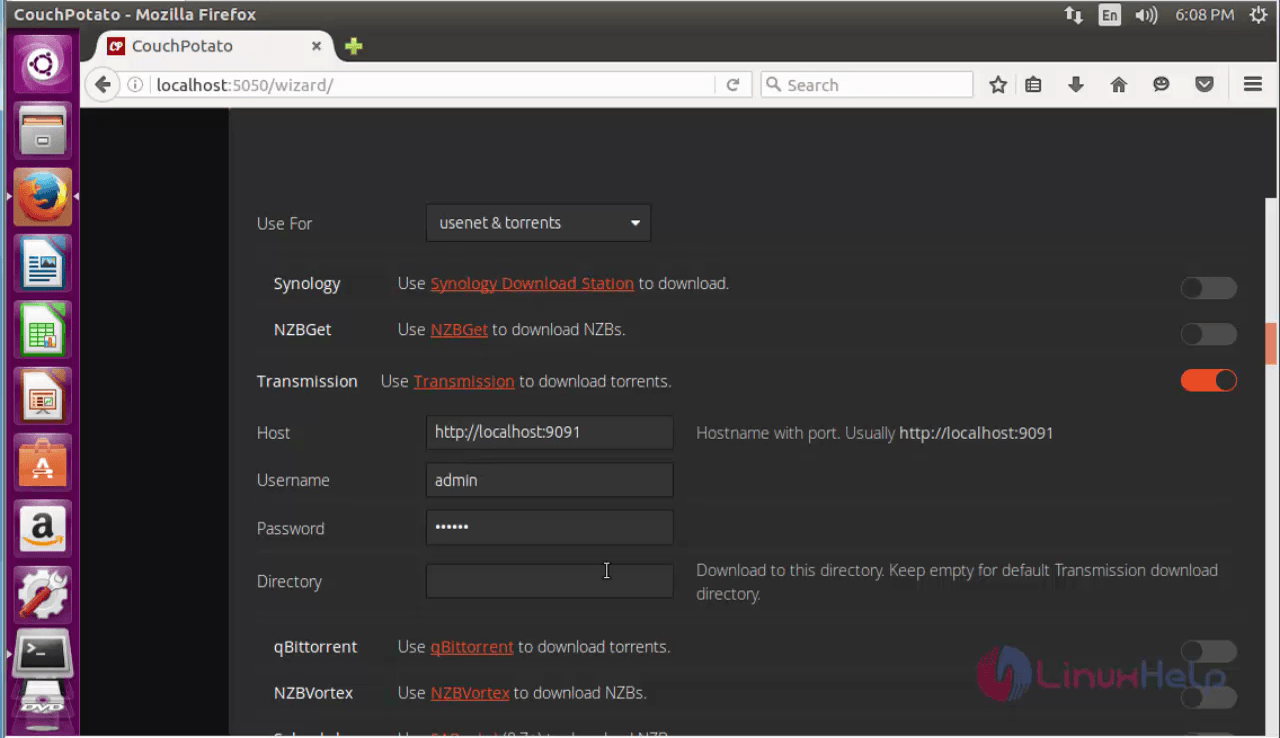
Select default torrent application and location to download the torrent files. Scroll down for further details.
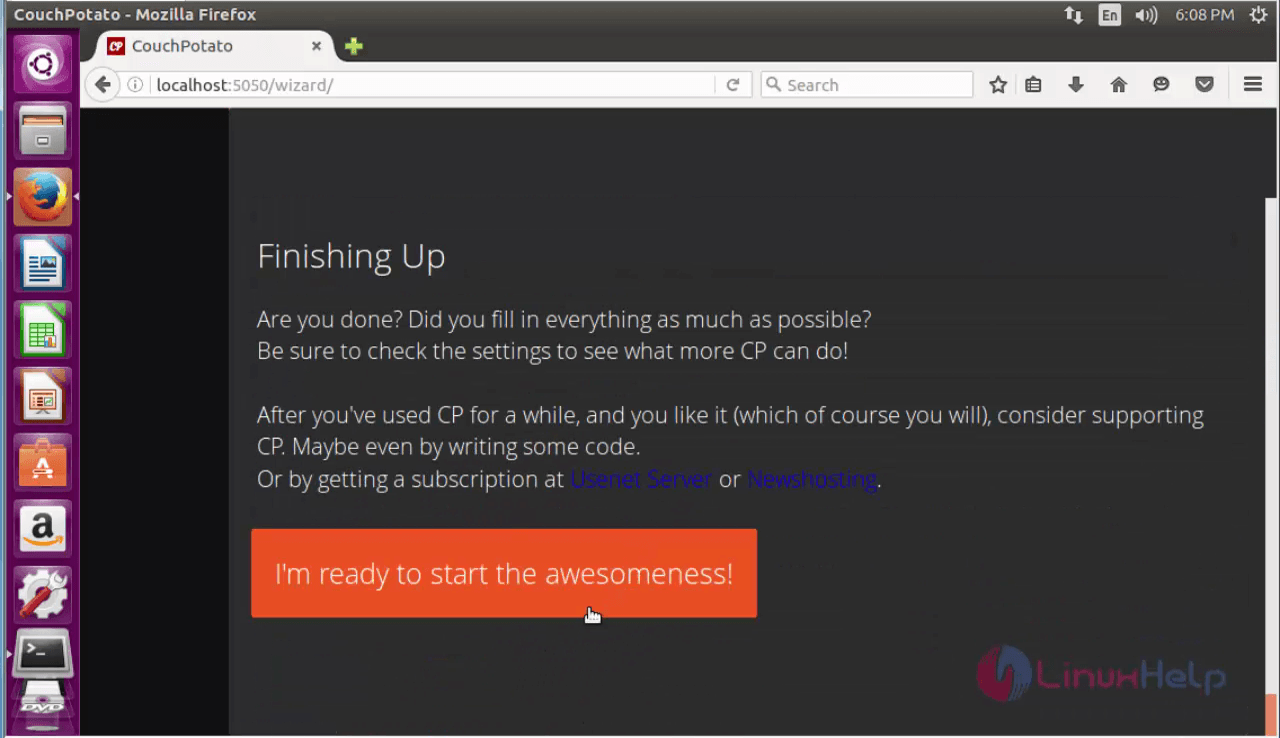
Finally click I’ m ready option.
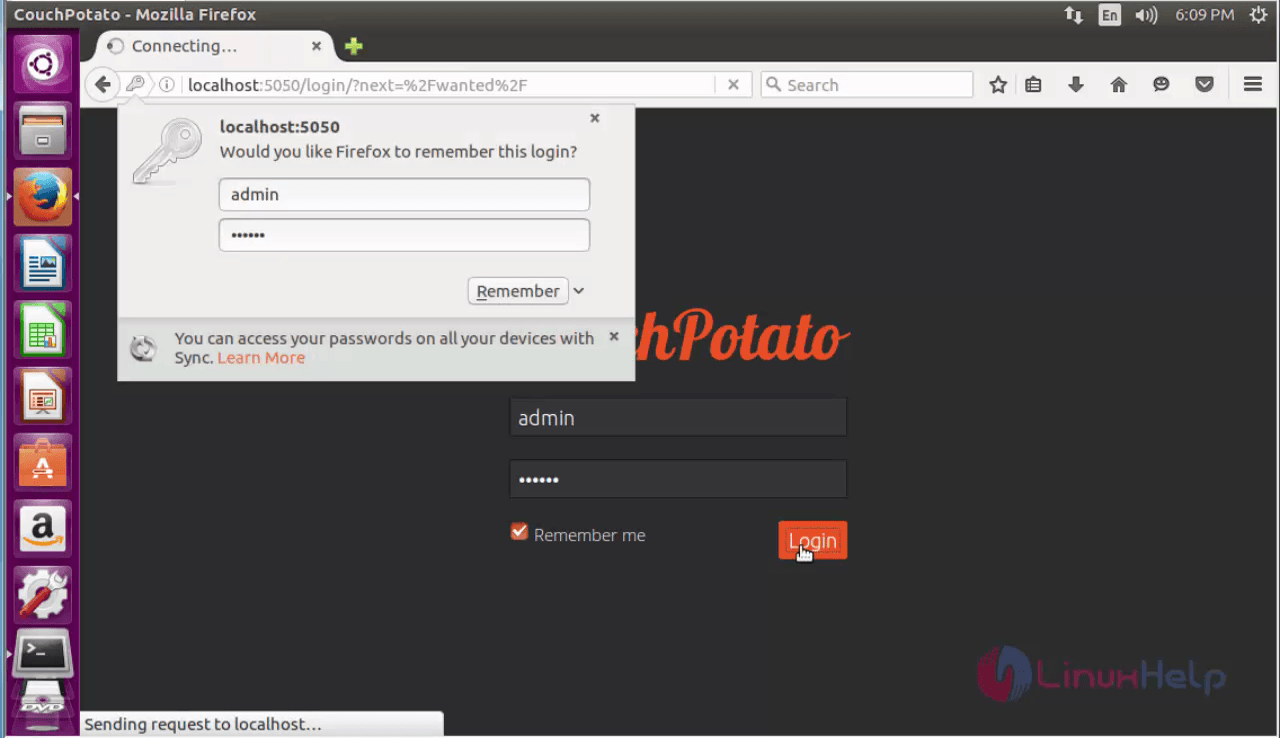
Now the couch potato login screen will appear as given below.
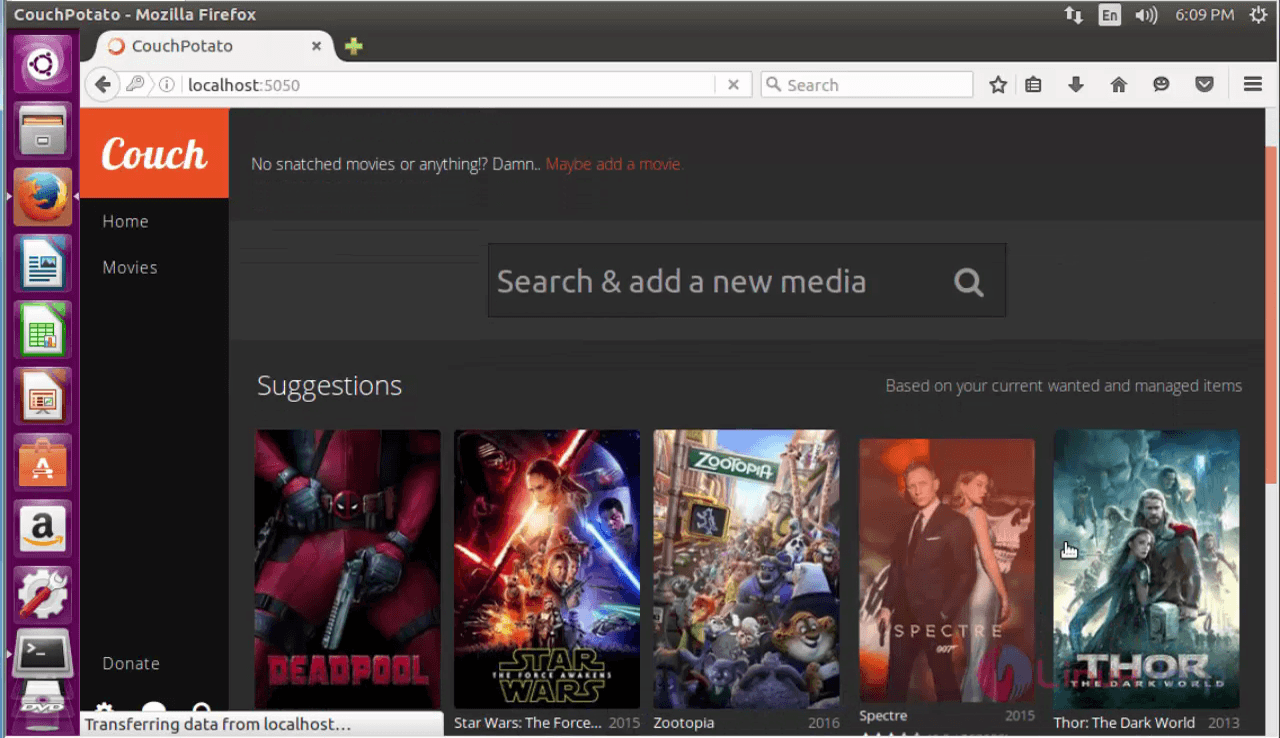
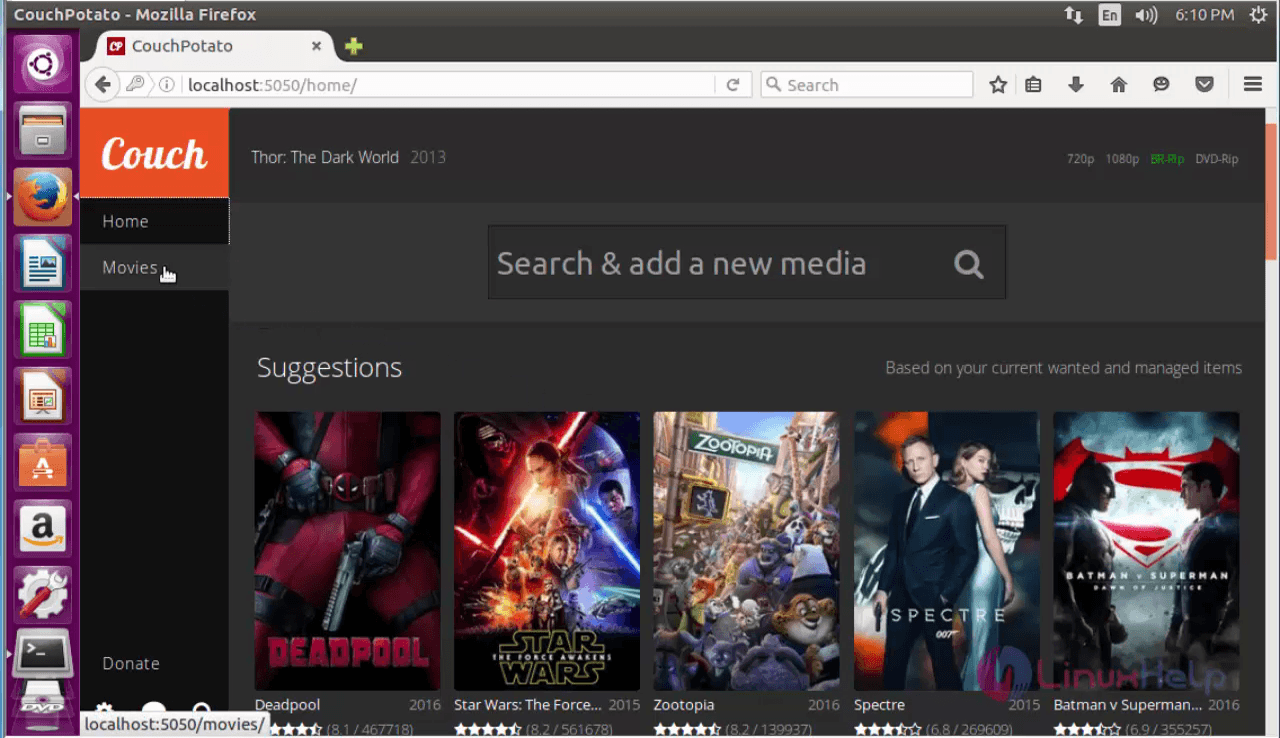
Here select the Movies, which you want to download.
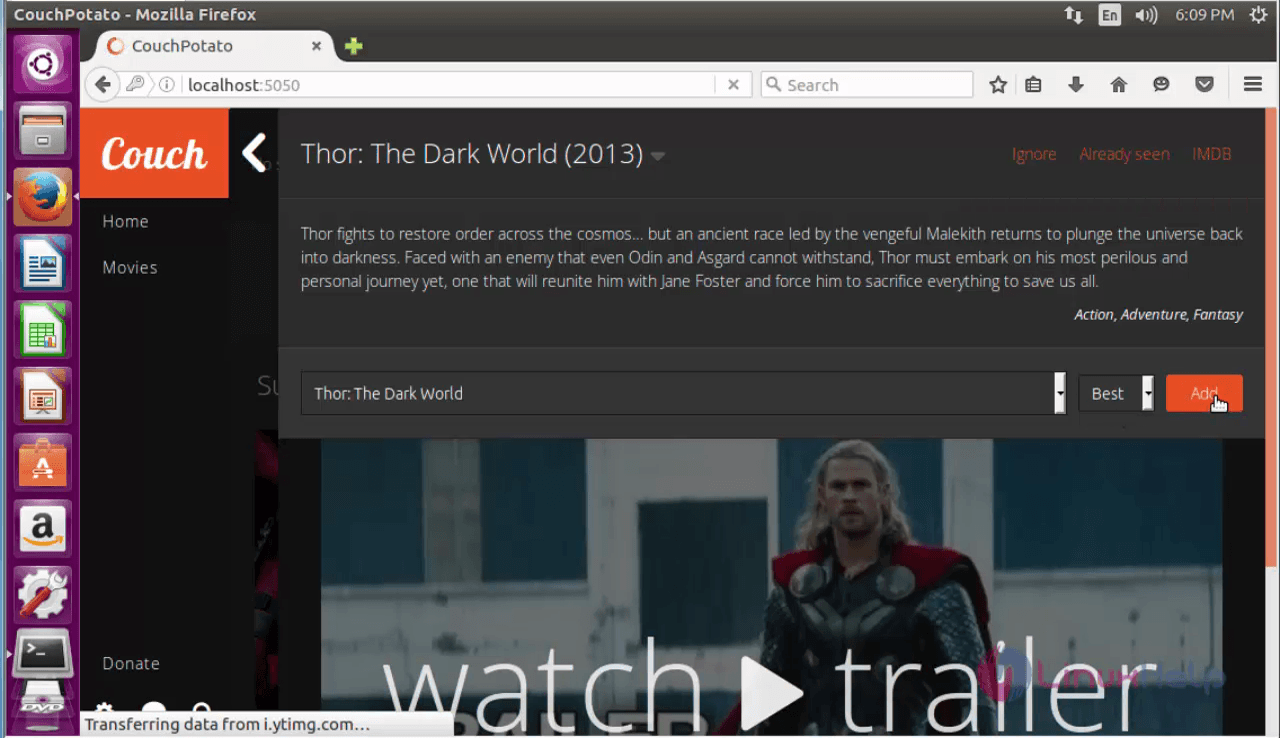
Click add option.
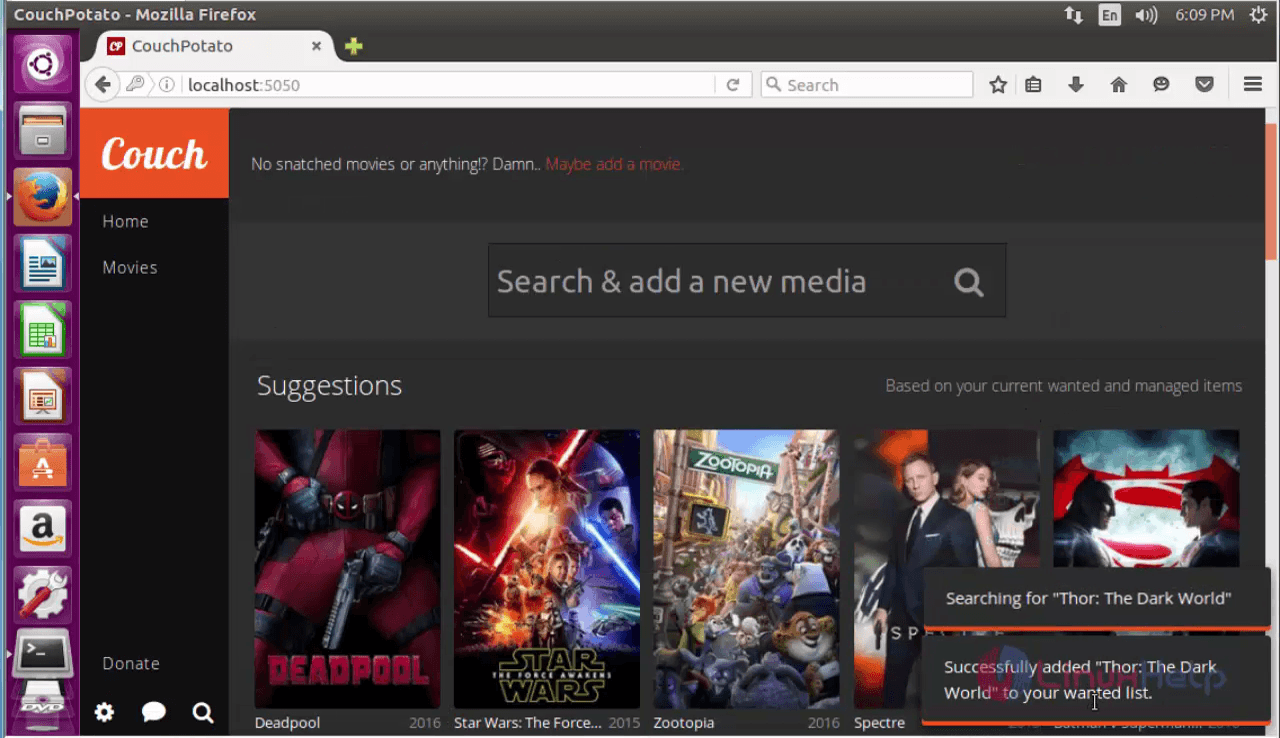
A flash message appears for adding movies.
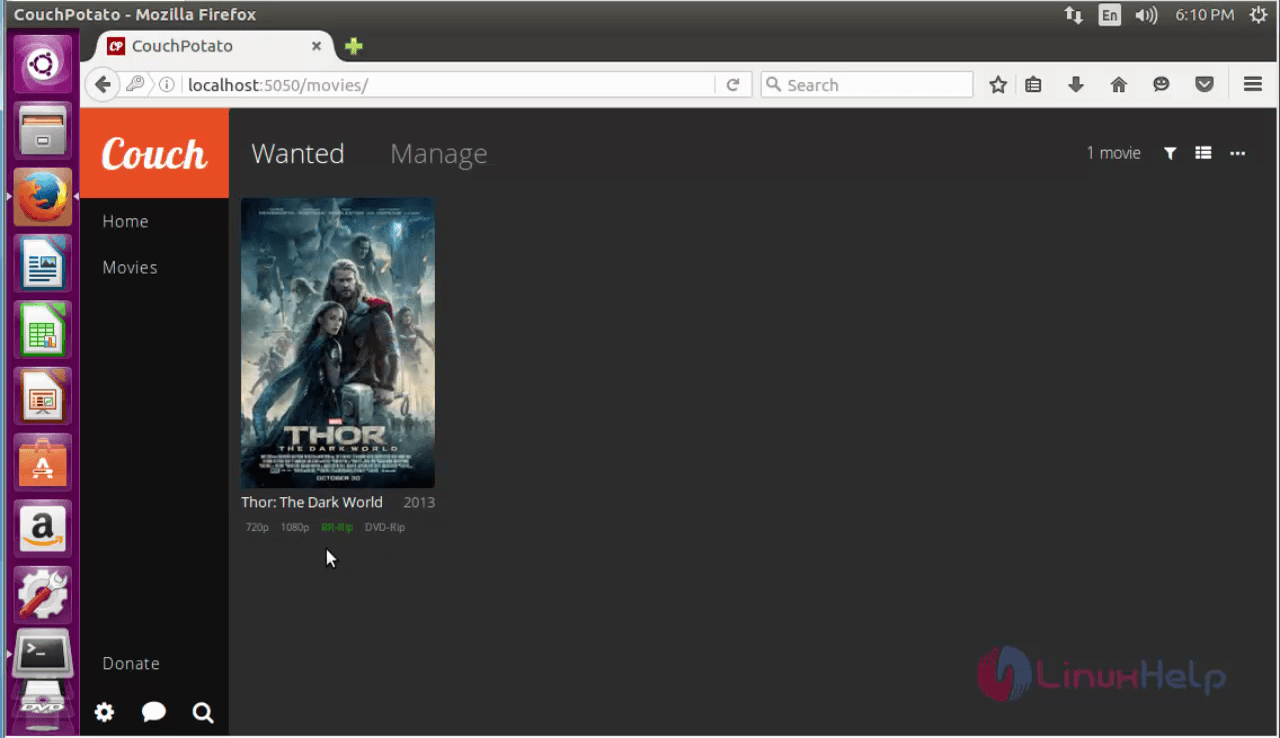
Finally click Movies option to view the added Movies quality and other details.
To Update Couchpotato
Follow the below steps to update CouchPotato to the latest version.
root@linuxhelp1~ # cd /opt/couchpotato/CouchPotatoServer/
root@linuxhelp1:/opt/couchpotato/CouchPotatoServer/# sudo git pull
Already up-to-date
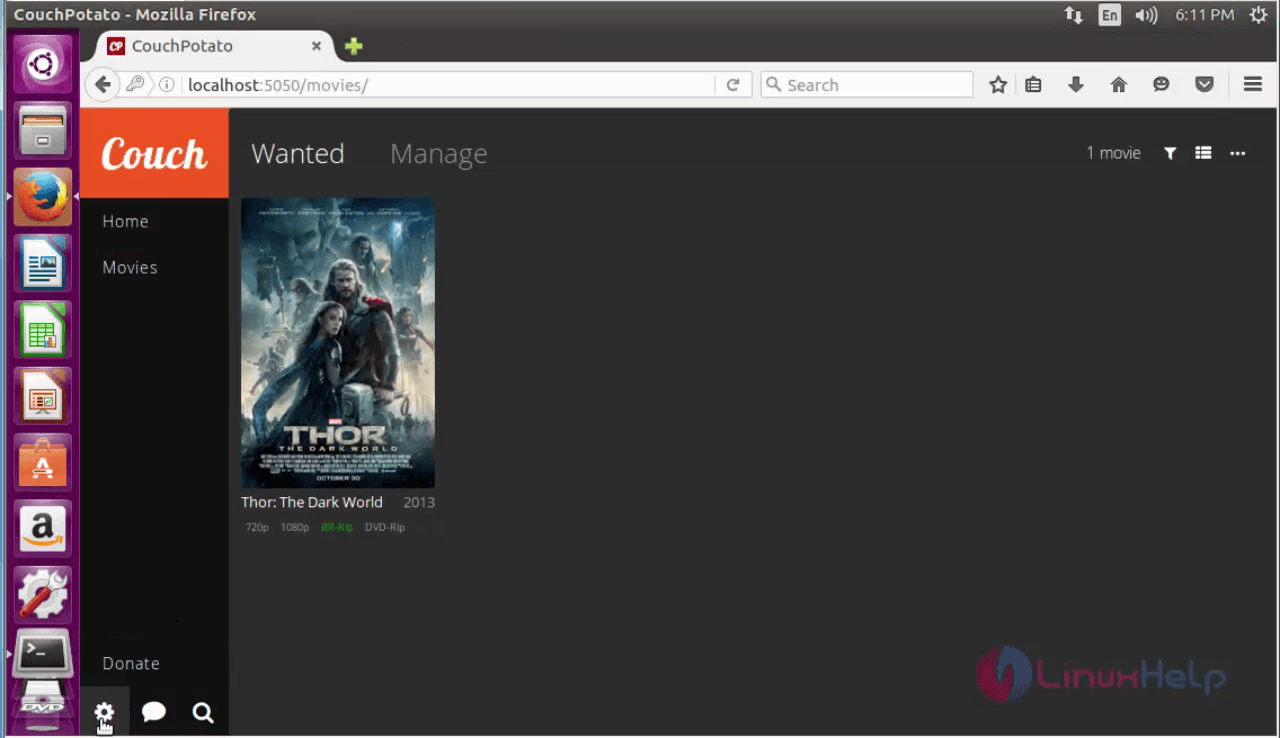
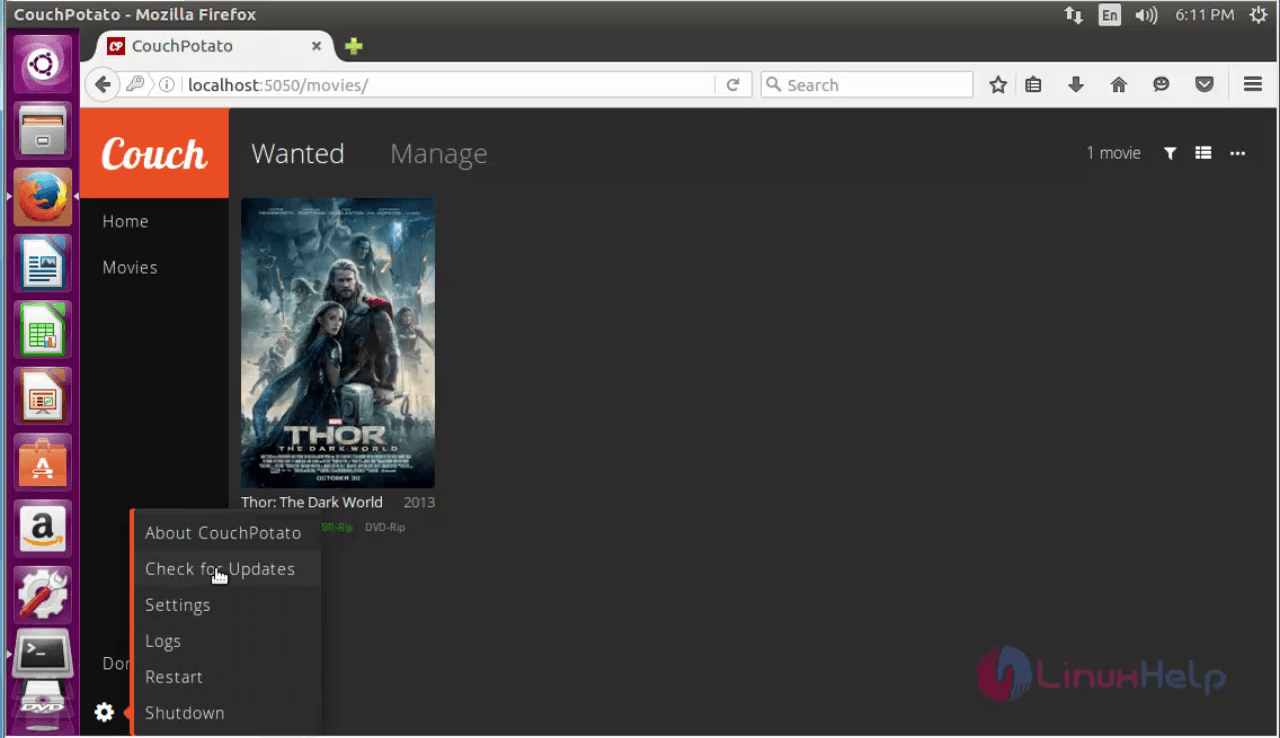
Either directly update it from the CouchPotato Dashboard as given below.
Go to Settings icon in left corner.
Here select the Check for Updates option.
Comments ( 0 )
No comments available