How to install Cubecart 6.2.0 CentOS 7
To install Cubecart 6.2.0 CentOS 7
CubeCart is an open source e-commerce shopping cart software used for Linux distributions. It allows the users to set up their own online stores to sell digital or physical products over all the world. Cubecart is a truly free, user-friendly, open source shopping cart software. It contains features such as customization, integration with payment, works with any hosting company and can choose own domain name.
Prerequisites
Install LAMP(Apache, MariaDB, php7)
In MariaDB (create database and user and give privileges to that user )
Php installation with required following modules
rpm -Uvh https://dl.fedoraproject.org/pub/epel/epel-release-latest-7.noarch.rpm
rpm -Uvh https://mirror.webtatic.com/yum/el7/webtatic-release.rpm
yum install php56w php56w-opcache php56w-mysql php56w-curl php56w-xml  php56w-mcrypt php56w-gd
Installation
Switch to the following directory
[root@linuxhelp1 ~]# cd /home/user1/
Download a Cubecart package using the following command
[root@linuxhelp1 user1]# wget  https://www.cubecart.com/download/CubeCart-6.2.0.zip

--2018-04-16 03:06:27--  https://www.cubecart.com/download/CubeCart-6.2.0.zip
Resolving www.cubecart.com (www.cubecart.com)... 45.32.179.53
Connecting to www.cubecart.com (www.cubecart.com)|45.32.179.53|:443... connected.
HTTP request sent, awaiting response... 200 OK
Length: 5194603 (5.0M) [application/zip]
Saving to: ‘ CubeCart-6.2.0.zip’

100%[============================================================> ] 5,194,603    330KB/s   in 17s

2018-04-16 03:06:46 (297 KB/s) - ‘ CubeCart-6.2.0.zip’  saved [5194603/5194603]
The downloaded package is a zip file, so unzip the file as follows
[root@linuxhelp1 user1]# unzip CubeCart-6.2.0.zip
Archive:  CubeCart-6.2.0.zip
   creating: admin/
  inflating: admin/index.php
   creating: admin/skins/
   creating: admin/skins/default/
   creating: admin/skins/default/images/
extracting: admin/skins/default/images/add.png
.
.
  inflating: cubecart/skins/foundation/templates/print.receipt.php
  inflating: cubecart/skins/foundation/templates/main.checkout.php
  inflating: cubecart/skins/foundation/templates/content.checkout.confirm.php
  inflating: cubecart/skins/foundation/templates/content.orders.php
  inflating: cubecart/skins/foundation/templates/content.recover.php
  inflating: cubecart/skins/foundation/templates/element.css.php
extracting: cubecart/skins/foundation/templates/.htaccess
  inflating: cubecart/skins/foundation/templates/content.product.php
Move the extracted file into the following path
[root@linuxhelp1 user1]# mv cubecart /var/www/
Switch to the following directory
[root@linuxhelp1 user1]# cd /var/www/
Change the ownership and permission of the file
[root@linuxhelp1 www]# chown -R apache.apache cubecart
[root@linuxhelp1 www]# chmod -R 775 cubecart
create a new virtual host configuration for accessing the cubecart application
[root@linuxhelp1 www]# vim /etc/httpd/conf.d/cubecart.conf
< VirtualHost *:80>
ServerName www.linuxhelp1.com
DocumentRoot /var/www/cubecart/

< Directory /var/www/cubecart/>
AllowOverride All
allow from all
< /Directory>

< /VirtualHost>
Restart the httpd service
[root@linuxhelp1 www]# systemctl restart httpd
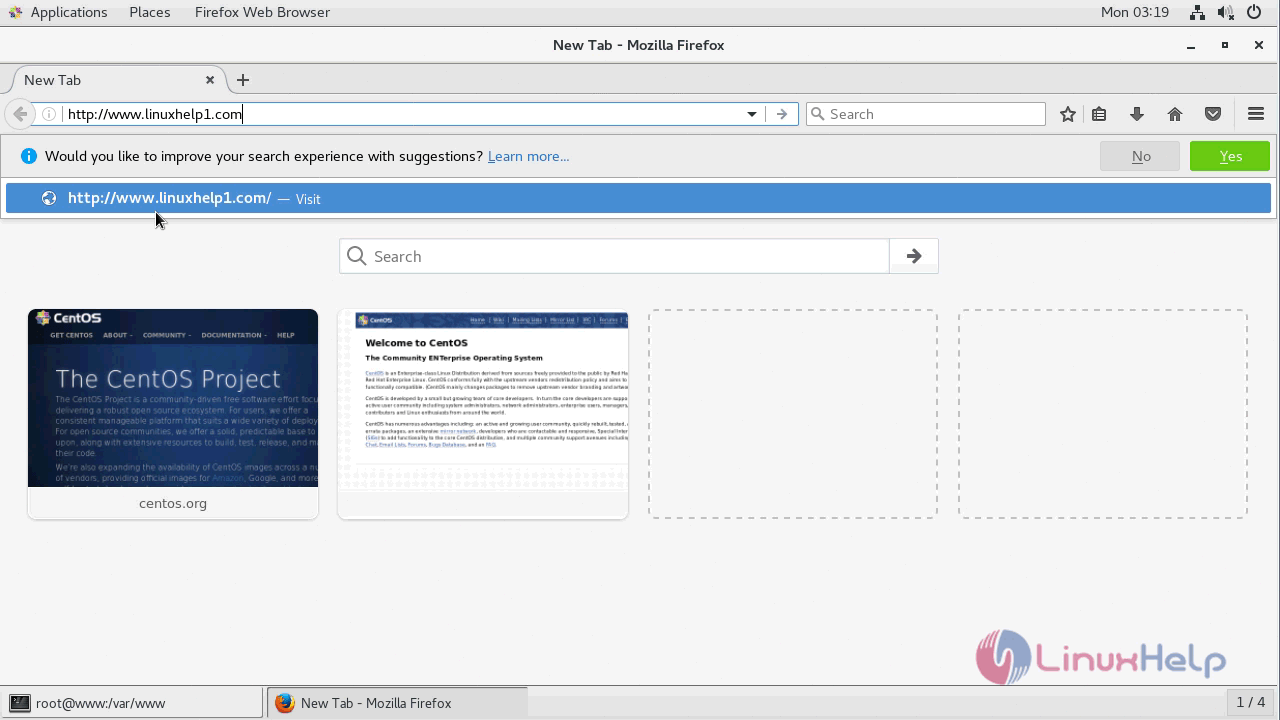
Open a browser and type the following URL of http://local IP (or) domain name
Verify the compatibility check as shown below

You will see the installation progress as shown here.

Accept the license agreement to use the Cubecart application

Verify the file permission of Cubecart application and continue further

Configure the database detail and Admin user setup as follows

After the successful installation, you will see the following page

After configuration, log in using the admin user credentials as shown
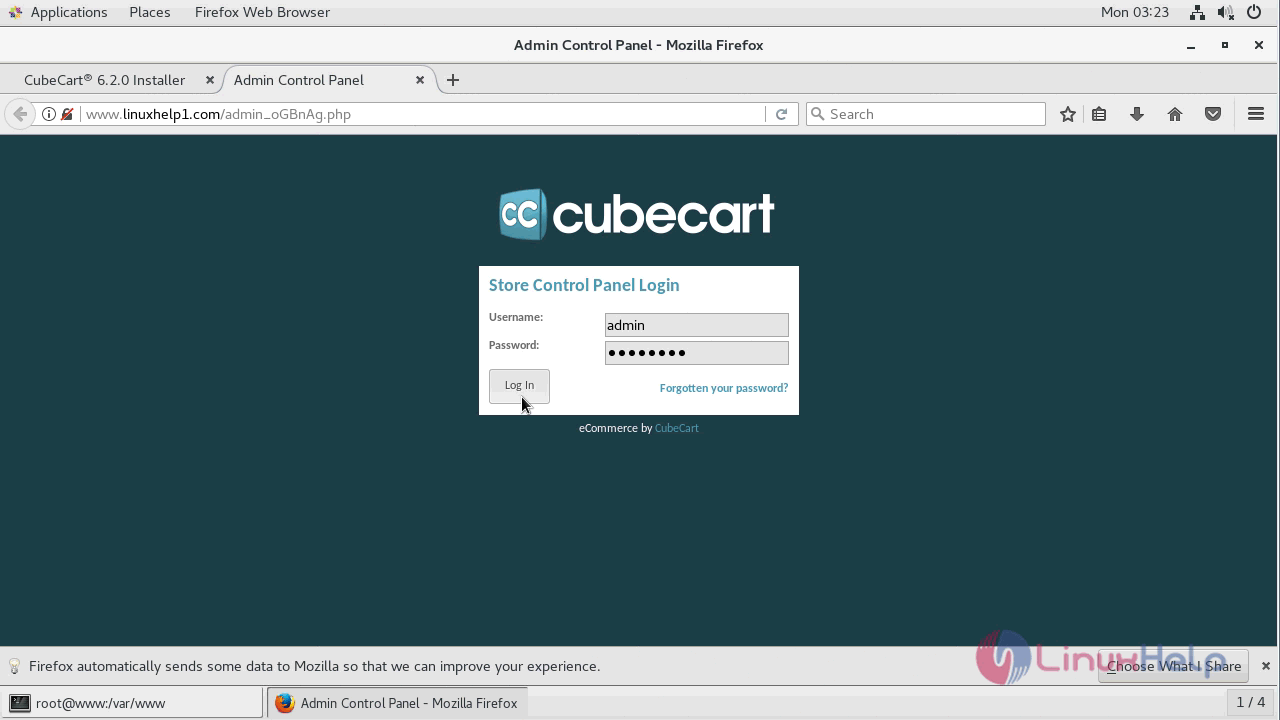
After successful login, you will see the admin dashboard of the cubecart application as shown below

With this, the method to install Cubecart 6.2.0 CentOS 7 comes to an end.
Comments ( 0 )
No comments available