• Categories
    Category
    {{ postCtrl.tags }}
    • {{ category.tag_type }}

      • {{tag.tag_name}}
      • View more
  • Categories
    Category
    {{ postCtrl.tags }}
    • {{ category.tag_type }}

      • {{tag.tag_name}}
      • View more
  • News
  • Tutorials
  • Forums
  • Tags
  • Users
Tutorial News Comments FAQ Related Articles

How to Install Darktable 2.4.4 In Ubuntu

{{postValue.id}}

To Install Darktable 2.4.4 In Ubuntu
Darktable is an open source photography workflow application and raw developer for a virtual lighttable and darkroom for photographers. It manages your digital negatives in a database, lets you view them through a zoomable lighttable and enables you to develop raw images and enhance them. This new version of Darktable comprise of many powerful changes and some of them are listed below. In this tutorial, we will cover the installation of Darktable on Ubuntu 18.04.


Features
&bull Some more small improvements were made
&bull Add an option to omit the intermediate tag hierarchy in exported files and only add the last level
&bull Show a dialog window that tells when locking the database/library failed

Installation

Add the repository of Darktable using PPA

root@linuxhelp1:~# add-apt-repository ppa:pmjdebruijn/darktable-release
 " Fairly Stable"  releases for Darktable

Do not install a more recent version of Lensfun using another PPA as it will likely cause issues due the API changes. The lensfun package for Xenial on this PPA already has new lenses patched in.

Xenial (16.04 LTS) has some extra library updates available, as some relevant libraries shipped by Canonical for Xenial are fairly dated.
.
.
Get:6 http://ppa.launchpad.net/pmjdebruijn/darktable-release/ubuntu bionic/main amd64 Packages [2,932 B]
Get:7 http://in.archive.ubuntu.com/ubuntu bionic-backports InRelease [74.6 kB]
Get:8 http://ppa.launchpad.net/pmjdebruijn/darktable-release/ubuntu bionic/main i386 Packages [2,944 B]
Get:9 http://ppa.launchpad.net/pmjdebruijn/darktable-release/ubuntu bionic/main Translation-en [2,260 B]
Fetched 270 kB in 2s (146 kB/s)
Reading package lists... Done

Install the Darktable package using the following command

root@linuxhelp1:~# apt-get install darktable -y
Reading package lists... Done
Building dependency tree       
Reading state information... Done
The following additional packages will be installed:
  darktable-dbg libflickcurl0 libgraphicsmagick-q16-3 liblensfun-data-v1 liblensfun1
  libopenjp2-7 libosmgpsmap-1.0-1 libpugixml1v5
Suggested packages:
  graphicsmagick-dbg
The following NEW packages will be installed:
.
.
Processing triggers for libc-bin (2.27-0ubuntu2) ...
Setting up liblensfun-data-v1 (0.3.2-4pmjdebruijn1~bionic) ...
Processing triggers for man-db (2.8.2-1) ...
Processing triggers for gnome-menus (3.13.3-11ubuntu1) ...
Processing triggers for hicolor-icon-theme (0.17-2) ...
Setting up liblensfun1:amd64 (0.3.2-4pmjdebruijn1~bionic) ...
Setting up libosmgpsmap-1.0-1:amd64 (1.1.0-2) ...
Setting up darktable (1:2.4.4-0pmjdebruijn1~bionic) ...
Setting up darktable-dbg (1:2.4.4-0pmjdebruijn1~bionic) ...
Processing triggers for libc-bin (2.27-0ubuntu2) ...

Once Installation is done you can access the Darktable from the Menu as shown here
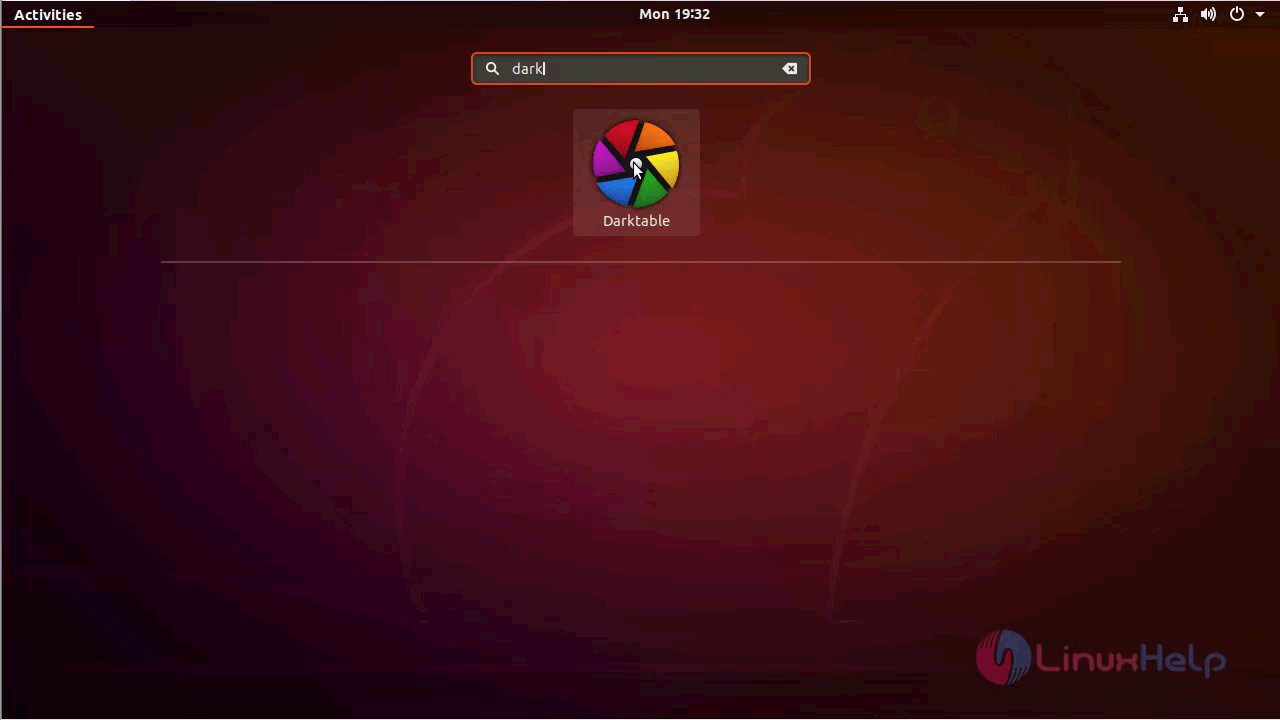
ubuntu_menu

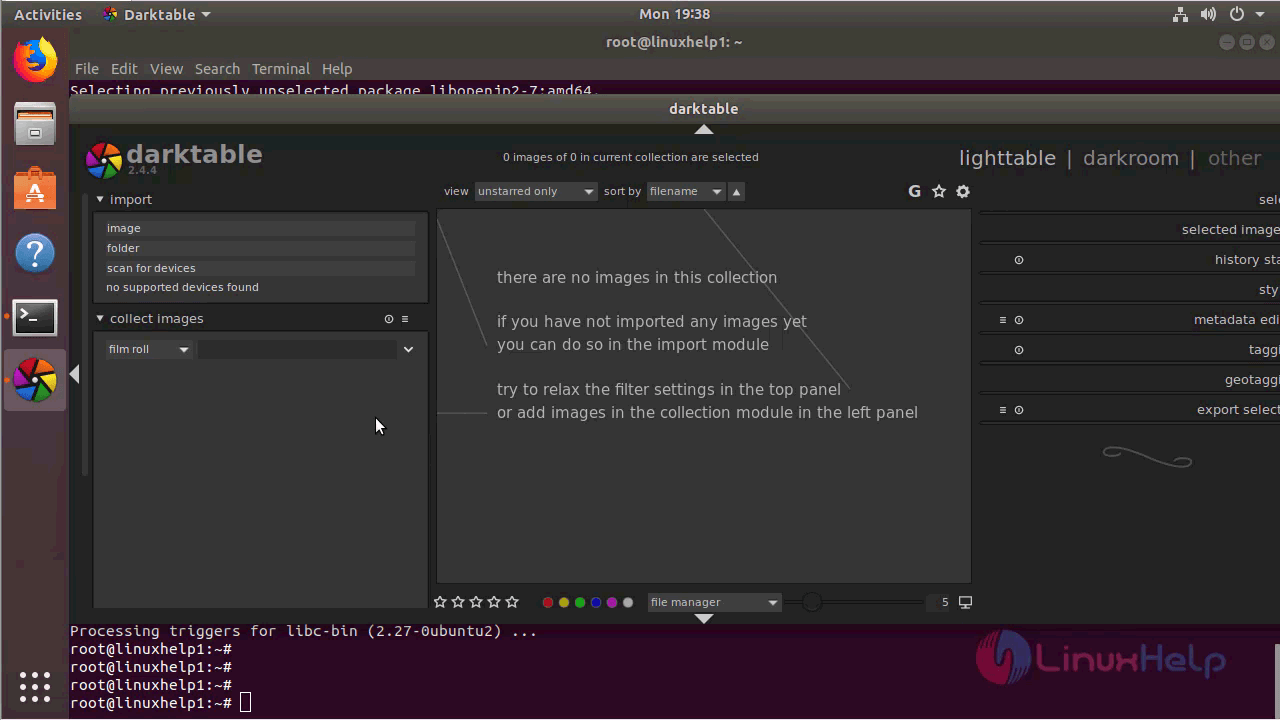
Darktable application
darktable

The version of Darktable can be found in Help-> About
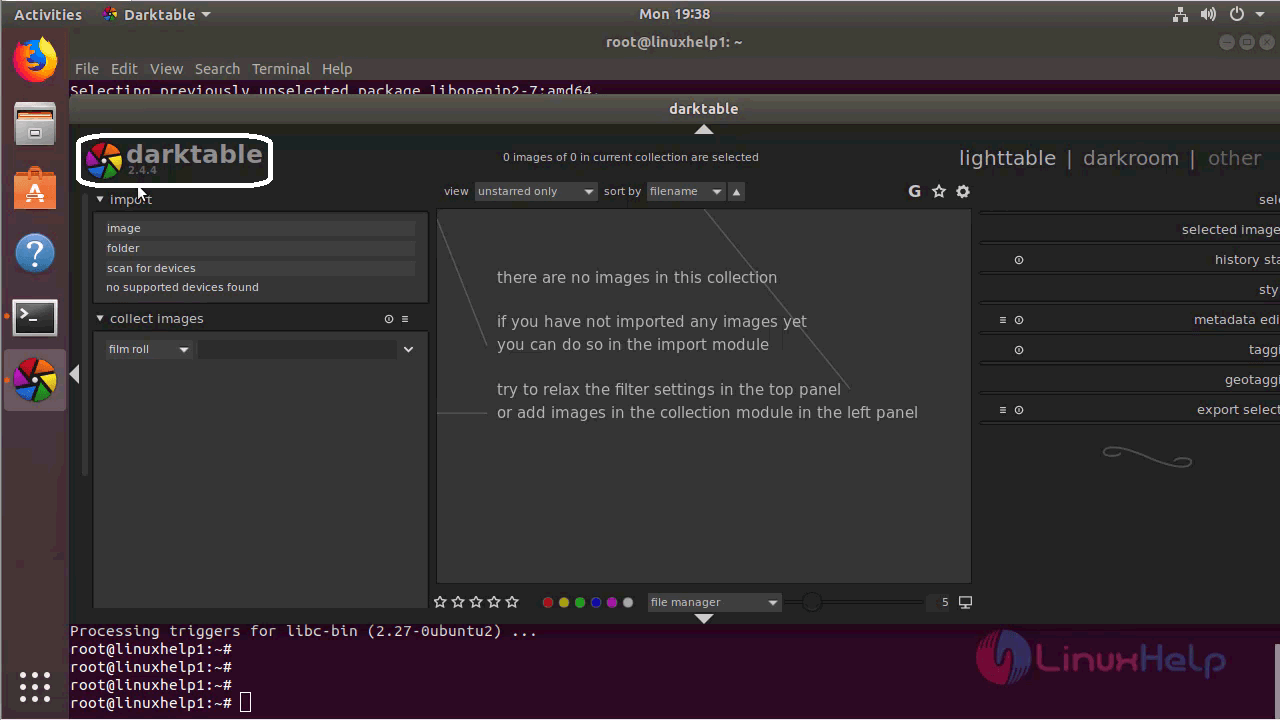
version_darktable
With this, the method to install Darktable on Ubuntu 18.04 comes to an end.

Tags:
connor
Author: 

Comments ( 0 )

No comments available

Add a comment
{{postCtrl.cmtErrMsg}}

Frequently asked questions ( 5 )

Q

darktable crashes with SIGILL. What’s up?

A

Due to the large number of mathematically intense operations which the Image Operators (IOPs) perform, the minimum requirement for a CPU to run darktable is one which supports SSE2. If your CPU does not support SSE2 more than fifteen years after the feature’s introduction, then it really is time for you to upgrade.

Q

How do I change the order in which modules are applied to an image?

A

You don’t. The order of the processing pixel pipeline is fixed and supposed to “just work”. If you have a (valid) use case where the order doesn’t work feel free to tell us. And if you really want to know the reason why this is fixed you may want to have a look at the output SVG of tools/iop_dependencies.py

Q

What is darktable?

A

Darktable is an open source photography workflow application and raw developer
for a virtual lighttable and darkroom for photographers.
It manages your digital negatives in a database, lets

Q

How do I open images? I only see a grey canvas.

A

You have to import a single image or a film roll (directory) using the buttons on the left side of the lighttable.

Q

How to Install Darktable in Ubuntu?

A

Run the following command:
# apt-get install darktable

Back To Top!
Rank
User
Points

Top Contributers

userNamenaveelansari
135850

Top Contributers

userNameayanbhatti
92510

Top Contributers

userNamehamzaahmed
32150

Top Contributers

1
userNamelinuxhelp
31040

Top Contributers

userNamemuhammadali
24500
Can you help legeek ?
Installation of the call center module

hello

I wish to install a call center in virtual with issabel, I downloaded the latest version of it , but I don' t arrive to install the call center module in issabel. please help me

thanks!

Networking
  • Routing
  • trunk
  • Netmask
  • Packet Capture
  • domain
  • HTTP Proxy
Server Setup
  • NFS
  • KVM
  • Memory
  • Sendmail
  • WebDAV
  • LXC
Shell Commands
  • Cloud commander
  • Command line archive tools
  • last command
  • Shell
  • terminal
  • Throttle
Desktop Application
  • Linux app
  • Pithos
  • Retrospect
  • Scribe
  • TortoiseHg
  • 4Images
Monitoring Tool
  • Monit
  • Apache Server Monitoring
  • EtherApe 
  • Arpwatch Tool
  • Auditd
  • Barman
Web Application
  • Nutch
  • Amazon VPC
  • FarmWarDeployer
  • Rukovoditel
  • Mirror site
  • Chef
Contact Us | Terms of Use| Privacy Policy| Disclaimer
© 2025 LinuxHelp.com All rights reserved. Linux™ is the registered trademark of Linus Torvalds. This site is not affiliated with linus torvalds in any way.