How to install DeadBeef 0.7.2 on Ubuntu 18.04
{{postValue.id}}
To install DeadBeef 0.7.2 on Ubuntu 18.04
Deadbeef is free and open source audio player application. It is available for GNU+Linux and Android and other Unix-like operating systems. It has a lot of features for music enhancement. In this tutorial, we will cover the installation of DeadBeef on Ubuntu 18.04.
Installation
Add the repository of DeadBeef using PPA
root@linuxhelp1:~# add-apt-repository ppa:starws-box/deadbeef-player -y
Hit:1 http://security.ubuntu.com/ubuntu bionic-security InRelease
Get:2 http://ppa.launchpad.net/starws-box/deadbeef-player/ubuntu bionic InRelease [15.4 kB]
Hit:3 http://in.archive.ubuntu.com/ubuntu bionic InRelease
Hit:4 http://in.archive.ubuntu.com/ubuntu bionic-updates InRelease
Hit:5 http://in.archive.ubuntu.com/ubuntu bionic-backports InRelease
Get:6 http://ppa.launchpad.net/starws-box/deadbeef-player/ubuntu bionic/main i386 Packages [1,156 B]
Get:7 http://ppa.launchpad.net/starws-box/deadbeef-player/ubuntu bionic/main amd64 Packages [1,148 B]
Get:8 http://ppa.launchpad.net/starws-box/deadbeef-player/ubuntu bionic/main Translation-en [800 B]
Fetched 18.5 kB in 5s (3,519 B/s)
Reading package lists... Done
Install the DeadBeef package using the following command
root@linuxhelp1:~# apt-get install deadbeef -y
Reading package lists... Done
Building dependency tree
Reading state information... Done
The following packages were automatically installed and are no longer required:
  apache2-bin apache2-data apache2-utils libapr1 libaprutil1 libaprutil1-dbd-sqlite3
  libaprutil1-ldap
Use ' sudo apt autoremove'  to remove them.
The following additional packages will be installed:
  i965-va-driver libaacs0 libavcodec57 libavformat57 libavutil55 libbdplus0 libbluray2
  libcddb2 libchromaprint1 libcrystalhd3 libfaad2 libgif7 libgme0 libid3tag0 libimlib2
  libmad0 libopenjp2-7 libopenmpt0 libshine3 libsnappy1v5 libsoxr0 libssh-gcrypt-4
  libswresample2 libva-drm2 libva-x11-2 libva2 libvdpau1 libx264-152 libx265-146 libxvidcore4
  libzip4 libzvbi-common libzvbi0 mesa-va-drivers mesa-vdpau-drivers va-driver-all
  vdpau-driver-all
Suggested packages:
.
.
Setting up libbdplus0:amd64 (0.1.2-2) ...
Setting up libmad0:amd64 (0.15.1b-8ubuntu1) ...
Setting up libzvbi0:amd64 (0.2.35-13) ...
Setting up libva-x11-2:amd64 (2.1.0-3) ...
Processing triggers for hicolor-icon-theme (0.17-2) ...
Setting up libavutil55:amd64 (7:3.4.2-2) ...
Setting up mesa-vdpau-drivers:amd64 (18.0.0~rc5-1ubuntu1) ...
Setting up libimlib2:amd64 (1.4.10-1) ...
Setting up libswresample2:amd64 (7:3.4.2-2) ...
Setting up va-driver-all:amd64 (2.1.0-3) ...
Setting up vdpau-driver-all:amd64 (1.1.1-3ubuntu1) ...
Setting up libavcodec57:amd64 (7:3.4.2-2) ...
Setting up libchromaprint1:amd64 (1.4.3-1) ...
Setting up libavformat57:amd64 (7:3.4.2-2) ...
Setting up deadbeef (0.7.2.1-1~bionic~ppa1) ...
Processing triggers for libc-bin (2.27-3ubuntu1) ...
Once Installation is done you can access the DeadBeef from the Menu as shown here
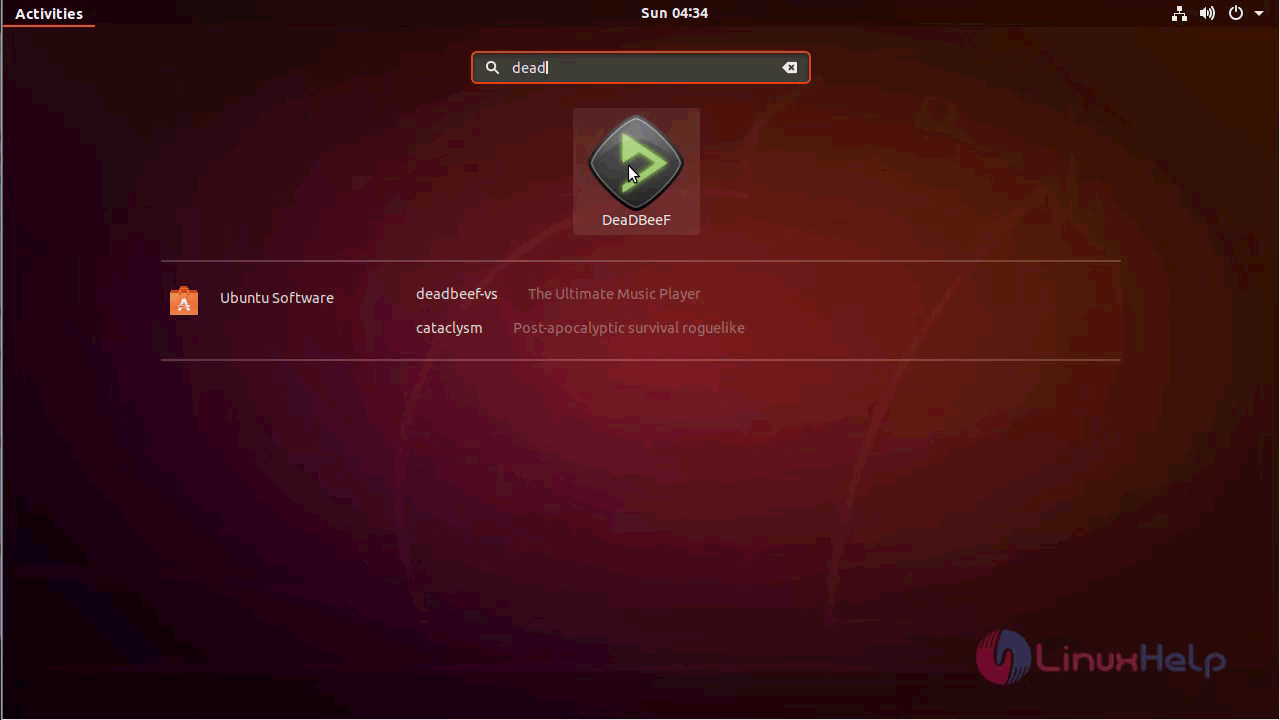
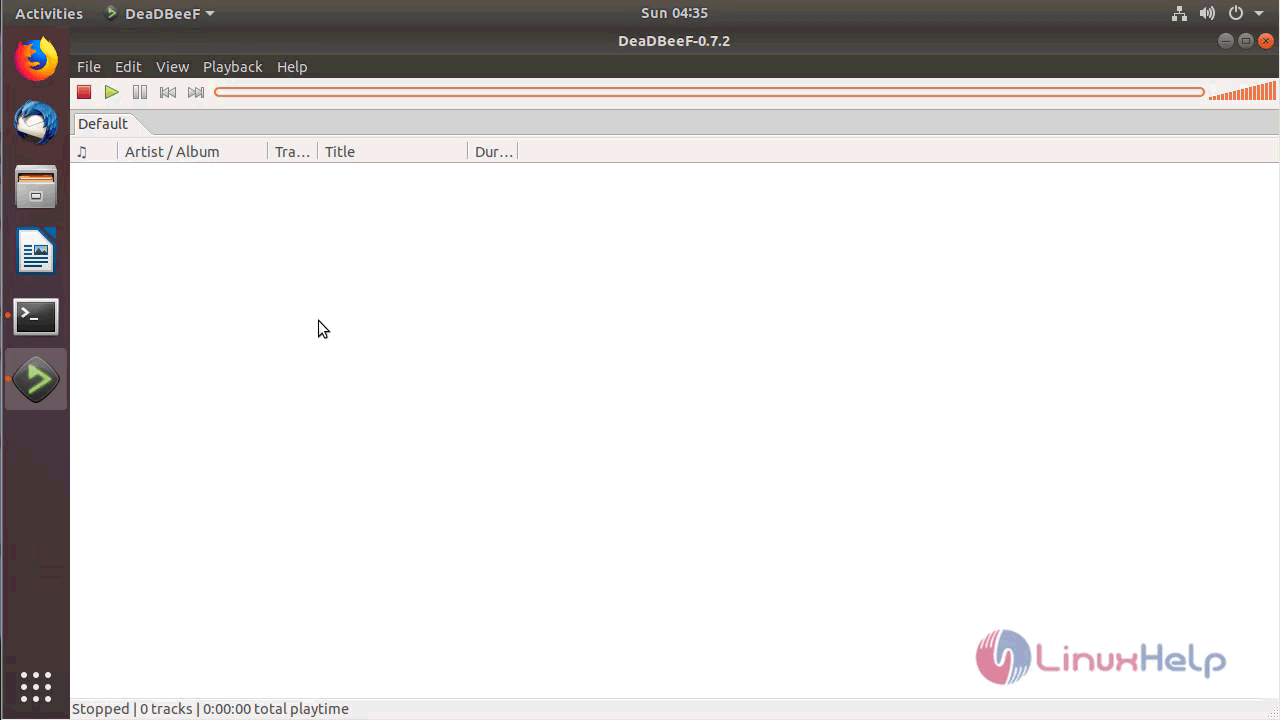
DeadBeef application
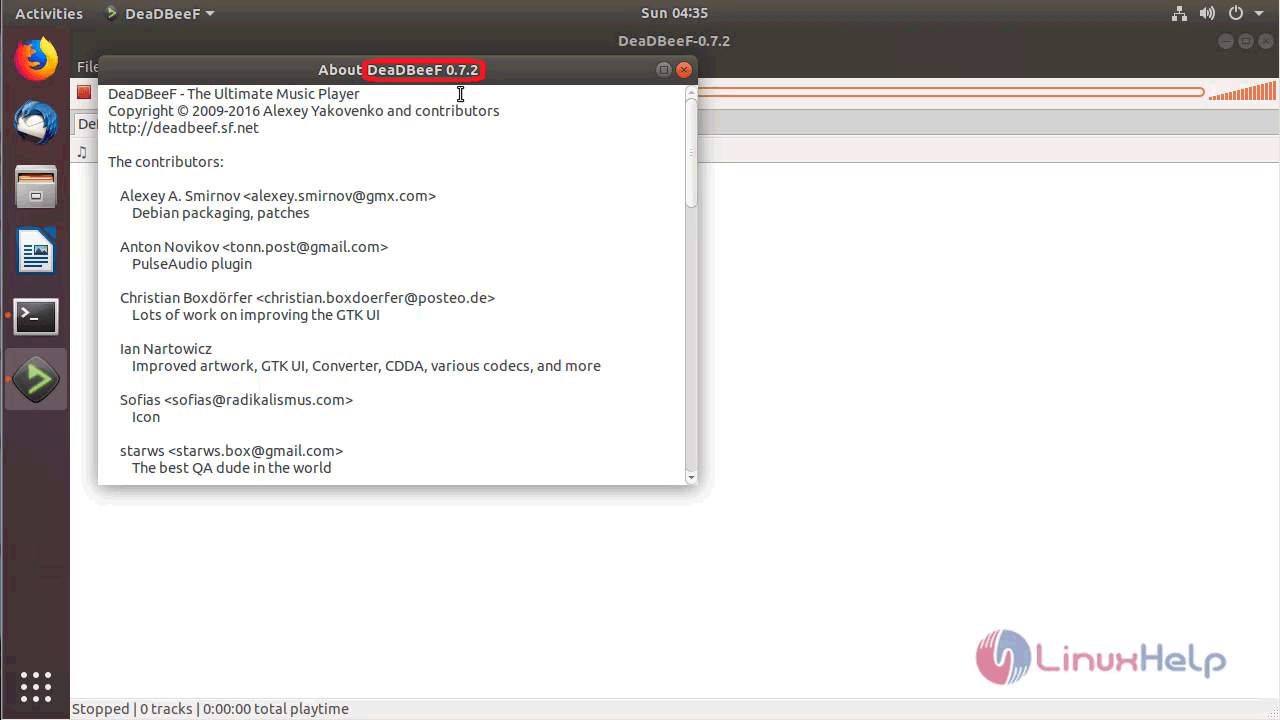
The version of DeadBeef can be found in Help-> About
With this, the method to install DeadBeef 0.7.2 on Ubuntu 18.04 comes to an end.
Comments ( 1 )