How to install Deluge 1.3.12 on Linux Mint 18.3
To install Deluge 1.3.12 on Linux Mint 18.3
Deluge is a free and cross platform BitTorrent client built with Python. It provides the application’ s network logic and is capable of being connected to any of the front ends tools like a text console, a Web interface, and a graphical desktop interface. Deluge is a simple to install tool, and this article covers the installation of Deluge on Linux Mint 18.3.
Installing Deluge
Before you begin with the installation, make sure you update the system repository by making use of the following command.
linuxhelp user # apt-get update
Hit:1 http://archive.ubuntu.com/ubuntu xenial InRelease
Ign:2 http://packages.linuxmint.com sylvia InRelease
Hit:3 http://archive.canonical.com/ubuntu xenial InRelease
Hit:4 http://packages.linuxmint.com sylvia Release
Get:6 http://archive.ubuntu.com/ubuntu xenial-updates InRelease [102 kB]
.
.
Get:19 http://archive.ubuntu.com/ubuntu xenial-updates/universe Translation-en [241 kB]
Get:20 http://archive.ubuntu.com/ubuntu xenial-backports/universe amd64 Packages [7,080 B]
Get:21 http://archive.ubuntu.com/ubuntu xenial-backports/universe i386 Packages [7,064 B]
Get:22 http://security.ubuntu.com/ubuntu xenial-security/universe Translation-en [121 kB]
Get:23 http://archive.ubuntu.com/ubuntu xenial-backports/universe Translation-en [3,812 B]
Fetched 5,250 kB in 22s (229 kB/s)
Reading package lists... Done
You shall now install Deluge application by making use of the following command.
linuxhelp user # apt-get install deluge
Reading package lists... Done
Building dependency tree
Reading state information... Done
The following additional packages will be installed:
  deluge-common deluge-gtk libboost-python1.58.0 libtorrent-rasterbar8 python-libtorrent
Suggested packages:
  libtorrent-rasterbar-dbg
Recommended packages:
  python-appindicator python-pygame
The following NEW packages will be installed:
  deluge deluge-common deluge-gtk libboost-python1.58.0 libtorrent-rasterbar8 python-libtorrent
0 upgraded, 6 newly installed, 0 to remove and 280 not upgraded.
Need to get 2,440 kB of archives.
After this operation, 11.7 MB of additional disk space will be used.
Do you want to continue? [Y/n] y
.
.
Processing triggers for libc-bin (2.23-0ubuntu9) ...
Processing triggers for hicolor-icon-theme (0.15-0ubuntu1) ...
Processing triggers for man-db (2.7.5-1) ...
Processing triggers for desktop-file-utils (0.22+linuxmint1) ...
Processing triggers for mime-support (3.59ubuntu1) ...
Setting up libtorrent-rasterbar8 (1.0.7-1build1) ...
Setting up libboost-python1.58.0 (1.58.0+dfsg-5ubuntu3.1) ...
Setting up python-libtorrent (1.0.7-1build1) ...
Setting up deluge-common (1.3.12-1ubuntu1) ...
Setting up deluge-gtk (1.3.12-1ubuntu1) ...
Setting up deluge (1.3.12-1ubuntu1) ...
Processing triggers for libc-bin (2.23-0ubuntu9) ...
The Deluge application has been installed, you shall now open Deluge through your terminal by simply running the following command.
linuxhelp user # deluge
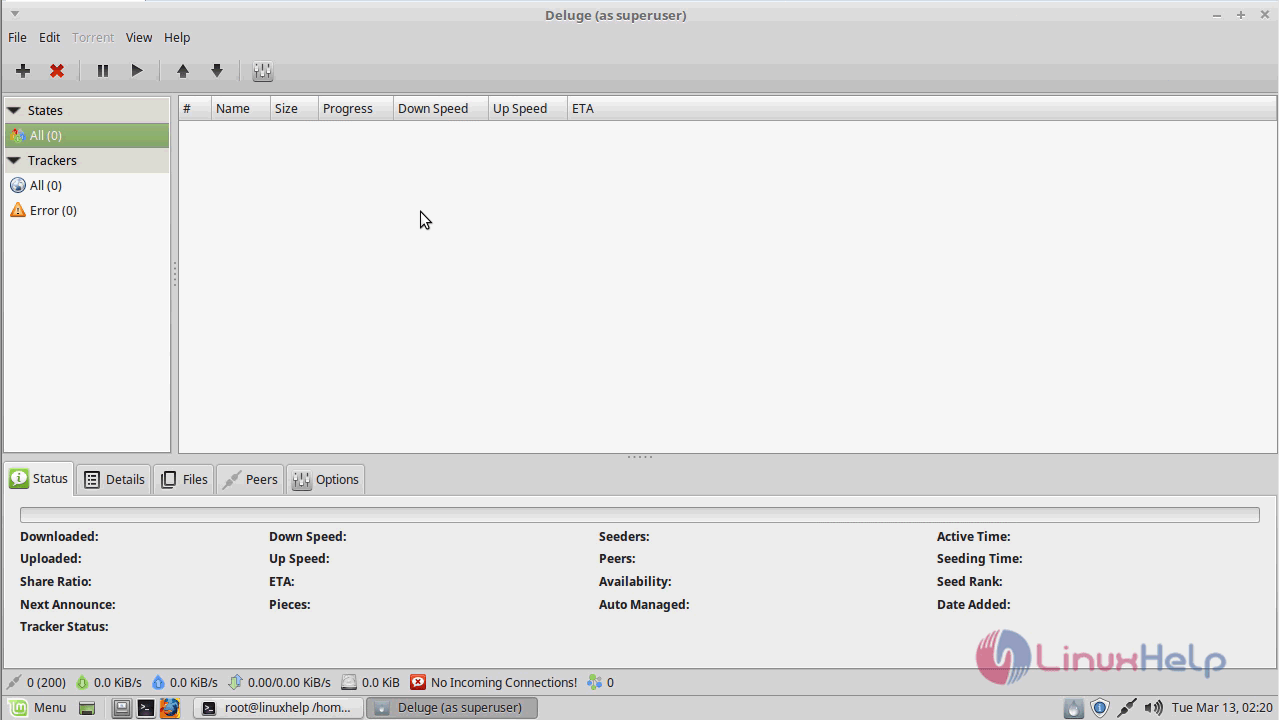
The application now appears on your screen.
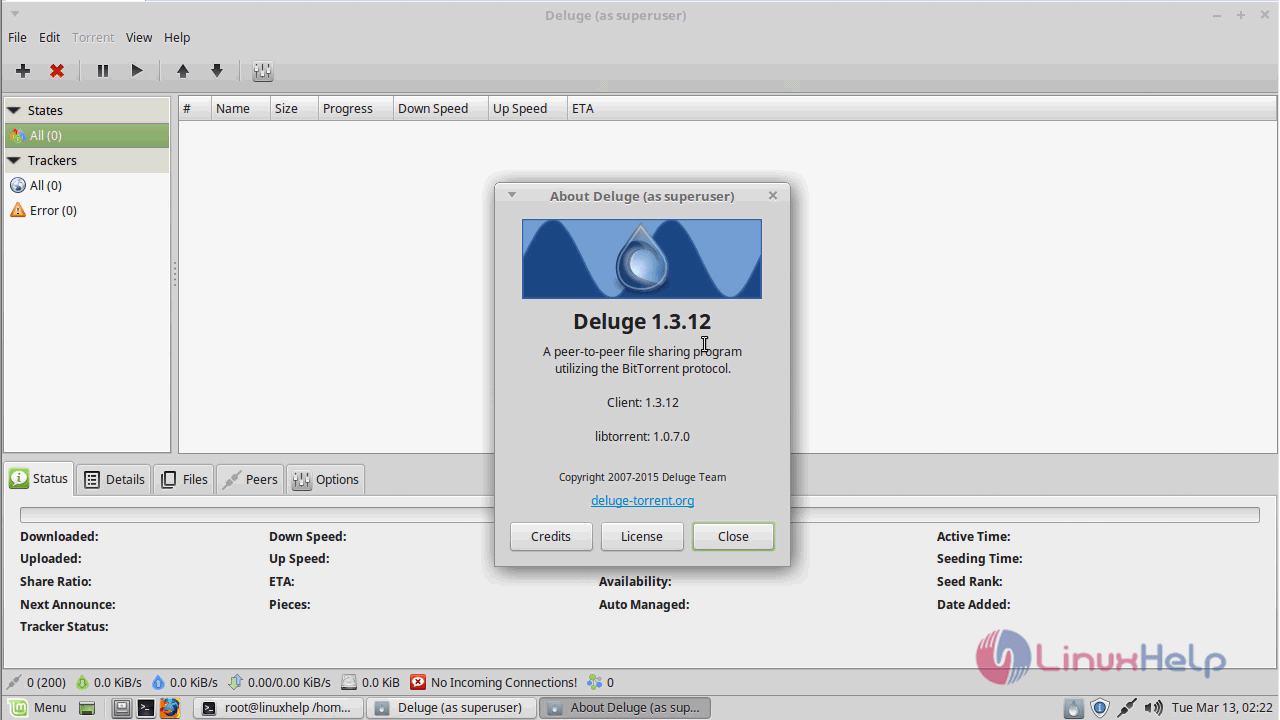
If you want to know about the information on Deluge you can check its version.
With this, the method to install Deluge on Linux Mint comes to an end.
Comments ( 0 )
No comments available